You have two browser tabs open. One says Betterpic, the other says Krea, and both claim you can get great AI images for free. Only one of those claims survives contact with a real deadline. This breakdown of Betterpic vs Krea Free looks at what the free tiers really give you, what the paid plans cost, how the pictures look, and what to use when neither tool fits.
💡 Quick verdict: Betterpic is a headshot specialist with a free offer that runs through a slow shared queue. Krea is a general image workspace with a small daily allowance that refills every 24 hours. If you need one professional portrait this week, neither free tier is the safest bet. If you want to experiment every day, Krea is easier to live with.
Pricing and limits for both products change often, and third-party review sites disagree with each other. Treat every number below as a snapshot from late 2026 and check the official pricing pages before you pay for anything.
Comparing these two directly is a little unfair, because they solve different problems. Knowing that up front saves you a wasted afternoon.
Betterpic in a Nutshell
Betterpic is an AI headshot service. You upload a batch of selfies, pick a few styles and backgrounds, and the service returns a set of professional looking portraits. It is built for LinkedIn photos, company pages, résumés and team directories. You do not type prompts to invent scenes. You supply your face and it applies a studio look.
That focus is both its strength and its ceiling. Ask it for a dragon over a mountain and you are in the wrong place.
Krea in a Nutshell
Krea is a general creative workspace for images, with real time generation, upscaling, editing tools and access to several models. You type a prompt, adjust a few settings and get pictures within seconds. It suits concept art, product mockups, social visuals, mood boards and photographic scenes.
It can make portraits too, but it does not guarantee that the face looks like your face unless you bring reference tools into the mix.
Free Limits Side by Side
This is where most people get surprised, so here is the short version before the details.
| Feature | Betterpic free | Krea free |
|---|
| What you get | Up to about 10 headshots at 4K (reported) | Roughly 100 compute units per day (reported) |
| How it refills | One time offer, not a daily allowance | Resets daily |
| Speed | Shared queue behind paid orders | Fast for lightweight models |
| Commercial use | Reported as included | Reported as not included on free |
| Best for | A single profile photo, if you can wait | Daily experiments and drafts |
| Main downside | Waiting time | Small cap and no commercial license |
Betterpic's Queue Problem
Betterpic's own pricing information describes a free tier that delivers up to 10 headshots at 4K resolution. Review sites back that up and add the catch: free orders wait in a shared queue behind customers who paid. Some reviewers report waits measured in weeks, and one even mentions months. Others say free users are limited to a couple of headshots per day.
At least one comparison site claims there is no permanent free plan at all and that paid plans are required from day one. That conflicting information is a warning in itself. If you have a hard deadline, do not plan around the free queue.

Krea's Daily Compute Units
Krea works on a credit style system called compute units. The free plan is widely reported at about 100 units per day, no credit card required, with full access to its real time generation and limited access to heavier models. Because the allowance refills daily, you can come back tomorrow without paying.
How far 100 units goes depends on the model. A fast lightweight generation costs very little. A large, high resolution render or a video clip can drain the day's balance in one go. In practice, free users get a handful of quality attempts per day, which is enough to test ideas but not enough to produce a whole campaign.
💡 Tip: Draft with the cheapest, fastest model, then spend your units only on the final version of the one image you actually plan to use.
The Commercial License Catch
Reviewers consistently report that images from Krea's free tier are not licensed for commercial use. The commercial right comes with the cheapest paid plan, reported at about $9 per month. Betterpic, by contrast, is reported to include a commercial license even on free outputs, which makes sense for a service whose product is a work profile photo.
If you plan to put images on a client site, an ad or a product page, read the license terms on the plan you actually use, not the one you tested on.
Pricing When You Pay
Free tiers are a trial. The real decision shows up at checkout.
Betterpic's One Time Packs
Betterpic sells packs of headshots rather than a monthly subscription. Sources disagree on exact tiers, which is a sign the price list has moved over time. The most common reports put the entry plan at roughly $35 for about 20 headshots at 4K with a single style, with larger plans offering 60 or more images and several styles. Older reviews list tiers around $29, $35 and $69, and those figures now look outdated.
Extras are billed separately. One source mentions about $10 for a redo and about $8 per AI edit. Paid plans are reported to come with a 7 day money back guarantee. Team pricing for large companies is custom.
Krea's Monthly Subscription
Krea uses monthly plans with a compute allowance that does not roll over. Third party sources list Basic at about $9 per month, Pro at about $35 and Max at about $70, with annual billing lowering the monthly cost. Reported allowances run from about 5,000 units on Basic to 20,000 on Pro and 40,000 or more on Max, though different sites quote different numbers.
The practical point: if you skip a month of creating, you lose the units you paid for.
Cost Per Usable Image
Sticker price hides what you really pay. Count only the images you would actually publish.
| Scenario | Betterpic | Krea |
|---|
| One profile photo, one time | About $35 pack, you may keep 2 to 4 of 20 | Poor fit, face match not guaranteed |
| Ten varied images a month | Overkill | Basic plan is plenty |
| Daily content for social media | Not designed for it | Pro plan territory |
| Team of 10 matching headshots | Cheaper per head in a larger plan | Inconsistent faces and styles |
For a single person who needs a single photo, Betterpic's pack works out cheaper than a month of Krea Pro. For anyone who wants variety, the math flips quickly.
Image Quality Compared
Both tools can produce good looking pictures. They fail in different places.
Headshot Realism
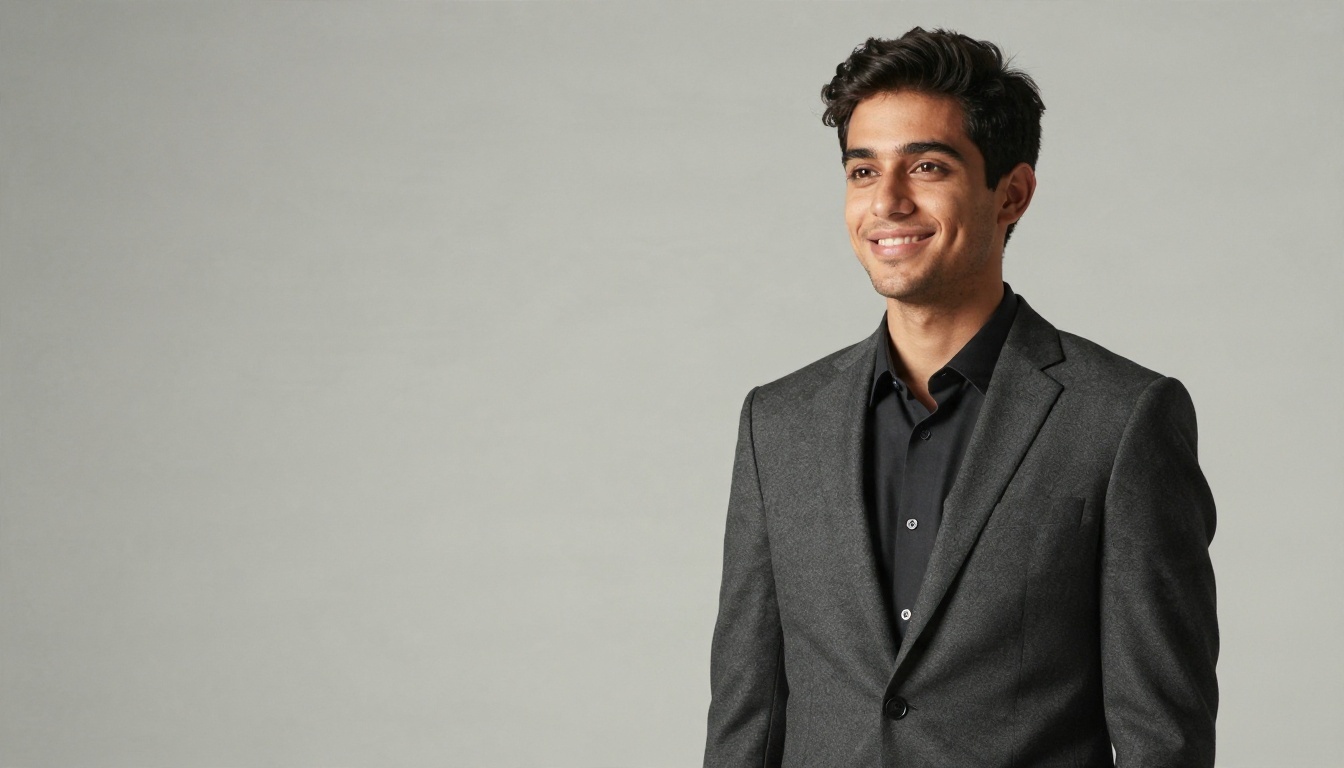
Betterpic's results are tuned to look like a studio portrait: even lighting, neutral backgrounds, tidy clothing, centered framing. The weak spot with any headshot generator is skin that looks smoothed, eyes that are slightly too bright and hands or collars that drift. The better outputs look like a photographer with a softbox, and the worse ones look like a wax figure.
Krea can generate convincing portraits when you write a strong prompt, but those faces are invented. That is fine for a fictional character or a stock style image. It is a problem if the whole point is to look like you.
Range Beyond Faces
This is where Krea pulls ahead. Landscapes, products, interiors, lifestyle scenes and stylistic experiments are all in range, and the workspace includes upscaling and editing, so you can fix a weak result instead of starting over.
Betterpic has no real answer here. It does one thing, and if that one thing is what you need, that is a feature rather than a flaw.
Where Both Stumble
Every AI photo tool shares a few weak spots:
- Skin texture: pores and fine lines get flattened, which makes a person look younger and less real.
- Hands and jewelry: fine detail drifts, especially in small earrings and watch faces.
- Teeth and eyes: a tiny asymmetry is enough to land in the uncanny zone.
- Hair edges: flyaway strands often blur into the background.
- Consistency: generating the same person across several images is hard without a reference workflow.
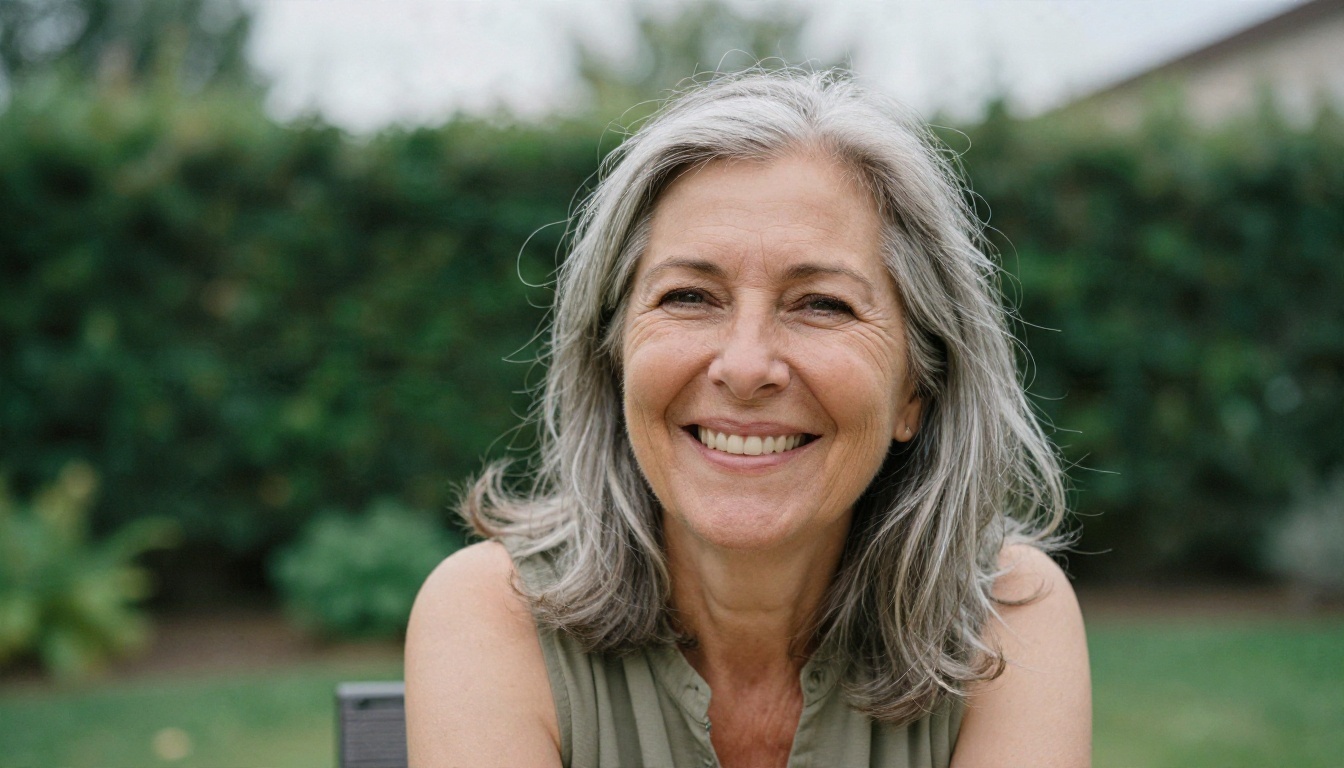
The picture below shows what good natural skin detail looks like: visible pores, fine lines, stray hairs and soft light. That is the level to aim for when you judge any generator.
Who Should Pick Which
Skip the feature chart and answer three questions: What do I need? When do I need it? How often will I do this?
Pick Betterpic If
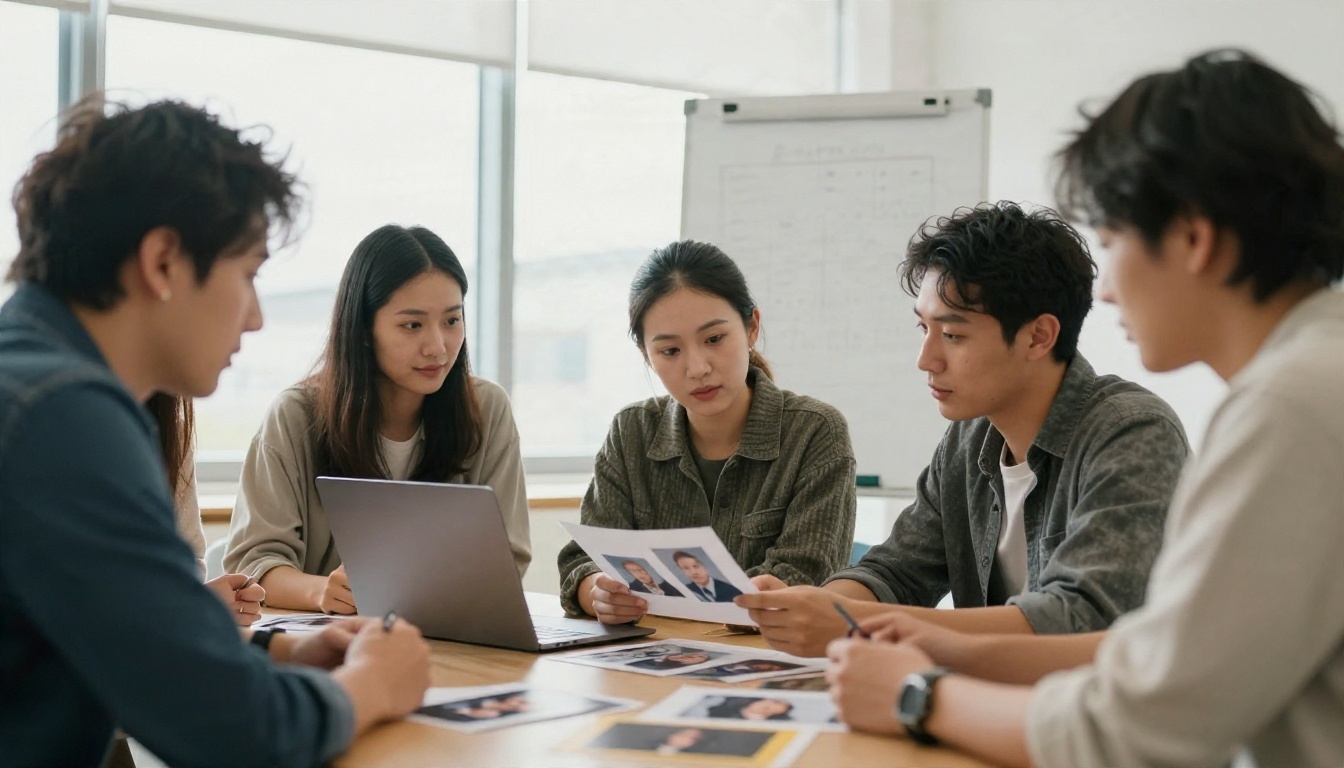
- You need professional headshots of real people, such as yourself or your team.
- You have the budget for a paid pack and no patience for a queue.
- You want a consistent look across a group of employees.
- You do not care about creating anything other than portraits.
Pick Krea If
- You want to create all sorts of images, not just faces.
- You like iterating quickly and can live with a daily cap.
- You are testing prompts and styles before committing to a plan.
- You can wait on commercial work until you pay for a plan with a license.
💡 Rule of thumb: Headshots of you point to Betterpic. Images of anything point to Krea. Neither, but I want both without a queue or daily cap points to the next section.
Alternatives Worth Trying Today
If a queue or a 100 unit cap is not for you, there are other ways to get photographic results. All the models below are available on PicassoIA, and each links to its own page.
Krea Family Models
Krea itself is a product and a workspace, but models from the Krea family are available on PicassoIA. Krea 2 Large is built for photorealistic images, and Flux Krea Dev is known for pictures that avoid the plastic "AI look." If you like how Krea images feel, these are the closest starting points. There is also Krea 2 Medium, which leans toward anime and painterly styles.
Photoreal and Editing Models
For portraits and lifestyle scenes, these are worth a test:
- Seedream 4.5: sharp 4K output with strong detail, a good pick for skin and fabric.
- Nano Banana Pro: high resolution images and a good fit for editing with reference photos.
- Imagen 4: clean, realistic photographic results with solid prompt following.
- Z Image Turbo: fast, sharp pictures when you want many drafts in a short time.
💡 Betterpic and the Krea workspace are separate products and are not part of PicassoIA. For similar results today, the models above are the ones to use.
How to Get Similar Results on PicassoIA
For photoreal portraits and lifestyle photos without a queue, Krea 2 Large is a strong place to begin. Here is a workflow that works for most image models.
- Open the model page. Go to the Krea 2 Large page and open the generator.
- Write the prompt like a photographer. Name the subject, the clothing, the setting, the light direction and the lens. For example: "Professional portrait of a woman in a navy blazer, soft window light from the left, 85mm lens, shallow depth of field, natural skin texture."
- Set a wide aspect ratio for banners and a portrait ratio for profile photos. A 3:4 or 4:5 frame suits LinkedIn and résumés. A 16:9 frame suits website headers.
- Fix a seed once you like a result. Locking the seed lets you change one detail at a time, such as the jacket color, without losing the face and composition.
- Generate several versions. Run four to eight attempts and pick the best one. Cheap drafts first, polished final second.
- Ask for texture explicitly. Words like visible pores, fine lines, flyaway hairs, film grain push the output away from the plastic look.
- Refine and compare. If the skin still feels smooth, try Flux Krea Dev with the same prompt, or Seedream 4.5 for sharper 4K detail.
Prompt Habits That Help
- Lead with the subject, then clothing, setting, light and lens.
- Describe light by direction: "soft window light from the left" beats "good lighting."
- Keep one idea per prompt. A calm portrait with a plain background looks more real than a busy scene.
- Avoid vague style words. "Photo, 85mm, natural light" works better than "ultra cinematic masterpiece."
- Save your best prompts. A good prompt is a reusable template.
Try Your Own Images Now
Betterpic is the right call when you need a polished headshot of a real face and can pay and wait. Krea suits you when you want a flexible daily playground and can live with a small cap. If you want fast, photorealistic results across portraits, products and scenes, with no queue and no daily unit counter, open PicassoIA and run your own test.
Pick one prompt, run it through Krea 2 Large, Seedream 4.5 and Nano Banana Pro, and compare the three results side by side. Ten minutes of testing will tell you more than any review. Browse every model at picassoia.com/en/all-models and start creating.


