Type one sentence into Bing, wait a few seconds, and four finished images appear on your screen. That is the whole pitch of Bing Dall E, and it still works surprisingly well, as long as your sentence is built the right way. Most people write a vague line like "a cat on a sofa," get something flat and plasticky, and decide the tool is mediocre. The tool is rarely the problem. The prompt is.
This article gives you prompts you can copy today, explains the few settings Bing actually lets you change, and compares the free online alternatives for the moments when you hit a daily cap or want sharper realism. You will also see how to run DALL-E 3 on PicassoIA, where there is no boost counter ticking down in the corner of your screen.
What Bing Dall E Actually Is

"Bing Dall E" is the nickname people use for Bing Image Creator, Microsoft's free text to image page. It started as a simple front end for OpenAI's DALL-E 3, and it is now also reachable through Microsoft Copilot and the Edge browser sidebar.
Bing Image Creator in plain terms
You sign in with a Microsoft account, type a description, and press Create. The system returns a small set of images, usually four with DALL-E 3, and lets you download, share or save them to a collection. There is no canvas, no layers and no sliders for steps or guidance. What you get is a prompt box, a model choice and a handful of limits.
That simplicity is a strength for beginners and a frustration for anyone who wants control. If you have ever wished for a negative prompt field, a seed number or a proper aspect ratio picker, you already know where the ceiling is.
Which models sit behind it
Over time Microsoft has added more than one engine to the same page. Reports and Microsoft's own announcements point to DALL-E 3, a GPT-4o based image generator and Microsoft's in-house MAI image models, with a selector that lets you pick. Availability changes from month to month, so treat the list below as a snapshot rather than a promise.
| Engine in Bing | Typical output | Best at |
|---|
| DALL-E 3 | Several variations per prompt | Stylized scenes, illustrations, quick ideas |
| GPT-4o image generation | One image per request | Following long, detailed instructions |
| MAI image model | A few variations | Fast photoreal looks |
💡 If you notice your results suddenly look different, check the model selector first. Bing changes the default without much announcement.
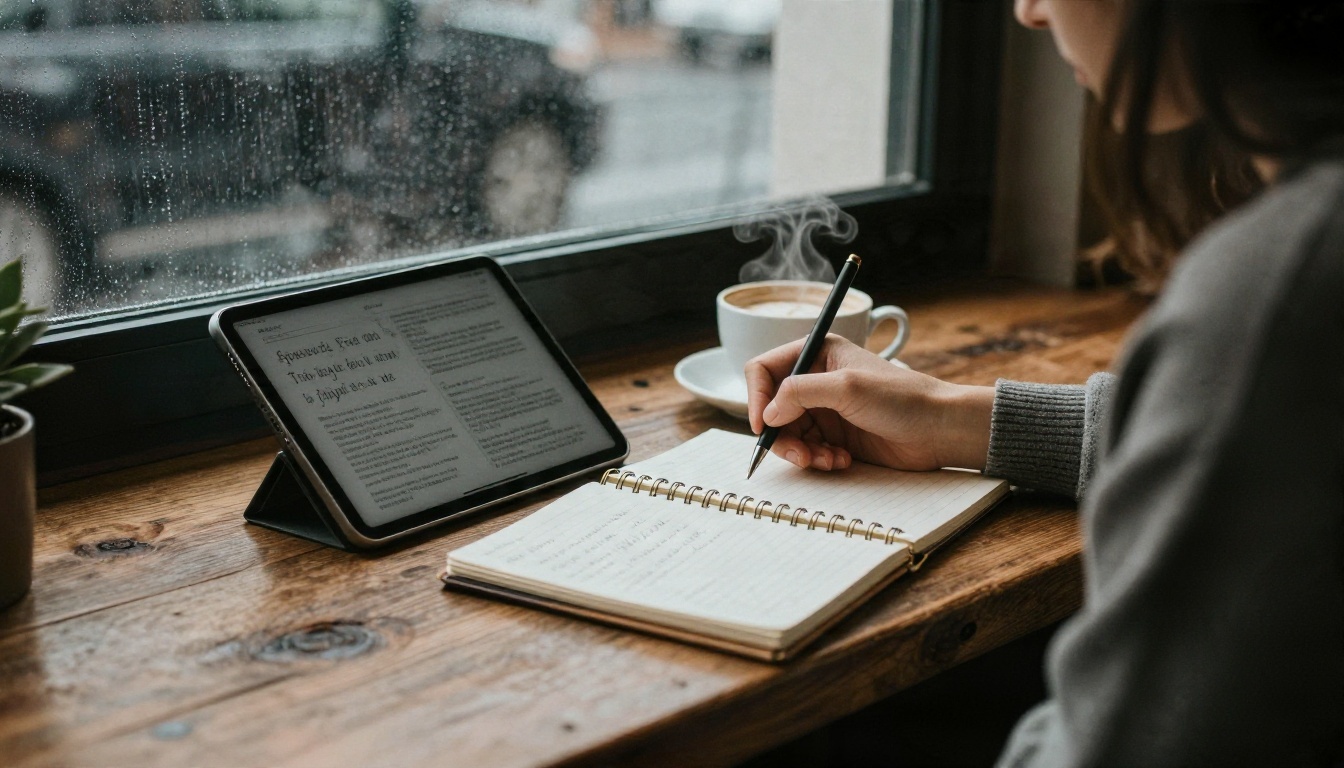
DALL-E 3 reads natural sentences better than most older models, which means you do not need comma-separated tag soup. You do need to say the things a photographer would decide before pressing the shutter.
Subject, setting, light, lens
Use this order and keep each part short:
- Subject and action: who or what is in the frame, and what they are doing.
- Setting: the place, time of day and a few props.
- Light: direction and quality, such as "soft window light from the left" or "low golden hour sun."
- Camera: a lens and angle, such as "85mm portrait lens, shallow depth of field, eye level."
- Texture and mood: skin, fabric, film grain, calm or tense.
A prompt built this way is usually 40 to 80 words. That length sounds long until you see the difference it makes.
Words that quietly hurt your results
Some habits push the output toward the generic AI look:
- "Hyper realistic, 8K, ultra detailed" repeated three times. The model already tries to do this, and the stacking often creates waxy skin.
- Naming living artists or brands. Filters may refuse the prompt, and the style rarely lands.
- Contradictions. "Dark moody night scene in bright midday sun" confuses the result.
- Asking for lots of text. Short words like "OPEN" on a door work. A full paragraph on a poster does not.
💡 Describe what is in the picture, not what you want to avoid. Bing has no negative prompt box, so a phrase like "no people" can accidentally add people.
Bing Dall E Prompt Examples You Can Copy

These prompts are written for natural, photographic results. Paste them as they are, then swap one detail at a time so you can see what each word changes.
Portrait prompts
Prompt 1: A candid portrait of a woman in her thirties reading a paperback at a sunlit café table, soft window light from the left, 85mm lens, shallow depth of field, natural skin texture with faint freckles, cream knit sweater, warm film grain, calm expression.
Prompt 2: An older fisherman mending a net on a wooden pier at dawn, low side light, weathered hands and deep wrinkles in sharp detail, 50mm lens, muted blue and amber palette, light mist over the water.
Why they work: both name a lens, a light direction and a surface texture. The model has something concrete to render instead of guessing.
Product and food prompts
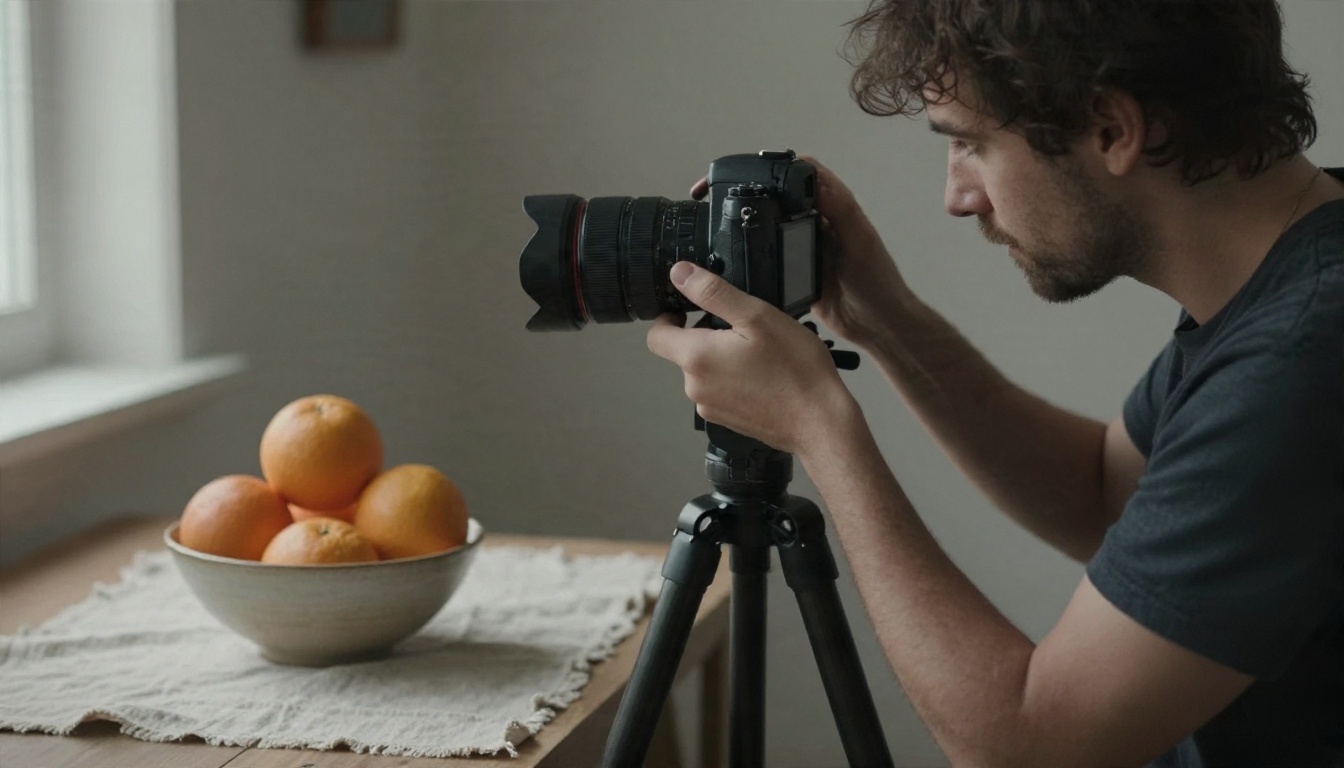
Prompt 3: A ceramic bowl of ripe oranges on a linen cloth, soft diffused window light from the right, overhead angle, visible fruit skin texture, a few water droplets, neutral background, editorial food photography.
Prompt 4: A pair of white leather sneakers on a concrete step, morning shadows stretching left, 35mm lens at low angle, crisp stitching and sole texture, quiet street blurred in the background.
Landscape and travel prompts
Prompt 5: A narrow stone alley in a coastal Italian village at golden hour, laundry hanging between pastel buildings, warm light on one wall and cool shadow on the other, 28mm lens, slight haze, travel photography.
Prompt 6: A lone hiker on a ridge above a sea of clouds at sunrise, seen from behind, long shadow across rocky ground, 24mm wide lens, soft orange and teal sky, sharp foreground texture.
Interior and concept prompts
Prompt 7: A quiet reading corner with a mustard armchair, tall plant and a stack of books, rain on the window, soft grey daylight, 35mm lens, wood grain and wool blanket texture clearly visible.
Prompt 8: A cluttered inventor's workbench lit by a single desk lamp, brass gears, copper wire and a half-built wooden clock, shallow depth of field, warm tungsten light, dust in the air.
💡 Change one variable per run. Swap "morning" for "dusk," or "35mm" for "85mm," and compare the four results. In ten minutes you will have a personal sense of how each word behaves.
Settings and Limits You Can Control
Bing keeps its controls minimal. Here is what you can actually adjust and what you cannot.
Model choice and aspect ratio
Where the selector appears, you can switch between the available engines. Some versions of the page also offer square, landscape and portrait options; others default to square for DALL-E 3. If you need a wide 16:9 frame for a banner or a tall 9:16 frame for a story, say it in the prompt ("wide cinematic frame") and test. Results vary.
You will not find a seed field, a steps slider, a guidance scale or a negative prompt. If you need those, you need a different platform, which is where the alternatives below come in.
Boosts and daily caps
Bing uses a boost system. Third-party reports commonly mention about 15 fast generations per day on the free tier, with slower generation continuing afterward, but Microsoft has changed the rules several times, and sources disagree on whether the allowance resets daily or weekly. Check the counter beside the prompt box for the number that applies to your account today.
Practical effects of the cap:
- Fast mode returns images in seconds.
- Slow mode can take a minute or more, and it may be unavailable for some accounts.
- Experiments get expensive. If you waste boosts on vague prompts, you will run dry before you find the winner.
Content filters and refusals
Bing blocks prompts that mention public figures, graphic violence or adult themes, and it sometimes blocks harmless ones that include a trigger word. If you see a "this prompt has been blocked" notice, rewrite it with neutral language, remove names, and try again. Repeated blocks can lead to a temporary warning on your account.
Free Online Alternatives Worth Trying

Bing is a fine starting point, but it has a ceiling. Once you want finer realism, custom ratios, editing or no daily counter, these models on PicassoIA are the natural next step.
| Model | Strength | Good for |
|---|
| DALL-E 3 | Same family as Bing's original engine | Familiar prompts, quick concepts |
| GPT Image 2 | Strong instruction following | Long, detailed prompts and edits |
| Imagen 4 | Clean photographic realism | Portraits, products, travel |
| Seedream 4.5 | Sharp 4K detail | Large prints, fine textures |
| Nano Banana Pro | Edits and consistent subjects | Retouching and variations |
| Ideogram v4 Quality | Reliable text in images | Posters, covers, signs |
When to pick each one
- You liked Bing's look and want more runs: stay with DALL-E 3 and your existing prompts.
- You want longer prompts followed more faithfully: try GPT Image 2.
- You need photographic realism: Imagen 4 and Seedream 4.5 are strong picks. For a quicker, lighter version, Imagen 4 Fast trades some detail for speed.
- You need readable lettering: Ideogram v4 Balanced is a good middle option when quality and speed both matter.
- You want an open model you can style: Flux 2 Klein 4B Base and its LoRA variants suit creators who want custom looks.
💡 Prompts are portable. A well-built photographic prompt from the section above works across all of these models with only small edits.
How to Use DALL-E 3 on PicassoIA

If what you like about Bing is the DALL-E 3 engine, you can run the same model on DALL-E 3 on PicassoIA without the boost counter. Here is the process.
Step by step
- Open the model page. Go to the DALL-E 3 page and sign in.
- Paste your prompt. Use one of the eight examples above, or write your own using the subject, setting, light, lens and texture order.
- Choose the aspect ratio. Pick square, landscape or portrait before you generate, instead of hoping the prompt carries the instruction.
- Pick the quality option if offered. Higher quality gives finer detail but takes a little longer. Use standard while you test, then switch to high for the final run.
- Generate and compare. Run the same prompt twice and look for small differences in light, pose and texture.
- Refine one detail at a time. Change the lens, the time of day or a prop, then run again.
- Download the best result. Save it, then optionally upscale it with a super resolution model for print.
Parameter tips that save time
| Setting | Recommendation |
|---|
| Prompt length | 40 to 80 words works best |
| Aspect ratio | Match the final use: landscape for banners, portrait for social stories |
| Style words | "Photograph," "natural light," "film grain" for realistic results |
| Quality | Standard for tests, high for finals |
| Text in image | Keep to one or two short words |
Next steps when DALL-E 3 is not enough
If a prompt keeps missing, send the same text to GPT Image 2 or Imagen 4. Comparing the same prompt across two engines teaches you quickly whether the weakness is in the model or in the wording.
Common Mistakes to Avoid
A few patterns account for most disappointing results.
Writing like a search query
"Best beach photo sunset" is a search phrase, not a scene. Describe a moment: who is there, what the light does, where the camera stands.
Changing everything at once
If you rewrite the whole prompt every time, you cannot tell what helped. Keep a base prompt and alter one element per run.
Ignoring the limits
With a capped system, plan your boosts. Draft your prompt in a notes app, read it twice, then generate. Spending three boosts on typos is the most common waste.
Judging a model on one image
Image models are probabilistic. One weak result does not mean the engine is weak. Run each prompt several times before you decide.
Skipping a final polish
A good generation can still benefit from a small edit. Use an editing model like Nano Banana to fix a distracting object, adjust the background or change an expression, then upscale for print.
Bing or PicassoIA: A Quick Comparison
| Feature | Bing Image Creator | PicassoIA |
|---|
| Models | A short list chosen by Microsoft | Dozens of image models, including DALL-E 3 |
| Daily limits | Boost system with caps | No boost counter on the model pages |
| Aspect ratio control | Limited, varies by version | Selectable on the model page |
| Editing tools | Minimal | Image editing, upscaling and background removal |
| Prompt examples | None built in | Reusable across models |
Neither option is wrong. Bing is convenient when you only need a quick image and already have a Microsoft account open. PicassoIA makes more sense when you want to compare engines, work in larger batches or finish images for print.
Start Creating Your Own Images
Pick one prompt from the examples above, paste it into Bing or into DALL-E 3 on Picasso IA, and change a single word. Swap the lens. Move the light. Replace the setting. Then run the same sentence through Imagen 4 or Seedream 4.5 and put the results side by side.
Ten minutes of that kind of testing will teach you more about prompting than any list of rules. When you find a prompt that works, save it, reuse it, and build a small library of your own. You can browse every available image model at picassoia.com/en/all-models and pick the one that suits your next idea.


