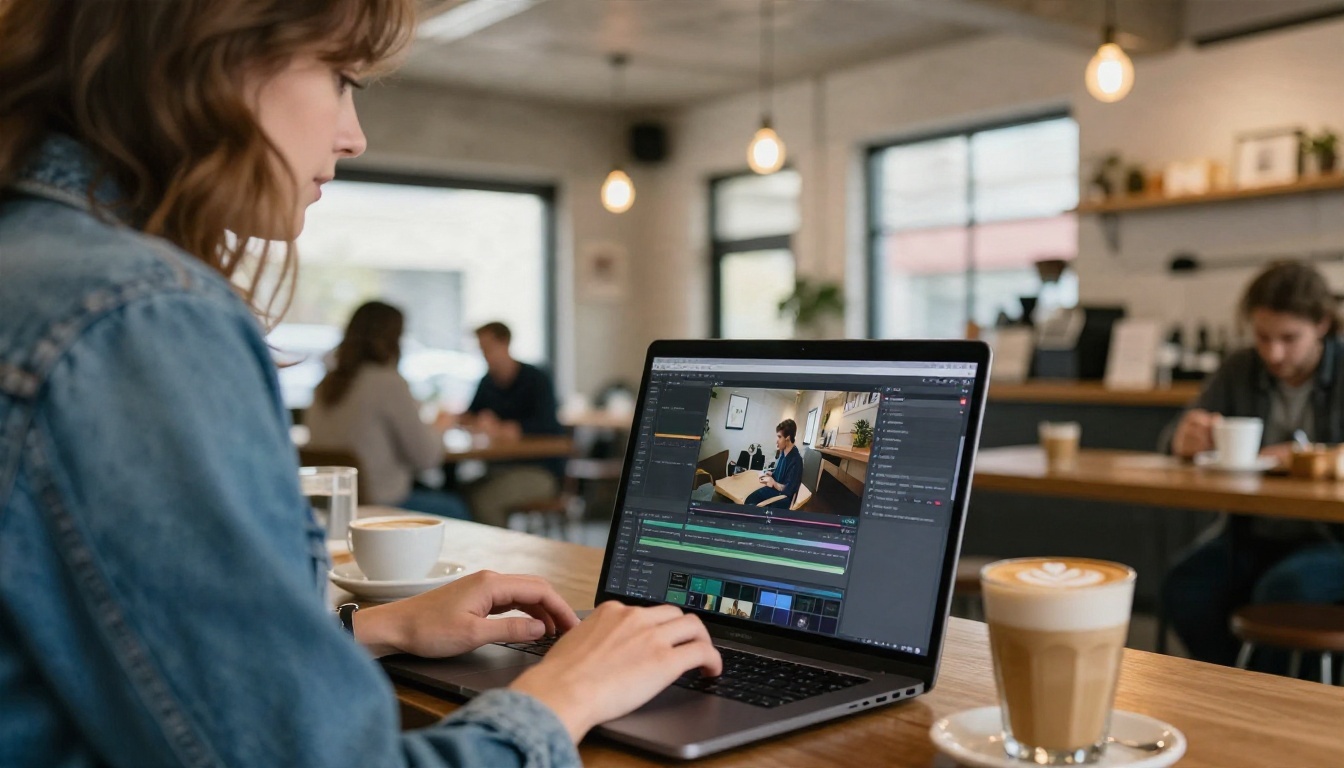
You pasted a token into a video editor, hit generate, and a few minutes later your provider dashboard showed a charge you did not expect. That is the bring your own API key video editor experience in one sentence: great freedom, zero safety net. The editor itself may cost nothing, but every AI clip, retry and upscale lands on a bill that you control and you alone have to watch.
This article breaks down what BYOK really means for video work, which free options exist, what providers charge per second, and which limits trip people up. Prices below are rounded figures from mid and late 2026 aggregator comparisons, and those sources disagree with each other, so treat every number as a planning estimate and check the live rate card before you budget.
What BYOK Actually Means
BYOK stands for "bring your own key." Instead of buying credits from the editor, you create an account with an AI provider, generate an API key, and paste it into the editor's settings. The editor sends your prompts straight to that provider, and the provider bills you directly.

How the Flow Works
The chain has three links, and each one can cost you something:
- The editor. Timeline, trimming, captions, export. Sometimes free, sometimes a flat monthly fee.
- The provider account. Where the API key lives. This is where per-second or per-token billing happens.
- The model. A video generator or a video editing model that processes your clip.
If any link breaks, nothing renders. An expired payment card on the provider side looks exactly like a bug in the editor, and plenty of support threads start that way.
Why Editors Choose It
- No markup layer. You pay the provider's list rate rather than a credit bundle with a margin built in.
- Model choice. You can switch to a newer generator the day it ships on your provider.
- Data control. Your footage goes to one company you chose, not to a chain of resellers.
- Predictable at scale. Heavy users sometimes beat subscription pricing once volume climbs.
💡 Tip: BYOK rewards people who generate a lot and watch their spending. If you make three clips a month, a fixed plan is usually cheaper and calmer.
Free Options Worth Checking
"Free" means three different things in this space, and mixing them up is how people end up surprised.
Free Tiers of Standard Editors
Many conventional editors have free plans, even though they are not BYOK. Reported figures as of 2026, which can change at any time:
| Editor | Free plan highlights | Main catch |
|---|
| VEED | Forever free plan | Watermark on exports, 720p cap, 10 minute project limit, 2GB storage |
| Clipchamp | 1080p exports | No watermark, but AI extras sit behind paid tiers |
| CapCut | Free editing with monthly AI allowances | Allowance size is not published clearly |
| Runway | Free tier with a few projects | Around 3 editor projects and 5GB storage |
These are useful as a baseline. If a BYOK editor charges a subscription on top of provider fees, compare it with what a free plan already gives you.
Free BYOK Software Itself
Some editors that accept your own credentials are open source or self-hosted, so the software is free while the generation is not. That split is the most common source of confusion: free editor, paid provider. Nothing stops a provider from charging you the moment your token makes a request, so a free editor can still run up a real invoice.
Free Credits From Providers
Providers occasionally hand out trial credits to new accounts. They are small, they expire, and they often exclude the most expensive video models. Use them to test one workflow end to end, not to produce a month of content.
The Real Cost of Provider Rates
Video generation is billed per second of output, and the spread between models is wide. Rounded figures from late 2026 comparisons:
| Model family | Approx. rate at 720p | Notes |
|---|
| Veo 3.1 Lite | $0.03 to $0.05 per second | Cheapest first-party tier reported |
| Veo Fast | About $0.10 per second | Speed oriented |
| Veo (full quality) | About $0.40 per second | Higher at 4K, around $0.60 |
| Kling 3.0 | About $0.03 to $0.08 per second | Depends heavily on platform and audio |
| Seedance 2.0 Fast | About $0.09 per second | Aggregator price |
| Seedance 2.0 Pro | About $0.25 per second | Aggregator price |
The Kling spread is the best example of why you should read the fine print: one source quotes roughly $0.084 per second at 720p from the first-party route, another quotes under $0.03 through a third-party host. Same family, different platform, different resolution, different audio settings.
Retries Multiply the Bill
A single 10 second clip at $0.10 per second costs $1.00. That sounds harmless until you realise that nobody keeps the first take. If you average five attempts per usable clip, the effective price becomes $5.00 per 10 seconds. A two minute video assembled from 12 clips of 10 seconds each would cost around $60 in generation alone at that rate, before any upscaling.

💡 Tip: Draft with the cheapest tier, lock the prompt and framing, then render the final shot on the higher tier. This single habit often cuts BYOK spending by more than half.
Break-Even Against a Subscription
One 2026 analysis claimed that BYOK pulls ahead of managed credit plans at roughly 200 or more AI outputs per month. Treat that as a rough rule, not a law, because the author was a vendor and the figure is unverified. Run your own math with three numbers:
- Your average attempts per usable clip.
- Your average clip length in seconds.
- The monthly price of the plan you would otherwise buy.
If the plan costs $30 and your BYOK spend lands at $12, BYOK wins. If it lands at $45, you are paying for freedom you are not using.
Limits That Catch People Off Guard
The price is only half of the story. Limits decide whether you can finish a project on a deadline.
Rate Limits and Concurrency
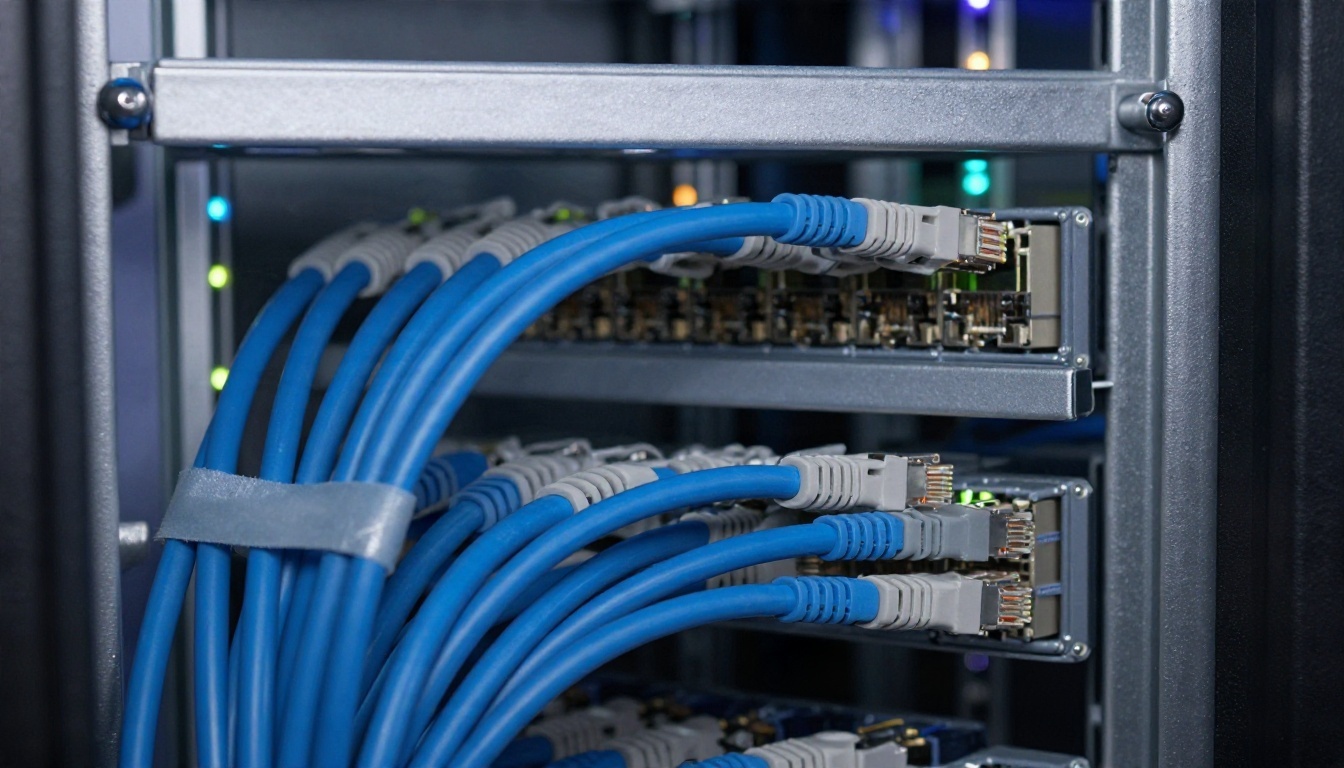
New provider accounts usually start on low tiers. That means a cap on requests per minute and a cap on how many jobs can run at once. Batch rendering 20 clips overnight may stall after the first few, and the editor will show a vague error. Spend history raises your tier over time, but a fresh account does not get that on day one.
Clip Length and Resolution Caps
Models have fixed maximum durations and resolutions, often between 5 and 10 seconds for a single generation, with some newer models going longer. Editors cannot override this. If a model tops out at 720p, no setting in the editor will change it, and upscaling is a separate paid step.
Credential Safety
Your token is a spending card with no PIN. Practical rules:
- Create a dedicated token for the editor, never your main one.
- Set a monthly spend cap in the provider dashboard.
- Check whether the editor stores the credential locally or on its own servers.
- Rotate it if you ever share a project file or a screen recording.
Content Filters and Moderation
Each provider applies its own moderation. A prompt that passes on one model can be rejected on another, and in many cases a rejected request still counts toward your rate limit. Some providers may also bill for outputs that were generated and then filtered. Check how your provider treats blocked outputs before you start a large batch.
BYOK vs Managed Credits
Here is the trade side by side:
| Factor | BYOK | Managed credits |
|---|
| Price per second | Provider list rate | List rate plus margin, often bundled |
| Billing surprises | Possible, you own the dashboard | Rare, spend is capped by credits |
| Model variety | Limited to your provider | Often many providers in one place |
| Setup effort | Account, payment, token, caps | Sign up and start |
| Rate limits | Your account tier | Handled by the platform |
| Best for | High volume, technical users | Occasional and mixed use |
The honest summary: BYOK saves money for a narrow group of users, and it costs time for everyone. Managed platforms with many models in one account avoid the three-account juggling act.
A Budget Plan for Each Creator
The Hobbyist
Under 20 clips a month. Use a free editor plan, use trial credits for experiments, and skip BYOK entirely. The setup time costs more than the savings.
The Freelancer
Between 50 and 150 clips a month. BYOK can pay off here, but only with spend caps and a draft-then-final routine. Keep a spreadsheet of cost per delivered video so you can price client work properly.
The Small Studio
Hundreds of outputs, multiple editors. Separate tokens per person, separate caps per project, and a shared log of which model handled which shot. This is where BYOK shines, because per-seat plans add up fast.
Skip the Keys on PicassoIA
If juggling provider accounts sounds like too much, you can generate and edit video from one place without pasting a single credential. PicassoIA lists many of the same model families you would otherwise reach through separate providers.
Generation Models

Editing Models
Editing is where a BYOK editor usually shines, and PicassoIA has a text driven option for most jobs:
A typical short workflow looks like this: draft a scene with a fast generator, trim the best take, restyle it with an editing model, reframe it for vertical, and export. No provider dashboards, no token rotation, no spend caps to babysit.
Checklist Before You Paste Anything
Run through these before connecting any editor to a provider account:
- Set a hard spend cap at the provider, even a small one.
- Use a dedicated token for this editor only.
- Read the editor's data policy to see whether the credential is stored locally.
- Test with one 5 second clip and compare the invoice line to the number you expected.
- Track retries. Write down how many attempts each final clip needed.
- Check rate limits for your account tier before a batch render.
- Note the resolution cap of the model, so you do not plan 4K deliveries from a 720p generator.
- Compare against a flat plan once you have two weeks of real usage data.
💡 Tip: Keep one month of real invoices before you decide that BYOK is cheaper. Estimates always look better than receipts.
Try It Yourself
A bring your own API key setup makes sense when you generate in volume and enjoy managing the plumbing. For everyone else, the cheapest workflow is the one that lets you create without opening three dashboards. Pick a draft model, generate a short clip, run it through an editing model, and see how far you get before you ever think about a credential.
Start with Seedance 2.5 Lite for a free draft, try P Video Edit on the result, and browse every generator and editor at picassoia.com/en/all-models. Make something this afternoon and compare the experience with your current setup.


