Type "ByteDance photo AI" into a search bar and you will get a pile of results that all point at the same thing: Seedream, the image model family from the company behind TikTok and CapCut. There is no single app called "ByteDance Photo AI." There is a set of models, some free, some paid, some better at portraits, others better at posters with real text. This article sorts them out, shows what they produce, and gives you prompts you can paste straight into a text box today.
If you only want the short version: Seedream 4.5 is the best all-round pick for photorealistic work, Seedream 4 is the easy free starting point, and the Seedream 5 line adds sharper editing and reasoning. All of them run in your browser on PicassoIA, with nothing to install.
What ByteDance Photo AI Really Means
Most people who search this phrase want one of three things: a free way to generate photos from text, a way to edit an existing picture, or proof that the results look real enough to use. ByteDance covers all three through its Seedream models, its Dreamina creative app and its CapCut editor, which is where the confusion starts.
One Name, Several Models
Seedream is a family, not a product. Each release changes the ceiling on resolution, text handling and editing precision:
- Seedream 4 introduced native high resolution output and combined generation with editing in a single model.
- Seedream 4.5 refined skin, fabric and lighting realism and became the version many creators settle on.
- Seedream 5.0 Lite, which ByteDance launched in February 2026, builds on 4.5 and adds reasoning and the ability to pull in current information while it generates.
- Seedream 5 Pro pushes region-precise editing, dense layouts and multilingual text.
Who Actually Uses It
The audience is wider than you might expect. Small shop owners build product shots without renting a studio. Real estate agents stage empty rooms. Social media managers produce a week of portraits in one afternoon. Photographers use it for concept boards before a shoot. The common thread is speed: a usable image in seconds instead of hours.
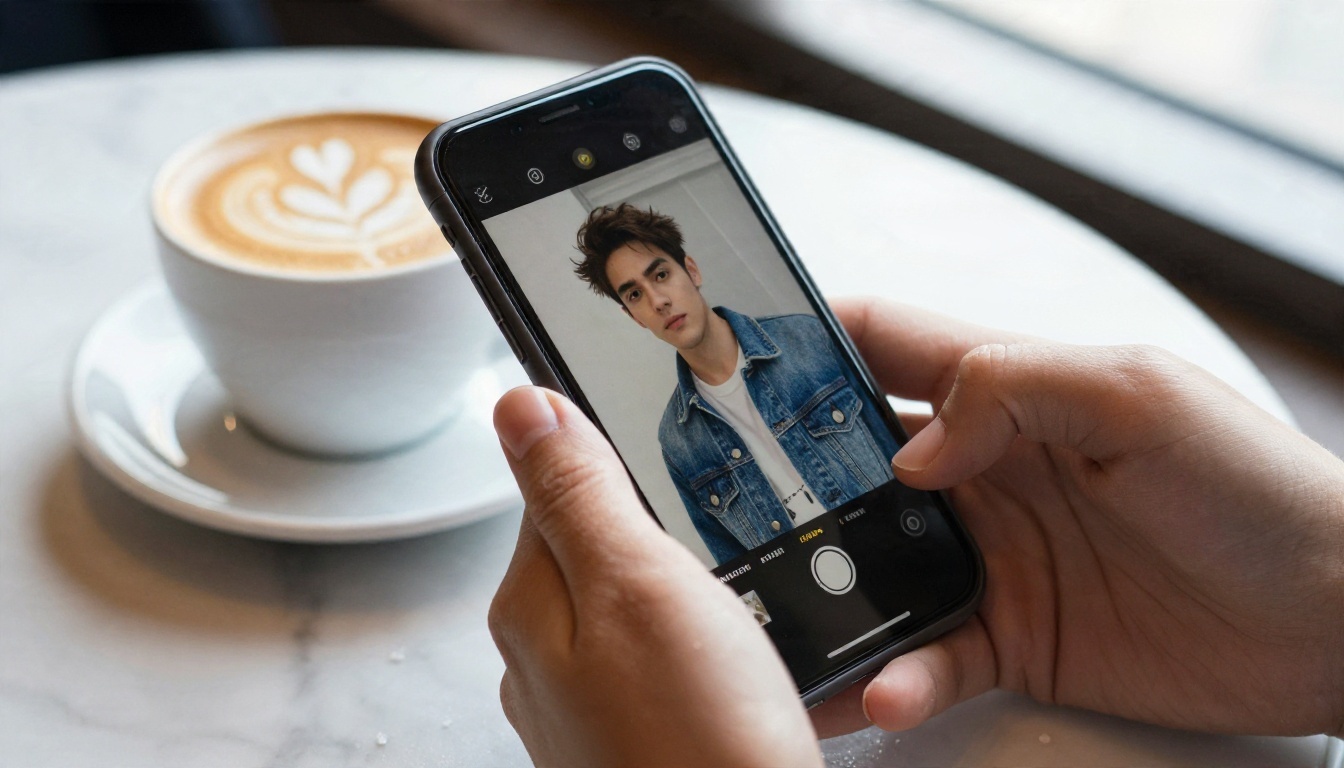
💡 Quick tip: Search results often mix up the ByteDance model and the app that hosts it. When a page says "powered by Seedream," the model underneath is what decides the quality, not the interface around it.
The Free ByteDance Models Worth Trying
"Free" needs a careful definition. ByteDance's own apps give a limited number of daily credits. API access through cloud providers is paid per image. Third party platforms vary widely, and some retire older versions when a new one lands. On PicassoIA, you can try the Seedream line directly from the model pages below.
Seedream 4.5 for Realism
Seedream 4.5 is the model I reach for first when a result has to look like a photograph. It handles skin pores, wool and linen weave, glass reflections and window light with very little prompting. It also outputs up to 4K, so you can crop in without the picture falling apart.
Seedream 4 as the Easy Start
Seedream 4 is a strong choice when you want to test an idea before spending effort on refinement. It generates 4K images, follows long prompts well and tolerates loose wording better than many models. If you are new to prompt writing, start here.
Seedream 5 Pro and 5 Lite
Seedream 5 Pro targets sharp 2K output, precise regional edits and layouts that carry a lot of text, such as infographics. Seedream 5 Lite is the lighter, faster sibling, built for quick 2K results where reasoning helps interpret a vague brief. Both are worth testing against 4.5 on your own subjects, because the winner depends on what you shoot.
Side by Side
| Model | Best for | Output | Strength | Trade-off |
|---|
| Seedream 4 | First tests, general scenes | Up to 4K | Forgiving with loose prompts | Slightly less refined skin |
| Seedream 4.5 | Photorealistic portraits and products | Up to 4K | Texture and lighting realism | Rewards detailed prompts |
| Seedream 5 Lite | Fast drafts, vague briefs | 2K | Reasoning on the prompt | Lower ceiling than 4.5 |
| Seedream 5 Pro | Edits, text-heavy layouts | 2K | Precise regional control | Less raw photographic feel |
💡 Rule of thumb: Pick 4.5 when the picture must pass as a real photo. Pick 5 Pro when the picture needs exact text or a surgical edit.
How to Use Seedream 4.5 on PicassoIA
This is the fastest route from an idea to a finished photo. Open the Seedream 4.5 model page and follow these steps.
- Write the subject first. Start the prompt with who or what is in the frame and what they are doing. Everything else supports that sentence.
- Add the setting. Name the room, street or landscape, and two or three objects that make it believable.
- Describe the light. Say where it comes from and what it feels like: "soft window light from the left," "low golden sun behind the subject."
- Choose a lens. Phrases such as "85mm f/1.8" or "35mm f/5.6 from above" steer perspective and depth of field better than adjectives like "beautiful."
- Set the aspect ratio. Use 16:9 for banners and video thumbnails, 4:5 or 3:4 for social posts, 1:1 for avatars.
- Generate, then adjust one thing. Change a single element per attempt so you can see exactly what caused an improvement.
Parameter Tips That Save Time
- Resolution: Generate at the highest setting you plan to publish. Upscaling later works, but native detail is cleaner.
- Prompt length: 50 to 100 words is the sweet spot. Shorter prompts leave too much to chance, and much longer ones start to contradict themselves.
- Seed: When you land a composition you like, keep the seed and change only the wording to explore variations.
- Reference images: If the page offers image input, use it to lock a pose, a product shape or a color palette.
💡 Pro habit: Keep a text file of prompts that worked. Reusing a proven structure beats starting from scratch every time.
Prompts That Actually Work
The prompts below follow one structure: subject, setting, light, lens, texture. Swap the nouns and keep the skeleton.
Portrait Prompt
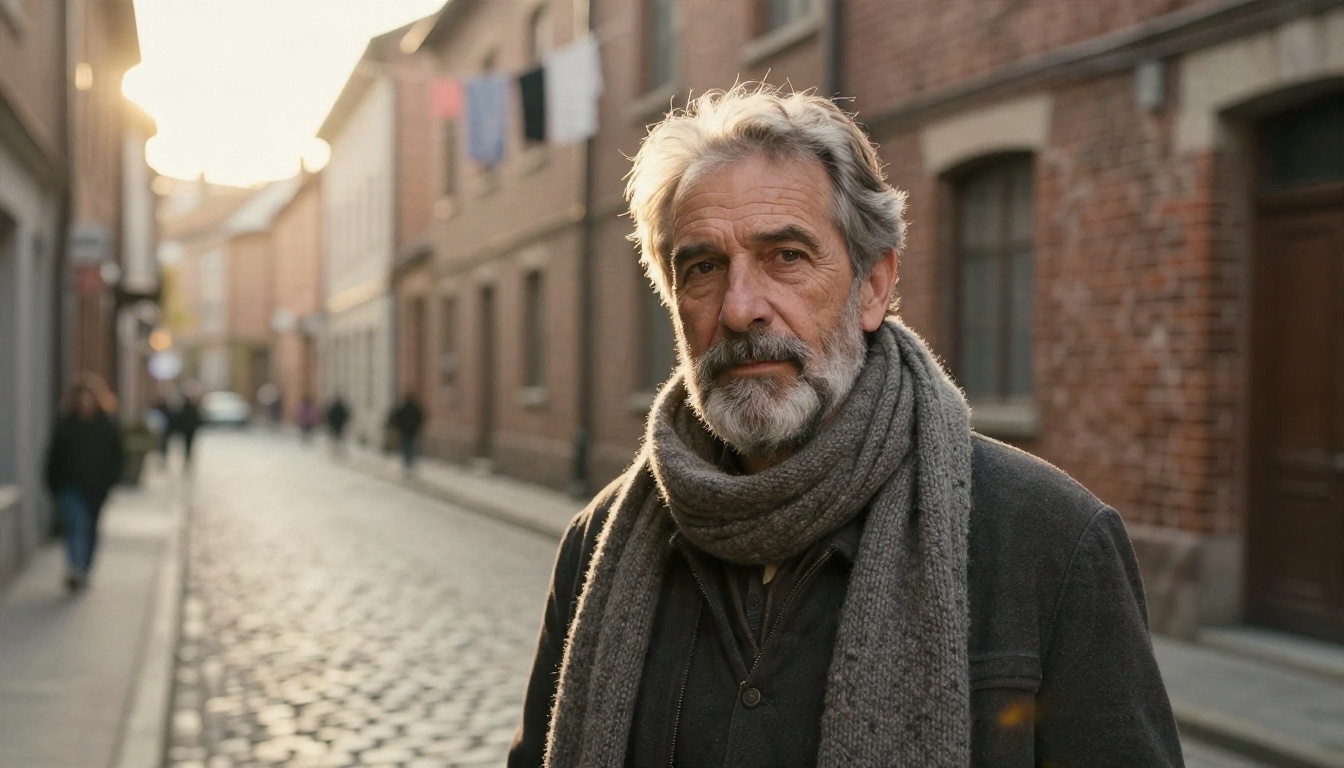
Medium shot street portrait of a middle-aged man with a salt and pepper beard and a wool scarf, standing in a cobblestone alley at golden hour, warm low sun backlighting his hair with a soft rim light, old brick buildings blurred behind him, 85mm f/1.4 lens, visible skin pores and wrinkles, wool fibers, gentle haze, Kodak Portra 400 film grain.
Why it works: the backlight gives a natural rim, the lens choice creates separation from the background, and the texture words push the model toward real skin instead of a smoothed surface.
Product Prompt
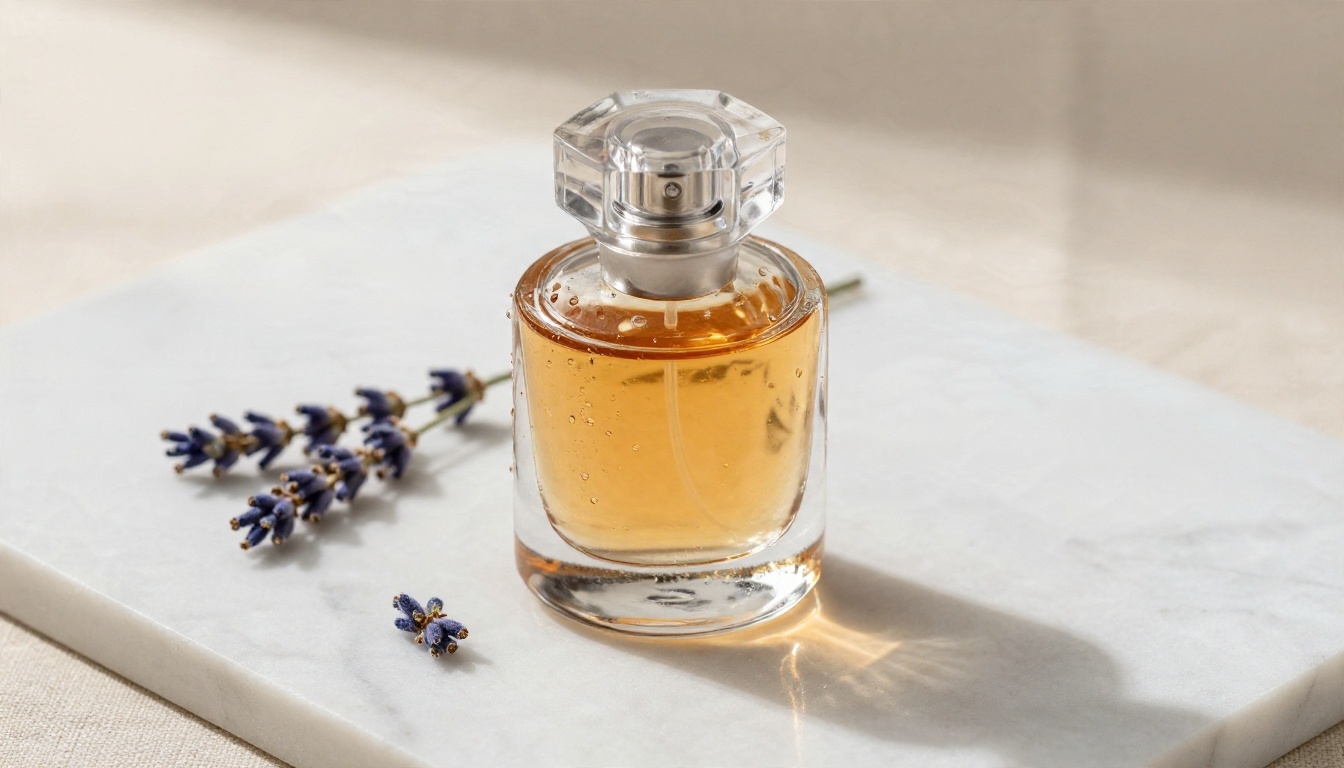
Low-angle product photograph of a glass perfume bottle with amber liquid on a veined white marble slab, a sprig of dried lavender beside it, soft diffused daylight from the left, pale linen backdrop, 100mm macro lens at f/4, crisp glass edges, fine condensation droplets.
Product work lives and dies on reflections and edges. Naming the surface material and the light direction gives the model what it needs to render believable glass.
Food and Interior Prompts
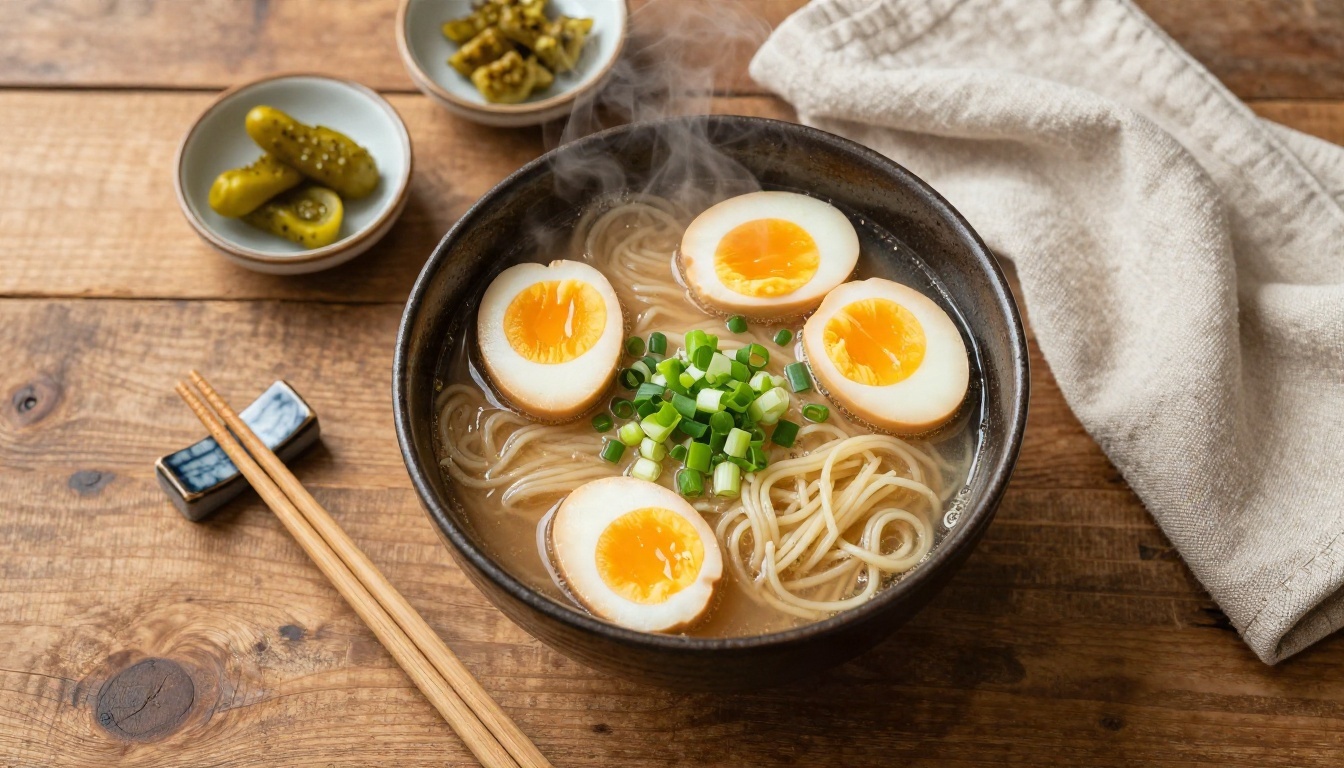
Top-down flat lay of a rustic wooden table with a bowl of fresh ramen, soft boiled egg halves, chopped green onions, chopsticks, small dishes of pickles and a linen napkin, diffused window light from the upper left, steam wisps, 35mm lens at f/5.6 from directly above, glossy broth, visible wood grain.
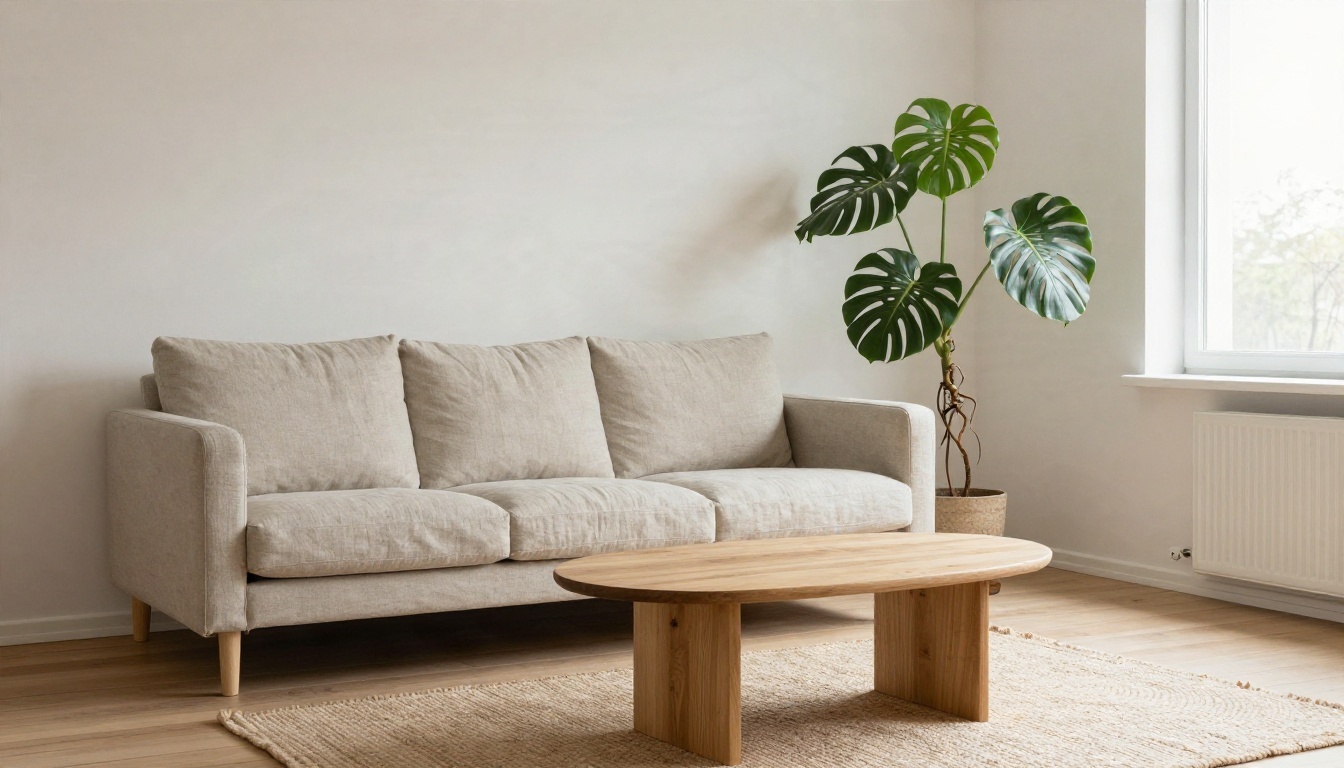
Wide interior photograph of a Scandinavian living room with a linen sofa, a round oak coffee table, a leafy monstera and a woven wool rug, tall window on the right with soft overcast daylight, shot from a low corner angle with a 24mm tilt-shift lens at f/8, realistic fabric weave, matte plaster walls.
For food, shoot from above and mention steam or gloss. For interiors, a wide lens and a clear window direction make the room feel measured and real.
Landscape and Fashion Prompts
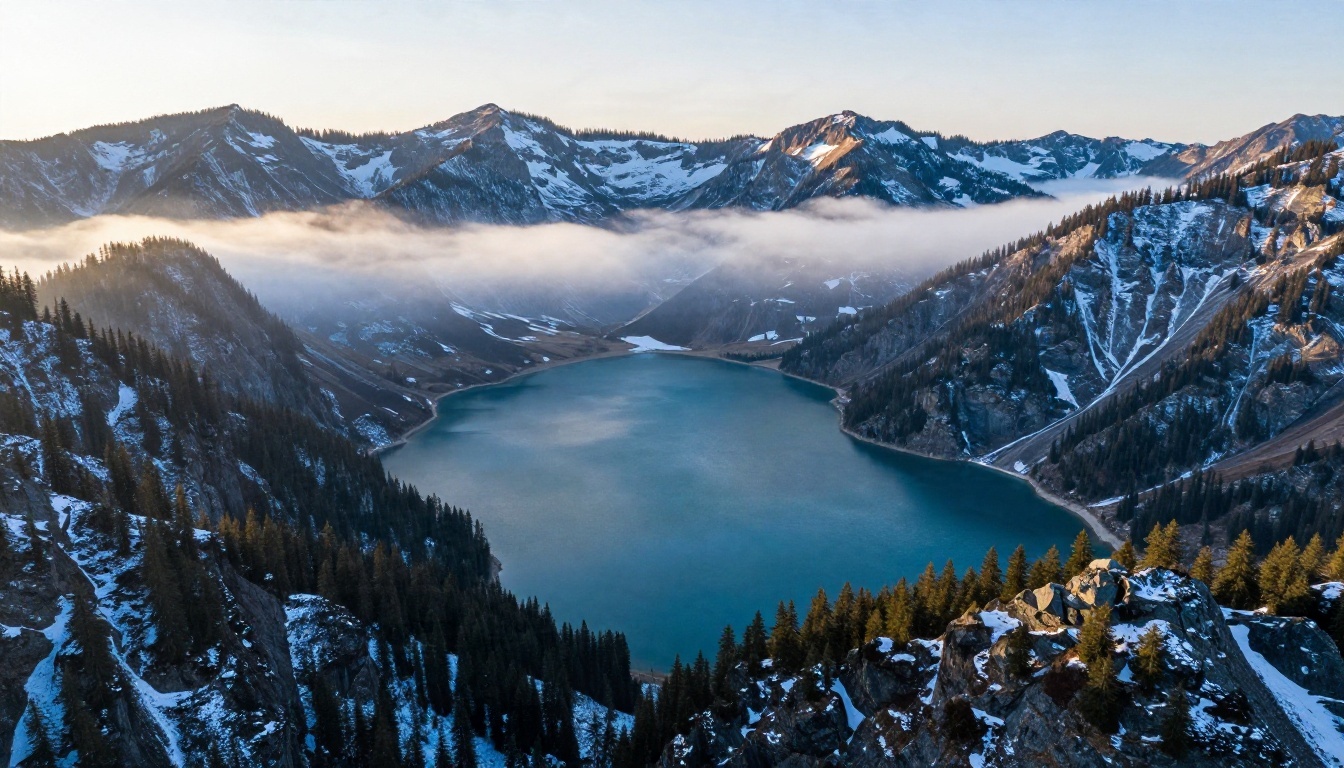
Aerial wide photograph of an alpine lake at dawn surrounded by pine forest and snow-dusted peaks, thin mist above turquoise water, first golden sunlight on the highest ridges while the valleys stay in cool blue shadow, 24mm lens at f/8, crisp rock and tree detail.
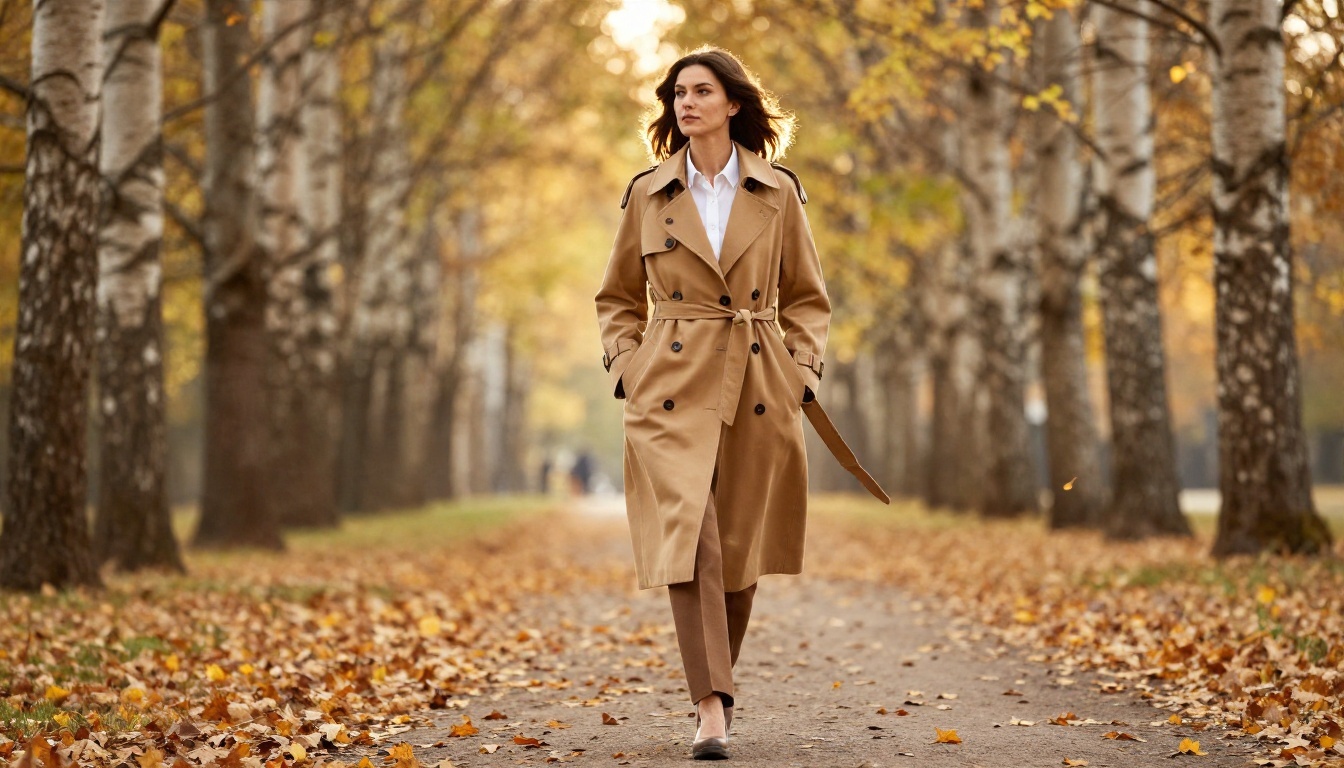
Full-length fashion editorial photograph of a woman in a camel trench coat and white shirt walking along a leaf-strewn autumn park path, mid-stride with the coat swaying, golden late afternoon light from behind right, tall birch trees fading into bokeh, 70mm lens at f/2.
💡 Prompt formula to memorize: [Subject doing something] + [place with 2 to 3 objects] + [light direction and quality] + [lens and aperture] + [one texture detail].
Real Examples by Use Case
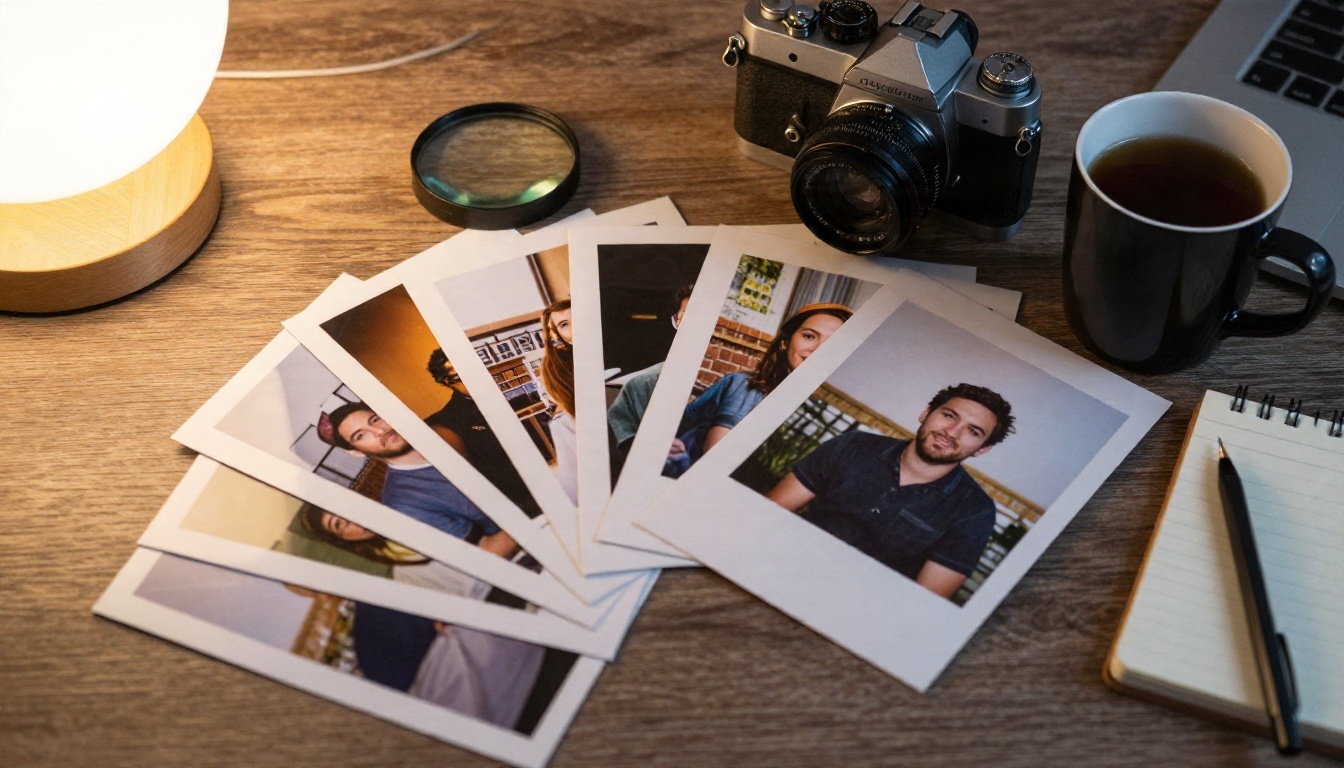
Prompts are easier to judge when you see what they are meant to produce. The photos in this article follow exactly the structure above, and they show how far a well-built prompt can go across different jobs.
Social Content

Lifestyle scenes with people reacting to something are a favorite for social feeds. The trick is to ask for a candid moment rather than a posed one. Words like "laughing," "mid-stride" or "looking down at" keep faces natural and avoid the stiff stock photo look.
Ecommerce and Catalogs
A single product on a clean surface can be repeated across dozens of variants: change the surface from marble to oak, the light from daylight to lamp glow, and you have a full catalog set. Keep the product description identical and vary only the setting.
Real Estate and Design
Interior prompts help clients picture a space before furniture arrives. Describe the style, two or three pieces, the window and the time of day. Staying specific about materials such as linen, oak or plaster keeps results consistent from one room to the next.
Travel and Editorial
Landscape prompts reward atmosphere: mist, low sun, cool shadows. Add a focal length and the model will frame the scene the way a drone or a wide lens would.
Free Online Use: What to Expect
Free access always has limits, and knowing them in advance prevents frustration.
Credits and Limits
Consumer apps from ByteDance such as Dreamina hand out a small number of daily credits. When they run out, you wait or pay. Third party sites usually offer a short trial and then ask for a plan. Some retire an older model once a newer one launches, so a tool that worked last month may be gone.
Browser Versus App
Browser access means no downloads, no storage cost and the same result on any device. For quick work, that is hard to beat. Apps tend to offer extra editing tools, but they also lock you into one ecosystem.
Commercial Use
Rules about commercial use depend on the platform you generate on, not only on the model. Read the terms of whichever site you choose before you put an image in an ad or on a product page.
💡 Budget trick: Draft with a lighter model such as Seedream 5 Lite, then run only the winning prompt through Seedream 4.5 for the final render.
Beyond Stills: ByteDance Video Models
ByteDance does not stop at photos. Its Seedance line animates scenes with native sound. If you want to bring a generated image to life, Seedance 2.5 produces long clips from a text description, and Seedance 2.5 Lite is a quicker option for short loops. A common workflow is to build a strong still first, then write a motion prompt that describes camera movement and what changes over a few seconds.
Common Mistakes to Avoid
Stacking Style Words
Writing "ultra realistic, hyper detailed, masterpiece, 8K, stunning" does less than one concrete detail about light. Replace adjectives with physical descriptions.
Ignoring Light Direction
An image without a stated light source gets flat, even lighting. Always say where the light comes from.
Overloading One Prompt
Seven subjects, three locations and a story rarely fit in one frame. Split the idea across several images.
Skipping the Lens
Perspective is half of what makes a picture feel photographic. A lens and aperture in the prompt change the entire look.
Judging After One Try
The first result is a draft. Adjust one element, regenerate, compare. Four quick rounds usually beat one long prompt.
Start Creating Your Own Images
You now have the structure, the models and the examples. The only missing piece is your own subject. Open Seedream 4.5 on PicassoIA, paste the portrait prompt above, swap in your own person or product, and see what comes back in seconds. Then try the same prompt on Seedream 4 and Seedream 5 Pro to compare how each handles skin, light and detail.
Want more options? Browse the full catalog at picassoia.com/en/all-models, where image, video, upscaling and editing tools sit side by side. Pick one prompt, run it, and keep the version you like best.


