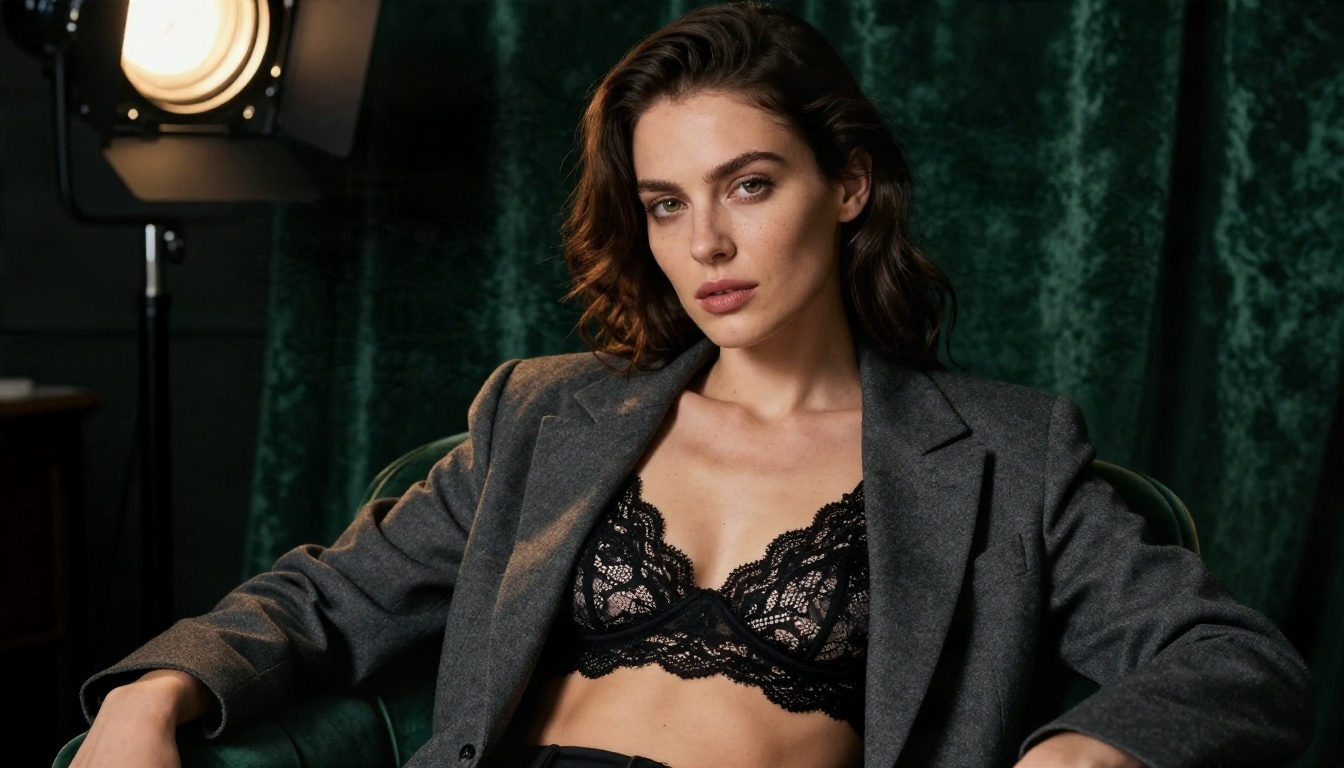
You typed a perfectly reasonable request into ChatGPT, something like "a woman in a black lace bralette on a velvet armchair, moody studio light", and got a polite refusal. Or worse, an image so sanitized it looked like a catalog for winter coats. If that sounds familiar, you are not doing anything wrong. ChatGPT is built to refuse most adult image requests, and the line it draws is blurrier and stricter than most people expect.
So, can Chat GPT make NSFW images? Short version: it can make some suggestive, fashion-style pictures, but it will not make nudity or explicit content, and even the mild stuff gets blocked unpredictably. This article breaks down what is allowed, why prompts fail, which free alternatives give you far more room, and which prompts actually work for tasteful glamour, bikini and boudoir photography.
💡 Quick note on scope: everything below is about non-explicit, adult, glamour-style imagery involving fictional people. No real person's likeness, no minors, no explicit content.
What ChatGPT Actually Allows

The Short Answer
ChatGPT does not generate pornographic or sexually explicit images. That has been the position of OpenAI since image generation arrived in the chat, and it has not changed in any way I could verify as of mid-November 2026. Swimwear on a beach, a dress, a fitted outfit: usually fine. Lingerie, bare skin, intimate poses: hit or miss. Nudity and anything sexual: refused.
What makes this frustrating is the inconsistency. The same prompt can work on Monday and fail on Wednesday. A tiny wording change, like swapping "sensual" for "elegant", can flip the result. That is not a bug you can fix with better phrasing. It comes from how the safety system is built.
Where the Line Sits
From testing and from what users report, the practical boundaries look like this:
| Request type | Typical ChatGPT result |
|---|
| Woman in a modest bikini at the beach | Often allowed |
| Fashion portrait in a slip dress | Usually allowed |
| Lingerie boudoir portrait | Inconsistent, frequently refused |
| Topless or nude, even artistic | Refused |
| Explicit or sexual scenes | Refused |
| Real celebrities in any suggestive context | Refused or heavily altered |
Notice that the gray zone sits right where most people actually want to work: glamour, boudoir, swimwear, editorial lingerie. These are completely normal categories in photography, and ChatGPT treats them as risky.
The Adult Mode Rumor
In October 2025, OpenAI talked publicly about letting verified adults access more mature content in ChatGPT. Since then, reports have pointed in different directions. Some articles promised a launch in early 2026. More recent reporting suggests the plan was put on hold. What I could not find is any confirmed, working explicit image mode that you can switch on today.
My advice: treat any claim about a hidden "adult toggle" with suspicion, especially from sites selling you a trick. If it is not in OpenAI's own settings, it does not exist for you.
Why Prompts Keep Getting Refused
Filters on Two Layers
ChatGPT checks your request before generating anything, and then often checks the result after it is made. Two separate systems means two chances to say no. You can write a prompt that passes the first check and still lose the image to the second, which is why you sometimes see an image start rendering and then vanish with a refusal message.
The text check looks at words and intent. The image check looks at the pixels: how much skin is visible, how the pose reads, how the clothing fits. Neither is tuned for photographers who want a classy boudoir shot. They are tuned for the worst case, so they err on the side of blocking.
Workarounds That Backfire
You will find plenty of advice online about tricking the model with code words, role-play framing or step-by-step "jailbreaks". Here is why I would skip all of it:
- Account risk. Repeated policy violations can get your account warned or limited.
- Unreliable results. A trick that works once usually stops working after the next model update.
- Wasted time. You spend an hour rewording a prompt when another tool would give you the picture in ten seconds.
- Quality drops. Prompts bent around filters tend to produce stiff, awkward images.
💡 Rule of thumb: if you need a trick to get a normal glamour photo, you are using the wrong tool for the job.
Free Alternatives That Work
The better answer to "can ChatGPT make NSFW images" is to use models that were built with fewer restrictions for adult, non-explicit content. On PicassoIA you can run several of them in the same place, which also means you can compare how each one handles the same prompt. Here is the lineup in the order I would try them.
Seedream 4.5 First
Seedream 4.5 is the model I reach for first when I want photorealistic skin, believable fabric and natural light. It handles swimwear, lingerie and boudoir styling without the constant refusals you get in a chat assistant. Skin keeps its pores and fine detail instead of turning into plastic, and it follows long, detailed prompts well. It also outputs at high resolution, so the pictures hold up when you zoom in or print.
PicassoIA Image Editor Pro
PicassoIA Image Editor Pro is the one to use if you want unlimited generations. That changes how you work. Instead of rationing attempts, you can iterate freely: generate a dozen versions, adjust the outfit, shift the lighting, change the background, and keep refining until the image is right. It also edits existing images, so you can take a photo you like and change details without starting over.
Z Image Turbo for Speed
Z Image Turbo is built for speed. When you are testing prompt ideas and want results in seconds, it is a great sketchpad. Run twenty variations of a pose or setting, find the one you like, then rebuild it in a heavier model for the final version.
Flux 2 Klein 9B Base LoRA
Flux 2 Klein 9B Base LoRA is useful when you want a more styled, consistent look across a series of images. If you are building a themed set, say a week of beach glamour shots with matching color grading, this one rewards a bit of experimentation.
Side by Side
How to Use Seedream 4.5
Here is the workflow I follow on PicassoIA with Seedream 4.5:
- Open the model page and choose the text to image mode.
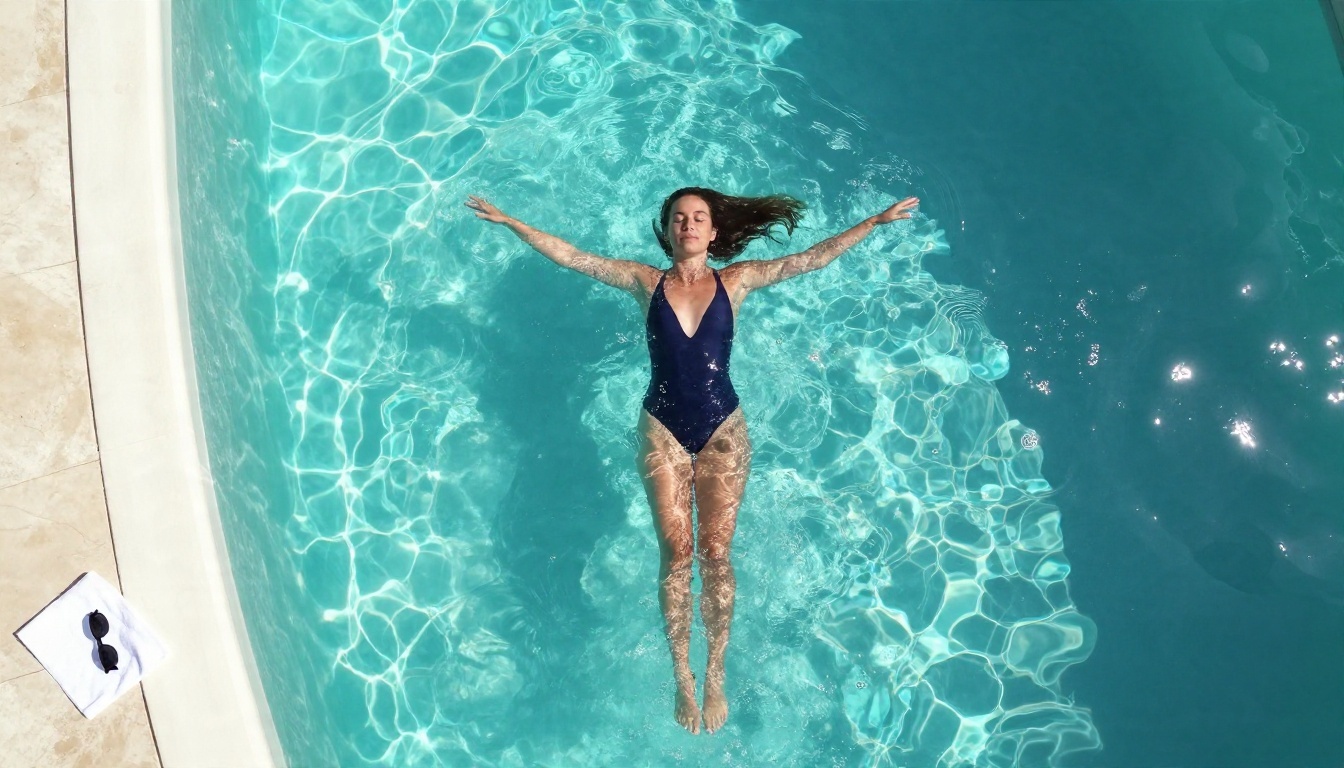
- Write the subject first. Who, what they wear, what they are doing. Keep it specific: "woman in a navy one-piece swimsuit floating in a turquoise pool" beats "swimsuit photo".
- Add the setting. Location, props, time of day.
- Describe the light. This matters more than anything else. "Golden backlight from the right", "soft window light from the left", "single softbox, deep shadows".
- Name the camera. A lens and aperture, such as "85mm f/1.8, shallow depth of field", pushes the output toward real photography.
- Set the aspect ratio to 16:9 for landscape scenes or 3:4 for portraits.
- Generate, then refine. Change one thing at a time so you can see what each edit does.
💡 Parameter tip: add texture words like "visible skin pores", "fine lace pattern" and "film grain". They stop the image from looking airbrushed.
If a result is close but not perfect, take it into PicassoIA Image Editor Pro for small fixes. Since generations there are unlimited, you can adjust freely.
Prompts That Actually Work
These prompts are written for photorealistic, non-explicit results. Copy them, then swap in your own details. They work well in Seedream 4.5 and PicassoIA Image Editor Pro.
Beach and Pool
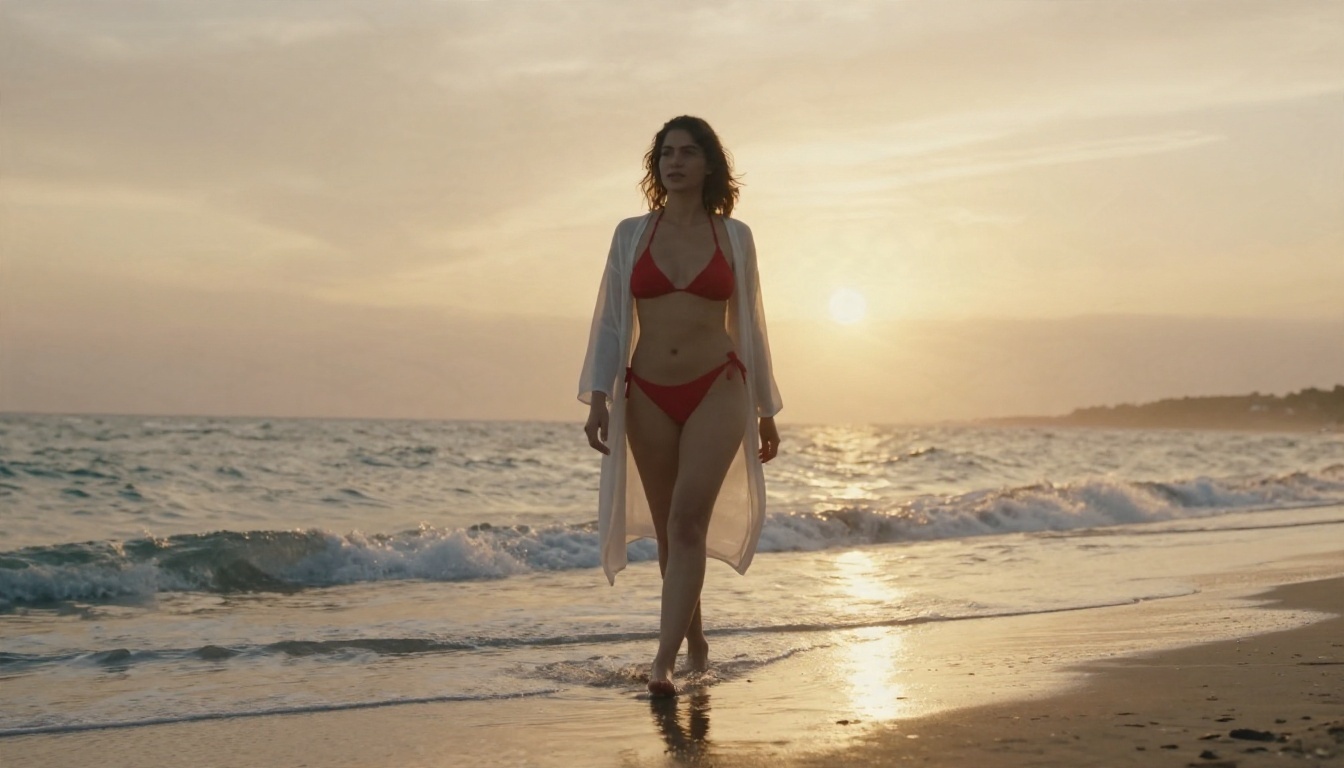
Prompt: Wide shot of a woman in a modest red bikini and a sheer white wrap walking along a quiet Mediterranean shoreline at golden hour, gentle waves around her ankles, wet sand reflecting the sky, low camera near the water, golden backlight from the right creating a warm rim on her hair, 35mm f/2 lens, realistic skin with a light sheen, fine film grain.
Why it works: the scene is anchored in a real place, the light direction is clear, and the camera details push toward a photograph rather than an illustration.
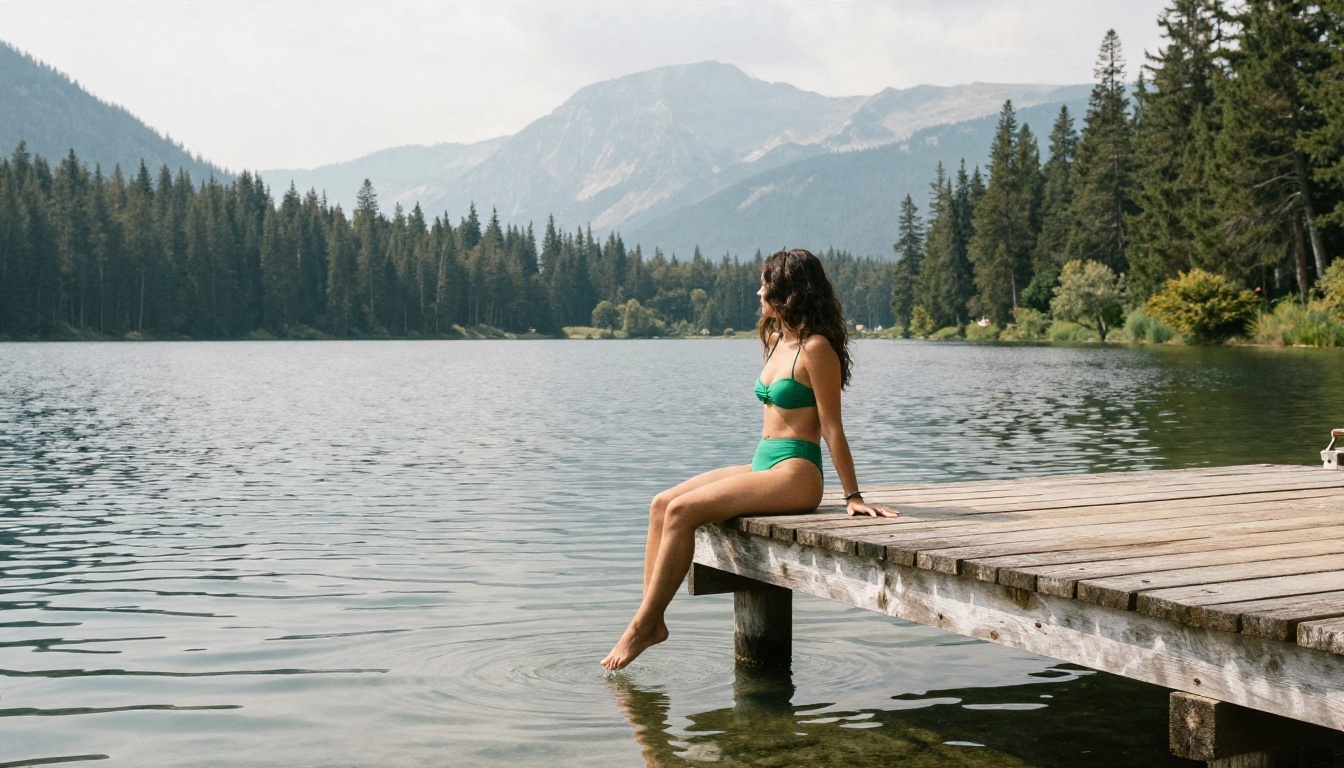
Variation: Woman in a green high-cut bikini sitting on a sun-bleached wooden dock beside an alpine lake, legs dangling over the water, pine forest and soft mountain haze behind her, bright overcast light, slight high angle, 28mm f/2.8 lens.
Boudoir Studio
Prompt: Medium close-up portrait of a woman in a black lace bralette under an open charcoal blazer, seated on a velvet armchair in a dim vintage studio, a single softbox from the left casting soft shadows across her cheek, deep green velvet backdrop, confident glance toward the lens, 85mm f/1.4, visible skin pores and lace texture.
The trick with boudoir is to lean on styling and mood rather than skin. A blazer, a robe or a draped shirt gives the picture a fashion-editorial feel and keeps it elegant.
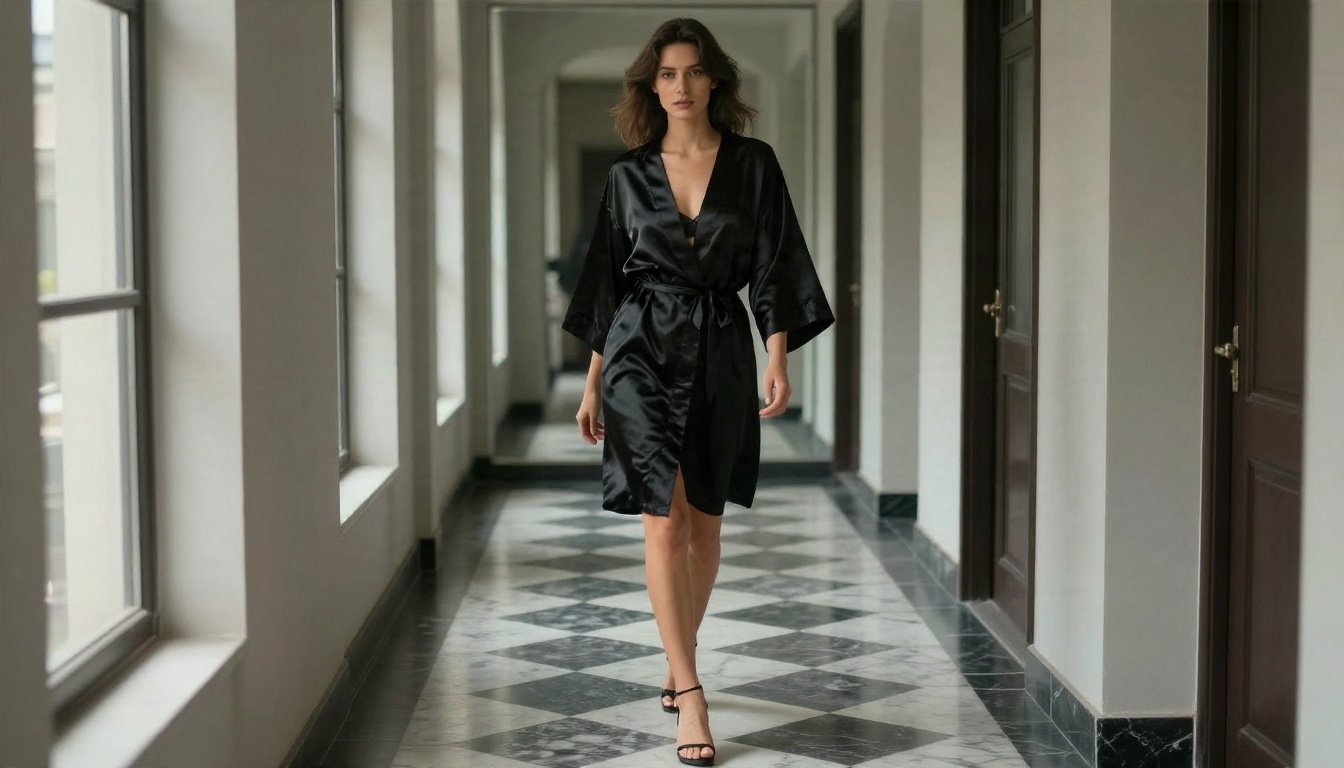
Variation: Full-length photograph of a woman in a black satin robe loosely tied, walking down a sunlit hallway with a checkered marble floor, long mirror reflecting the corridor, strong side light from a tall window, slight low angle, 40mm f/2.
Morning Light Lifestyle
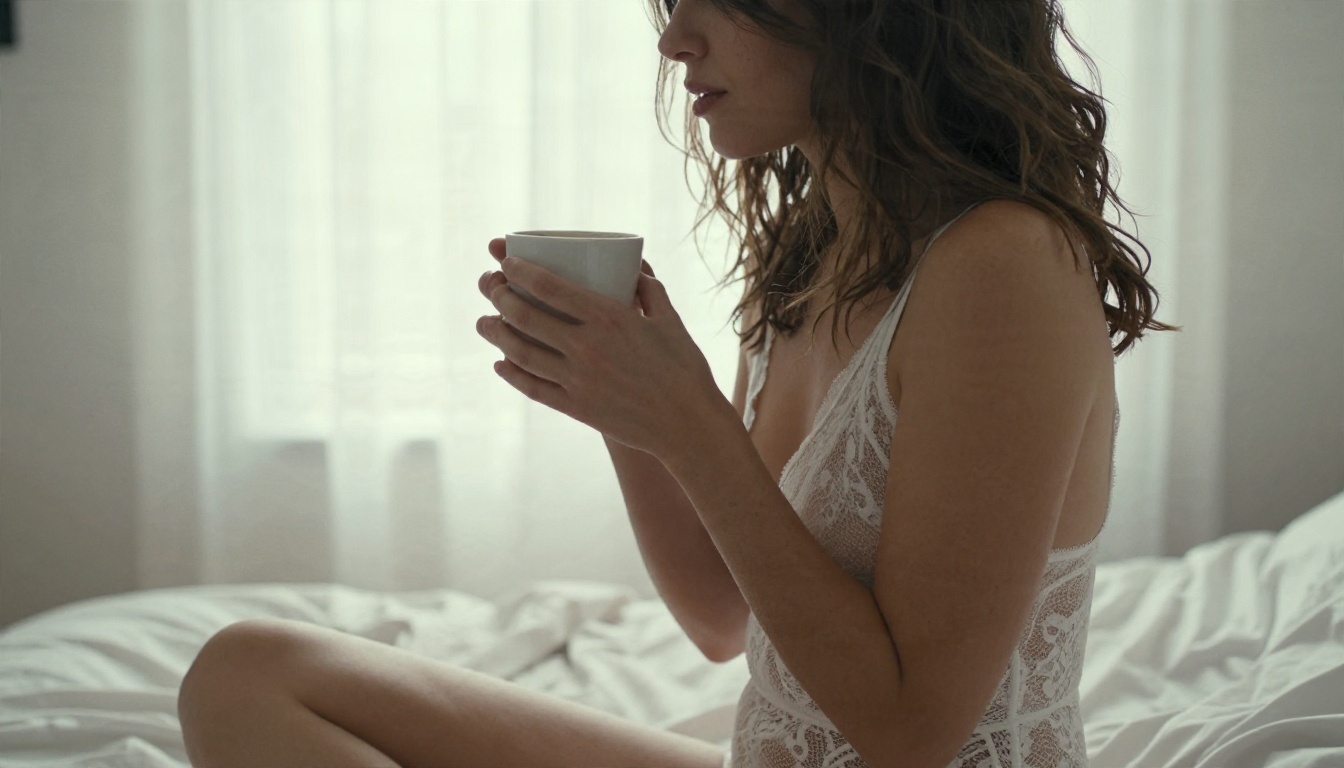
Prompt: Candid side-profile of a woman in a white lace bodysuit sitting on the edge of an unmade bed in morning light, holding a coffee cup with both hands, tousled hair, sheer curtains glowing behind her, window light from the left, 70mm f/2, soft bedroom background, visible lace pattern, freckles, film grain.
Candid, everyday moments tend to look the most natural. A coffee cup or a book gives the model something to build the pose around.
Evening Glamour
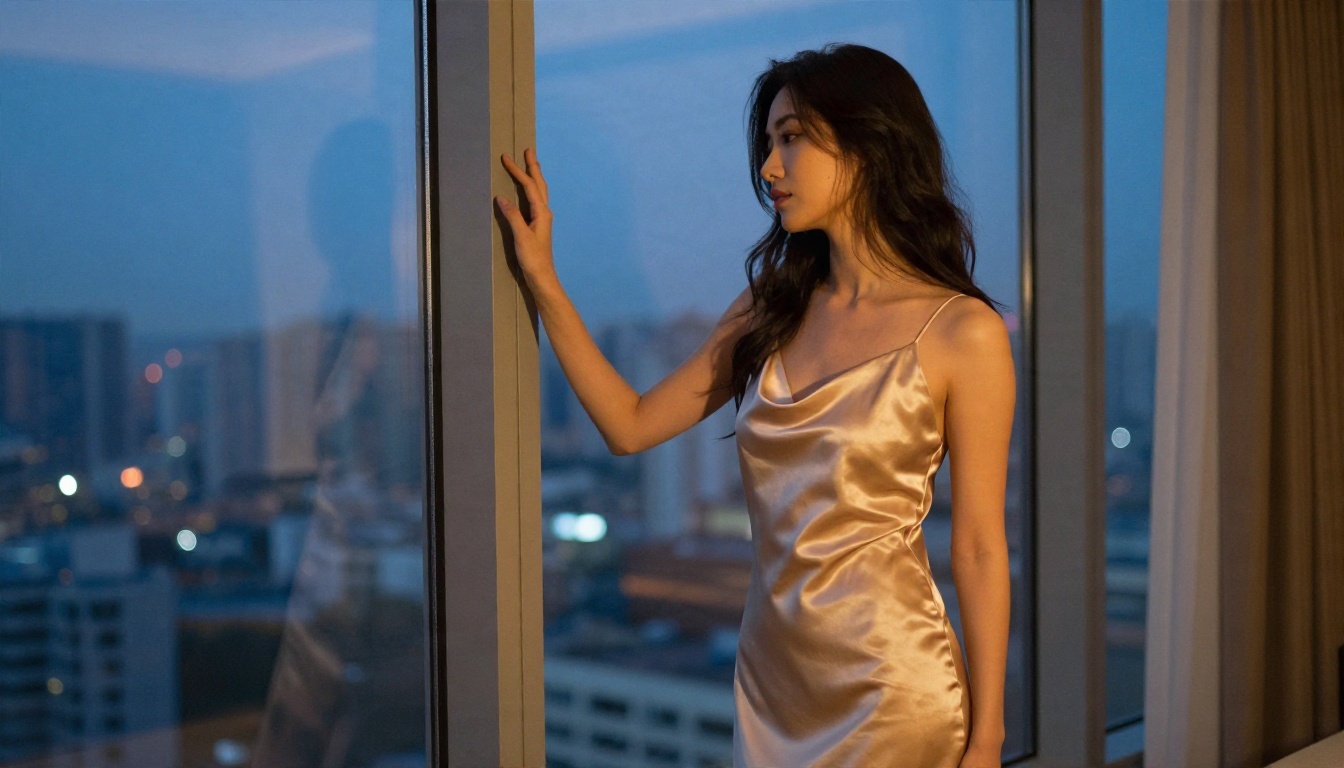
Prompt: Low-angle photograph of a woman in a silky champagne slip dress at a floor-to-ceiling window of a high-rise apartment at dusk, warm lamp light on one side and cool blue twilight on the other, hand resting on the glass, 35mm f/1.8, realistic satin folds and skin texture.
Mixing warm and cool light gives instant depth. Try it with any evening scene.
Speed, Cost and Limits Compared
Here is how the two approaches stack up for glamour work:
| Factor | ChatGPT | PicassoIA models |
|---|
| Swimwear | Often allowed | Allowed |
| Lingerie and boudoir | Inconsistent | Allowed (non-explicit) |
| Refusal rate | High and unpredictable | Low |
| Iteration | Limited by plan and filters | Unlimited with Image Editor Pro |
| Photo realism control | Medium | High, with lens and light details |
| Model choice | One | Many, side by side |
The biggest practical difference is iteration. Good images rarely come from the first try. When every refusal costs you time and a message from your quota, you stop experimenting. When you can generate freely, your results get noticeably better because you keep testing small changes.
💡 Workflow that saves time: brainstorm with Z Image Turbo, pick your favorite composition, then rebuild it in Seedream 4.5 for the final high-detail render.
Safety Rules Worth Following
Stay Non-Explicit
Keep your images in the glamour and boudoir lane: swimwear, lingerie, implied artistic styling. It is the category that publishes safely on most platforms, and it is where photorealistic AI looks best.
Use Fictional Subjects Only
Never generate images of real, identifiable people without their consent, and never of anyone who looks underage. Describe invented characters with invented features. That keeps you safe legally and respects real people.
Label Your Work
If you share AI images, say they are AI generated. It builds trust with your audience and avoids confusion with real photography.
Make Your Own Images Today
So, can Chat GPT make NSFW images? Not in any way that holds up. It will give you the occasional swimsuit portrait and refuse most of what you actually asked for. If you want glamour, bikini and boudoir pictures that look like real photography, you need a tool that does not fight you at every step.
Start with Seedream 4.5 for photorealistic detail, then use PicassoIA Image Editor Pro when you want unlimited generations to refine every pose, outfit and lighting setup. Add Z Image Turbo for fast testing and Flux 2 Klein 9B Base LoRA for styled series.
Copy one of the prompts above, change the outfit and the location, and run it. Then browse every model at picassoia.com/en/all-models and see how differently each one reads the same prompt. The best way to find your style is to generate a lot of images, and that is exactly what Picasso IA is built for.


