Short answer: yes, ComfyUI can create NSFW images. Long answer: ComfyUI itself has no opinion about your content. It is a node editor, a blank canvas that runs whatever model you plug into it. If the checkpoint was trained without heavy filtering, you get mature, suggestive or glamour output. If the checkpoint is a locked down commercial model, you get a refusal or a blurred result. So the real question is never "does ComfyUI allow it?" but "which model am I loading, on which machine, under whose rules?"
This article walks through exactly that. You will see how the setup works, which prompt patterns produce attractive, non-explicit results, what limits show up in real use, where to run ComfyUI online, and when a simpler tool saves you an evening of debugging red nodes.
💡 Quick take: ComfyUI gives you control, not convenience. If you want maximum control and enjoy tinkering, it is great. If you just want good adult-oriented glamour images quickly, a hosted model is faster.
The Short Answer
What ComfyUI actually is
ComfyUI is an open source, node based interface for diffusion models. Instead of typing a prompt into a box and pressing a button, you wire together blocks: a model loader, a text encoder, a sampler, a decoder, a save node. Each block does one job, and you can see the whole pipeline.
That design is why people love it for adult content work. You can chain a base generation, a face fix, an upscaler and a color grade in one graph and rerun it with a new seed in seconds.
Where the filter really lives
Here is the part most tutorials skip. ComfyUI is not the filter. The restrictions come from three places:
| Layer | Who controls it | Effect on mature content |
|---|
| The checkpoint | Model author | Strongest factor. Some models are trained to refuse or distort, others are not |
| Optional safety nodes | You | Custom nodes can detect and blur content, but nobody forces you to add them |
| The platform | Host or cloud provider | Terms of service can ban or limit adult output regardless of the model |
When you run everything on your own PC, you decide the first two layers. When you run on someone else's server, the third layer applies, and it is the one that surprises people.
What You Need Locally
Hardware that makes sense
Local generation lives and dies by your graphics card. Rough expectations:
- 8 GB VRAM: workable for smaller models and 1024 pixel images, with patience
- 12 to 16 GB VRAM: comfortable for most modern checkpoints, LoRAs and an upscale pass
- 24 GB VRAM or more: large models, higher resolution, fewer memory errors
No dedicated GPU? Then local ComfyUI becomes painfully slow, and an online option is the saner route.
Checkpoints and LoRAs
The checkpoint is the brain of the whole thing. Community checkpoints from model sharing sites are usually labeled with a mature content flag, and many are fine tuned specifically for portraits, lingerie, swimwear and boudoir style photography. LoRAs are small add-on files that nudge a base model toward a pose, a clothing style or a lighting look.
A few habits that save trouble:
- Download only from sources with visible reviews and file hashes
- Prefer safetensors files over older pickle formats
- Keep one folder per base model family, because mixing them causes cryptic errors
- Write down which LoRA strength worked, since 0.6 and 1.0 can look like different worlds
If you want to experiment with styled output without hunting for files, Flux 2 Klein 9B Base LoRA on PicassoIA lets you apply LoRA styling directly in the browser.
A basic workflow that works
The default text to image graph is enough for most glamour work:
- Load Checkpoint node with your chosen model
- CLIP Text Encode for the positive prompt
- A second CLIP Text Encode for the negative prompt
- Empty Latent Image at 1024 by 1024 or a 16:9 size
- KSampler with 25 to 35 steps and a moderate guidance value
- VAE Decode, then Save Image
Once that runs, add a face detail pass and an upscale node. That is where the polish comes from.
Prompts That Work
Mature does not have to mean explicit. The most attractive results, and the ones that stay usable on most platforms, are suggestive and photographic: swimwear, lingerie style fashion, satin robes, evening dresses, boudoir lighting. These prompts also tend to produce better anatomy because the model has seen far more fashion photos than anything else.
A prompt structure to copy
Use this order: subject, clothing, pose, setting, light, lens, texture, mood.
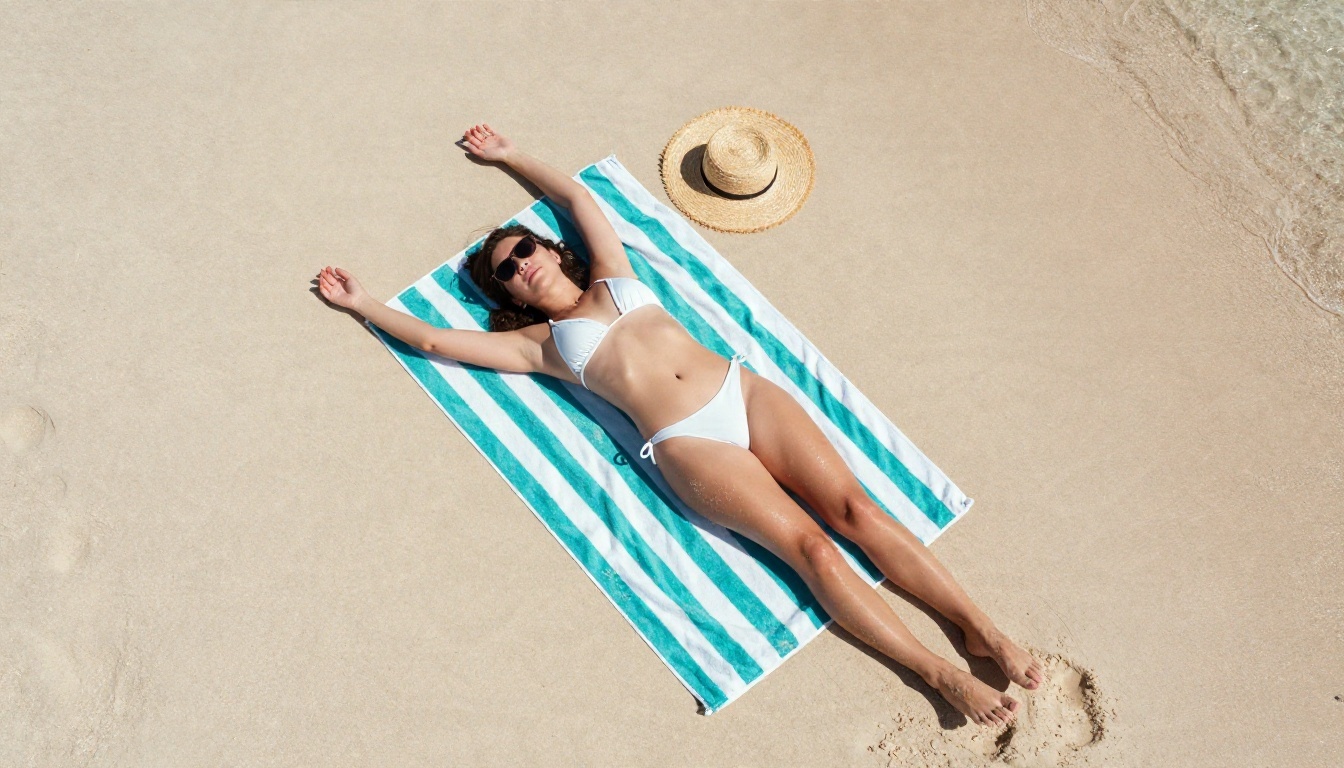
Example prompt: adult woman in a white string bikini lying on a striped beach towel, one arm above her head, pale sand, turquoise water at the frame edge, harsh midday sun with crisp shadows, 35mm lens, aerial angle, sunscreen sheen on skin, fine film grain, Kodak Portra 400, raw photograph
Notice what is in there: a clear adult subject, a specific outfit, a physical setting, a light source and a camera. Vague prompts like "sexy woman" give vague, plastic results.
Negative prompts that help
The negative prompt is your quality filter. A solid starting list:
- blurry, low resolution, jpeg artifacts
- extra fingers, deformed hands, fused limbs
- plastic skin, over smoothed, airbrushed
- watermark, text, logo
- cartoon, illustration, 3d render (when you want photographic output)
Keep it short. A negative prompt with 80 terms often makes images flat and strange.
Realistic skin and light
Photorealism comes from specific light and texture words. Compare these two:
| Weak | Strong |
|---|
| beautiful woman, good lighting | soft window light from the left, white reflector fill, visible pores, fine peach fuzz on the cheek |
| nice dress | black satin slip dress with specular highlights and small creases at the waist |
| photo | 85mm f/1.8 lens, shallow depth of field, Kodak Portra 400, film grain |
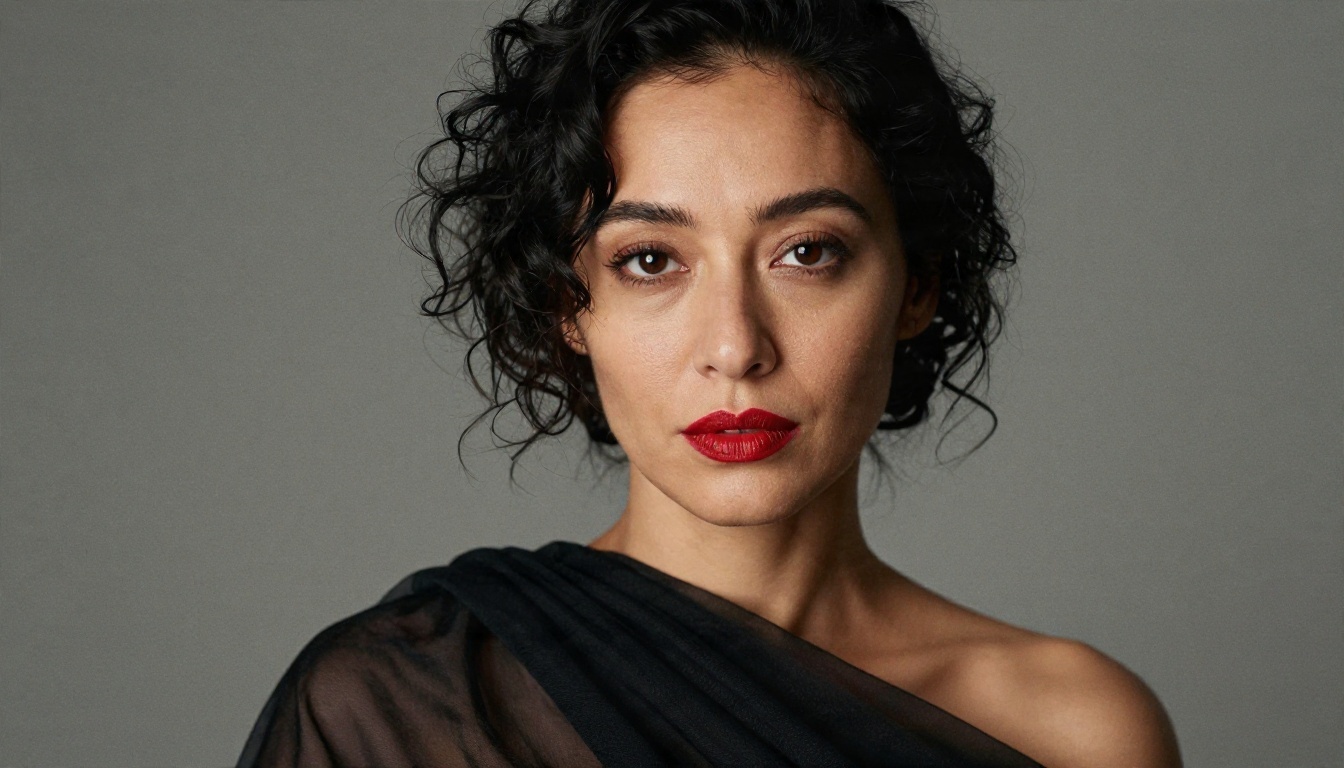
💡 Tip: Describe the light before you describe the mood. "Warm low sun from behind with a golden rim light" does more work than "romantic atmosphere."
Limits You Will Hit
Hardware and time
A single 1024 pixel image can take anywhere from a few seconds on a strong card to over a minute on a modest one. Add a face fix and a 2x upscale and you can double that. Batch jobs heat up a room, and long sessions are noisy.
Anatomy and consistency
Even good checkpoints struggle with hands, feet, jewelry clasps and repeated patterns like lace. Keeping the same woman across ten images is harder still. You need a character LoRA, a reference image workflow, or a lot of luck. Expect to generate many candidates and pick the best.
Rules and legal lines
This part matters more than any technical limit.
- Adults only. Every subject must be clearly an adult. No exceptions, no ambiguity.
- No real people without consent. Using a real person's face or likeness for mature content can be illegal in many places and violates the rules of almost every platform.
- Local does not mean lawless. Laws about synthetic adult imagery are changing quickly, and they vary by country. Check yours.
- Platform rules still apply when you post, share or sell images.
If a workflow or service tempts you to bend any of these, skip it.
Online Options Compared
Not everyone has a strong GPU or the patience to maintain a Python environment. Here is how the main routes compare.
| Option | Setup effort | Content flexibility | Cost pattern | Best for |
|---|
| Local ComfyUI | High | Highest, you choose models | Hardware you already own | Tinkerers with a good GPU |
| Cloud hosted ComfyUI | Medium | Depends on the host's rules | Usually credits or hourly | People who want the node editor without a PC |
| Rented GPU with your own install | High | Often broad, but check terms | Hourly rental | Power users |
| Hosted model apps | Low | Varies widely by service | Subscription or credits | Quick results |
| Browser based generators on PicassoIA | Very low | Models with adult friendly output are listed below | Free to try, plans after | Fast glamour images |
Cloud ComfyUI services
Several companies now run ComfyUI in the cloud, with credit based pricing and preloaded models. They remove the install pain. The catch is that their content policy decides what you can generate, and many are cautious about adult material. Read the terms before you build a workflow around a service that may block it later. Pricing and features also change often, so check current details directly.
Hosted workflow runners
Some platforms let you upload a ComfyUI workflow and run it on their hardware. On PicassoIA, Any ComfyUI Workflow does this for image generation, so you can reuse a graph you already like without installing anything. Check the model page for the current rules on what it supports.

Easier Alternatives on PicassoIA
If your goal is attractive, uncensored style glamour images without building a pipeline, a hosted model is the shortcut. These are the ones to try, in this order.
Seedream 4.5 first
Seedream 4.5 is the first model to open. It produces sharp, photographic output with convincing skin, fabric and light, and it handles swimwear, lingerie style fashion and boudoir scenes well. It is also fast: you type a prompt, wait seconds, and get a clean image with no node wiring.
Image Editor Pro for edits
PicassoIA Image Editor Pro is the second stop, and its big advantage is unlimited generations. That changes how you work. Instead of rationing attempts, you can iterate freely: change the outfit, adjust the light, fix a hand, try five variations of a pose. It also works well for edits like swapping a dress color or adjusting a background.
Other models worth testing
After those two, these are good to compare for portrait realism and style:
Each model has its own content rules, so test with a suggestive but non-explicit prompt first and see how it responds. For a longer list, browse all PicassoIA models.
How to Use Seedream 4.5 on PicassoIA
Here is a simple routine that replaces the whole ComfyUI graph.
- Open the model page. Go to Seedream 4.5 and sign in.
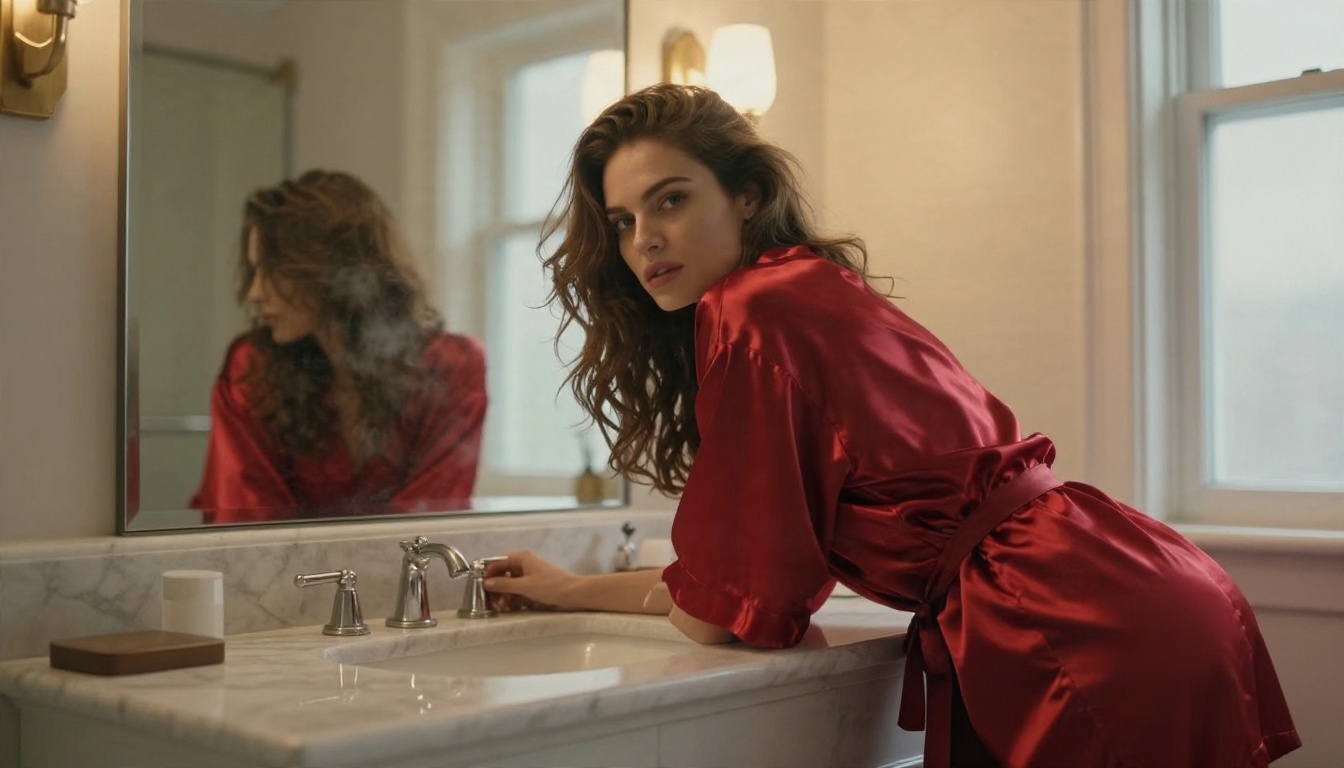
- Write the prompt in the order subject, outfit, setting, light, lens. For example: adult woman in a red satin robe, leaning on a marble vanity, warm tungsten bulbs and soft window light from the right, 35mm lens, visible fabric sheen, natural skin texture, film grain.
- Pick a 16:9 ratio for wide scenes or a portrait ratio for single subject shots.
- Generate and compare. Run the same prompt several times. Small wording changes in the light description often make the biggest difference.
- Refine in Image Editor Pro. Take the best result to PicassoIA Image Editor Pro to fix details, change clothing or adjust the background.
- Upscale if needed for print or large displays.
💡 Parameter tip: Keep prompts between 40 and 80 words. Shorter prompts leave too much to chance, and longer ones start to contradict themselves.
What to put in every prompt
- An explicit adult subject
- One clear outfit
- One location
- One main light source and its direction
- One lens and distance
- One or two texture details such as skin sheen, lace or satin
What to leave out
- Real names or celebrity likenesses
- Conflicting styles in one prompt
- Piles of quality words like "ultra masterpiece 8k best"
ComfyUI or Hosted: Which Fits You
Pick local ComfyUI if you enjoy building, you own a capable GPU, and you want total control over checkpoints, LoRAs and every sampler setting. The learning curve is real, but the flexibility is unmatched.
Pick a hosted model if you want results tonight. You skip the downloads, the driver conflicts, the out of memory errors and the broken custom nodes. For most glamour and swimwear work, a good hosted model gets you 90 percent of the quality in about 5 percent of the time.
Many people end up doing both: prototype the look quickly on a hosted model, then move to a node graph only when they need something very specific, like a repeatable character or a custom pipeline.
Try It Yourself
You do not need a graphics card, a folder of checkpoints or a weekend of troubleshooting to make polished, suggestive photography. Open Seedream 4.5 on PicassoIA, paste one of the prompts from this article, and see what comes back in seconds. Then move to PicassoIA Image Editor Pro for unlimited iterations, adjustments and variations.
Change the outfit. Move the light. Swap the lens. Run it ten times. That freedom to experiment is the real advantage, and it is waiting on picassoia.com. When you want more options, open the full list at picassoia.com/en/all-models and test another model with the same prompt.


