Can DALL E make NSFW images? No. DALL E refuses nudity, sexual content and most suggestive requests, and it does so at two points: it reads your prompt before generating, and it scans the picture before showing it to you. If you have typed a harmless bikini request and got a "content policy" refusal anyway, you have already met the filter. This article explains how it works, what slips through, what it costs to chase workarounds, and which models give you adult-leaning glamour photography without the constant blocking.
💡 Quick answer: DALL E 3 will not produce explicit or nude content. If you want suggestive glamour, swimwear and boudoir style photography, use a model built with a lighter filter such as Seedream 4.5 or PicassoIA Image Editor Pro.
What DALL E Actually Blocks
The two layer filter
DALL E 3 is built into ChatGPT and the OpenAI API, and OpenAI describes a layered safety setup in its public system documentation. First, your prompt is checked and sometimes rewritten. Second, an output classifier looks at the generated image and can stop it before you ever see it. That second layer is why you sometimes wait fifteen seconds and then get a refusal for a prompt that looked fine.
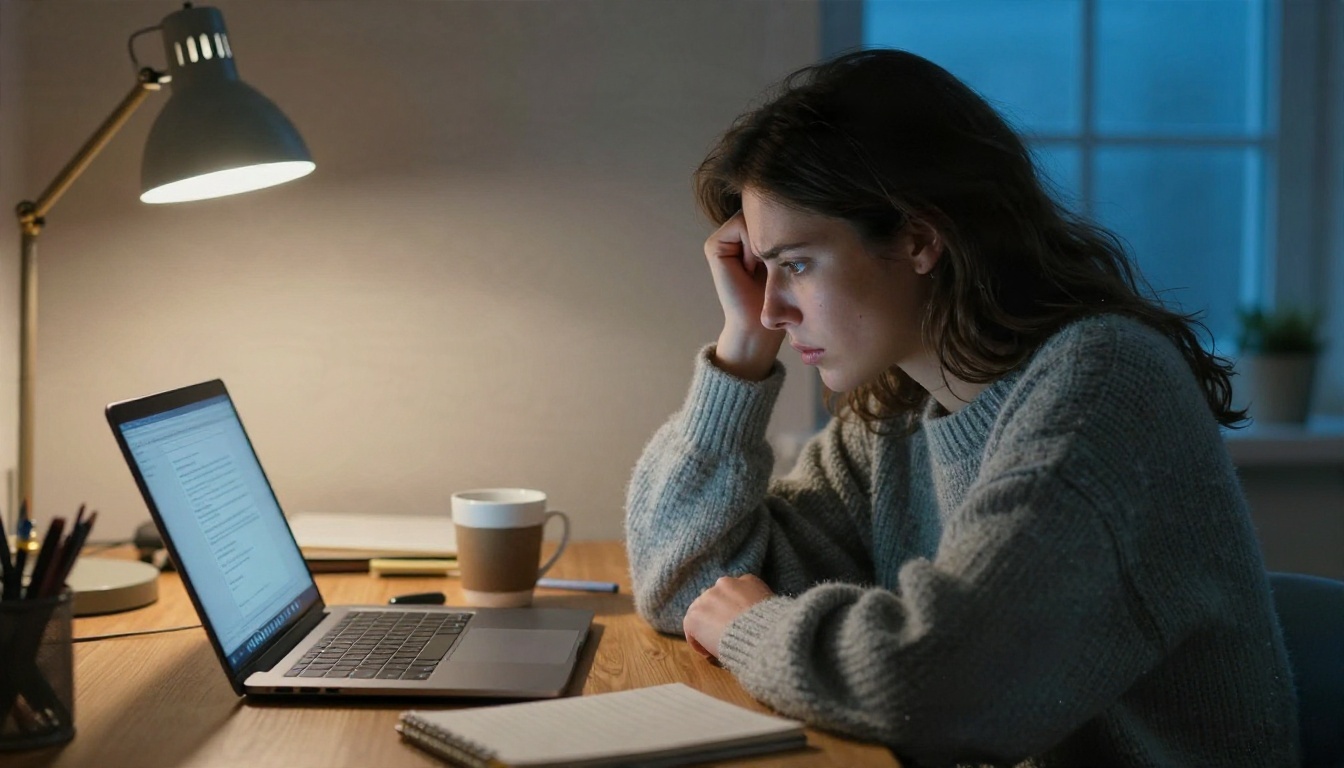
The practical result is simple. The model is tuned to be cautious, and caution means false positives. Swimwear, lingerie, "sensual" lighting and even some medical or anatomy requests can trigger a block.
What the rules say in plain terms
| Request type | DALL E behavior |
|---|
| Explicit sexual content | Refused every time |
| Nudity, including artistic nudity | Refused or silently softened |
| Lingerie and boudoir | Frequently refused, inconsistent |
| Bikinis and swimwear | Sometimes allowed, often flagged |
| Real public figures in suggestive scenes | Refused |
| Fashion, portrait, beach lifestyle | Usually allowed |
The pattern matters more than any single row. DALL E does not give you a dial. It gives you a wall with a few gaps, and the gaps move whenever the safety team updates the system.
Has OpenAI ever opened it up?
OpenAI has said in the past that it was looking at ways to allow age appropriate adult content in some contexts. As of my research for this article, I found no shipped adult mode for DALL E image generation. Policies change, so check the current usage rules inside your account before planning a project around either answer.
Why Prompts Get Rejected
Trigger words you do not expect
Most refusals come from vocabulary, not from the actual image you wanted. Words like "sexy", "seductive", "topless", "see through", "nude" and "erotic" are obvious. Less obvious ones include "wet", "tight", "revealing", "cleavage" and "bedroom". A single flagged word in a long, otherwise innocent prompt is often enough.
Context stacking
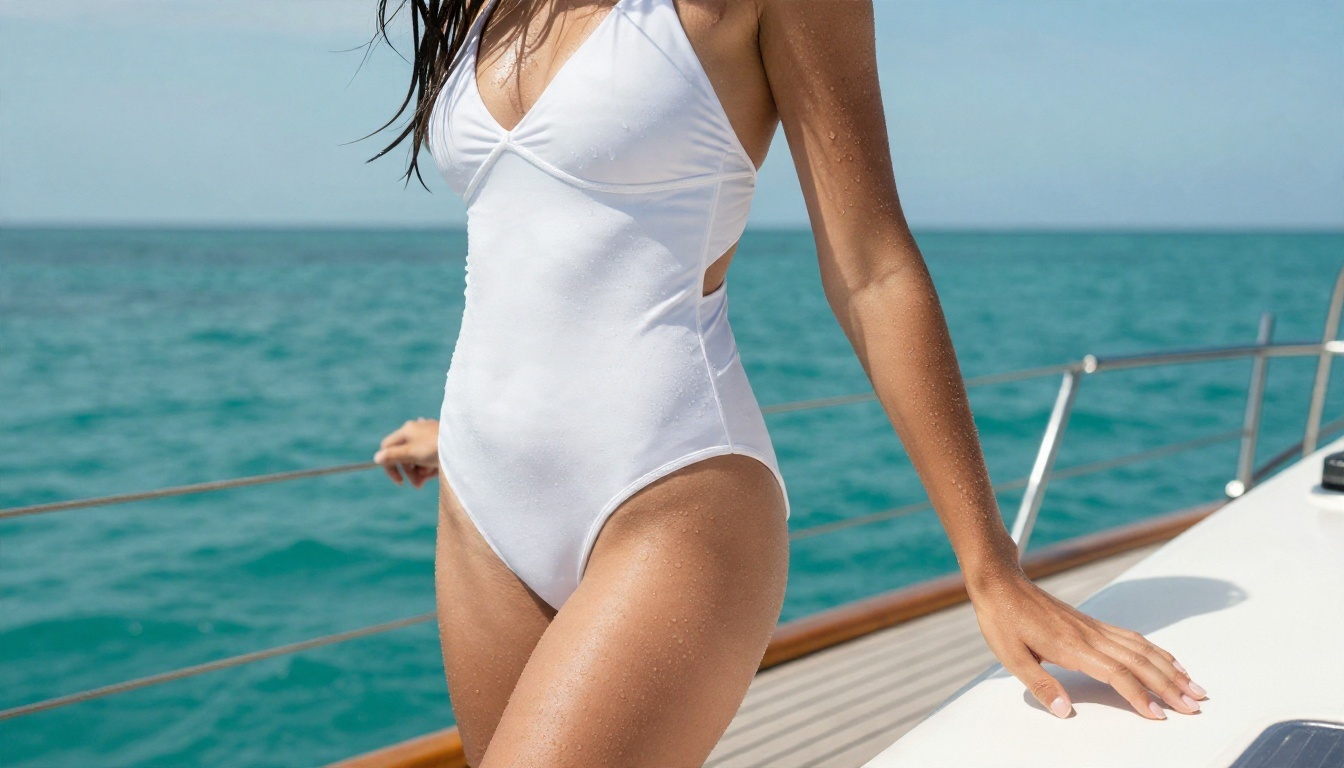
The filter also reads combinations. A prompt for "woman, bikini, beach" can pass. Add "wet skin, slow pose, bedroom eyes" and the same scene gets rejected. Each added detail pushes the request toward a risk score, and once it crosses a line the whole prompt fails.
Silent rewriting
DALL E 3 can rewrite your prompt before generating. You ask for one thing and get a more conservative version: extra clothing, a different pose, a softer mood. People often assume the model is "bad at following instructions" when the real cause is the rewrite step.
💡 Tip: If your output looks strangely modest compared with your prompt, assume the prompt was softened. Try a model that does not rewrite adult-adjacent requests rather than fighting the rewriter.
Do Jailbreaks Work?
What people try
You will find forum threads full of tricks: misspelled words, foreign language prompts, role play framing, and splitting a request across several messages. Security researchers have also published reports describing ways to push OpenAI and Google image tools into producing content they should have blocked.
Why I would not rely on them
- They break constantly. A trick that works on Monday gets patched by Friday.
- They waste time. You spend an hour rewording one image you could generate in ten seconds elsewhere.
- They risk your account. Repeated policy violations can lead to warnings or a suspended account.
- The results are poor. Even successful bypasses tend to give blurry, awkward or half censored images.
A workaround that costs you more time than the output is worth is not really a workaround. It is a detour.
Free Options for Suggestive Images
What DALL E gives you for free
Free access to DALL E has historically been limited. Depending on the period, you may get a small daily allowance inside ChatGPT, and older tools such as DALL E 2 or DALL E 3 have been available through third party platforms. None of that changes the content rules, because the filter lives in the model setup, not in the price tier.
Where free actually makes sense
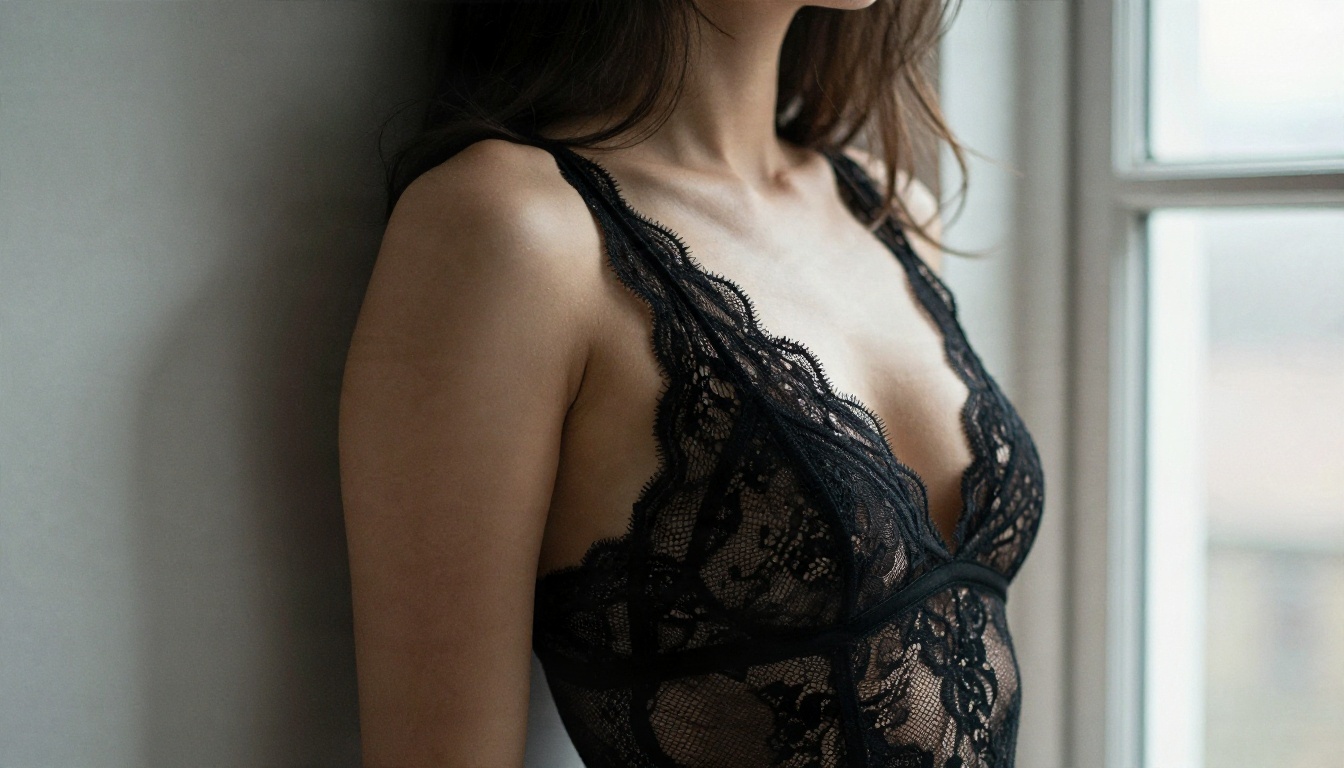
If your goal is adult-leaning glamour, free DALL E access does not help, since you would burn your allowance on refusals. A better plan is to pick a model where your first prompt is likely to produce a usable image. Platforms with generous or unlimited generation let you iterate on lighting, pose and styling without counting credits.
| Option | Cost model | Likely result for glamour prompts |
|---|
| DALL E in ChatGPT | Limited free allowance | Frequent refusals |
| Older DALL E versions | Varies by platform | Same rules, lower quality |
| Seedream 4.5 | See the model page | Strong skin and fabric realism |
| Image Editor Pro | Unlimited generations | Fast, flexible, edit friendly |
Uncensored Alternatives That Work
Seedream 4.5 first
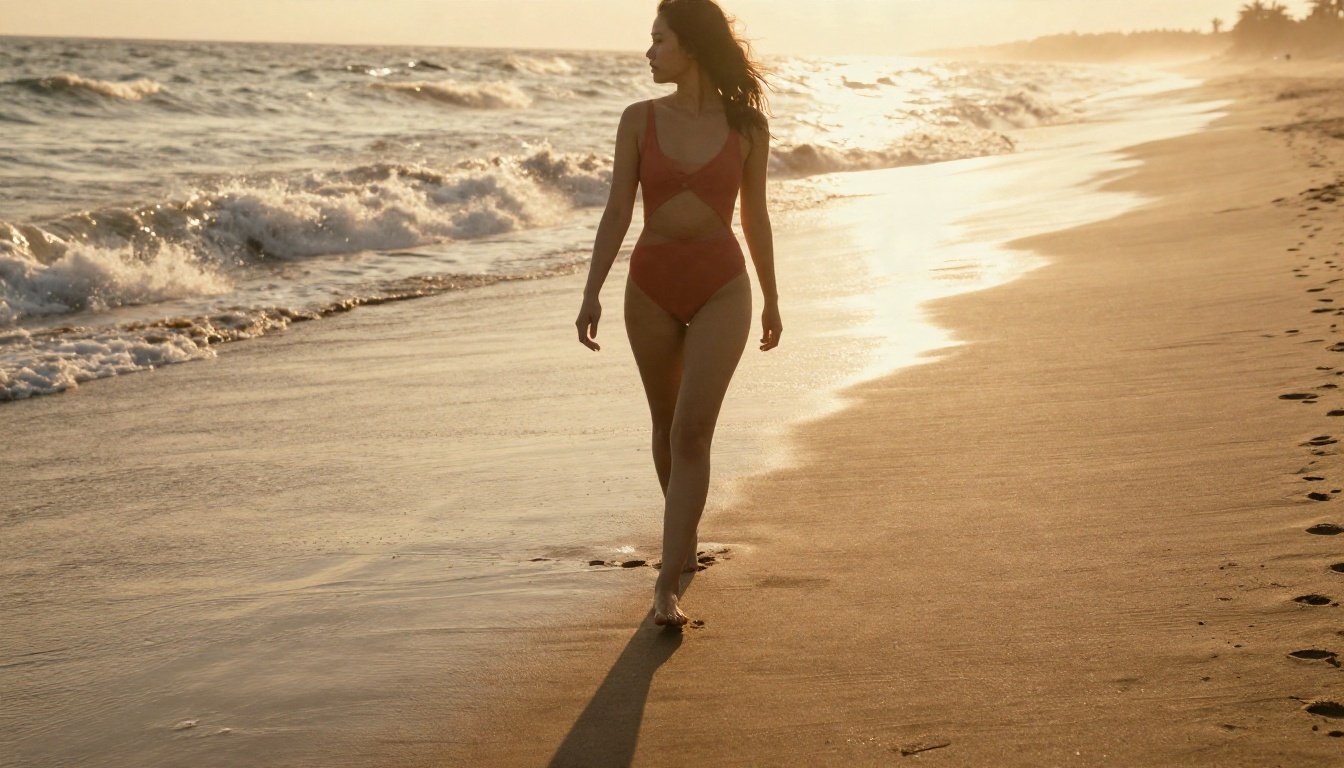
Seedream 4.5 is the model I would start with for suggestive photography. It handles skin texture, fabric behavior and lighting in a way that reads as a real photograph rather than an illustration. Swimwear, lingerie style looks and boudoir scenes generate without the constant refusals you get from DALL E. It also outputs at high resolution, so you can crop for social posts or print without the image falling apart.
Why it works well for this kind of request:
- Natural skin rendering: pores, soft highlights and believable shadows instead of plastic smoothness.
- Fabric detail: lace, satin, silk and knit all keep their texture.
- Lighting control: it follows instructions like "window light from the left" with good accuracy.
- Fewer rewrites: your prompt is treated as written.
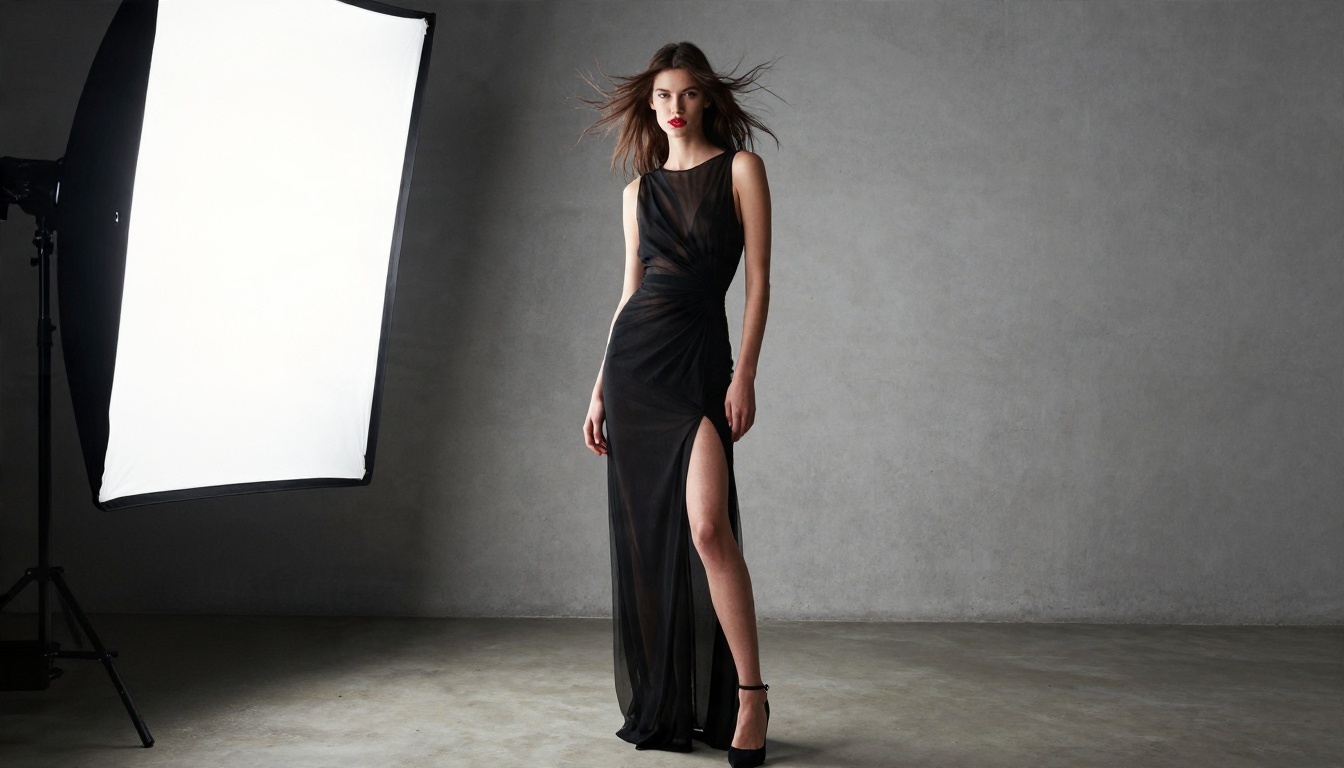
PicassoIA Image Editor Pro for unlimited runs
PicassoIA Image Editor Pro is the second stop, and its main advantage is volume. Generations are unlimited, so you can try ten variations of one scene, change the outfit, shift the lighting, and keep the one that works. That freedom is exactly what DALL E's refusal loop removes. It is also useful when you already have a photo and want to change clothing, background or mood instead of starting from zero.
More models worth testing
These are also on PicassoIA and are worth a try when you want a different look:
Filtering differs from model to model and can change, so run a quick test prompt before committing to a long session. You can browse every available model at picassoia.com/en/all-models.
How to Use DALL E 3 on PicassoIA
If you still want DALL E for safe subjects such as product shots, portraits, landscapes and concept scenes, DALL E 3 on PicassoIA is available. Keep in mind that it is an OpenAI model, so expect the same refusal behavior on adult requests.
Step by step
- Open the model page. Go to the DALL E 3 page on PicassoIA.
- Write a specific prompt. Name the subject, the setting, the light and the lens. "Portrait of a woman on a rooftop at sunset, 85mm lens, warm side light" beats "pretty woman".
- Choose your format. Pick the size or aspect ratio offered on the page that fits your use.
- Generate and review. If the result is softer than you expected, the prompt was probably rewritten.
- Switch models when blocked. If you get a refusal on a glamour or swimwear idea, paste the same prompt into Seedream 4.5 instead of rewording it five times.
Parameter tips
- Keep prompts under a few sentences. Long prompts give the rewriter more to change.
- Describe lighting and camera details, since DALL E responds well to photography language.
- Avoid stacking suggestive adjectives. One clear clothing description works better than three mood words.
Prompts That Give Better Results
A structure that works
Whatever model you use, a clear structure produces better photographs. Use this order: subject and pose, setting, lighting, camera and lens, then texture and mood.
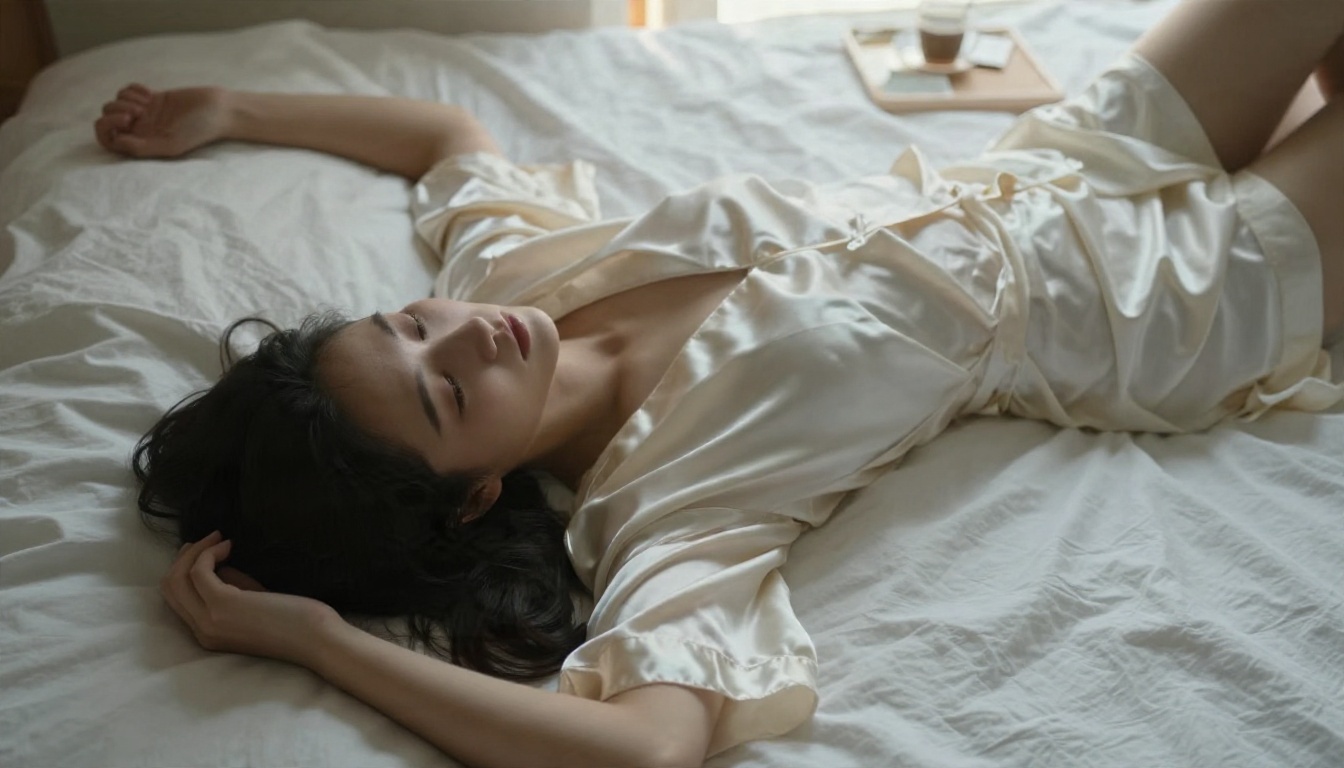
💡 Example prompt: "Woman in a champagne satin slip dress seated on a velvet armchair in a hotel suite, golden hour light from the left, 85mm f/1.8 lens, shallow depth of field, visible skin texture, Kodak Portra 400 film grain, tasteful boudoir style."
Keep it tasteful and non explicit
Suggestive does not need to mean explicit. Some of the best glamour photography relies on implication: a silk robe, a bare shoulder, window light on a collarbone. These images also perform better on social platforms, avoid takedowns, and look more like real editorial work.
Common mistakes to avoid
- Vague prompts. "Sexy woman" gives generic output on any model.
- Ignoring light. Lighting does more for mood than any adjective.
- Overlong prompts. Past a certain length, details start to conflict.
- No iteration. Change one thing at a time so you know what worked.
Rules You Should Follow
Adults only, real people off limits
Generate adult subjects only. Do not create suggestive images of real people without their consent, and never of minors under any circumstances. Fictional adult characters and original photographic styles are the safe path. Respecting these limits keeps you on the right side of platform rules and the law.
Check where you publish
Even when a model allows suggestive content, the place you post it may not. Social networks, stock sites and print services each have their own adult content rules. Match the image to the destination before you upload.
Try It Yourself on PicassoIA
DALL E will keep saying no to adult requests, and fighting its filter is a poor use of an afternoon. The faster route is to switch to models designed for photographic realism and run your idea there. Start with Seedream 4.5 for realistic skin, fabric and light, then open PicassoIA Image Editor Pro when you want unlimited generations to refine the result.
Pick one idea, write a prompt with subject, light and lens, and generate five variations. Change the outfit in one, the location in another, the time of day in a third. You will see the difference from a blocked DALL E session within minutes. When you want more options, browse every model at picassoia.com/en/all-models and build your own library of glamour, swimwear and editorial images.


