Short answer: no, not in any useful way. DeepSeek's chat models are text engines, so they can't hand you a photo, and the hosted app tends to decline explicit sexual requests anyway. If you landed here after a polite refusal and a blank screen, this article explains what is going on, what the workarounds really deliver, and which tools produce attractive, adult-themed imagery without the constant friction.
I'll keep the discussion practical and tasteful. No explicit material here, just a straight look at filters, limits and better tools for glamour, bikini, lingerie and boudoir style work.
The Short Answer
Let's separate three things people mix up: a text model, an image model, and a moderation layer. DeepSeek is famous for the first. It is not famous for the second. And the third decides what you see on screen.
What DeepSeek Actually Does
DeepSeek's headline models, such as DeepSeek R1 and DeepSeek v3, read text and write text. They reason through problems, write code and draft copy. Ask either for "a photo of a woman on a beach" and you get a description, not a picture.
Why Image Requests Fail
When you ask a chatbot for explicit pictures, one of four things happens:
- It refuses with a short, generic message.
- It writes a tame description and quietly drops the explicit part.
- It returns code or a prompt you could paste into another tool.
- It stalls, because the hosted service cut the answer mid-sentence.
None of those produce an image. So the real question is not "can DeepSeek generate porn", it is "which tool should I use instead".
💡 Quick rule: use a language model to write prompts, and an image model to render them. Mixing the two roles is where most frustration starts.
How DeepSeek's Filters Work
Moderation on AI chat products lives in several layers, and DeepSeek is no exception. Knowing which layer blocked you tells you whether a workaround is even possible.
Hosted App vs API
The consumer chat app has the strictest behavior. It combines the model's own training with server-side checks that can swap or erase an answer after it starts streaming. That is why some users see a reply begin and then vanish.
The developer API is a different story: fewer interface-level interventions, but the model still carries its training-time preferences and the provider's usage terms still apply. Neither route is built for adult content.
Open Weights and Local Runs
DeepSeek released several models with open weights, which means technical users can run them on their own hardware. That removes the hosted app's server-side layer. It does not remove the model's training-time habits, and it adds real costs: a powerful GPU, setup time and patience. For most people who just want attractive images, this is a long road to a text answer that still isn't a picture.
Why Jailbreaks Disappoint
Search any forum and you'll find "prompt tricks" promising to loosen DeepSeek up. In practice they deliver three problems:
| Problem | What it looks like |
|---|
| Inconsistent results | A trick works today, fails tomorrow after a model update |
| Lower quality | The model hedges, rambles or loops while dodging its own training |
| Still no image | Even a "successful" jailbreak only outputs words |
Spending an evening fighting a chatbot to get a paragraph is a poor trade when purpose-built image generators exist.
What About Janus-Pro?
DeepSeek did release an image-capable research model called Janus-Pro, which can both interpret and generate pictures. That sometimes confuses searchers who assume the chat app can draw. It can't, at least not through the normal chat experience.
Text Model vs Image Model
A language model predicts words. An image model predicts pixels. They are built, trained and tuned differently, and the best results in photorealism come from models trained specifically for it, with large curated photo datasets and a lot of tuning for skin, fabric and light.

The Quality Reality Check
Janus-Pro is a research release, mostly interesting to developers. Its output resolution is modest, and its photorealism trails dedicated generators by a wide margin. I found no official DeepSeek statement describing how it treats adult requests, so I won't pretend to know. What I can say is that if your goal is a polished, magazine-grade glamour image, a research demo is the wrong tool.
💡 Reality check: the best-looking AI glamour images in 2027 come from dedicated image generators, not from chat assistants.
Uncensored Alternatives That Work
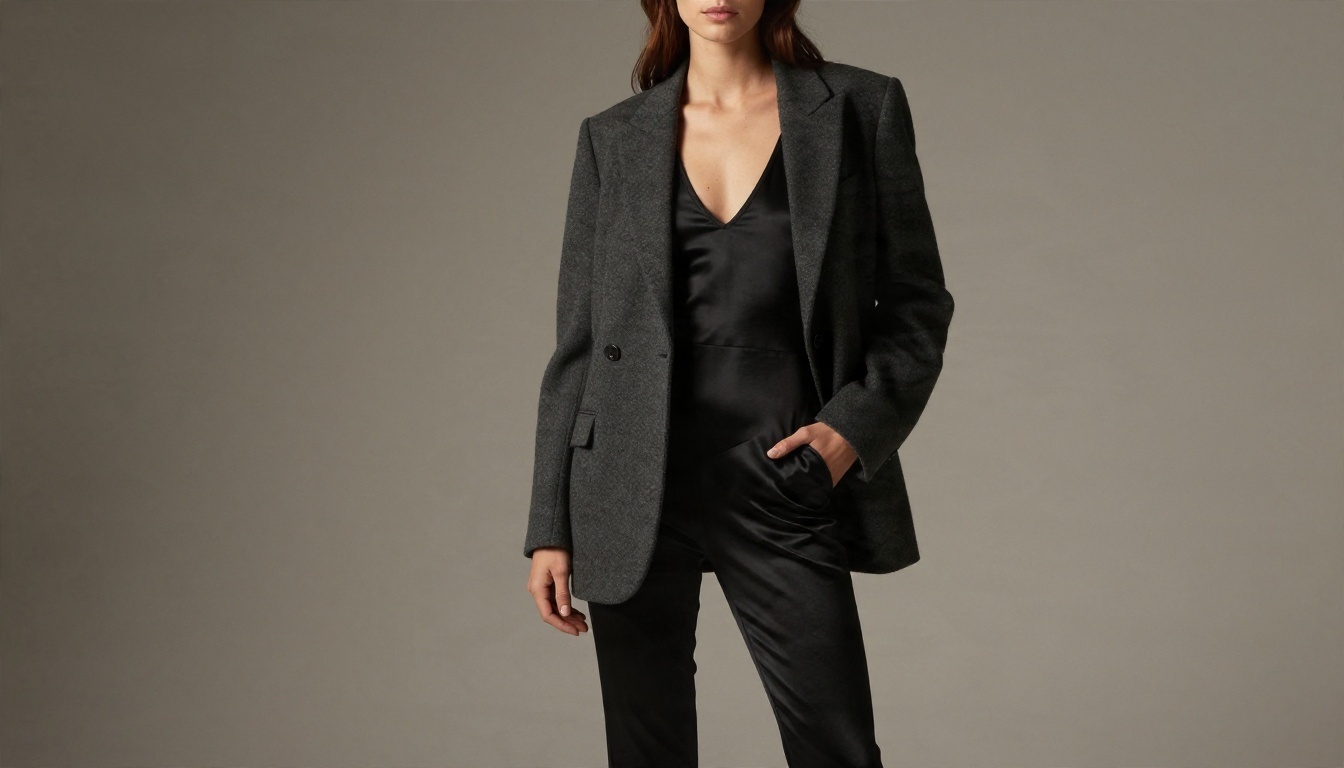
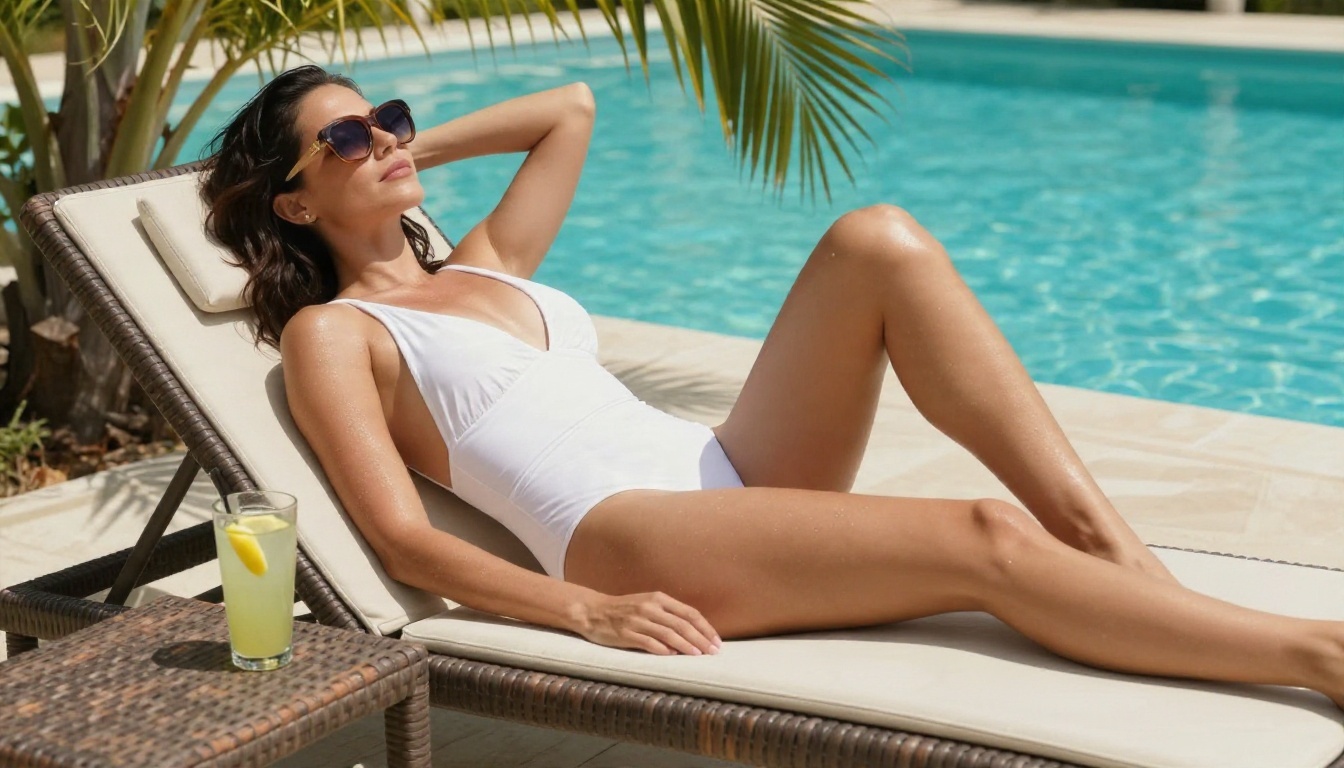
If you want attractive, adult-themed imagery (swimwear, lingerie looks, boudoir portraits, sensual lighting) you need a model that doesn't flinch at the subject. These are the tools to try, in the order I'd try them.
Seedream 4.5 First
Seedream 4.5 is my first pick. It renders skin texture, fabric and lighting with a photographic feel, follows long prompts faithfully and doesn't lecture you when the subject is a bikini shoot or a boudoir portrait. Output is sharp enough for 4K work.
Why it fits this use case:
- Strong photorealism: pores, freckles, water droplets and satin sheen look believable.
- Prompt obedience: lighting, lens and pose instructions are actually followed.
- Less friction: swimwear and glamour requests go through without constant refusals.
- Speed: results arrive in seconds, so iteration is cheap.
PicassoIA Image Editor Pro
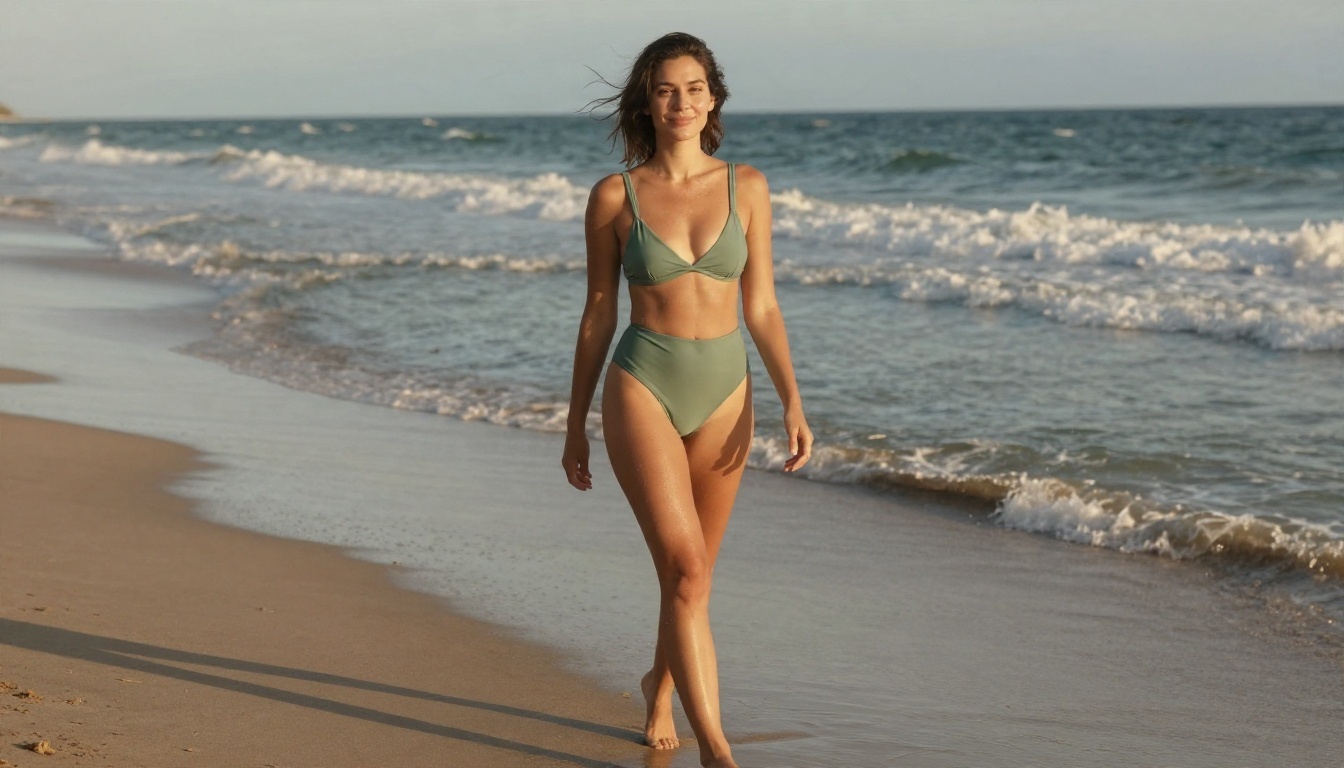
Next is PicassoIA Image Editor Pro. Its big selling point is unlimited generations, which matters more than it sounds. Good glamour images rarely come from the first attempt. You tweak the pose, the light, the outfit, and try again. When every attempt is free, you iterate until it's right instead of settling.
It also edits existing photos, so you can change an outfit, adjust lighting or fix small details without starting over.
Other Strong Picks
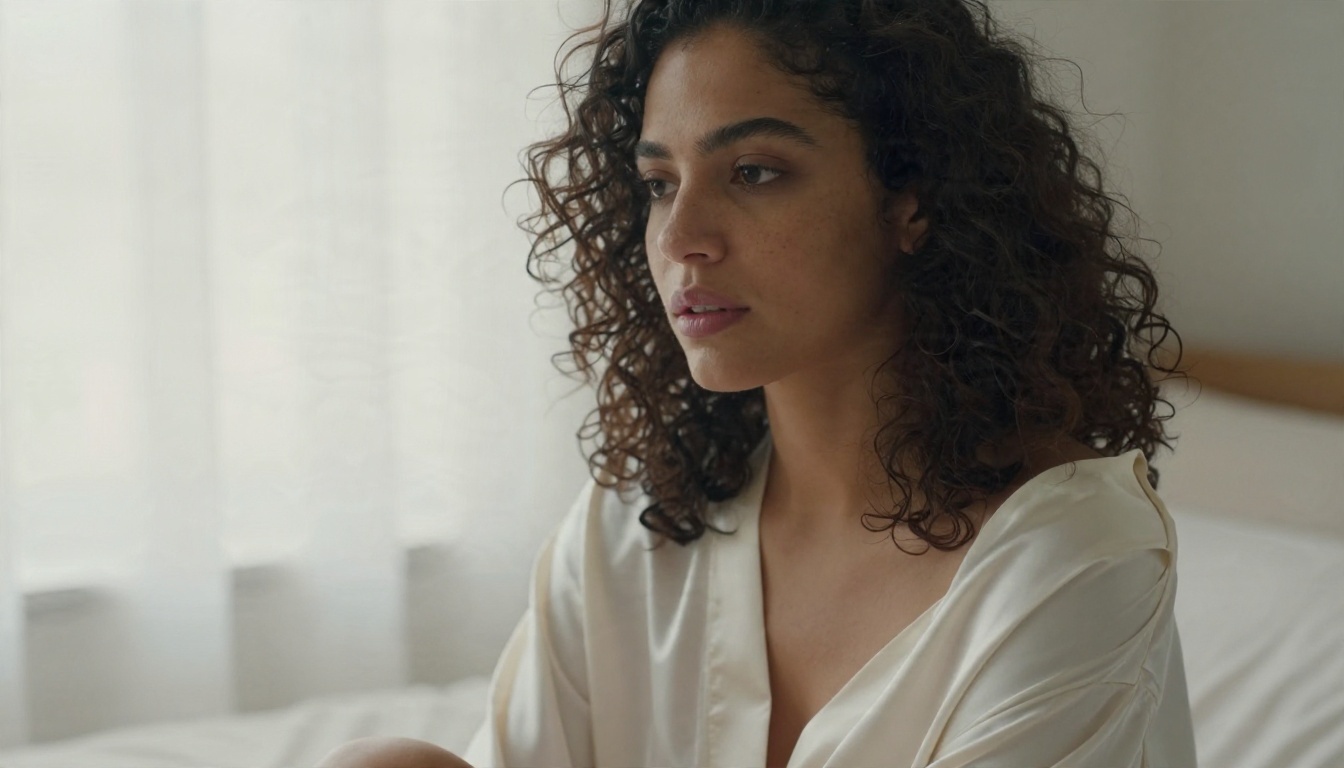
Once you've tried the first two, these round out the toolkit:
💡 Tip: keep one model for drafts (a fast one) and one for finals (a sharper one). It saves time and credits.
Free Options Worth Using
"Free" is the second half of the search that brought you here, so let's be honest about what it means.
Free Tiers and Unlimited Tools
True free AI image generation usually comes in three flavors:
- Unlimited tools such as PicassoIA Image Editor Pro, where there's no per-image cost.
- Daily or monthly allowances on premium models.
- Open weights you run yourself, which are free to download but not free to operate once you count the GPU.
Free vs Paid at a Glance
| Option | Cost | Setup | Image quality | Refusal friction |
|---|
| DeepSeek chat | Free | None | No images | High for explicit asks |
| Janus-Pro locally | Hardware | Heavy | Modest | Unclear |
| Image Editor Pro | Unlimited | None | Strong | Low |
| Seedream 4.5 | Per generation | None | Excellent | Low |
If you only remember one row: unlimited generation on a capable model beats wrestling a chatbot every time.
💡 Budget move: draft in an unlimited tool, then spend credits only on the one or two finals worth polishing.
How to Use DeepSeek on PicassoIA
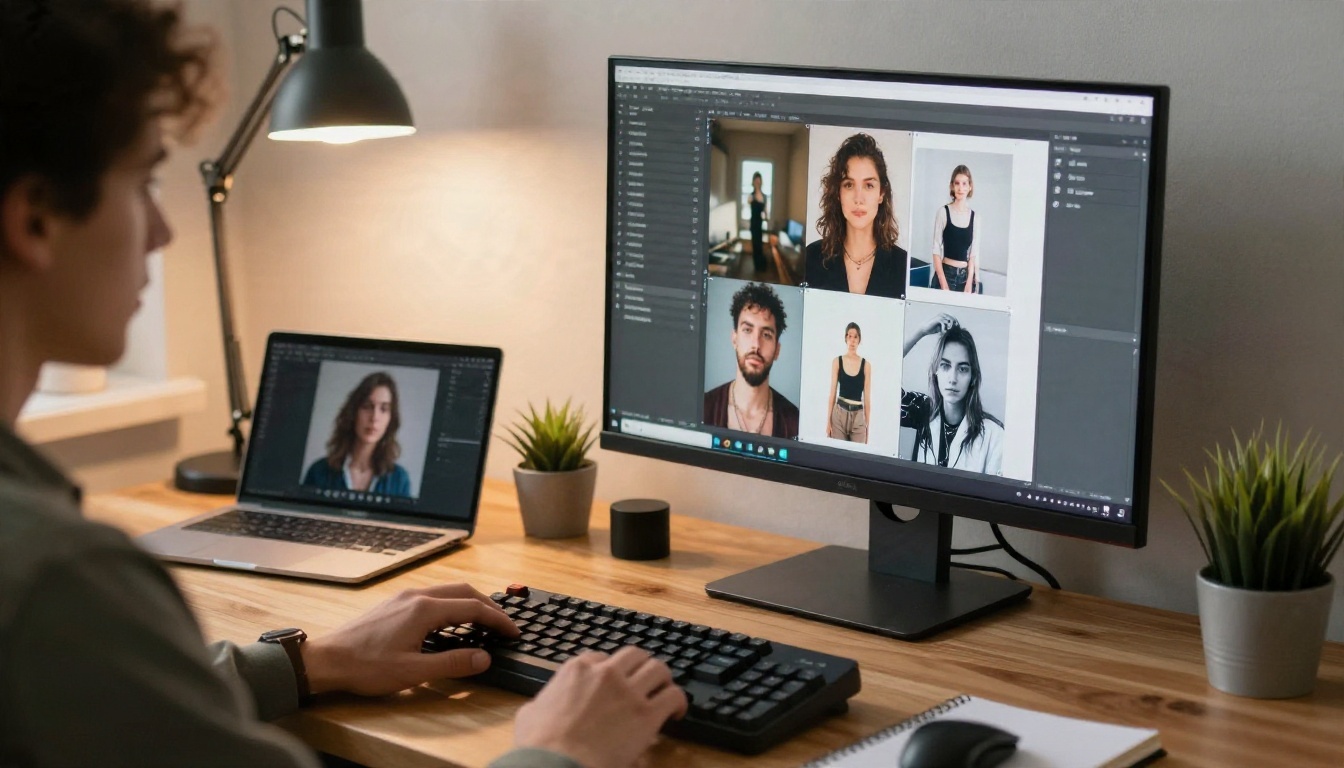
Here's the useful part. DeepSeek can't draw, but it is a very good prompt writer. DeepSeek R1 reasons carefully through detail, and DeepSeek v3 is fast and fluent. Use it for the words, then hand the words to an image model.
Write the Prompt
- Open DeepSeek v3 for speed, or DeepSeek R1 when you want more careful reasoning.
- Ask for a photographic prompt about a tasteful glamour scene: subject, outfit, setting, light direction, lens and mood.
- Request three variations with different angles, such as low angle, close portrait and wide environmental shot.
- Ask it to add texture details: skin, fabric, water, film grain.
A good instruction looks like this: "Write a 70-word photographic prompt for a woman in a sage green bikini on a quiet beach at golden hour. Include lens, light direction and skin texture. Keep it tasteful."
Generate the Image
- Open Seedream 4.5 and paste the prompt.
- Choose a 16:9 ratio for landscape scenes or 3:4 for portraits.
- Generate two or three versions and compare skin, hands and fabric.
- Move the best one into PicassoIA Image Editor Pro to fix small details or change the outfit and lighting.
Parameter tips:
- Name the lens (85mm f/1.8 for portraits, 35mm for environmental shots).
- Describe light direction, such as "soft window light from the left".
- Add texture words: "fine pores", "satin sheen", "film grain".
- Avoid piling on contradictory adjectives. Three or four strong ones beat twelve vague ones.
💡 Pro habit: save prompts that work. A small library of tested prompts saves hours.
Risks and Rules to Respect
Adult-themed AI work comes with a few ground rules. Treat them as non-negotiable.
Consent and Real People
Never generate images of real people without their clear permission, and never create anything involving minors. Face swapping a real person into suggestive imagery without consent is harmful, and in many places illegal. Stick to fictional, adult characters. That's both the right call and the safe one.
Privacy and Local Laws
- Check your local law on adult content, since rules vary a lot by country.
- Don't upload photos of other people to any tool without their consent.
- Mind your data: assume prompts and uploads may be stored by whatever service you use.
- Label AI images when you share them, especially on public platforms.
If you build products that accept user prompts, a moderation model such as Llama Guard 4 12B can screen inputs before they reach an image generator.
Try It Yourself Today
DeepSeek is excellent at what it was built for: reasoning, code and clean writing. It isn't an image generator, and its chat filters will keep turning down explicit requests. Fighting that is slow, unreliable and ends in text.
The faster route is simple. Let DeepSeek write the prompt, let a real photographic model draw it, and iterate without limits. Start with Seedream 4.5 for the first render, then polish in PicassoIA Image Editor Pro, where generations are unlimited. When you want more variety, try Qwen Image 3 Pro, Z Image Turbo or Nano Banana Pro.
Ready to see what you can create? Open Picasso IA, pick a model, write one detailed prompt and generate your first image today. Browse every available model at picassoia.com/en/all-models.


