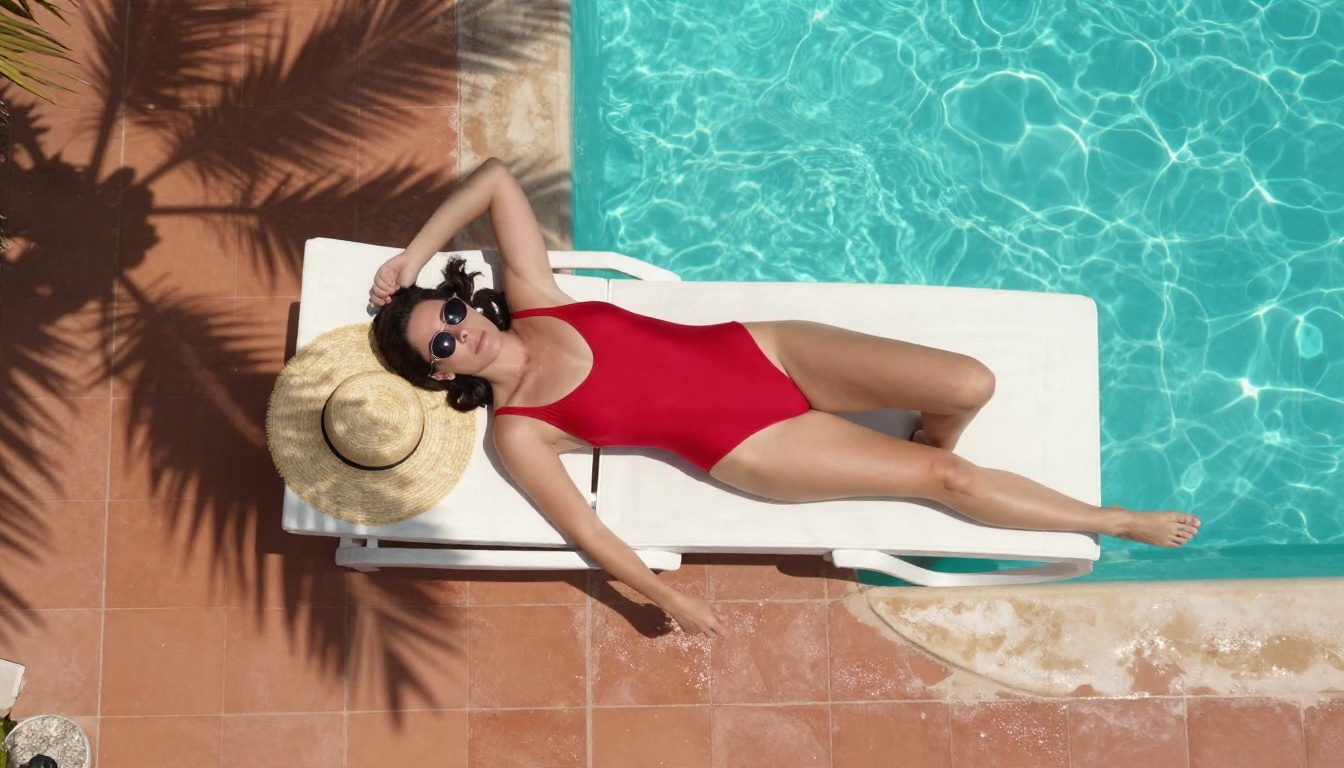
Short answer: sort of, but not well, and it depends on which Flux you mean. Flux can produce swimwear shots, boudoir lighting, glamour portraits and moody editorial photos. Push into anything more revealing and you hit filters, refusals, anatomy glitches or license terms that make the whole thing awkward. If you landed here because a prompt got blocked or came back as a blurred mess, you are not doing anything wrong. The model family was built with guardrails, and the newer the version, the tighter they get.
This article lays out what each Flux version actually allows, where the walls are, and which models on PicassoIA give you far better results for suggestive, attractive, non-explicit photography.
What "NSFW" Means for Flux
Before comparing models, it helps to define the term, because "NSFW" covers a huge range. At one end you have a woman in a bikini on a beach. At the other end you have explicit content. Most people searching this question sit somewhere in the middle: glamour, lingerie-style editorials, boudoir lighting, artistic implied nudity.
The Three Levels Most Users Mean
| Level | Example | Flux behavior |
|---|
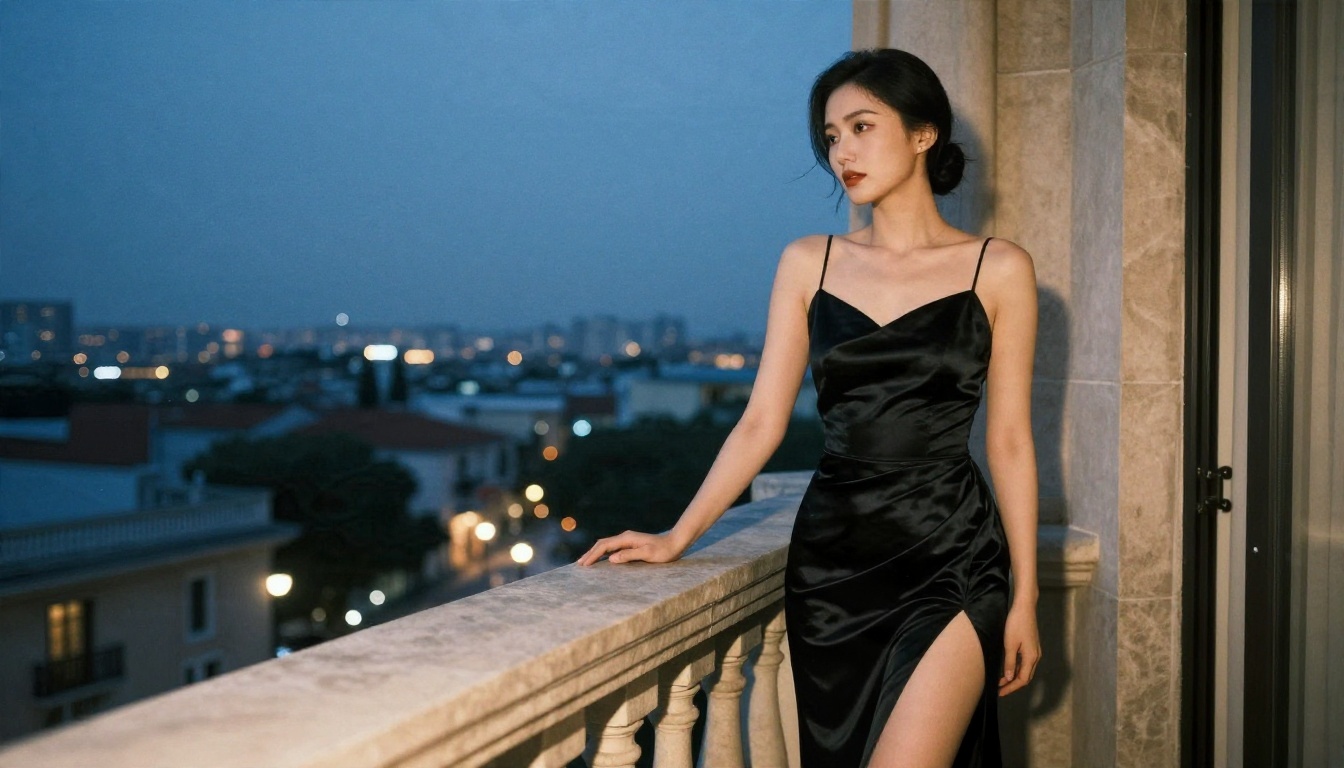
| Safe glamour | Bikini, swimsuit, evening gown | Works on every Flux version |
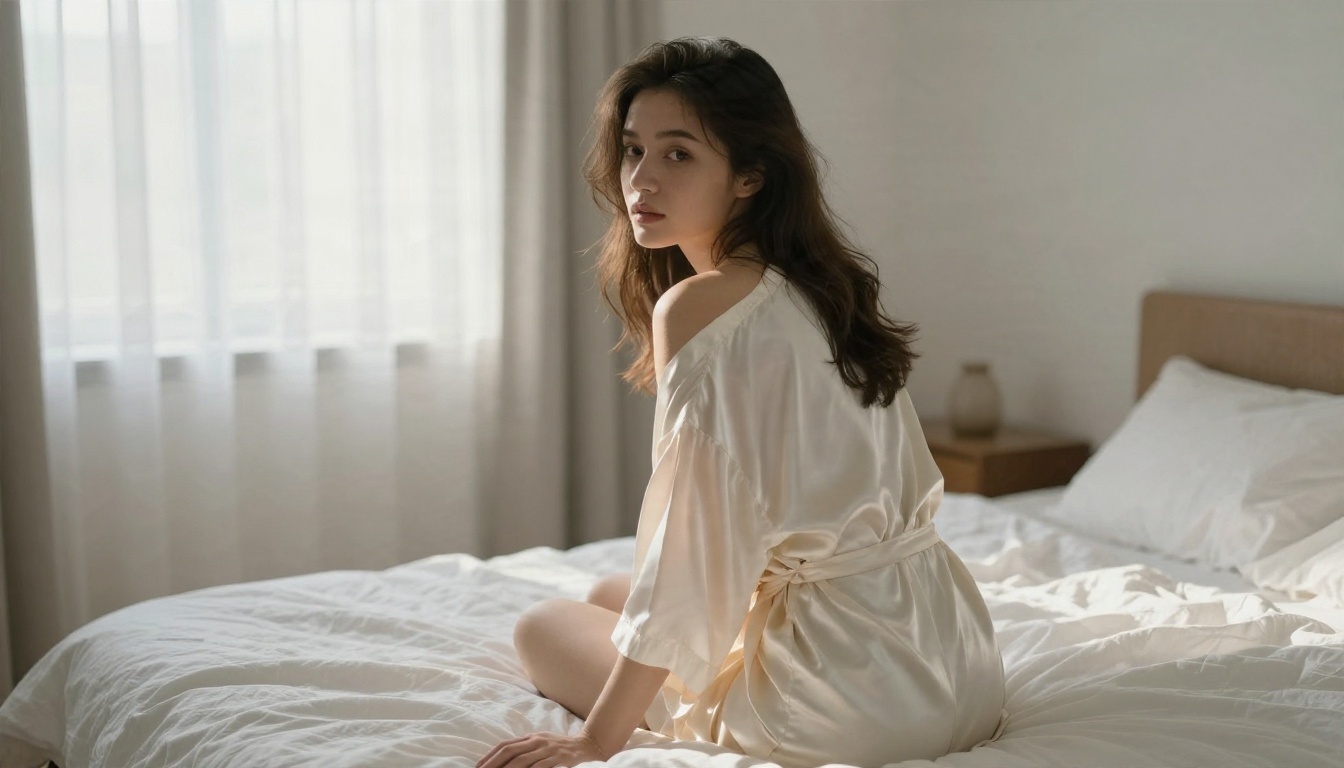
| Suggestive | Silk robe, bodysuit, boudoir mood | Works, but outputs can look stiff or get softened |
| Explicit | Anything pornographic | Blocked, filtered or badly rendered |
This article focuses on the first two rows. Explicit content is outside what we produce or recommend, and the best results in the middle range come from knowing which model to pick.
💡 Quick tip: Describe the photograph, not the body. Lighting, lens, fabric, mood and setting give far better results than anatomical language, and they trigger fewer refusals on every model.
How Flux Handles Adult Content
Flux comes from Black Forest Labs, a company that has been open about filtering its data and shipping safety layers. The behavior differs by version and by how you access the model.
Flux 1: Looser, But Not Open Season
The original Flux 1 family, including Flux Dev and Flux Schnell, leans on usage policies more than on hard technical blocks. In practice that means the base models will happily render swimwear, fashion and portrait work. They were not trained to produce convincing explicit anatomy, so when prompts drift that way you get soft, distorted or oddly censored-looking results.
That is why the Flux 1 ecosystem leans so heavily on community add-ons. Tools like Flux Dev LoRA let you load style and subject adapters, which changes the look far more than any prompt rewrite can.
Flux 2: Tighter Filters and License Terms
Flux 2 took a stricter route. Based on what I found researching this, Black Forest Labs says it filtered its pre-training data for nude and pornographic material, and applied safety fine-tuning on top. The open-weight Flux 2 Dev release also comes with input and output filters, and its non-commercial license expects anyone deploying it to keep filters or manual review in place. The company has also said it may check in with known deployers.
I could not confirm every technical detail of those filters from primary documentation, so treat the exact mechanics as unverified. The practical takeaway is clear though: Flux 2 is the least friendly version for anything beyond tasteful glamour.
Hosted Versions Add Another Layer
If you run Flux 2 Pro or Flux 1.1 Pro through a hosted service, the platform adds its own moderation on top of the model. You can be blocked by the platform even when the underlying model would have produced something.
Where Flux Hits Its Limits
Here are the walls people run into most often, in the order they usually appear.
Refusals and Blank Outputs
On hosted Flux endpoints, a flagged prompt often returns an error or a black or blurred image instead of a clear message. That is frustrating because you cannot tell whether the prompt or the output triggered it. Rewriting the prompt around fabric, light and setting usually clears it.
Soft Skin and Plastic Faces
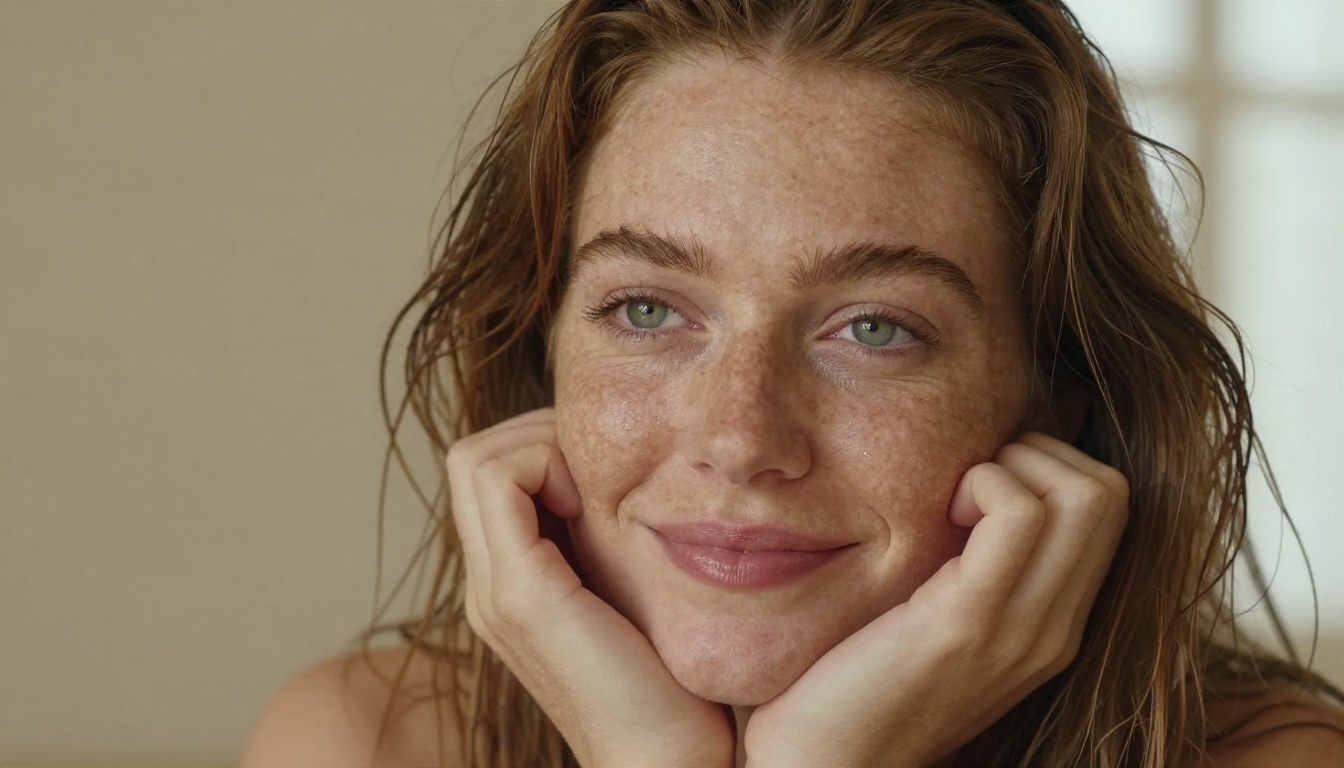
Even when Flux produces something suggestive, you will notice the "Flux look": very smooth skin, glossy highlights and a slightly airbrushed finish. For glamour work that is sometimes fine. For raw photographic realism it is a problem, and it is one of the main reasons people move to other models.
Anatomy and Hands
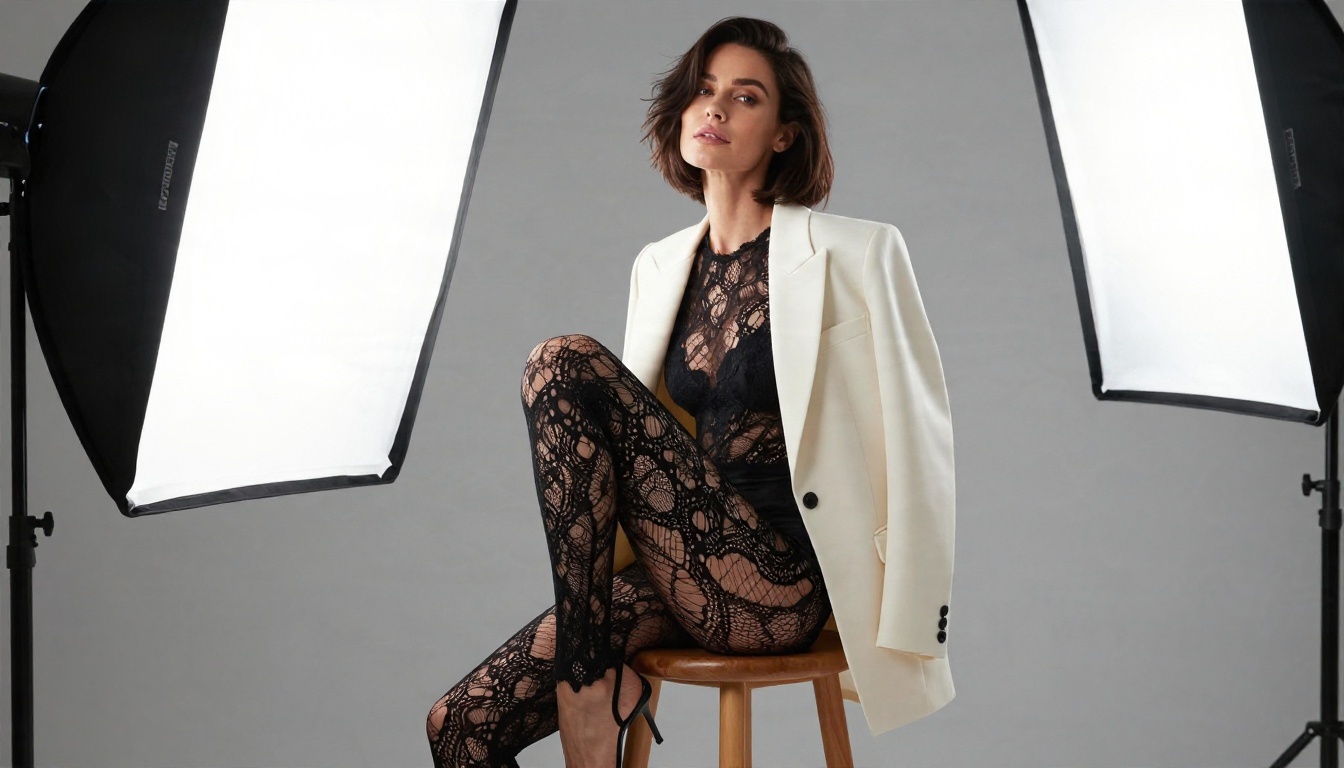
Hands, fabric overlap and body proportions get shaky in busier poses. A seated editorial pose with crossed legs and a blazer is far more reliable than a complex reclining pose. Keep poses simple and your hit rate goes up.
License Limits for Commercial Work
If you plan to sell or publish the images, check the license of the exact model you use. Open-weight Flux releases carry different terms from hosted commercial versions, and non-commercial licenses can rule out client work. Always read the terms of the specific version before building a business on it.
Flux Versions Compared
| Model | Glamour and swimwear | Suggestive boudoir | Skin realism | Restriction level |
|---|
| Flux Schnell | Good | Limited | Medium | Lower |
| Flux Dev | Very good | Fair | Good | Lower |
| Flux Dev LoRA | Very good | Depends on adapter | Good | Lower |
| Flux 1.1 Pro | Excellent | Limited | Very good | Higher (hosted) |
| Flux 2 Pro | Excellent | Limited | Very good | Highest |
💡 Rule of thumb: For glamour work, the older open Flux models give you more room. For clean, high-end fashion and swimwear, the Pro versions look best but push back harder on anything suggestive.
Best Models for Suggestive Photography
If your goal is attractive, suggestive, non-explicit images with real photographic quality, Flux is not the first model I would reach for. These are the ones that perform better, in the order I would try them.
1. Seedream 4.5
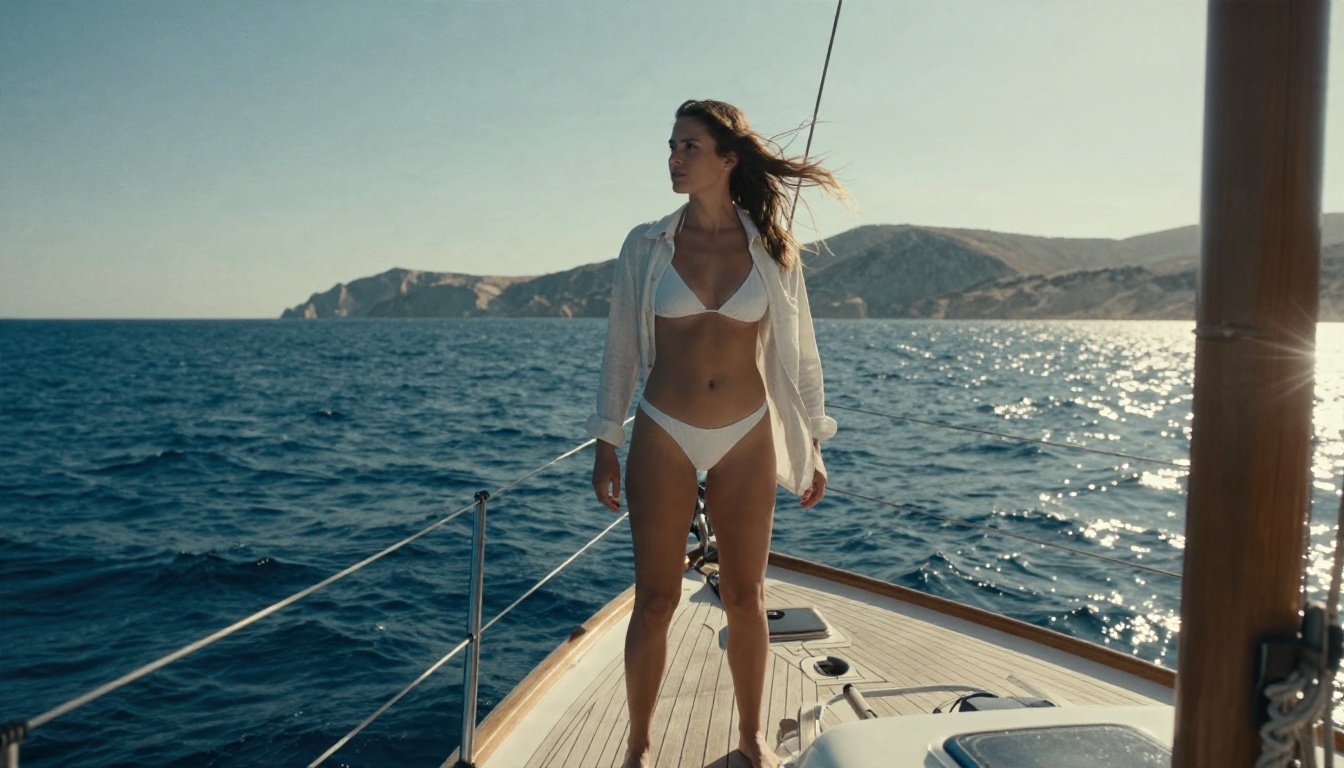
Seedream 4.5 is where I would start. It produces sharp, believable skin, handles swimwear, satin, lace and lingerie-style fashion cleanly, and holds up on 4K output. It is noticeably more relaxed than Flux 2 on glamour prompts and it avoids the plastic look that gives away many Flux images. Fabric folds, hair strands and water droplets come out with real texture.
2. PicassoIA Image Editor Pro
PicassoIA Image Editor Pro is the second stop, and the main reason is unlimited generations. When you are iterating on a look, trying outfits, changing lighting or editing an existing photo, a cap on generations kills your pace. Here you can keep going, change one detail at a time and refine until the shot works.
3. Flux Dev and Flux Dev LoRA
If you still want the Flux look, Flux Dev and Flux Dev LoRA are the most flexible options in the family. Add a realism or portrait adapter and you can pull the skin away from the airbrushed default.
4. Flux Schnell for Fast Drafts
Flux Schnell is built for speed. I use it to test compositions in seconds, then move the winning idea to Seedream 4.5 for the final render.
Free and Unlimited Alternatives
Price is the other pain point. Many platforms charge per image or cap the daily count, and that adds up fast when you need ten attempts to get one good frame.
Why Unlimited Matters
Glamour photography is an iteration game. The first output is rarely the best one. You tweak the lens, shift the light from left to right, swap a robe for a slip dress, and compare. With a cap, you ration your attempts. Without one, you experiment freely. That is the real value of PicassoIA Image Editor Pro: you stop counting and start refining.
Speed and Freedom
Speed matters just as much. A model that returns an image in seconds lets you test twenty ideas in the time a slow one gives you three. Pair Flux Schnell for rough drafts with Seedream 4.5 for polish, and you get both.
💡 Workflow that works: Draft five compositions with Flux Schnell. Pick the best. Rebuild it in Seedream 4.5 with the full prompt. Then fine tune details in Image Editor Pro.
How to Use Seedream 4.5 on PicassoIA
This is the fastest route to a realistic glamour image that Flux would struggle to give you.
Step by Step
- Open the Seedream 4.5 page on PicassoIA.
- Write your prompt as a photograph: subject, outfit fabric, setting, light direction, lens.
- Choose a 16:9 ratio for wide editorial shots or a portrait ratio for close-ups.
- Pick the highest resolution available for final renders.
- Generate, review the skin and hands, then adjust one element at a time.
- Send the best result to PicassoIA Image Editor Pro for edits and variations.
Parameter Tips
- Lens details: "85mm f/1.8" gives portraits a natural background blur and flattering compression.
- Light direction: "soft window light from the left" beats a generic "good lighting" every time.
- Texture words: Mention skin pores, silk sheen, damp hair, salt spray. They push the model toward realism.
- Film stock: "Kodak Portra 400 grain" adds warm skin tones and subtle noise.
- Keep one outfit per prompt: Stacking clothing items confuses fabric rendering.
Sample Prompt
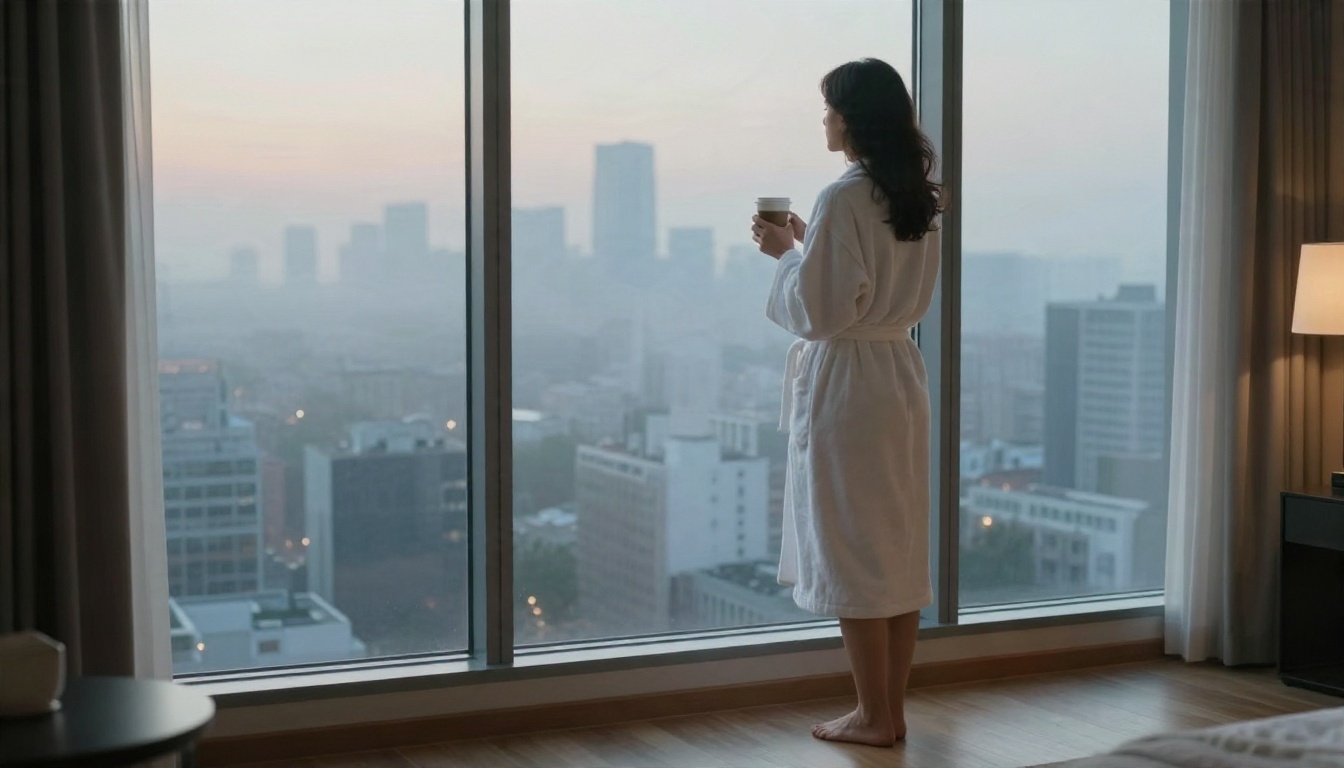
Adult woman in her late twenties in an ivory silk robe, sitting on the edge of a white linen bed, soft morning light from the left window, 50mm f/1.8, visible skin texture, silk sheen, Kodak Portra 400 grain, tasteful editorial mood.
Prompt Habits That Prevent Blocks
Whichever model you pick, how you write the prompt changes your success rate.
Describe the Shot, Not the Skin
Prompts built around setting, fabric, light and lens give cleaner photos than prompts that fixate on the body. The photo looks more professional and filters have less to flag.
State That the Subject Is an Adult
Always specify an adult age range, such as "adult woman in her late twenties." It keeps results consistent and is a basic safety habit every responsible creator should follow.
Keep Poses Simple
Seated, standing and walking poses give the model less room to fail. Complicated twisted poses are where hands and limbs break.
Common Mistakes
- Overloading the prompt with ten adjectives for skin and none for light.
- Mixing contradictory styles, like "editorial studio" and "candid beach."
- Ignoring aspect ratio, which changes how the model frames a subject.
- Retrying the same blocked prompt instead of rewriting the scene.
Responsible Use and Legal Basics
A few rules are worth stating plainly. Only generate adults. Never create images of real people without their consent, including celebrities and private individuals. Do not present generated images as real photographs of a real person. Check the license for the specific model if you plan commercial use, and follow the content rules of any platform where you publish.
Staying inside those lines is what keeps this kind of creative work sustainable, and it is also why the middle ground of tasteful glamour is where the best-looking results live.
So, Should You Use Flux for This?
If you like the Flux look and want to experiment, Flux Dev and Flux Dev LoRA are the most flexible choices, and Flux Schnell is great for fast drafts. For anything suggestive, the Pro versions and Flux 2 will push back, and you will spend more time fighting filters than making images.
For realistic, attractive, non-explicit photography, Seedream 4.5 and PicassoIA Image Editor Pro simply give you more room: better skin, cleaner fabric, fewer blocked prompts and unlimited generations to refine every shot.
Try It Yourself on PicassoIA
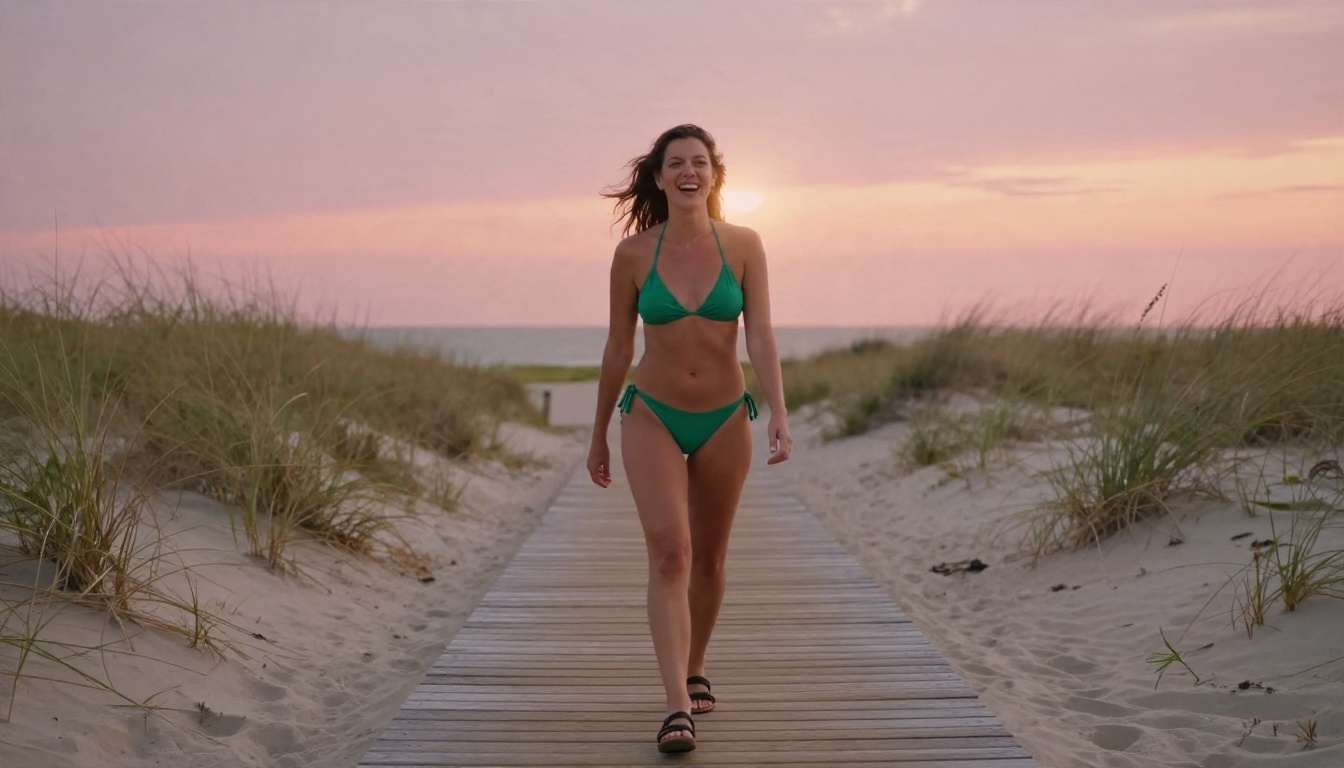
The quickest way to see the difference is to run the same prompt through two models. Write one glamour scene, a bikini on a beach at golden hour or a silk robe in morning light, and compare Flux Dev against Seedream 4.5. Then take your favorite into Image Editor Pro and keep refining with no generation cap.
Ready to build your own set? Open PicassoIA, pick a model, and start creating. You can browse every available model at picassoia.com/en/all-models and find the one that fits your style.