Short answer: yes, Fooocus can produce adult-themed images, but only under certain conditions, and the road there is longer than most people expect. It is a free, open source generator you install on your own computer. It has no cloud service, no account and no company watching your prompts. That freedom is exactly why the NSFW question comes up so often. The catch is hardware, patience and a model that is getting older every month. If you want glamour, boudoir or swimwear style images without installing anything, there are quicker routes. This article covers both paths in plain language.
💡 Quick take: Fooocus is a local tool. If your PC has a decent NVIDIA graphics card, it works. If it does not, a browser based option will save you hours.
What Fooocus Actually Is
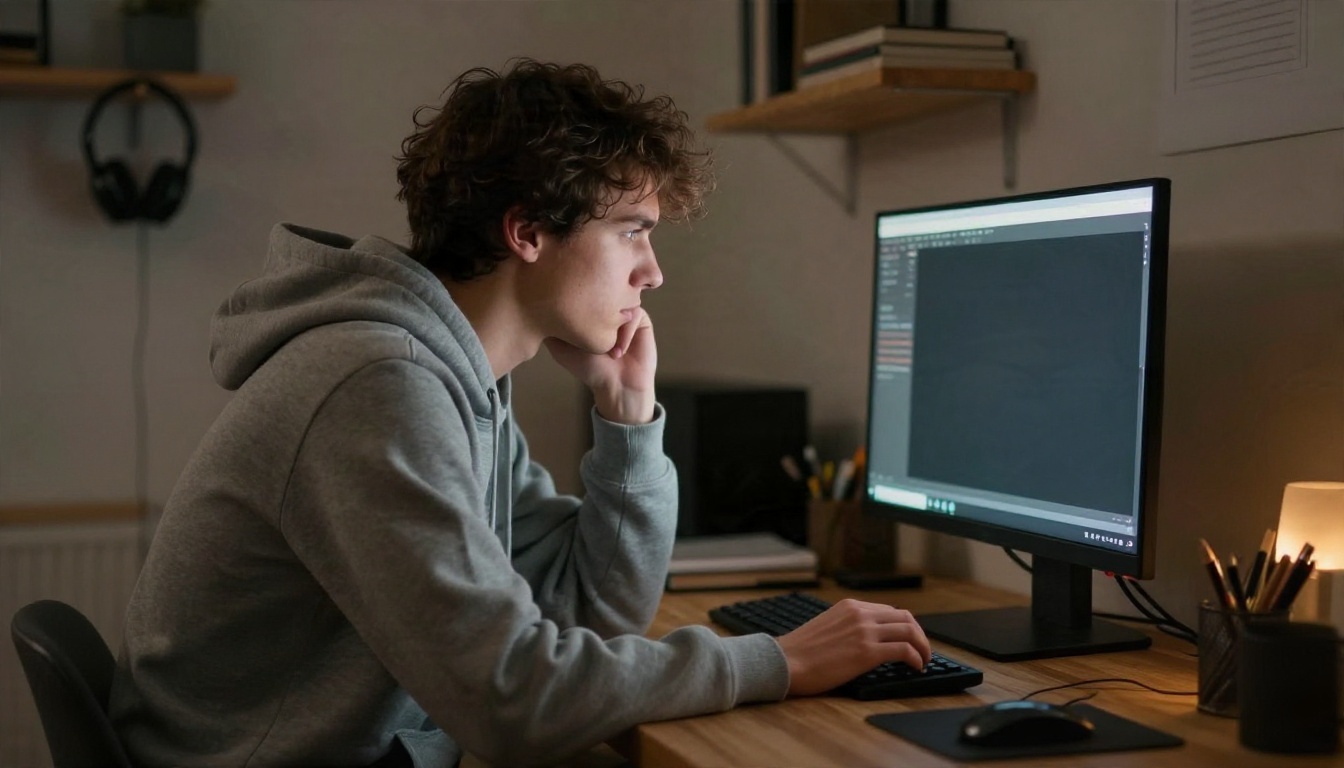
Fooocus was built by the developer behind ControlNet, with a simple goal: make Stable Diffusion XL feel as easy as a paid image service. You type a prompt, press generate, and the software handles the hard parts quietly. It rewrites your prompt behind the scenes, picks sensible sampler settings and offers style presets with one click.
Here is what matters for this topic:
- It is SDXL based. Official Fooocus stays focused on that one model family and has no plan to add newer architectures such as Flux.
- It runs offline. After the first download of model files, generation happens on your own machine.
- It is in maintenance mode. Reports describe it as long-term support, meaning bug fixes only and no new features.
- It is free. You pay with disk space (many gigabytes) and graphics card time, not money.
Who It Suits
Fooocus works best for people with an NVIDIA card that has a healthy amount of video memory, who enjoy tinkering and want full control over files on their own drive. If that sounds like you, it is a solid tool. If you only want a handful of nice pictures this weekend, keep reading.
Who Should Skip It
Anyone on a basic laptop, a Mac, or a PC without a dedicated graphics card will find generation painfully slow or impossible. Setup also means downloading large files, and fake installer sites exist, so you must be careful about where you download. Stick to the official project repository on GitHub and avoid lookalike domains.
The Content Filter Question
So, does Fooocus block adult content? This is the part where honesty matters, because many pages online repeat old instructions.

Fooocus ships with an optional image safety check that can black out pictures it flags as explicit. According to third party write ups, that behavior is controlled by a setting you can leave switched off, and the old trick of editing a source file is described as outdated. I could not confirm the exact default or the current menu location from official release notes, so check the project's own repository and documentation before you rely on any claim, including mine.
Two things are worth separating:
- The software filter. This is a safety checker applied after the image is made. It is not a content policy from a company.
- The model itself. Base SDXL was trained with limited adult material, so results depend heavily on which checkpoint you load. Community checkpoints vary a lot in how they handle skin, anatomy and swimwear.
💡 Reality check: Turning a filter off does not make a model good at a subject. A poor checkpoint will still give you warped hands, odd proportions and plastic skin.
A Note on Responsibility
Running a tool locally does not remove the rules that apply to you. Only create images of fictional adults. Never use a real person's face or likeness without consent, and never create anything involving minors. Those lines hold on every platform and in every country that matters.
Fooocus NSFW at a Glance
| Question | Local Fooocus | Browser based generators |
|---|
| Install needed | Yes, large download | No |
| Hardware needed | Strong NVIDIA GPU recommended | Any device with a browser |
| Cost | Free software, your electricity | Free tiers or credits |
| Model freshness | SDXL only | Newer models available |
| Speed on weak PC | Slow | Fast |
| Privacy | Stays on your drive | Depends on the service |
| Adult content rules | You choose the checkpoint | Set by each service |
Prompts That Work for Tasteful Results
Whatever tool you use, the prompt formula for glamour images stays similar. The best results come from describing a scene, not a body. Photographers do this naturally: they talk about light, location, wardrobe and mood.
A Simple Prompt Formula
Use this order: subject, wardrobe, setting, light, camera, film look.
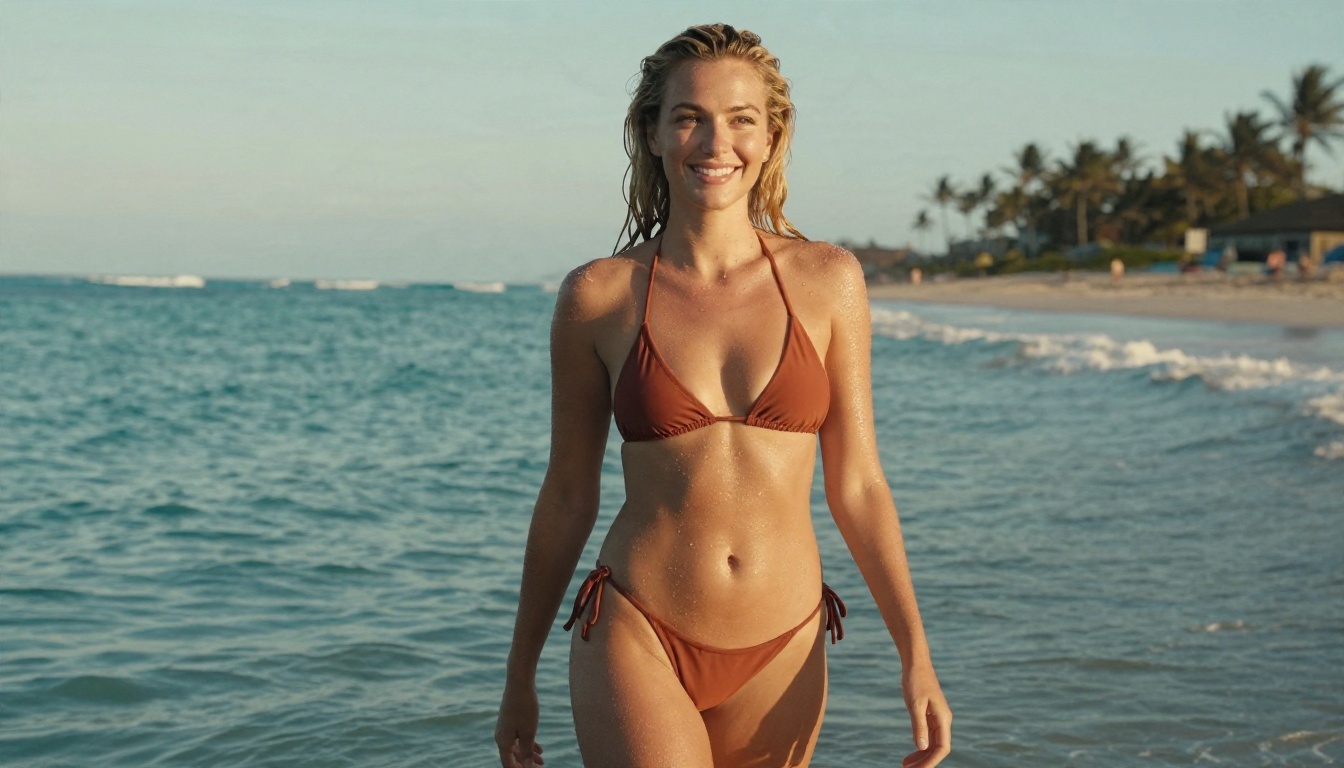
Example for a swimwear scene:
Woman in a terracotta two-piece bikini walking out of shallow turquoise water, golden hour backlight, wet wavy hair, water droplets on skin, 50mm lens, shallow depth of field, natural skin texture, film grain.
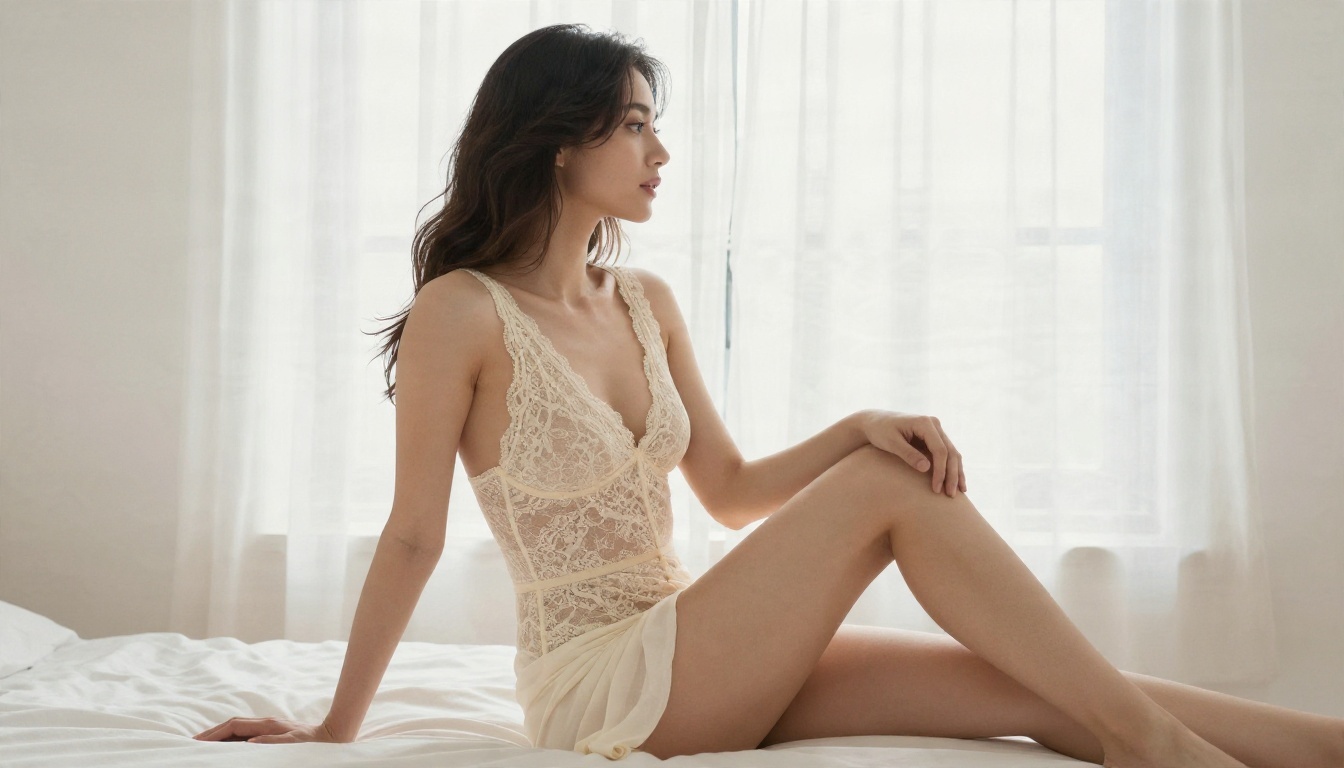
Example for a boudoir style scene:
Woman in an ivory lace bodysuit sitting on the edge of a bed, soft window light from the right, linen curtains, 85mm lens, pastel tones, fine lace texture, fashion editorial.
Words That Help
- Light: golden hour, soft window light, rim light, diffused morning light
- Skin: natural pores, light freckles, fine peach fuzz, subtle sheen
- Camera: 85mm f/1.8, 50mm portrait, shallow depth of field, eye level
- Film look: Kodak Portra 400, fine grain, soft contrast, warm tones
Words That Hurt
Piling on quality tags like "masterpiece, ultra detailed, 8k, best quality" rarely helps modern models. It often produces a waxy, over-sharpened look. Spend those words on lighting and texture instead.
Negative Prompt Ideas
For SDXL style tools, a short negative prompt works better than a long one: extra fingers, deformed hands, blurry, plastic skin, text, watermark. Keep it tight.
Free Online Options Without Installing
Most people searching this topic are not hoping to configure drivers. They want a web page, a text box and a picture. Here is what exists in practice.
Hosted Fooocus Notebooks
Some users run Fooocus in a rented cloud notebook, so the heavy work happens on someone else's graphics card. This can work, but free sessions are time limited, they disconnect, and you still have to follow install steps each time. The rules of the host also apply, so adult content may be restricted there.
Free Web Generators
A number of sites offer free daily credits. Quality varies widely, and many of them add watermarks, throttle speed or block anything beyond a plain portrait. Read the terms before you invest time.
Platforms With Newer Models
This is where things get interesting. Modern models beat SDXL on skin realism, hands and prompt following. On PicassoIA you can try several of them in a browser, with no setup and no waiting for downloads. The next section explains which ones to pick.
💡 Tip: If a site asks you to download an executable to "use Fooocus online", close the tab. Browser tools never need that.
Better Alternatives Than Fooocus
Fooocus is not on PicassoIA, and there is no hosted version of it on the platform. For similar results today, these models are the ones to try, in this order for adult glamour work.
| Model | Best for | Why choose it |
|---|
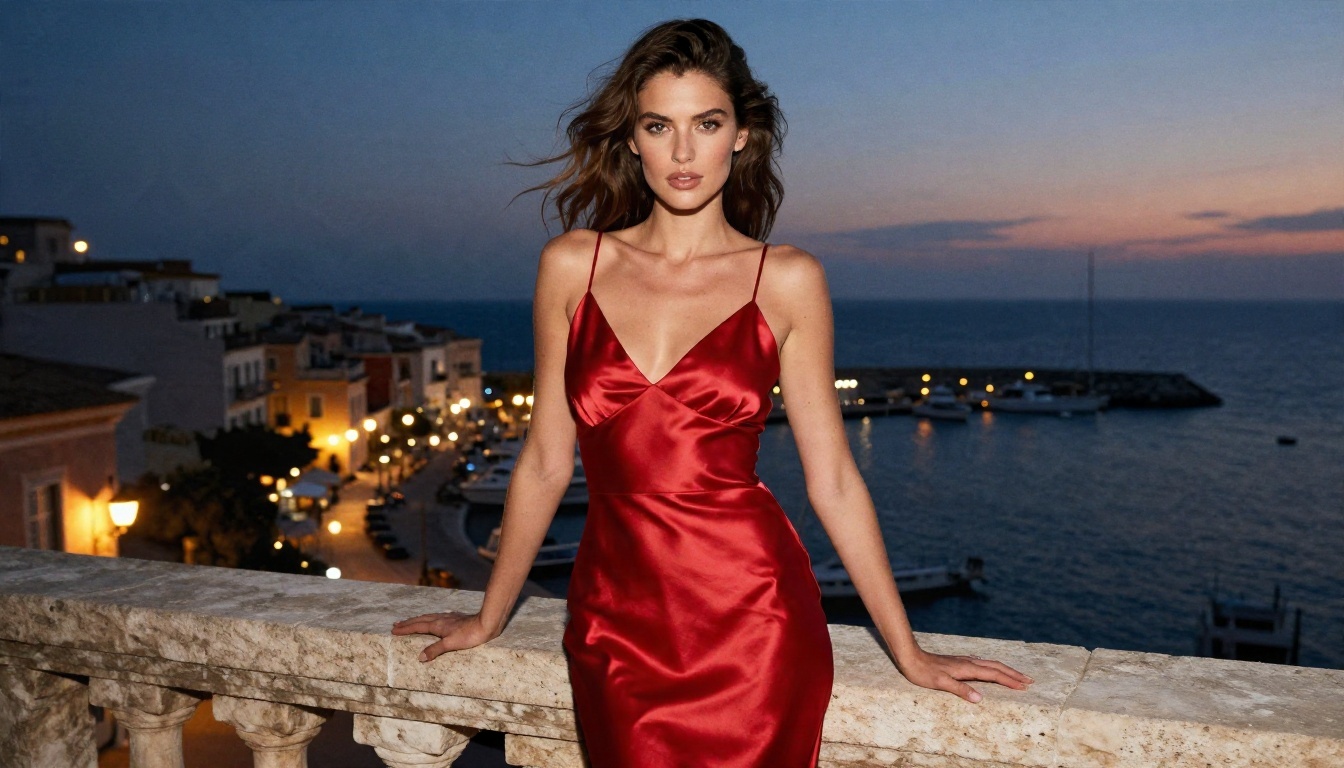
| Seedream 4.5 | Glamour, swimwear, boudoir portraits | Sharp skin detail, strong lighting, up to 4K output |
| PicassoIA Image Editor Pro | Editing and restyling photos | Unlimited generations, fast iterations |
| Z Image Turbo | Quick drafts | Very fast, sharp results in seconds |
| SDXL Lightning 4Step | Familiar SDXL feel | Same model family Fooocus uses, four step speed |
Why Seedream 4.5 Comes First
Seedream 4.5 handles skin the way a photographer would want: pores, small shadows, a soft sheen on shoulders and knees. It follows long, descriptive prompts well, which suits the scene based prompting described above. It is also fast, so you can run ten variations in the time Fooocus takes to load its model.
Why Image Editor Pro Is Worth a Look
PicassoIA Image Editor Pro offers unlimited generations, which removes the usual fear of burning credits on test runs. It works well when you already have a photo and want to change the outfit, the background or the lighting, rather than start from nothing.
💡 Note: Seedream 5 Lite blocks adult content, so skip it for this kind of work. Seedream 4.5 and the models above are the better picks.
How to Get Similar Results on PicassoIA
Here is a short walkthrough using Seedream 4.5, the strongest match for what people want from Fooocus: realistic, attractive, non-explicit adult glamour images.
Step 1: Open the Model
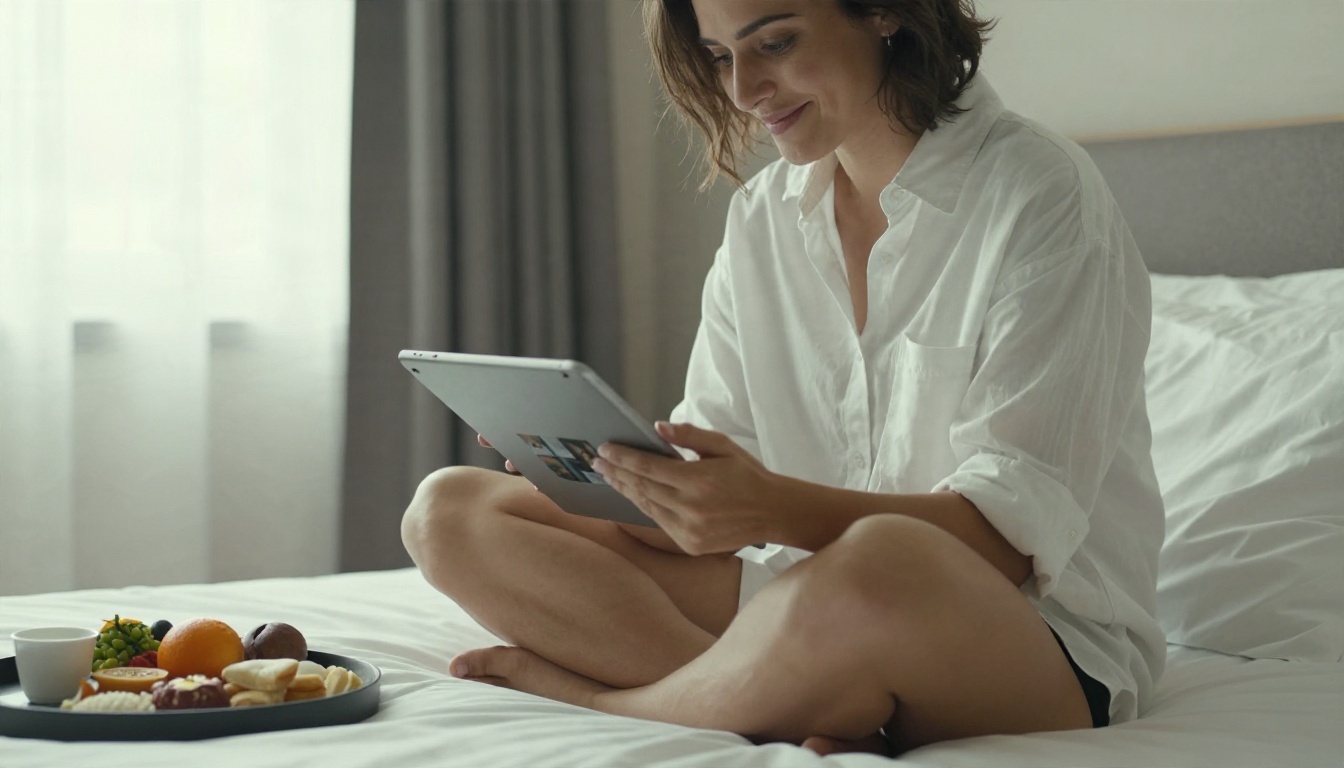
Go to the Seedream 4.5 page and open the generator. No install, no checkpoint hunting.
Step 2: Write a Scene, Not a Tag List
Paste a prompt built from the formula: subject, wardrobe, setting, light, camera, film look. Keep it between 50 and 100 words. Long enough to be specific, short enough to stay focused.
Step 3: Pick the Aspect Ratio
Use 16:9 for wide scenic shots such as beach or poolside scenes, and 3:4 or 2:3 for portraits and fashion work. Choosing the ratio first prevents awkward cropping later.
Step 4: Generate Four Variations
Run the same prompt several times. Pick the best frame, then change one detail at a time: the light direction, the lens or the wardrobe color. This habit teaches you more than rewriting from scratch.
Step 5: Refine in Image Editor Pro
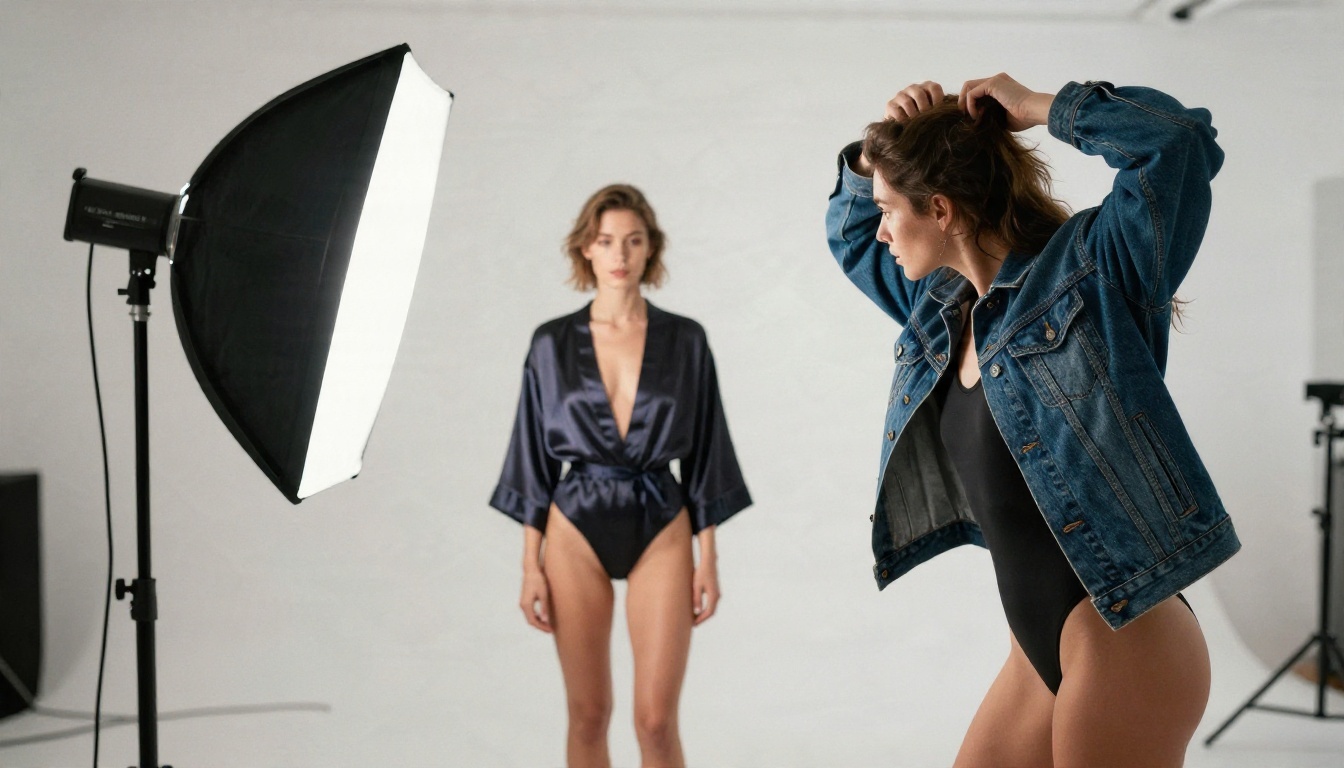
Take your favorite result into PicassoIA Image Editor Pro for fixes: change a background, adjust a color, or soften a shadow. Unlimited generations mean you can iterate freely.
Parameter Tips
| Setting | Suggested value | Reason |
|---|
| Aspect ratio | 16:9 or 3:4 | Match the scene type |
| Prompt length | 50 to 100 words | Specific without being noisy |
| Variations | 4 per prompt | Easy to compare |
| Lighting words | One main source | Avoids messy, flat shadows |
| Lens | 50mm to 85mm | Flattering portrait perspective |
Making Skin Look Real
The single biggest difference between a believable image and an obvious AI image is skin. Both SDXL and newer models can fail here, so it deserves its own section.
Texture Beats Perfection
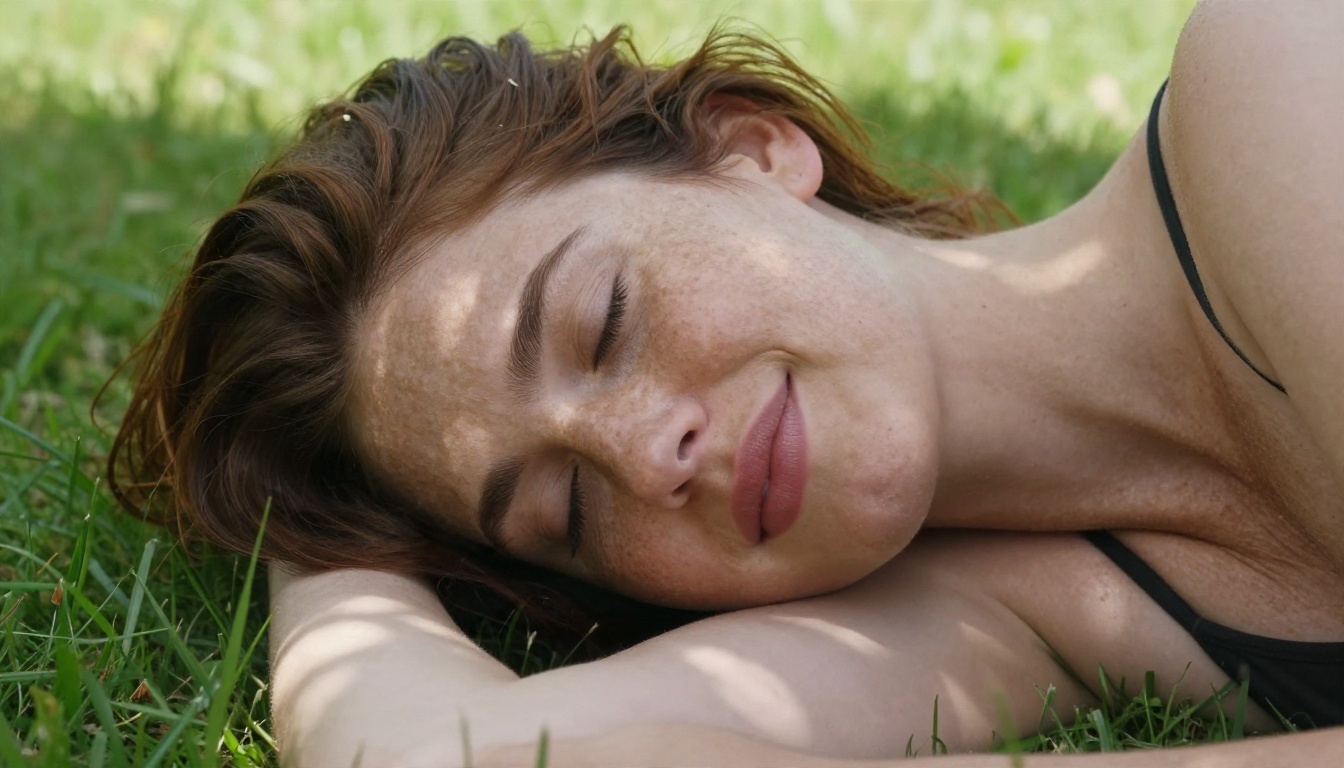
Real skin has freckles, tiny hairs, uneven color and soft highlights. Ask for them directly: visible pores, light freckles, fine peach fuzz, subtle sheen on the cheekbone. Models respond well to specific physical detail and badly to the word "perfect".
Light Does Most of the Work
Soft side light shows form and depth. Flat front light erases it. Describe one clear source, such as window light from the left or low sun from behind, and the image gains a natural look at once.
Fabric Adds Believability
Silk creases, lace has a pattern, linen has a coarse weave. Naming the fabric and its behavior gives the model something concrete. A bikini in "terracotta ribbed fabric" looks more real than a bikini in plain words.
Common Mistakes
- Using five lighting styles in one prompt
- Asking for "8k" and "ultra detailed" repeatedly
- Describing the pose with too many contradictory limbs
- Skipping the lens, which leaves the model guessing at perspective
Fooocus or Browser: Which One Wins?
Choose by your situation, not by hype.
Fooocus remains a respectable tool, and for a patient hobbyist it can be a rewarding one. But maintenance mode, a single model family and heavy hardware needs mean it is no longer the easy route. Most readers will get better pictures faster in a browser.
Your Turn to Try It
Pick one of the prompts from this article, change the wardrobe and the location, and run it. Start with Seedream 4.5 for the sharpest skin and lighting, then polish the best result in PicassoIA Image Editor Pro, where generations are unlimited. If you want fast sketches first, Z Image Turbo gives you a result in seconds.
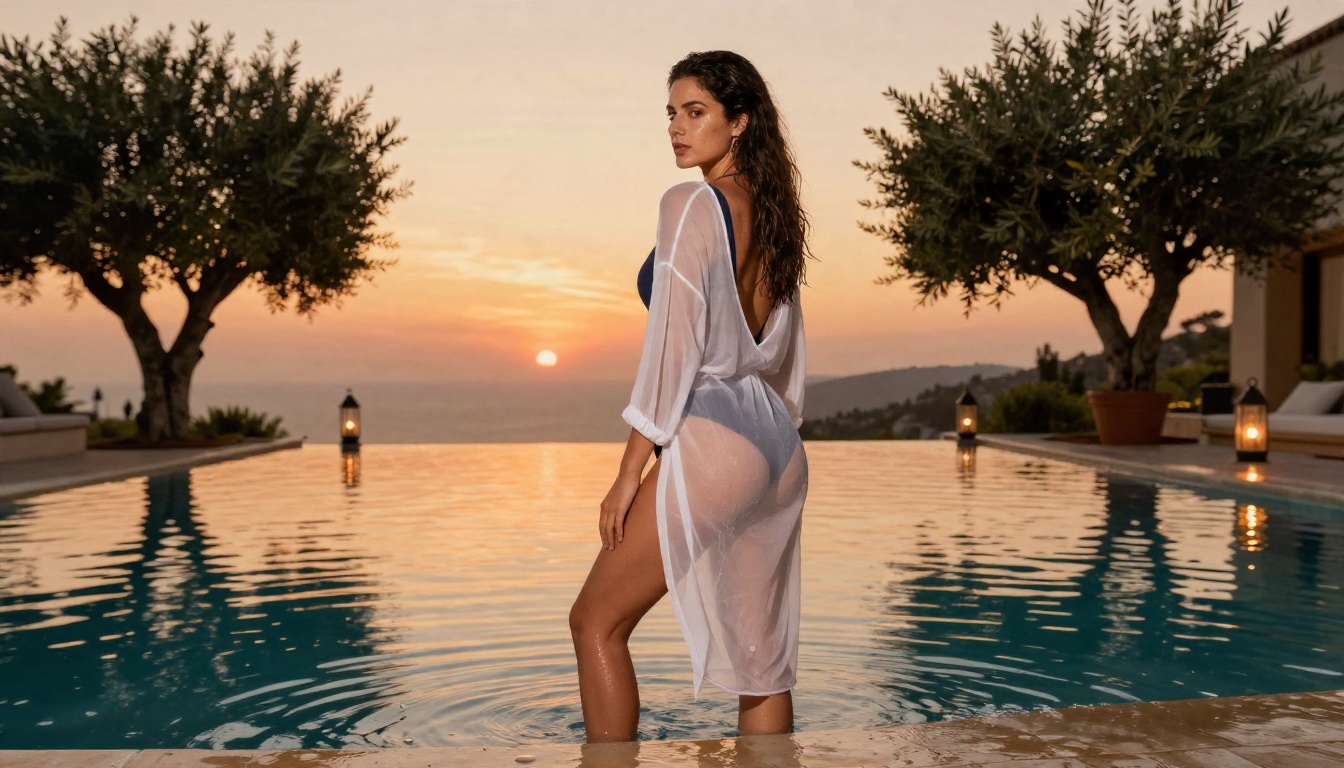
Keep every image to fictional adults, keep it tasteful, and keep experimenting with light, lens and fabric. You do not need to install anything to start. Browse the full model list at picassoia.com/en/all-models, choose a model, and create your first image on PicassoIA today.


