Short answer: no, Gemini will not generate explicit content, and it is getting stricter about anything suggestive too. You can ask for a portrait, a fashion shoot or a beach scene and sometimes get a result. But the moment a prompt leans toward adult territory, you hit a refusal, a blank response or a vague "I can't help with that" message. If you came here because a Gemini prompt just bounced, this article explains exactly where the lines sit, why they sometimes land in odd places, and what to use when you want more creative room.

The Short Answer on Gemini and NSFW
Gemini is built by Google for a mass audience, and that shapes everything about its safety posture. Google treats sexually explicit output as off limits across the chat app, the image tools and the developer API. There is no hidden toggle, no "adult mode" and no subscription tier that lifts the rule.
What that means in practice:
- Pornographic or explicit sexual imagery is blocked outright.
- Suggestive content, even without explicit wording, is increasingly flagged.
- Anything involving minors is a hard, zero tolerance line with no exceptions.
- Real people, especially public figures, get extra protection.
💡 Quick reality check: If your goal is glamour, swimwear, boudoir style portraits or artistic fashion work, Gemini might work on a good day. If your goal is anything beyond that, it will not.
Why Gemini Is So Strict
Google has a brand to protect, advertisers to keep happy and regulators watching. A chatbot used by students, office workers and families cannot behave like a niche creative tool. So the company tunes its filters toward blocking too much rather than too little. That is a business decision, not a technical limit. The underlying image models can draw skin, fabric and anatomy just fine. The rules are layered on top.
Chat Models vs Image Models
People often mix up the two. A language model such as Gemini 3.1 Pro reads and writes text, and it follows its own content policy for erotic writing. Image generation runs through separate models, for example Gemini 2.5 Flash Image and the Nano Banana family, each with its own filter stack that checks both your prompt and the finished picture.
What Gemini Blocks and What It Allows
The line is not a single wall. It is a gradient, and it shifts depending on wording, context and which model handles the request.

Content Gemini Refuses
| Category | Typical result |
|---|
| Explicit sexual acts | Hard refusal |
| Nudity presented in a sexual way | Refusal or empty response |
| Minors in any suggestive context | Immediate block, zero tolerance |
| Sexualized images of real people | Blocked |
| Fetish and graphic adult themes | Blocked |
| Prompts that try to disguise intent | Often caught by the second filter layer |
Content That Sometimes Works
Gemini tends to accept ordinary swimwear in a clearly non-sexual setting, fashion editorials, athletic photography and classic portraiture. A woman in a sundress on a beach is fine. The same scene with revealing clothing and a provocative pose may fail, and nothing in the error message will tell you why.
The Gray Zone Problem
This is where most frustration comes from. Developers and creators have reported fashion photos, lingerie style product shots and even plain swimwear prompts getting rejected by the image safety filter. The system looks at the overall impression of a picture, not only individual words. That means a perfectly innocent request can fail because the generated frame landed a little too close to the boundary.
💡 Tip: A refusal does not always mean your prompt was bad. The image may have been generated, scored by the safety layer, and then thrown away before you ever saw it.
How the Filters Really Work
Understanding the machinery helps you stop wasting credits on prompts that cannot succeed.
Two Layers of Protection
Based on developer reports, Gemini image models use a two layer design. The first layer is configurable in the API: you can set thresholds for categories such as harassment, hate speech, dangerous content and sexually explicit content. The second layer sits on the server and is not configurable. It handles the most serious categories, including sexual content and child safety, and it ignores whatever threshold you set.
Why Safety Settings Do Not Help
Many people assume that setting every category to the lowest threshold in the API will open the door. It does not. Developers who tried this still received block reasons like "OTHER," which points to the fixed server layer rather than a setting they could change. Trying to work around it also breaks Google's terms of use and can put an account at risk.
Tighter Rules Since Early 2026
When Google released the newer Nano Banana generation in early 2026, creators noticed stricter handling of suggestive material. Reports from developer forums describe borderline fashion and lifestyle images being rejected more often than before. If you felt Gemini became less flexible over the past months, you were not imagining it.
Gemini Swimwear and Glamour Test
Here is a practical way to think about what typically passes and what typically fails. These are patterns from community reports, not guarantees, because results vary from one run to the next.

Prompts That Usually Pass
A beach portrait at sunset, a woman in a summer dress, a gym photo in athletic wear, a studio fashion shot with full coverage. These read as everyday photography.
Prompts That Usually Fail
Anything that stresses the body over the setting, uses words like "sexy," "seductive" or "revealing," describes undressing, or asks for lingerie in a bedroom. Boudoir style requests fail often, even when the final picture would have been tasteful.

Why Results Feel Random
The same prompt can succeed once and fail the next time. The model draws a slightly different image each run, and the safety layer judges each result separately. If one version shows slightly more skin or a more suggestive pose, it gets blocked while the previous one passed. That randomness is the number one complaint among creators working in fashion and lifestyle.
💡 Rule of thumb: If a result would make you hesitate to show it at work, expect Gemini to hesitate too.
Why Creators Look Elsewhere
Plenty of adults want to make glamour photography, swimwear lookbooks, boudoir style portraits and mature artistic work. These are legal, popular and commercially valuable categories. A tool that blocks them at random is a tool that slows down real projects.
The Cost of Constant Refusals
Every blocked prompt is lost time. When you are building a set of twenty consistent images for a campaign, three random refusals mean rewriting prompts, rerunning generations and hoping the style stays consistent. For freelancers and small brands, that adds up quickly.
What a Better Tool Looks Like
The ideal alternative has four traits: fast generation, high realism in skin and fabric, generous or unlimited usage, and sensible rules that allow adult glamour without crossing into pornographic output. That last point matters. Good tools do not remove every rule. They simply draw the line in a more workable place for adult creators.

Free Alternatives That Work Today
PicassoIA hosts dozens of image models, and several of them handle glamour, swimwear and mature artistic work far more openly than Gemini. Here are the ones worth trying, in order.
Seedream 4.5 First
Seedream 4.5 is the best starting point. It produces sharp, photorealistic images with convincing skin texture, believable fabric and clean lighting, and it handles glamour and swimwear prompts without the constant refusals. It is fast, which matters when you are iterating on a set of shots, and it renders up to 4K detail.
PicassoIA Image Editor Pro for Unlimited Runs
PicassoIA Image Editor Pro is the second stop, and its big advantage is unlimited generations. You can edit, restyle and regenerate as often as you like without counting credits. For anyone who has burned through a quota on rejected Gemini prompts, that freedom changes how you work. Upload a photo, describe the change and keep refining.
More Models Worth Testing
Different models have different personalities, so testing a few is worthwhile:
💡 Good to know: Seedream 5 Lite is not a good fit for adult themed work because it blocks that kind of content. Stick with Seedream 4.5 for glamour and mature aesthetics.
Side by Side Comparison
| Feature | Gemini | Seedream 4.5 | Image Editor Pro |
|---|
| Explicit content | Blocked | Not the goal, keep it tasteful | Not the goal, keep it tasteful |
| Glamour and swimwear | Inconsistent | Handles well | Handles well |
| Random refusals | Frequent | Rare | Rare |
| Usage limits | Quota based | Fast and generous | Unlimited generations |
| Photorealism | Good | Excellent | Very good |
| Best for | General purpose | Fresh high quality images | Editing and endless iteration |
How to Use Seedream 4.5 on PicassoIA
Here is a simple workflow for getting glamour quality results in minutes.
Step by Step
- Open the Seedream 4.5 page on PicassoIA.
- Write your prompt in plain language, starting with the subject and the pose.
- Add the setting, such as a poolside, a beach or a hotel suite.
- Describe the light: "warm golden hour from the left" or "soft window light" works well.
- Add camera cues like "85mm lens, shallow depth of field."
- Choose a 16:9 or portrait ratio depending on where the image will be used.
- Generate, review and adjust one detail at a time.
Parameter Tips
- Be specific about light. Light direction shapes mood more than any other word.
- Name the lens. An 85mm for portraits, a 35mm for environmental shots.
- Mention skin texture. Phrases like "natural skin pores" avoid the plastic look.
- Keep one idea per prompt. Long tangled prompts confuse every model.
- Iterate in small steps. Change one detail per run so you know what caused the difference.
A Sample Prompt
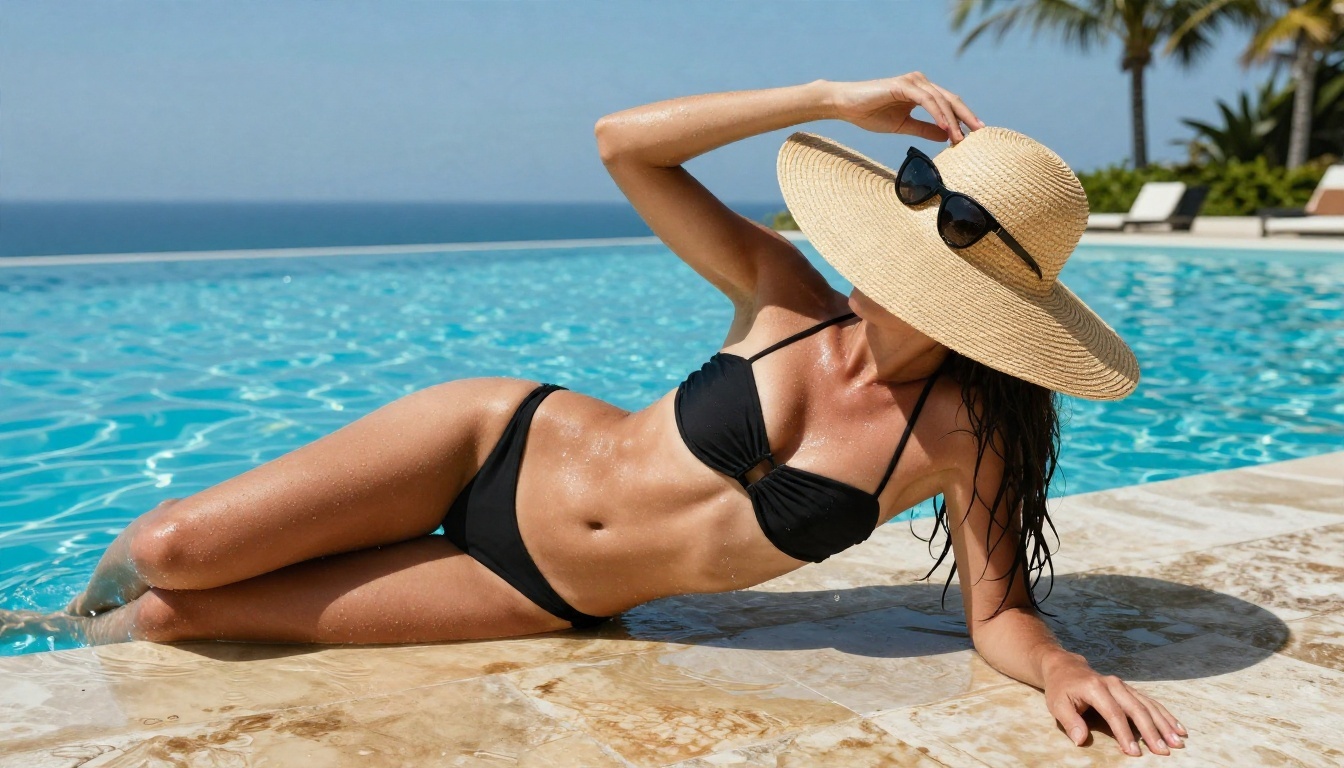
"Adult woman in a black bikini lounging beside an infinity pool at midday, bright sunlight from the upper right, water droplets on tanned skin, 35mm lens, low angle, natural skin texture, film grain, photorealistic."
💡 Pro move: Generate your base image in Seedream 4.5, then open it in Image Editor Pro to adjust wardrobe, background or mood without losing the face and pose.
Using Gemini for Safe Work
Gemini still has its place. For clean product shots, general portraits or quick concept art, Gemini 2.5 Flash Image is a solid pick, and you can brainstorm prompts with a text model like Gemini 3.5 Flash. Use it for what it does well and move to a more flexible model when a project needs glamour.
Rules Worth Following
Freedom does not mean zero rules. Responsible adult creators follow a few firm principles.
Adults Only, Always
Every subject must be clearly an adult. Never create or attempt to create anything involving minors. That rule is absolute on every platform and in every country.
Skip Real People
Do not generate sexualized images of real individuals, including celebrities, coworkers or exes. Fictional, invented subjects are the only safe choice, both legally and morally.
Keep It Tasteful
The best glamour work is suggestive, not graphic. Good lighting, good styling and confident composition are what make an image look professional. Explicit material is not what these tools are for, and tasteful work is also far easier to publish on social platforms and portfolio sites.
Know Where You Publish
Instagram, TikTok, Pinterest and most stock sites have their own rules about swimwear and suggestive content. Check them before posting so your account stays healthy.
Speed, Cost and Workflow Tips
A good setup saves hours every week.
Build a Prompt Library
Save prompts that worked. Keep a note with your best lighting phrases, lens choices and pose descriptions. Reusing proven fragments is faster than writing from scratch.
Draft Fast, Finish Slow
Run quick drafts in a fast model such as Z Image Turbo, pick the strongest composition, then regenerate it in Seedream 4.5 for final quality. This two pass approach keeps costs low and results high.
Upscale at the End
When you have a final pick, run it through a super resolution tool for print sized detail. Do this last, since upscaling a weak image only makes a larger weak image.
Try It Yourself on PicassoIA
Gemini will keep its filters tight, and that is unlikely to change. If your work needs glamour, swimwear or mature artistic photography, you do not have to fight a tool that was never built for it. Start with Seedream 4.5 for sharp, realistic results, then use PicassoIA Image Editor Pro to refine as many times as you want with unlimited generations.
Pick one scene you have been trying to get out of Gemini, paste the prompt into Seedream 4.5 and compare the two results side by side. Then browse every available option at picassoia.com/en/all-models and find the model that fits your style. Your first image takes under a minute.


