You open an AI tool, type a simple prompt for a glamour portrait or a beach shoot, and get a polite refusal. Or worse, a blurred rectangle and a warning about "policy violations." It happens to photographers, creators, marketers and plain curious users every single day, and the frustrating part is that the rules are different in every tool.
So here is the straight answer to the question in the title. Yes, some AI models can produce suggestive, adult-style imagery. Many cannot. And almost all of them draw a hard line at explicit content, real people without consent and anything involving minors. This article sorts the models by how they actually behave, shows where the limits sit, and gives you alternatives that work today.
💡 Quick answer: Big consumer chatbots and Midjourney are the strictest. Open-weight image models are the most flexible. Hosted platforms with newer image models, such as Seedream 4.5 on PicassoIA, sit in the middle with far fewer refusals for glamour, lingerie, swimwear and boudoir aesthetics.
What "NSFW" Really Means in AI
The label sounds simple, but AI companies use it in at least three different ways. That is why one tool refuses a bikini and another happily renders it.
The three tiers of adult content
| Tier | Examples | Typical treatment |
|---|
| Suggestive | Swimwear, lingerie, boudoir, glamour, implied nudity | Allowed by some tools, blocked by the strictest |
| Explicit | Pornographic acts, graphic nudity | Blocked by nearly every hosted service |
| Illegal or harmful | Minors, non-consensual imagery, real-person deepfakes | Blocked everywhere, and rightly so |
Most of the confusion lives in the first tier. A swimsuit editorial is ordinary fashion photography, yet automated filters sometimes treat it like the second tier because they react to skin tone and keywords rather than context.
Why filters get it wrong
Moderation systems work in layers. First comes a prompt filter that scans your words. Then a model-level refusal, where the model itself was trained to avoid certain outputs. Finally an output classifier that checks the finished image and blocks or blurs it. A prompt can pass the first layer and still be caught by the third.
That is also why rewording a prompt sometimes helps and sometimes does nothing. It depends on which layer is stopping you.
Which Image Models Allow NSFW
Policies change often, and the picture below reflects what was widely reported in 2026 across company terms and third-party testing. Treat it as a map, not a contract, and check a platform's current rules before building a workflow around it.
The strict group
Midjourney is consistently described as one of the most conservative options. Its rules are close to a PG-13 standard, and even borderline prompts can get blocked. DALL-E and ChatGPT image generation apply strict safety filters too, and their terms prohibit sexual content. OpenAI has hinted at age-gated options in the past, but reports differ on what has actually shipped, so do not count on it.
Grok from xAI had a looser reputation early on. After public criticism in early 2026 over sexualized images of real people, xAI tightened its image rules, and its acceptable use policy bars depicting real people in a pornographic manner. Expect that policy to keep moving.
The flexible group
Stable Diffusion and FLUX running locally are the least restricted, because there is no company filter between you and the weights. The tradeoff is real: you need a capable GPU, patience with setup, and full personal responsibility for what you create.
Hosted platforms with newer models are the middle road. They run in the cloud, so no hardware is needed, and they tend to allow suggestive and glamour content while still blocking the illegal tier. This is where PicassoIA lives.
Quick comparison
| Option | Suggestive content | Setup effort | Hardware needed |
|---|
| Midjourney | Mostly blocked | Low | None |
| ChatGPT / DALL-E | Mostly blocked | Low | None |
| Grok | Tightened in 2026 | Low | None |
| Local Stable Diffusion / FLUX | Open | High | Strong GPU |
| Hosted platforms like PicassoIA | Generally open for non-explicit | Low | None |
⚠️ Heads up: No reputable hosted service offers "zero restrictions." Claims like that usually mean a weaker moderation system, a shady operator, or both. Read the terms before you upload anything personal.
Where PicassoIA Fits In
Here is the practical recommendation if you want tasteful, suggestive, photorealistic results without fighting a refusal on every second prompt.
Start with Seedream 4.5
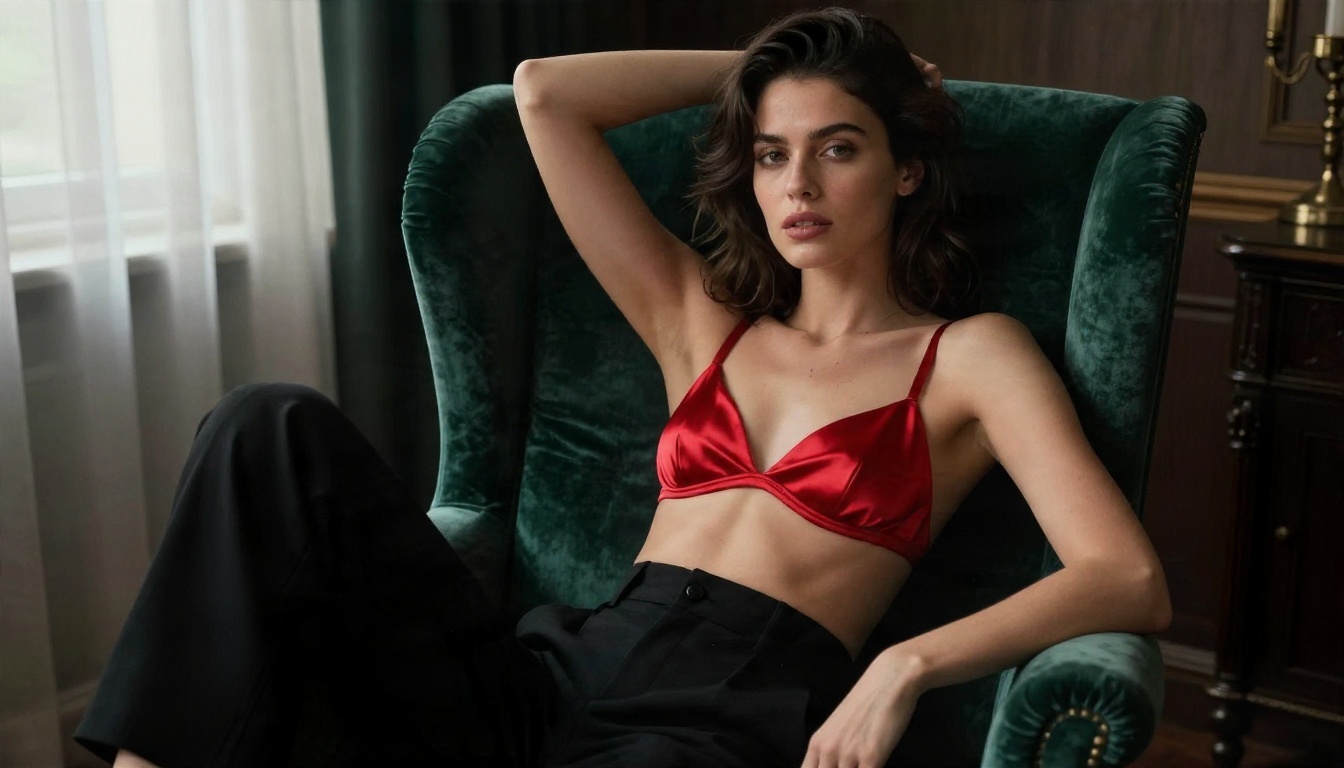
Seedream 4.5 is the model to try first. It produces sharp, photorealistic images with believable skin texture, fabric detail and lighting, which is exactly what glamour and swimwear work needs. It is also fast, and on PicassoIA it is far less jumpy about suggestive prompts than the big consumer tools.
What it handles well:
- Swimwear and beach editorials with natural light and realistic skin.
- Lingerie and boudoir styling with satin, lace and silk that actually look like fabric.
- Fashion and glamour portraits with controlled lighting and shallow depth of field.
- Prompts with a lot of descriptive detail, which is where this model shines.
💡 If you want to see how the model family behaves, keep your first test prompts simple and photographic: subject, outfit, setting, light, lens. Then add detail.
Then use Image Editor Pro
PicassoIA Image Editor Pro is the second tool worth bookmarking. It is built for unlimited generations, which matters more than people expect. When filters make you rewrite prompts five or six times, a per-image cost or daily cap turns into real money and real frustration. With unlimited generations you can iterate freely, adjust outfits and poses, and refine a result instead of rationing attempts.
It also works as an editor, so you can start from an existing photo of your own and change styling, lighting or background rather than generating from scratch.
More models worth testing
Different models have different personalities. These are all available on PicassoIA, and each one is useful for a specific job:
You can see everything in one place at picassoia.com/en/all-models.
How to Use Seedream 4.5 on PicassoIA
Here is the workflow that gives the best results for glamour, swimwear and boudoir-style images.
Step by step
- Open the model page. Go to Seedream 4.5 on PicassoIA.
- Write a photographic prompt. Use the structure: subject and pose, outfit, environment, light direction, lens.
- Choose a 16:9 or 3:4 ratio depending on whether you want a scene or a portrait.
- Generate, then compare. Run two or three variations before changing anything.
- Refine one thing at a time. Change the light, then the outfit, then the setting.
- Polish in Image Editor Pro. Fix small details or restyle without starting over.
Parameter and prompt tips
- Name the lens. "85mm f/1.8" produces flattering portraits with soft backgrounds. "35mm" gives environmental context.
- Describe light, not just looks. "Soft window light from the left" beats "beautiful lighting" every time.
- Mention texture. Words like "visible skin pores," "satin sheen" and "linen weave" push realism up.
- Skip the filler adjectives. "Stunning, ultra-detailed masterpiece" adds nothing a good camera description does not already provide.
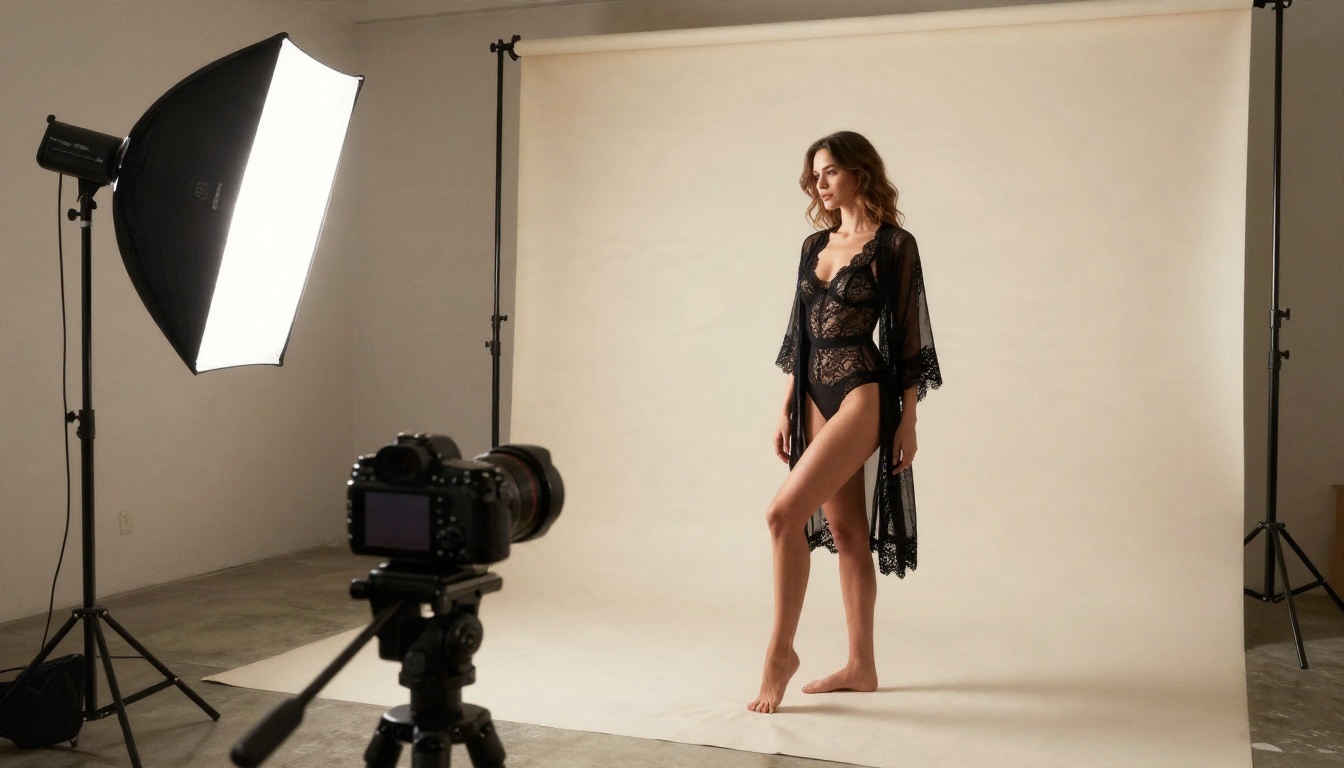
- Keep clothing specific. "Black lace bodysuit with a sheer robe" gives the model a clear target.
A sample prompt
A woman in a black satin slip dress sitting on the edge of a white linen bed in a sunlit hotel room, soft morning light from tall windows on the left, shot on 85mm f/1.8, shallow depth of field, natural skin texture, Kodak Portra 400 film grain.
What About Chat Models and NSFW?
The title says "models," and many people really mean text. Writing romance, steamy fiction or flirty dialogue raises the same questions, only with words.
How language models behave
Most hosted large language models from major labs, including those behind GPT-4o and GPT 4o Mini, are trained to decline explicit sexual writing and will often steer a conversation somewhere safer. Suggestive or romantic content with fade-to-black moments is generally fine. Graphic material is not.
Open-weight chat models such as Deepseek V3.1, Deepseek V3 and Llama 2 13B behave differently depending on the host and system prompt. Their behavior is not identical to the original lab's own chatbot, so test with mild requests first.
Using an LLM to write better image prompts
This is the most useful trick in the whole article. Ask a language model to turn a rough idea into a detailed photographic prompt: lens, light, outfit, setting, mood. You then paste that into Seedream 4.5. A good prompt is often the difference between a refused request and a clean result, because vague wording tends to trigger filters more than specific, professional photography language.
💡 Try this: Ask a chat model, "Rewrite this as a fashion photographer's shot list: a woman in swimwear on a beach at sunrise." You will get lens choices, light direction and framing you can reuse.
Moderation tools exist too
If you build products or run a community, Llama Guard 4 12B is a moderation model designed to classify content as safe or unsafe. It is a good example of why filters exist and how they work behind the scenes.
The Limits That Never Move
Even on the most permissive platform, some lines stay put. If you work in this space, know them before you start.
Hard limits
- No minors. Anything that depicts or suggests someone under 18 is banned everywhere and is illegal in most countries.
- No real people without consent. Generating suggestive images of a real person, a celebrity, a coworker or an ex, is a deepfake problem. Many regions have specific laws against it.
- No explicit pornography on mainstream hosted tools.
- No harassment or revenge content. Using AI imagery to shame or target someone is both a policy violation and potentially a crime.
Softer limits worth knowing
- Platform rules downstream. Even if you generate an image, Instagram, TikTok, Etsy and Google Ads have their own rules about swimwear and suggestive posts.
- Age verification. Some services require it for adult-oriented features.
- Regional law. Rules about adult content differ a lot between countries.
⚠️ Keep your work non-explicit, fictional and consensual. Fictional characters and original models are fine. Real people who did not agree to appear are not.
Practical Tips to Cut Refusals
Whichever tool you use, these habits lower the chance of a block and raise the quality of what you get.
Write like a photographer
Filters react to ambiguous wording. A prompt that reads like a professional shot description is both clearer to the model and less likely to be misread. Compare these two:
| Weak prompt | Better prompt |
|---|
| "sexy girl in bikini" | "A woman in a navy bikini walking on a beach at sunrise, warm backlight, 50mm f/2, natural skin texture" |
| "hot lingerie photo" | "A woman in a champagne silk lingerie set and satin robe on a white linen bed, soft window light, 85mm f/1.8" |
Build the scene, not just the body
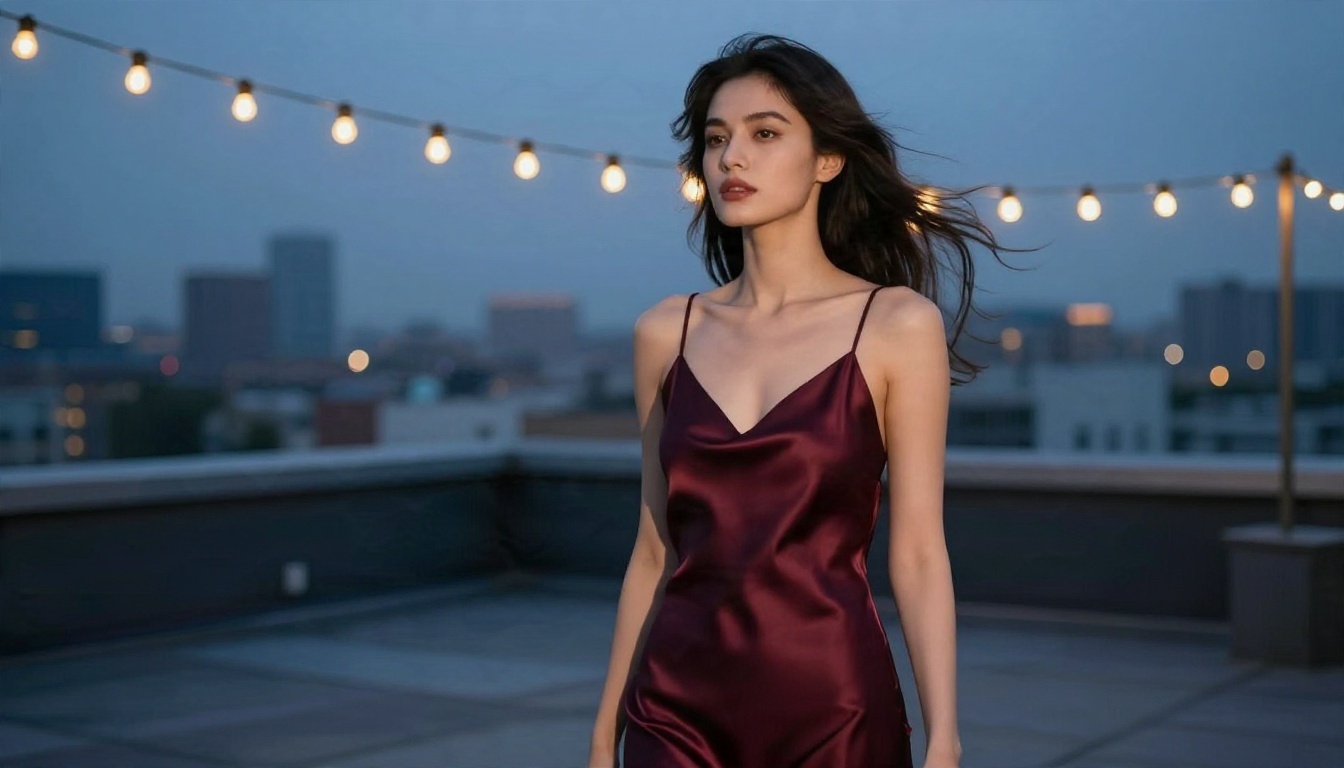
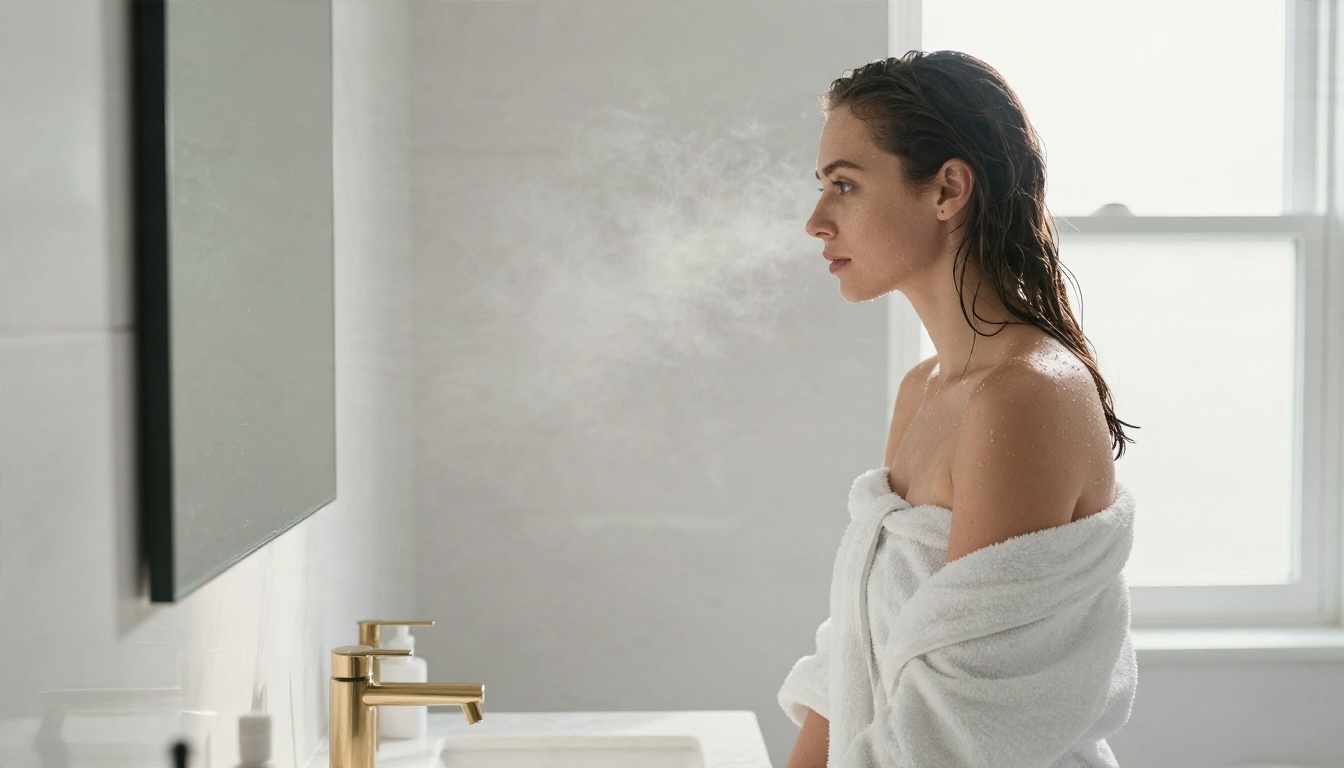
Give the image a setting and a story: a hotel suite at dawn, a rooftop at blue hour, a spa bathroom with steam. Scene-driven prompts feel more editorial, look better and read as fashion rather than something a filter might flag.
Iterate in small steps
If a result is almost right, do not rewrite the whole prompt. Change one variable at a time: light, outfit, pose or location. With unlimited generations in Image Editor Pro, this kind of patient iteration costs you nothing but a few minutes.
Use a reference photo
Start from your own photograph and edit it, rather than generating a face from nothing. It gives you consistent styling and avoids the uncanny look that comes from heavy prompting.
This is not only about curiosity. Plenty of legitimate work depends on tools that do not panic at a swimsuit.
- Fashion and swimwear brands who need campaign mockups before booking a shoot.
- Boudoir and glamour photographers planning poses, sets and lighting.
- Fiction authors and book cover designers working in romance.
- Content creators building original, fictional characters for their own channels.
- Art directors testing moods before a real production day.
For all of them, the ideal tool is fast, photorealistic and not constantly second-guessing ordinary fashion prompts. That is why a lead model like Seedream 4.5 plus an unlimited editor makes a practical pair.
A realistic workflow
- Draft ideas in a chat model and ask it for shot lists.
- Generate concept images in Z Image Turbo for speed.
- Produce the polished version in Seedream 4.5.
- Fix and restyle in Image Editor Pro with unlimited tries.
Common Mistakes to Avoid
Trusting "no restrictions" claims. A service that advertises no rules at all often has no real privacy protections either. Your uploads, prompts and results may not be handled the way you assume.
Using real faces. It is the fastest way to cross from a legitimate project into harm, and it is the one thing even permissive tools will not forgive.
Giving up after one refusal. A block usually means the wording tripped a filter, not that the idea is impossible. Rephrase in photographic terms and try another model.
Ignoring where you will publish. An image can be perfectly acceptable to generate and still break the rules of the platform where you want to post it.
Choosing one model for everything. Different models have different strengths. Try two or three before deciding.
Try It Yourself on PicassoIA
The short version: the tool you pick decides how much friction you face. If you are tired of refusals on ordinary glamour, swimwear and boudoir prompts, give PicassoIA a try. Start with Seedream 4.5, keep your prompts photographic and specific, and then polish your favorites in PicassoIA Image Editor Pro, where generations are unlimited.
Create a few test images today. Try a beach sunrise, a hotel suite in morning light, a rooftop at blue hour. Compare how different models handle the same prompt, and keep the ones that fit your style. When you want to see every option, browse the full catalog at picassoia.com/en/all-models and pick the one that suits your project.


