You typed a suggestive prompt into LMArena, hit enter, and got a refusal, a blank tile, or a suspiciously covered-up result. Sound familiar? LMArena is built for comparing models, not for adult image creation, and that design shapes everything that happens when a prompt leans toward NSFW. The short answer: it can sometimes return mildly suggestive images, but it will not reliably deliver bikini, lingerie or boudoir shots on demand, and anything explicit is a no-go.
This article breaks down what you can expect, why the results swing so much between attempts, and which free alternatives give you far more room to work with. Every example image below is non-explicit glamour photography: swimwear, lingerie, satin and lace, the kind of content that sits in the suggestive but tasteful zone.
What LMArena Actually Is
Before judging its limits, it helps to know what the tool is for. LMArena is a public platform where visitors send one prompt to two anonymous models, compare the outputs, and vote for the better one. The votes feed a public leaderboard. Image generation is one of its arenas, so you can pit text-to-image models against each other without paying for each one.

It Is a Testing Ground
The core purpose is evaluation. You are not the customer in the usual sense; you are a voter whose preference data helps rank models. That matters for NSFW prompts because the platform has little reason to loosen anything. Its operators want to keep the site open to everyone, hosted models from large labs, and a leaderboard that looks respectable.
Who Controls the Filters
Here is the part that surprises people. LMArena does not own one single filter. Each model in the pool comes with its own safety layer set by its developer, and the platform can add moderation on top. So the same suggestive prompt may pass on one side of a battle and be refused on the other. A tile that comes back empty, an error, or an image that looks oddly modest is often the sign of a model-level block, not a bug.
💡 Quick note on sources: I could not find a published, NSFW-specific rule for LMArena's image arena. What follows reflects how filtered multi-model platforms behave in general and what people commonly report, so treat the details as patterns, not guarantees.
Can It Make NSFW Images?
Short version: sometimes, in a very limited sense. Think "mildly suggestive", not "adult content".
What Tends to Pass
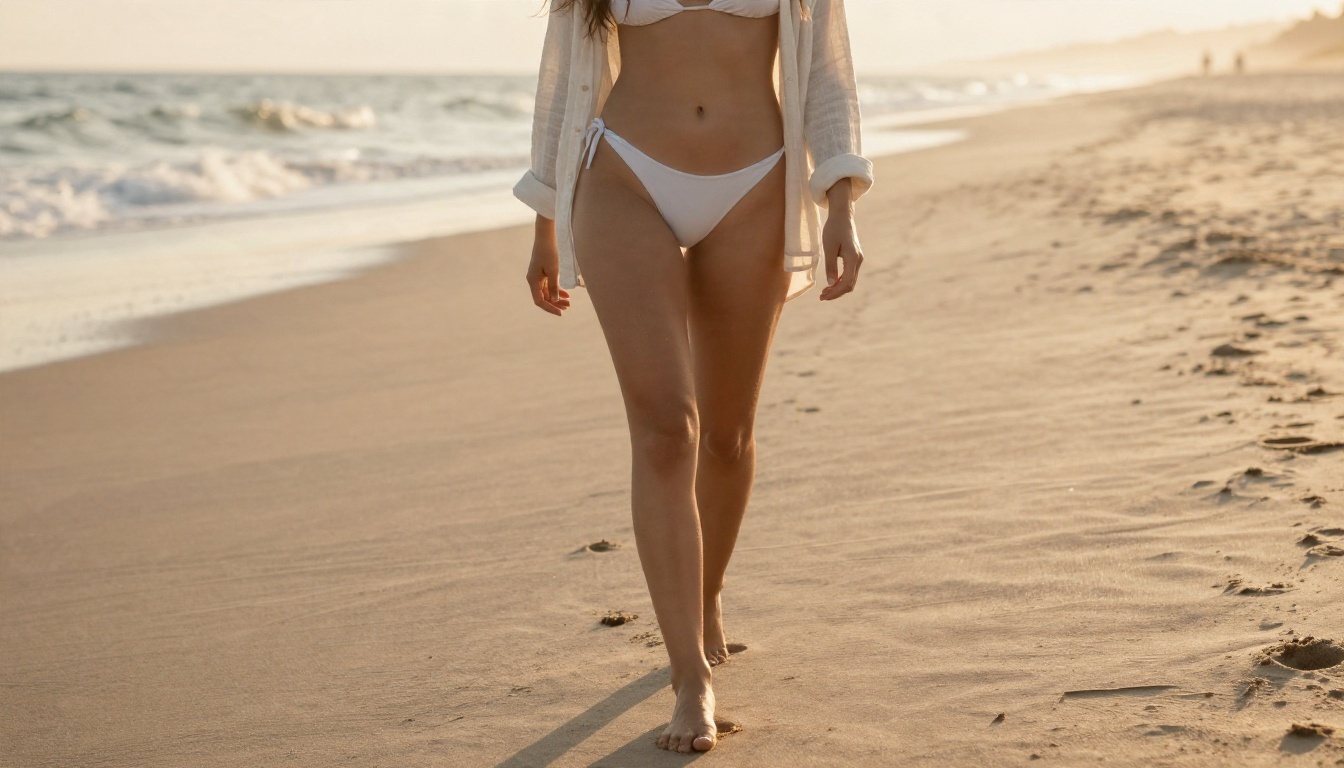
Prompts that read like a fashion or lifestyle shoot are the ones most likely to return an image:
- Swimwear on a beach or by a pool
- Evening dresses with open backs
- Robes, camisoles and loungewear in a bedroom setting
- Glamour portraits with dramatic lighting
Even then, the model on the other side may decline, and you will only see one result out of the pair. This is why many users believe the platform is "random" about it.
What Gets Blocked
Anything that clearly signals nudity, explicit acts, fetish content, or real people in sexual scenarios is refused by essentially every major hosted model. Prompts that name real public figures are usually stopped even earlier. Prompts involving minors, or anything ambiguous about age, are blocked outright and should never be attempted.
| Prompt type | Typical outcome on a filtered arena |
|---|
| Beach or pool, swimwear | Often passes, sometimes modest framing |
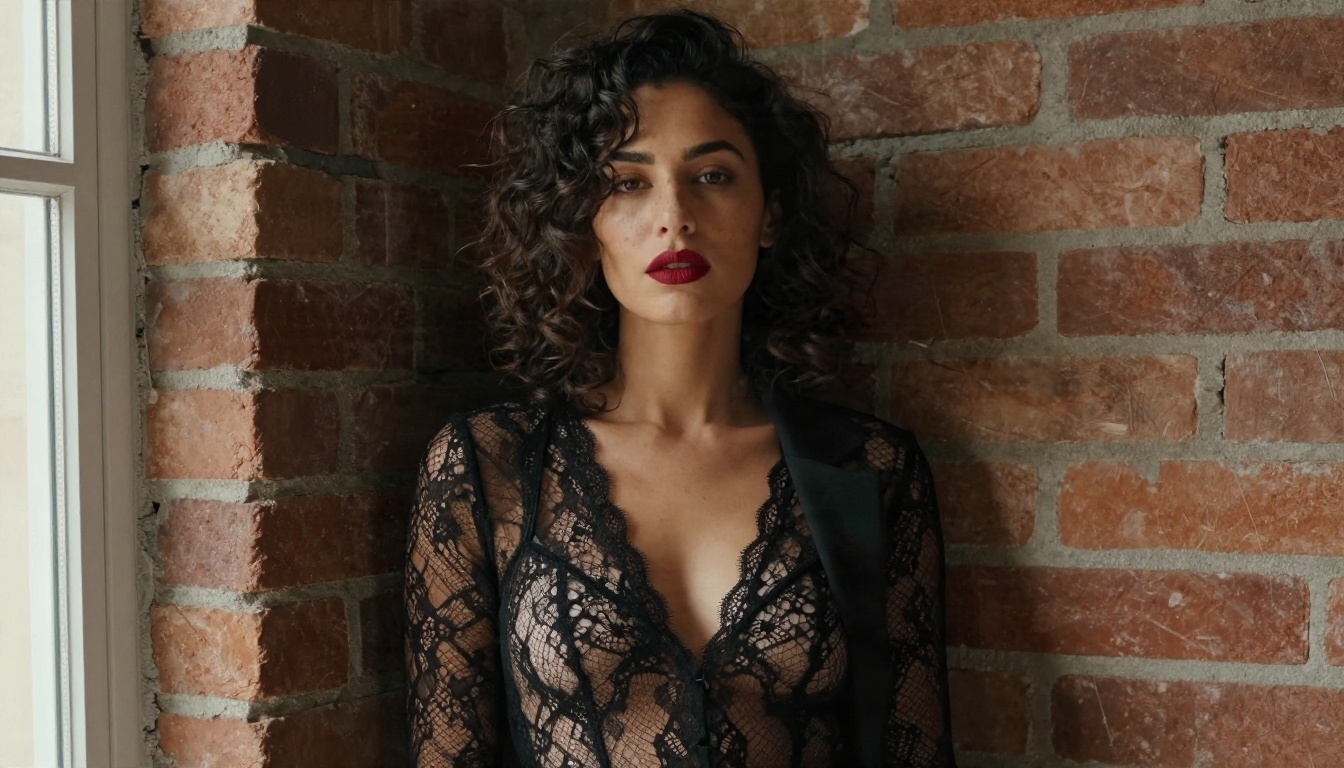
| Lingerie or lace, glamour lighting | Hit or miss, depends on the model |
| Implied nudity, artistic framing | Usually refused or softened |
| Explicit content | Refused |
| Real celebrity likeness | Refused |
Why Results Vary So Much
If you have run the same prompt twice and gotten two very different outcomes, you are not imagining things. Three things drive the inconsistency.
Anonymous Pairings
In battle mode the models are drawn randomly. One round you may face a model with relaxed output rules, the next a strictly filtered one. You cannot choose, so you cannot rely on a repeatable result. Side-by-side mode lets you pick models, but the filters travel with each model.
Prompt Wording Sensitivity
Filters react to specific words and to the overall vibe of a sentence. "Elegant woman in a satin slip dress by a sunlit window" reads very differently from a prompt packed with provocative adjectives. Many people notice that calm, photographic wording passes more often than loaded phrasing.
Output Checks After Generation
Some safety systems inspect the finished picture, not just the prompt. A prompt can look harmless, the model can produce an image, and a second classifier can still reject it. That is the reason you sometimes wait the full generation time and then get nothing.
💡 Tip: If a result disappears, rewrite the prompt around the scene, the clothing fabric and the light, not around the body. Photography language is gentler on filters and usually gives better images anyway.
Limits You Will Hit Fast
Even when a tasteful prompt does work, a few practical limits make LMArena a poor fit for anyone who wants to actually produce images.
No Control Over the Model
The whole point of the product is blind comparison. If you love one model's skin rendering or fabric detail, you cannot simply keep using it for a project. You are voting, not producing.
Public Data and Privacy
Prompts submitted to evaluation platforms may be reviewed and used in research datasets. Anything personal, private, or built around a real person's face should not be typed into a public arena. This is another reason to avoid pushing sensitive prompts there.
Limited Editing Tools
A real workflow needs more than one shot. You want to fix a hand, change the outfit color, extend the background, or upscale for print. An arena gives you a picture and a vote button. There is no inpainting, outpainting or batch variation to speak of.
Usage Caps and Queues
Free public tools tend to throttle heavy users. If you iterate on a prompt ten or fifteen times, as you should for glamour portraits, you can run into slowdowns or rate limits.
| Need | LMArena | A dedicated image platform |
|---|
| Pick your model | Limited | Yes |
| Repeatable results | No | Yes |
| Edit and refine | Minimal | Yes |
| Suggestive glamour prompts | Unreliable | Much more room |
| Private workflow | No | Yes |
Examples of Tasteful Glamour Prompts
Here is what a realistic, non-explicit result looks like when the tool you use gives you room to work. These are the prompt styles that consistently produce good photographic output on platforms built for creation. Each one leans on camera language, which models respond to very well.
Pool and Beach Scenes
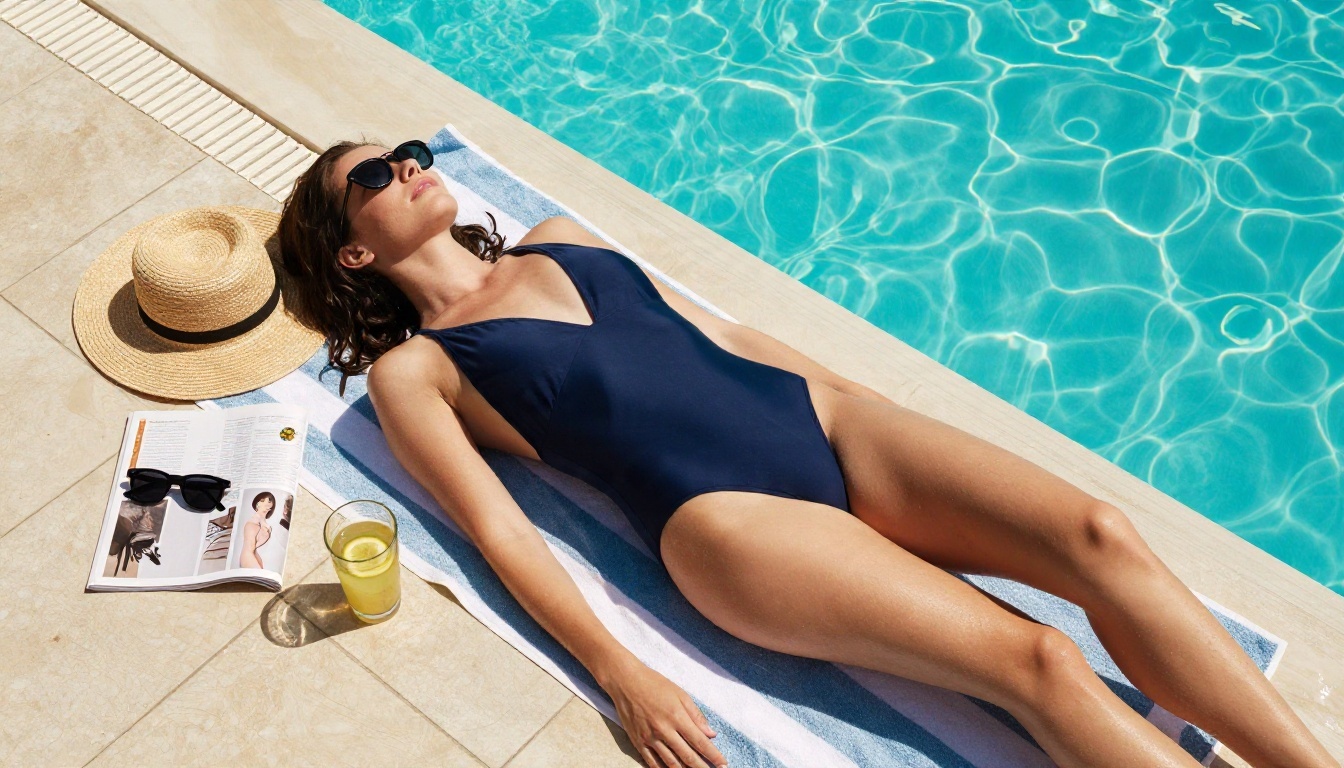
Swimwear is the easiest entry point. Describe the setting, the sun direction and the lens: "Top-down photograph of a woman in a navy one-piece swimsuit on a striped towel beside a turquoise pool, hard midday sun, 24mm lens, wet tile texture, subtle film grain." The camera angle and surface details do most of the work.
Boudoir and Satin
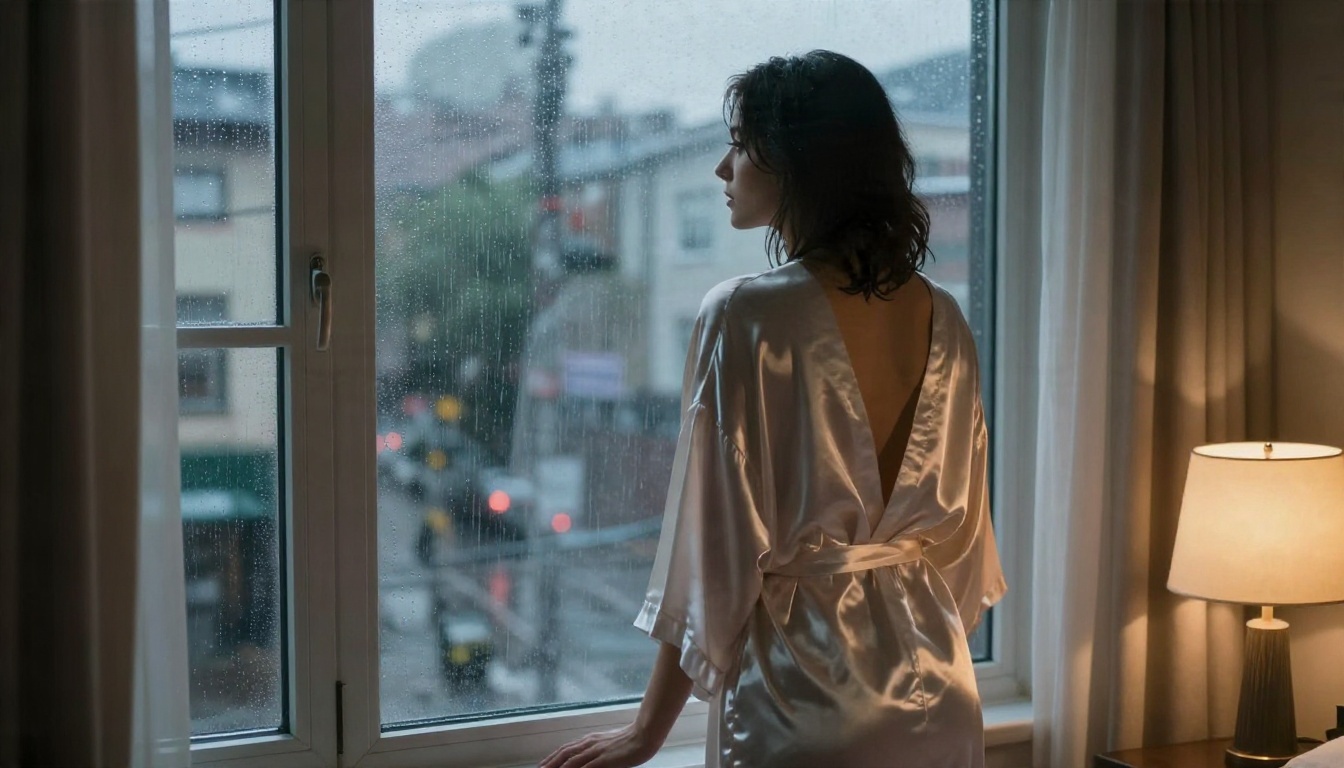
Soft fabrics and window light give the most flattering results. Lead with the scene, name the fabric, then the light: "Woman in a satin robe at a tall rainy window, cool daylight with a warm lamp behind her, 35mm lens, visible silk folds."
Romantic Evening Wear
Suggestion often works better than exposure. A candlelit dinner with an open-back dress and warm shallow focus carries plenty of attraction while staying fully clothed and easy to publish.
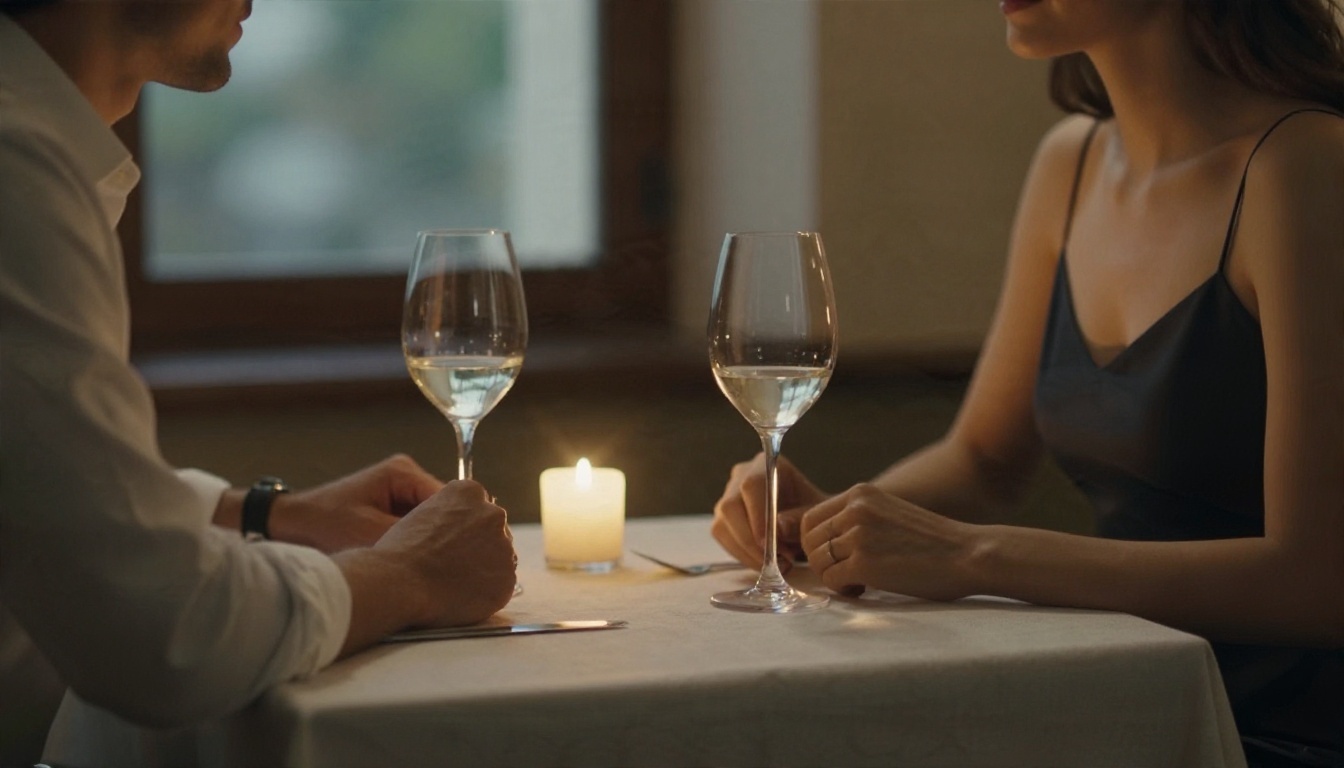
💡 Prompt formula that works: subject and pose, then environment, then light direction, then lens and aperture, then texture and film stock. Keep it between 50 and 75 words.
Free Alternatives That Do It Better
If your goal is to actually make glamour and swimwear images, a creation platform is the right tool. On PicassoIA you can pick the exact model and iterate without blind pairings. LMArena itself is not a model and is not part of PicassoIA, so the options below are the ones to use for similar results today.
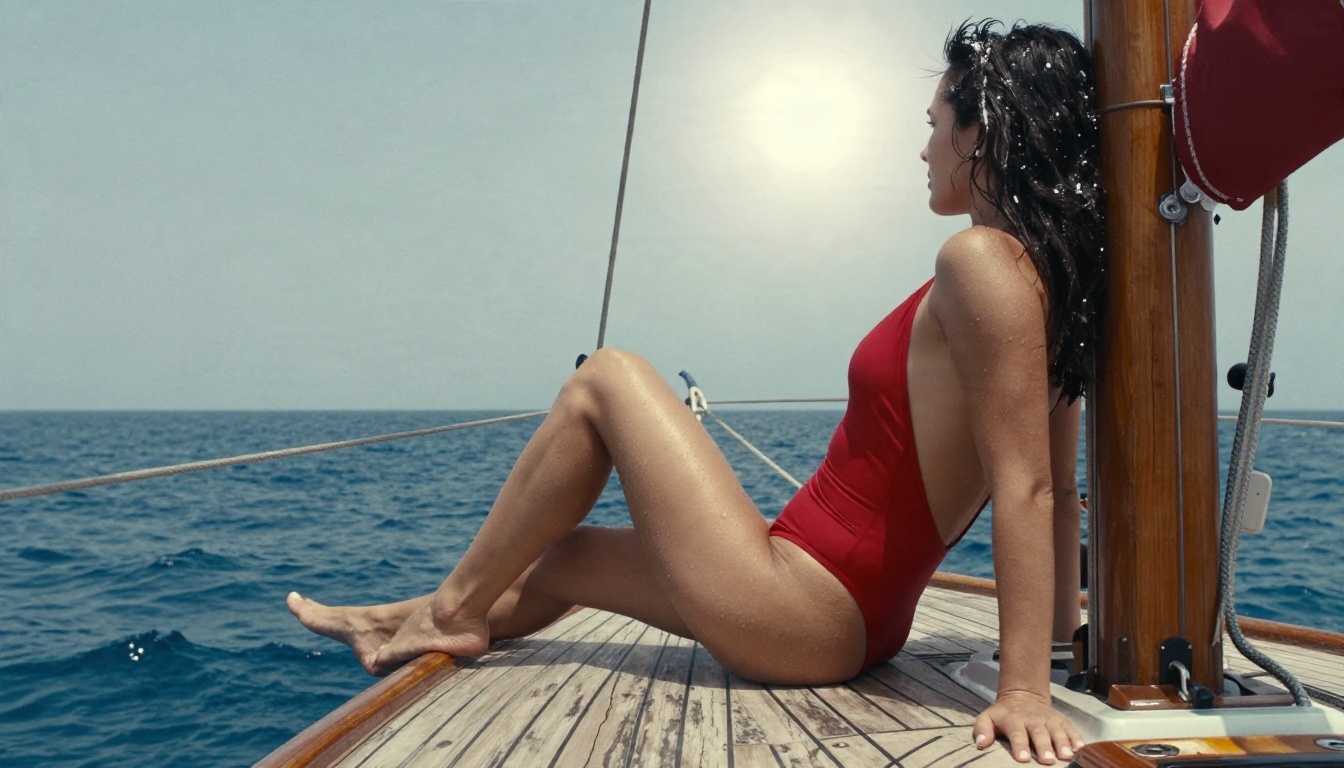
Seedream 4.5 First
Seedream 4.5 is the model to try first for suggestive, photorealistic work. It handles skin texture, fabric and lighting very well, outputs sharp high-resolution images, and is far more flexible with swimwear, lingerie and boudoir scenes than a filtered arena model. You choose it directly, so every run is repeatable.
Image Editor Pro for Unlimited Runs
PicassoIA Image Editor Pro is the one to open when you want to iterate without counting generations. It offers unlimited generations, which matters for glamour work where the first image is rarely the best. Use it to tweak outfits, change the setting, and polish the details until the picture lands.
Other Models Worth Testing
Once you have a baseline, try these for a different look:
💡 Worth knowing: not every popular model suits adult-leaning prompts. Some newer lightweight releases block them entirely, so if a model keeps refusing a perfectly tasteful request, switch rather than fight the filter.
How to Get Similar Results on PicassoIA
Here is the workflow with Seedream 4.5, step by step.
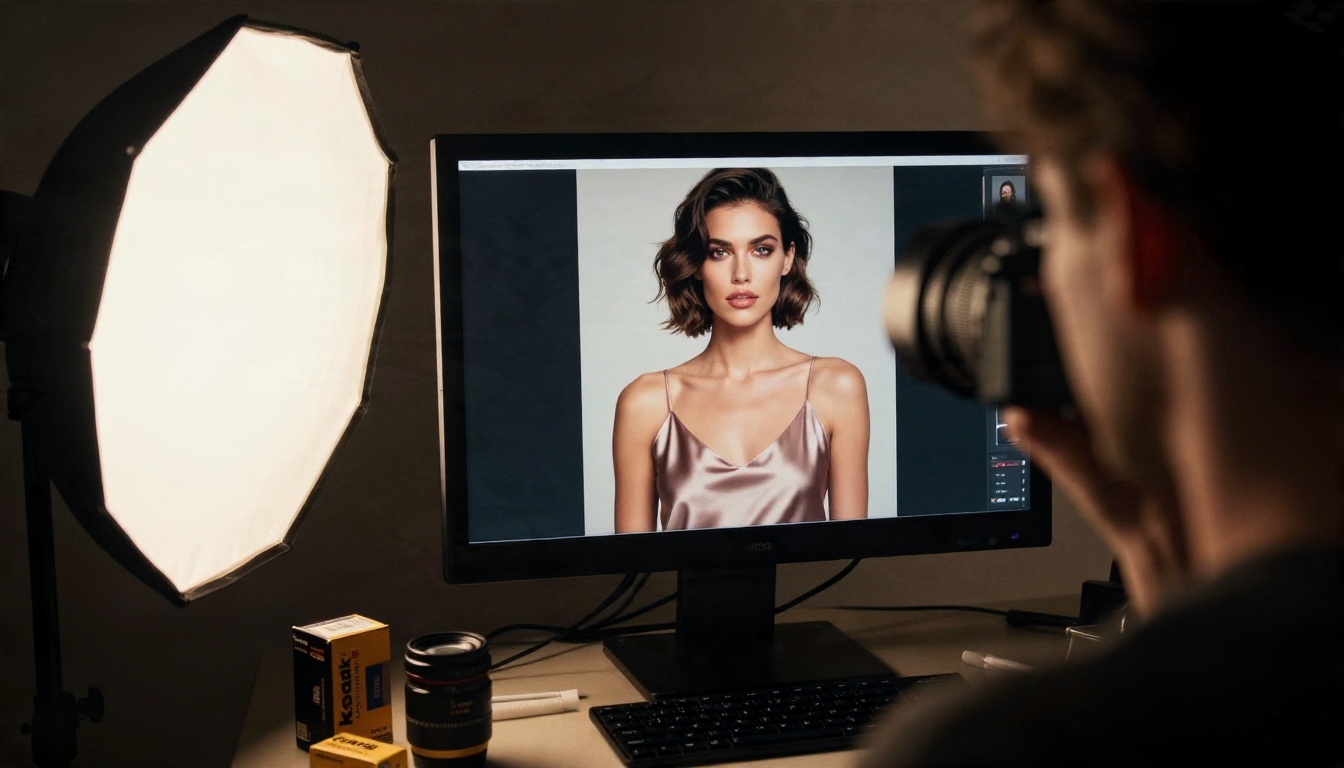
Step 1: Open the Model Page
Go to the Seedream 4.5 page and open the prompt box. There is nothing to configure before your first image.
Step 2: Write a Scene Prompt
Use the formula from earlier. For example: "Woman in a white string bikini and linen shirt walking along a quiet beach at golden hour, wet footprints behind her, warm backlight, 35mm f/2 lens, visible sand grains, Kodak Portra 400 film grain." Keep it photographic and specific.
Step 3: Set the Aspect Ratio
Pick 16:9 for wide editorial scenes, or a vertical ratio for portraits and social posts. Choose the ratio before you generate; recomposing later costs time.
Step 4: Generate and Compare
Run the prompt, then change one variable at a time: the lens, the light direction, the fabric. Small edits show you quickly which words the model responds to.
Step 5: Polish in Image Editor Pro
Take your best frame into Image Editor Pro for fixes and variations. Because generations are unlimited, you can try as many alterations as you need.
Parameter Tips That Help
- Lens words matter. "85mm f/1.8" gives soft portrait compression; "24mm" gives wide environmental shots.
- Name the light. "Golden morning light from the left" beats "good lighting".
- Add texture cues. Skin pores, linen weave, lace thread detail and film grain push realism.
- Avoid text in the image. Models still garble lettering; leave it out.
- Keep it non-explicit. Suggestive, stylish and flattering performs better and is easier to publish.
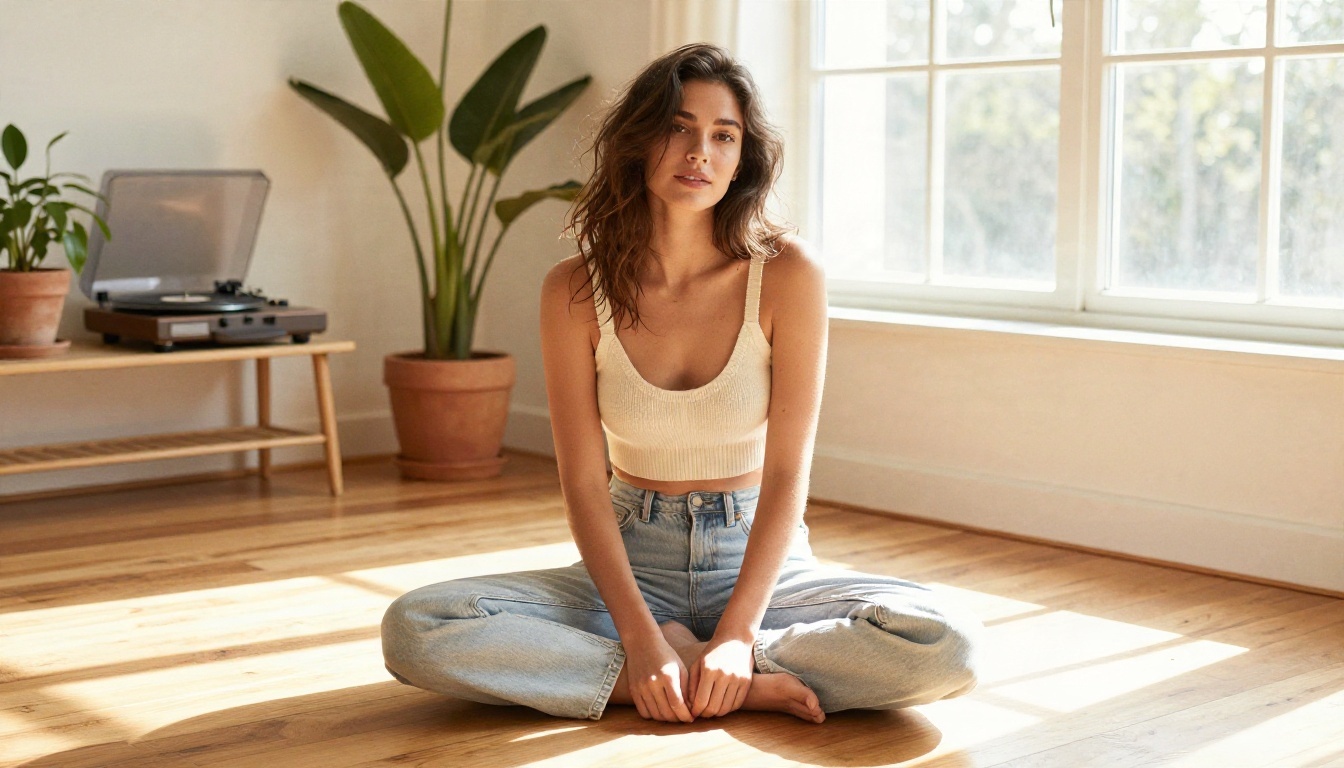
Let's put the two approaches next to each other so the choice is obvious.
When LMArena Makes Sense
Use it when you want to see how several models handle the same prompt and you are happy with a blind vote. It is excellent for model research, for settling an argument with a friend, or for checking which lab currently renders hands best. For suggestive prompts it works as a quick curiosity test, nothing more.
When to Switch
Switch the moment you want a specific result. If you need a consistent look across a set of images, a private workflow, fast edits, or simply fewer refusals, a creation platform wins. You pick the model, you keep the output, and you can regenerate until it is right.
| Goal | Better choice |
|---|
| Compare models blind | LMArena |
| Produce a glamour set | A creation platform |
| Edit and refine one image | A creation platform |
| Keep prompts private | A creation platform |
| Check a leaderboard | LMArena |
Safety Rules That Still Apply
Fewer filters does not mean no rules. Keep these in mind whatever tool you use:
- Adults only. Every subject must be clearly and unambiguously an adult.
- No real people. Do not use a real person's likeness without their consent, and never for sexual content.
- Keep it non-explicit. Suggestive, artistic and flattering is the goal here.
- Check platform terms for any site where you publish the results.
Try Your Own Glamour Shots Today
LMArena is a great scoreboard and a poor studio. If you want swimwear, boudoir and evening-wear images that look like real photography, open Seedream 4.5 first, then move into PicassoIA Image Editor Pro when you want unlimited generations to refine your favorites. Start with one of the prompts above, change the light, swap the lens, and see how far a single sentence can go.
When you are ready to test other looks, browse the full catalog at picassoia.com/en/all-models and try a new model with the same prompt. Pick one scene, write your own prompt, and generate your first image now.


