You typed a perfectly reasonable prompt, a woman in a bikini on a yacht, and Midjourney either refused it, blurred the result or sent you a warning. If that sounds familiar, you are not imagining things. Midjourney is built as a safe-for-work service, and its rules, its automated filters and its human moderators all push in the same direction: no nudity, no sexualized imagery, no exceptions for private use.
This article answers the question straight, then goes further. You will see exactly what Midjourney bans, how the filters decide what to block, why the popular workarounds tend to end badly, and which free alternatives let you create tasteful glamour, swimwear and boudoir-style photography without fighting a filter on every prompt.
💡 Quick answer: No. Midjourney does not allow NSFW images, and the rule applies even in private mode. If you want glamour, swimwear or artistic boudoir photos, you need a different generator, and the options below are free to try.
The Short Answer
What Midjourney Says
Midjourney's community rules state that content must be safe for work. The rules specifically flag nudity, sexual organs, a fixation on those things, sexualized imagery and fetishes as adult content that does not belong on the service. The document is also clear that this is not a suggestion for public galleries only.
The rules apply to everything you make, including images created in private spaces, images you delete afterward, work made in Stealth Mode and images generated in direct messages with the bot. In plain terms, "nobody will see it" is not a defense on the platform.
The rules also point users to the official Discord rules channel for the most current wording. I could not find a dated policy change that relaxes any of this, so assume the safe-for-work standard is still in force.
Who Enforces It
Enforcement comes from two directions. First, there are automated systems that screen prompts and results. Midjourney moved to a more AI-driven moderation approach in 2023 that looks at a prompt as a whole rather than hunting for single banned words. Second, there are community moderators and user reports. The rules ask members to report rule-breaking content, which means a questionable image in a shared channel can be flagged by other people.
Penalties scale with the situation. A user can be warned, put in a time-out or blocked from the service entirely. Anything involving minors is treated as an absolute prohibition with no gray area, and that is the right call.
What the Rules Actually Ban
The Banned Content List
Here is a plain-language summary of how the rules treat adult material:
| Content type | Midjourney's stance | Practical result |
|---|
| Nudity and sexual organs | Not allowed | Prompt blocked or image refused |
| Sexualized imagery | Not allowed | Warning or filter trigger |
| Fetish content | Not allowed | Prompt blocked, possible account action |
| People in showers or on toilets | Flagged as adult content | Often filtered |
| Editing uploaded photos into sexualized images | Not allowed | Edits refused, account risk |
| Anything involving minors | Absolute prohibition | Immediate block |
That last point about uploads matters. The editor and image-prompt features are covered by the same rules, so you cannot upload a photo and ask for a sexualized version of it.
Private Mode Does Not Help
Many users assume Stealth Mode or a private server creates a loophole. It does not. Because the rules cover private images and even deleted ones, a rule violation can be found and acted on whether or not the image was ever public. Paying for a higher plan does not buy different content rules either.
💡 Reality check: Stealth Mode hides your images from the public gallery. It does not hide them from moderation.
How the Filters Work
Prompt Screening Basics
Before an image is generated, your prompt is checked. Some words are blocked outright, and others are judged by context. A word that is fine in a cooking prompt may be refused in a portrait prompt. Because the system reads the whole prompt, stacking several mildly suggestive terms together is more likely to trigger a refusal than one term alone.
Results can be checked too. Even when a prompt passes, an output that looks too revealing can be withheld or flagged. That is why users report inconsistent behavior: the same prompt can work on Monday and fail on Tuesday.
Why Innocent Prompts Get Blocked
Broad filters produce false positives, and swimwear is the classic example. Beach photos, fitness portraits, lingerie-adjacent fashion shoots and even some medical or anatomy-themed prompts can be caught because the filter is tuned to err on the side of caution.
If you are a photographer, a swimwear brand, a fashion illustrator or simply an adult who wants glamour imagery, this is frustrating. A tool that refuses a bikini on a beach is not built for your use case, and no amount of clever phrasing changes what the tool was designed to do.
Why Workarounds Backfire
Coded Words and Misspellings
Search for this topic and you will find endless threads about misspelled words, euphemisms and prompt tricks. Here is why most of them fail:
- Holistic screening means a disguised prompt still reads as the same request.
- Filters get updated quietly, so a trick that worked last month stops working without warning.
- Output checks can still catch the image even if the prompt slipped through.
- Results from tricks tend to be inconsistent and low quality, because you are working against the model rather than with it.
Account Risk Is Real
The bigger issue is what you risk. Repeated attempts can lead to warnings, time-outs or a permanent block, and a block usually means losing access to your paid subscription and your image history. Spending your time and money to dodge a filter on a platform that explicitly bans the content is a poor trade.
💡 Smarter move: If a generator's rules prohibit what you want to make, switch to one whose rules allow it. It takes five minutes and saves you every headache above.
Free Alternatives That Allow Glamour
Midjourney itself is not on PicassoIA, so there is no link to give you for it. The good news is that PicassoIA hosts several image generators that handle non-explicit adult and glamour content, meaning swimwear, boudoir styling, lingerie-style fashion and artistic portraits. Here they are, in the order I would try them.
Seedream 4.5 First
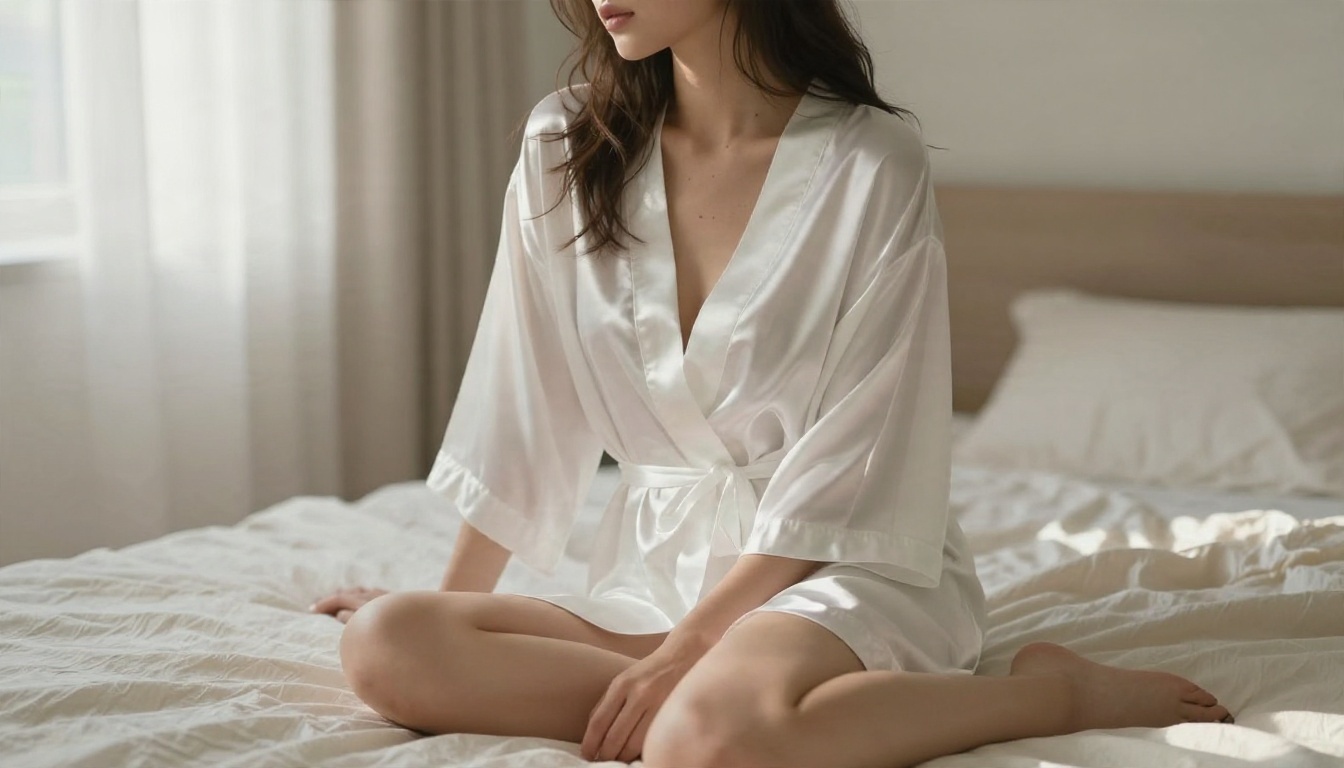
Seedream 4.5 is my first recommendation for this kind of work. It produces sharp, high-resolution photorealistic images, with convincing skin texture, believable fabric and natural lighting. It is far more relaxed about swimwear, boudoir and glamour prompts than Midjourney, so you spend your time refining the picture instead of rewording refused prompts.
Where it shines:
- Skin and fabric realism, including satin, silk and wet swimwear
- Lighting control through plain-language prompts such as "golden hour rim light"
- Sharp 4K-class output that holds up for print and social media
PicassoIA Image Editor Pro
PicassoIA Image Editor Pro is the second stop, and it is built for a different job. Instead of starting from nothing, you can edit and refine existing images: change an outfit, adjust a background, fix lighting or polish a result you got from another model. The big selling point is that it offers unlimited generations, so you can iterate as many times as you like without watching a credit counter.
Two More Fast Options
If you want extra speed or a different look, try these as well:
- Z Image Turbo is fast. It returns sharp images in seconds, which makes it ideal for testing ten prompt ideas quickly before committing to a final.
- Flux 2 Klein 9B Base LoRA supports styled outputs through LoRA, handy when you want a consistent look across a whole set of photos.
Side by Side Comparison
| Feature | Midjourney | Seedream 4.5 | Image Editor Pro | Z Image Turbo |
|---|
| Allows glamour and swimwear | No, filtered | Yes | Yes | Yes |
| Photorealism | Strong | Excellent | Strong, edit focused | Very good |
| Speed | Moderate | Fast | Fast | Very fast |
| Generation limits | Plan based | Free to try | Unlimited | Free to try |
| Account block risk for adult themes | Yes | Not for non-explicit content | Not for non-explicit content | Not for non-explicit content |
| Available on PicassoIA | No | Yes | Yes | Yes |
How to Get Similar Results on PicassoIA
Midjourney is not on PicassoIA, so here is how to get the photorealistic look people love from it using Seedream 4.5 instead.
Step by Step Workflow
- Open the model page. Go to the Seedream 4.5 page and sign in.
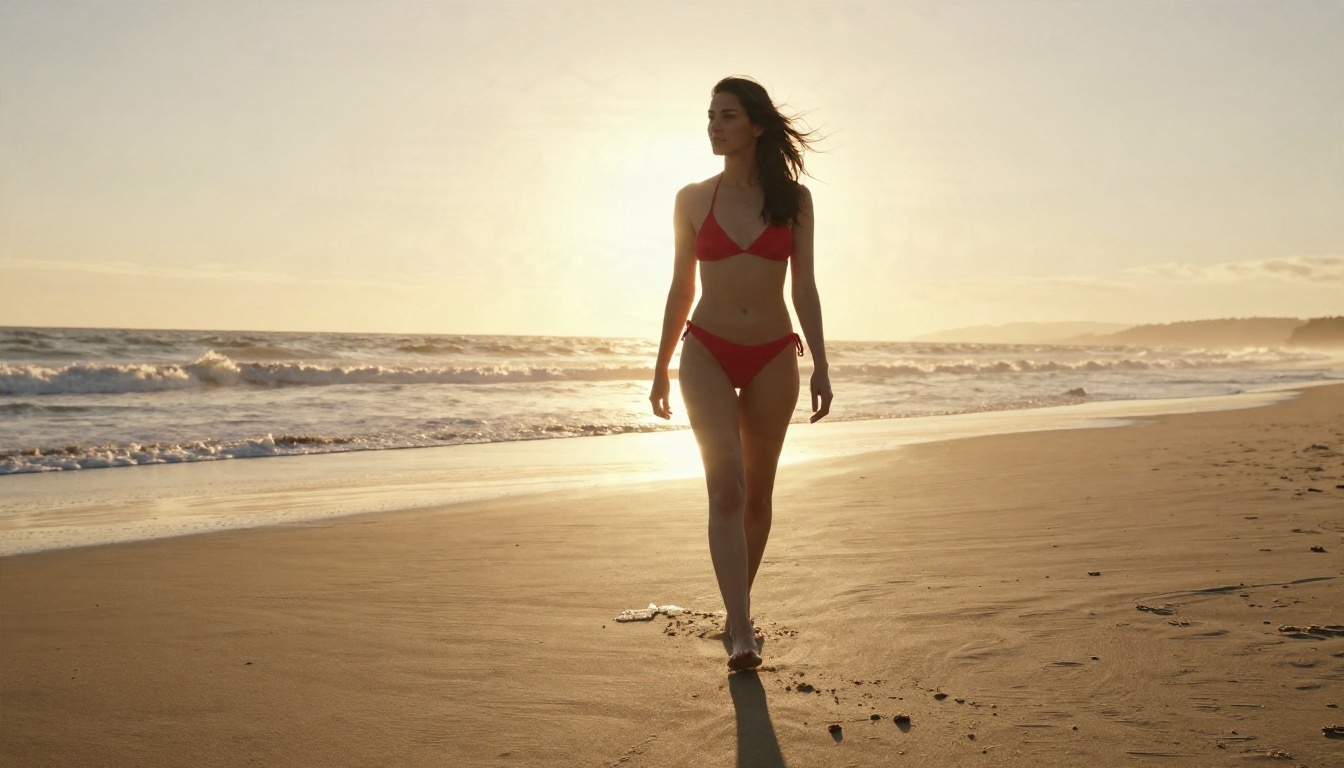
- Write a photographic prompt. Describe the subject, outfit, location, light and lens, in that order. Example: "Woman in a red bikini walking on wet sand at golden hour, 70mm lens, warm rim light, fine film grain."
- Choose 16:9 for wide scenes or a portrait ratio for full-body fashion shots.
- Generate, then compare. Create a few variations and pick the one with the best skin texture and lighting.
- Refine in Image Editor Pro. Open your favorite in PicassoIA Image Editor Pro to adjust clothing, background or tone.
- Upscale if needed. Use a super resolution tool from the platform when you want a larger print.
Prompt Tips That Work
- Name the camera setup. Phrases like "85mm f/1.8" and "35mm low angle" push the model toward real photography.
- Describe the light direction. "Soft window light from the left" beats "good lighting" every time.
- Mention textures. Satin sheen, wet skin, sea salt, rough stone and linen all add realism.
- Add film language. "Kodak Portra 400, fine grain" gives a natural, slightly warm color palette.
- Keep one idea per prompt. A single clear scene produces cleaner results than five mixed concepts.
Sample Prompts to Try
| Style | Prompt starter |
|---|
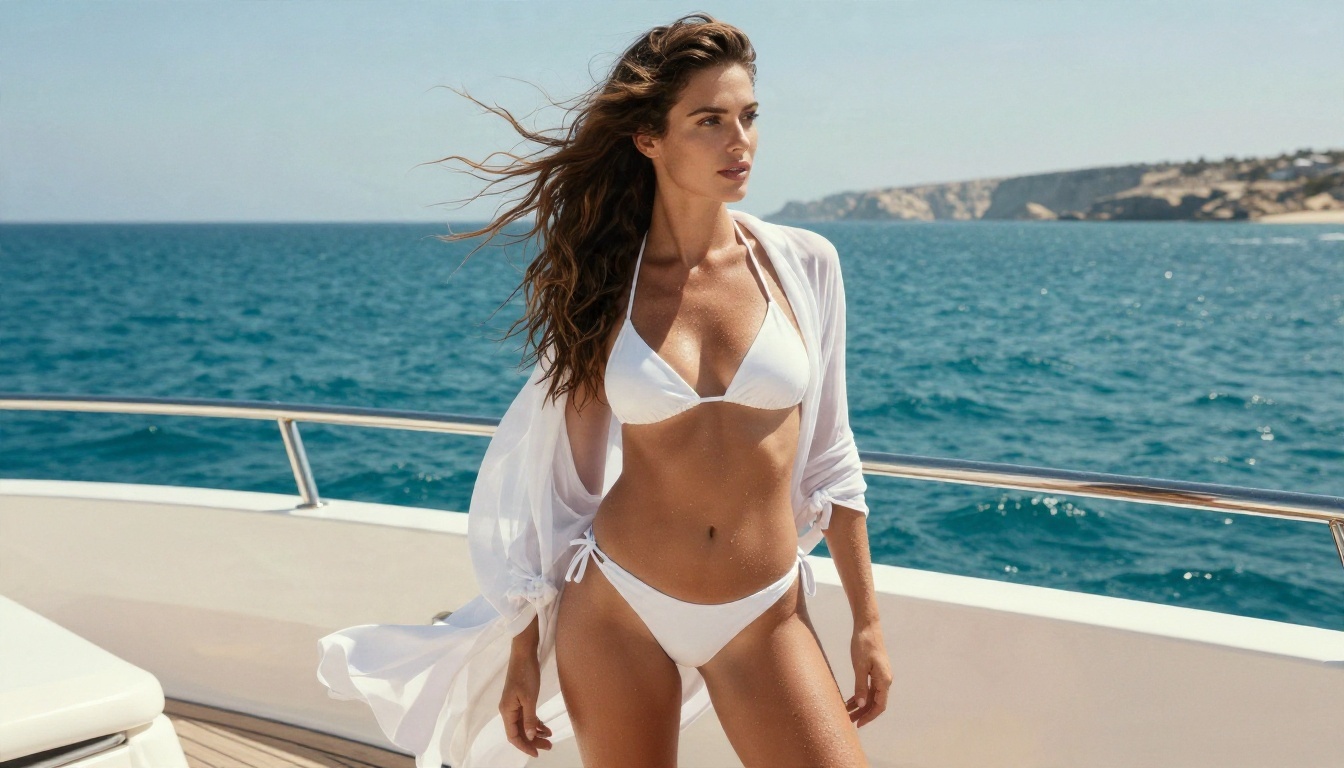
| Beach glamour | Woman in a white bikini on a yacht deck, Mediterranean sea, midday sun, 35mm low angle |
| Boudoir portrait | Woman in a white silk robe, soft morning light through sheer curtains, 85mm, creamy bokeh |
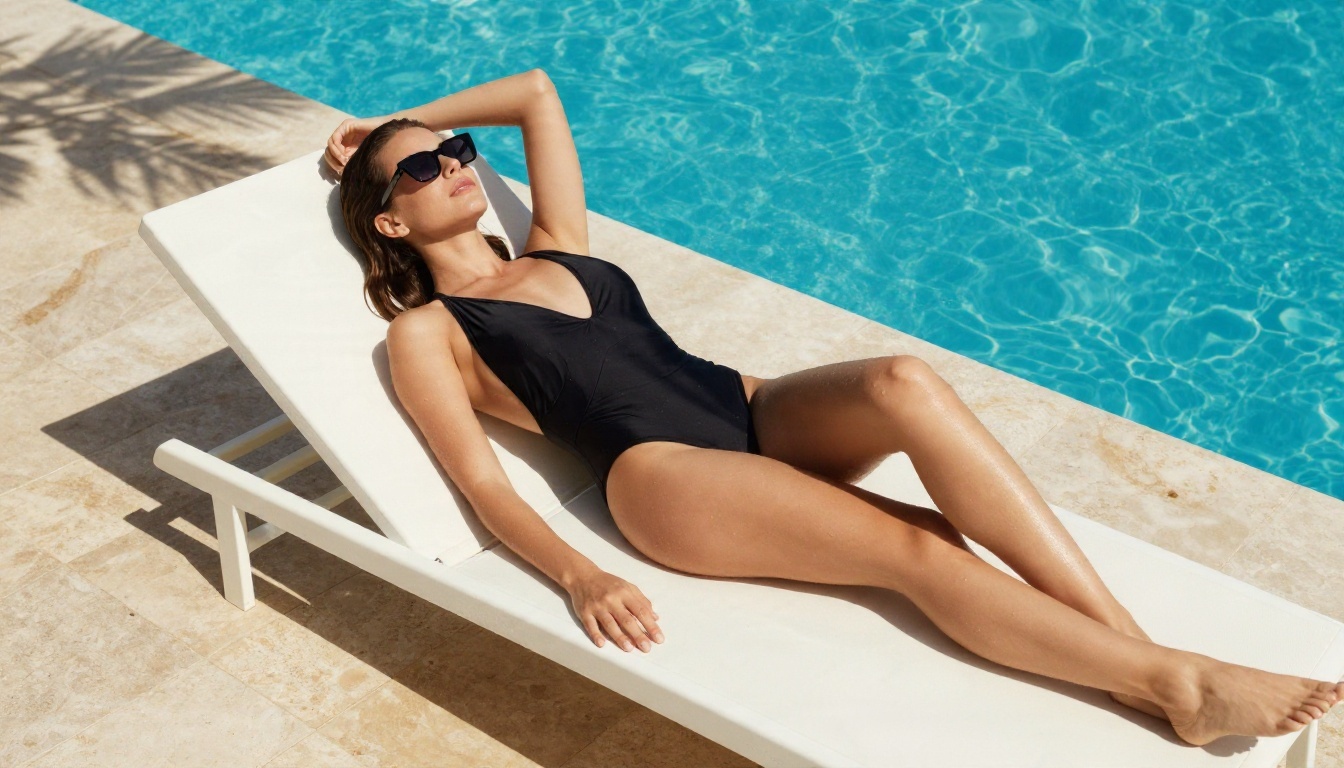
| Poolside editorial | Woman in a black one-piece swimsuit on a daybed, hard sun, wet stone tiles, 50mm |
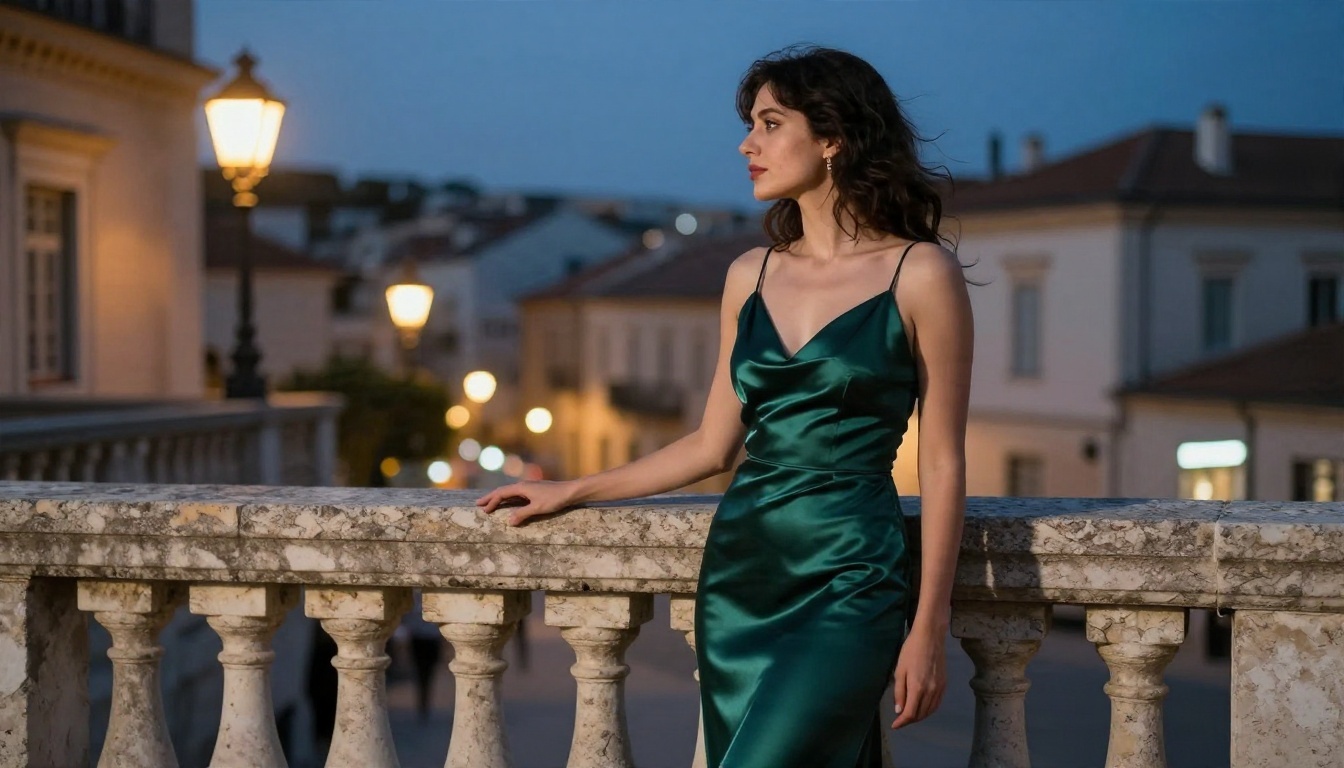
| Evening elegance | Woman in an emerald satin gown on a stone balcony at dusk, side light, 85mm |
💡 Pro tip: If a first result looks plasticky, add specifics about skin: "visible pores, subtle freckles, natural sheen." Real texture is what separates a photo from a render.
Staying Safe and Respectful
Freedom to create glamour imagery comes with a few firm lines, and they apply no matter which generator you use.
Rules That Never Change
- Adults only. Never create sexualized images of anyone who looks like a minor. Full stop.
- No explicit or pornographic content. The approach in this article is tasteful, non-explicit glamour: swimwear, boudoir styling and artistic portraits.
- No real people without consent. Do not generate sexualized images of real, identifiable individuals, and do not use someone's photo for that purpose. That is harassment, and in many places it is illegal.
- Label AI images when you publish them, especially for commercial work.
Using Images Responsibly
If you plan to sell or publish your work, check the terms of each platform where you will post. Many social networks have their own adult content rules, so a perfectly legal swimwear photo may still need an age restriction or a different venue.
Create Your Own Glamour Photos Today
So, can Midjourney create NSFW images? No. Its rules prohibit nudity and sexualized imagery everywhere, its filters catch plenty of harmless prompts too, and trying to dodge them puts your account at risk. If your goal is glamour, swimwear or boudoir photography, the practical answer is to use a generator that is built for it.
Start with Seedream 4.5 for sharp, photorealistic results, then polish your favorites with PicassoIA Image Editor Pro and its unlimited generations. When you want fast drafts, Z Image Turbo and Flux 2 Klein 9B Base LoRA round out the toolkit.
Open Picasso IA, paste one of the sample prompts above, and see what you get in under a minute. Change the outfit, the location or the lens, and run it again. You can browse every image, video and editing tool at picassoia.com/en/all-models.