Short answer: no, Midjourney does not let you make NSFW images. There is no adult toggle, no hidden setting, and no paid tier that switches the filters off. If you typed a prompt, watched it bounce back with a "banned prompt" notice, and wondered whether you did something wrong, you probably did not. The system is strict, it is keyword driven in places, and it sometimes trips on perfectly innocent wording.
This article sorts out what Midjourney actually blocks, why harmless prompts get rejected, what you can fix on your side, and where to go when your project is glamour, boudoir, swimwear or fashion work that Midjourney simply will not touch.

What Midjourney Actually Allows
Midjourney's community rules say the service blocks certain text and image inputs automatically, and they add an important warning: an input that is not blocked is not automatically allowed. In plain terms, the filter is one layer, and human and automated review sit on top of it. Passing the first gate does not make a result safe from a warning, a time-out or an account block later.
The platform has never marketed itself as an adult tool. It is built around art, concept design and mainstream creative work, and its moderation reflects that. Here is how the policy plays out in practice.
| Content type | Typical Midjourney result |
|---|
| Explicit nudity or sexual acts | Blocked, repeat attempts risk a ban |
| Suggestive terms ("nude", "erotic", "topless") | Usually triggers a banned prompt notice |
| Swimwear and fashion photography | Often works, but can be inconsistent |
| Artistic classical nudity (statues, paintings) | Hit and miss, depends on wording |
| Gore and extreme violence | Blocked |
| Real public figures in compromising scenes | Blocked and a fast route to a warning |
💡 Worth knowing: reporting from a few outlets has described cases where filtered content slipped through via repeated variation clicks, and the person who pointed it out was reportedly removed from the platform. Do not treat gaps like that as a feature. They are bugs, they get patched, and chasing them is a quick way to lose an account you pay for.
Why the rules are this strict
Midjourney runs on a public Discord server and a web app that shows creations to other users. A shared, visible gallery forces a conservative stance. Add legal risk around deepfakes and non-consensual imagery, and you get a platform that errs on the side of blocking.
Paid plans do not change the filter
A common myth says that a higher subscription or Stealth mode unlocks adult content. Stealth only hides your images from the public gallery. The moderation rules apply to everything you generate, whether anyone sees it or not.
Why Your Prompt Was Blocked
You will meet three flavors of rejection. Knowing which one you hit tells you whether the problem is fixable.
1. Direct keyword hits
Certain words are on a blocklist no matter the context. Anatomical terms, explicit sexual vocabulary, and words closely tied to adult content will stop a prompt before any image is made. You will see a notice that the prompt is not allowed, and that is the end of it.
2. False positives on innocent words
This is the frustrating one. Users regularly report harmless prompts getting rejected because one word overlaps with a blocked term or because a combination looks suspicious to the filter. Words about the body, skin, medical subjects, breastfeeding, anatomy illustrations or even food descriptions can trigger it. Swimwear and lingerie prompts also land in a gray zone where the same text works on Monday and fails on Tuesday.
3. Image-based and context blocks
Uploading a reference photo, using an image prompt or running variations on an earlier result can raise flags even if your text is clean. The system looks at the picture as well as the words, so a clean prompt does not guarantee a clean pass.
⚠️ Repeated rejections add up. Midjourney can issue warnings, time-outs or blocks for accounts that keep submitting prohibited inputs. If a prompt fails twice, stop and rethink it rather than hammering the same idea.
Fixes When a Harmless Prompt Fails
If your idea is legitimate (a swimwear campaign, a fashion lookbook, a medical illustration, a portrait with bare shoulders) and Midjourney still refuses it, these steps often help. None of them are tricks for getting around the policy. They are ways to stop false alarms.
Rewrite the vocabulary
Replace anything body-focused with scene-focused wording. Describe the setting, lighting, fabric and mood rather than skin and anatomy.
| Likely to trigger | Safer rewrite |
|---|
| "sexy woman in lingerie" | "editorial portrait, woman in a satin slip dress, window light" |
| "bare skin, wet body" | "sun-kissed beach portrait, golden hour, sea spray" |
| "seductive pose on bed" | "relaxed morning portrait on linen sheets, soft daylight" |
| "revealing outfit" | "evening dress with open back, runway lighting" |
Cut out stacked trigger words
One borderline word may pass. Three together rarely do. Trim your prompt to the essentials, then add details back one at a time to find the culprit.
Check your reference images
If you use image prompts, try the same text with no image. If it passes, the picture is the problem. Pick a reference with more clothing, a wider crop or a different subject.
Try a fresh session and a clean phrasing
Sometimes a prompt that looks identical fails because of a hidden character, an odd punctuation mark or a mixed language. Retype it from scratch rather than pasting.
Use the official channels
Midjourney offers no formal appeal for individual blocked prompts as far as users report, but its support and community channels are the only route for account problems. Be polite, be specific, and quote the prompt.
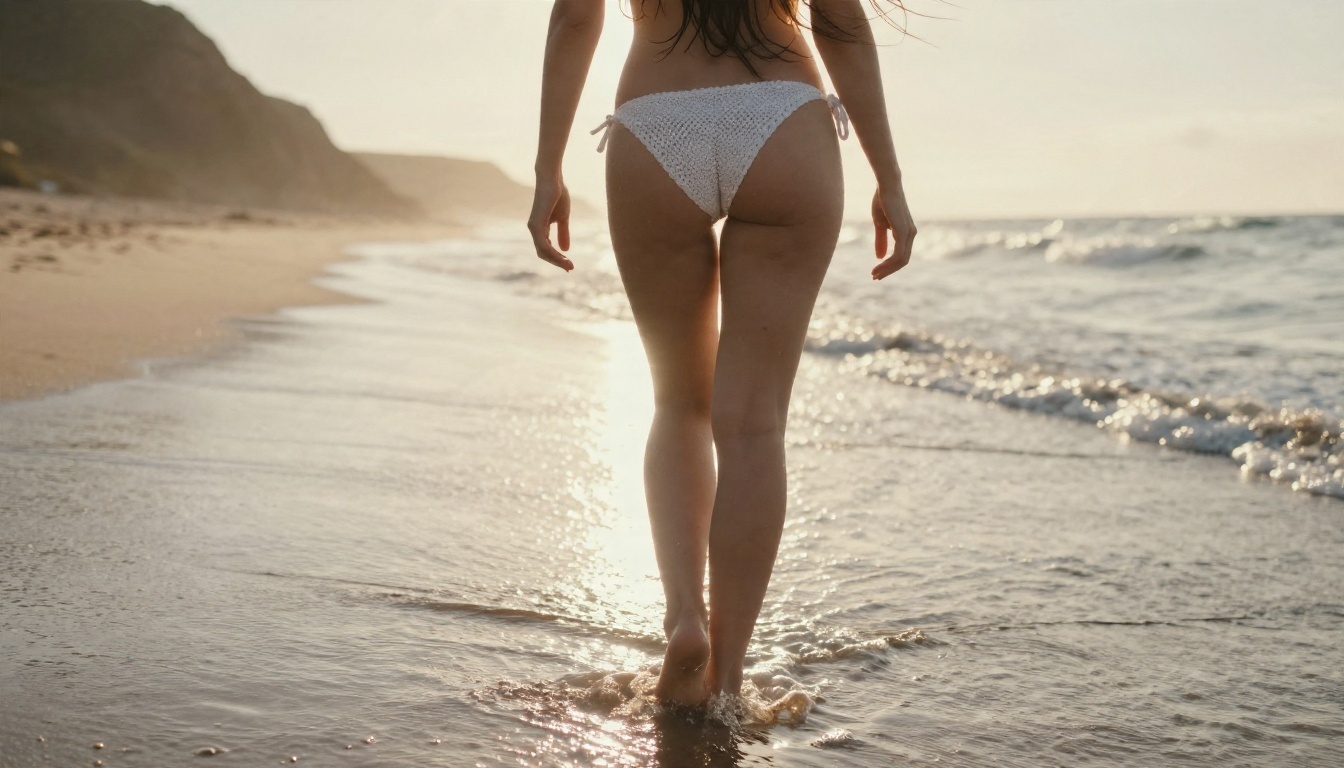
When Fixing Is the Wrong Move
Be honest with yourself about the goal. If what you want is glamour with a more revealing edge (boudoir, lingerie lookbooks, artistic implied nudity, adult-oriented fashion), then rewriting a prompt until Midjourney tolerates it is a losing game. You will spend your fast hours on rejected jobs, dilute the look you wanted, and keep risking warnings.
That is the point where switching tools beats tweaking words.
Signs you have outgrown Midjourney
- You rewrite the same prompt more than three times for one image.
- Your results keep getting softened, covered up or cropped.
- Your project is aimed at an adult audience from the start.
- You need consistent output, not a lucky pass through the filter.
💡 Midjourney is excellent at stylized concept art and moody cinematic scenes. It is just not built for adult-leaning glamour. Using the right tool for each job saves money and frustration.
Better Options on PicassoIA
Midjourney is not on PicassoIA, so there is no Midjourney page to link to here. For glamour, boudoir and swimwear work today, these are the models to reach for, in the order I would try them.
1. Seedream 4.5, the first stop
Seedream 4.5 is where I would start. It produces sharp, high-resolution photographic results with natural skin texture, believable fabric and clean lighting, and it does not choke on glamour prompts the way Midjourney does. It is fast, so you can run a dozen variations of a boudoir or beach concept in the time Midjourney takes to reject one.
2. PicassoIA Image Editor Pro, unlimited and uncensored
PicassoIA Image Editor Pro is the practical choice when volume matters. It offers unlimited generations, so you can iterate as many times as the look needs without watching a quota. It also edits existing photos, which is handy for changing outfits, backgrounds and lighting on a shot you already like.
3. More models worth testing
| Model | Best for | Link |
|---|
| Seedream 4.5 | High-detail photographic glamour | Open model |
| PicassoIA Image Editor Pro | Unlimited generation and photo edits | Open model |
| Z Image Turbo | Very fast drafts and prompt testing | Open model |
| Flux 2 Klein 9B Base LoRA | Styled looks with LoRA control | Open model |
| Qwen Image 3 Pro | Photorealistic portraits and scenes | Open model |
Each model has its own behavior and its own limits, so run the same prompt through two or three and keep the one that matches your vision.
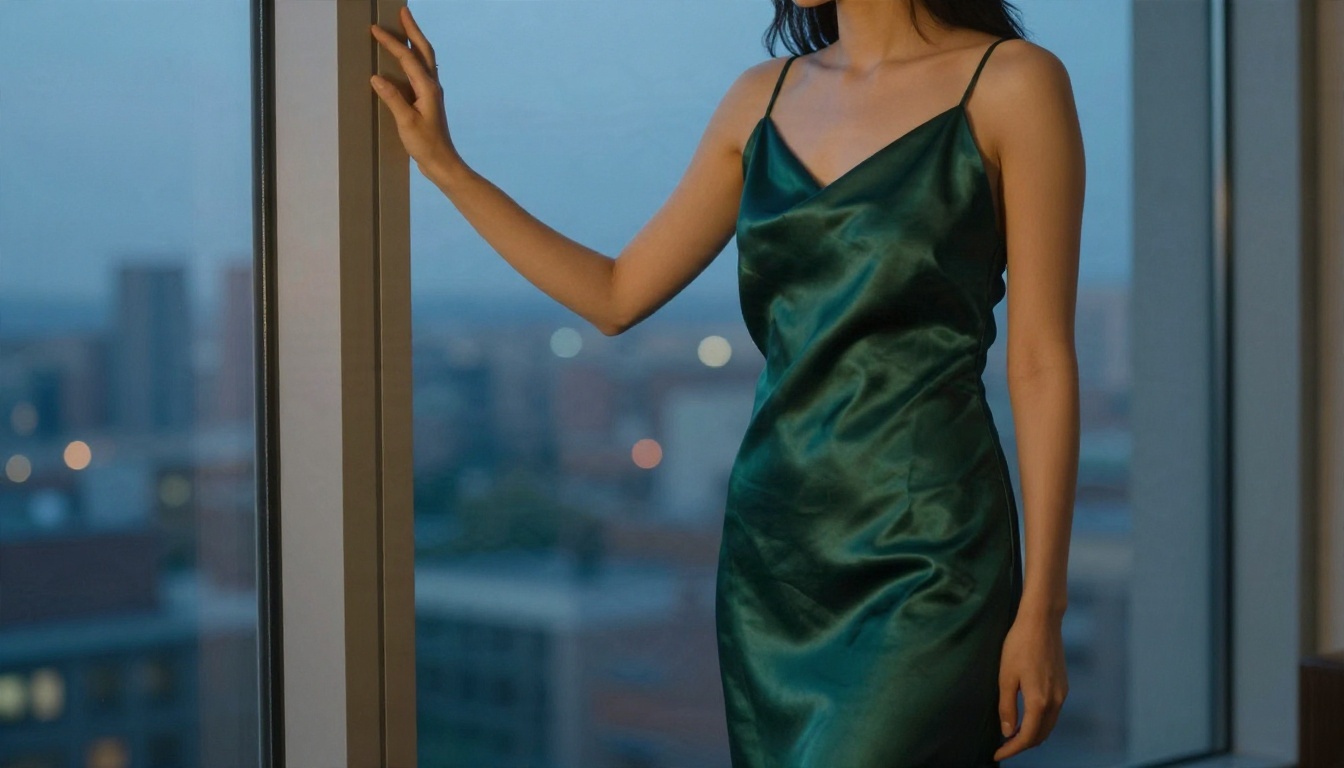
How to Get Similar Results on PicassoIA
Here is a repeatable workflow using Seedream 4.5 for the kind of glamour portrait Midjourney tends to refuse or water down.
Step 1: Open the model page
Go to the Seedream 4.5 page and open the generator. You will see a prompt box, an aspect ratio selector and a resolution option.
Step 2: Write a scene, not a list of body parts
Describe the subject, outfit, location, light, lens and mood. This works for every generator, and it produces better photographs than keyword stacking.
A strong starter prompt:
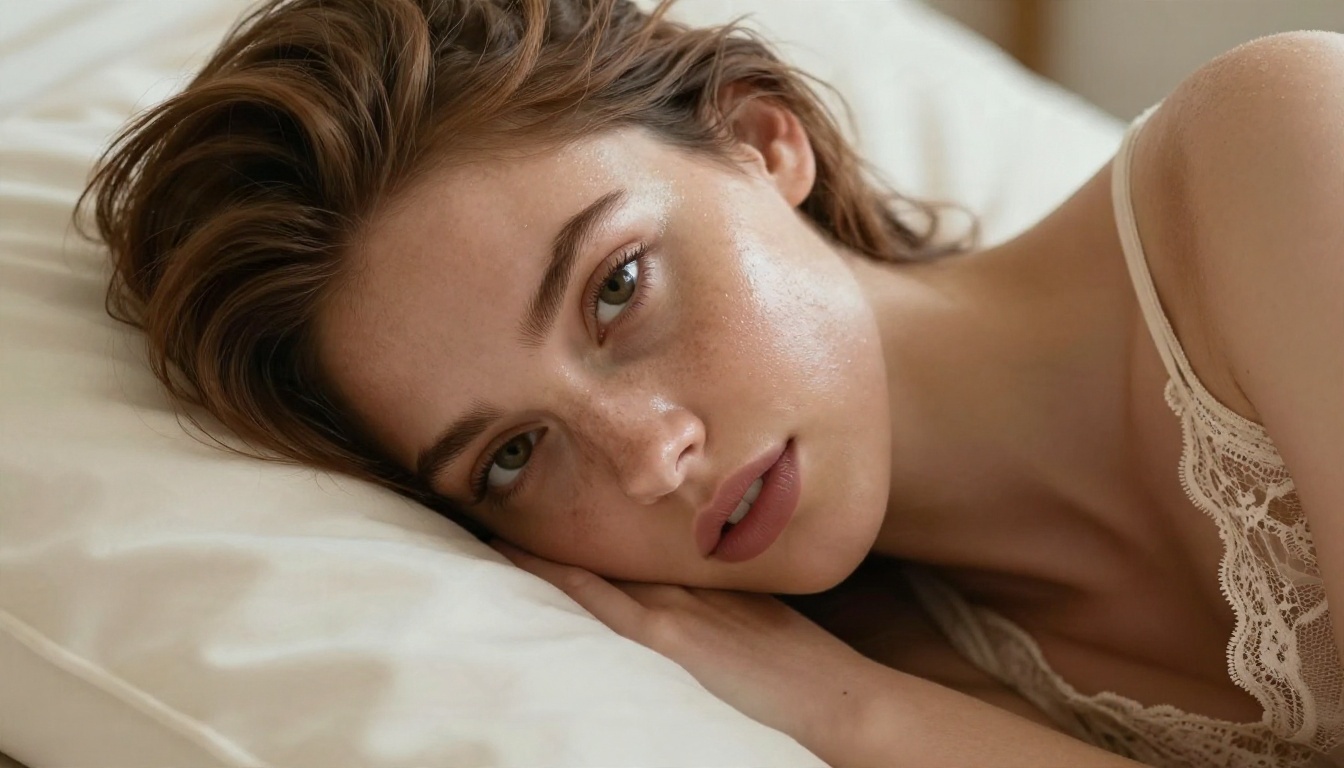
"Editorial boudoir portrait of an adult woman in a champagne lace camisole, lying on cream linen pillows, soft window light from the left, 100mm lens, shallow depth of field, natural skin texture, Kodak Portra 400 film grain."
Step 3: Choose aspect ratio and resolution
Pick 16:9 for wide editorial scenes, 3:4 or 2:3 for portrait and magazine layouts, and 1:1 for social posts. Choose the highest resolution available for final images and a lower one for drafts.
Step 4: Add photographic language
These details make the difference between a plastic render and a real photo:
- Lens: 85mm f/1.8 for portraits, 35mm f/2 for lifestyle scenes
- Light direction: "golden hour from the right", "diffused window light from the left"
- Film feel: "Kodak Portra 400, subtle grain, soft highlights"
- Texture words: "visible skin pores, fabric folds, flyaway hairs"
Step 5: Iterate, then refine in Image Editor Pro
Generate several variations, pick the best frame, then take it to PicassoIA Image Editor Pro to change outfit colors, backgrounds or lighting without starting over. Since generations there are unlimited, you can keep adjusting until the shot is right.
💡 Parameter tip: change one variable per run. If you change outfit, light and location together, you will not know which change helped.
Prompt Ideas for Glamour Photography
Once you have a tool that does not fight you, the question becomes what to create. These are scene directions that produce attractive, tasteful results and stay on the right side of good taste.
Swimwear and resort
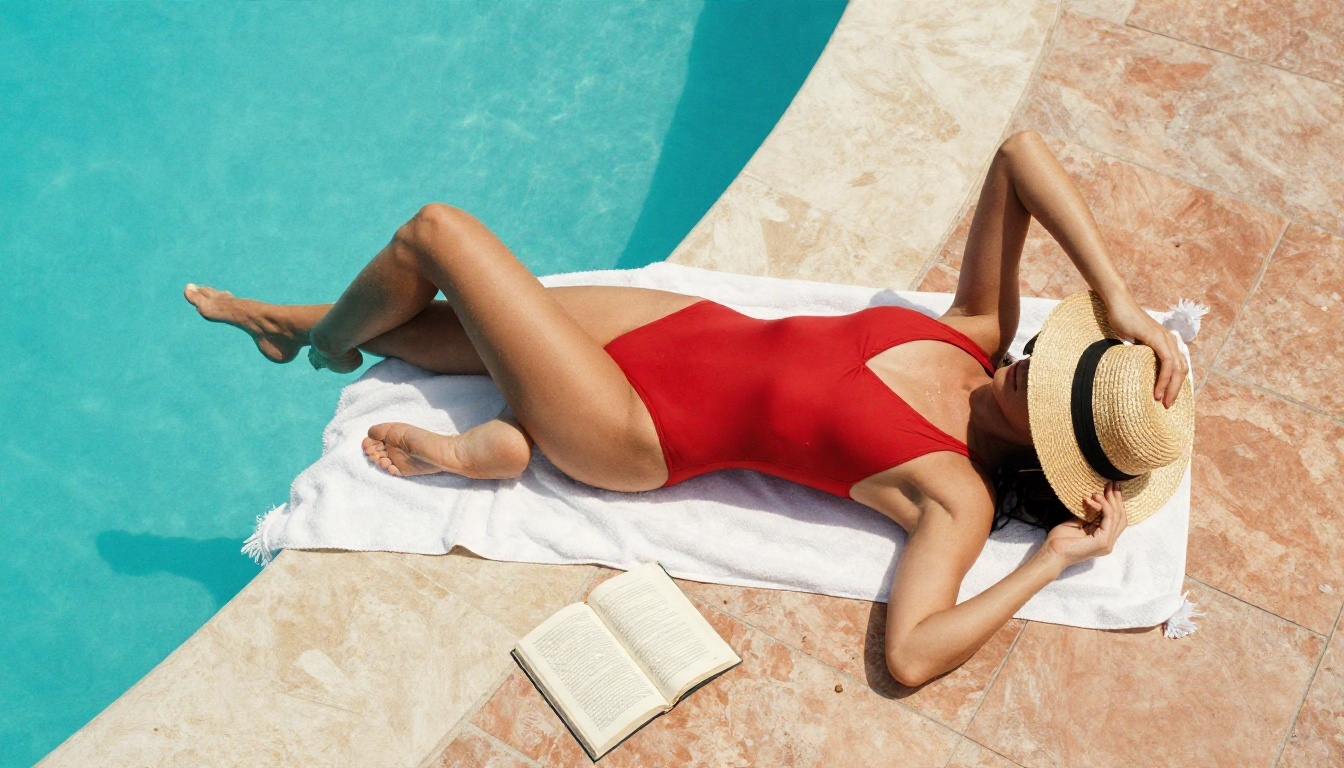
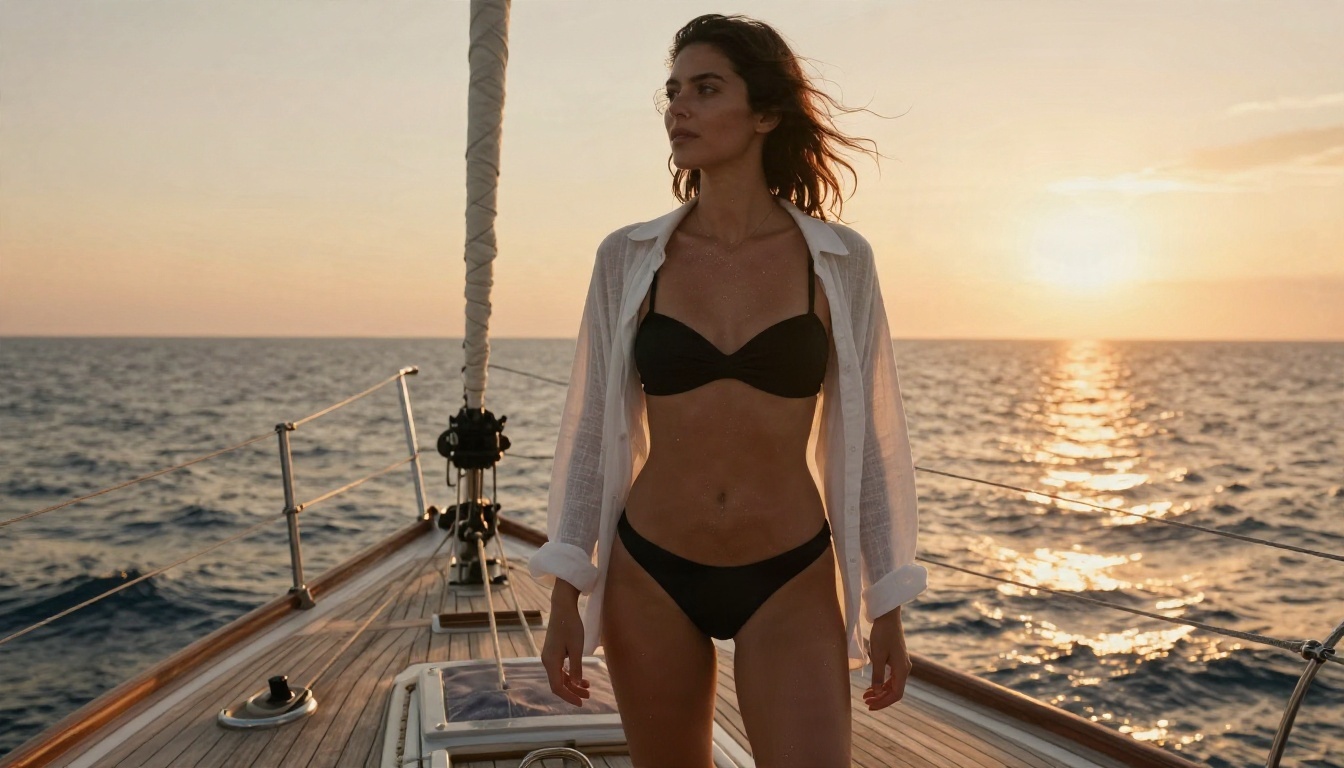
Sun, water and bold color photograph beautifully. Try a red one-piece beside an infinity pool shot from above, or a black two-piece with a linen shirt on a sailboat at sunset. Mention the hour, the material of the deck or tiles, and the way light hits wet skin.
Boudoir and morning light
Soft window light, linen sheets, lace, silk and velvet. This is the classic boudoir palette, and generators that respect photographic realism handle it well. Keep the expression calm and the framing editorial.
Vintage glamour
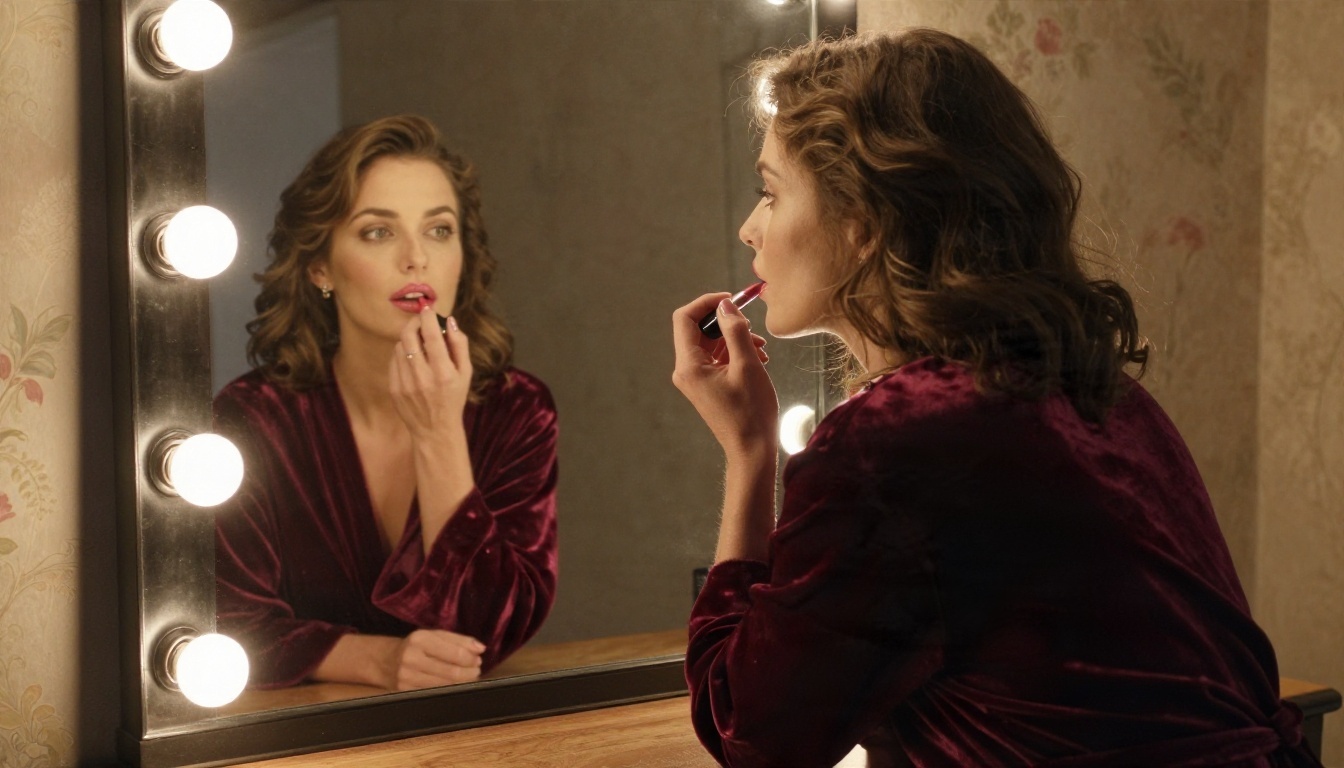
A velvet robe, round vanity bulbs, floral wallpaper and a lipstick reflection give you an old Hollywood mood without anything explicit. Warm tungsten light and a 50mm lens keep it intimate.
Lifestyle moments
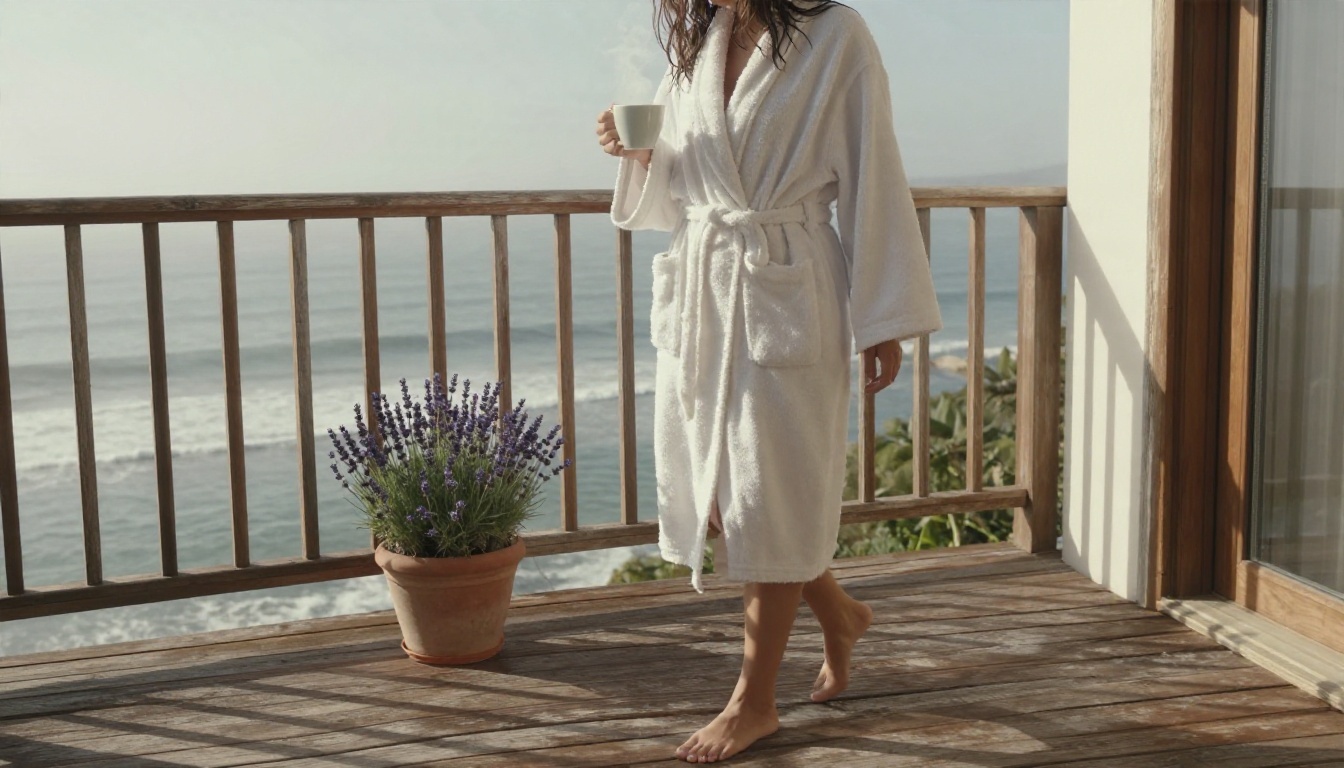
A bathrobe on a villa balcony with coffee and morning mist reads as relaxed, warm and aspirational. These scenes work well for travel brands and lifestyle accounts.
Midjourney vs Alternatives Side by Side
Here is how the tools stack up for adult-leaning glamour work. This is about suitability for that purpose, not about overall quality, where Midjourney remains strong in other areas.
| Factor | Midjourney | Seedream 4.5 | Image Editor Pro |
|---|
| NSFW or boudoir tolerance | Very low, strict filters | Flexible for glamour | Flexible, uncensored |
| Photographic realism | Strong, stylized lean | Strong, natural skin | Strong, edit focused |
| Generation limits | Hours or credits based | Credits | Unlimited generations |
| Risk of account action | Real for repeated violations | Lower for glamour | Lower for glamour |
| Photo editing of existing images | Limited | Available through editing prompts | Core feature |
| Speed | Moderate, queue dependent | Fast | Fast |
💡 If you already pay for Midjourney, you do not have to cancel it. Use it for concept art and cinematic scenes, and use a second tool for the work it will not accept.
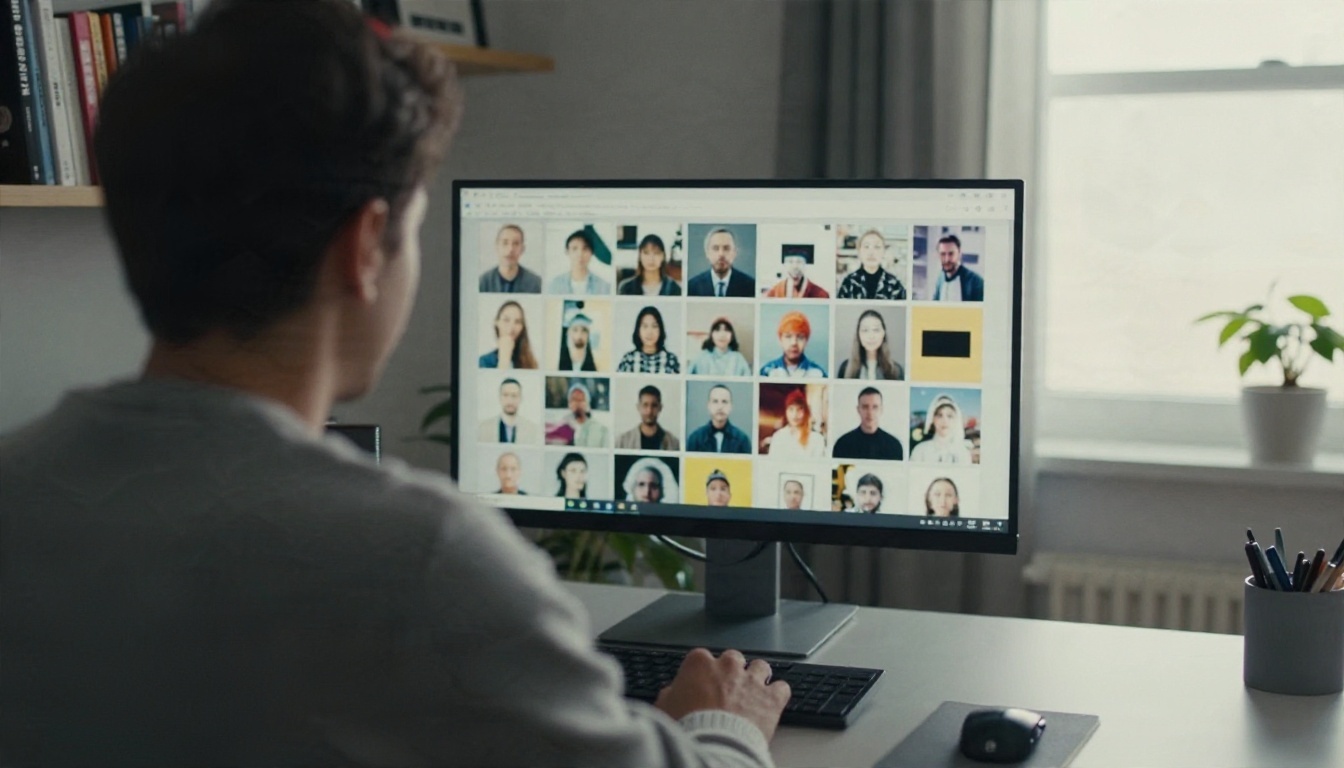
Staying on the Right Side of the Line
Moving to a more flexible generator does not mean anything goes. A few rules are worth keeping no matter which tool you use.
Keep it non-explicit
Glamour, swimwear, boudoir and implied artistic nudity are a long way from pornography. Aim for beauty, lighting and composition, not shock value. The best images in this category are the ones that suggest rather than show.
Never use real people without consent
Do not generate images of real individuals, celebrities or acquaintances in intimate scenes. That is a legal problem in many places and a harmful one everywhere. Create original, fictional adults.
Keep every subject clearly adult
Describe your subjects as adults, and never create anything that could read as a minor. This is non-negotiable.
Mind where you publish
Social platforms, ad networks and payment processors all have their own adult-content rules. An image that is fine to generate may still be removed from Instagram or rejected in an ad account. Check the destination before you post.
Quick Answers
Can Midjourney make NSFW images at all?
No. It blocks adult prompts, and the policy applies to every plan.
Why does my innocent prompt say "banned"?
Keyword overlap and context checks cause false positives. Rewrite with scene-focused wording and trim stacked trigger words.
Will Stealth mode allow NSFW?
No. Stealth hides images from the public gallery but does not change moderation.
Is there a hidden way around the filter?
Reported gaps get patched, and using them risks warnings or a block. It is not worth your account.
What is the best alternative for glamour work?
Start with Seedream 4.5, then use PicassoIA Image Editor Pro for unlimited iteration and edits.
Make Your Own Glamour Images Today
Midjourney is a great tool that was never designed for this job, and fighting its filters costs more time than it saves. If your project lives in the world of swimwear, boudoir and editorial glamour, give yourself a generator that works with you.
Open Seedream 4.5, paste in one of the scene prompts above, and see how it handles light, skin and fabric. Then bring your favorite frame into PicassoIA Image Editor Pro and keep refining with unlimited generations. For more choices, browse every model at picassoia.com/en/all-models and build a workflow that fits your style.
Your next shoot does not need a studio, a model or a filter negotiation. It needs a good prompt and a few minutes. Try it on PicassoIA and see what you create.


