You typed a prompt, waited for the progress bar, and got a polite refusal instead of a video. If that sounds familiar, you probably want to know the same thing everyone else does: can Seedance make NSFW content, and is there any way around the wall? Short answer: not in the way most people hope. Seedance is built by ByteDance for mainstream use, and its moderation is tuned to match. The good news is that glamour, swimwear and boudoir style visuals are very doable with the right tools and the right workflow, and this article lays out exactly how.
💡 Quick answer: Explicit content is blocked on Seedance. Even borderline suggestive prompts get flagged on some platforms. For tasteful adult glamour imagery, an uncensored image model like Seedream 4.5 plus the PicassoIA Image Editor Pro is far more reliable.
Does Seedance Allow NSFW Content?
Let's settle the main question first. Seedance is a family of video models from ByteDance, and every version I looked into ships with a safety layer that checks both your text prompt and any reference image you upload. Sexually explicit requests are rejected outright. Hands-on tests published since the Seedance 2.0 public launch report that direct prompts and euphemistic ones both get blocked.
The official stance
ByteDance positions Seedance as a general creative tool for advertising, short films, social clips and product visuals. There is no adult mode, no toggle in the settings, and no paid tier that removes moderation on the official channels. If a platform sells access to Seedance, it normally inherits that filter or adds its own on top.
What the community reports
Sources disagree on how strict the filter is for gray areas. Some reviewers say swimwear and fashion editorial prompts get flagged. Others report that a platform announcement described the filter as adjusted to be more moderate. The honest takeaway: explicit is always blocked, borderline is unpredictable, and results vary by the platform you use to reach the model.
💡 Reality check: A filter that behaves differently every week is a poor foundation for a content workflow. Plan around tools that don't surprise you.
What Gets Blocked in Practice
Knowing the pattern saves you credits and frustration. Moderation systems on video models usually look at four things: the words in your prompt, the content of your input image, the apparent age of any person, and the likeness of real people or protected characters.
Prompts that trigger refusals
- Any direct sexual description or act
- Nudity, including "artistic" or implied nudity in some cases
- Lingerie or underwear close-ups described in suggestive language
- Real celebrity names or lookalike requests
- Anything that makes a person's age ambiguous
Input images that get rejected
Image-to-video is where many creators hit the wall. You can generate a perfectly tasteful boudoir still elsewhere, upload it to a Seedance powered tool, and watch the moderation layer reject it before a single frame is rendered. The checker reads the picture, not your intentions.
Prompts that usually pass
| Prompt type | Typical result |
|---|
| Fully clothed fashion walk, street style | Usually passes |
| Beach scene, conservative swimwear | Mixed, depends on platform |
| Boudoir, silk robe, bedroom setting | Frequently flagged |
| Suggestive pose with minimal clothing | Often blocked |
| Explicit or nude content | Always blocked |
Free Options and Real Limits
Plenty of people search for "free" alongside "NSFW" because they want to test before paying. Here is what free access looks like today, based on what I found across platforms.

How free credits really work
Free access to Seedance is not one thing. Dreamina, the official ByteDance creative app, has been reported to hand out starter credits plus small daily bonuses. API resellers advertise trial balances or a small prepaid top-up. Some platforms say nothing at all is free. Figures contradict each other across sources, so check the pricing page of the platform you choose before counting on any number.
Limits you will hit
- Short clips: most generations land between 5 and 15 seconds
- Credit burn: a single 5 second clip can cost anywhere from a few credits to dozens, depending on resolution and platform
- Queue times: free users wait longer at peak hours
- Moderation retries: a refused prompt may or may not refund your credits
💡 Tip: If a platform says blocked prompts are free, test it with one harmless borderline prompt first and watch your balance.
Free Seedance variants on PicassoIA
Seedance is not off the table entirely. PicassoIA hosts several variants you can use for SFW motion work, including Seedance 2.5 Lite (free and unlimited, up to 10 seconds), Seedance 2.5 for longer clips, Seedance 2.0 Mini with native audio, Seedance 1.5 Pro and Seedance 1 Pro for 1080p output. The full Seedance 2.0 release has no page on PicassoIA, so the Mini version is the closest option there. Treat all of these as safe-for-work video tools, because they come from the same ByteDance family and follow its content rules.
Why Workarounds Waste Your Time
Search for "Seedance filter bypass" and you will find a pile of tips: rewording prompts, adding fake context, splitting scenes, uploading cropped images. Some of them work for a day. Most of them stop working after the next filter update.

The hidden cost of rewording
Every rewrite burns time and sometimes credits. You also end up with watered down prompts that lose the exact look you wanted. A beach shot described in careful euphemisms rarely matches the one you first pictured.
Account and policy risks
Platforms log refused attempts. Repeated tries at blocked content can get an account flagged or suspended, and you lose purchased credits with it. Third party sites that claim to remove the filter completely often cut corners elsewhere: weak privacy, unclear data handling, or outputs that quietly vanish.
A smarter way to think about it
Instead of fighting a filter built to say no, pick the tool whose job is to say yes to adult glamour work, then bring motion in only where it fits.
Alternatives That Actually Work
For suggestive and glamour content, the strongest approach is image first. Still images give you full control over styling, lighting and mood, and modern image models are astonishingly realistic. The models below are listed in the order I recommend them.
Seedream 4.5 for glamour stills
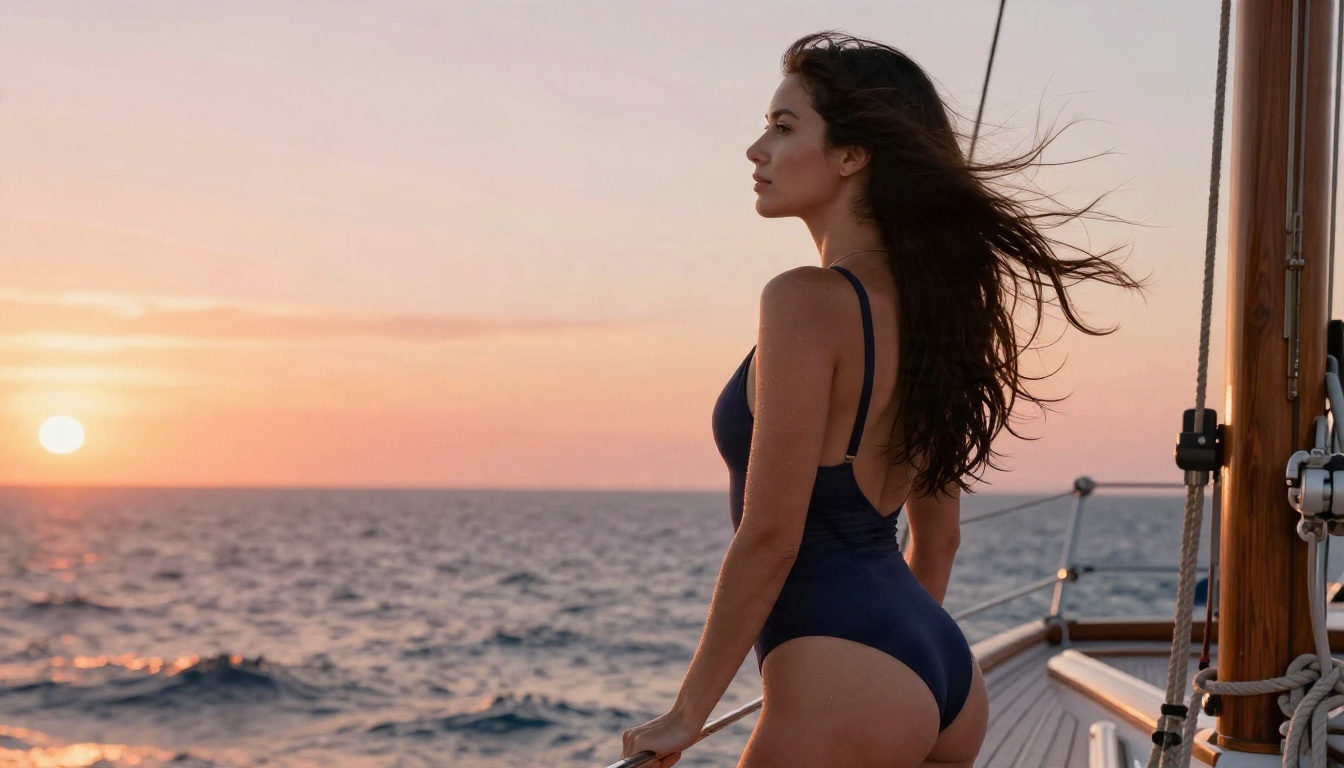
Seedream 4.5 is the model I reach for first. It produces sharp 4K images with convincing skin, fabric and lighting, and on PicassoIA it handles adult glamour themes such as swimwear, boudoir style fashion and sensual portraits without the constant refusals. It is also fast, so you can iterate through a dozen variations in the time a video model takes to reject one prompt.
PicassoIA Image Editor Pro for edits
PicassoIA Image Editor Pro is the second stop. It offers unlimited generations, so you can keep refining outfit, background, lighting or pose without watching a credit counter. It is ideal when you already have a photo and want to change details, fix imperfections or restyle the scene.
More models worth testing
| Model | Best for | Link |
|---|
| Seedream 4.5 | Sharp, realistic glamour stills | Open model |
| PicassoIA Image Editor Pro | Unlimited editing and restyling | Open model |
| P Image Edit | Sub-second photo edits | Open model |
| P Image Edit LoRA | Styled edits with LoRA looks | Open model |
| Flux 2 Klein 9B Base LoRA | Custom looks and fine style control | Open model |
💡 Note: Seedream 5 Lite is not a fit for this kind of work, because it blocks adult content. Stay with Seedream 4.5.
You can browse every available model at picassoia.com/en/all-models.
How to Use Seedream 4.5 on PicassoIA
Here is the workflow I follow for tasteful adult glamour imagery. It takes a few minutes per image once you have your prompt template.
Step by step
- Open the Seedream 4.5 page on PicassoIA.
- Write your prompt in this order: subject and pose, outfit, setting, lighting, camera and lens, film look.
- Pick a 16:9 ratio for wide scenes or 3:4 for portraits.
- Generate a batch of variations and keep the best two or three.
- Send your favorite to Image Editor Pro for outfit tweaks, background swaps or cleanup.
Prompt tips that make a difference
- Name the lens: "85mm f/1.8" gives portrait compression and soft backgrounds.
- Describe the light direction: "low golden sun from the left with warm rim light" beats "nice lighting".
- Add texture words: skin pores, fabric weave, sand grain, linen creases.
- Use a film stock: "Kodak Portra 400, fine grain" gives a warm, photographic feel.
- Keep it adult and consensual: only depict clearly adult, fictional subjects, never real people without their consent.
Parameter tips
| Setting | Recommendation |
|---|
| Aspect ratio | 16:9 for scenes, 3:4 for portraits |
| Prompt length | 50 to 100 words, specific and visual |
| Batch size | Generate several, pick the strongest |
| Refinement | Use the editor instead of rewriting the prompt |
From Still Image to Moving Clip
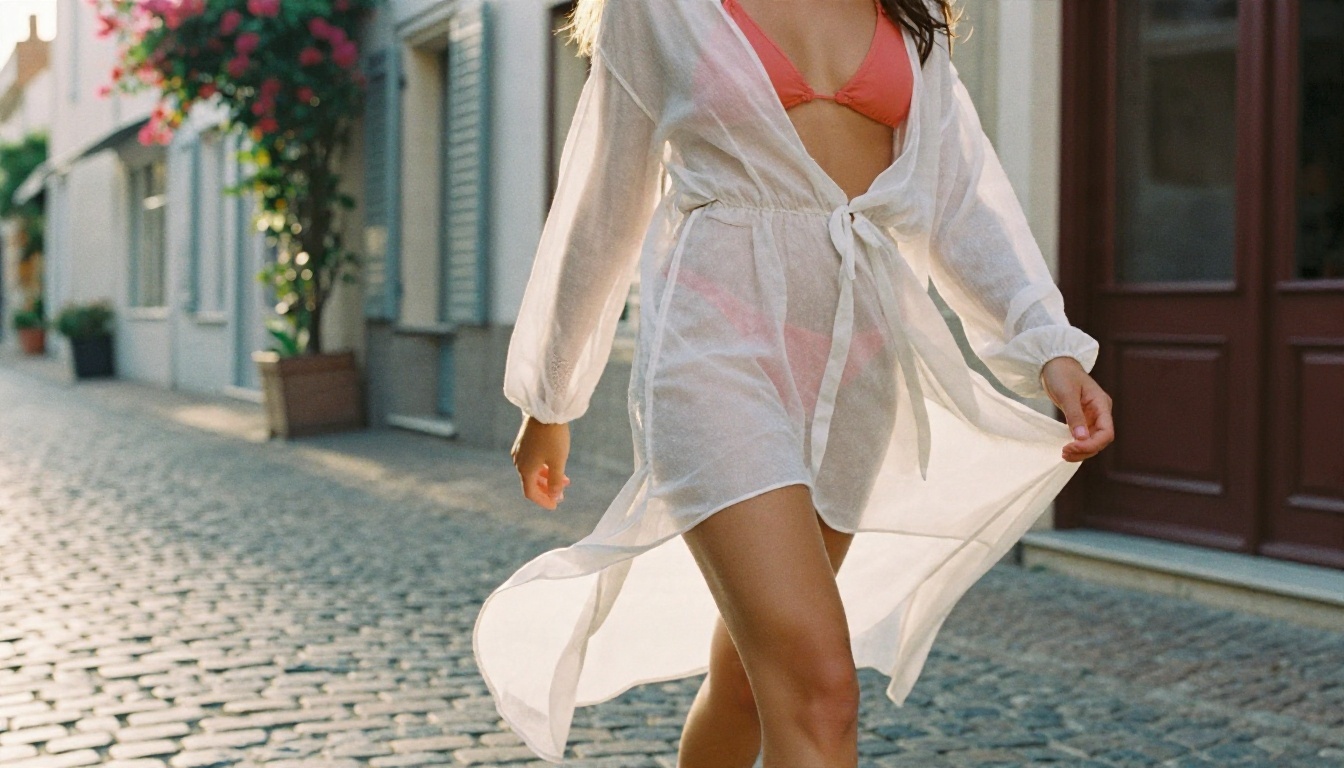
Video still has a place, as long as you keep the content inside the lines of the video model you pick. A good glamour still can become a lifestyle clip: wind in the hair, waves behind the subject, a slow camera push.
Pick a safe motion
Motion that stays on the fashion and travel side tends to pass moderation: walking, turning, hair movement, gentle camera pans, scenery changes. Use the Seedance variants above or LTX 2.5 Fast when you want 4K clips quickly.
A simple image to video workflow
- Create the still in Seedream 4.5.
- Clean it up in Image Editor Pro.
- Describe only the motion in the video prompt: what moves, how the camera moves, how the light shifts.
- Keep clips short, five seconds is plenty for social posts.
- If a platform rejects the frame, adjust the still rather than fighting the filter.
💡 Tip: Many creators publish the best still as the hero image and use the short clip as a teaser. Both formats work on social platforms.
Start Creating Your Own Images
The honest verdict: Seedance can make beautiful video, but it will not make NSFW video, and chasing workarounds costs more than it returns. If you want sensual, glamour and boudoir style visuals, the faster path is a capable image model with fewer restrictions, then a light touch of motion on top.
Try the workflow yourself on PicassoIA. Start with Seedream 4.5, polish with PicassoIA Image Editor Pro and its unlimited generations, then browse every option at picassoia.com/en/all-models. Write a prompt, hit generate, and see how much further you get when the tool is on your side.


