You typed a perfectly reasonable prompt, hit generate, and got a polite refusal. Or worse, a warning about your account. If you have tried to make anything sensual in Runway, you already know the feeling. So, can you make NSFW with Runway? Not in any meaningful way. Runway's usage policy prohibits sexually explicit material and adult nudity, and it restricts a good share of suggestive content too, including some underwear and lingerie scenes.
That does not mean glamour, swimwear and artistic adult imagery are off the table everywhere. It means you need to pick the right tool. This article shows what Runway's rules say, why filters fire even on innocent prompts, and which alternatives on PicassoIA give you far more room to work, from photoreal stills to short animated clips.
💡 Quick answer: Runway is built as a mainstream creative suite with strict moderation. If your project involves bikinis, boudoir, lingerie editorials or artistic adult portraits, you will spend more time fighting filters than creating. A less restrictive image model plus an image to video model is a much smoother path.
The Short Answer on Runway and NSFW
Runway is one of the best known names in AI video, and it is popular with filmmakers, agencies and brands. That audience shapes its rules. The company wants to be safe for enterprise customers, schools and studios, so its moderation is tuned to be cautious.
What Runway Tends to Allow
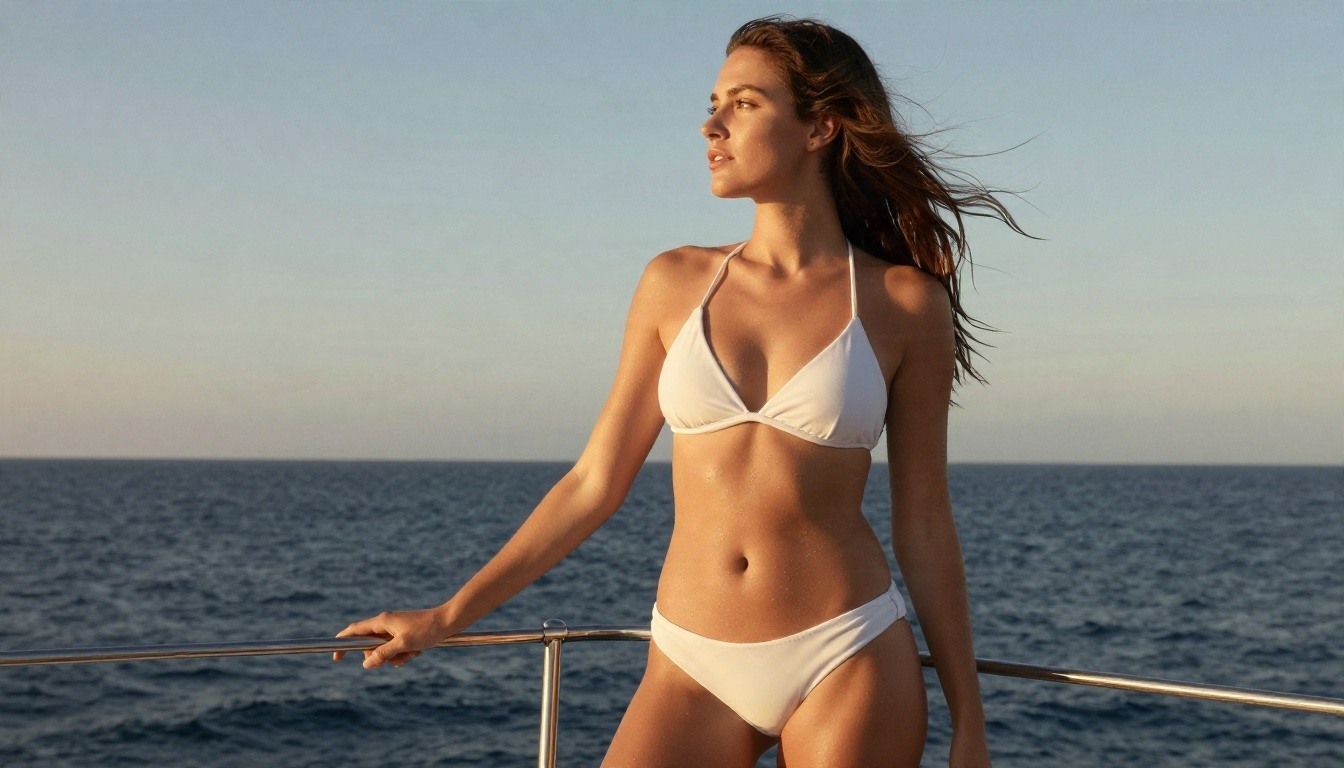
In practice, you can usually generate fashion, travel, product and cinematic footage with people in everyday clothing. Beach scenes can work, depending on how the prompt is phrased and how the frame is composed. Mild romance, portraits and lifestyle content generally pass.
What Runway Blocks
Anything that reads as sexually explicit is out. Adult nudity is out, and the policy text does not appear to offer exceptions for artistic or medical framing. Sex toys and certain fetish content are named in the prohibited list. Attempts to create or alter intimate imagery of real people without consent are prohibited as well.
| Content type | Runway status | Notes |
|---|
| Sexually explicit material | Prohibited | Includes sex toys and some fetish content |
| Adult nudity | Prohibited | No stated artistic exception |
| Lingerie and underwear | Limited | Restricted in some cases |
| Swimwear in normal scenes | Often fine | Depends on framing and wording |
| Intimate imagery of real people without consent | Prohibited | Can lead to suspension |
| Anything sexual involving minors | Banned outright | Stricter standard whenever a child appears |
What Runway's Rules Actually Say
Runway updated its usage policy in March 2026. The wording is broad, and that breadth is exactly why users feel blocked so often.
Explicit Content and Nudity
The policy lists sexually explicit content and adult nudity as prohibited categories. There is no sliding scale. If a generation looks like nudity, it is treated as a violation regardless of how tasteful the lighting or the pose is.
The Lingerie and Swimwear Gray Zone
Here is where creators get tripped up. Runway says it limits sexually suggestive content in some cases, and it specifically mentions underwear and lingerie. "In some cases" is the problem. The same prompt can pass today and fail tomorrow, because the line is enforced by automated systems rather than a clear checklist.
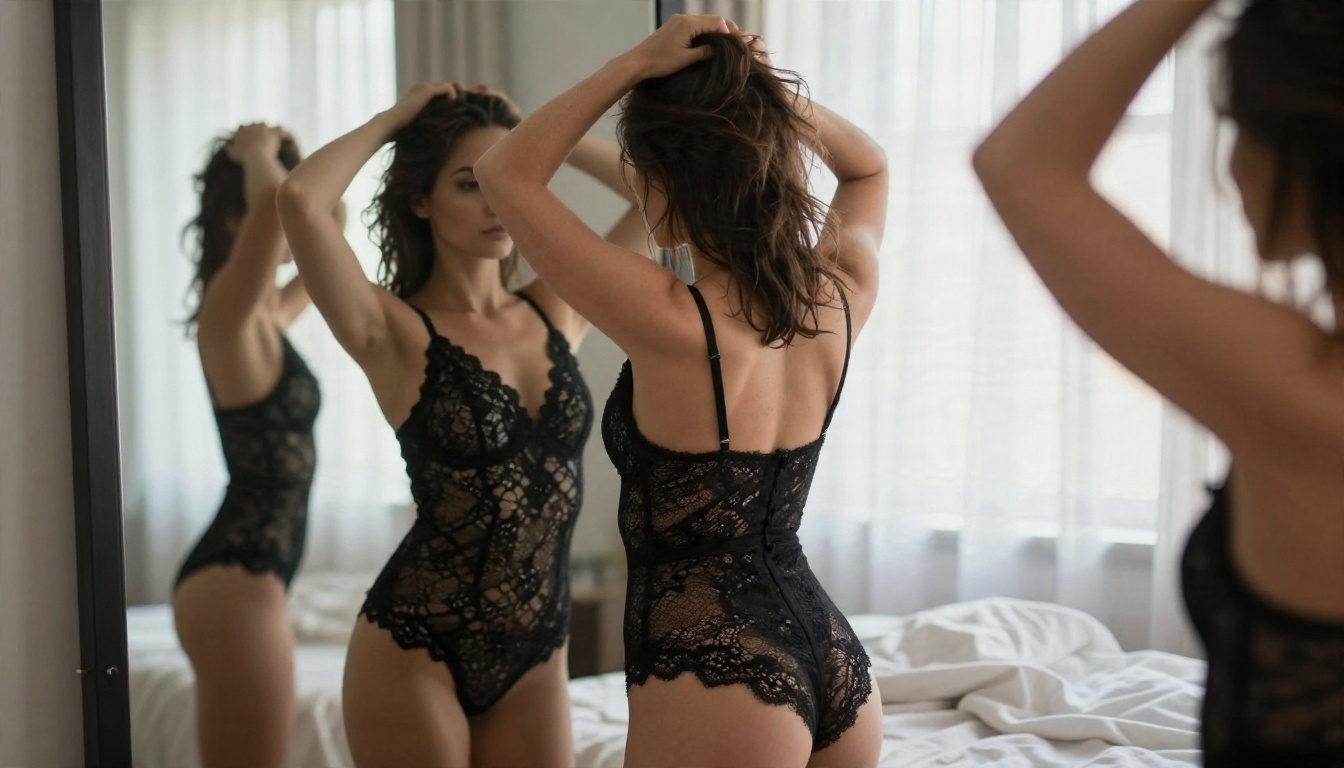
A swimsuit on a beach is usually read as context. A bodysuit in a bedroom is read very differently, even if the amount of skin shown is similar. Setting, pose, camera angle and wording all change the outcome.
Real People and Consent
The policy forbids creating or modifying non-consensual intimate imagery. Uploading a photo of a real person and asking for a revealing version is the fastest route to a ban. This rule is not unique to Runway, and any responsible platform enforces something similar.
How Enforcement Works
Runway combines automated detection with internal human review, and it checks both what you submit and what comes out. Accounts that break the rules can be suspended. If you think a suspension was a mistake, there is an appeal process, but you should not plan a workflow around that.
Why Your Prompts Get Blocked
Many users say their prompt was harmless and still got flagged. That is common, and the reasons are mostly mechanical.
Input Checks Versus Output Checks
There are two gates. The first reads your text and any reference image. The second looks at the generated frames. A clean prompt can still fail at the second gate if the output drifts toward something the classifier dislikes. That is why you sometimes burn credits and get nothing back.
Why Rewording Rarely Helps
Swapping words around feels like it should work, but classifiers look at the image itself, not just your vocabulary. Repeated attempts to slip past moderation can also mark your account for review. If a platform keeps saying no, the honest fix is to switch to a tool whose rules match your project.
Why Platforms Draw This Line
It helps to see the other side. Video models can produce extremely convincing people, and that creates real risks around consent and minors. Mainstream platforms answer those risks with wide blanket restrictions because it is cheaper and safer for them than judging every case. The result is a tool that is excellent for ads and short films, and frustrating for adult glamour work.
💡 Worth remembering: Even on a less restrictive platform, some lines never move. Content involving minors is never acceptable, and so is imagery of real people made without their consent. Keep your subjects fictional, adult and clearly created for artistic or personal use.
Uncensored Alternatives That Work
If your goal is sensual, attractive, non-explicit imagery, such as bikini editorials, boudoir portraits, lingerie fashion looks and artistic adult photography, a different stack gives you better results with far less friction. The strongest approach splits the job in two: build a beautiful still first, then animate it.
Start With Seedream 4.5
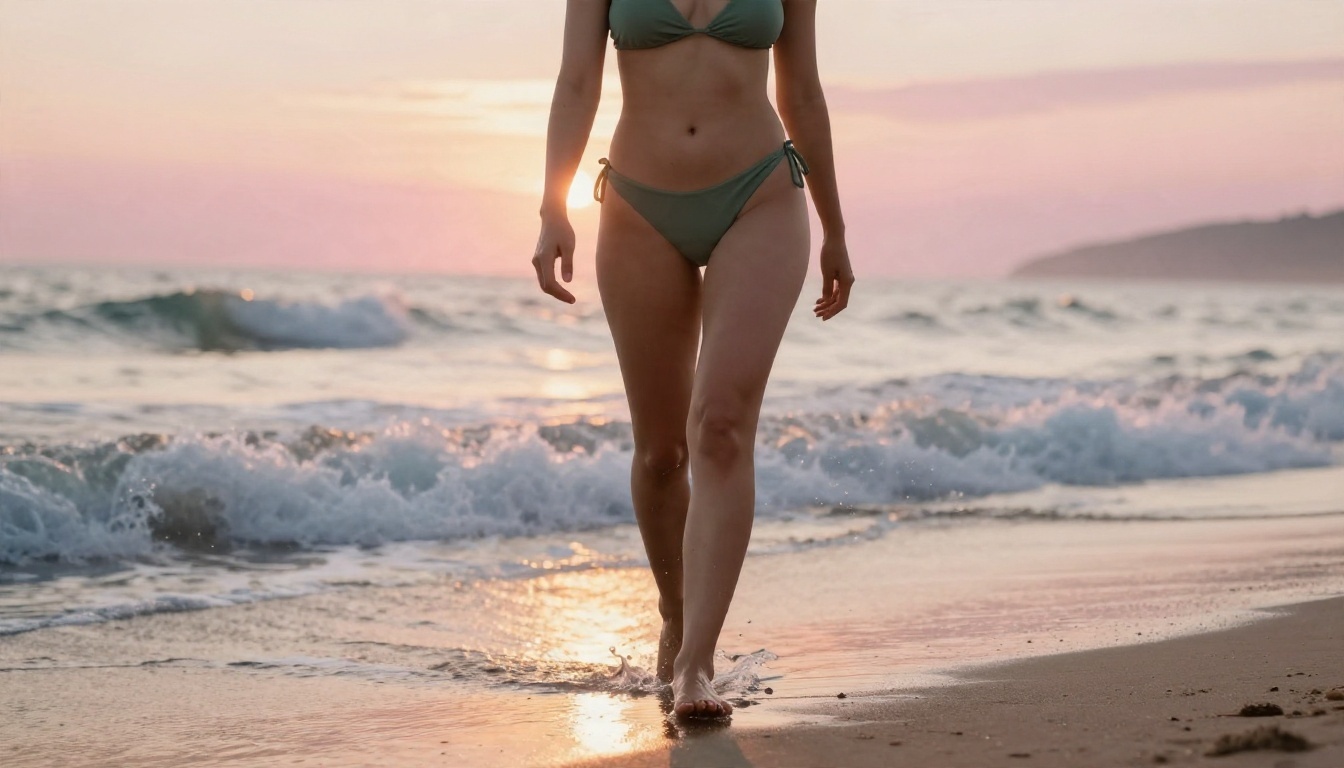
Seedream 4.5 is the first model to try for adult glamour stills. It produces sharp images up to 4K, handles skin texture and fabric convincingly, and follows detailed prompts about light, lens and pose. For swimwear, boudoir and fashion looks it gives you the kind of photographic detail that makes an image feel real. Because it is far less restrictive than Runway for tasteful adult subjects, you spend your time refining the shot instead of rewording around refusals.
Edit Without Limits Using Image Editor Pro
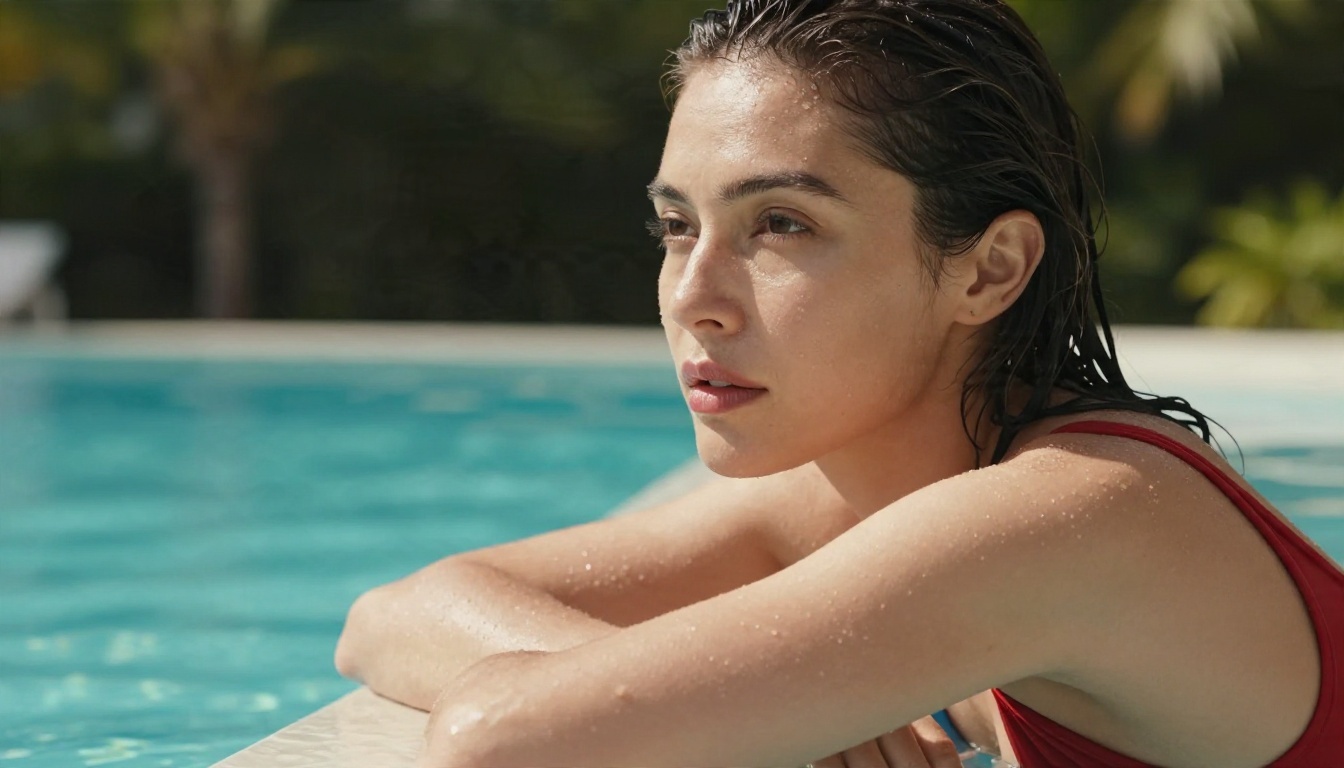
PicassoIA Image Editor Pro is the best companion for the second pass. It offers unlimited generations, so you can iterate as many times as you like on outfits, backgrounds, lighting and mood without watching a credit counter. That matters when you are chasing one perfect frame, because glamour work usually takes a dozen small adjustments.
More Models Worth Trying
How to Get Similar Results on PicassoIA
Runway is not on PicassoIA, so this workflow uses the alternatives above. It takes about ten minutes and gives you a still you can keep and a short clip you can post.
Step 1: Build the Still in Seedream 4.5
Open Seedream 4.5 and write one clear paragraph. Include these parts, in this order:
- Subject and pose: an adult woman, what she is wearing, and what she is doing.
- Setting: a beach, a pool, a loft, a bedroom with sheer curtains.
- Light: direction and quality, such as "soft morning light from the left".
- Camera: lens and angle, such as "85mm f/1.8, eye level".
- Texture and grain: skin pores, fabric sheen, film grain.
Set the aspect ratio to 16:9 for video later. Generate a few variations and pick the one with the most natural expression.
Step 2: Refine in Image Editor Pro
Bring your favorite frame into Image Editor Pro. Because generations are unlimited, try several versions of the same shot: a different swimsuit color, warmer sunset light, a cleaner background. Keep your edits small and specific. "Change the swimsuit to deep navy" works better than a long list of changes.
Step 3: Animate With an Image to Video Model
Take the final still to Seedance 2.5 Lite and describe only motion. The image already contains the subject, so the prompt should say what moves and how the camera behaves. For example: "She walks slowly along the dune path, her shirt lifting in the breeze, grass swaying, camera tracks gently alongside, warm sunset light."
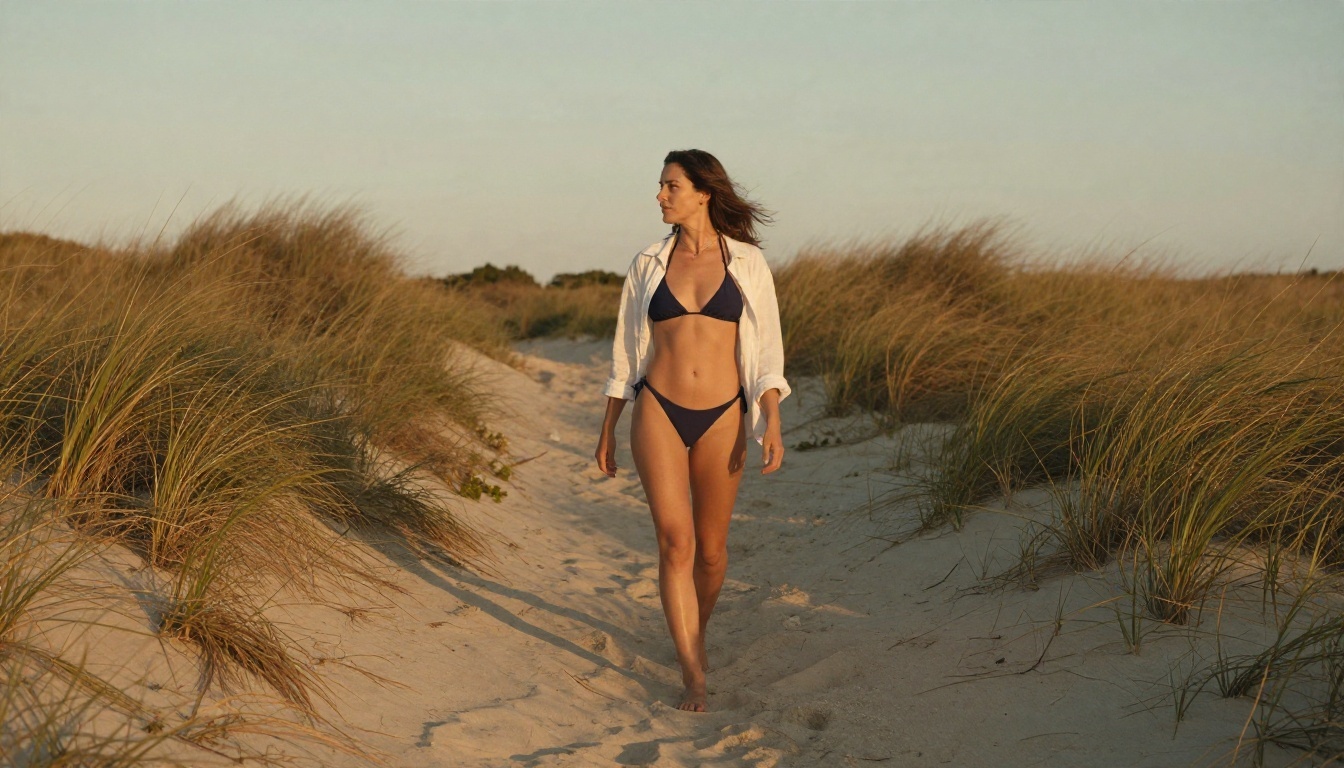
If you want a different feel, run the same still through Wan 2.5 I2V Fast for a quick preview or Kling v3 Video for smoother cinematic movement.
💡 Parameter tip: Keep clips short and movements simple. A slow walk, a hair flip, a gentle camera push or the wind in fabric look far more convincing than fast, complicated action.
Prompt Tips for Glamour Content
Good prompts for tasteful adult imagery look a lot like a photographer's shot list. The more concrete you are, the less the model has to guess.
Describe Light Like a Photographer
"Golden hour backlight with a soft rim on the shoulders" beats "pretty lighting". Name the direction and the time of day. Window light, overcast daylight and warm lamp light each give a different mood.
Choose a Lens on Purpose
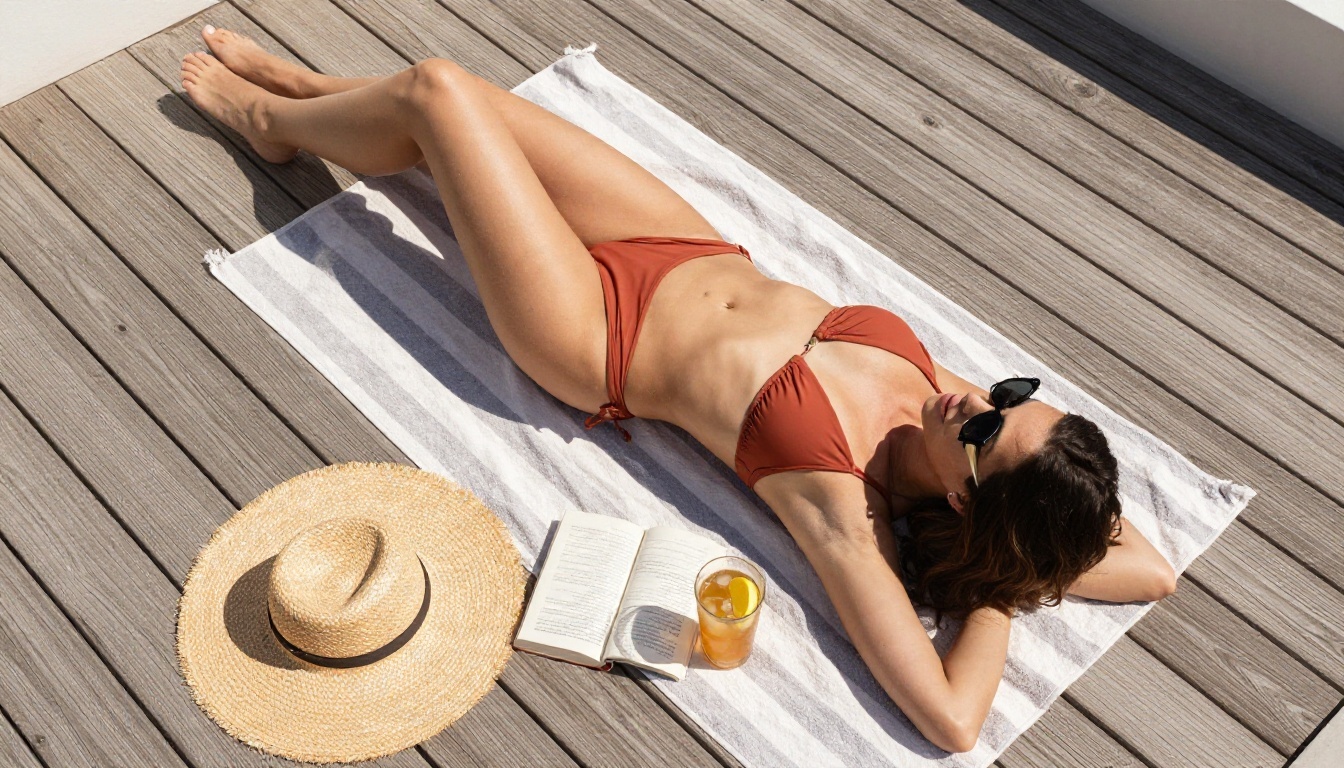
An 85mm lens flatters portraits and blurs the background. A 35mm lens suits wider beach or street scenes. A 24mm lens from above, like the rooftop shot below, gives a playful top-down feel.
Add Real Texture
Mention skin pores, freckles, water droplets, linen creases, satin sheen and film grain. These small details are what separate a believable photo from a plastic looking render.
Keep It Non-Explicit
Even where a model is more permissive, the best glamour work relies on suggestion: posture, light, fabric, expression. That approach also keeps your images easy to share on social platforms, which have their own rules.
Quick Comparison: Runway vs PicassoIA
| Question | Runway | PicassoIA alternatives |
|---|
| Explicit content | Prohibited | Not the goal, and not needed for glamour |
| Adult nudity | Prohibited | Artistic adult imagery is possible with suitable models |
| Lingerie and swimwear | Limited in some cases | Much more room for fashion and boudoir looks |
| Iteration cost | Credits per generation | Unlimited generations in Image Editor Pro |
| Animation | Strong video tools | Seedance 2.5 Lite, Wan 2.5 I2V Fast, Kling v3 Video |
| Account risk for borderline prompts | Warnings and suspension possible | Fewer refusals for tasteful adult subjects |
Start Creating Your Own
Runway is a strong tool for ads, short films and brand work, but it was never built for sensual or adult glamour projects, and its rules make that clear. If that is your focus, you will get better results by building the still in a model that welcomes it and then adding motion afterward.
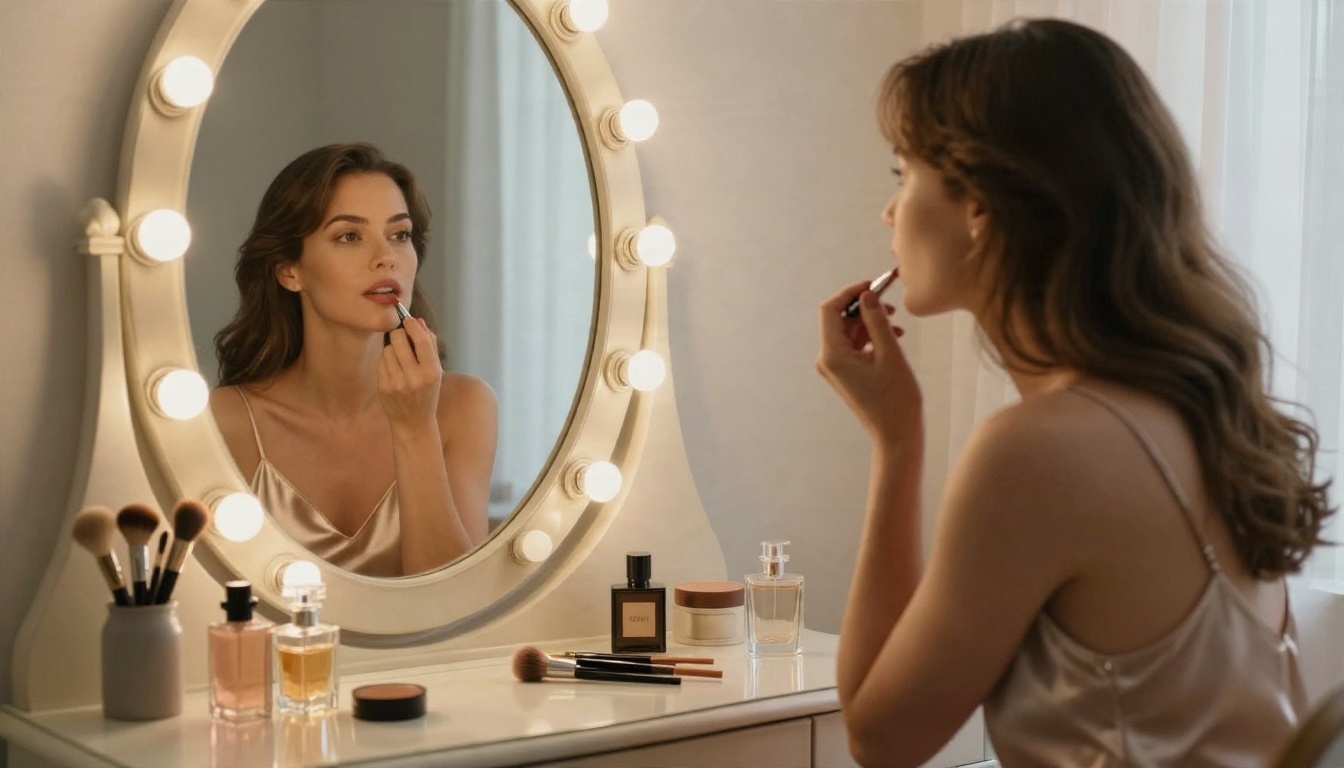
Open Seedream 4.5, write a detailed photographer-style prompt, refine the best result in PicassoIA Image Editor Pro with unlimited generations, then bring it to life with Seedance 2.5 Lite. Try a bikini sunrise, a silk vanity portrait or a rooftop sunbath, and see how quickly you get a shot you actually want to keep.
To browse every image and video model in one place, head to picassoia.com/en/all-models and start experimenting today.


