You download an AI girlfriend app, type three messages, and a paywall appears before the conversation gets interesting. That is the experience many people report with Candy AI, and it explains why searches for its pricing, its free limits and its pictures keep climbing. This article lays out what the app costs, what you get without paying, how the image side works, and what to use if you mostly want great pictures of a consistent character rather than a chat subscription.
A quick note on numbers: Candy AI changes its plans often, and review sites quote different figures. Treat every price below as a snapshot of what was reported in late 2026, and check the checkout screen before you pay.
What Candy AI Actually Is
The Core Idea
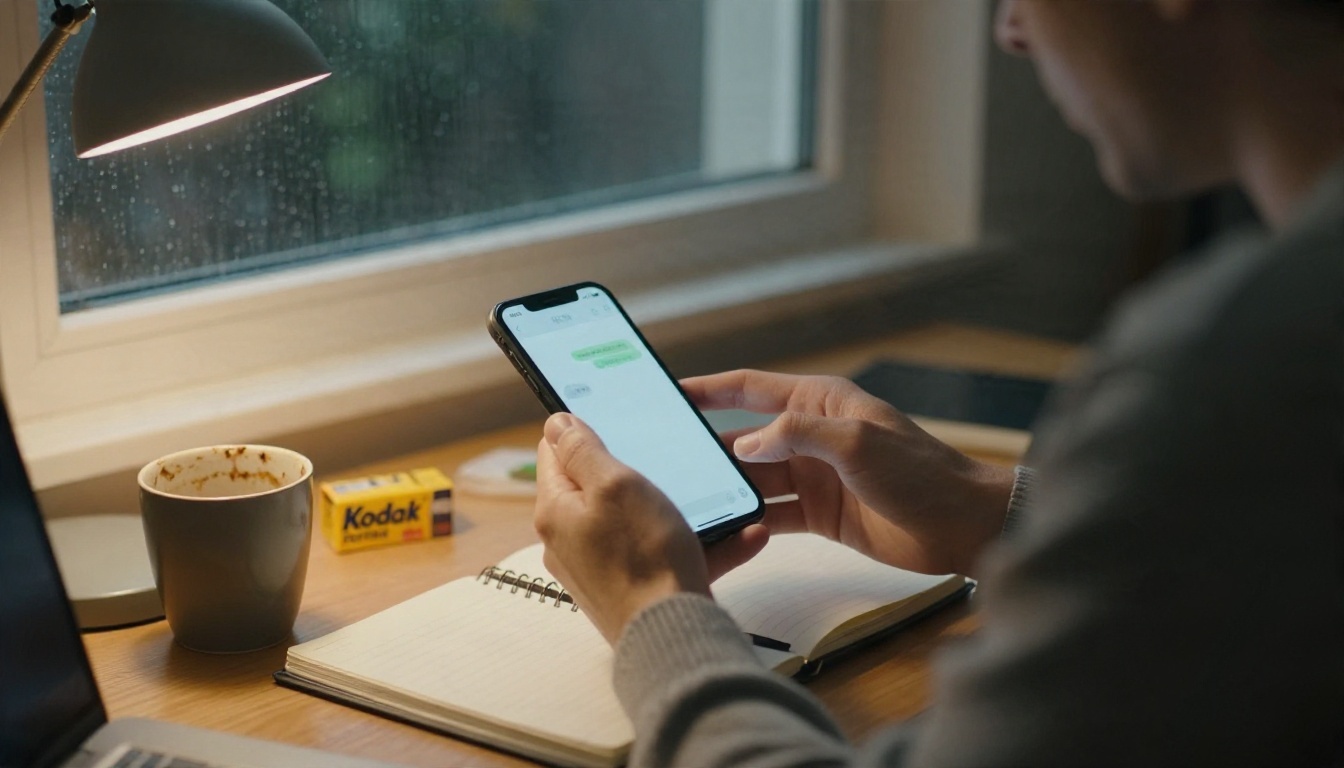
Candy AI is a web and mobile companion app. You pick or design a virtual character, chat with her through text, and, if you pay for extras, get voice messages, calls and generated pictures. The pitch is a girlfriend experience that remembers your conversation, adapts to your tastes and sends photos on request.
Under the hood it is a language model wrapped in a character layer, plus an image generator. The chat side is the same kind of technology behind assistants like Claude Sonnet 5 or Gemini 3.5 Flash, tuned to stay in persona and keep a flirty tone.
Who Uses It
Most users fall into three groups:
- Lonely evenings crowd: people who want a friendly voice after work.
- Roleplay fans: people who like building a character with a backstory and a look.
- Image hunters: people who mainly want attractive AI pictures of a character they designed.
That last group matters for this article, because the image side is where costs rise fastest and where alternatives clearly win.
The Real Cost of Candy AI
Subscription Tiers
Reports from late 2026 describe a pricing structure built around three billing lengths. The figures below are the ones quoted most consistently:
| Plan | Reported price | Effective monthly cost |
|---|
| Monthly | $13.99 | $13.99 |
| Quarterly | $26.97 billed once | about $8.99 |
| Annual | $47.88 billed once | about $3.99 |
Every paid plan is described as including unlimited text chat and a small monthly token allowance, commonly reported as 100 tokens. Some review sites list entirely different tiers, with names such as Basic, Standard and Premium at higher prices, so the lineup clearly shifts over time. One comparison also noted that a competitor page quoted a higher annual price than Candy's own checkout. Always trust the checkout over a review.
💡 Tip: The annual plan looks cheap per month, but you pay it upfront. If you are not sure you will keep chatting for a year, the quarterly plan is a safer test.

How Tokens Work
Here is the part most people miss. The subscription removes the message wall, but tokens pay for the premium extras. Reviews describe tokens being spent on:
- Generated pictures
- Voice messages
- AI phone calls
- Some special character features
A monthly allowance of around 100 tokens sounds generous until you spend it. Each picture or voice note eats into it, and once it is gone you buy more. That is the usual pattern for this category: a low entry price, then a metered add-on economy.
Hidden Costs Add Up
Picture a realistic month. You pay the monthly plan, burn the included tokens in a weekend of photo requests, then top up. A casual user can land well above the headline price, while a heavy image user can easily double it. The cheap annual rate also hides the fact that tokens are separate.
Free Limits: What You Get
The Free Plan
The free tier is very restricted. Based on a help-center article for free accounts that roundup sites cite as updated in August 2026, a free user gets roughly:
- Five chat messages total across all characters
- One custom character
- One generated image
Other reviews describe different numbers, such as a small token amount or a handful of messages per day. The exact rules change, but the pattern is steady: the free plan is a demo, not a product.

Is It Worth Testing?
Yes, but with the right expectation. Use the free allowance to check three things:
- Tone of replies: does the character sound natural or scripted?
- Image style: does the single picture match what you want?
- Interface speed: how fast do replies and images arrive?
If any of those disappoint you, you have saved the subscription fee. If all three please you, remember that five messages tell you almost nothing about long conversations or memory.
💡 Tip: Use your single free image on a very specific request, with outfit, setting and mood spelled out. That is the closest preview you will get of paid image quality.
How Candy AI Pictures Work
Image Quality
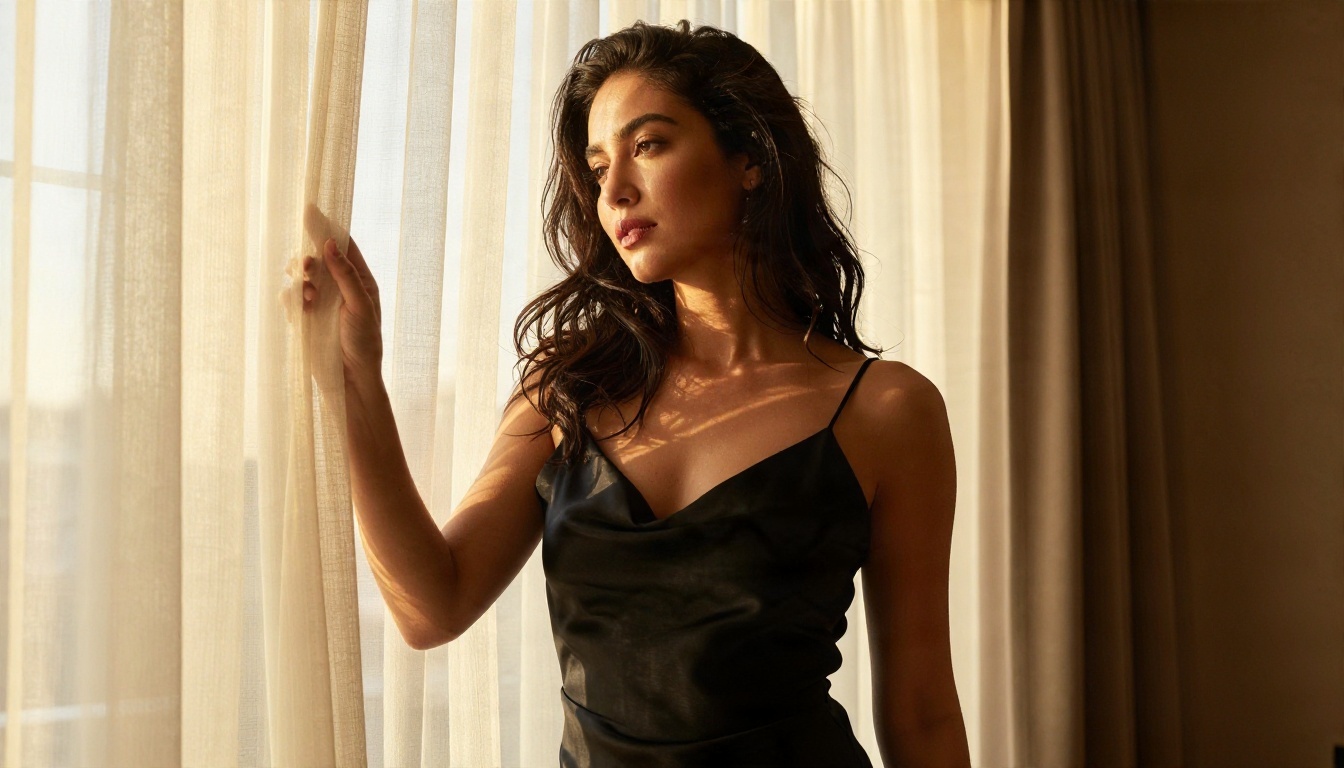
Candy AI generates pictures of the character you build or pick, usually glamour style portraits: close-ups, casual selfies, swimwear and lingerie style shots, all kept within the app's content rules. Quality is good for a chat app. Faces are clean, skin is smooth and lighting is flattering.
The tradeoff is control. You describe the scene in a short request, and the app decides the camera, lens, lighting and framing. You cannot choose a lens, push film grain, or fix a specific hand or background detail the way you can with a dedicated image model.
Consistency Problems
Keeping the same face across dozens of pictures is the hardest job for any companion app. Users on review sites mention small drifts: slightly different jaw, hair length or age between pictures. It is manageable for casual use, but obvious if you want a character that looks the same in a beach scene, a dinner scene and a travel scene.
Content Limits
Companion apps place rules on what pictures they will produce, and those rules differ between platforms and can change after updates. If you want tasteful glamour, bikini or lingerie style imagery with fewer interruptions, a general image model gives you more predictable results. Stay inside legal and consent boundaries: only generate fictional characters, never real people without permission.

Where Candy AI Falls Short
Credits Drain Fast
The biggest complaint is the metered economy. Unlimited chat feels good, but pictures and voice cost tokens, so the activity people enjoy most is the one that costs most. If your goal is a collection of images, per-picture billing is a poor fit.
Memory Has Limits
Companion memory is better than it was, yet long-running chats still forget details. A character may recall your job but lose the story you built two weeks ago. This is a language model limit, not a Candy AI quirk, and every competitor shares it to some degree.
Privacy and Billing Notes
Chats with a companion app are personal. Before you subscribe:
- Read what data is stored and for how long.
- Check how to cancel, and whether the plan renews automatically.
- Use a payment method you can monitor, since renewals on long plans catch people off guard.
Alternatives Worth Trying
Other Companion Apps
The market is crowded. Reviews regularly compare Candy AI with Kindroid, OurDream AI, Muah AI, Chai and CrushOn AI. Rough differences, as reported by reviewers:
| App | Reported strength | Reported weakness |
|---|
| Kindroid | Deep memory and customization | Cost rises with add-ons |
| OurDream AI | Image focus | Pricing varies by plan |
| Muah AI | Voice and chat variety | Mixed polish |
| Chai | Cheap and casual | Shallower characters |
| CrushOn AI | Wide character library | Limits on free use |
None of them fully removes the core tradeoff: you rent a character inside someone else's app.
Build Your Own Images
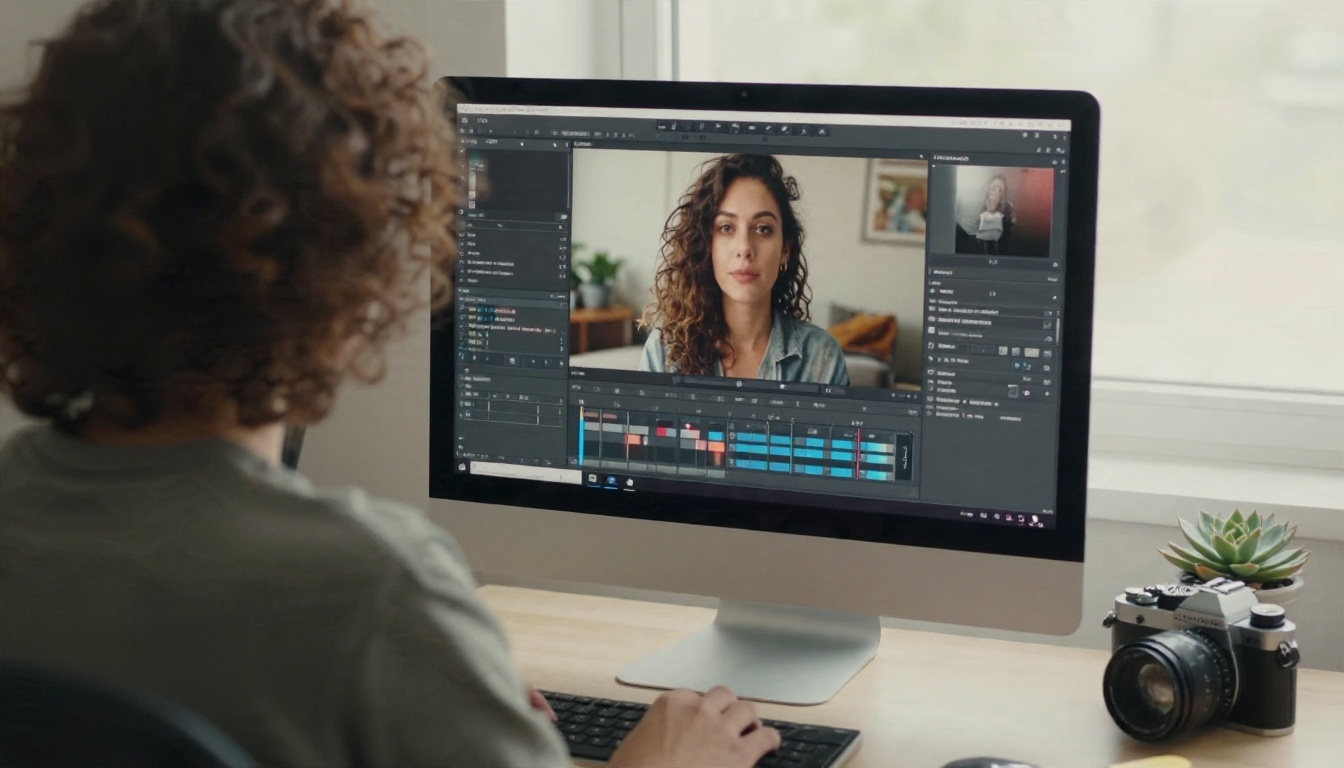
If pictures are your main goal, a text-to-image model gives you something an app cannot: full control. You write the scene, you choose the outfit, the light and the mood, and you keep the files. Candy AI is not on PicassoIA, and PicassoIA does not offer companion chat, but for the picture side these models are on PicassoIA today:
- Seedream 4.5: the first model to try. Sharp 4K output, natural skin and very good prompt following for glamour and swimwear portraits.
- PicassoIA Image Editor Pro: unlimited generations, so you can iterate on a look without watching a token counter.
- Qwen Image 3 Pro: strong photorealism for faces and fabric.
- Flux Krea Dev: images without the over-polished AI look, good for candid, film-style shots.
For writing the character's backstory or dialogue, a language model such as GPT 5.4 or Claude Sonnet 5 can draft a persona sheet you then reuse in every image prompt.
How to Get Similar Results on PicassoIA
Candy AI is not on PicassoIA yet; for similar pictures today, Seedream 4.5 is the best starting point. Here is a workflow that mimics the "same girlfriend, many pictures" experience.

Step 1: Write a Persona Sheet
Ask a language model, for example GPT 5.4, for a short fixed description of your character: age range, hair color and length, eye color, skin tone, freckles, signature jewelry. Keep it under 40 words. You will paste it at the start of every prompt.
Step 2: Open Seedream 4.5
Go to the Seedream 4.5 page on PicassoIA, paste your persona sheet, then add the scene. A reliable structure is:
[persona sheet] + [pose and action] + [setting] + [lighting direction] + [lens and camera angle] + [film look]
Step 3: Set the Parameters
- Aspect ratio: 16:9 for scenery, 3:4 or 2:3 for portraits.
- Resolution: start at the default, move to 4K once the composition works.
- Style words: use "raw photograph", "Kodak Portra 400", "film grain", "natural skin texture".
- Negative habits: avoid vague words like "perfect" or "flawless", which push the result toward a plastic look.
Step 4: Keep the Face Consistent
Reuse the identical persona sheet word for word. Change only the outfit, location and lighting. When you get a face you love, use PicassoIA Image Editor Pro to adjust small details, such as clothing or background, without regenerating the whole picture. Because it offers unlimited generations, you can try ten variations of one scene for the cost of none.
Prompt Examples That Work
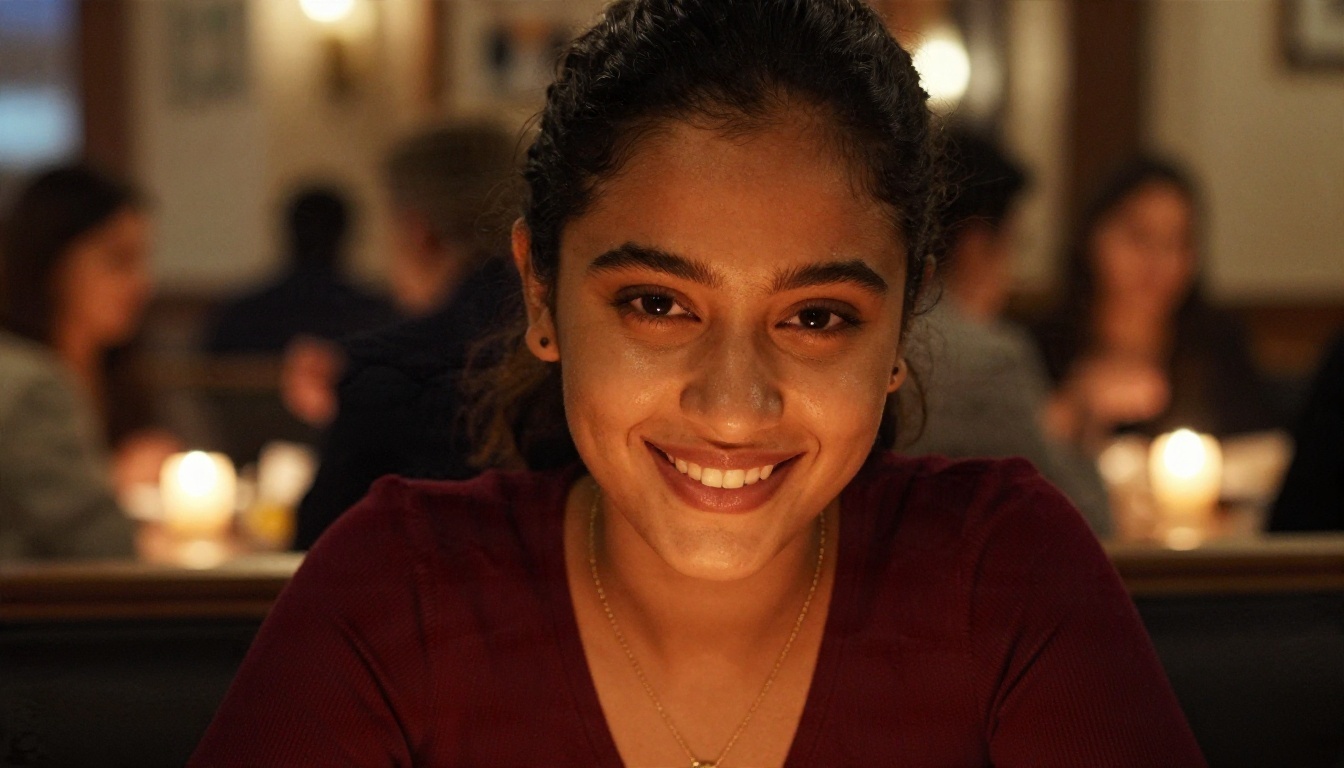
💡 Date night: "Woman with long wavy chestnut hair and light freckles, burgundy knit top, gold necklace, smiling across a candlelit restaurant table, warm amber glow, 85mm f/1.8, shallow depth of field, Kodak Portra 400 grain, natural skin texture."
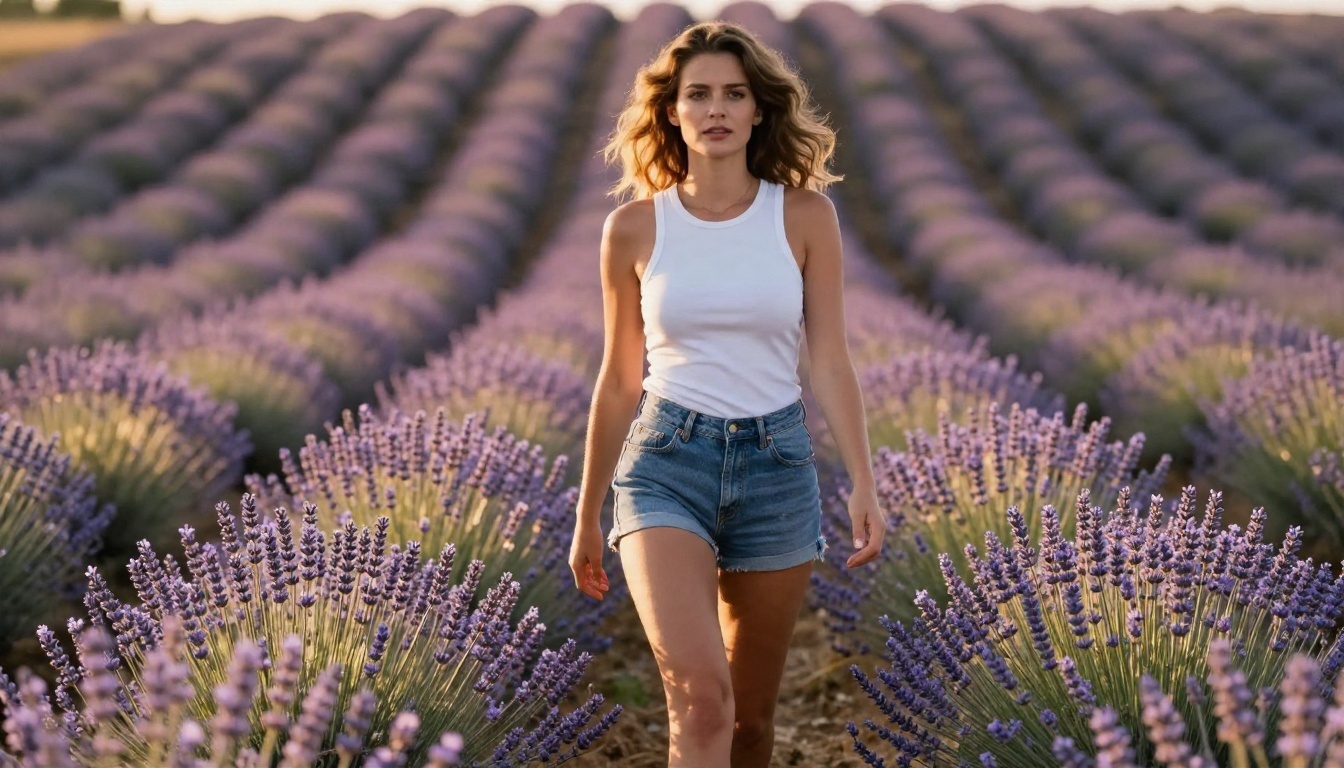
💡 Outdoor fashion: "Same woman walking through a lavender field at golden hour, white tank top and denim shorts, low angle, rim light on her hair, 135mm lens, film grain."
Both prompts keep the persona intact and vary the scene. That is the entire trick behind a consistent character.
Candy AI vs Building Your Own
Here is a side by side view for someone deciding where to spend money.
| Factor | Candy AI | Image model workflow |
|---|
| Chat with a character | Yes, built in | Use a language model separately |
| Cost model | Subscription plus tokens | Pay per model or unlimited editor |
| Picture control | Limited, request based | Full control of scene, light, lens |
| Image consistency | Moderate | High with a fixed persona sheet |
| Resolution | App dependent | Up to 4K with Seedream 4.5 |
| Ownership of files | Inside the app | You download and keep them |
| Speed of iteration | Metered by tokens | Fast, and unlimited with Image Editor Pro |
If you want voice calls and an always-on chat partner, Candy AI delivers that. If you want a gallery of beautiful, consistent pictures, building your own pipeline is cheaper and more flexible.
Which Option Fits You
- Choose Candy AI if conversation is the main attraction and you accept token top-ups.
- Choose a model workflow if pictures matter more, or if you hate watching a credit counter.
- Mix both by chatting in a companion app and producing your hero images with Seedream 4.5.
Make Your Own Characters Today
Candy AI makes sense for a few evenings of chat, and its free plan is a short demo, not a trial of the full thing. If you came for the pictures, you can get the same glamour, swimwear and lifestyle looks with far more control by creating them yourself.
Open Seedream 4.5 on Picasso IA, paste a persona sheet, and generate your first scene. Then switch to PicassoIA Image Editor Pro to refine it with unlimited generations. Try Qwen Image 3 Pro for extra realism and Flux Krea Dev for a film look. Fast, flexible and free of per-picture billing, it is the quickest way to find out what you actually want from an AI character.
Browse every image, video and language model at picassoia.com/en/all-models and start experimenting with your own look today.


