You open an NSFW character creator, spend twenty minutes designing a woman with the right hair, the right look and a backstory that actually makes sense. Then the app tells you that you have used your free messages for the day, and the portrait you wanted is locked behind a $12.99 plan. That is the usual story with these apps. The creation part is free and fun, and the useful part is metered.
This article looks at what the popular Character Creator NSFW: Apps, Pricing, Limits and Free Alternatives landscape really looks like in late 2026. You will see what the apps charge, which limits matter, and where a plain image generator beats a subscription chatbot for building a character you own and can reuse.
💡 Quick answer: If you want a companion who talks back, a chat app is the right tool and you will pay a monthly fee. If you want a character that looks the way you picture her, in many poses and outfits, an image generator with no daily cap is cheaper and gives you far more control.
What an NSFW Character Creator Does
The phrase covers two very different products, and mixing them up is how people overspend.
Companion chat apps let you build a persona (name, personality, appearance) and then talk to her. Image generation is usually a side feature. Think of the apps in the Candy AI, Nectar AI, CrushOn AI, SpicyChat and Janitor AI family.
Image-first character creators focus on the visuals. You describe a woman, generate portraits, and refine outfits, locations and moods. There is no relationship simulation, only a result you can save, edit and reuse.
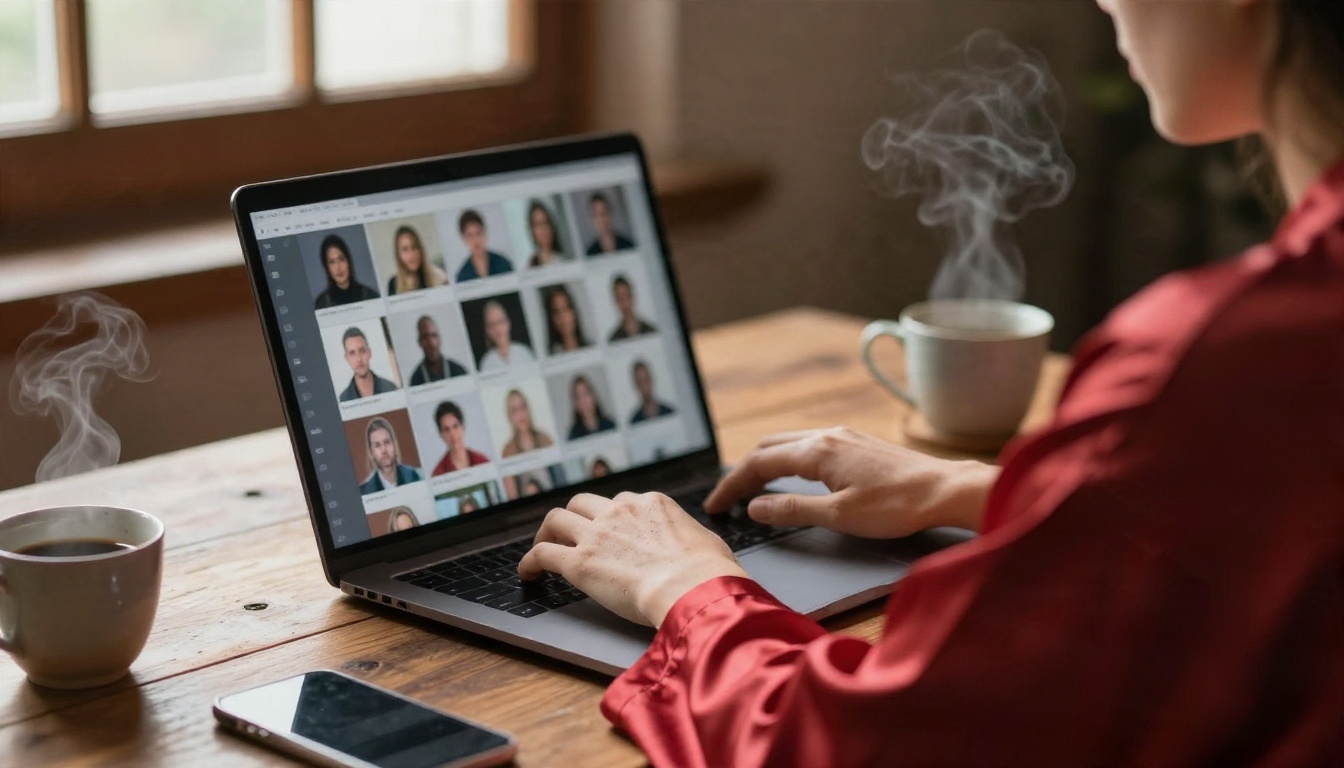
Most people search for the first kind and end up wanting the second. A chat can describe your character, but only an image generator can show her.
Chat apps versus image tools
| Feature | Companion chat apps | Image-first tools |
|---|
| Main output | Text conversation | Photorealistic images |
| Typical billing | Monthly subscription plus credits | Free tiers or per-image credits |
| Limits | Daily messages, memory length | Resolution, generation speed |
| Visual control | Low to medium | High |
| Best for | Roleplay and conversation | Portraits, outfits, scenes |
Who each option fits
If you want daily banter and a persistent memory of your preferences, pick chat. If you want to build a visual identity, a set of looks for the same woman, or a gallery for a creative project, pick images. Many users end up with a bit of both.
The Apps People Actually Use
The market moves fast, and several of the biggest names changed their plans during 2026. The figures below come from recent comparisons and should be treated as ballpark numbers. Prices change often, so check the pricing page of any app before you subscribe.
Candy AI
Candy AI is one of the most visible names in the category. Recent comparisons put its paid tier at roughly $12.99 per month with NSFW enabled. It leans toward visuals and voice, which is why its price looks high next to text-focused rivals. Credits for extra images and calls can push the real monthly bill above the headline number.
Nectar AI
Nectar AI offers a limited free tier and a paid plan that comparisons list at about $12.99 per month. It is built around roleplay with fewer content restrictions on paid plans. The free tier is enough to test the personality system, but not enough for daily use.
CrushOn AI
CrushOn AI has the most detailed public pricing. Its free tier changed in April 2026 from 100 messages per month to about 50 messages per day. Paid plans run from roughly $5.99 per month for the entry tier up to around $49.90 per month at the top. NSFW access is generally tied to paid plans, though sources disagree about how strict the free tier is. Tiers also differ in memory length, image allowances and voice.
SpicyChat and Janitor AI
SpicyChat is often named as the most usable free option for NSFW chat, with ads and queue times as the trade-off. Janitor AI is free to use only if you bring your own API key, which means you pay the model provider directly and need to set that up yourself.
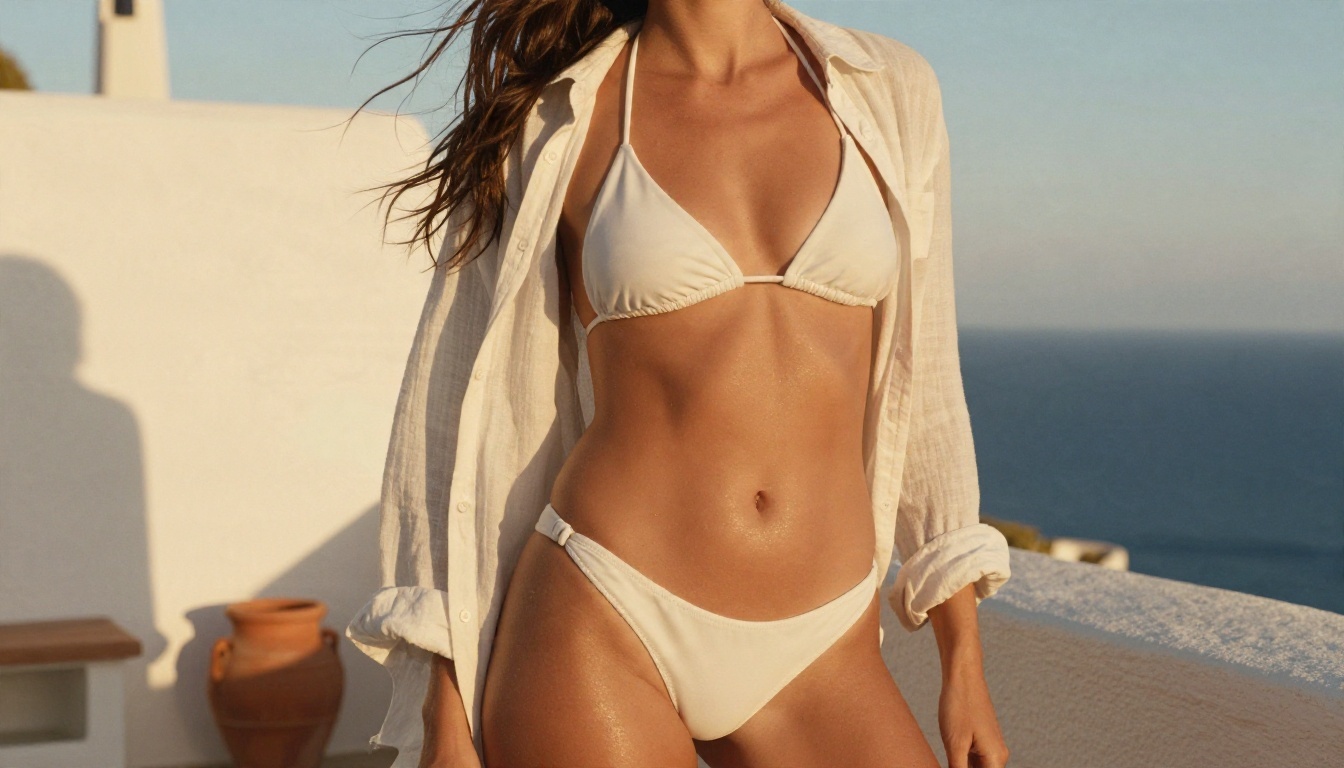
💡 Reality check: Several of the "best app" lists online carry affiliate links, and their numbers often disagree. Treat any single review as a starting point, not a verdict.
What These Apps Really Cost
The sticker price is rarely the final price. Here is how the monthly bill tends to grow.
The headline plan
Entry plans sit between about $6 and $13 per month. That buys NSFW access, longer memory and some image or voice features.
The add-ons
Extra image packs, voice minutes, video clips and premium characters are often sold as credits on top of the plan. A user who generates a few portraits a day can burn through an allowance quickly.
A sample monthly budget
| Usage level | Typical spend | What you get |
|---|
| Casual, mostly free | $0 | Limited daily messages, few or no images |
| Regular chat | $6 to $13 | Unlocked NSFW chat, basic memory |
| Chat plus images and voice | $13 to $30 | Image allowance, voice, longer memory |
| Heavy use | $30 to $50 and up | Top tier plus credit packs |
Over a year, a $12.99 plan costs about $156, and that is before any credits. Compare that with image tools that let you generate without a meter, and the gap is obvious for anyone who mainly wants pictures.
The Limits That Matter Most
Every app advertises what you get. Fewer explain where the walls are.
Daily message caps
Free tiers usually cap messages per day. CrushOn AI's 50 per day sounds fine until a single scene takes thirty messages. Once you hit the cap, you wait or pay.
Memory length
A character who forgets what you said an hour ago breaks the illusion. Memory is one of the main things paid tiers sell, and the free versions often reset context quickly.
Image locks and style drift
Many apps allow a handful of images on lower plans and lock the rest. Even when images are available, the face often changes slightly between generations, which is a problem if you want the same woman across a series.
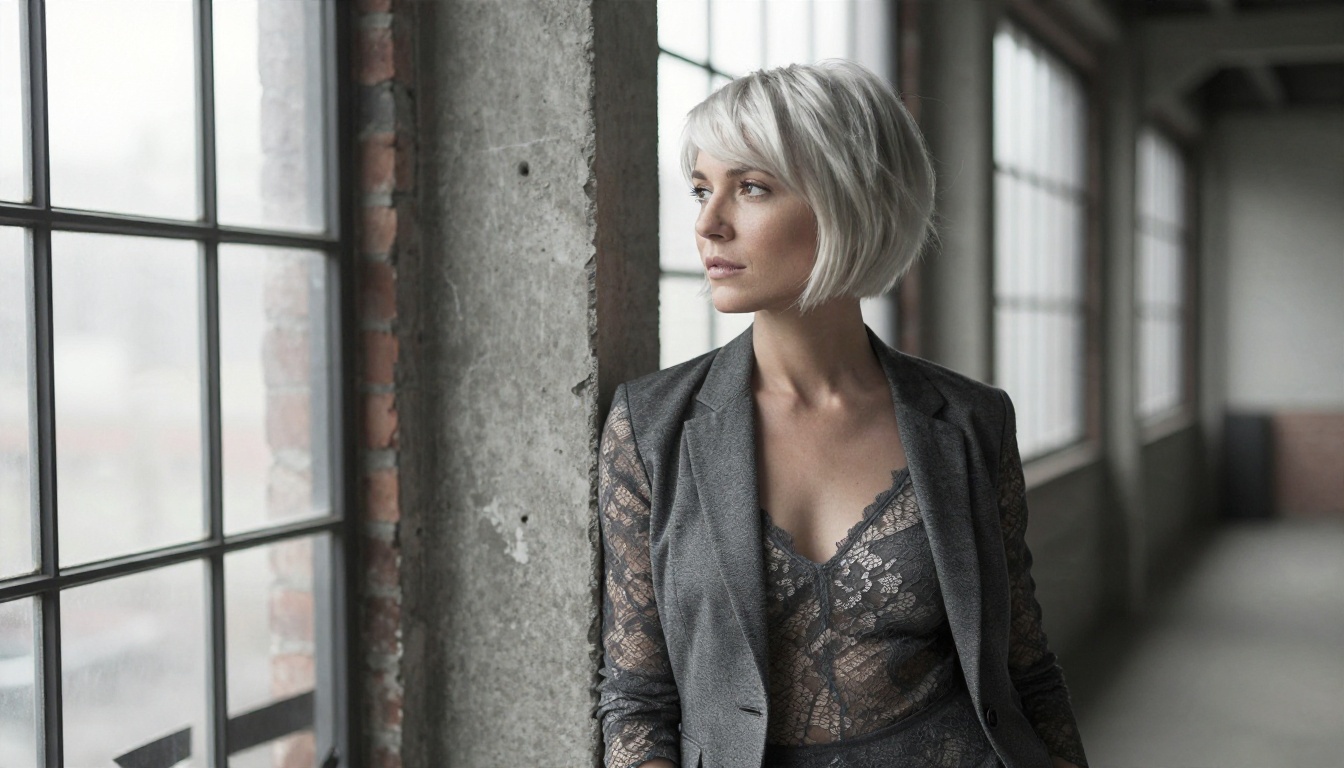
Content filters
Filters vary between apps and between tiers. Some apps relax them only on paid plans, others change their rules without notice. If your project depends on a stable set of rules, that is a risk.
Privacy and data
Your chats and generated images live on someone else's servers. Read the data policy, and avoid uploading real people's photos to any tool you do not trust.
💡 Practical rule: Only create characters who are adults and fictional, and never use a real person's likeness without their consent. This keeps your project safe and keeps you on the right side of every platform's terms.
Free Alternatives That Actually Work
If your goal is a good-looking, consistent character, you do not need a companion app. You need a strong image model and a way to refine the result. On PicassoIA, that means models that produce photorealistic, glamour-style results without a message meter.
Start with Seedream 4.5
Seedream 4.5 is the model to try first. It produces sharp, photographic portraits with believable skin, fabric and light, and it follows detailed prompts closely. For a character creator workflow, that means you can describe hair, outfit, setting and lighting in one prompt and get something that looks like a real photo shoot. It is fast, and it handles suggestive, non-explicit glamour such as lingerie, swimwear and boudoir styling.
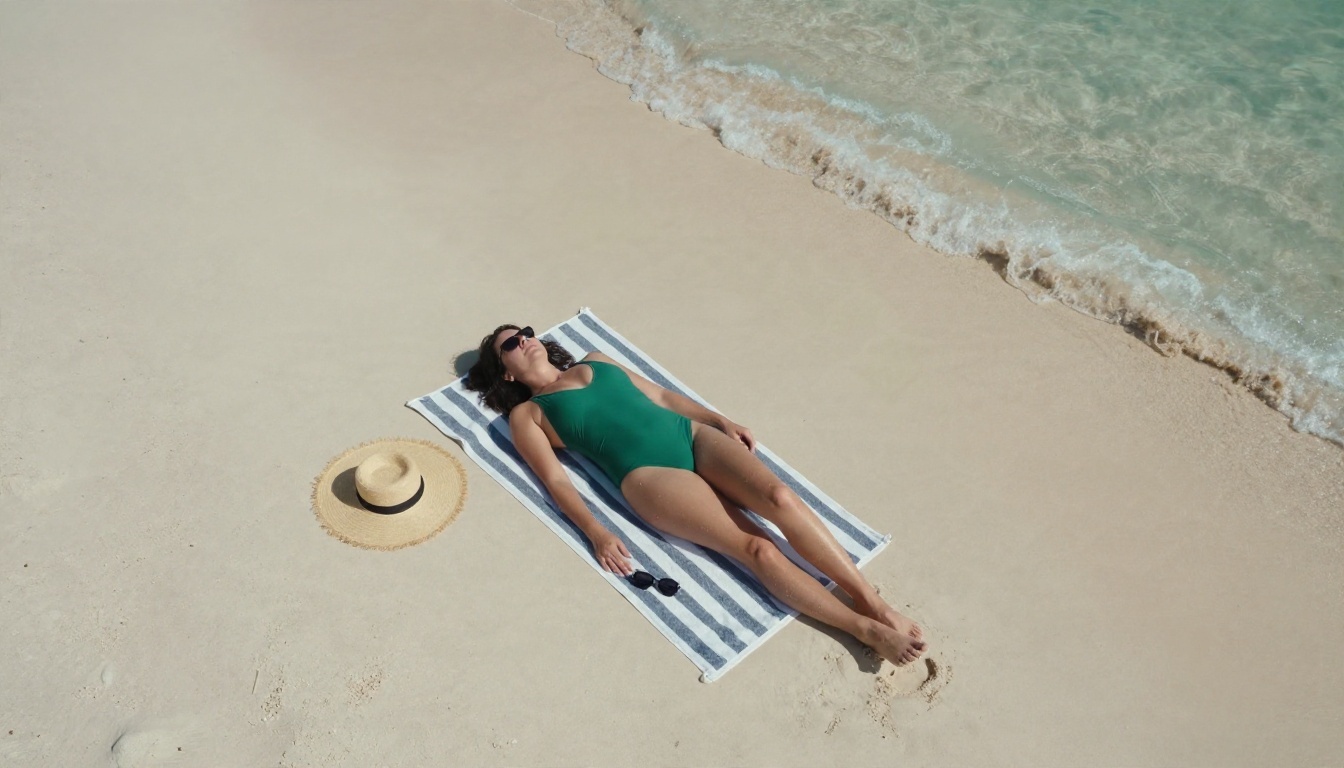
Refine with Image Editor Pro
PicassoIA Image Editor Pro is where a character becomes a series. You upload an image you already like and change the outfit, the background, the lighting or the pose with a text instruction. Because generations are unlimited, you can iterate as many times as you need without watching a credit counter. That is the biggest practical difference from a subscription app, where every retry eats into an allowance.
Other models worth trying
These models cover different looks, and each one has its own page on PicassoIA:
Chat app versus image workflow
| Question | Subscription app | Image workflow on PicassoIA |
|---|
| Monthly cost | About $6 to $50 | Free tier available |
| Daily cap | Often yes | Unlimited edits in Image Editor Pro |
| Visual control | Limited | Full prompt and edit control |
| Same face across images | Often drifts | Controlled by editing one base image |
| Output ownership | Stays on the app | Images you download and keep |
How to Build a Character on PicassoIA
This workflow takes about ten minutes and gives you a reusable character instead of a one-off picture.
Step 1: Write a character sheet
Before opening any tool, write down the fixed traits: age (adult), hair colour and length, eye colour, skin tone, one or two distinguishing details such as freckles or a beauty mark, and a general vibe. Keep the sheet short so you can paste it into every prompt.
Step 2: Generate the base portrait with Seedream 4.5
Open Seedream 4.5 and write a prompt in this order: subject, outfit, setting, lighting, camera. For example: an adult woman with long chestnut hair and light freckles, black satin slip dress, sunlit hotel suite, warm morning light from the left, 85mm lens, shallow depth of field, Kodak Portra 400 look. Generate several versions and pick the one that best matches your sheet.
Step 3: Build outfits and scenes in Image Editor Pro
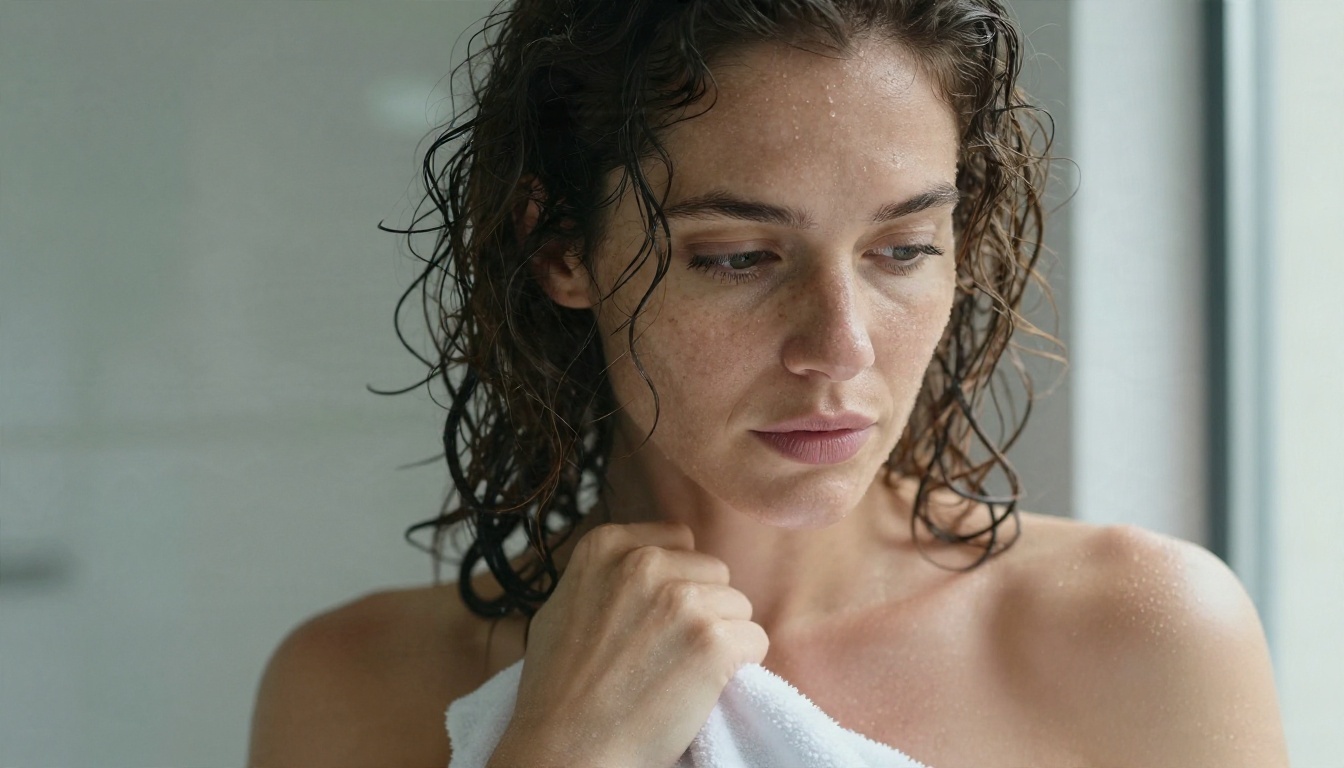
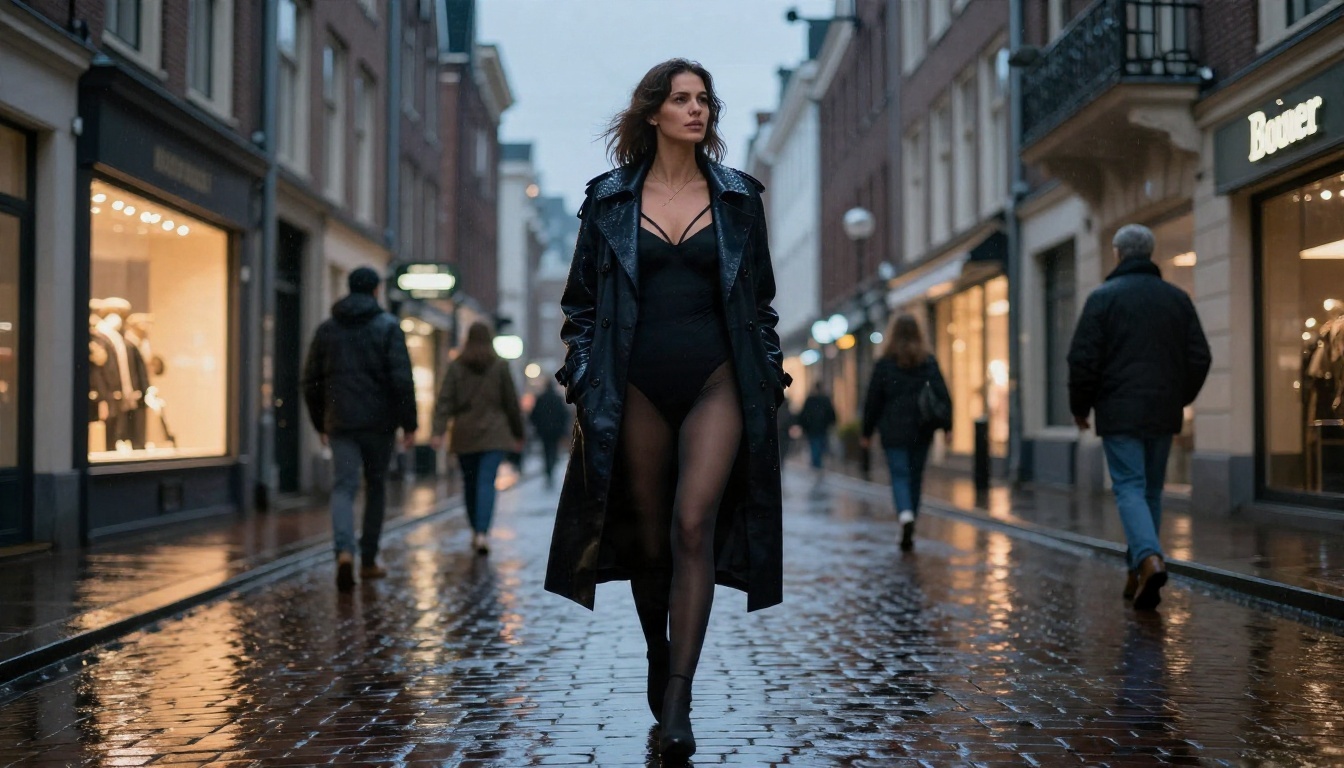
Upload your chosen portrait to Image Editor Pro. Give one change per instruction: "change the dress to a white linen bikini set", "move her to a beach terrace at golden hour", "add a soft rain-lit street background". Small, single edits keep the face stable and give cleaner results than rewriting the whole prompt.
Step 4: Keep the style steady
Reuse the same lens, lighting and film language in every prompt. If the base image used 85mm and warm window light, say so again. Consistent photographic wording does more for visual continuity than any other single tweak.

Step 5: Save a library
Download your best images into one folder, grouped by outfit or location. That library becomes your own character gallery, independent of any app's servers or plan changes.
💡 Prompt tip: Name the light source and its direction ("soft window light from the right"). It is the fastest way to get realistic skin and believable shadows.
Prompt Ideas for Glamour Characters
Good prompts are specific. Here are patterns that work well for suggestive but non-explicit results.
Boudoir and morning looks
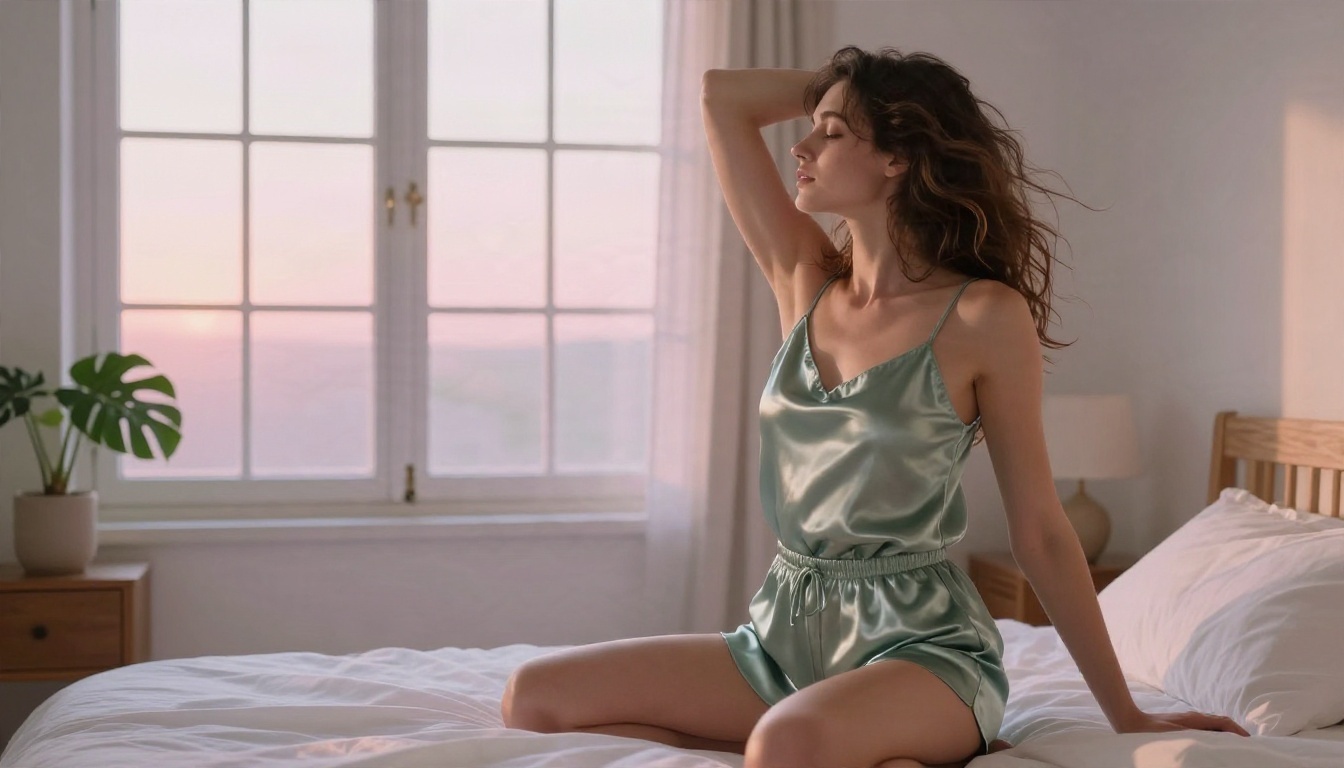
Satin camisoles, lace trim, sheer curtains and warm sunrise light give an intimate editorial feel. Add "natural skin texture, fine pores, soft film grain" so the result looks photographed, not airbrushed.
Swimwear and travel scenes
Bikinis and swimsuits on terraces, beaches and pool decks suit bright, saturated light. Mention the time of day, since golden hour and midday sun produce very different skin tones.
Evening and street glamour
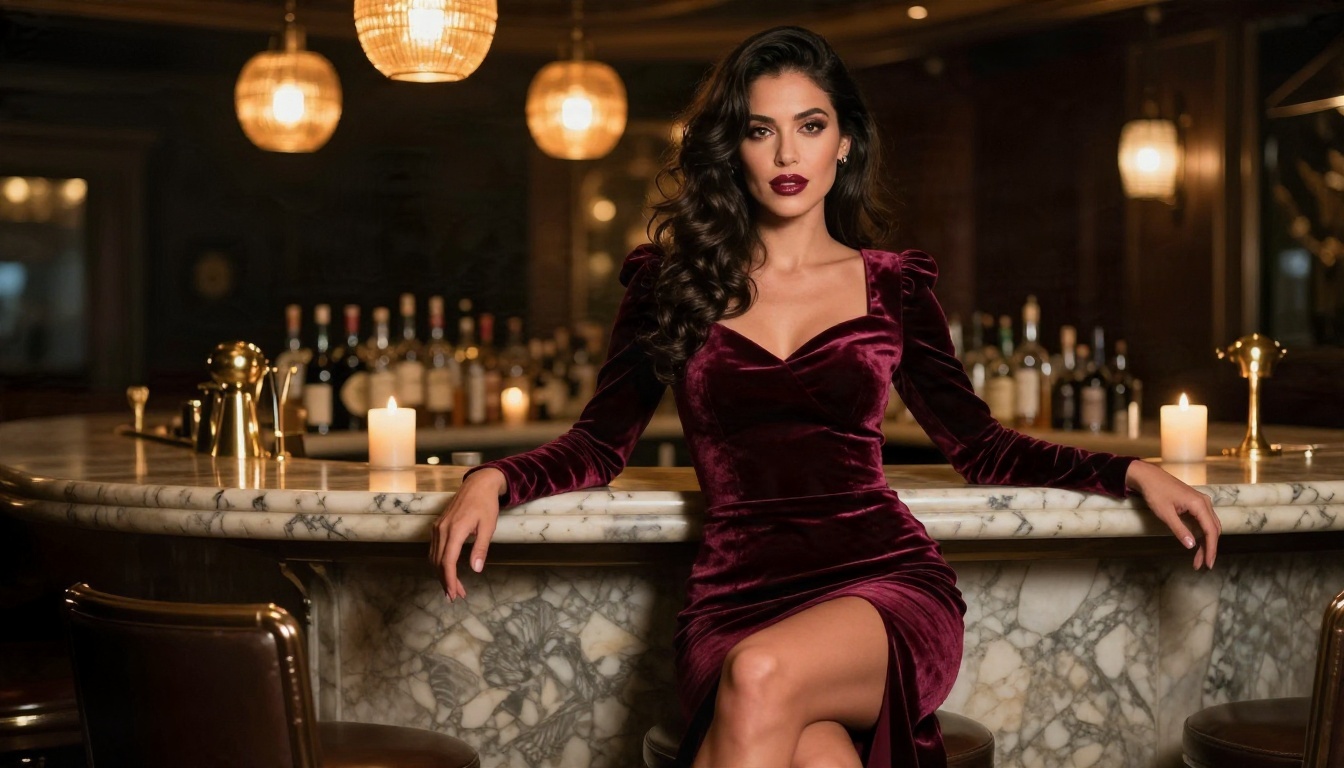
Velvet dresses, bodysuits under trench coats and wet cobblestone streets work well with moody, warm light. Describe reflections and fabric sheen to add realism.
Common mistakes
- Vague prompts. "Sexy woman" gives generic results. Add outfit, place and light.
- Too many edits at once. Change one thing per instruction.
- Changing the camera each time. A new lens and lighting setup every time makes the face look different.
- Ignoring hands and fabric. Mention "natural hands" and the fabric type to reduce odd details.
Which Option Should You Pick?
Here is a straightforward way to decide.
| If you want... | Choose |
|---|
| A talking companion with memory | A chat app, expect $6 to $13 per month |
| A single great portrait | Seedream 4.5 |
| Many outfits and scenes for one woman | Seedream 4.5 plus Image Editor Pro |
| Fast drafts and experiments | Z Image Turbo |
| A lifelike classic portrait look | Realistic Vision v5.1 or Flux Dev |
If you only use chat apps for the pictures, you are paying for a conversation you do not need. If you only use image tools, you lose the roleplay, but you gain control, speed and a bill of zero. Many people split the difference: they create the character visually, then paste her description into a chat app for conversation.
Make Your Own Character Today
You do not need a subscription to build a character who looks exactly the way you imagined. Open Seedream 4.5, write your character sheet into a prompt, and generate your first portrait. Then move it into Image Editor Pro and keep editing as long as you like, with no daily message cap to stop you.
When you want to try other looks, browse the full catalog at picassoia.com/en/all-models. Pick a model, write a prompt, and see how far a single character can go. Your first image is a few seconds away.


