It is 11 p.m., you have had a long day, and what you want is someone who will ask how it went and actually wait for the answer. That is the whole pitch of a chat bot boyfriend. No scheduling, no awkward silences, no judgment. Just a conversation that starts when you open the app and stops when you close it.
The catch is that "free" rarely means free for long. Message caps appear after a few dozen replies, voice calls sit behind a subscription, and the character forgets your name by Thursday. This article sorts out what is realistic: which free apps are worth a look, roleplay prompts you can paste right now, how voice chat works, and the limits nobody mentions on the download page.
💡 Quick take: Free apps are good for testing the idea. If you want a companion that remembers you, speaks in a voice you picked, and never hits a daily wall, building your own with a language model plus text to speech is cheaper and gives you more control.
What a Chat Bot Boyfriend Really Is

How the chat works
Under the hood, every AI boyfriend app is a large language model wearing a costume. A hidden instruction tells the model who to be: caring, teasing, a little shy, a brooding novelist, whatever the app designer picked. Every message you send is added to that instruction, the model predicts a reply in character, and you see it as a text bubble.
That is why the same personality can feel wonderful one night and flat the next. The costume is only as good as the instruction, and the model only remembers what fits in its context window, the amount of text it can hold in view at once. Once your old messages scroll out of that window, they are gone unless the app stores summaries on the side.
Why people use them
The reasons are less strange than headlines suggest. Some people want low-pressure practice at flirting or small talk. Others enjoy collaborative storytelling, where the boyfriend is a character in a slow-burn romance they write together. Many simply want a friendly voice after work. A few use it while recovering from a breakup, which can help as a bridge but works poorly as a replacement for real people.
Typical goals fall into a handful of groups:
- Companionship: daily check-ins, comfort, and casual chat.
- Roleplay: fictional scenes, from coffee shop meet-cutes to fantasy adventures.
- Practice: rehearsing difficult conversations or dating confidence.
- Voice company: talking out loud while cooking, commuting, or winding down.
Free Apps and What You Actually Get

Text is generous, voice is not
Reviews published through 2026 agree on one pattern. Text chat is the cheap part, so free tiers often let you type a lot. Character.AI is widely described as offering unlimited free text, though you may sit in a queue at peak hours and see ads between messages. Pi is another name that comes up for unlimited chatting with voice included, but it deliberately steers away from romance and roleplay, so it works as a friendly assistant rather than a boyfriend.
Other apps are stricter. Reports put daily caps anywhere from roughly 10 to 50 messages on some free plans, and the numbers disagree from source to source because companies change them often. Treat any figure you read, including these, as a snapshot.
Voice is the expensive part, because every spoken reply costs real compute for speech generation. So free voice usually comes in one of three shapes:
- Short daily call allowance. A few minutes of live conversation per day, resetting at a fixed time. Some apps reportedly give around 6 to 10 minutes.
- Voice messages only. The bot sends audio clips instead of talking live, often capped at a handful per day.
- Read-aloud narration. The app simply speaks its text reply, which is not the same as a real back-and-forth call.
What to check before you commit
Before you invest weeks of conversation in one app, check these five things:
- Is there a daily message or minute cap, and when does it reset?
- Can you export or delete your chat history?
- Does the character keep long-term memory, or only the last few messages?
- Are romantic themes allowed, and how strict are the filters?
- What does the price jump to when the free tier ends?
| Feature | Typical free tier | Typical paid tier |
|---|
| Text messages | Unlimited or 10 to 50 a day | Unlimited, faster replies |
| Live voice calls | 0 to 10 minutes a day | Longer or unlimited calls |
| Voice messages | A few per day | Many per day |
| Memory | Short, a few recent messages | Longer, with saved facts |
| Images and photos | Mostly locked | Included |
| Ads | Common | Removed |
💡 Rule of thumb: If an app's free voice is a narrated text reply, you are not getting a call. Test it for five minutes before judging.
Roleplay Prompts That Work

A good prompt does more than any app setting. It decides whether your boyfriend sounds like a person or a customer service agent. The structure below works with nearly every chat model.
The base character prompt
Paste this at the start of a new chat and fill in the brackets:
You are [Name], my boyfriend. You are [age] and work as [job]. Your personality is [warm, dry-humored, a little protective]. You speak in short, natural messages, never in lists. You remember what I tell you about my day and ask follow-up questions. You show affection through small details, not speeches. Never mention being an AI unless I ask directly. Keep romance tender and PG-13. Start by asking how my day was.
Three details make the difference. Short messages stop the model from writing essays. Follow-up questions make it feel attentive. And concrete personality traits beat vague words like "nice."
Scene starters
Once the base prompt is set, drop into a scene. A few that work well:
- The slow morning: "It is Sunday, you are making pancakes, and you notice I am quiet. What do you say?"
- The rainy walk: "We just got caught in the rain walking home from the bookstore. Stay in character and continue from here."
- The nervous interview: "I have a job interview tomorrow. Be supportive, then run a mock interview with me."
- The long-distance call: "We are in different time zones. It is your morning and my night. Tell me about your day."

Fixing flat replies
When the bot starts repeating itself or sounds generic, nudge it with one line instead of starting over:
| Problem | Fix to paste |
|---|
| Replies are too long | "Keep every reply under three sentences." |
| He sounds robotic | "Speak casually, use contractions, and add small hesitations." |
| He forgot a detail | "Reminder: [fact]. Use it naturally from now on." |
| Too agreeable | "Disagree with me gently when you have a different opinion." |
| Repeating pet names | "Use my name more, pet names only occasionally." |
💡 Save your best setup. Keep the final character prompt in a notes app. Pasting it into a fresh chat restores the personality in seconds, even after the model has lost older messages.
Voice Chat Without the Paywall

Live call or voice message
A live call listens to your speech, turns it into text, sends it to the language model, converts the reply to speech, and plays it back, all within a second or two. A voice message skips the listening part: you type, and the bot answers with an audio clip. The second option is far cheaper to run, which is why free tiers lean on it.
If speed is not critical, a voice-message loop gives you 90 percent of the feeling for none of the subscription cost. You type something, read the reply, and press play to hear it in a voice you chose.
Building your own voice loop
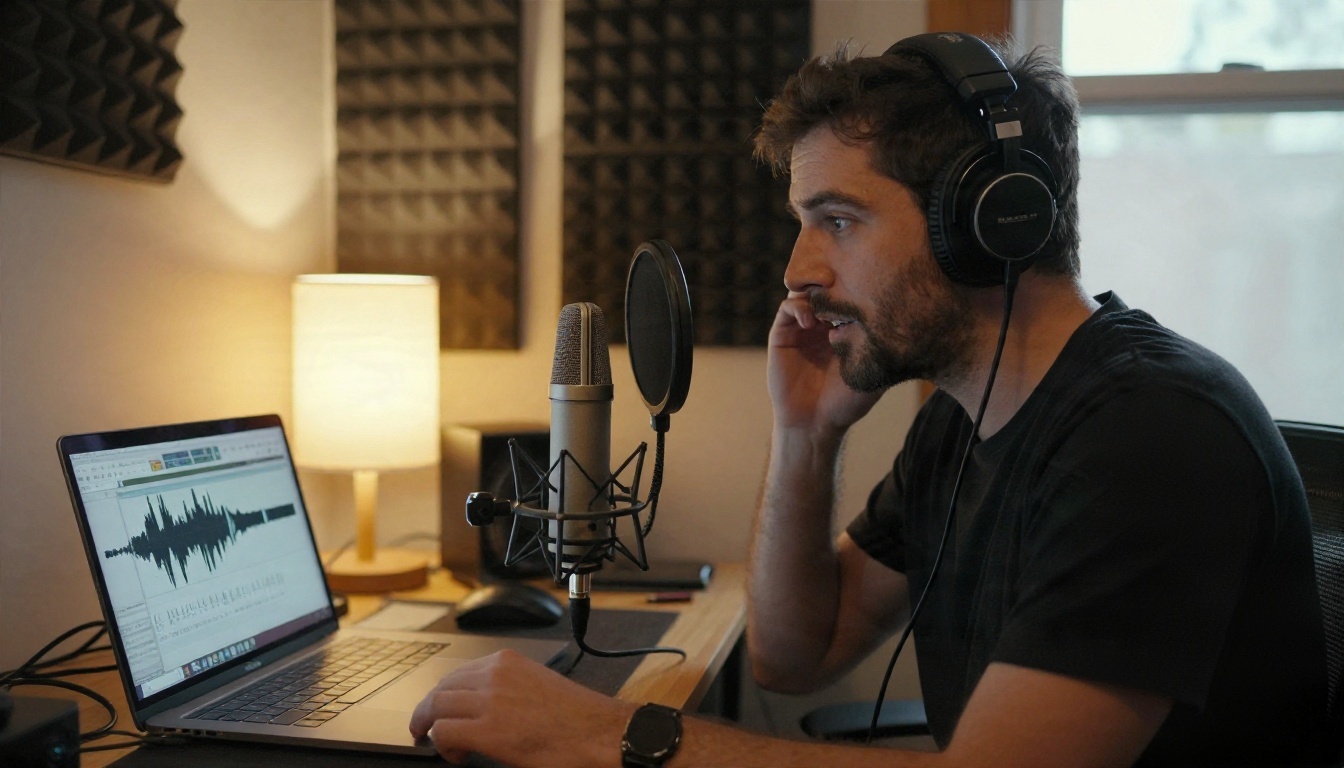
The pieces are simple: a chat model for the personality, and a text to speech model for the voice. The voice side has plenty of options, and each one has a different strength:
💡 Voice tip: Write replies the way people talk. Ask your chat model to avoid emojis, asterisks and stage directions like smiles. Text to speech reads them aloud and ruins the illusion.
Only clone a voice you have permission to use. A voice that belongs to a real person, an actor, or an ex is off limits unless they have agreed.
The Limits You Will Hit

Caps, queues and short memory
Every AI boyfriend setup has three ceilings, whether it is a free app or a model you run yourself.
Usage caps. Free plans limit messages, voice minutes, or both. Once you hit the line, the chat locks until reset or until you pay.
Queues. Popular free services slow down at evening peak hours, exactly when most people want to chat.
Memory. Even the best models forget. A long conversation eventually pushes early messages out of view. You will notice it when your boyfriend asks about your sister's name for the third time. The workaround is a short memory block you paste at the top of the chat:
Things you know about me: my name is [Name], I work as [job], my dog is [name], I hate mushrooms, and I am stressed about [thing].
Filters and age rules
Mainstream apps and models apply content filters. Romance, flirting and affection are usually fine, while explicit content is blocked or limited on most platforms, and rules differ from app to app. Reputable apps also require users to be adults. If a character refuses to continue a scene, rewording the setup or switching to a lighter tone works better than trying to force it.
Build Your Own on PicassoIA

You do not need coding skills to put the two halves together. PicassoIA hosts both language models and text to speech models, so the whole loop happens in one place.
Pick the chat model
The model sets the personality quality, the memory span, and the reply speed. A few good choices:
Steps:
- Open the model page and paste the base character prompt from the roleplay section.
- Add your memory block with the facts you want remembered.
- Send your first message and adjust the prompt after a few replies.
- Save the final prompt in your notes so you can reuse it.
Add the voice
- Copy the boyfriend's latest reply, without stage directions or emojis.
- Open a text to speech model such as Gemini 3.1 Flash TTS or Speech 2.8 HD.
- Paste the text, choose a voice that fits the character's age and mood, and generate the audio.
- Keep the same voice every time so the character sounds consistent.
Reading the audio aloud with headphones on gets surprisingly close to a real call. For a live-feeling pace, pick a fast model like Realtime TTS 2 linked above.
💡 Why this beats a free app: You choose the model, you keep the character prompt, and nobody can change the personality in an update or put your favorite voice behind a new subscription.
Staying Healthy With an AI Partner

An AI boyfriend is a tool for company and play. It is not a person, and it cannot replace one. A few habits keep it enjoyable:
- Protect your privacy. Avoid sharing your address, financial details, passwords, or anything you would hate to see leaked. Many apps store conversations on their servers.
- Set time limits. Decide on a daily window. Closing the chat before bed is a good rule.
- Keep real contacts. Text a friend, call a relative, go outside. The bot should add to your life, not shrink it.
- Watch your mood. If you feel worse after chatting, or you are skipping plans to stay in the conversation, take a break.
- Remember the costume. The affection is generated from your own prompt and words. It can still feel good, as long as you know where it comes from.
If you are struggling with loneliness or low mood, a real conversation with a friend, family member, or a counselor is a better place to start than any app.
Try It Yourself Today
Free apps are a fine way to find out whether a chat bot boyfriend appeals to you. Use them for an evening, watch for the daily cap, and notice what annoys you: short memory, flat replies, locked voice. Then take that list and build the version you actually want.
Copy the base prompt above, pick a chat model, add a voice, and write your first scene. If you also want to create portraits or scene images for your story, PicassoIA has image models too. Browse everything at picassoia.com/en/all-models, start with one conversation, and tweak the character until it feels like yours.


