Type a spicy request into ChatGPT and you usually get one of two outcomes: a polite refusal, or a watered-down picture that looks nothing like what you had in mind. That gap is the reason so many people search for Chat GPT NSFW image prompt ideas. This article gives you working examples of suggestive, non-explicit prompts (boudoir, swimwear, evening glamour), explains where ChatGPT draws its line, compares the free options, and points you to PicassoIA models that handle adult-oriented glamour photography with far fewer refusals.
One boundary first. Everything below is about adults, tasteful and non-explicit imagery: the kind of thing you would see in a lingerie campaign, a swimwear editorial or a boudoir photo session. Nothing here involves minors, real people without consent, or pornographic content, and none of it relies on tricking a filter.
💡 Quick answer: ChatGPT will often produce swimwear, lingerie-style fashion and boudoir mood shots if you describe them as photography, but it refuses anything sexually explicit and sometimes blocks harmless prompts by mistake. For fewer false blocks, a dedicated image model on PicassoIA is the faster route.
What ChatGPT Actually Allows
Where the line sits
ChatGPT's image generation is built to refuse sexually explicit content. Suggestive fashion imagery sits in a gray zone: a woman in a bikini on a beach is usually fine, a close-up that reads as sexual usually is not. The newest image model, GPT Image 2, arrived in April 2026, and users have reported that it checks outputs after generation, so an image can be thrown away even when your prompt looked innocent.
There has also been public talk about an "adult mode" for ChatGPT. Reports say it was postponed over concerns about younger users, so do not count on it. Plan around the filters that exist today.
Why prompts get refused
Most refusals come from a short list of causes:
- Explicit anatomy or sexual acts in the wording, even when you meant something artistic.
- Words that read as sexual by themselves, like "seductive" or "sensual" stacked several times in one prompt.
- Real names of celebrities or private people.
- Ambiguous age: anything that makes a subject look young is blocked outright, and it should be.
- Output scanning: the image is generated, judged, then withheld.
That last point explains the frustrating experience where the same prompt works once and fails the next time. The classifier is not perfectly consistent.
Good glamour prompts read like a photographer's shot list, not like a fantasy request. When you describe the camera, light and fabric, the model treats the request as fashion photography. That is both safer with filters and better for realism.
Subject and wardrobe
Name an adult subject, a specific outfit and a pose. "Adult woman in her late twenties, black satin robe over lace lingerie, sitting on the edge of a bed" is concrete. "Hot girl" is vague and more likely to trigger a refusal.
Lighting and camera
Light does most of the work in boudoir photography. Window light from one side, golden hour backlight and warm lamp light are the three easiest looks to ask for. Add a lens (85mm for portraits, 35mm for environment shots) and an aperture such as f/1.8 for soft backgrounds.
Mood words that stay safe
Use words that describe the atmosphere, not the act: relaxed, confident, sunlit, quiet, luxurious, candid, editorial, lazy morning. They produce attractive results without pushing the filter.
| Prompt element | Weak version | Stronger version |
|---|
| Subject | "sexy woman" | "adult woman, late twenties, wavy chestnut hair, calm confident smile" |
| Outfit | "lingerie" | "black satin slip robe over a lace bralette" |
| Light | "good lighting" | "golden window light from camera left, soft shadows" |
| Camera | "high quality" | "85mm f/1.8, shallow depth of field, Kodak Portra 400 grain" |
| Mood | "hot" | "intimate, relaxed, magazine editorial" |
8 Prompt Ideas With Examples
These are copy-ready. Each one was written to stay suggestive but non-explicit, and the images below were generated from prompts built this way.
1. Hotel suite boudoir
Adult woman in her late twenties sitting on the edge of an unmade white linen bed, black satin slip robe loosely tied over delicate black lace, one knee drawn up, calm confident smile, tall shuttered windows, golden morning light from camera left, 85mm f/1.8, Kodak Portra 400 grain, magazine editorial.
This is the classic. The shutters, linen and satin give the model plenty of texture to work with, and the setting signals "editorial" instead of anything explicit.
2. Silk close-up portrait
Close-up portrait of an adult woman with dark curly hair in a deep red silk camisole, lying on her side on cream sheets, chin on her forearm, direct calm gaze, soft window light from the left, visible skin pores and faint freckles, 100mm f/2, film grain.
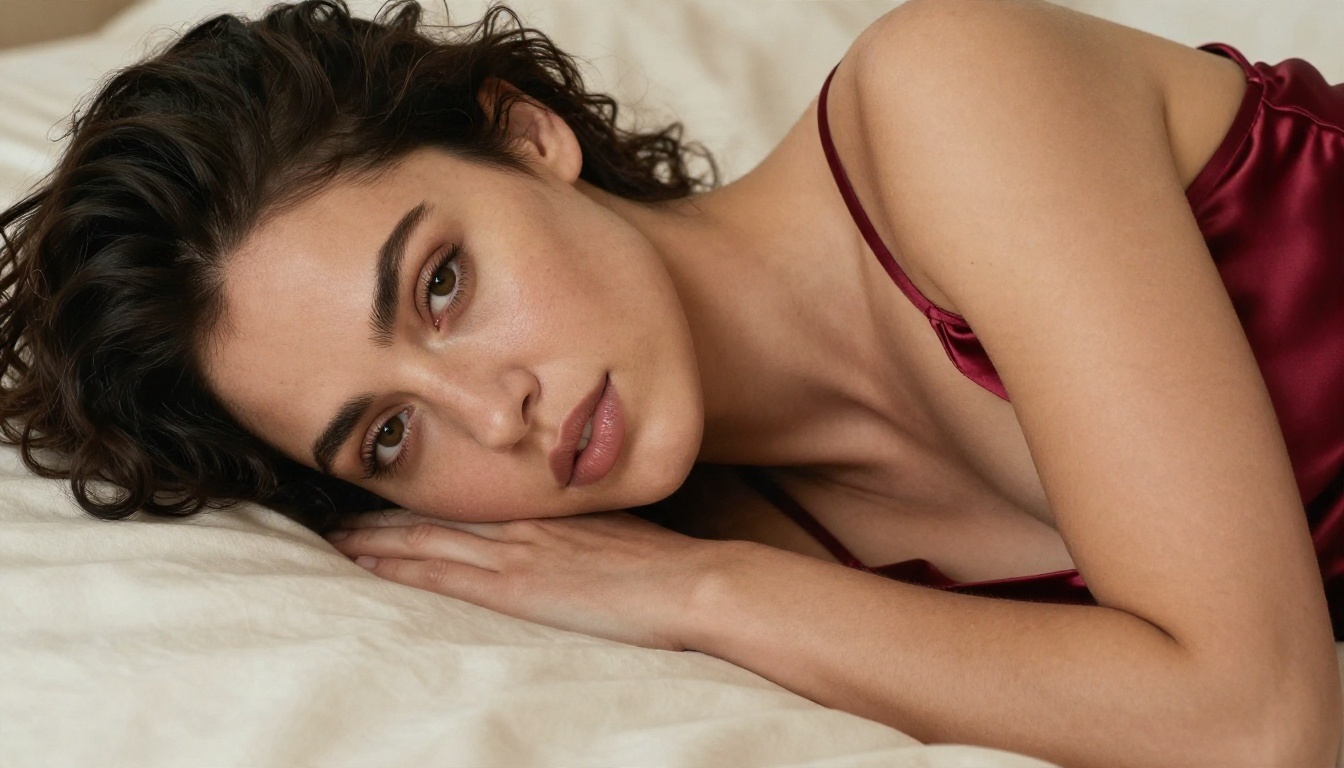
Close-ups are where realism either works or collapses. Ask for pores, freckles and fabric folds by name, and the plastic-skin look mostly disappears.
3. Poolside from above
Aerial photograph of an adult woman in a navy high-cut one-piece swimsuit and wide straw hat lounging on a white towel on a wooden pool deck, turquoise water, midday sun with crisp short shadows, 24mm f/4.
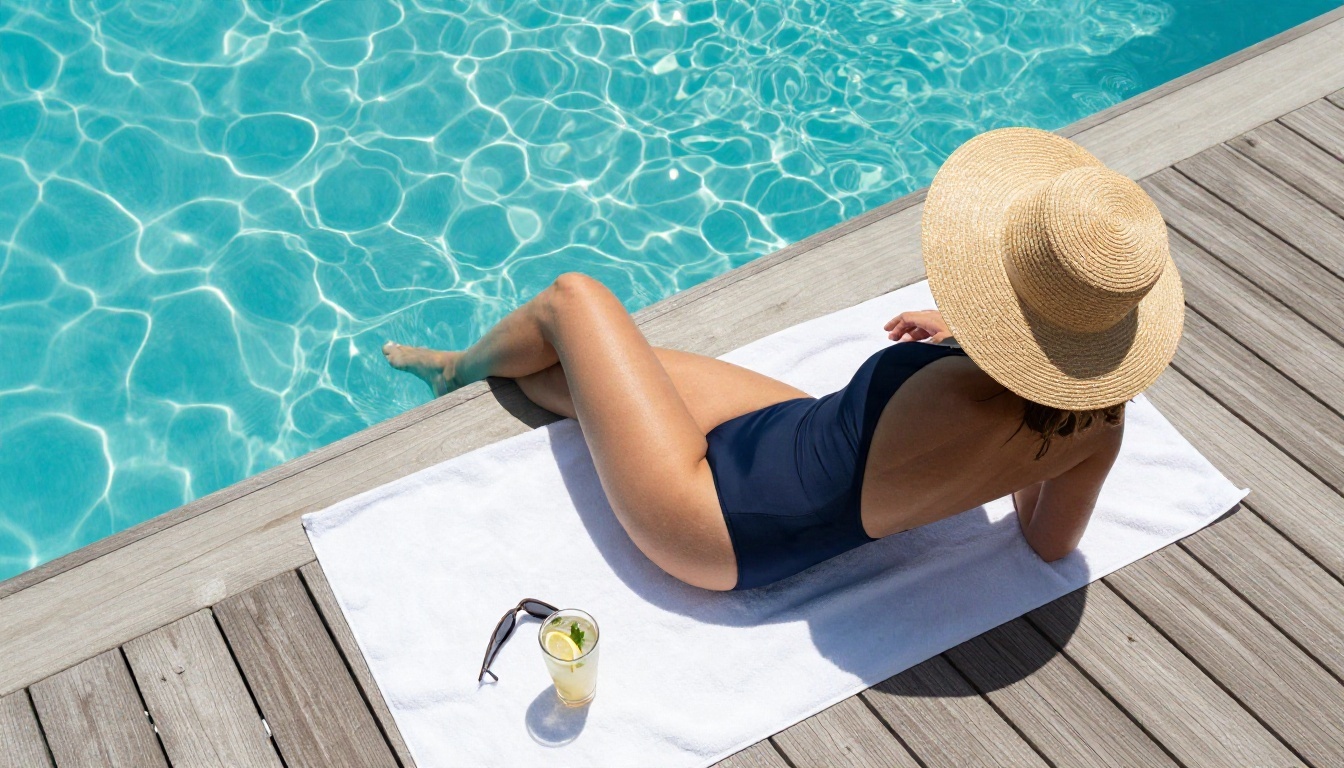
Swimwear prompts are the safest entry point. A change of camera angle (aerial, low angle, side profile) is also a cheap way to get variety without changing the outfit.
4. Backless evening gown
Medium shot of an adult woman in an emerald backless satin gown with a high leg slit at a marble hotel balcony at dusk, looking back over her shoulder, warm lamp light mixed with cool blue twilight, 50mm f/1.4.
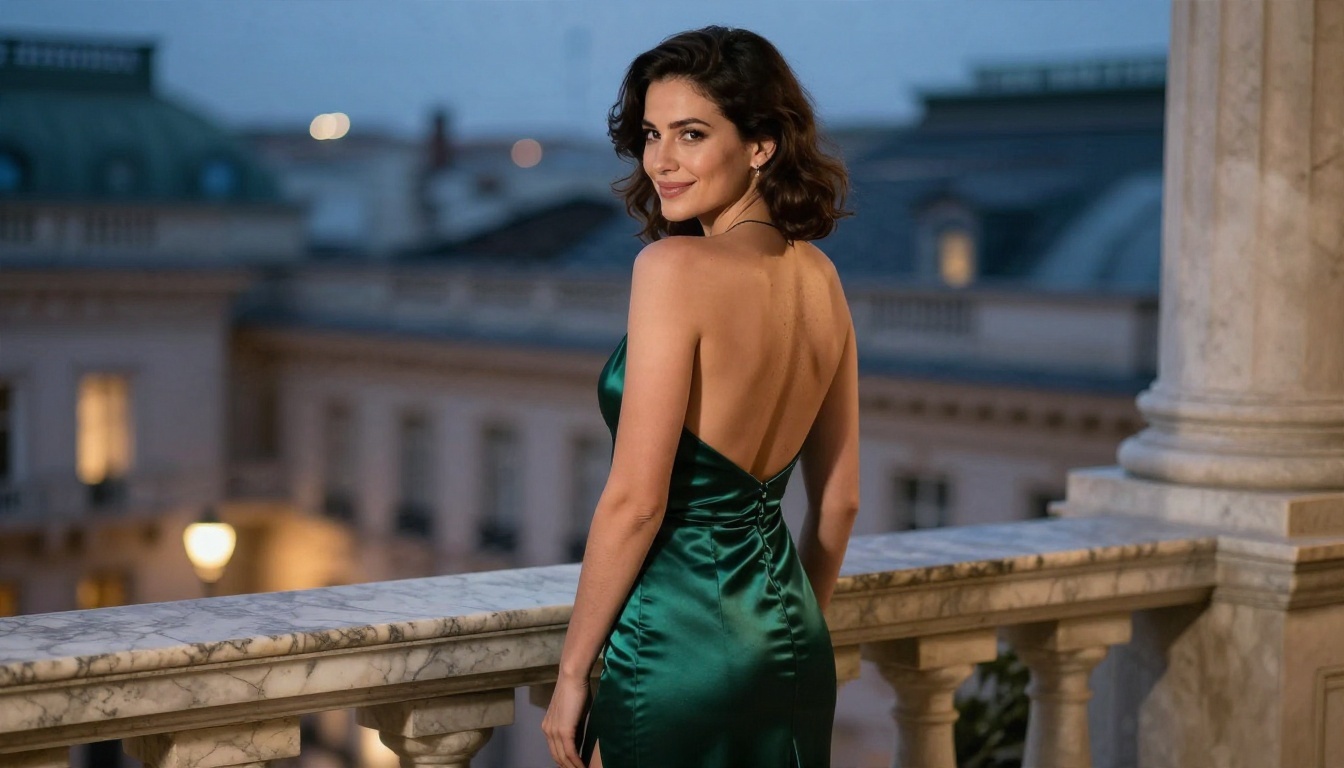
Glamour is not only skin. A single backless dress, a leg slit and good dusk light read as attractive without any push at the filter.
5. Street style after rain
Full-length photo of an adult woman in a black leather jacket over a black bodysuit and sheer tights, leaning on a brick wall in a narrow European alley after rain, wet cobblestones, soft overcast light with a warm shop-window glow, 35mm f/2, slight low angle.
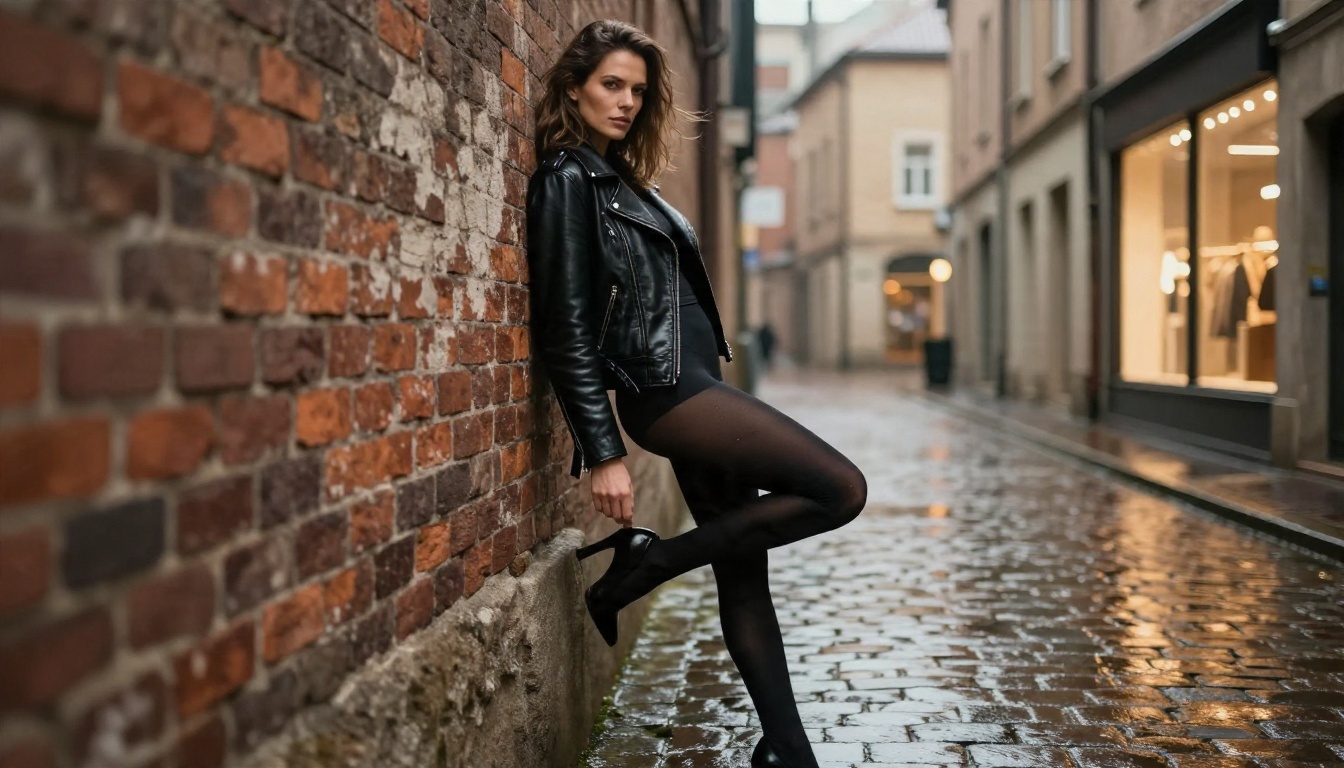
This one suits people who want an edgier tone. Leather, wet stone and cool light carry the mood.
6. Lazy morning at home
Side profile of an adult woman in a cream knit crop top and lounge shorts stretching by a bay window, coffee on the sill, sheer curtains, diffused morning light, 85mm f/2, warm tones.
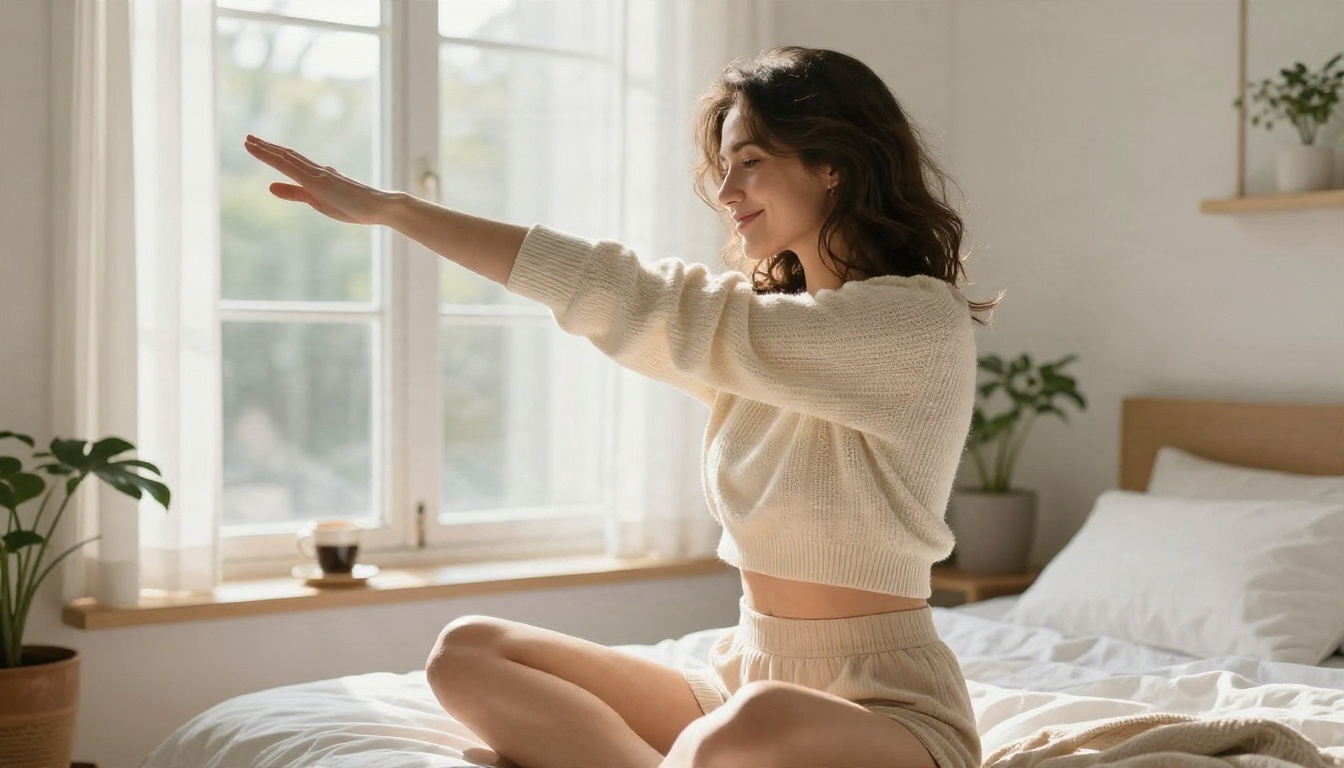
"Everyday intimate" is a popular category. Relaxed, candid and warm, it feels more personal than a posed studio shot.
7. Desert road at blue hour
Dutch-angle photo of an adult woman in a silver sequin mini dress and strappy heels sitting on the hood of a vintage convertible on a desert road at blue hour, laughing toward someone off camera, pink and blue dusk sky, 35mm f/1.8.
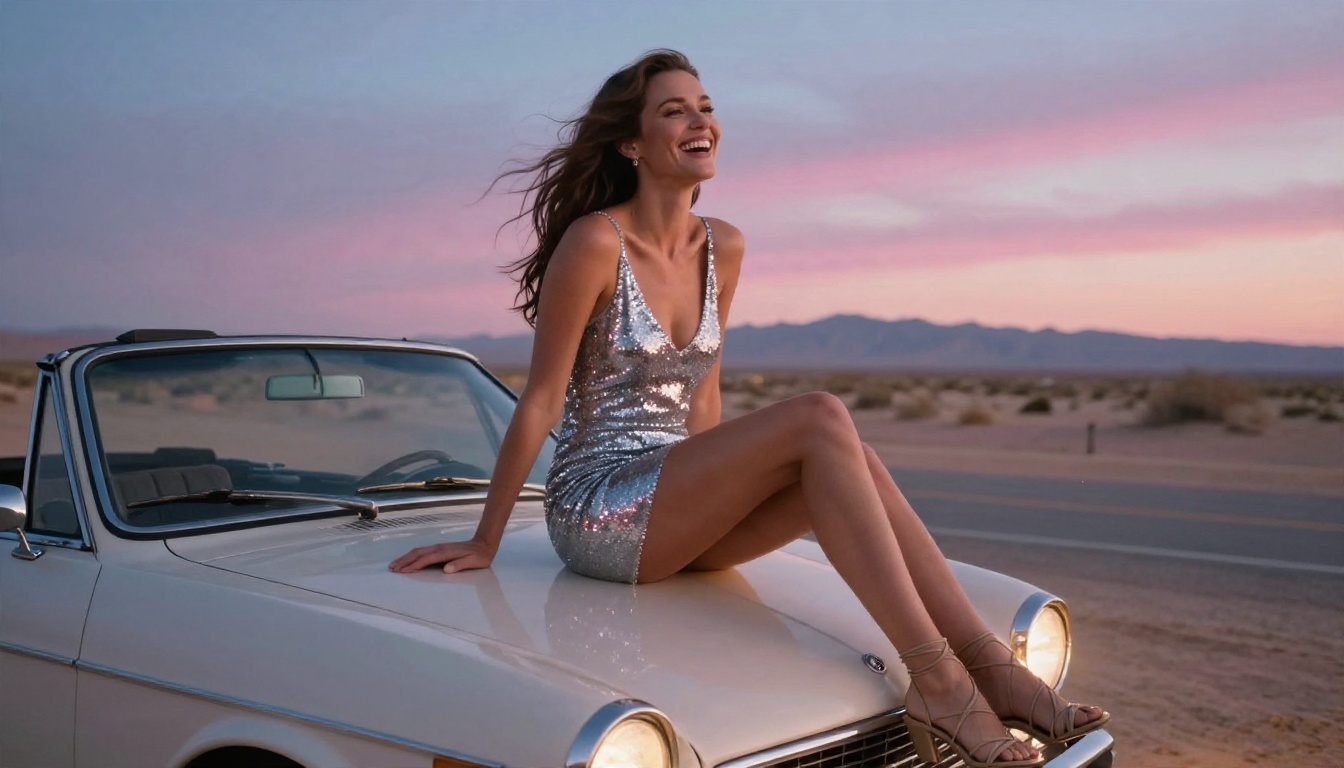
A story in the frame (a road trip, a night out) gives the model something to build on besides the body.
8. Beach walk at golden hour
Low-angle photo of an adult woman in a flowing white linen dress walking along a wet shoreline at golden hour, waves around her ankles, hair blowing, warm backlight from camera right, 35mm f/2.
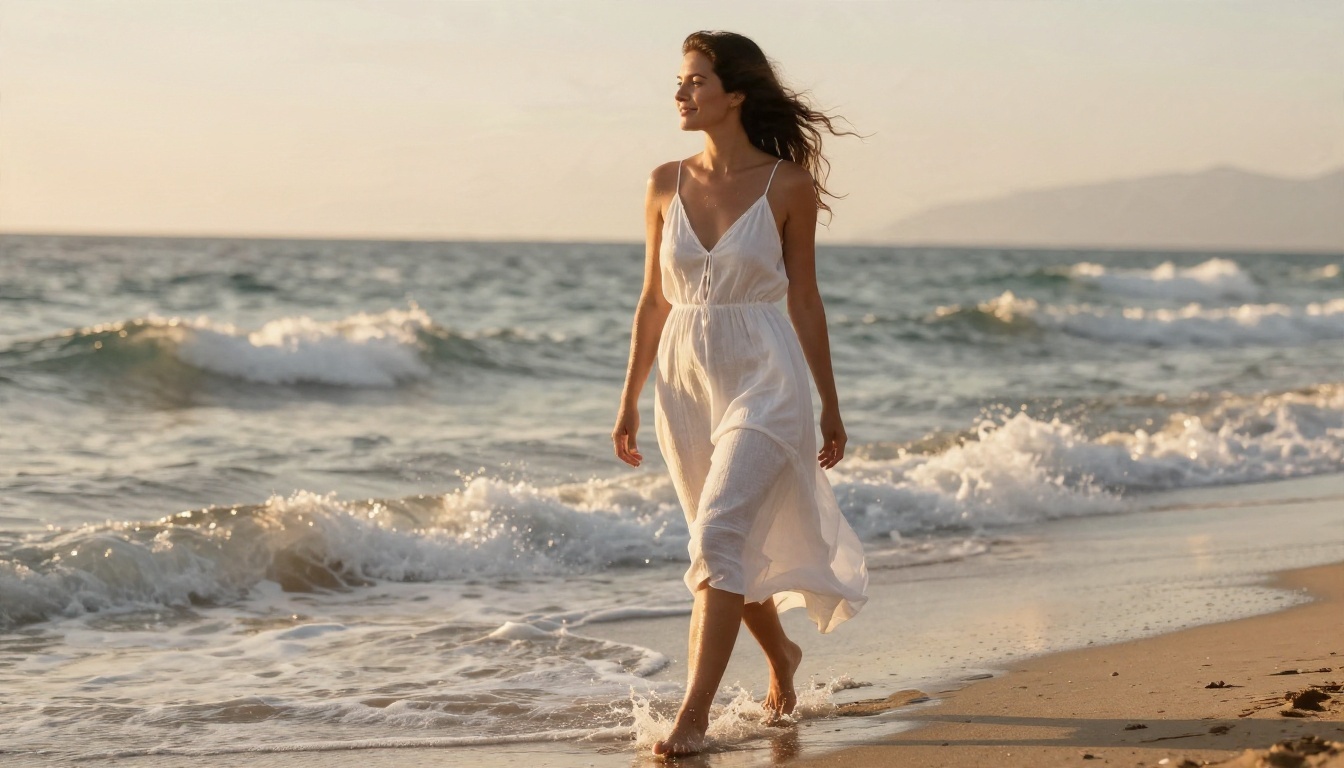
Backlight on hair and damp skin is one of the most reliable "attractive" looks in photography, and it needs no revealing outfit to work.
💡 Prompt tip: when one image-generation attempt gets blocked, do not keep rephrasing the same sentence. Change the situation (a robe instead of lingerie, a dress instead of a swimsuit), keep the light and lens details, and try again.
Free Options Compared
Free access matters, because glamour prompts take many attempts to get right. Here is how the common choices stack up for suggestive, non-explicit photography.
| Option | Cost | Refusal rate for suggestive prompts | Photorealism | Best for |
|---|
| ChatGPT (free tier) | Free, tight daily limits | High and inconsistent | Good | Safe swimwear and fashion |
| ChatGPT Plus | Paid | Medium | Very good | Higher volume, same filters |
| GPT Image 2 on PicassoIA | Platform credits | Medium | Very good | Same model family, one place to compare |
| Seedream 4.5 | Platform credits | Low | Excellent | Glamour and portrait realism |
| PicassoIA Image Editor Pro | Unlimited generations | Low | Excellent | Iterating and editing without counting attempts |
The honest takeaway: ChatGPT is fine for a casual swimwear picture, but if you plan to iterate on a look, unlimited generations and fewer false blocks matter more than the brand name.
Better Alternatives on PicassoIA
PicassoIA hosts dozens of text-to-image models in one place, so you can run the same prompt on several and keep the best result. For adult-oriented glamour photography, these are the ones to try, in this order.
Seedream 4.5 first
Seedream 4.5 is the strongest starting point. It produces sharp, high-resolution portraits with convincing skin, fabric and lighting, and it is much more relaxed than ChatGPT about suggestive fashion and boudoir prompts. It is also fast, which matters when you are testing ten variations of a pose.
PicassoIA Image Editor Pro
PicassoIA Image Editor Pro offers unlimited generations, which changes how you work. You stop rationing attempts and start experimenting: swap the outfit, move the light, change the location, and keep what works. It also edits existing images, so you can fix a hand or alter a background without starting over.
More models worth a test
💡 Speed matters: a model that returns an image in seconds lets you test more ideas per hour than a model that refuses half your prompts and takes a minute on the rest.
How to Use Seedream 4.5 on PicassoIA
Seedream 4.5 is the model I would open first for the prompts above. Here is a simple workflow.
Step by step
- Open the Seedream 4.5 page on PicassoIA.
- Paste one of the example prompts from this article into the prompt box.
- Set the aspect ratio. Use 16:9 for environment shots like the beach or the balcony, and a vertical ratio for full-length fashion poses.
- Pick the highest resolution offered if you plan to print or crop.
- Generate, then compare the result against your idea.
- Adjust one thing at a time: the outfit, the light direction or the lens.
Parameter tips
- Be specific about light. "Golden light from camera left" beats "nice lighting" every time.
- Name textures. Satin, lace, linen, knit and leather each shape the result.
- Add film language. "Kodak Portra 400, fine grain" nudges output away from the glossy AI look.
- Keep the subject adult. State "adult woman, late twenties" so the model never guesses an age.
- Use the editor for fixes. If hands or a background detail go wrong, run the image through PicassoIA Image Editor Pro instead of regenerating from scratch.
💡 For sharper final images, a super-resolution model on PicassoIA can upscale a finished picture 2x to 4x.
Mistakes That Waste Prompts
After many test runs, the same errors keep ruining results.
Stacking adjectives. "Sexy, seductive, sensual, hot" produces worse images and more refusals than one clear scene description.
Skipping the environment. An empty gray background looks like a catalog render. A rattan chair, a shuttered window or a wet cobblestone street makes the photo believable.
Forgetting the lens. Without a focal length, models default to a flat, wide look. Adding "85mm f/1.8" gives the soft background that makes portraits feel professional.
Asking for too many things. Three outfits, two locations and a mood change in one prompt makes a muddle. One outfit, one place, one light.
Using real names. Describe a type of person, never a named individual. It avoids refusals and it is the right thing to do.
Treating a refusal as a puzzle. If a tool says no, the better move is to switch to a model that supports the use case, not to hunt for loopholes. Workarounds tend to break with the next update anyway.
Which Route Should You Take?
Use this short decision list:
- Just want a beach or pool photo once in a while? ChatGPT's free tier is enough.
- Want boudoir, lingerie-style or evening glamour with realistic skin? Start with Seedream 4.5.
- Want to iterate dozens of times without worrying about limits? Use PicassoIA Image Editor Pro.
- Want to compare several looks from one prompt? Run it across Nano Banana Pro, Flux Dev and Realistic Vision.
Try Your Own Prompts on PicassoIA
You already have eight tested prompts and a formula for writing more. The next step is simply to run them. Open Seedream 4.5, paste the hotel suite or the golden hour beach prompt, then switch the outfit and light to make it your own. When you want to keep going without counting attempts, move to PicassoIA Image Editor Pro for unlimited generations.
Want to see everything available? Browse the full model list at picassoia.com/en/all-models, pick a few, and test the same prompt on each. You will quickly find which model fits your taste, and you will spend a lot less time arguing with a filter.


