If you have spent any time searching for ways to have more open, expressive conversations with AI, you already know that most platforms put up walls the moment things get interesting. The good news: the landscape has shifted dramatically, and chatting with AI characters in NSFW mode for free is no longer a niche or complicated pursuit. Whether you want a compelling roleplay partner, a creative muse, or simply a space to express yourself without the usual filters, there are real, practical options available right now.

What NSFW AI Chat Actually Is
Before anything else, it helps to be precise about what this means, because the term covers a wide range of experiences. At its core, NSFW AI chat refers to conversations with AI characters that go beyond the sanitized, family-friendly defaults most commercial assistants apply by default.
Filtered vs. Unfiltered Conversations
Standard AI assistants refuse or redirect topics related to romance, intimacy, adult fiction, or anything remotely suggestive. This is fine for most use cases, but it creates a frustrating ceiling for people who want to use AI for creative writing, mature roleplay scenarios, or building a genuine AI companion relationship.
Unfiltered or NSFW-mode AI operates differently. These models either have relaxed content policies or allow users to configure a persona and conversation context that permits more expressive dialogue. The difference is not just in what the AI will say, but in the quality and coherence of the conversation.
💡 One clear distinction: Not all "unfiltered" AI is the same. Some just remove content warnings. The best ones let you define a character's personality, speech style, backstory, and emotional range from scratch.
Why So Many People Are Making the Switch
The motivations vary widely:
- Writers and storytellers building complex adult fiction with believable characters
- People seeking companionship in a low-pressure, private space
- Roleplay enthusiasts who want dynamic, responsive scene partners
- Developers and researchers testing the limits of AI persona design
Whatever the reason, demand has grown enormously, and the platforms have responded with genuinely capable tools.
The Best Free Options Right Now
Free access to NSFW AI chat does exist, but the quality gap between platforms is enormous. Knowing what separates a genuinely good experience from a frustrating one saves a lot of time.
What You Should Look For
| Feature | Why It Matters |
|---|
| Persona Customization | Sets character name, personality, speech patterns |
| Memory and Context | Keeps the conversation coherent over time |
| Model Quality | Determines how natural and responsive the dialogue feels |
| Privacy Controls | Determines who can see your chats |
| Image Generation | Lets you visualize your AI character |
The platforms that check all of these boxes tend to be built on powerful large language models. On PicassoIA, you have access to some of the most capable LLMs available, including GPT-5, Claude 4 Sonnet, Gemini 2.5 Flash, and Meta Llama 3 70B, each with distinct conversational strengths.
Free Tier vs. Paid Plans
Most serious NSFW AI platforms offer a free tier with limitations. Here is what that typically looks like:
- Free: Limited messages per day, access to base models, no image generation
- Paid: Unlimited messages, premium models, character image creation, persistent memory
The smart move for free users is to get familiar with prompt engineering, because a well-crafted persona setup can stretch a limited free tier much further than a sloppy one.
How to Chat with AI Characters on PicassoIA
PicassoIA's large language model collection gives you direct access to powerful AI models you can use to build and chat with any character you want. Here is exactly how to do it.
Step 1: Pick Your AI Model
Start by visiting the Large Language Models section on PicassoIA. For NSFW character roleplay, the models that perform best are:
- GPT-5 by OpenAI: Exceptional at maintaining persona consistency and producing nuanced dialogue
- Claude 4.5 Sonnet by Anthropic: Outstanding for emotionally layered, character-driven conversations
- DeepSeek V3.1: Highly capable and fast, excellent for extended roleplay sessions
- GPT-4o: Reliable all-rounder with strong creative writing ability
- Grok-4: Sharp reasoning and witty, expressive character responses
Each model has a different feel. GPT-5 is verbose and imaginative. Claude 4.5 Sonnet is more precise and emotionally articulate. Try a few to see which fits the character you have in mind.
Step 2: Set Your Character's Persona
This is the most important step, and most people rush it. Before your first message, write a system-level persona description. Include:
- Name and approximate age of the character
- Personality traits (confident, playful, mysterious, warm)
- Speech style (formal, casual, flirty, direct)
- Backstory (where they are from, what they do, what they want)
- Relationship context (who they are to you, how they typically respond)
The more specific you are, the more coherent and immersive the conversation becomes. A generic prompt produces a generic character. Specificity is what separates a flat chatbot exchange from something genuinely compelling.
💡 Pro tip: Write the persona in second-person present tense ("You are Sofia, a 28-year-old...") rather than describing the character in third person. Models respond better and stay in character longer.
Step 3: Start the Conversation
Once your persona is set, begin the conversation naturally, as if meeting the character for the first time. Let them establish their voice. Avoid immediately pushing into intense territory. Build momentum through a few exchanges first. The natural rhythm of a well-paced opening scene carries the conversation much further than a rushed start.
The GPT-5 Mini and GPT-4.1 models work well for faster, more conversational exchanges, while Meta Llama 3 70B Instruct excels at long-form narrative roleplay with sustained character depth.
Building Your AI Character's Visual Identity
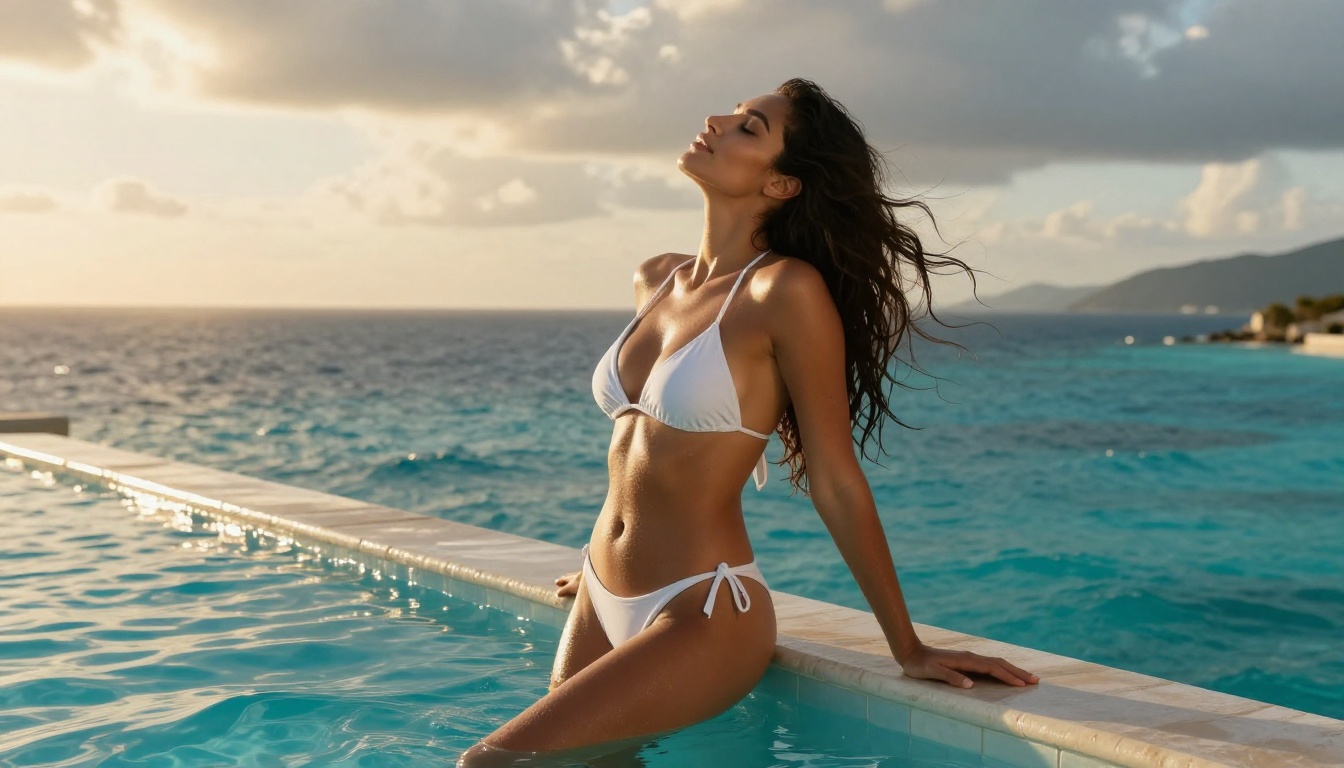
A conversation becomes dramatically more immersive when you can actually see the character you are talking to. This is where image generation enters the picture, and PicassoIA has over 91 text-to-image models to work with.
Text-to-Image Models That Deliver
For creating realistic, attractive AI character portraits, these models consistently stand out:
- Flux 1.1 Pro Ultra: The gold standard for photorealistic human portraits. Extraordinary skin texture, natural lighting, and compositional control.
- GPT Image 1.5: OpenAI's image model handles prompt nuance exceptionally well, great for character design with specific personality cues.
- Flux 2 Pro: Fast generation with high fidelity, reliable for batch character images across multiple sessions.
- Imagen 4: Google's flagship model, remarkable at rendering subtle facial expressions and mood.
- Stable Diffusion 3.5 Large: Open, flexible, and consistent, ideal for users who want precise control over every detail of the output.
Getting the Look Right
The quality of your character image depends almost entirely on the prompt. Vague prompts produce generic results. Specific prompts produce memorable characters.
Instead of: "A beautiful woman"
Write: "A 26-year-old woman with sharp cheekbones, amber eyes, and dark wavy hair cut to her collarbone, wearing a cream silk blouse, soft evening light from the left, 85mm portrait lens, photorealistic"
Include details about age, hair color, eye color, skin tone, clothing, expression, lighting, and camera angle. Every added detail narrows the AI's interpretation toward what you actually want.

Roleplay Scenarios That Actually Work
The success of an NSFW AI roleplay session depends less on the model and more on how well you set up the scenario. Most people underestimate the importance of scene-setting, and it shows in the quality of the output they get.
Crafting Prompts That Land
Think of it like writing the opening paragraph of a short story. You need to establish:
- Where: The physical setting and its atmosphere
- When: Time of day, season, emotional context
- Who: Both your character and the AI character's current state
- What: The immediate situation that kicks off the scene
A strong opening gives the AI enough context to build on organically. A weak one forces it to guess, and the result is usually flat and directionless.
💡 The best NSFW AI conversations read like collaborative fiction, not interrogation. Give the AI room to respond, develop the scene, and surprise you. Do not dictate every beat.
Keeping the Conversation Natural
The most common mistake is treating the AI like a vending machine: put in a request, expect a specific output. That works for functional tasks, not for immersive character chat.
Instead, respond to what the AI character says as if it were a real conversation. React, ask questions, make choices that affect the direction of the scene. The AI models on PicassoIA, particularly Claude 4.5 Haiku and DeepSeek V3, are remarkably good at picking up on conversational cues and adjusting the character's behavior accordingly.

Privacy When You Chat This Way
Privacy is a legitimate concern, and it is worth being clear-eyed about it rather than dismissive. The intimate nature of NSFW AI character chat means your conversations are inherently personal, and that deserves some attention.
What Stays Private and What Doesn't
Most platforms log conversation data for model improvement unless explicitly stated otherwise. Before diving into intimate or sensitive AI character chat, check the platform's:
- Data retention policy: How long are your conversations stored?
- Opt-out options: Can you disable logging?
- Account deletion: Does deleting your account delete your data?
Platforms that take privacy seriously will have clear answers to all three. Those that bury or avoid these questions are worth approaching with caution.
Safe Habits Worth Building
A few simple habits reduce your exposure significantly:
- Use a separate email address for adult AI platforms
- Avoid using real names or personal details in personas or chats
- Log out after sessions on shared devices
- Check browser history settings if you are on a shared network
- Read the terms of service before uploading images or creating detailed personal personas
None of this is alarmist. It is just basic digital hygiene for any platform you use for personal, private content.

More Than Just Chat: The Full Creative Picture
The richest AI character experiences go beyond text chat. PicassoIA's platform opens up a much wider creative space once you start combining tools.
From Chat to Full Visual Experience
Once you have defined your AI character through conversation, you can bring them fully to life visually. The workflow looks like this:
- Design your character through a few exchanges with a language model
- Generate their portrait using Flux Kontext Pro or Imagen 4 Ultra
- Upscale and refine with the Super Resolution tools for maximum detail
- Generate variations with different outfits, expressions, or settings
This creates a consistent visual identity for your character that you can carry across multiple sessions, building a coherent world around them over time.
Face Swap and Beyond
PicassoIA also includes Face Swap AI, which lets you realistically overlay a specific face onto generated images for consistent character representation. Combined with SDXL and Flux Dev LoRA capabilities, this gives you precise control over how your AI character looks across every piece of content you create.
For detailed scene compositions, Qwen Image 2 Pro handles environments and lighting beautifully, letting you place your character in specific settings that match the tone of your roleplay sessions. And for rapid iteration, Flux 2 Dev is fast enough to generate a dozen character variations in the time it takes most tools to produce one.

What Free Really Gets You
Understanding what "free" actually means across platforms matters before committing to any one of them. The numbers tell a useful story.
| Platform Type | Free Messages/Day | Image Generation | Memory | Model Quality |
|---|
| Dedicated NSFW apps | 20-50 | No | Limited | Varies |
| General AI with persona | Varies | Sometimes | Yes | High |
| PicassoIA LLMs | Available | Yes (91+ models) | Depends on model | Top-tier |
The advantage of using PicassoIA for AI character chat is that you are not locked into a single model or a platform designed exclusively for one use case. You have access to the full range of language models and image generators, meaning you can build the exact experience you want rather than settling for what a niche app decided to offer.
What the Free Tier Gets You on PicassoIA
On PicassoIA's free tier you can:
- Access multiple large language models for character chat and roleplay
- Generate character images with a wide range of text-to-image models
- Experiment with different personas and conversation styles
- Use image editing tools to refine your character's appearance
This is significantly more than most dedicated NSFW AI apps offer at no cost, and the model quality is objectively in a different league. GPT-4.1 Mini and Claude 3.5 Haiku both offer strong character performance at lower resource costs, making them practical choices for extended free-tier sessions.
Your AI Character Is Waiting
You now have everything you need to start. Pick a large language model from PicassoIA, write a persona with real depth, set the scene with intention, and let the conversation build naturally. When you are ready to give your character a face, open the image generation tools and spend a few minutes with Flux 1.1 Pro Ultra or Imagen 4.
The difference between a forgettable AI chat session and a genuinely memorable one almost always comes down to how much intention you brought to the setup, not which model you used or how much you paid. The tools on PicassoIA are among the best available. What you do with them is entirely up to you.

Start with a character you are genuinely curious about. Let the conversation go where it wants. See what happens when you stop treating the AI like a tool and start treating it like a collaborator.


