You typed a perfectly reasonable request into ChatGPT, something like a woman in a swimsuit on a yacht at sunset, and got a polite refusal or a watered-down result that looked like a stock photo from 2009. If that sounds familiar, you are not alone. Searching for a ChatGPT 18 plus image generator usually means one of three things: you want to know whether ChatGPT can make adult-leaning glamour images, you want to know how many images you get for free, or you want something that simply says yes more often. This article answers all three, with honest limits, free alternatives and prompts you can paste today.
💡 Quick answer: ChatGPT does not produce explicit or sexual imagery, it applies strict rules to swimwear and lingerie style requests, and free accounts get only a small, shifting daily image allowance. Several free tools on PicassoIA handle tasteful glamour photography far better.
What ChatGPT Will and Won't Draw
ChatGPT's image generator has improved a lot. OpenAI launched its newer image system in April 2026, and it handles text, faces and lighting far better than earlier versions. The same rules still sit on top of it, though. If your goal is realistic glamour content for adults, you will hit those rules quickly.
The Adult Content Reality
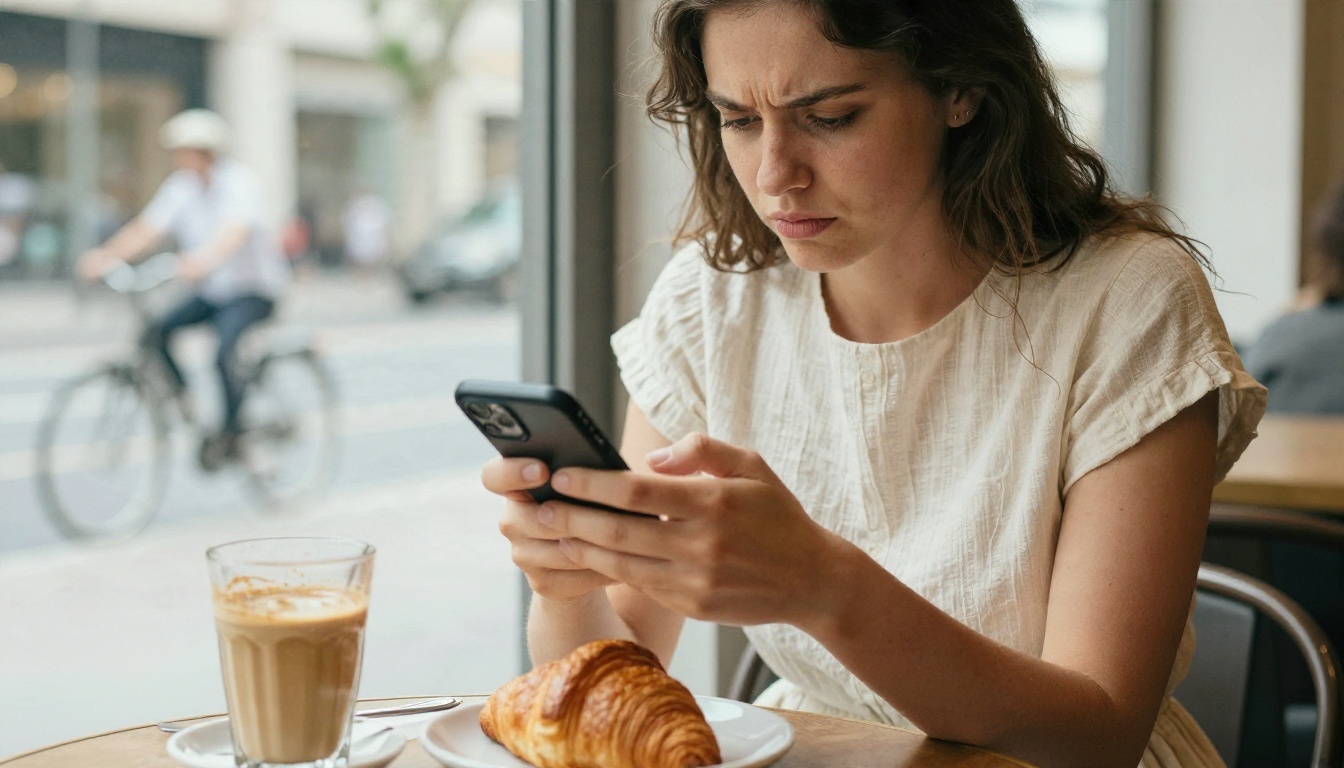
Let's be direct about it. There has been a lot of talk about an "adult mode" for ChatGPT since OpenAI floated the idea of verified adult access in late 2025. As of this writing, the most recent reporting suggests those plans were put on hold, and there is no reliable, official way to generate sexual images inside ChatGPT. Treat any website claiming to unlock an "18+ ChatGPT image mode" with suspicion. Most of them are wrappers that charge you for something the underlying model refuses to do.
What ChatGPT generally will do:
- Portraits and fashion photography with normal clothing
- Beach scenes with modest swimwear, usually described in neutral terms
- Stylized or editorial looks without suggestive framing
- Product shots, interiors, landscapes and everyday scenes
What it generally won't do:
- Nudity or explicit content of any kind
- Sexualized poses or heavily suggestive framing
- Images of real people in compromising scenarios
- Anything involving minors, which is blocked everywhere and always should be
Why Innocent Prompts Get Refused
Here is the part that frustrates people. Even a harmless prompt can be flagged. The system looks at the combination of words, not only single terms, and it errs on the side of caution. A prompt with "bikini", "wet" and "close-up" in the same sentence can trigger a block even when the scene is a family beach photo.
Common triggers include:
- Body focused wording such as "curvy", "sultry" or "seductive"
- Clothing plus water descriptions that read as suggestive
- Real names of celebrities or influencers
- Pose language that implies more than the scene needs
Rewording helps sometimes, but it also costs you quota. And that brings us to the second problem.
Free Limits Inside ChatGPT
Even if every prompt were accepted, the free plan would limit how far you could take a project. Image generation is the most compute-heavy thing ChatGPT does, so OpenAI throttles it harder than text chat.

Daily Caps for Free Users
OpenAI does not publish a fixed daily number for free accounts. It describes the allowance as dynamic and subject to stricter rate limits than paid plans. Third-party testers keep reporting something in the range of two to three images per day on a rolling 24-hour window, and the number has reportedly been trimmed more than once without an announcement. You can check your own remaining allowance in the Settings menu under Usage.
| Plan | Typical image allowance | Notes |
|---|
| ChatGPT Free | Roughly 2 to 3 per day (reported) | Dynamic, can change without notice |
| ChatGPT Go | Higher, still capped | Limits shift with demand |
| ChatGPT Plus | Much higher, still capped | Slows down under heavy use |
| PicassoIA Image Editor Pro | Unlimited generations | No daily counter |
What Burns Through Your Quota
Every attempt counts, including refused or disappointing ones in many cases. A few habits make it worse:
- Regenerating the same prompt hoping for a better face
- Long back-and-forth edits where each tweak is a new generation
- Batch requests asking for four variations at once
- Policy retries where you reword a blocked prompt again and again
If you are building a set of photos, say ten images for a portfolio or a social account, two or three a day is simply not workable. This is where free alternatives start to matter.
💡 Tip: Plan your prompt before you submit it. One carefully written 60-word prompt beats five rushed ones, on any tool.
Free Alternatives That Actually Work
The good news is that realistic, tasteful glamour imagery is a normal use case for modern image models. You need a tool that treats you like an adult and does not cap you after three images. These are the options worth trying, in order of how well they fit this exact use case.
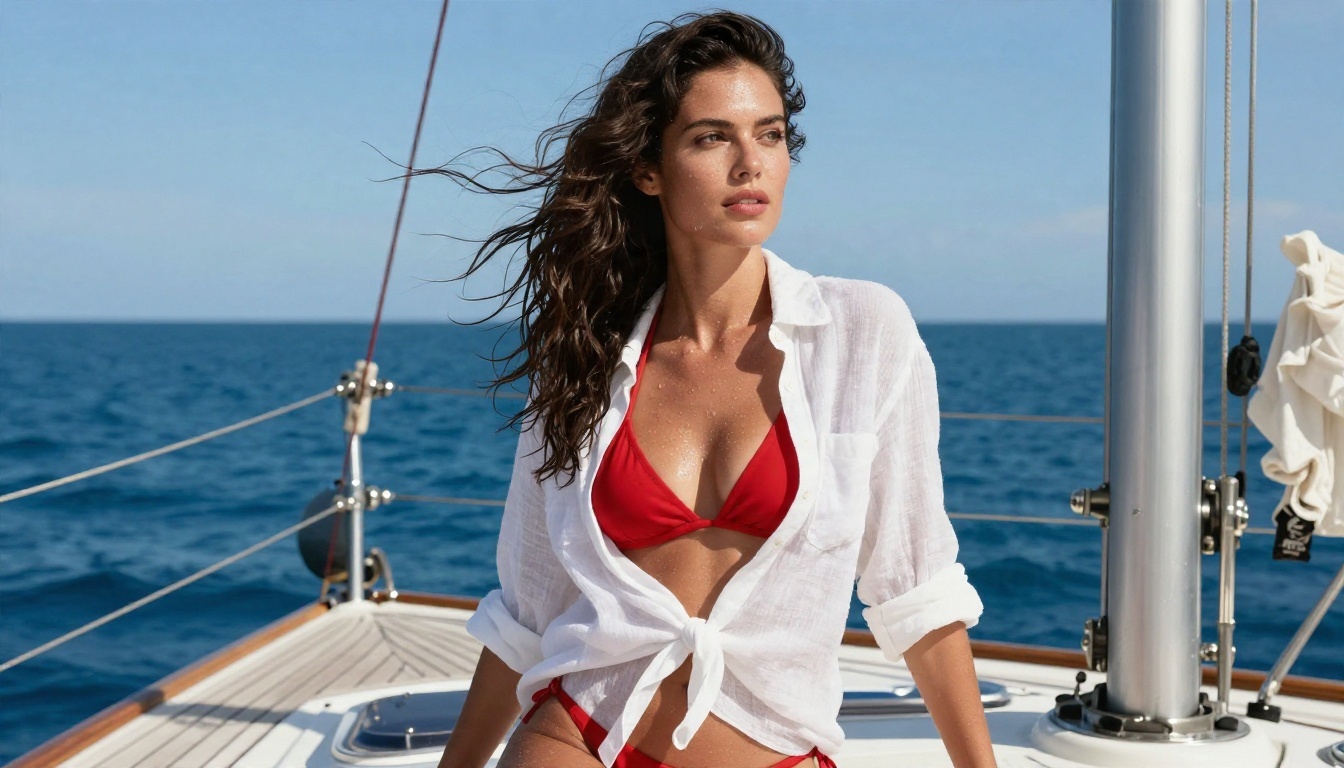
ℹ️ Note: ChatGPT is not on PicassoIA, and this article does not suggest otherwise. The tools below are separate models you can use for similar results today. For reference, OpenAI's image model is listed as GPT Image 2 if you want to compare its look with the others.
Seedream 4.5 for Realistic Glamour
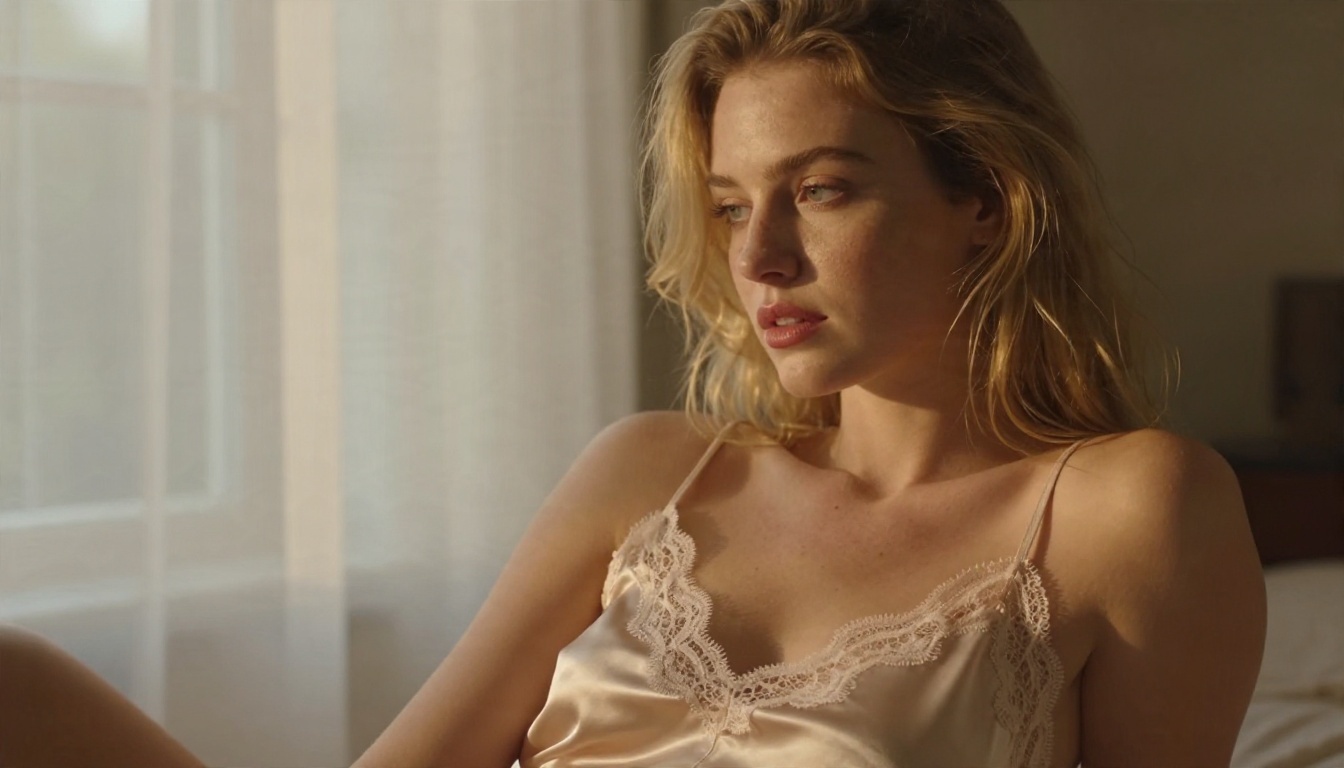
Seedream 4.5 is the first model to try. It produces sharp, photographic skin, convincing fabric and natural lighting, and it handles swimwear, lingerie style and boudoir prompts without the nervous refusals you get elsewhere. Output goes up to 4K, which matters if you plan to print or crop.
Why it works well:
- Strong skin texture without the plastic look
- Accurate hands, hair strands and fabric folds
- Good prompt following for camera and lens language
- Fast enough to iterate several times in a sitting
Image Editor Pro for Unlimited Edits
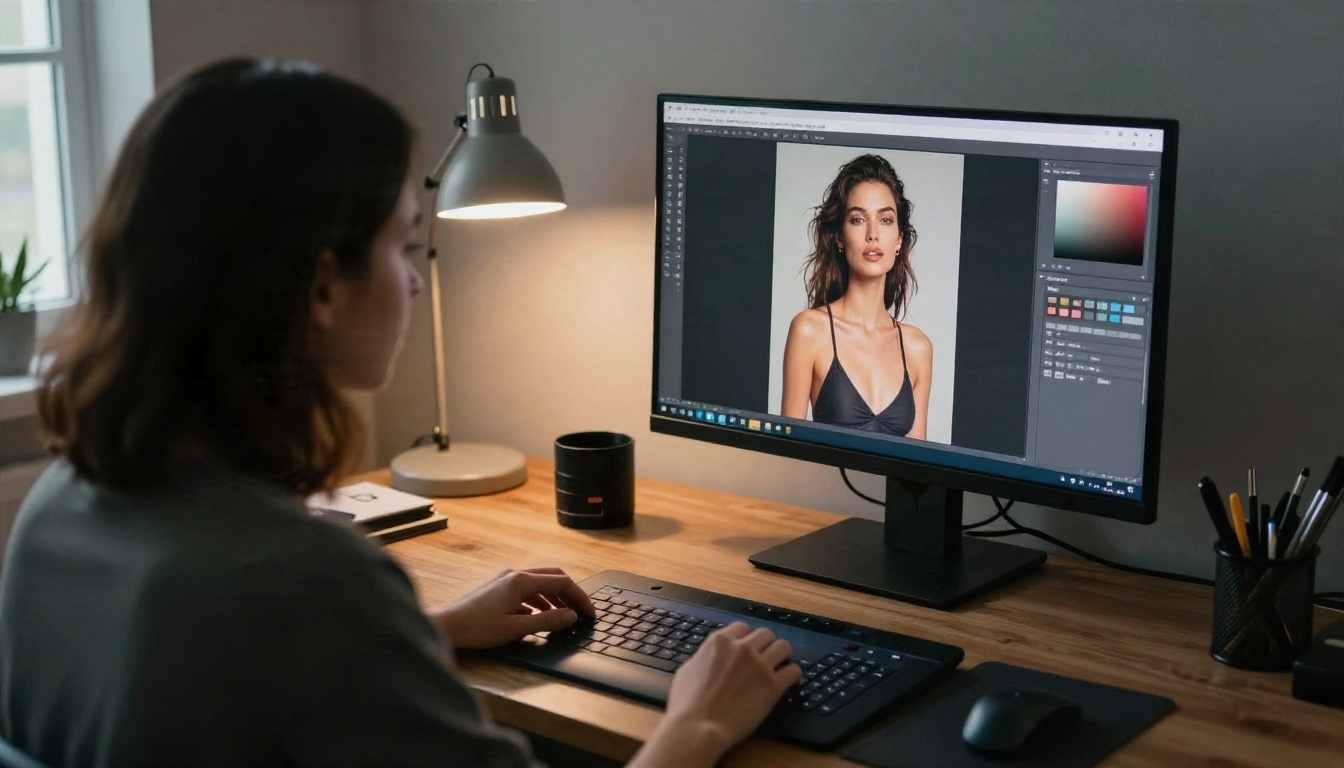
PicassoIA Image Editor Pro is built around unlimited generations, which solves the quota problem outright. You can generate, edit, regenerate and refine without watching a counter. It is especially useful when you already have a photo and want to change the outfit, the background or the lighting rather than start from nothing.
Good uses include:
- Swapping a plain outfit for swimwear or evening wear
- Changing the location from an office to a beach
- Fixing lighting on a portrait that is almost right
- Producing consistent variations of one look
Z Image Turbo and Flux 2 Klein
When you want speed, Z Image Turbo returns sharp images in seconds, which makes it perfect for testing a prompt idea before you spend time on a polished version. For a more stylized, tunable look, Flux 2 Klein 9B Base LoRA supports LoRA style control, so you can steer toward a particular film stock or fashion aesthetic.
How to Get Similar Results on PicassoIA
Since ChatGPT itself is not available on PicassoIA, the closest match for a realistic photo workflow is Seedream 4.5. Here is how to use it.
Step by Step with Seedream 4.5
- Open the model page. Go to the Seedream 4.5 page and sign in.
- Write your prompt. Use the structure below: subject, environment, light, camera, texture.
- Choose 16:9 for scenery or 3:4 for portraits. Landscape suits beach and yacht scenes, portrait suits boudoir and fashion.
- Generate. Review the result for hands, fabric and lighting.
- Refine one thing at a time. Change the light or the lens, not the whole prompt.
- Finish in the editor. Open Image Editor Pro to adjust outfits or backgrounds without a quota.
Settings That Matter
| Setting | Recommended | Why |
|---|
| Aspect ratio | 16:9 or 3:4 | Matches how the photo will be used |
| Prompt length | 50 to 80 words | Enough detail without confusing the model |
| Camera language | 85mm f/1.8, 35mm f/2 | Gives believable depth of field |
| Film reference | Kodak Portra 400 | Warm, natural skin tones |
| Lighting | Golden hour, window light | Flattering and realistic |
💡 Pro move: Add physical texture words such as "fine pores", "linen weave", "wet sand" or "satin sheen". Those details are what separate a photograph from an obvious render.
Prompts That Work for Glamour
Every prompt below describes an adult subject, clothing that suits the setting and a tasteful, non-explicit mood. Replace the details to fit your own project. All of them follow the same recipe: subject + setting + light + camera + texture.
Beach and Pool Prompts
Sunrise beach:
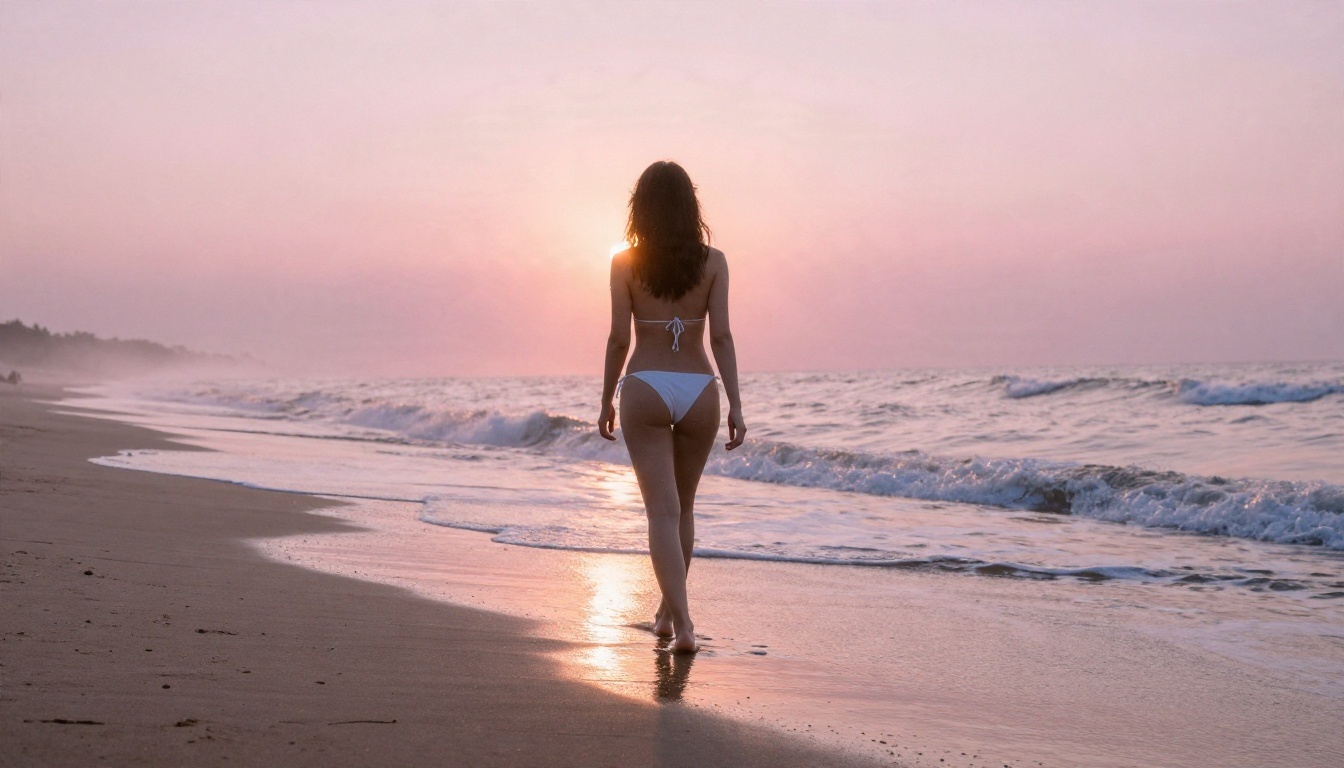
Low-angle wide photograph of a woman in her late twenties in a white bikini walking barefoot along wet sand at sunrise, gentle waves around her ankles, pink and gold sky, backlit hair glowing, 24mm f/2.8 lens, water droplets on skin, damp sand texture, soft sea mist, Kodak Portra 400 tones, film grain, tasteful and non-explicit, photorealistic
Rooftop pool at dusk:
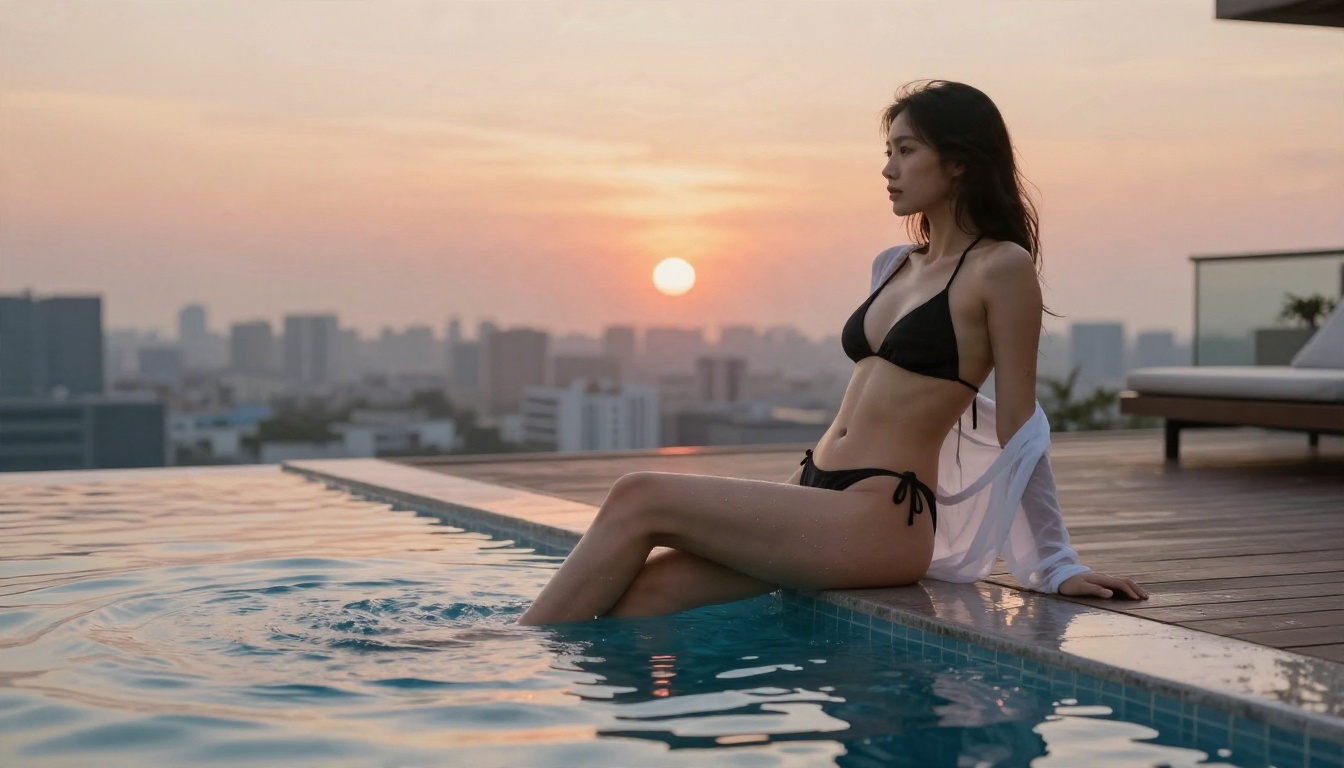
Wide shot of a woman in her late twenties in a black bikini sitting on the edge of a rooftop infinity pool at dusk, ripples reflecting an orange sky, blurred city skyline, warm low sun from the right, 35mm f/2.2 lens, wet skin sheen, wood deck texture, gentle film grain, photorealistic
Boudoir and Studio Prompts
Morning vanity:
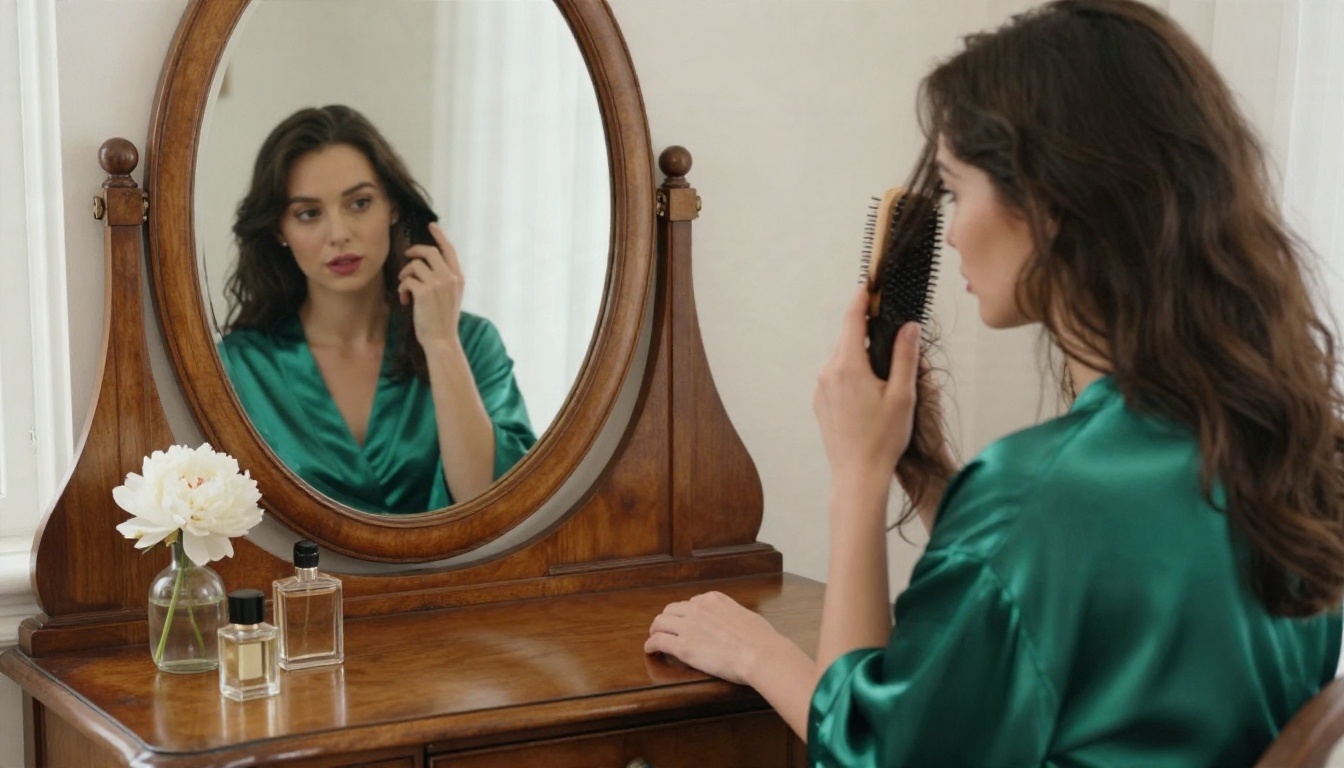
Medium shot of a woman in her late twenties in an emerald satin robe seated at a vintage wooden vanity, brushing her dark hair, reflected in an oval mirror, soft window light from the left, perfume bottles and white peonies, 50mm f/1.8 lens, visible skin texture, satin folds, Kodak Portra 400 grain, elegant boudoir mood, non-explicit
Window portrait:
Close-up portrait of a woman in her late twenties in a champagne satin slip dress beside a tall window, golden hour backlight creating a rim glow on honey-blonde hair, sheer curtains, 85mm f/1.4 lens, shallow depth of field, freckles, fine lace detail, warm film tones, non-explicit
Street and Editorial Prompts
Blue hour Paris:
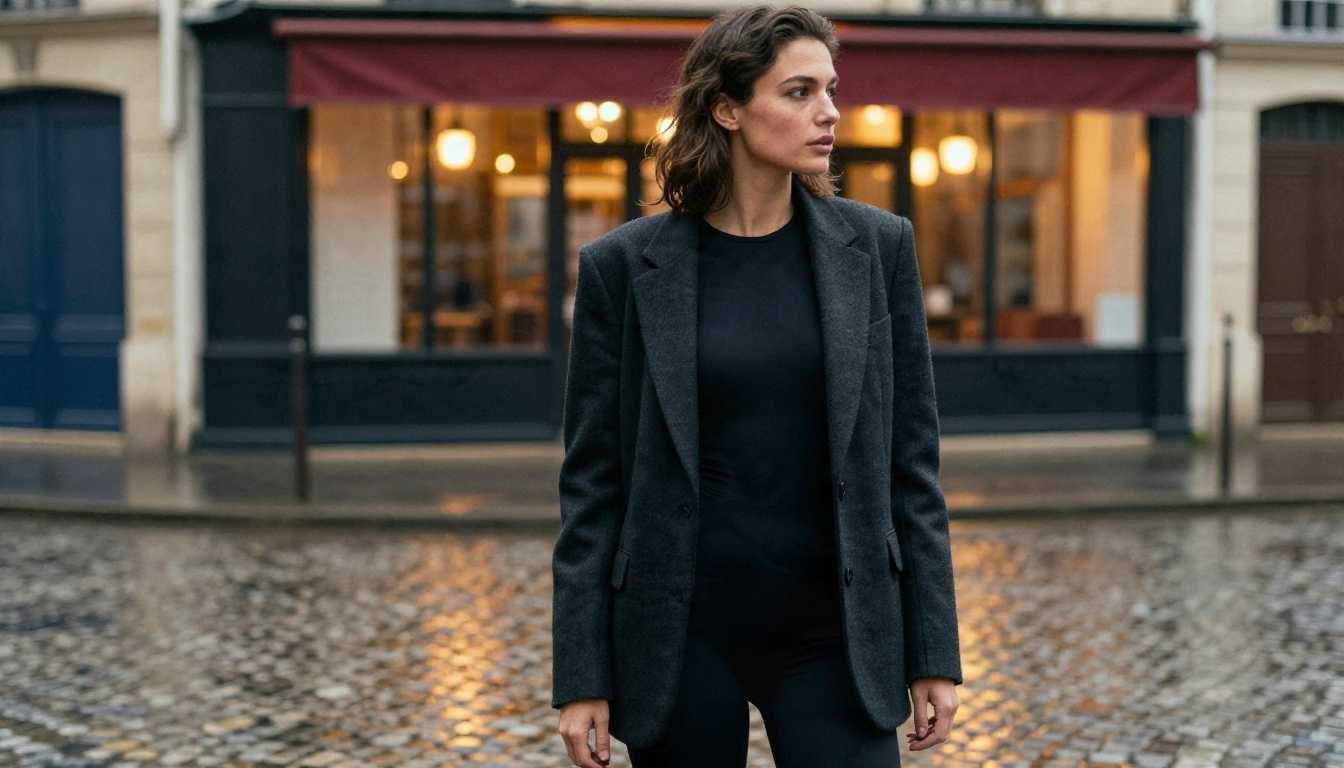
Street photograph at blue hour of a woman in her late twenties in a fitted black bodysuit under a tailored camel blazer on a wet cobblestone street, warm cafe window glow behind her, looking over her shoulder, 85mm f/1.6 lens, rain-damp cobbles, wool and cotton texture, subtle film grain, muted tones, non-explicit
Prompt formula to reuse:
| Part | Example |
|---|
| Subject | Woman in her late twenties, chestnut hair, olive skin |
| Outfit | Black one-piece, ivory silk robe |
| Setting | Limestone terrace above the sea |
| Light | Golden hour from camera left |
| Camera | 85mm f/1.8, eye level |
| Texture | Fine pores, silk folds, film grain |
Common Mistakes to Avoid
Even with a more flexible tool, these mistakes will flatten your results.
- Vague prompts. "Sexy woman at the beach" gives generic output. Specify lens, light and texture.
- Overstuffed prompts. Past 100 words, models start dropping details. Stay tight.
- Ignoring light. Lighting does more for realism than any other single detail. Always name the direction.
- Chasing perfection in one generation. Generate, pick the best, then refine in the editor.
- Using real people. Never prompt with the name or likeness of a real person. It is unfair to them, it is risky for you, and results are unreliable.
- Forgetting the adult subject. Always describe an adult subject. Content involving minors is never acceptable.
- Over-sharpening. Heavy upscaling can produce wax-like skin. Keep a little grain.
💡 Reminder: Realistic does not need to mean explicit. The strongest glamour photography is about light, posture and mood, and that is exactly what current models do well.
Make Your Own Images Today
Free ChatGPT image generation is fine for a quick one-off, but it was never built for adult-leaning glamour work. The daily limit is small, the refusals are unpredictable, and there is no honest "18 plus mode" to switch on. If you want to produce a real set of photographs, pick a tool that does not cap you after three attempts.
Start with Seedream 4.5 for your first realistic portrait, move to PicassoIA Image Editor Pro when you want unlimited edits, and use Z Image Turbo when you just want to test ideas fast. Copy one of the prompts above, change the setting to something that suits your style, and see what comes back in a few seconds.
Want to see everything available? Browse the full list at picassoia.com/en/all-models, pick a model, and start experimenting with your own creations on PicassoIA.


