You typed "ChatGPT Image 2.0" and "Flux" into the same search box, which tells me you want two things at once: the polish of OpenAI's newest image model and the speed and freedom people love about Flux. Good news, you can get close to both without paying for a subscription or installing anything. This article sorts out what ChatGPT Image 2.0 really is, where Flux fits, which free and online options are worth your time, and which prompts give sharp, photorealistic results on any of them.
What ChatGPT Image 2.0 Really Is
The model behind the name
"ChatGPT Image 2.0" is the product name. Under the hood it runs on GPT Image 2, the image model OpenAI released in April 2026 as the successor to its earlier image generators. Its headline abilities are sharper text rendering inside pictures, better instruction following on long prompts, higher output resolution than its predecessors, and a reasoning step that plans a scene before drawing it.
The model itself is available on PicassoIA as GPT Image 2, so you can test it in a browser without opening a chat window. If you liked the older generation, GPT Image 1.5 and GPT Image 1 are listed too, along with GPT Image 2.5 Flare and GPT Image 2.5 Sunburst.

What free users get
Based on what was reported around launch, everyone with a ChatGPT account can generate images with the standard mode of Images 2.0, with rate limits that tighten when demand is high. The extended reasoning mode, which thinks through a layout and can check facts before drawing, is reserved for paid plans. Developers can also call the model through the API, billed by tokens rather than per image.
That setup is generous, but it comes with friction. Daily caps, waiting in a queue at peak hours and a chat-first workflow are the three complaints I hear most often.
💡 Tip: Limits and plan details change often. Check the current terms inside your own account before you plan a project around any free tier.
Why People Look for Alternatives
Nobody leaves a good tool without a reason. These are the common ones:
- Daily limits. You burn through your free generations in ten minutes of experimenting.
- Queue time. Free traffic gets slower responses when everyone is online at once.
- Chat format. Iterating inside a conversation is handy for one image, awkward for fifty.
- Control. Many creators want a fixed seed, a style adapter or a fast draft mode, which a chat interface rarely exposes.
- Editing. Changing one object in a finished photo is its own task, and specialized editors do it more predictably.
The good part is that the alternatives are not weaker. Some are faster, some are better at a specific look, and a few are simply easier to repeat.
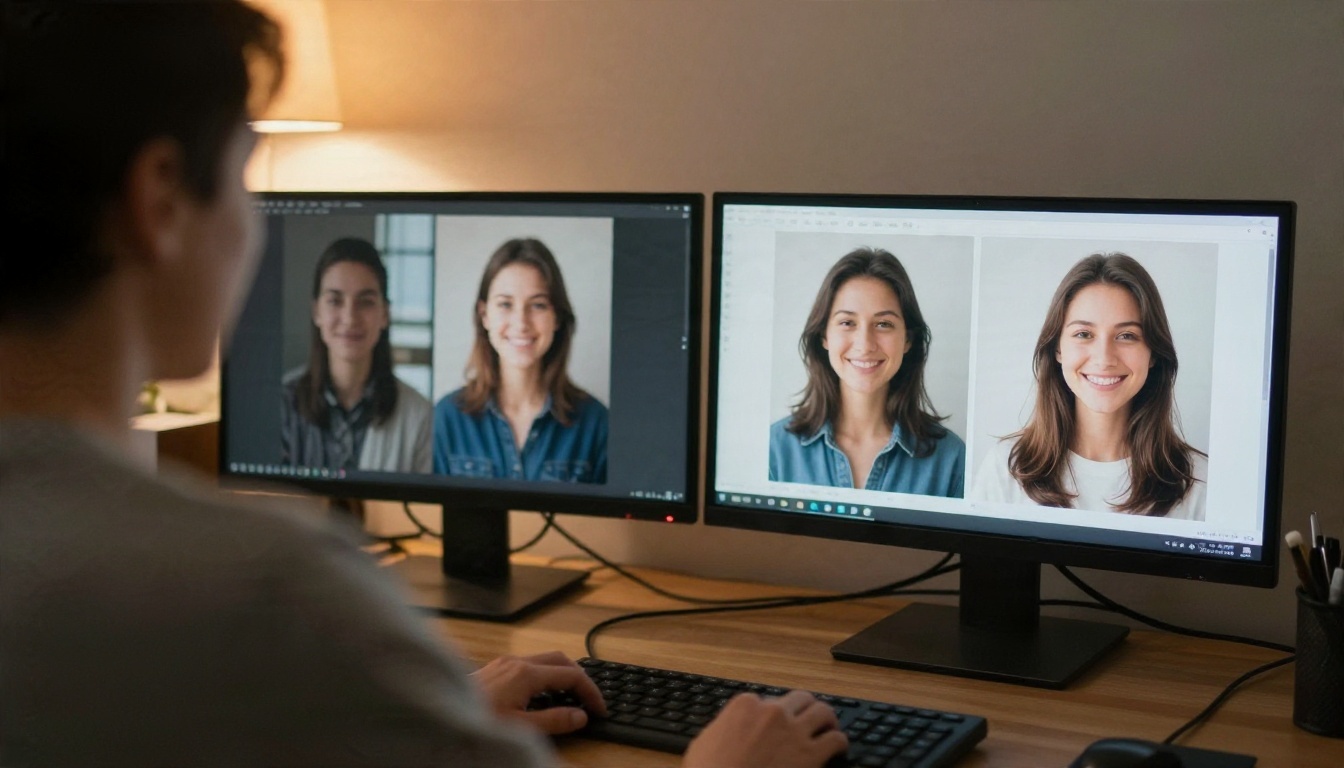
Free Flux Options That Work
Flux comes from Black Forest Labs and became popular because it handles anatomy, skin and lighting cleanly while staying quick. The family has several branches, and each one suits a different job.
Flux Schnell for speed
Flux Schnell is built for quick turnaround. "Schnell" means fast in German, and that is the point: you can test ten wording variations in the time it takes some models to finish one. Use it for drafts, thumbnails, mood boards and any moment where you are still figuring out what the picture should look like.
Its weak spot is long, layered prompts. Keep your instructions short and visual: subject, setting, light, lens.
Flux Kontext Fast for edits
Flux Kontext Fast takes an existing photo plus a plain-language instruction and changes only what you asked for. Swap a jacket color, replace a background, brighten a scene. If your main reason for opening ChatGPT was to "fix this one thing" in a picture, this is the closest match.
Two related tools are worth bookmarking: Text Removal for cleaning signs and watermarks off your own images, and Depth of Field for adding a convincing blurred background to a flat photo.
Flux 2 Klein for custom styles
The Klein line is the lightweight branch of Flux 2. Flux 2 Klein 4B Base is the entry point, while the LoRA variants (4B Base LoRA and 9B Base LoRA) let you load a style adapter so every picture shares one look. The 9B listing even mentions free styled generation. For a brand that needs consistent visuals, that is a real advantage over a chat tool that interprets your style slightly differently every time.
There is also Flux Schnell LoRA for custom styles at draft speed, and Flux Redux Schnell for rapid variations of a picture you already like.
Other Online Options Worth Trying
Flux is not the only place to go. These generators sit in the same quality range and each has a personality.
Seedream 4.5 and Nano Banana Pro
Seedream 4.5 from ByteDance is a favorite for 4K output, portraits and fashion looks. Its earlier sibling Seedream 4 is still around if you want a lighter option, and Seedream 5 Pro targets sharp 2K images.
Google's Nano Banana Pro handles both new images and edits, and it follows multi-part instructions well. Want something lighter? Nano Banana and Nano Banana 2 Lite keep the same idea at higher speed.
Qwen Image 3 Pro and Image Editor Pro
Qwen Image 3 Pro leans toward photorealism, with believable skin, fabric and natural light. For plain editing, PicassoIA Image Editor Pro is an unlimited online editor, handy when you have a dozen photos to retouch and no desire to count credits.
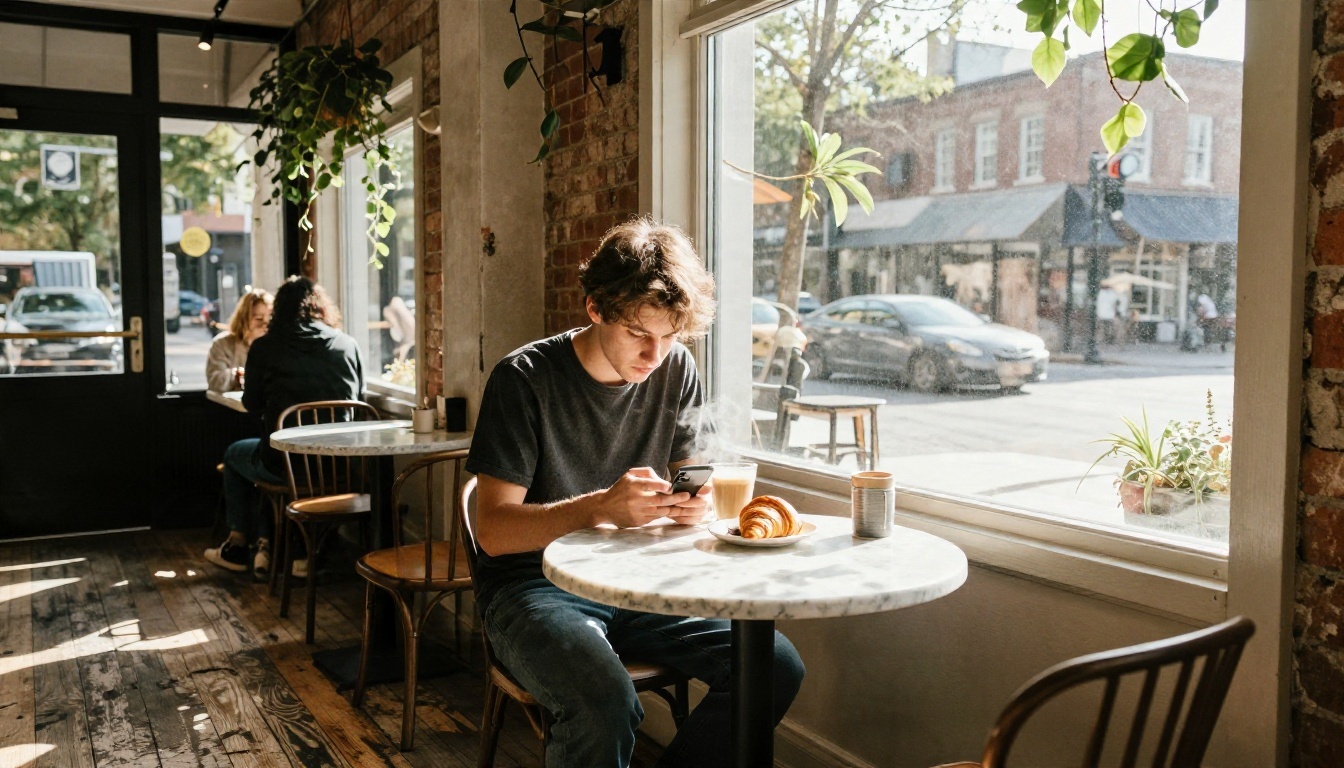
How to Use GPT Image 2 on PicassoIA
If you want the ChatGPT Images 2.0 look without the chat window, here is the quickest path. GPT Image 2 runs straight from its model page.
- Open the model page. Go to the GPT Image 2 page and sign in.
- Write the prompt in one paragraph. Start with the subject, then add setting, light, lens and mood. This model rewards detail, so a 50 to 80 word prompt is a good target.
- Quote any text you want in the picture. If a sign or label must read "OPEN", put the word in quotation marks and describe where it sits.
- Choose the aspect ratio. Pick 16:9 for banners and video thumbnails, 1:1 for social posts and 9:16 for stories.
- Generate, then refine one thing at a time. Change the light in round two, the lens in round three. Changing five variables at once makes it impossible to see what helped.
- Edit instead of regenerating. When the picture is 90 percent right, send it to Flux Kontext Fast or Image Editor Pro for the last fix.
💡 Parameter tip: Keep a fixed wording template for your prompts and change only the subject. That is the easiest way to keep a batch of pictures visually consistent.
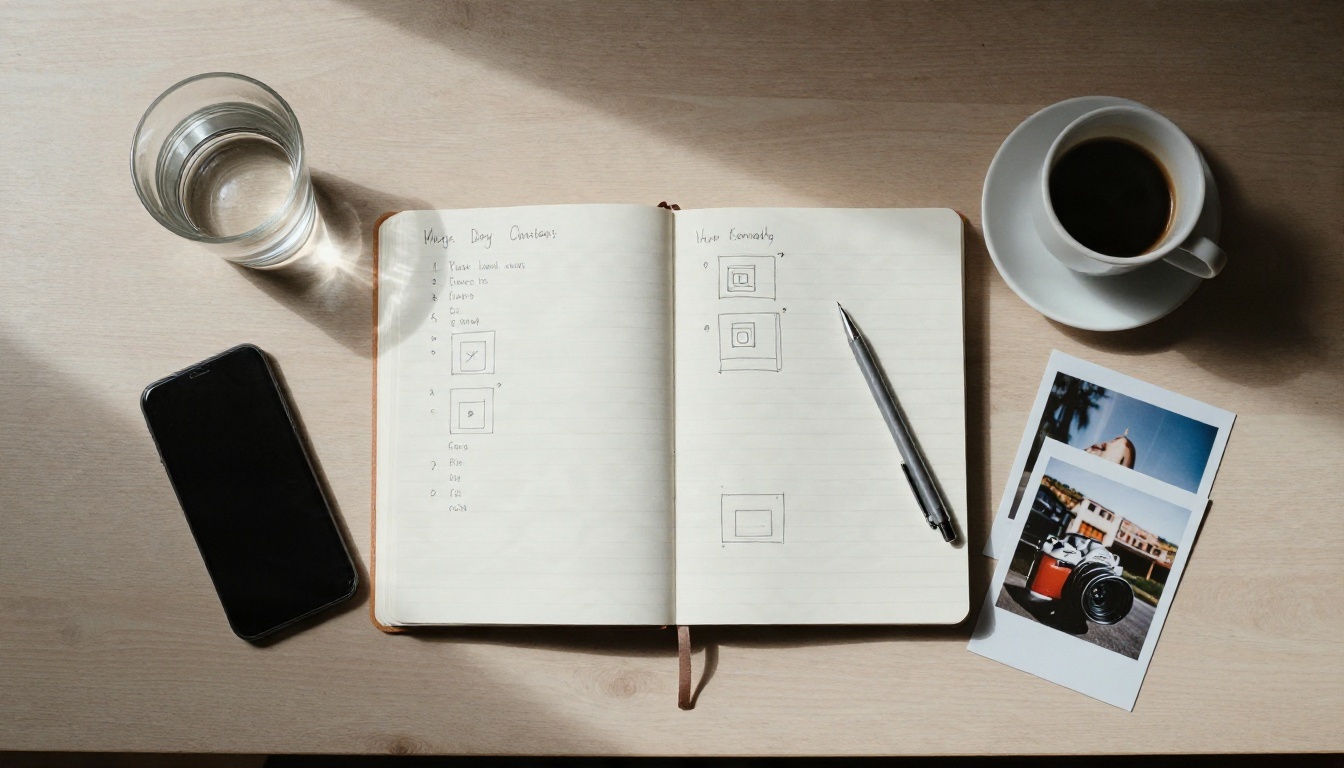
Prompts That Work Everywhere
The structure below works on GPT Image 2, Flux and the other generators in this article. Only the length changes: Flux Schnell likes shorter versions, GPT Image 2 likes the full paragraph. Treat each one as a template and swap the nouns.
Portrait prompt
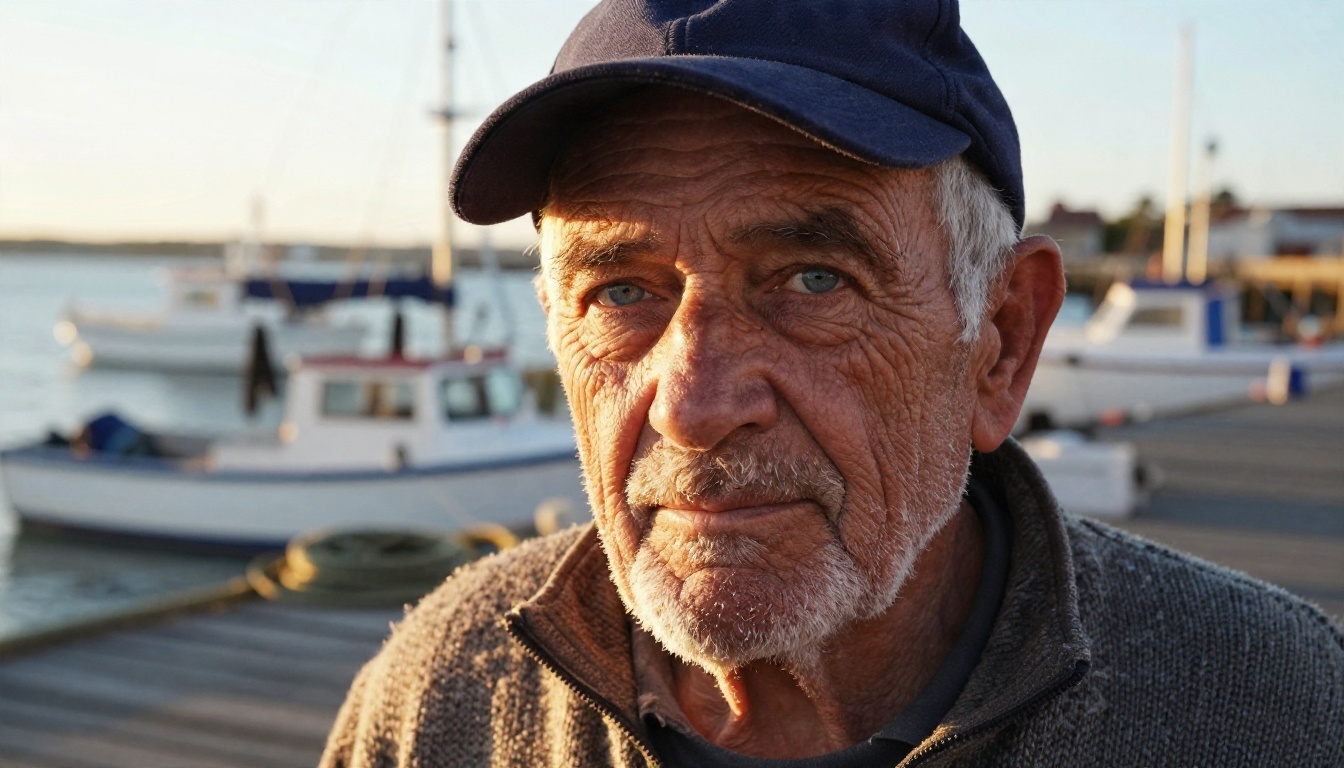
Tight portrait of an elderly fisherman with deep wrinkles, white stubble and pale blue eyes, navy wool cap, salt-stained knit sweater, standing on a wooden harbor dock at golden hour, low warm sun from the left rim-lighting his beard, blurred fishing boats behind him, 85mm lens at f/1.8, visible skin pores, subtle film grain.
Why it works: the face details give the model something concrete to render, and the lens and light words push it toward a photograph instead of an illustration.
Product prompt
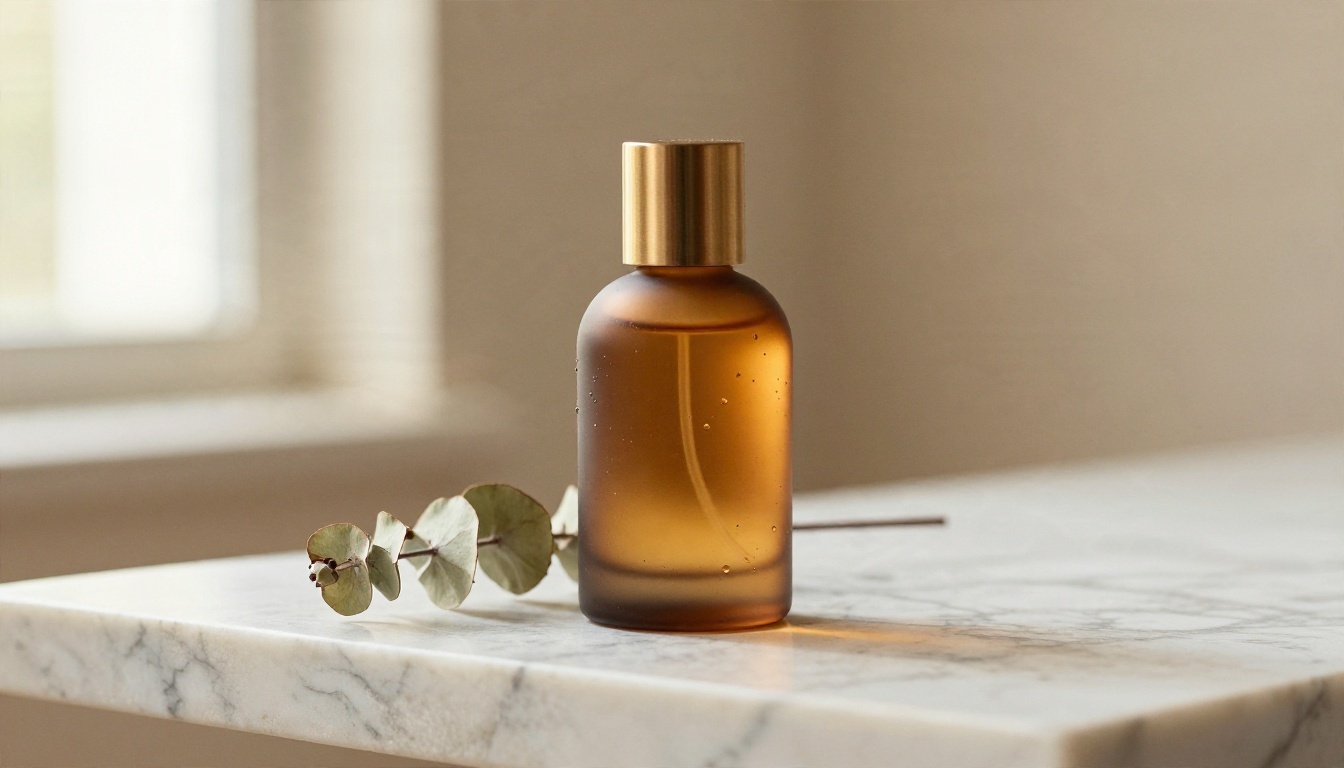
Frosted amber glass perfume bottle with a brushed brass cap on a veined white marble slab, dried eucalyptus sprig beside it, low angle at table level, soft window light from the left, warm beige plaster wall behind, 100mm macro lens, crisp reflections, fine condensation droplets.
For product work, name the surface and the reflection. Glass and marble are the best test of whether a generator understands light.
Street scene prompt
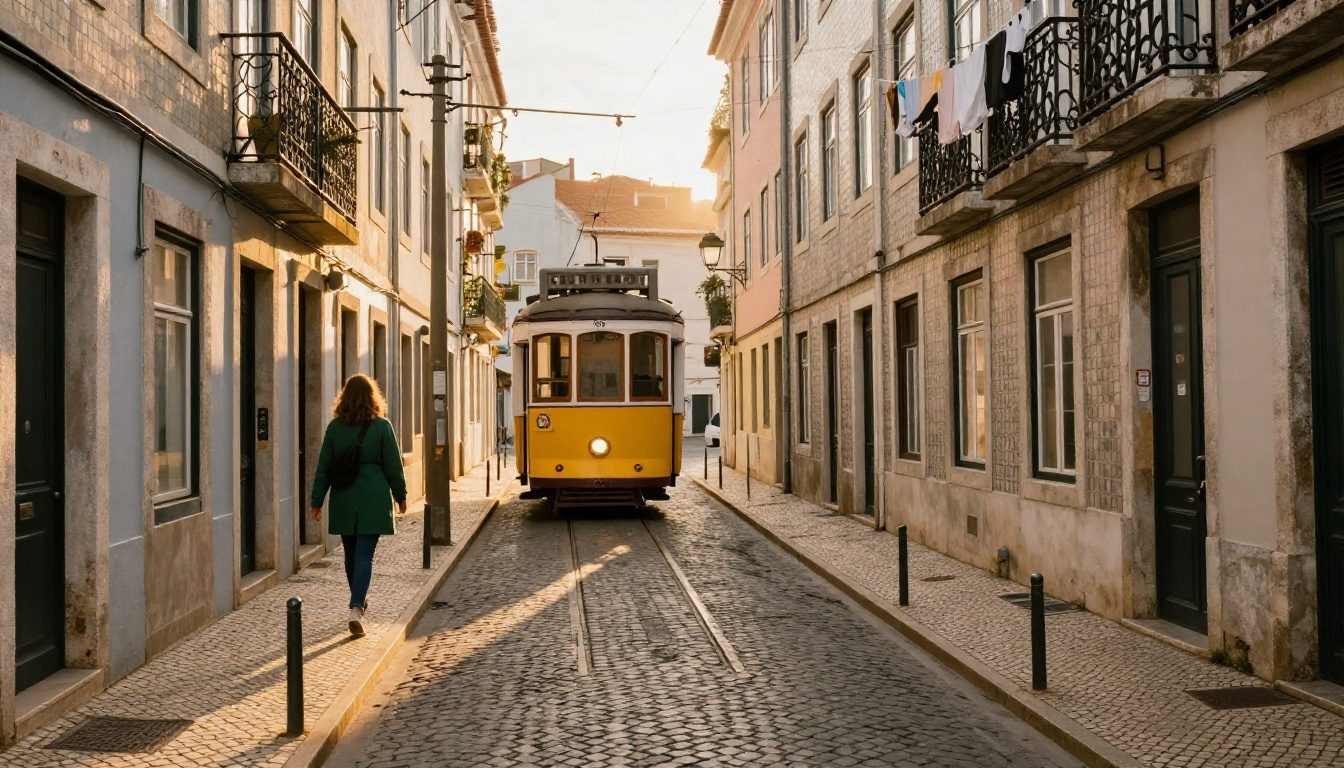
Narrow cobblestone street in Lisbon at golden hour, vintage yellow tram climbing the hill, pastel tiled facades, a woman in a green coat walking away, long warm sunlight from behind the buildings, 35mm lens at eye level, worn stone, laundry hanging from balconies, light haze.
Streets test crowds, perspective and small background details. If the tram or the buildings look warped, shorten the prompt or move to a larger model.
Food prompt
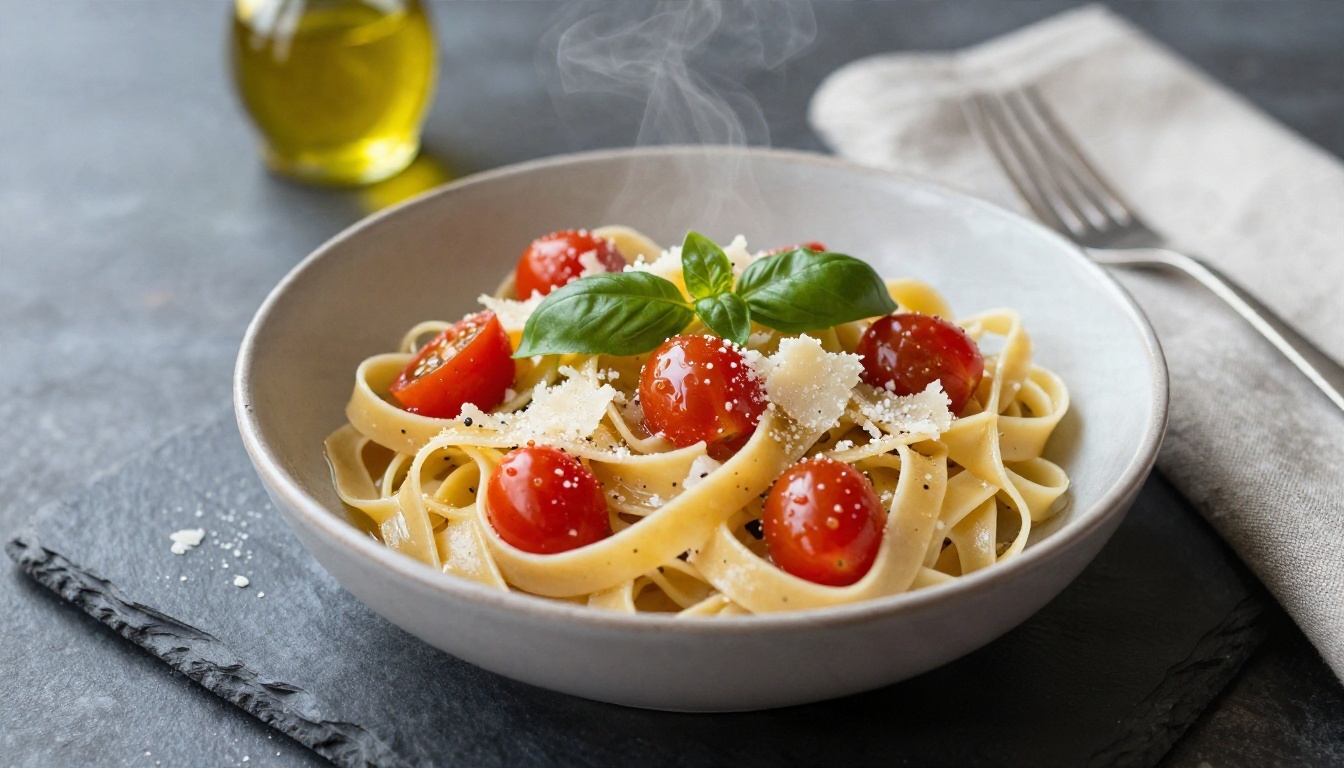
Overhead photograph of a rustic bowl of fresh tagliatelle with cherry tomatoes, basil and shaved parmesan on a dark slate table, linen napkin, fork, small bottle of olive oil, soft window light from the upper left, glistening oil highlights, steam wisps.
Food is forgiving, which makes it a good first test for any free generator. Name the plate, the surface and the light direction, and most models give a usable result on the first try.
Landscape prompt
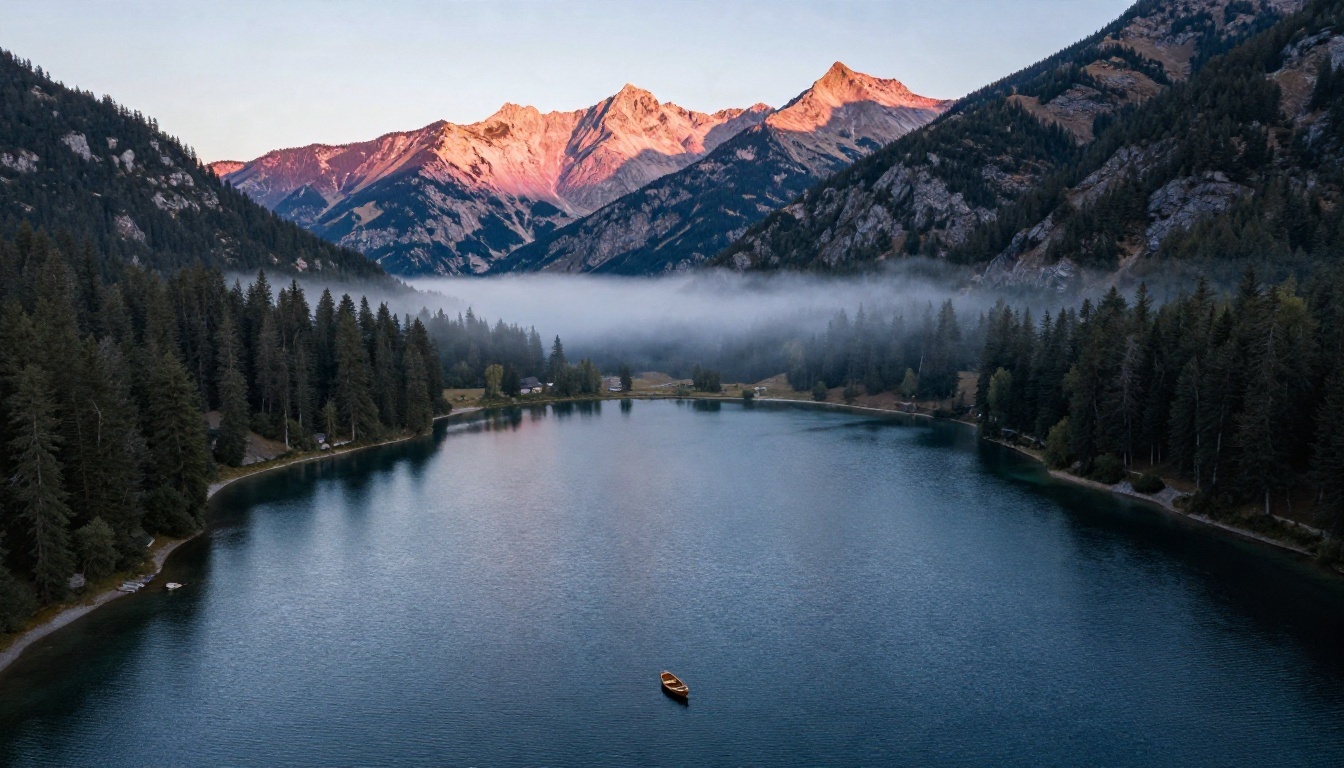
Aerial photograph of a still alpine lake at dawn, pine forest and rocky peaks, thin mist floating on the water, first pink-gold light on the highest ridge, small wooden rowboat near the shore, 24mm wide lens looking slightly down, natural muted colors.
Scenery is where resolution matters most. Seedream 4.5 and Qwen Image 3 Pro tend to keep tree and rock texture crisp.
Free or Paid: Which Path Fits
Pick by task
| Your task | Start with | Why |
|---|
| Posters or graphics with words | GPT Image 2 | Strong at readable text |
| Quick drafts and mood boards | Flux Schnell | Very fast turnaround |
| Fixing one detail in a photo | Flux Kontext Fast | Changes only what you describe |
| Consistent brand look | Flux 2 Klein LoRA | Style adapters repeat the same look |
| 4K portraits and fashion | Seedream 4.5 | Fine detail and color |
| Bulk photo retouching | Image Editor Pro | Unlimited edits online |
Mistakes to avoid
- Stuffing the prompt. Ten competing ideas produce muddy pictures. Pick one subject and one light source.
- Skipping the lens. A focal length such as 35mm or 85mm changes the entire feel of a picture, and it costs you three characters.
- Forgetting texture words. "Skin pores," "worn wood," "fabric weave" and "film grain" are cheap ways to push realism.
- Regenerating instead of editing. If the picture is nearly right, edit it. Starting over often loses the part you liked.
- Trusting one tool for everything. The best workflow usually pairs a generator with an editor.
💡 Quick rule: Draft with a fast model, finish with a detailed one, fix with an editor. Three small steps beat one long struggle.
Make Your Own Images Today
You now have a clear map. ChatGPT Image 2.0 is a strong all-rounder, Flux gives you speed and style control, and a handful of other generators fill the gaps. The only way to know which one suits your taste is to run the same prompt through several of them.
Pick one prompt from the section above, paste it into GPT Image 2, then run the shortened version in Flux Schnell and compare. Try Seedream 4.5 for a sharper portrait, and finish the winner in Image Editor Pro. To see every generator in one place, browse all PicassoIA models and start creating your own images with Picasso IA now.


