You type a perfectly reasonable request for a glamour portrait, hit enter, and ChatGPT answers with a polite refusal. Or worse, it produces something so sanitized that it looks like a department store catalog. If that sounds familiar, you are not doing anything wrong. The ChatGPT image NSFW experience is built around a strict content policy, and no amount of clever phrasing changes the fact that the system is designed to say no.
This article explains where that line sits, why results feel random from one day to the next, and what you can use instead. You will also get copy-ready prompts for glamour, bikini, lingerie and boudoir photography that stay tasteful and non-explicit while giving you far more freedom than a mainstream chatbot allows.
💡 Quick answer: ChatGPT blocks sexual imagery and will not reliably give you adult-oriented looks. For suggestive but non-explicit glamour work, a dedicated image generator with looser limits is the practical path. Seedream 4.5 and PicassoIA Image Editor Pro are the two to start with.
What ChatGPT Actually Blocks
Most people hit the wall within the first few attempts. The pattern is predictable once you have seen it a few times.
Where the Line Sits
OpenAI's usage rules forbid pornographic content, sexual deepfakes, and anything involving non-consensual or underage subjects. Beyond those hard bans, the image system is also cautious about nudity, explicit poses, and prompts that read as sexual even when no body part is named.
In practice, here is how requests tend to land:
| Request type | Typical ChatGPT result |
|---|
| Explicit or pornographic content | Refused every time |
| Nudity, even artistic | Usually refused or heavily covered up |
| Lingerie or boudoir styling | Inconsistent, often toned down |
| Bikini or swimwear on a beach | Usually allowed, with conservative framing |
| Fashion portraits and evening wear | Usually allowed |
| Real public figures in suggestive scenes | Blocked or altered |
The takeaway is simple. Swimwear and fashion are mostly fine. Anything that reads as intimate, revealing or sensual lands in a gray zone where the outcome depends on wording, on the day, and on the model's mood.
Why Rewording Rarely Works
Many users try to sneak past the filter with euphemisms, long story-based prompts, or role-play framing. This almost never produces a stable result. The system evaluates the intent of the whole request, and it also checks the image it produces before showing it to you. A clever prompt may get through the first check and still die at the second.
Worse, repeated attempts can leave you with a conversation full of refusals, which tends to make later requests more cautious, not less. If you notice that happening, start a fresh chat instead of pushing harder.
💡 Tip: If you only need a swimsuit or evening gown image, describe the clothing, the setting and the light. Skip anything about pose intent or mood words that lean sensual, and ChatGPT will cooperate far more often.
Why the Filter Feels Inconsistent
If you have ever watched a friend get a result you could not reproduce, you have already seen the problem. The filter is not one switch. It is several layers working together.
Prompt Checks vs Image Checks
The first layer reads your text. The second layer inspects the generated picture. A prompt can pass the first layer and fail the second, which is why you sometimes wait a long time and then get a refusal instead of an image. This is also why two nearly identical prompts can produce opposite outcomes.
What Recent Reports Say
Coverage from late 2026 points in two directions at once. Some reports say OpenAI has loosened its image moderation around topics like public figures and controversial symbols. Others say the long-discussed adult mode for verified users has been put on hold, which means there is still no dependable way to get sexual imagery from ChatGPT. Researchers have also shown that sexualized images can occasionally slip through the safety layers, but that is a loophole, not a feature, and it can close without notice.
I could not confirm any of this against an official policy page, so treat it as a moving target. Do not build a workflow around something that might vanish next week.
Free Uncensored Alternatives That Work
The word "uncensored" gets thrown around loosely, so let us be precise. Here it means a generator that does not refuse suggestive, glamour, bikini, lingerie and artistic boudoir content. It does not mean pornographic output. Staying on the right side of that line keeps your work usable and your accounts safe.
OpenAI's own GPT Image 2 is available on PicassoIA as a general-purpose model, but if your goal is adult-oriented glamour, you will get better mileage from the models below.
Seedream 4.5 Comes First
Seedream 4.5 is the model I reach for first. It handles skin texture, fabric, and natural light with unusual restraint, which is exactly what suggestive photography needs. Satin looks like satin. Skin has pores. Backlight wraps around hair without glowing. It also follows long, detailed prompts closely, so your camera and lighting instructions actually show up in the result.
Output goes up to 4K, and it accepts the sort of prompts that ChatGPT tends to flatten: bikini editorials, lingerie studio portraits, wet-skin beach scenes and moody dressing-room shots.
PicassoIA Image Editor Pro
PicassoIA Image Editor Pro is the one to pick when you want volume. It offers unlimited generations, which matters more than it sounds. Good glamour images rarely come from the first try. You adjust the lighting, the lens, the wardrobe and the framing, and you usually need ten or fifteen runs to land on a result you would publish.
It also works as an editor, so you can start from an existing photo and change the outfit, background or lighting instead of rebuilding the scene from scratch.
Other Models Worth Testing
Once you have a feel for the two models above, these are good to keep in rotation:
| Model | Best for | Speed | Detail level |
|---|
| Seedream 4.5 | Glamour, bikini, boudoir realism | Fast | Very high |
| Image Editor Pro | Unlimited tries and edits | Fast | High |
| Z Image Turbo | Quick prompt testing | Very fast | Medium to high |
| Hunyuan Image 3 | Sharp portraits | Medium | High |
| Qwen Image 3 | Natural skin and light | Medium | High |
| Flux 2 Klein 9B Base LoRA | Style control with LoRAs | Medium | High |
How to Get Similar Results on PicassoIA
ChatGPT itself is not something you run on PicassoIA, so the closest match for what people want from it is Seedream 4.5. Here is how to use it for adult-oriented glamour images.
Step by Step Setup
- Open the Seedream 4.5 page and sign in.
- Paste your prompt into the text field. Use the structure from the next section: subject, setting, light, lens, texture.
- Choose the 16:9 ratio for landscape scenes or a portrait ratio for full-length fashion shots.
- Generate, then look at the skin, the fabric and the light direction before changing anything.
- Change one thing at a time (the lens, the time of day, the outfit) and run again.
- When the composition is right, move the image to PicassoIA Image Editor Pro for unlimited small fixes.
Parameter Tips That Matter
- Lens first. "85mm f/1.8" gives flattering portrait compression. "35mm f/2" gives a more candid, documentary feel.
- Name the light direction. "Soft window light from the left" beats "good lighting" every time.
- Ask for texture. Phrases like "visible skin pores", "satin sheen" and "lace weave" push the output toward real photography.
- Add film language. "Kodak Portra 400, gentle film grain" removes the plastic, over-smoothed look.
- Keep the mood tasteful. Words like "elegant", "editorial" and "boudoir" produce better results than anything blunt.
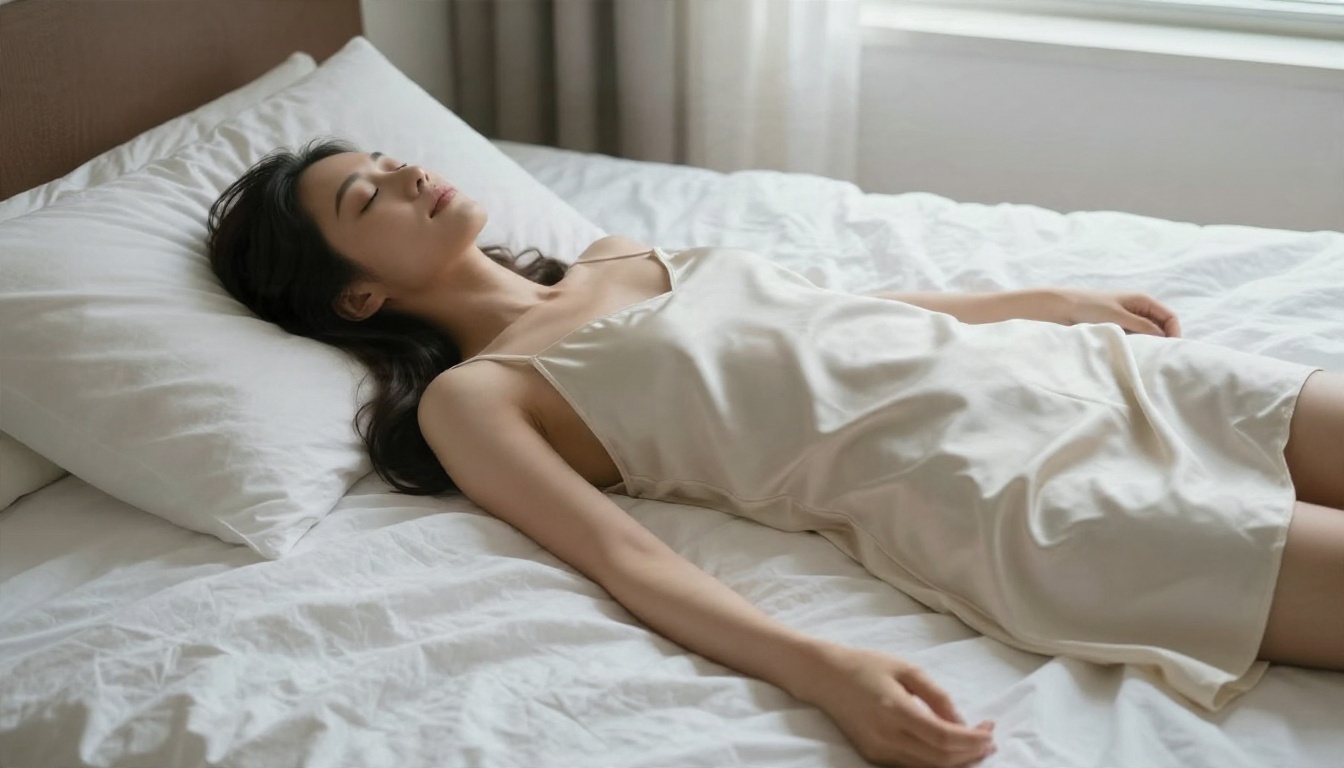
Working Prompts You Can Copy
These prompts follow a fixed structure: subject, environment, light, lens, texture. Paste them into Seedream 4.5 and adjust the details to your taste. All of them aim for suggestive, attractive and non-explicit imagery.
Beach Glamour
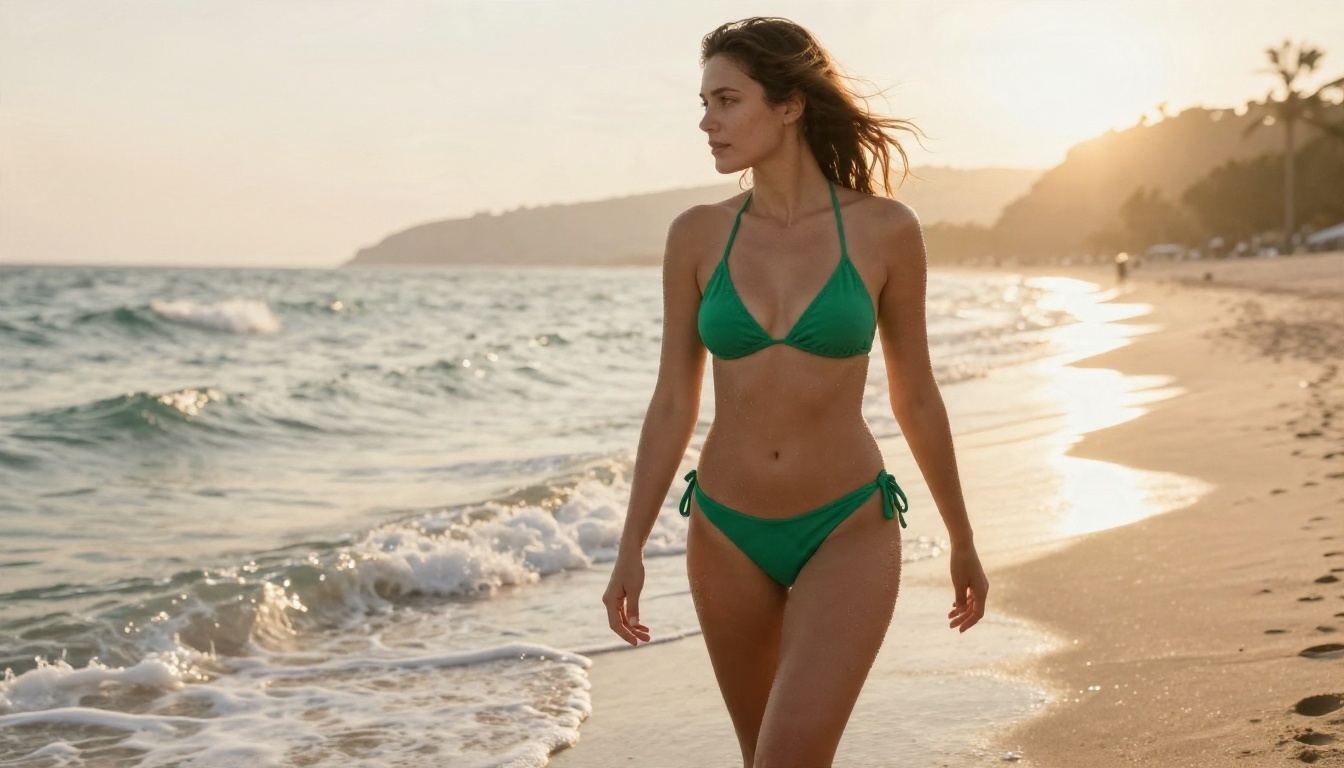
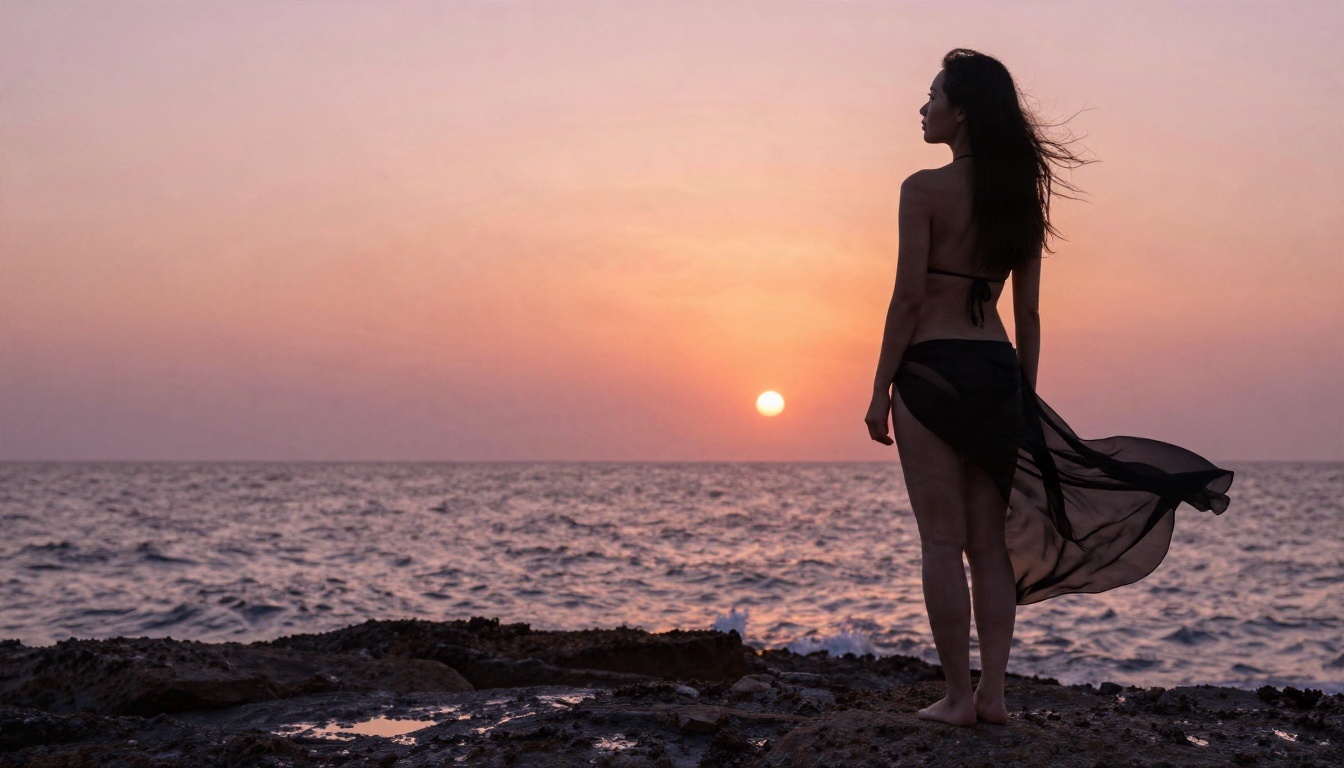
An adult woman in an emerald green bikini walking along wet sand at golden hour, hair tousled by sea breeze, water droplets on tanned skin, foamy waves around her ankles, hazy cliffs in the distance, warm low backlight from the right creating a rim light on her hair, low angle, 35mm f/2 lens, realistic skin texture, Kodak Portra 400 film grain.
This is the structure behind the beach image above. Notice that nothing in it is blunt. The attraction comes from light, water and skin texture.
Studio Portrait
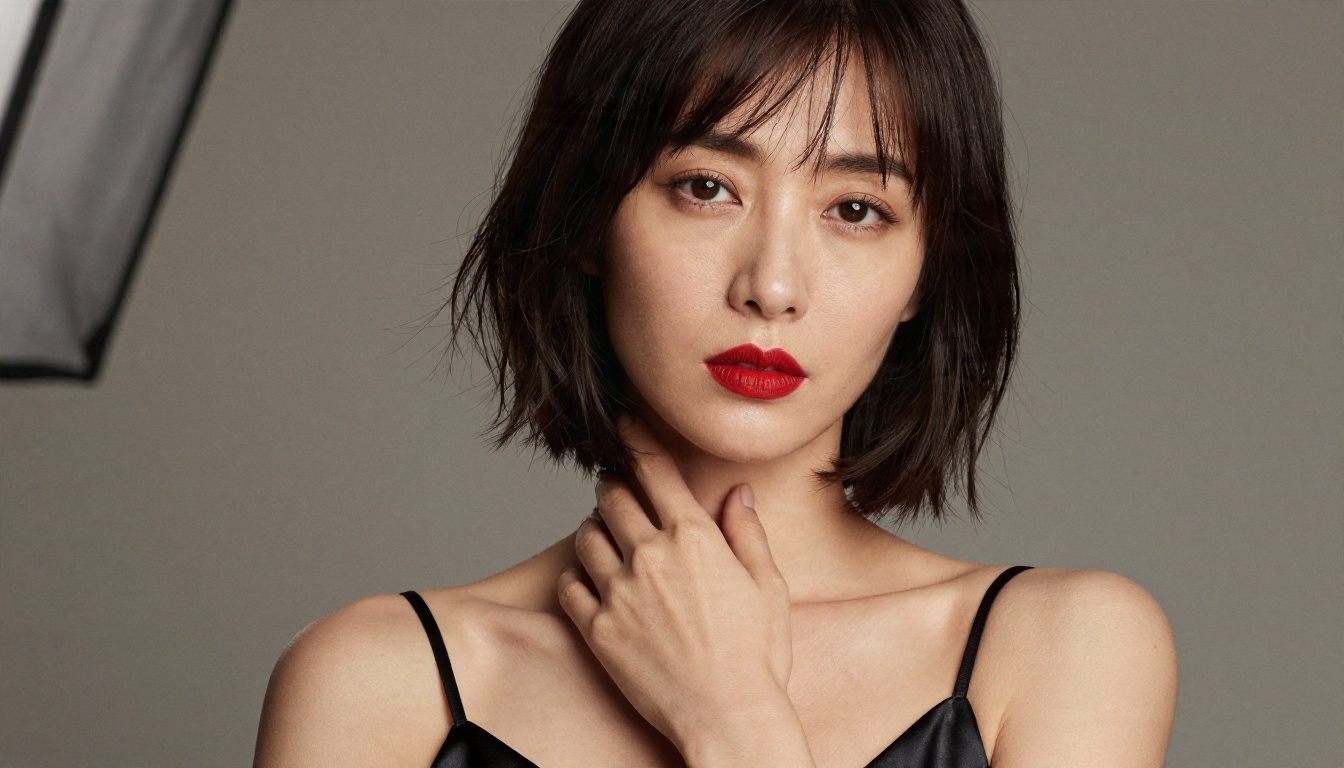
Close-up studio portrait of an adult woman with a sleek dark bob, black satin camisole with thin straps, bold red lipstick, calm direct gaze, warm grey seamless backdrop, large softbox from upper left, gentle shadow on the right cheek, 105mm f/2 lens, detailed skin pores, satin sheen, film grain.
Close portraits reward patience. Run this one several times and compare how each version handles skin and the fabric edge.
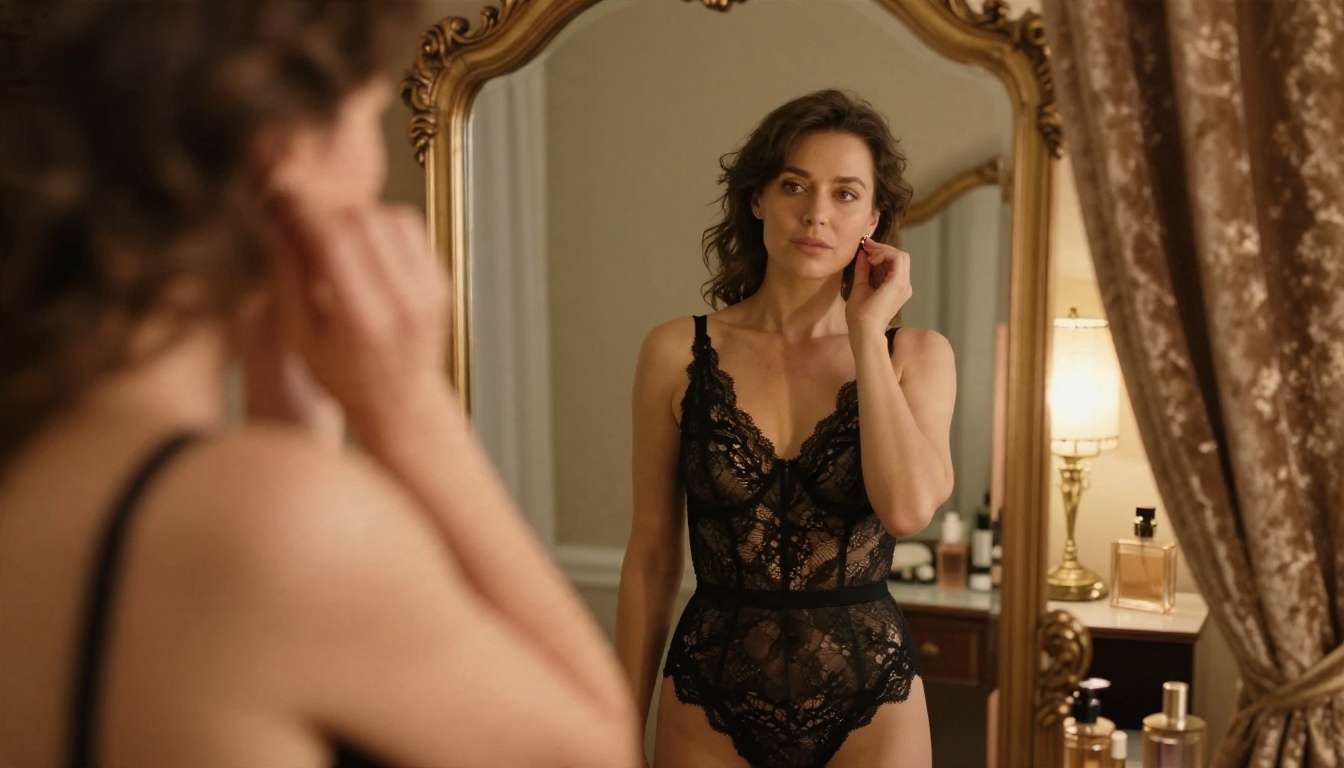
Boudoir Interior
An adult woman in a black lace bodysuit in front of an ornate vintage standing mirror in a dressing room, adjusting an earring, warm lamp light from the right, velvet curtain and perfume bottles behind, eye-level angle, 50mm f/2 lens, shallow depth of field, realistic lace texture, tasteful non-explicit boudoir mood.
This is the kind of scene ChatGPT often softens or refuses. A model with fewer limits will simply render it, as long as you keep the mood elegant.
Evening Gown Editorial
Full-length fashion photograph of an adult woman in a deep red backless evening gown with a high leg slit, standing at the top of a marble staircase in a dim hotel lobby, looking back over her bare shoulder, warm chandelier light from above and soft rim light from a doorway, low angle, 50mm f/1.4 lens, realistic silk texture, film grain.
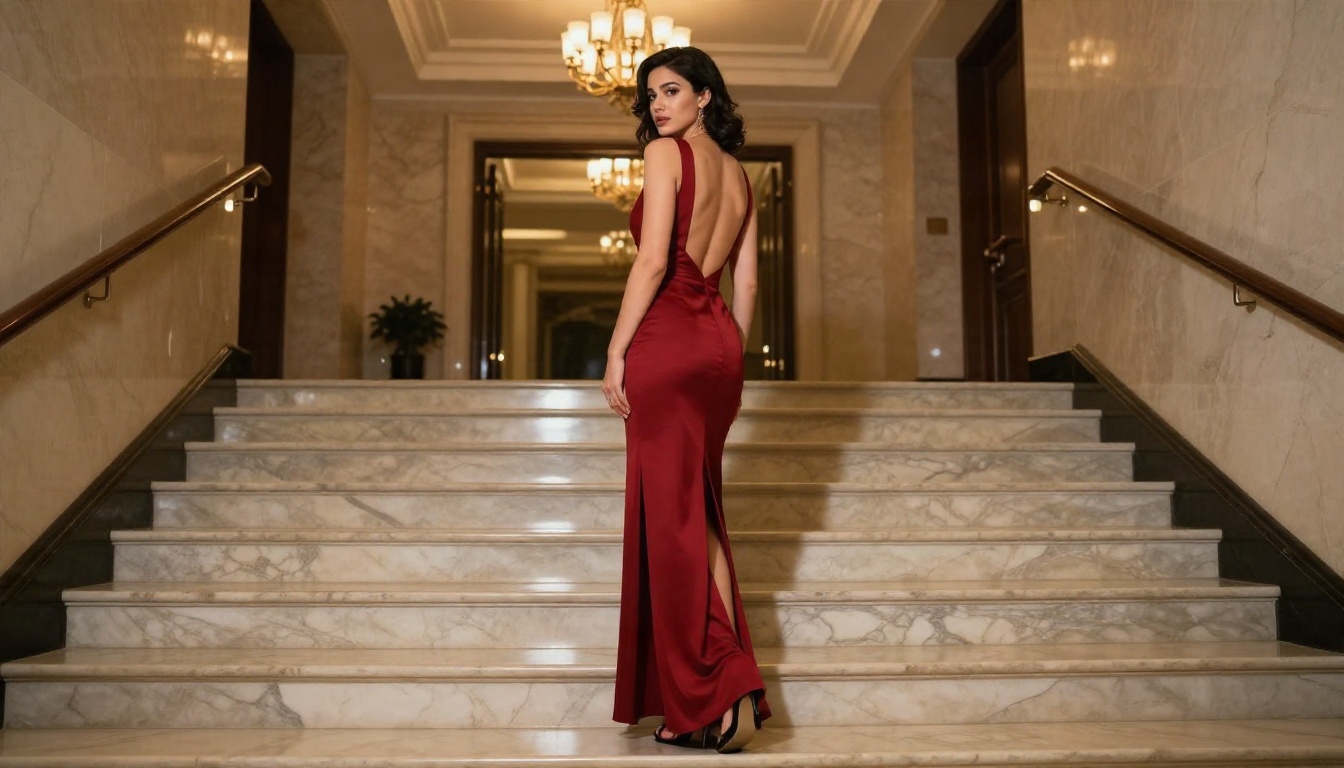
💡 Reuse the skeleton. Keep the five-part structure and swap only the subject and setting. Once a lighting recipe works, you can apply it to dozens of scenes.
Common Mistakes to Avoid
Even with a flexible generator, certain habits ruin results. These are the ones I see most often.
Overstuffing the Prompt
A prompt with forty adjectives gives the model nothing to prioritize. Pick one clear subject, one setting and one lighting setup. Detail should go into texture and light, not into piling on moods.
Forgetting the Light
Nearly every flat, lifeless image comes from a prompt with no light direction. "Golden hour backlight from the right" or "softbox from upper left" does more for the final look than any list of quality words.
Chasing Explicit Output
Pushing for explicit content leads to worse images, not better ones. The most striking glamour photography has always relied on suggestion: a bare shoulder, a glance, fabric catching light. Aim for that, and your results will look professional instead of crude.
Using Real People
Never prompt for a real person's likeness in suggestive scenes. It is harmful, it often violates platform rules, and it is not necessary. Invented subjects give you full creative control with no downside.
Skipping the Test Runs
Fast models exist so you can iterate. Run a quick draft in Z Image Turbo, pick the composition you like, then refine the final in Seedream 4.5. This saves time and avoids settling for the first output.
Your Turn to Create
ChatGPT's filter is not going to bend to a better prompt, and chasing loopholes wastes more time than it saves. A generator with looser limits gives you the room to work like a photographer: pick the light, choose the lens, shape the mood, and iterate until the frame feels right.
Start with Seedream 4.5 for the first render, then use PicassoIA Image Editor Pro for unlimited edits and variations. Copy one of the prompts above, change the wardrobe or the location, and see what you get. When you want more options, browse the full catalog at picassoia.com/en/all-models and test a few models side by side.
The best way to see the difference is to run the same prompt that ChatGPT refused. Paste it in and compare.