You typed a perfectly reasonable prompt for a boudoir portrait, hit generate, and got a polite refusal instead of an image. If that sounds familiar, you are not alone. ChatGPT Images 2.0 Erotic prompts are one of the most searched, and most misunderstood, topics in AI image generation right now. People want to know one thing: how far can this tool actually go, and what do you do when it says no?
Short answer: ChatGPT Images 2.0 will happily make glamour, swimwear and fashion-style portraits, but it blocks explicit nudity and sexual content, and its filter sometimes blocks innocent prompts too. The rest of this article breaks down exactly where the lines sit, why they exist, and which free alternatives give you more creative room without sliding into anything explicit.
💡 Quick take: Think of ChatGPT Images 2.0 as a cautious art director. Suggestive and stylish is often fine. Explicit is a hard no. Anything in between is a coin flip.
What ChatGPT Images 2.0 Actually Allows
ChatGPT Images 2.0 is the image feature inside ChatGPT, powered by the model OpenAI calls GPT Image 2. It is strong at photorealism, text rendering and following long, detailed prompts. It is much less relaxed about adult themes.
Based on OpenAI's published safety approach and what users consistently report, the picture looks like this.
What usually gets through
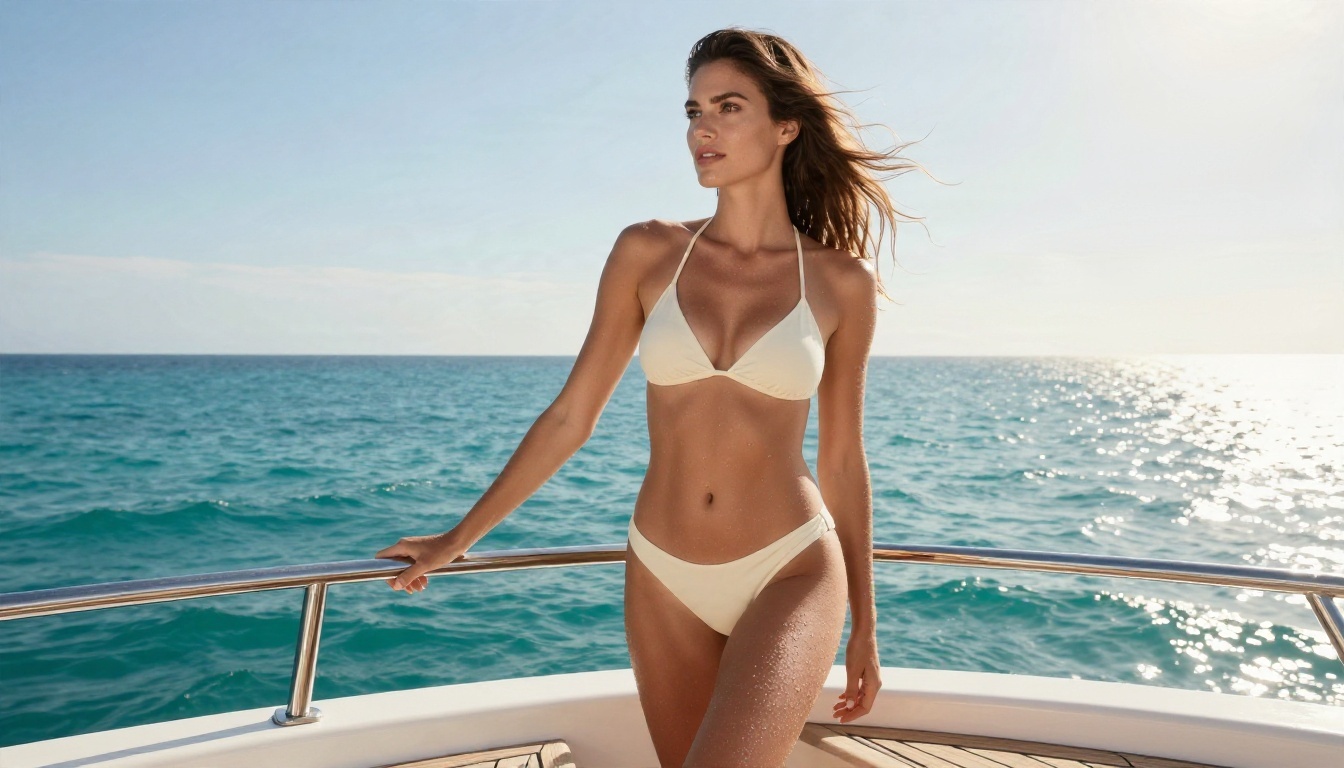
These categories tend to generate without trouble when the prompt is framed as fashion, travel or portraiture:
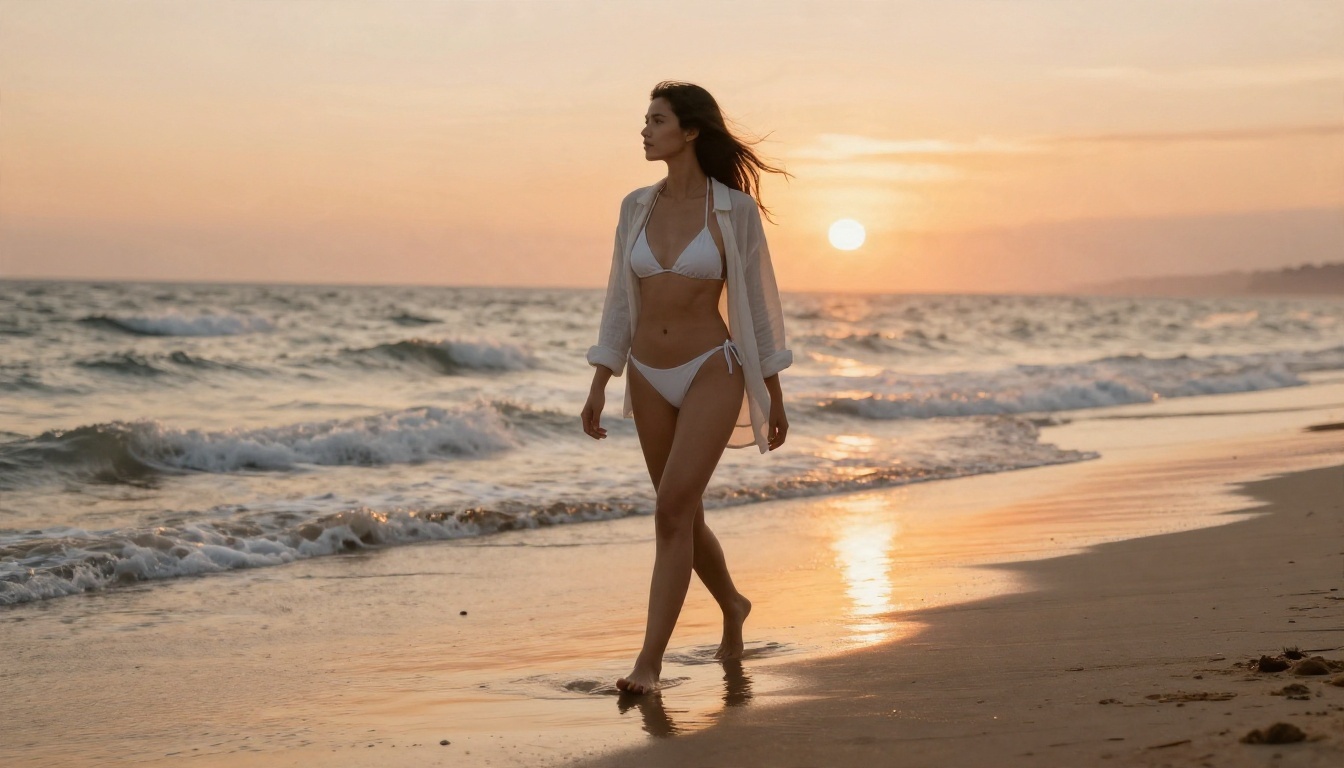
- Swimwear and beach photography with adult subjects, such as a bikini shot on a yacht deck.
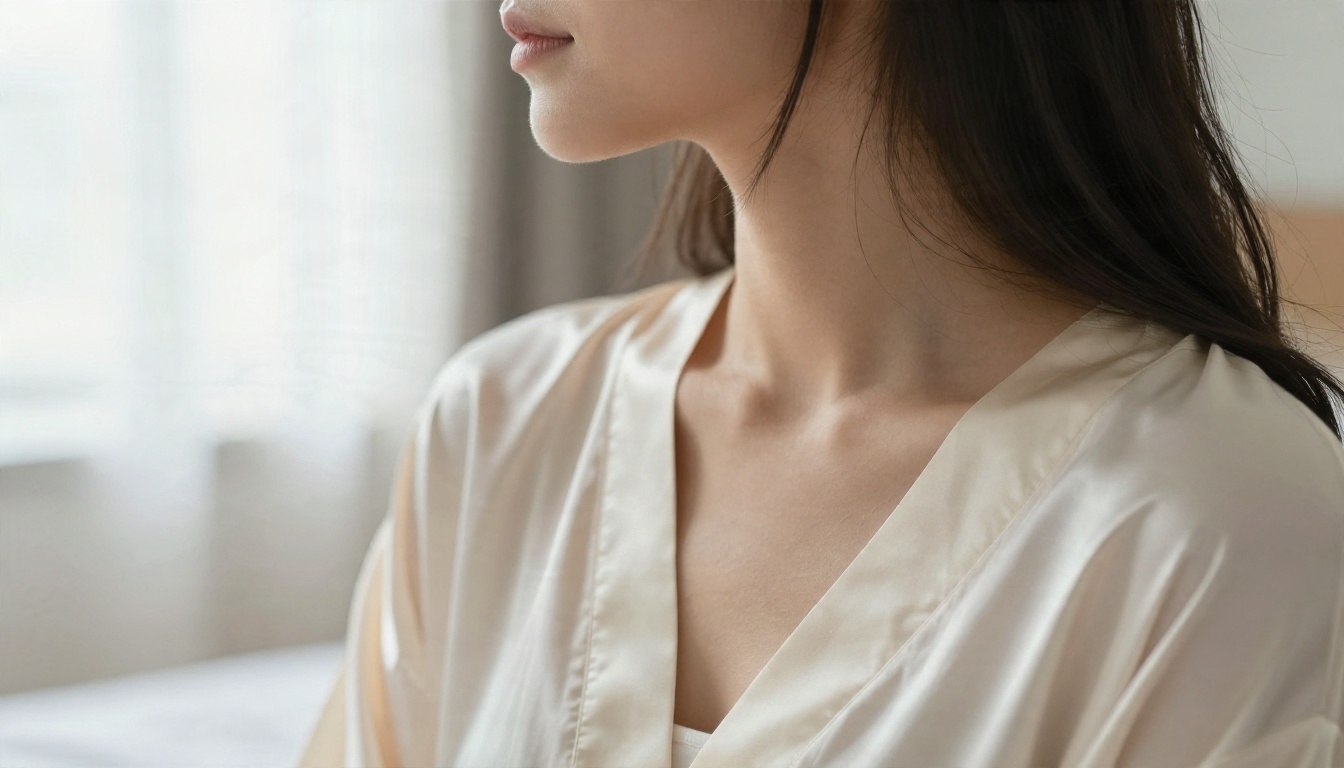
- Lingerie-style fashion framed as editorial work, especially when the outfit is layered or styled with a blazer or robe.
- Boudoir-leaning portraits where the mood is intimate, but the subject is clothed and the pose is not sexual.
- Glamour close-ups with red lipstick, dewy skin, evening wear and cinematic lighting.
- Romantic and sensual atmosphere that relies on light, fabric and expression rather than skin.
What gets blocked
The firm limits are the ones you would expect:
- Explicit nudity, including anything that shows genitals or is clearly built around nudity as the point.
- Sexual acts or poses framed to be sexual.
- Sexualized content involving anyone who looks underage. This is blocked everywhere and always will be.
- Real people in sexual or compromising scenarios, including celebrities and public figures.
⚠️ Nudity framed in a sexual or romantic context is the single most common trigger for refusals. The same body in a non-sexual artistic context sometimes passes, but you cannot count on it.
Where the Filter Gets Jumpy
Here is where most of the frustration lives. The written rules are fairly clear. The behavior of the filter is not.
False positives are common
Users across forums keep reporting refusals for prompts that look harmless: a woman in a swimsuit at a pool, a hug between adults, a dress with a plunging neckline. The refusal message usually cites "eroticism, sexuality or nudity" even when none of those is really in the prompt.
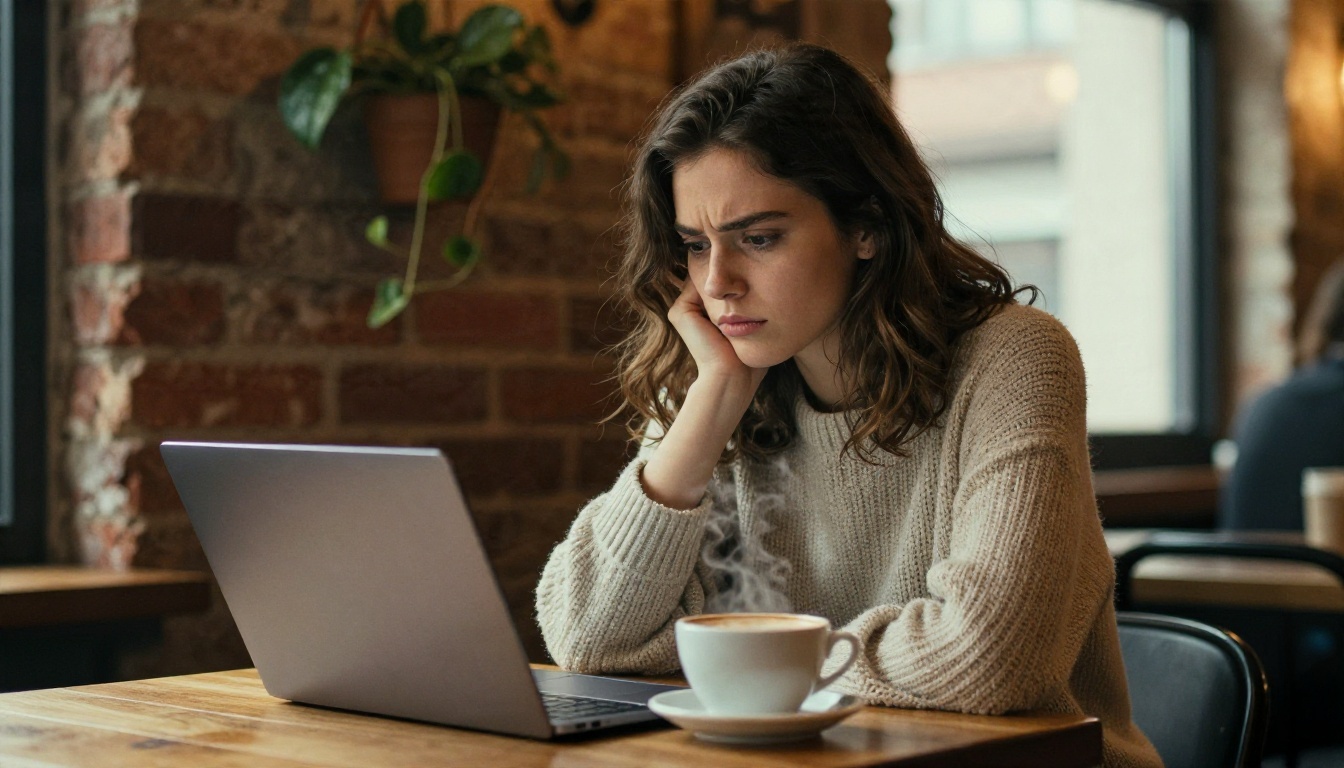
The pattern behind it is simple. Safety systems check both your prompt and the finished image. Even if your wording is clean, the generated result can trip an output check when skin area, pose or clothing crosses an internal threshold. You get a refusal after waiting, with no preview of what went wrong.
Rewording rarely fixes it
Many people respond by rewording again and again. That sometimes works, but it burns time and often leads to bland results. Swapping "sexy" for "alluring" does not change what the image checker sees in the final pixels.
| Situation | What usually happens | Better move |
|---|
| Swimwear on a beach | Often passes | Keep it editorial, add location and lighting |
| Lace bodysuit, no cover-up | Hit or miss | Add a blazer, robe or jacket |
| Implied nudity (bare shoulders, sheets) | Inconsistent | Shift to fabric and light, less skin |
| Explicit nudity | Blocked | Use a different model |
| Real person in sexual context | Blocked | Not worth attempting |
Newer versions are not looser
OpenAI has also shipped newer image releases, and the early reports on those point toward the same cautious approach, not a loosening. Some community posts describe the newer versions as even more prone to overblocking. If you were hoping a version bump would change the rules, plan around the opposite.
Why OpenAI Draws the Line
It helps to know whether the limits are a bug or a design choice. They are a design choice.
Policy first, model second
OpenAI applies its usage policies to every image generation request. Those policies restrict sexually explicit imagery, protect minors, and limit realistic depictions of real people. On top of the policy, classifier models scan prompts and outputs. The classifiers are tuned to avoid mistakes in the worst direction, so they will refuse a harmless image before they let a harmful one slip through.
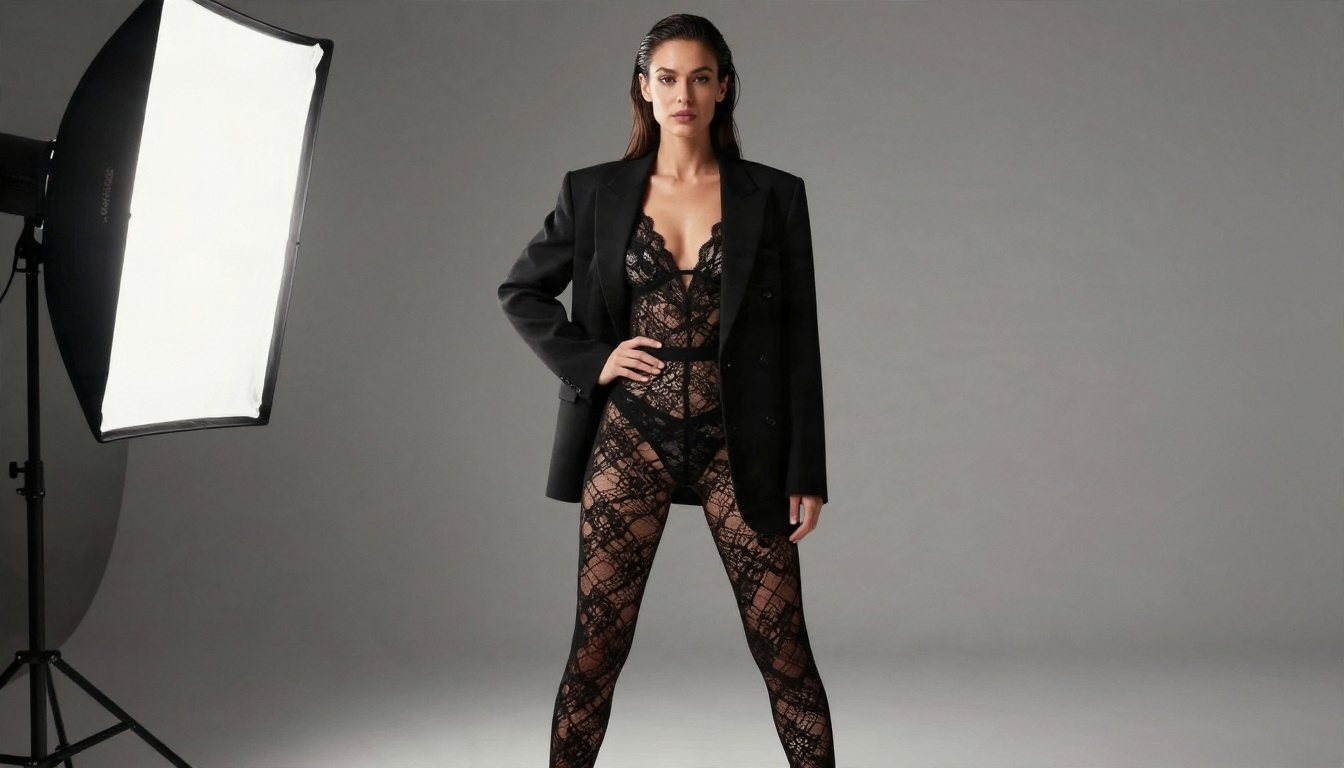
That explains the inconsistency. The same lace-and-blazer look can pass one day and fail the next, because the classifier is judging probabilities, not following a checklist.
What about an adult mode?
You may have seen headlines saying OpenAI would permit erotica for verified adults in ChatGPT. Those reports are mostly about text conversations. I could not find anything confirming that the same relaxation applies to image generation, and users on OpenAI's own community forum are still asking for an age-verified adult mode for images. Until that changes in writing, treat explicit image generation in ChatGPT as unavailable.
💡 Reality check: Even if an adult mode arrives, expect age verification, regional limits and a long list of exceptions. Anything you build a workflow around today should not depend on it.
Free Alternatives That Say Yes
If ChatGPT Images 2.0 keeps stopping your project, other models handle adult-leaning, glamour and artistic work with far fewer refusals. On PicassoIA, you can try several of them for free to start, and one of them offers unlimited generations.
All images in this article stay non-explicit. The point is the freedom to work on glamour, lingerie, swimwear and artistic portraits without constant interruptions, not pornography.
Seedream 4.5 for photorealistic glamour
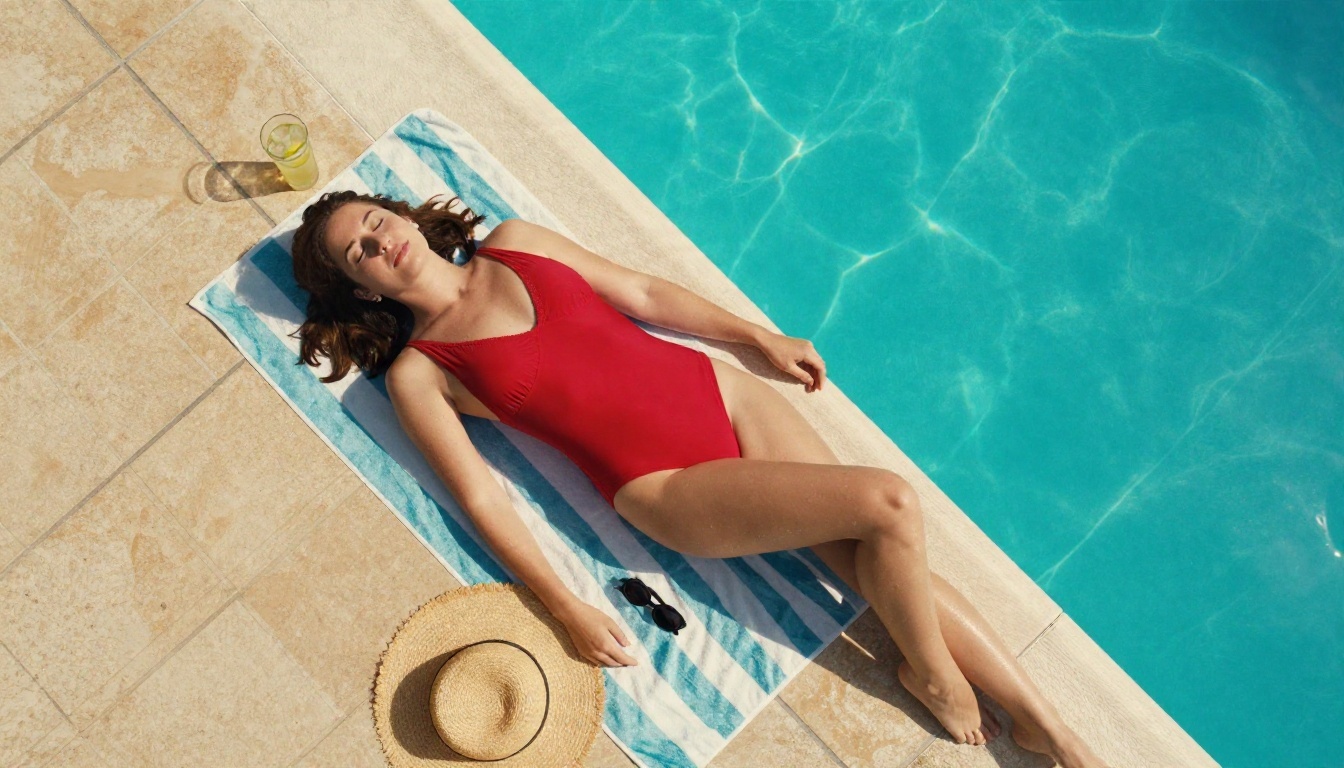
Seedream 4.5 is the first model to try. It produces sharp, photorealistic skin, believable fabric and natural lighting, and it is far less restrictive than ChatGPT around adult themes. It is a strong pick for boudoir, lingerie editorials, swimwear campaigns and sensual portraits. It also outputs up to 4K, which matters if you plan to print or crop.
PicassoIA Image Editor Pro for unlimited runs
PicassoIA Image Editor Pro is the second stop. It combines generation and editing in one place, and the big draw is unlimited generations. That changes how you work. Instead of rationing attempts, you can iterate ten, twenty, fifty times until the pose, outfit and light are exactly right. It is also fast, which keeps the feedback loop tight.
Z Image Turbo and Flux 2 Klein for speed and style
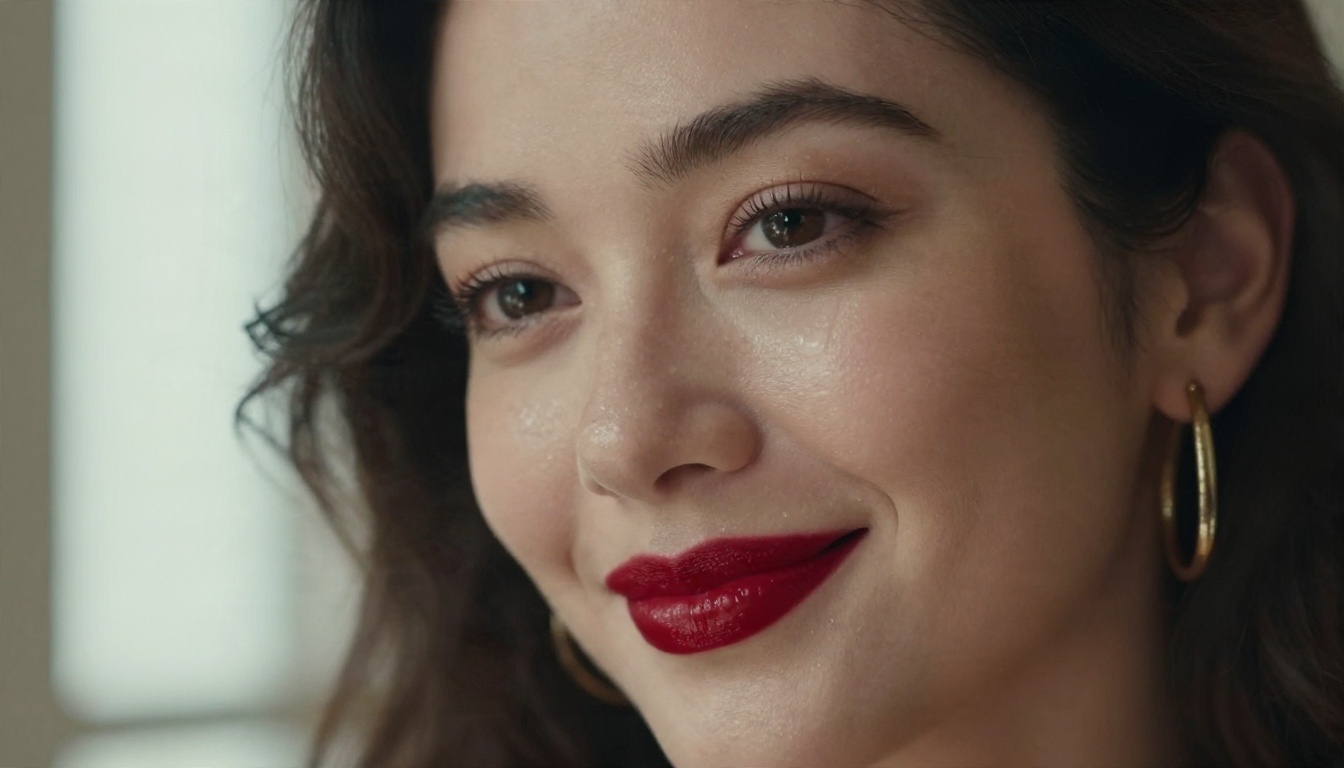
When you want rapid drafts, Z Image Turbo returns sharp results in seconds, which is ideal for testing prompt ideas. For a more styled look, Flux 2 Klein 9B Base LoRA supports LoRA-style control, so you can steer the aesthetic toward vintage film, fashion editorial or soft boudoir tones.
Side by side
| Model | Best for | Strength | Adult-leaning prompts |
|---|
| ChatGPT Images 2.0 | Text, layouts, safe portraits | Prompt accuracy | Strictly filtered |
| Seedream 4.5 | Photorealistic glamour | Skin and fabric detail, 4K | Much more open |
| Image Editor Pro | High-volume iteration | Unlimited generations | Open |
| Z Image Turbo | Quick drafts | Speed | Open |
| Flux 2 Klein 9B Base LoRA | Styled looks | LoRA control | Open |
💡 Open does not mean anything goes. Child safety rules, real-person protections and local law still apply everywhere. Use these tools for adult fictional subjects and your own original ideas.
How to Use GPT Image 2 on PicassoIA
ChatGPT Images 2.0 runs on GPT Image 2, and that model is on PicassoIA. It is still the right pick for work where precision matters more than spice: product shots, travel photography, fashion lookbooks, and swimwear or resort campaigns that stay on the safe side of its filter.
Run it in five steps
- Open the GPT Image 2 page on PicassoIA.
- Write a prompt that names the subject, outfit, setting and light. Example: "woman in a navy one-piece swimsuit on a wooden dock at dawn, soft mist, 85mm lens, film grain."
- Pick your aspect ratio. 16:9 suits banners and covers, 4:5 suits social feeds.
- Generate, then review the result for hands, fabric edges and background clutter.
- Refine with one change at a time. Altering several details per run makes it hard to see what helped.
Parameter tips
- Be specific about light. "Soft window light from the left" beats "nice lighting" every time.
- Name a lens. "85mm f/1.8" nudges the model toward portrait depth of field.
- Describe fabric. Satin, linen, lace and wool all render differently, and naming them adds realism.
- Keep prompts clothed and editorial. GPT Image 2 has the same safety logic as ChatGPT, so aim for fashion and mood, not explicit content.
For the same kind of image with fewer refusals, switch to Seedream 4.5 and reuse the exact prompt.
Prompt Recipes That Work Anywhere
Good prompts help on every model. These patterns give you strong results on ChatGPT and even stronger ones on the alternatives.
The formula
Use this structure: subject and pose, environment, lighting, camera and lens, texture details. For example:
A woman in a black satin slip dress seated on the edge of a rumpled linen bed, sheer curtains behind her, soft morning light from the left, 85mm f/1.8 lens, visible skin texture and satin highlights, Kodak Portra 400 film grain.
Four habits that raise quality
- Lead with light. Window light, golden hour and candlelight make skin look real and keep the mood sensual without extra skin.
- Use film language. "Kodak Portra 400, gentle grain" pushes the output away from the plastic, over-smoothed look.
- Mention imperfections. Freckles, flyaway hair and fabric wrinkles make a subject believable.
- Vary your angles. Low angle, overhead, close-up and wide shots keep a set of images from feeling repetitive.
Mistakes to skip
- Stacking adjectives. "Sexy, hot, alluring, seductive" adds noise and triggers filters. One clear mood word is enough.
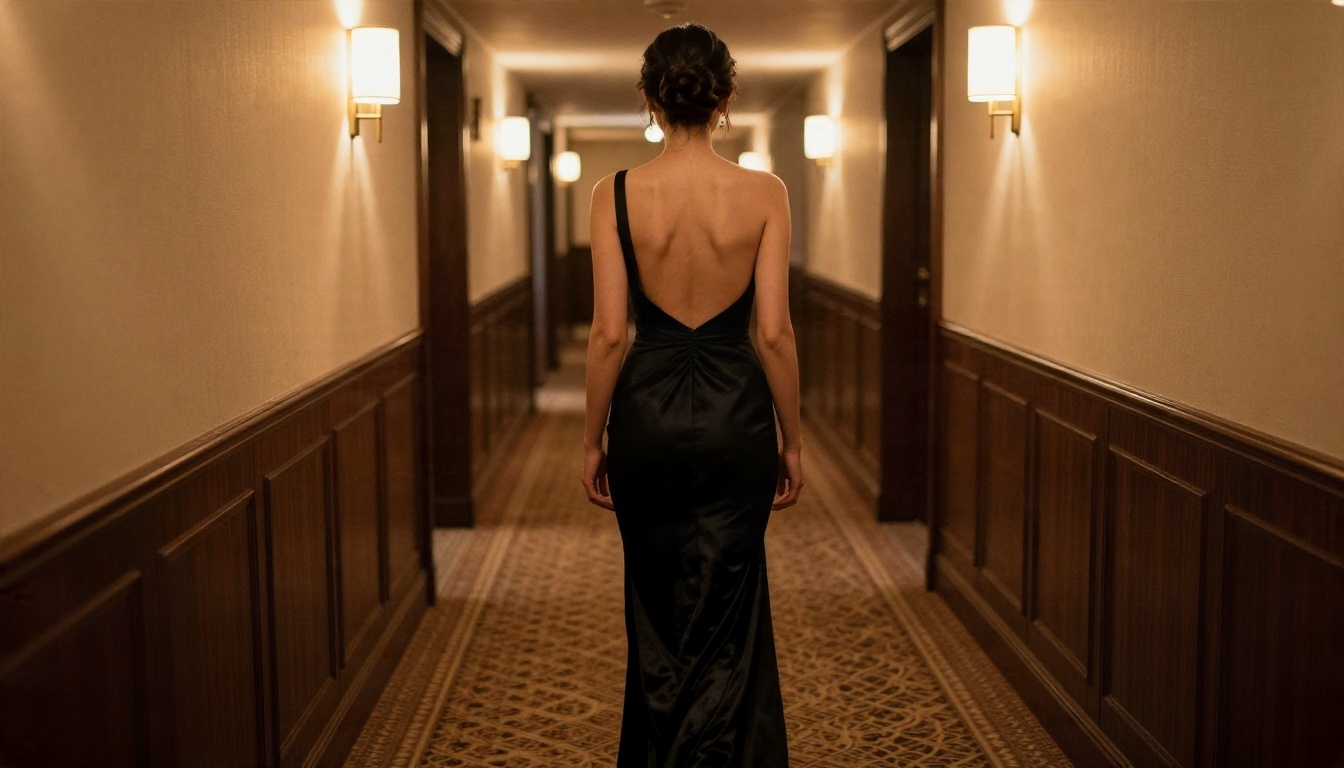
- Ignoring the setting. A strong location does half the work. A hotel corridor, a yacht deck or a sunlit bedroom gives the image context and story.
- Skipping edits. Generate once, then fix details with an editor instead of regenerating from scratch.
Pick based on what you are making, not on hype.
The honest summary of ChatGPT Images 2.0 for erotic work: it is a very capable tool with a very cautious filter. If your idea sits inside fashion and swimwear, it can deliver. If your idea needs more freedom, you will spend more time fighting refusals than making images.
Try Your Own Images Today
You now know what ChatGPT Images 2.0 allows, where it stops, and which models let you keep going. The fastest way to see the difference is to take one prompt, run it in ChatGPT, then run the same words in Seedream 4.5 and in PicassoIA Image Editor Pro. Compare the skin detail, the lighting and, most of all, whether you get an image at all.
Start with a simple boudoir portrait or a swimwear shot, use the prompt formula above, and iterate until it feels right. With unlimited generations, there is no reason to settle for the first result.
Ready for more options? Browse every available model at picassoia.com/en/all-models and build your own set of photorealistic glamour images on PicassoIA.


