You typed a perfectly reasonable prompt, waited a few seconds, and got a polite refusal. Or worse, you got three images and a message telling you to come back tomorrow. That moment is exactly why people search for a ChatGPT no filter image generator. They are not always after anything shocking. Most of them want a swimwear campaign shot, a moody boudoir portrait, a realistic face that does not look plasticky, or simply more than a handful of images per day.
This article sorts out what is actually possible. You will see why ChatGPT blocks certain requests, how its image limits behave, which free alternatives give you more room, and which prompt formulas produce believable photographs. Everything here stays on the tasteful side: glamour, fashion, lifestyle and artistic work, never explicit material.
💡 Quick answer: ChatGPT itself will not become a "no filter" tool. The practical move is to keep it for what it does well and use a dedicated image generator for glamour, swimwear and high-volume work.
What "No Filter" Really Means
The phrase gets used loosely, so it helps to separate three very different things people mean by it.
Filters versus hard limits
A filter is a safety check that looks at your prompt or the finished picture and decides whether to allow it. A limit is a usage cap, such as a number of images per day. They feel similar because both end with you staring at a message instead of an image, but they have different fixes. You cannot reword your way past a quota, and you cannot buy your way past a policy rule.
Most people who search for "no filter" fall into one of these groups:
- Creators of glamour content who want bikinis, lingerie style fashion or boudoir lighting without constant refusals.
- Photographers and designers who are tired of false positives, like a harmless beach photo being flagged.
- Heavy users who simply run out of free generations.
- Curious testers who want to compare how different tools treat the same prompt.
Why ChatGPT says no
OpenAI describes layered safety for its newer image model: classifiers check the request before it reaches the generator, and a monitor looks at both the input and the output. The company has also acknowledged that more realistic images make deepfakes easier to produce, which is part of why its checks are tight around real people and sexual content.
Some news coverage reported a loosening of rules around public figures and controversial subjects. Treat that as a moving target. Policies change, and a rule that was relaxed in spring can be tightened by autumn. What stays steady is the pattern: sexual content, recognizable real people and copyrighted characters are the usual triggers.
ChatGPT Image Limits in Practice
Before you switch tools, check whether you are fighting a filter or a quota. The fix is different.
Free tier quotas
The free plan gives image creation its own usage allowance, separate from text chat. OpenAI does not publish a fixed number, and it can change with demand. Blogs quote figures like two or three images per day, but those numbers are unofficial, so do not plan a project around them. The reliable part is the behavior: once you hit the cap, you wait.
Paid plans raise the ceiling, though they do not remove it, and they do not change what the safety layer will accept. The API route for the GPT Image 2 model is billed per image and may require organization verification before you can use it. If you want to try that model without setting up an API account, GPT Image 2 is available on PicassoIA.
Refusal messages
A refusal usually means one of four things:
- The prompt mentions a real person by name.
- The prompt involves sexual or very revealing content.
- The prompt names a protected character or brand.
- The model guessed your intent from a single ambiguous word.
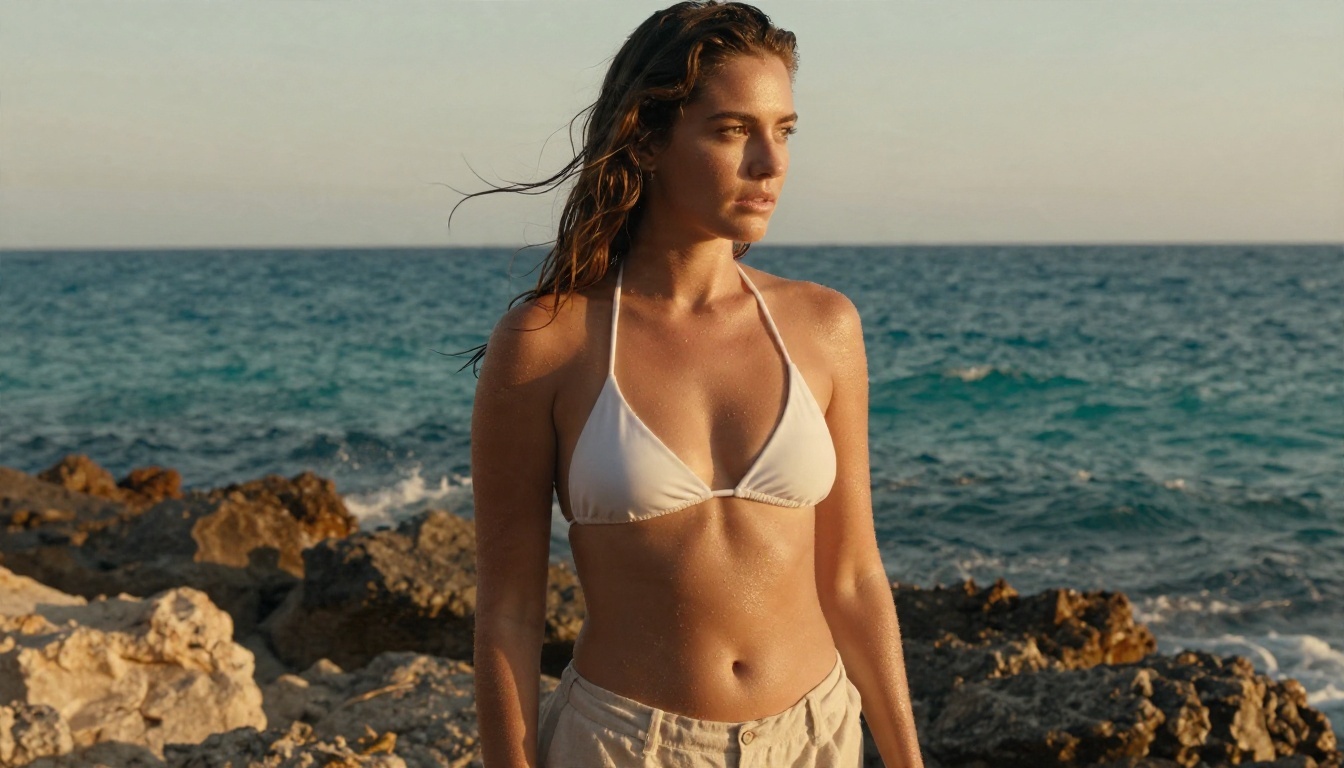
The fourth case is the most annoying, and it is where prompt wording helps. Describing a "woman in a white bikini top and linen shorts on a rocky beach at golden hour" is a clear, photographic scene. A vague phrase with no context gets flagged more easily.
| Problem | Looks like | Real cause | Best fix |
|---|
| Daily cap | "Try again later" | Usage quota | Wait, upgrade, or switch tool |
| Content refusal | "I can't create that" | Safety policy | Rewrite scene or use another generator |
| Soft blocks | Image is toned down | Output monitor | Be specific about wardrobe and setting |
| Slow queue | Long wait, no error | Server load | Retry off peak hours |
Free Alternatives That Work Today
You do not need a shady site with pop-ups. A handful of mainstream generators already handle swimwear, fashion and glamour work with far fewer refusals, and some give you a lot of room to experiment.
Seedream 4.5 comes first
Seedream 4.5 is the one to try first for this kind of work. It produces sharp, photographic skin, handles fabric and wet-hair details well, and it accepts tasteful glamour, swimwear and boudoir style prompts that ChatGPT often declines. It outputs up to 4K, so the results hold up on large screens and in print.
Image Editor Pro for volume
If your problem is the daily cap, PicassoIA Image Editor Pro is built for volume. It offers unlimited generations, so you can run twenty variations of the same scene and pick the best instead of rationing attempts. It also edits existing photos, which is handy when one detail is off, like a background or an outfit color.
Other solid options
These models are also on PicassoIA and are good for different jobs:
💡 Reality check: "No filter" does not mean "no rules". Explicit pornographic content is a different category and is not what these tools are for. Think glamour editorial, not adult film.
How to Get Similar Results on PicassoIA
ChatGPT is not a model you can pick on PicassoIA, so the closest match for flexible, photographic output is Seedream 4.5. Here is the workflow that gives consistent results.
Step by step
- Open the Seedream 4.5 page on PicassoIA.
- Write a prompt with one subject, one setting and one light source.
- Choose a 16:9 ratio for landscape scenes, or 3:4 for portraits.
- Generate, then look at hands, fabric edges and eyes.
- Change only one thing per attempt: wardrobe, angle or time of day.
- Send your favorite to PicassoIA Image Editor Pro for small fixes without starting over.
Settings worth changing
- Resolution: start low for drafts, then raise it for the final render.
- Aspect ratio: match your end use. A pool-side campaign shot looks better wide, a fashion portrait looks better tall.
- Prompt length: 50 to 75 words is a sweet spot. Shorter prompts leave too much to chance, longer ones start to contradict themselves.
- Seed: when you land on a good composition, keep the seed and change only the wording.
Prompts That Actually Work
Good prompts read like a photographer's shot list. They name the subject, the location, the light, the lens and the texture. The vague "sexy woman at the beach" gets worse results anywhere, and it triggers more blocks in strict tools.
Prompt formula
Use this order every time:
Subject and pose + environment + light direction + camera and lens + texture details
Example for a swimwear campaign:
A woman in a white bikini top and linen shorts standing on a rocky Mediterranean beach at golden hour, wet hair, tiny water droplets on sun-kissed skin, turquoise sea behind her, warm backlight from the setting sun, 35mm f/2 lens, fine film grain, editorial swimwear photoshoot.
Glamour and swimwear prompts
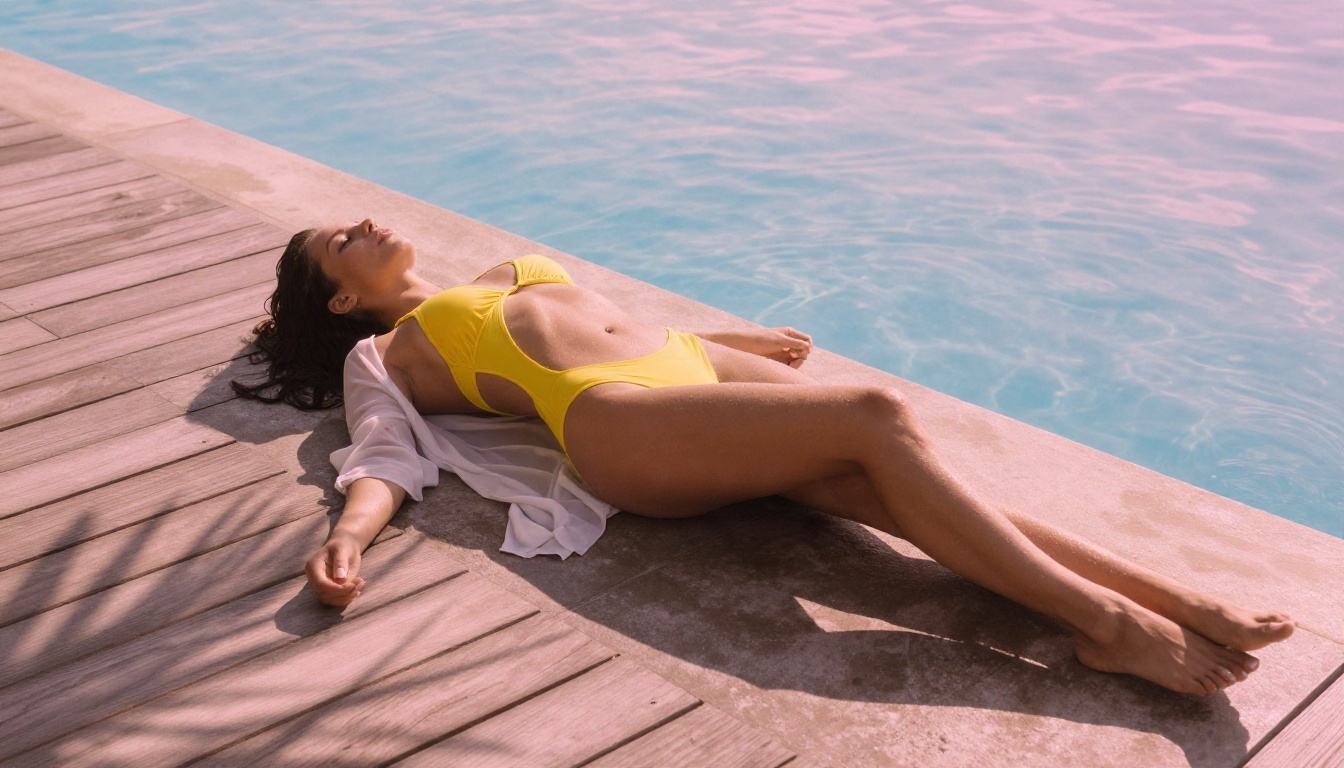
- Woman in a yellow two-piece swimsuit and sheer beach wrap on a wooden pool lounger, infinity pool at sunrise, palm shadows across the deck, soft pink light from low right, 35mm lens, water ripples.
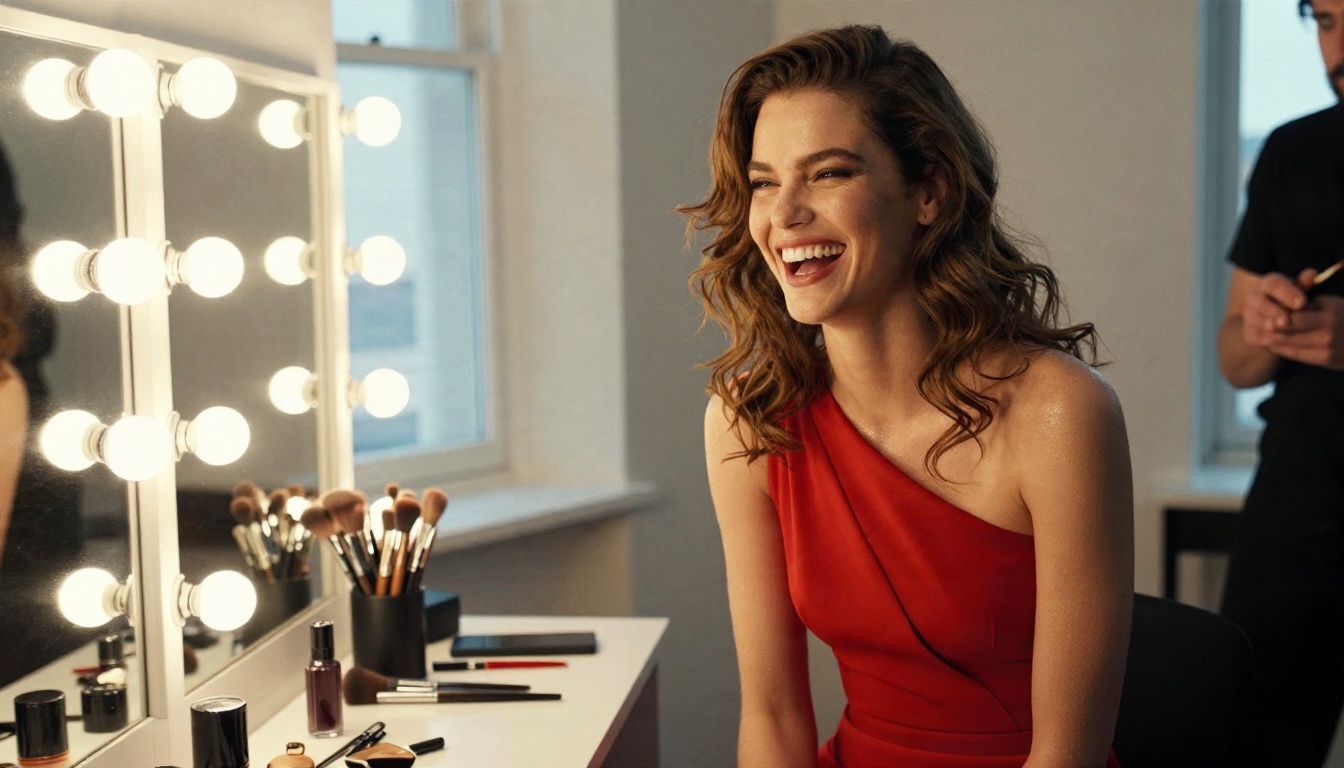
- Fashion model in a fitted red evening dress laughing between takes in a backstage dressing room, bulb-lit mirror, makeup brushes on the counter, 50mm f/1.4, visible skin pores.
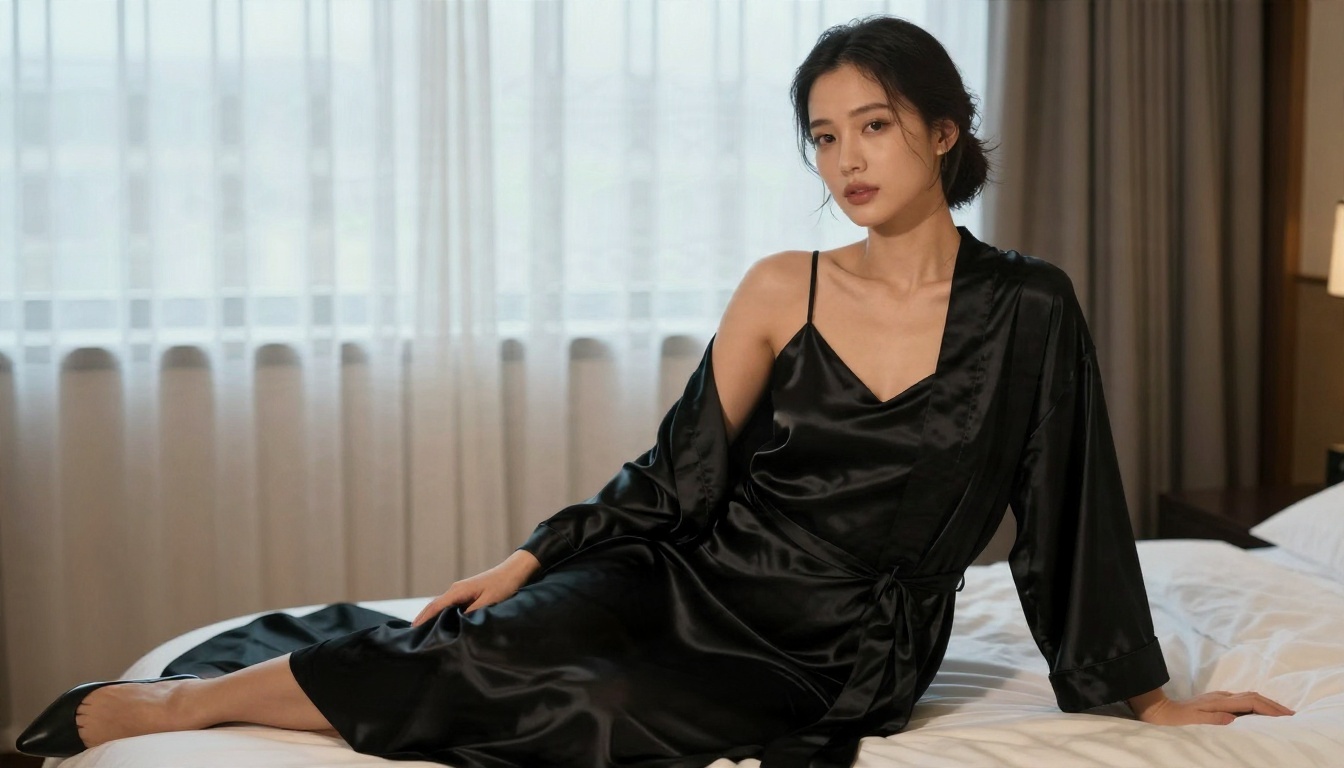
- Woman in a black satin slip dress sitting by a tall window, sheer curtains, soft daylight, glossy fabric folds, 85mm f/1.8, boudoir editorial.
Portrait realism prompts
Realism comes from small imperfections. Ask for pores, freckles, flyaway hair, fabric wrinkles and fingerprints on glass. Name a film stock like Kodak Portra 400, and mention grain. Avoid words such as "perfect", "flawless" or "ultra smooth", which push models toward a waxy look.
💡 Prompt tip: If a tool refuses, do not add more adjectives. Rewrite the scene around wardrobe, setting and lighting, and drop any suggestive filler words.
The market is crowded with sites that all claim to be free and unrestricted. Here is a plain look at how the categories compare.
Browser tools versus apps
| Option | Limit style | Realism | Glamour friendly | Best for |
|---|
| ChatGPT free tier | Small daily cap | High | Low | Quick, safe concepts |
| ChatGPT paid | Higher cap | High | Low | Mixed text and image work |
| Seedream 4.5 | Credit based | Very high | High | Swimwear and fashion shots |
| PicassoIA Image Editor Pro | Unlimited generations | High | High | Volume and quick edits |
| Z Image Turbo | Credit based | High | Medium | Fast drafts |
| Realistic Vision v5.1 | Credit based | High | Medium | Classic portrait looks |
What to check before signing up
- Clear pricing. If a site hides what happens after the free trial, leave.
- No forced downloads. A browser tool should not ask you to install anything.
- Output rights. Know whether you can use the pictures commercially.
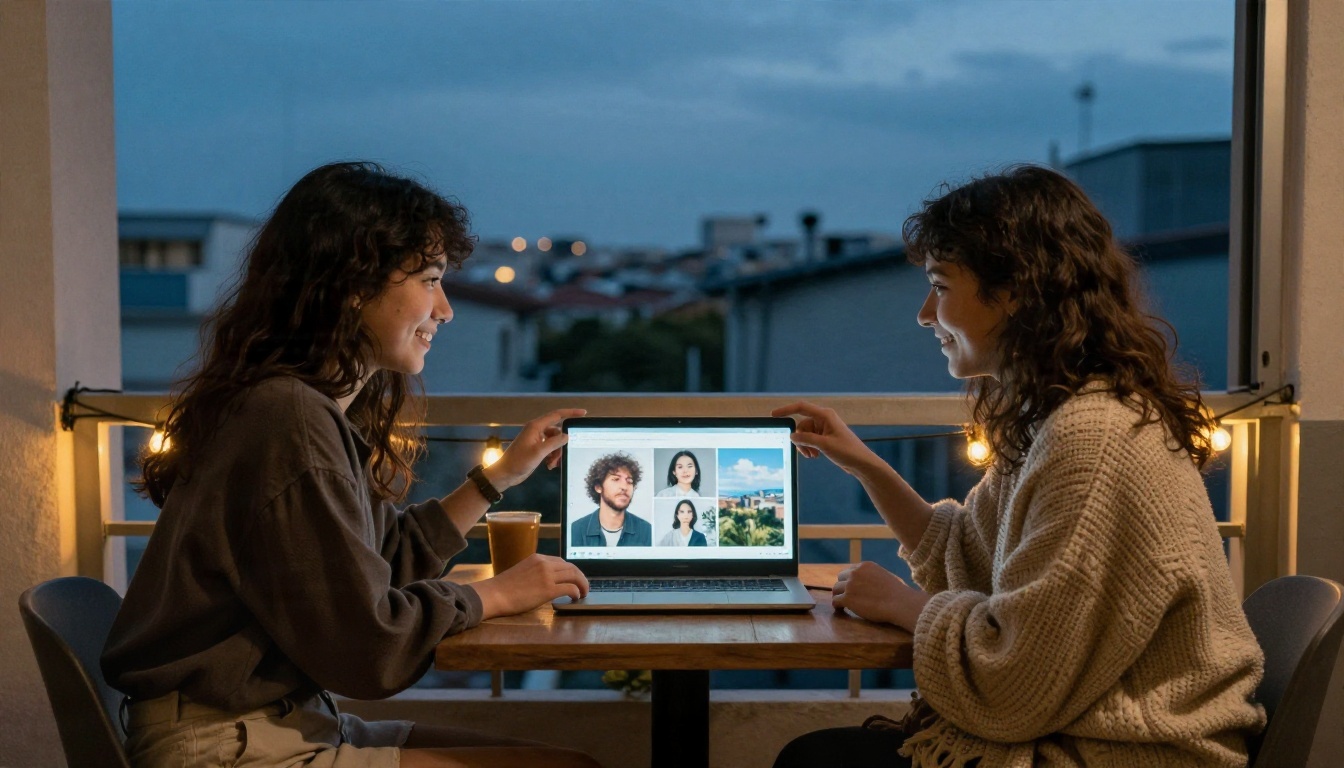
- Privacy. Avoid tools that ask for uploads of real people's photos with no explanation.
Mistakes That Waste Credits
Most wasted generations come from the same few habits.
Changing five things at once
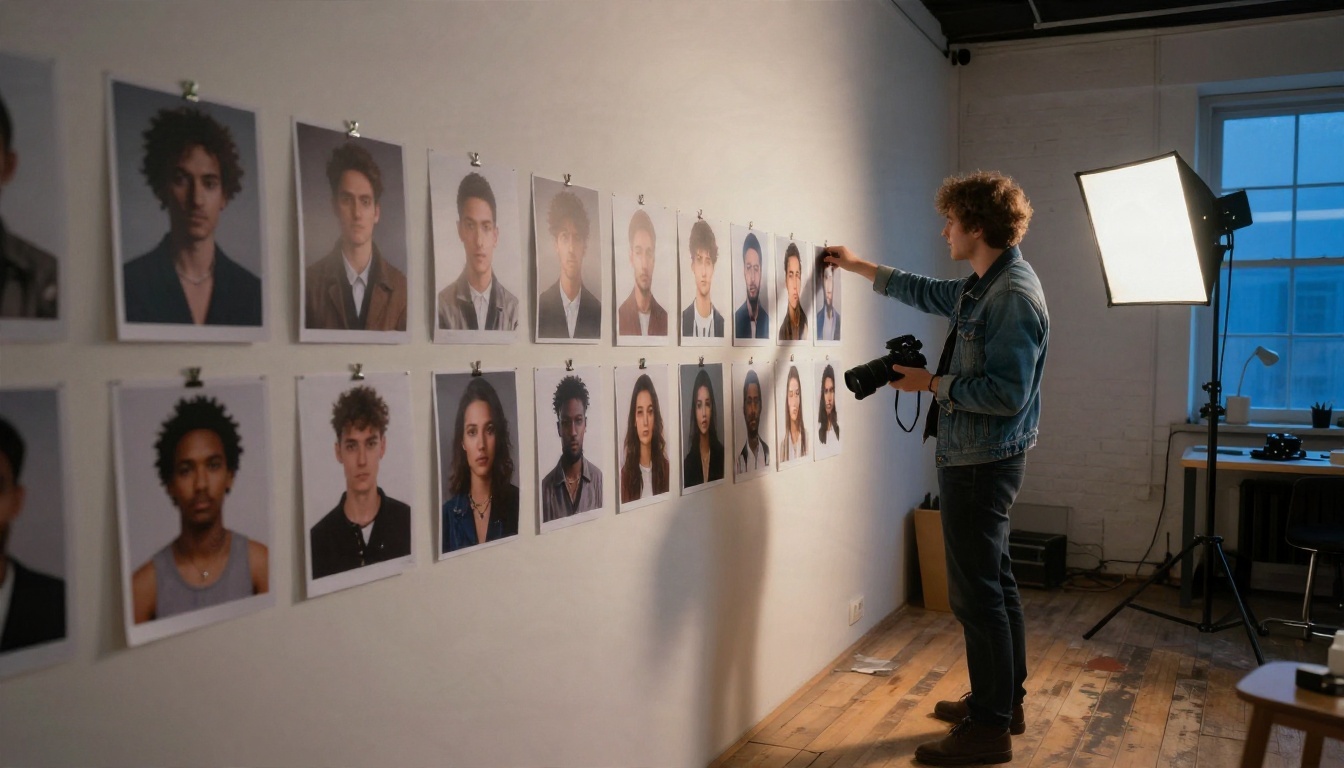
If you swap the location, the outfit, the angle and the lighting in one go, you cannot tell which change helped. Edit a single variable per attempt and keep a short note of what worked.
Ignoring the draft stage
Render at low resolution first. Only raise the resolution once composition and lighting look right. This alone can cut your credit use in half.
Using real names
Typing a celebrity name is the fastest way to a refusal, and it raises real consent and likeness problems. Describe a fictional person instead: age range, hair, wardrobe, mood.
Forgetting the editing step
A nearly perfect image does not need a full regeneration. Use PicassoIA Image Editor Pro to fix a background, change a color or clean up an edge. If you need to sharpen or enlarge the final file, a super resolution model on PicassoIA can raise it to print size.
Blaming the wrong thing
When you see a "limit reached" notice, do not rewrite your prompt. That message is about quota, not content. Switching tools, or waiting, is the only fix.
Start Creating Your Own Images
ChatGPT is a handy all-rounder, but it was never designed to be an unrestricted photo studio. If you want fewer refusals, more attempts and sharper glamour and swimwear photography, pair it with a generator built for that job.
Here is a simple plan for your next session:
- Open Seedream 4.5 and paste one of the prompts above.
- Change only the lighting, then only the wardrobe, and compare.
- Send your best result to PicassoIA Image Editor Pro and polish it with unlimited generations.
- Browse every other option at picassoia.com/en/all-models and test the same prompt across three models.
The fastest way to see the difference is to run your own prompt. Try it on PicassoIA today, and see how far a clear, photographic description can go.


