You open a pricing page, see "$10 a month," and assume you have found a bargain. Then you generate forty images in an afternoon and the credits are gone. That gap between the headline price and the real cost of one usable picture is the whole story behind cheap image packages, and it is why two people on the same plan can pay very different amounts per image.
This article breaks down how credit plans work, what a single image actually costs, where free credits are worth claiming, and which cheaper alternatives give you more pictures for the same money. Prices change often, so treat every number here as a snapshot and confirm it on the vendor's own page before you pay.
💡 Quick answer: the cheapest package is not the one with the lowest monthly fee. It is the one with the lowest cost per kept image, after you count failed attempts, premium model surcharges and unused credits that expire.
What Cheap Really Means
"Cheap" depends on how you work. A hobbyist who makes ten images a month and a store owner who needs two hundred product shots are shopping for different things, even if they land on the same page.

Price per image, not per month
The monthly fee only tells you what leaves your account. What matters is the price per image you keep. Divide the plan price by the number of images you will realistically generate, then adjust for the share you throw away. If you discard six out of ten attempts, your real cost per kept image is two and a half times the sticker figure.
Credits, tokens and GPU time
Each service meters usage in its own way, which makes direct comparison hard:
- Credits: a fixed number of points per month, where one standard image costs one or more credits. Adobe Firefly and Recraft work like this.
- Tokens: Leonardo sells tokens, and the cost changes with model, size and extra features.
- GPU time: Midjourney sells minutes of compute, so a quick draft costs less than a slow, high-detail render.
- Per-generation pricing: some platforms and APIs charge a flat amount per image, which is the easiest to predict.
The same headline allowance can buy a lot of images on a lightweight model and only a handful on a premium one. Always check the cost per action, not the total balance.
Credit Plans Compared
Here is the picture across the best-known services, based on 2026 pricing reports. Figures are rounded and can shift, so use them as a starting point.
| Service | Free option | Entry paid plan | How it meters usage |
|---|
| Midjourney | None | About $10 a month (Basic) | GPU time |
| Adobe Firefly | About 25 credits a month | About $9.99 a month (Standard) | Credits, one per standard image |
| Leonardo | Daily free tokens | About $12 a month | Tokens, vary by model and action |
| Pay-per-image platforms | Often a small trial balance | No plan needed | Flat cost per generation |

Subscription plans
Subscriptions suit steady users. You get a predictable bill, a monthly allowance and usually extras like private generation or commercial use. The catch is that unused credits often vanish at renewal. Some services, Leonardo among them, let paid users roll over a limited bank of unused tokens, which softens the loss.
A subscription makes sense when you will use most of the allowance every month. If you create in bursts, say a launch week followed by three quiet weeks, you pay for capacity you do not use.
Pay-as-you-go packs
Credit packs flip the logic. You buy a block of credits, and they last until you spend them or until an expiry date, depending on the seller. This is the best fit for occasional creators, because you only pay when you need pictures.
Check three details before buying a pack:
- Expiry: do the credits last a month, a year or indefinitely?
- Refund rules: are failed or blocked generations credited back?
- Bundle discount: how much cheaper is the large pack per image than the small one?
Hidden costs to watch
💡 Read this before you pay: premium models, high resolutions, upscales, variations and edits can each consume extra credits. A plan that looks generous on day one can drain in a week if every image uses the most expensive settings.
Other hidden costs include watermarks on free tiers, restrictions on commercial use, queue waits on cheaper plans, and charges for features you assumed were included, like background removal or inpainting.
Free Credits Worth Claiming
Free credits are the best way to test a tool without spending anything, but they are not all equal.

Daily versus monthly allowances
A daily allowance refills every twenty-four hours, so it rewards regular short sessions. A monthly allowance is one pot that you can spend in a day or stretch over thirty. Leonardo's free tier has leaned toward the daily model, while Adobe Firefly's free tier is a small monthly pot that disappears quickly if you use bigger or more complex generations. Midjourney currently offers no free tier at all.
If you create a little every day, a daily refill is worth more than the same total in a monthly pot. If you work in bursts, the monthly pot is more useful, because you can spend it all in one session.
Free tier traps
- Watermarks and low resolution: fine for testing, useless for client work.
- No commercial rights: an image you cannot legally use is not really free.
- Slow queues: free jobs often wait behind paying customers.
- Credit-card-on-file trials: a "free" trial that auto-renews can cost you the first month by accident. Set a reminder for the day before it ends.
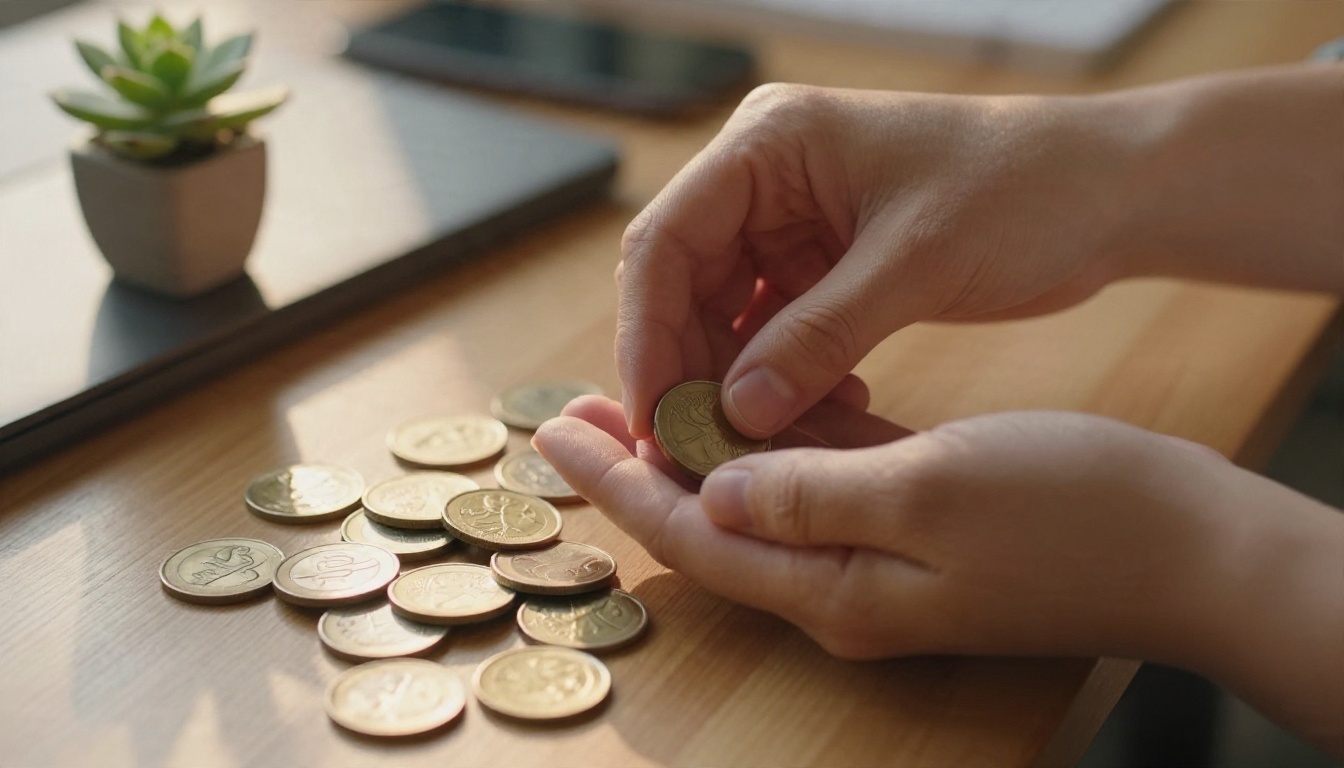
The Real Cost of One Image
Let's run the numbers with an illustrative example. These are not any vendor's official rates; they show how the math works so you can plug in your own.
Quick math you can reuse
Cost per kept image = plan price ÷ (images generated × keep rate)
Suppose a $10 plan lets you generate roughly 200 standard images a month.
| Keep rate | Images kept | Real cost per kept image |
|---|
| 100% (never happens) | 200 | $0.05 |
| 50% | 100 | $0.10 |
| 30% | 60 | $0.17 |
| 20% | 40 | $0.25 |
Your keep rate is the lever most people ignore. Better prompts, a model that suits the subject and a reference image all raise it. Doubling your keep rate halves your real cost, which beats almost any discount you could negotiate.
Where the money leaks
Watch for these common leaks:
- Regenerating the same prompt five times hoping for luck.
- Using the priciest model for rough drafts.
- Upscaling images you have not yet picked as finalists.
- Leaving an unused subscription active through slow months.

Cheaper Models, Same Quality
The model you pick changes cost more than the plan does. Lightweight, fast models use far fewer resources per image, and on a credit system that means more pictures for the same balance.
Fast models for drafts
For drafting, quick iteration and bulk work, speed-focused models are the best value:
- Z Image Turbo produces sharp images in seconds and suits fast iteration.
- Flux Schnell is built for speed, a good match for testing many prompt ideas quickly.
- Imagen 4 Fast brings a Google model to a quick, lightweight workflow.
- Nano Banana 2 Lite generates images fast and handles edits as well as new pictures.
Draft with these, pick your three favorites, and only then spend more on a premium render.
Premium models when it counts
For hero images, print work or a client's main banner, a higher-end model earns its price:
This draft cheap, finish premium routine is the single biggest saver. You spend small credits on the many attempts and larger credits only on the one or two images you will actually publish.
💡 Model pages on PicassoIA show what each model is built for, so you can match the model to the job before you spend credits. Check the current credit cost on the generation screen before you run a batch.

Alternatives to Subscriptions
You do not have to commit to a monthly plan to get good images.
Pay-per-image platforms
A platform that charges per generation, or sells a single pool of credits across many models, lets you test several engines without opening three separate subscriptions. This works well when your needs shift: one week you want photorealistic product shots, the next an illustration-style poster, and a single balance covers both.
PicassoIA is built around that idea. You can reach models from several families in one place, including Flux 2 Klein 4B Base, Seedream 4.5 and Imagen 4, rather than being locked into one vendor's style. Browse the full catalog at picassoia.com/en/all-models.

Stock photos versus generated images
Sometimes the cheapest option is not generation at all. A single stock photo license can cost more than dozens of generated images, but stock gives you real people, real places and clear licensing. Generation wins when you need a very specific scene, a consistent look across a series or fast variations. Stock wins for a documentary feel or when a legal team wants a paper trail.
Open models and local setups
If you own a capable graphics card, open-weight models can run on your own machine with no per-image fee. The trade-off is setup time, storage, electricity and the learning curve. For most people who generate fewer than a few hundred images a month, a pay-per-use platform is cheaper than buying hardware.

Seven Ways to Stretch Credits
These habits cut the real cost of images on any plan.
- Draft small. Start at a lower resolution or with a fast model, then finish only your favorites.
- Write tighter prompts. Name the subject, setting, light and lens in one clear sentence. Vague prompts waste attempts.
- Reuse seeds and references. When a result is close, keep its seed or use it as a reference instead of starting again.
- Batch by purpose. Generate all the images for one project in one session, so you can see which model gives the best keep rate.
- Edit instead of regenerating. If the composition is right but a detail is wrong, an edit or inpaint pass is usually cheaper than a full new render.
- Upscale last. Never upscale a candidate. Choose the winner, then upscale once.
- Audit monthly. Check how many credits you used. If you ended the month with a large balance, drop to a smaller plan. If you ran out in week two, a pack may be cheaper than upgrading.

Matching the package to your habits
| Your pattern | Best fit |
|---|
| A few images a month | Free tier or a small pay-as-you-go pack |
| Steady daily creation | A subscription with rollover or a daily refill |
| Bursts around launches | Credit packs with a long expiry |
| Many tools, many styles | One shared pool across models |
| Heavy volume, tech comfort | Open models on your own hardware |
Who Saves the Most
Different creators win in different places:
- Freelancers save by drafting on fast models and charging clients for finished premium renders.
- Small shops save by generating product backgrounds and lifestyle scenes in-house instead of booking a shoot each season.
- Students and hobbyists save by living on free daily allowances and a small pack for special projects.
- Social creators save by batching a month of visuals in one weekend session and then pausing the subscription.

Pick a Plan and Start Creating
The cheapest route is rarely the lowest sticker price. It is a mix: free credits to test, fast models for drafts, one premium model for finals, and a package that matches how often you actually create.
Give it a quick trial. Pick one subject you need this week, run a handful of drafts with Z Image Turbo or Flux Schnell, choose the best, and finish it with Seedream 4.5. Count what you spent and how many images you kept, then plug the numbers into the formula above.
Ready to try it yourself? Head to PicassoIA, open any text-to-image model and generate your first batch. The full list is at picassoia.com/en/all-models, so you can compare styles side by side and find the setup that gives you the most images for the least money.


