A real actor costs a day rate, a camera crew, a location and a week of editing. An AI actor costs a photo, a script and a few minutes. That gap is why so many solo creators, teachers and small shops are searching for the cheapest AI actor tool right now. The catch is that "cheap" means very different things depending on the plan, the watermark, the license and the number of credits each clip burns.
This article sorts out what you will really pay, which free options are usable and which are bait, and what a believable result looks like. You will also see budget alternatives on PicassoIA that let you build your own AI presenter from separate pieces: a face, a voice and a lipsync pass. Often that combination is cheaper than any all-in-one avatar subscription.
💡 Quick answer: If you only need a few short clips a month, a free tier plus a pay-as-you-go model beats a $29 monthly plan. If you publish weekly, a flat low-priced plan can win. Do the math on minutes, not on sticker price.
An "AI actor" is any software that produces a person on screen who says your words, without you filming a human. The label covers three quite different products, and mixing them up is the fastest way to overpay.
Talking photo tools
You upload one portrait, add audio or a script, and the face moves and speaks. These are the cheapest category because the heavy lifting is a single image. Models like Omni Human 1.5 and Fabric 1.0 work this way.
Presenter avatar platforms
These ship a library of stock presenters, a voice picker and a slide-style editor. They feel polished, and they charge accordingly. Think of HeyGen, Synthesia and D-ID, which sell monthly plans built around minutes of exported video. On PicassoIA you can reach the HeyGen avatar engine directly through Avatar V and Avatar IV without taking on a full platform subscription.
Lipsync on existing footage
Here you already have video of a person, perhaps even yourself, and the tool rewrites the mouth movement to match new audio. It is ideal for translating or fixing a line without a reshoot. Lipsync 2 and Kling Lip Sync are strong examples.
The Real Cost of AI Actors
Sticker prices are only the first number. What matters is cost per finished minute, plus what you are allowed to do with it afterward.
Subscription prices at a glance
The figures below come from a round of recent pricing roundups. Vendors change plans often, so treat them as ballpark numbers and confirm on each vendor's own pricing page before you pay.
| Tool | Free option | Typical entry paid price | Main catch |
|---|
| D-ID | 14 day trial, about 3 minutes | Around $5 to $6 per month | Entry plan is personal use only |
| HeyGen | A few free videos, watermark on exports | Around $29 per month | Credits drain quickly on longer clips |
| Synthesia | Free basic plan, about 10 minutes of video | Roughly $18 to $29 per month | Price varies by billing period |
| Hedra | About 100 free credits | Around $15 per month for commercial use | Better for characters than presenters |
| Vidnoz | About 60 free credits per day | Low monthly tiers | Free exports carry a watermark |
On paper, D-ID looks like the cheapest ticket in. In practice, the low tier forbids commercial use, so a business posting ads would need to step up. Hedra is the cheapest paid upgrade that allows commercial work, but it is built for expressive characters, not for a calm corporate spokesperson.
Credits and watermarks
Credits are where "cheap" quietly turns expensive. A plan that advertises ten minutes per month may count a failed render, a re-edit or a 1080p export against that allowance. Free tiers add a second tax: the watermark. A logo across the bottom of a sales video can hurt trust more than a slightly stiff face.
💡 Tip: Before committing to any plan, render one 15 second test, note the credit cost, and multiply by the number of clips you will really publish in a month.
Licensing is a hidden price
Personal-use plans are fine for a family video or a school project. If the clip sells something, you want commercial rights in writing. Check three things: whether the stock avatar can be used in ads, whether your uploaded face stays private, and whether the voice can be cloned or reused. A cheap plan that blocks one of these can cost you a reshoot later.
Free Options That Actually Work
Free is possible. It just requires realistic expectations about length, resolution and branding.
Free plans from big platforms
Synthesia's free basic plan gives you roughly ten minutes of video a month, which is generous for testing. HeyGen offers a handful of free videos before the watermark appears. D-ID gives a short trial. Vidnoz hands out daily credits, ideal for practicing prompts, but with a visible mark on everything you export. Use these to learn which voice and framing you like, then move the real work somewhere cheaper.
Free and low-cost on PicassoIA
PicassoIA takes a different approach: instead of one avatar subscription, you pick the model for each job and pay only for what you generate. A few relevant entries:
- Seedance 2.5 Lite is listed as a free and unlimited video generator for clips up to 10 seconds, a solid base for short actor shots.
- Lipsync Precision is listed for dubbing video free online, useful for fixing mouth movement on footage you already have.
- P Video Avatar creates talking avatar videos from a photo and audio, built for quick, low-cost drafts.
💡 Free access and limits can change, so check the model page for the current allowance before you plan a whole campaign around it.

Examples Worth Copying
Pricing talk is abstract until you see where the savings land. These three setups show what a cheap AI actor does well.
The training video
A small company needs a 4 minute onboarding clip that gets rewritten every quarter. Reshooting with a human instructor means booking a room and a person each time. With an AI presenter, someone edits the script and regenerates. The same face, the same tone, a fraction of the cost. Because the updates are text changes, a monthly plan or a pay-per-clip model both stay cheap.

The shop owner pitch
A ceramics seller films herself holding a mug, then wants the same pitch in Spanish and French. Instead of re-recording, she runs the audio through a voice model and applies a lipsync pass to the original footage. Video Translate dubs videos into 150+ languages, and Dubbing handles 90+ languages with voice-aware output. One shoot, three markets.

The marketing team test
Marketing teams use AI actors to test ad angles before paying for a proper shoot. Three scripts, three presenter looks, one afternoon. The winner gets filmed with a human crew if the budget allows, or stays AI if the numbers already look good. It is cheaper to be wrong with software than with a studio booking.

Budget Alternatives on PicassoIA
Building an actor from parts gives you control over each cost line. Here is how the pieces compare.
Face and motion models
| Model | Best for | Why it saves money |
|---|
| Omni Human 1.5 | Photo to speaking video | One portrait is the only asset you need |
| Fabric 1.0 | Quick talking photos | Short renders, low retry cost |
| Kling Avatar v2 | Animating any face | Strong expression from a single image |
| P Video Avatar | Fast avatar drafts | Good for testing scripts cheaply |
| Avatar V | Polished presenter look | HeyGen avatar quality without a platform plan |
Scene and cinematic models
If your actor needs to walk, turn, or stand in a believable location rather than sit in a studio frame, a text-to-video model does more than an avatar tool. Kling v3 Video and Veo 3.1 Fast produce cinematic shots, and Veo 3.1 Fast adds native audio, so spoken dialogue can come from the same render. For existing characters, Kling v3 Motion Control animates a figure with movement you direct. When you want to feed in your own images, video and audio, PicassoIA Reference To Video turns them into a single clip.
Voice models
The voice is half of the performance, and a flat voice makes even a perfect face feel fake. Several options keep costs down:
How to Build an AI Actor Cheaply
This workflow keeps every step small, so a bad result costs you one short render instead of a whole month of credits.
Step 1: Pick a clean source photo
Use a front-facing portrait with soft, even light, a closed or relaxed mouth and nothing covering the face. Avoid sunglasses, heavy shadows and extreme angles. A clear image is the single biggest factor in how natural the final motion looks.
Step 2: Record or generate the voice
Write a script of two to four sentences for your first test. Generate the voice with a text-to-speech model such as ElevenLabs V3, or record your own. Keep sentences short, because shorter audio means cheaper renders and fewer lipsync errors.
Step 3: Animate the face
Open Omni Human 1.5, upload the portrait and the audio, and run a short clip first. Check the eyes, the teeth and the jaw movement on the first pass. If the face looks stiff, try Fabric 1.0 with the same inputs and compare.
Step 4: Fix the mouth if needed
If the animation looks good but the lips drift from the words, run the clip through Lipsync 2 or Lipsync 2 Pro. This pass touches only the mouth region, so it is cheaper than regenerating the entire scene.
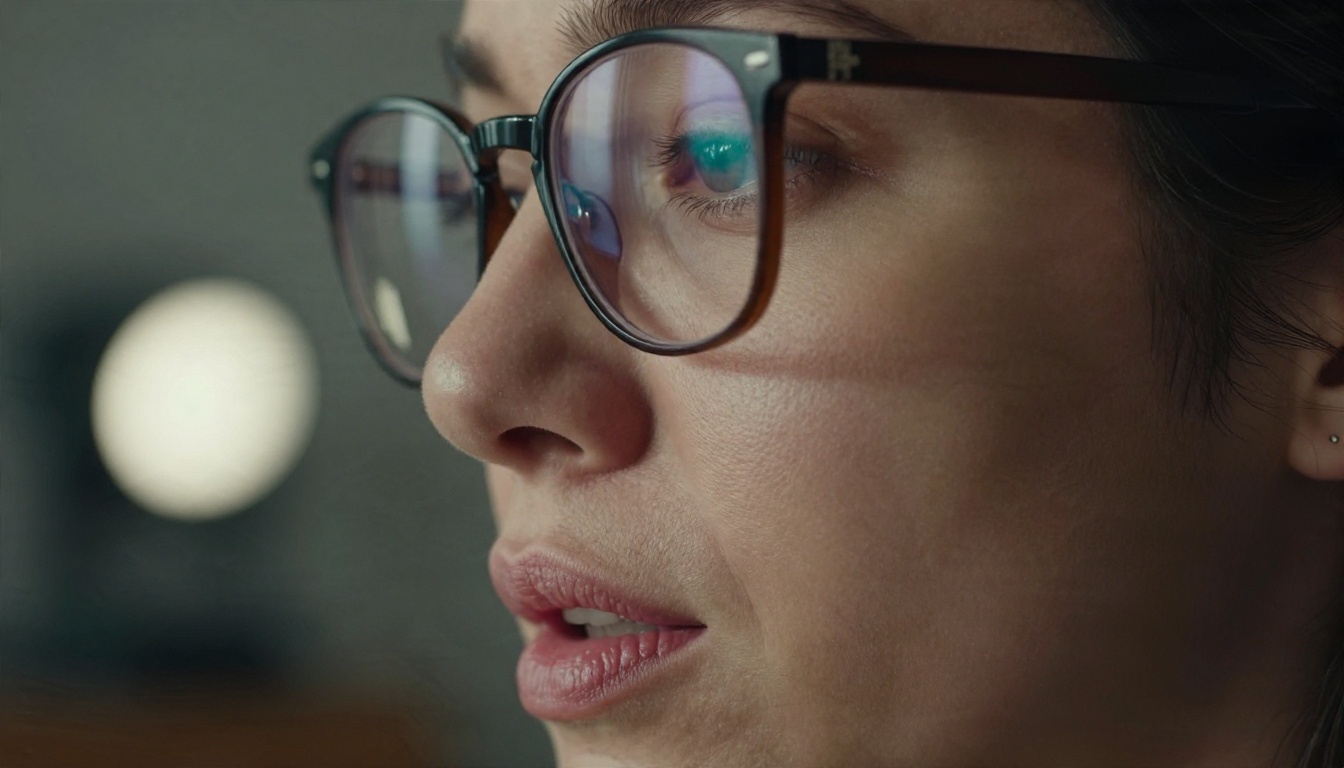
💡 Parameter tip: Keep the first test under 10 seconds, export at the lowest resolution that still lets you judge the face, and only upscale the version you plan to publish.
Mistakes That Waste Credits
Most overspending comes from a few repeatable habits.
Rendering the full script first. Always test with one sentence. A long render with a bad face wastes the entire allowance.
Ignoring audio quality. Echo, noise or clipped audio confuses lipsync models. Clean the voice before animating, not after.
Paying for features you will not use. Avatar libraries with 300 stock presenters are a waste if you only ever use your own face or one custom character.
Skipping the license check. A viral clip on a personal-use plan is a problem, not a win.
Buying annual plans too early. Annual billing looks cheaper by the month, but a plan you abandon after six weeks is the most expensive option of all.
| Habit | Cost it creates | Cheaper move |
|---|
| Long first render | Burned credits on a bad face | Test one sentence |
| Noisy audio | Repeated lipsync fixes | Clean voice first |
| Big avatar library | Paying for unused presenters | Use one face |
| Personal plan for ads | Reshoot or relicense | Confirm commercial rights |
| Annual plan on day one | Locked spend | Start monthly or pay per use |
The cheapest AI actor tool depends on how often you publish and who sees the result. For a quick test, a free plan from a big platform is enough. For ongoing work with commercial use, building from separate models on PicassoIA tends to cost less, because you pay for the face, the voice and the sync only when you need them, and you can swap any piece without changing the rest.
Start small. Upload one portrait, write one sentence, and run it through Omni Human 1.5 or P Video Avatar. If you like what you see, add a voice, add a lipsync pass, then try a cinematic scene with Seedance 2.5 Lite. When you are ready to experiment with more options, browse every model at picassoia.com/en/all-models and build the AI actor that fits your budget.


