Chroma has a reputation that spread fast: an open image model that doesn't flinch at adult subjects, doesn't need a subscription, and produces surprisingly natural skin. That reputation is partly earned and partly exaggerated. This article separates the two. You'll see what Chroma really is, how people run it for free, the CFG, step and sampler values that give clean results, and prompts you can copy for tasteful, non-explicit glamour work. You'll also see where PicassoIA fits in, because Chroma itself is not on PicassoIA, and the platform has other models that deliver similar photorealistic results in a browser tab.
💡 Quick answer: Chroma is a free, open weights model you can run locally or on third-party hosts. For the same style of work with no install, use Seedream 4.5 or PicassoIA Image Editor Pro on PicassoIA.
What Chroma Actually Is
Origins and Licence
Chroma is an image model of roughly 8.9 billion parameters, built on top of FLUX.1 schnell and released by the developer known as Lodestone Rock. It carries an Apache 2.0 licence, which is unusually open: you can download the weights, run them on your own hardware, and use outputs commercially without negotiating terms. The project has gone through several public releases, and the names you'll see most are Chroma1 HD, Chroma1 Base and Chroma1 Flash, a faster variant meant for fewer steps.
The pitch from the community was simple. FLUX.1 schnell is fast and sharp, but it was tuned in ways that narrowed what it would draw. Chroma retrained a large part of it on a broader dataset so the model would handle anatomy, skin and varied styles without refusing.
Why People Call It Uncensored
Chroma doesn't ship with a built-in content filter, and the people behind it describe it as uncensored and built for the community. In practice that means the model won't block a prompt. Whatever limits apply come from the place you run it. A local install has none. A hosted site will add its own moderation.
That distinction matters. "Uncensored" doesn't mean "anything goes" for every user. Adult content involving real people without consent, or anyone under 18, is off the table regardless of what software allows. Everything in this article, and every image in it, uses fictional adult subjects in tasteful, non-explicit scenes.
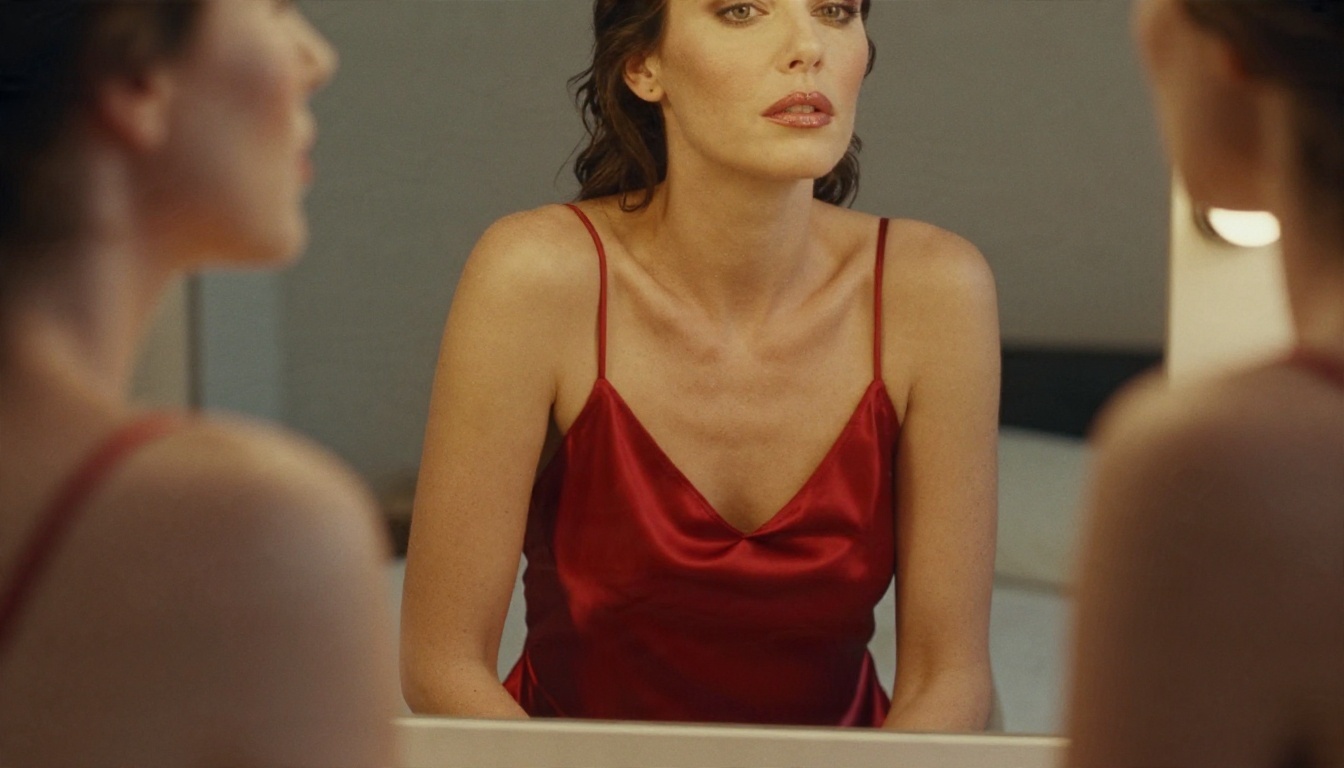
Free Online Use: Your Real Options
"Free" has three meanings with Chroma, and they come with very different trade-offs.
| Route | Cost | Setup | Speed | Moderation |
|---|
| Local install (ComfyUI) | Free, but needs a strong GPU | High | Depends on your card | None |
| Third-party hosted demos | Free tier or pay per image | Low | Queues at peak times | Varies by site |
| PicassoIA alternatives | Browser based | None | Seconds | Tasteful glamour supported |
Running It Locally
The local route is where Chroma shines. You need ComfyUI, the Chroma checkpoint in your diffusion models folder, the T5 XXL text encoder, and the FLUX VAE. Skip the VAE and your images come out grey and static, a mistake that trips up almost every first-timer. Quantised GGUF versions exist for cards with less memory, at some cost in detail.
The catch is hardware. An 8.9B model wants a lot of VRAM, and a mid-range laptop will crawl. If you don't already own a good GPU, "free" quickly becomes a weekend of troubleshooting.
Hosted Demos and Third-Party Sites
Several services, including Segmind, Sogni and WaveSpeed, offer Chroma through a web page or API. Some give a few free generations, others charge by the image. Quality is usually fine, but you inherit that host's rules, queue and pricing, and those change without notice.
Where PicassoIA Fits
Chroma is not available on PicassoIA, and this article won't pretend it is. What PicassoIA offers is a set of other photorealistic models that handle glamour, swimwear and portrait work, with no installs, no VAE hunting, and results in seconds. Those are covered in the tutorial section below.
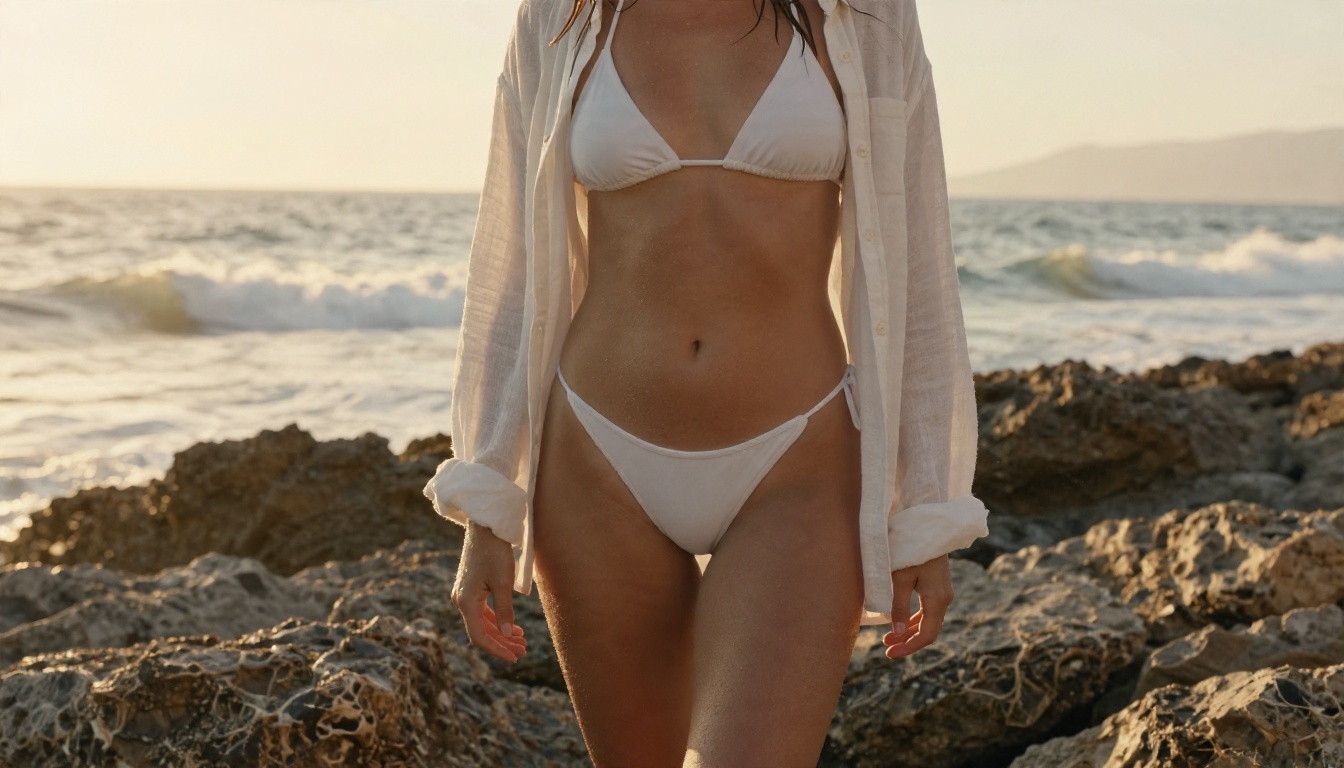
Best Settings for Chroma
Chroma is less forgiving than the FLUX model it grew from. FLUX schnell is built to finish in four steps with almost no guidance. Chroma wants a real negative prompt, real guidance, and a lot more steps. Community numbers vary, but they cluster tightly enough to give you a starting point.
| Setting | Starting value | Notes |
|---|
| Steps | 26 to 35 | Around 20 steps often shows pixelation |
| CFG (guidance) | 3.0 to 4.0 | The shipped workflow uses about 3.8 |
| Sampler | Euler | Stable and predictable |
| Scheduler | Beta | Pairs well with Euler in the sample workflow |
| Resolution | 1024 x 1024 up to about 1344 x 768 | Stay near one megapixel |
| Negative prompt | Always on | Chroma responds to it far more than FLUX does |
💡 Some third-party sites list much higher CFG values, such as 7 to 12. Those don't match what most Chroma users report, so treat them with suspicion and start at 3.5.
Steps and CFG
If your image looks plasticky or oversharpened, lower the CFG by half a point before touching anything else. If it looks mushy or has noisy edges, add four or five steps. Change one thing at a time and keep the seed fixed, otherwise you can't tell which change helped.
Sampler and Scheduler
Euler with the beta scheduler is the safe pairing. Other combinations work, but each shifts the look. Switching samplers mid-project is the fastest way to make a series of images feel inconsistent, so pick one and stay with it for a whole set.
Negative Prompts
A short, targeted negative prompt does more than a long one. Something like blurry, extra fingers, deformed hands, plastic skin, watermark, text, low quality, cartoon is plenty. Piling in fifty terms tends to flatten the image.

Prompts That Actually Work
Chroma reads natural language well, and it was trained on a mix of tag-style and sentence-style captions. Long, descriptive sentences give the most reliable results. A good prompt has five parts: subject and pose, outfit, setting, light, and camera.
Glamour and Portraits
Here is a template you can adapt:
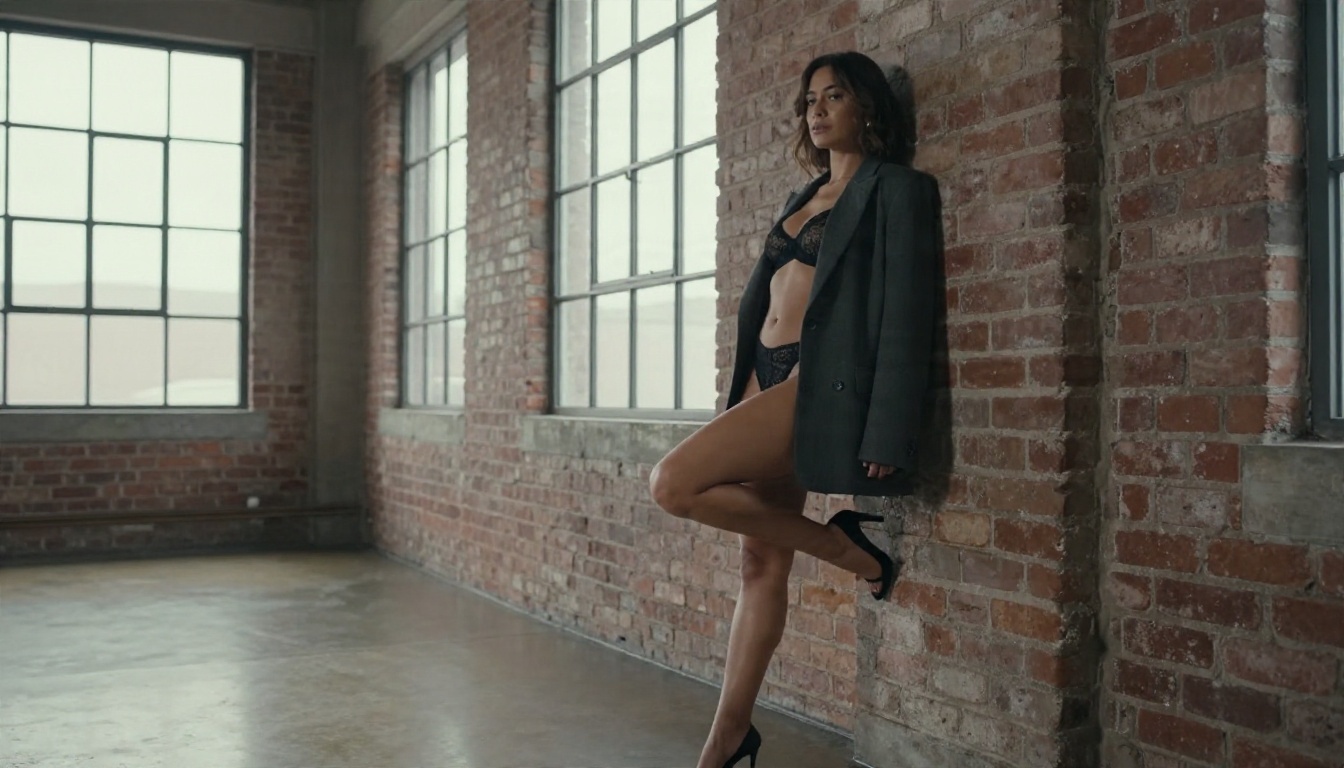
An adult woman in her late twenties wearing a black lace bralette under an oversized charcoal blazer, leaning against a brick loft wall, tall industrial windows with overcast daylight from the left, 50mm f/1.8 lens, visible skin texture, Kodak Portra 400 film grain, natural color.
The camera and film stock words do real work. They push the model toward photographic contrast and grain instead of the glossy, airbrushed look that many generators default to.
Swimwear and Outdoor
Outdoor scenes benefit from specific light. "Golden hour backlight from the right" produces a rim glow on hair and shoulders. "Midday sun diffused by a pergola" creates soft stripes of shadow across skin. Mention water droplets, salt, sand or wet hair and the model adds believable surface detail.
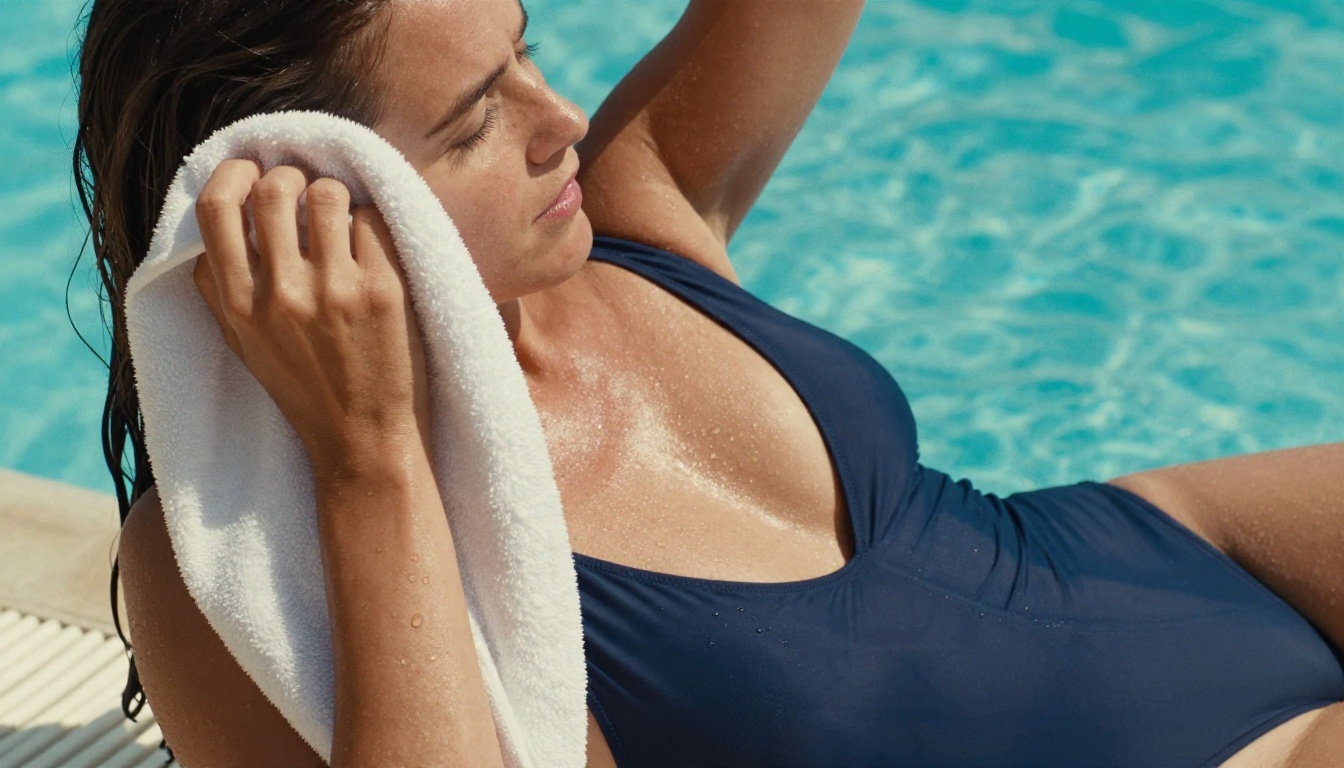
Three Common Mistakes
- Writing "8k, masterpiece, ultra detailed" and nothing else. Quality words without a scene give you generic faces.
- Skipping the negative prompt. Chroma drifts toward soft, waxy skin without one.
- Using too few steps. Fast settings from other models make Chroma look unfinished.
Example Gallery: What Good Output Looks Like
The images below show the tasteful, non-explicit style this article recommends. They focus on light, fabric, texture and mood. That's also the kind of work that holds up commercially and passes through most platforms without trouble.
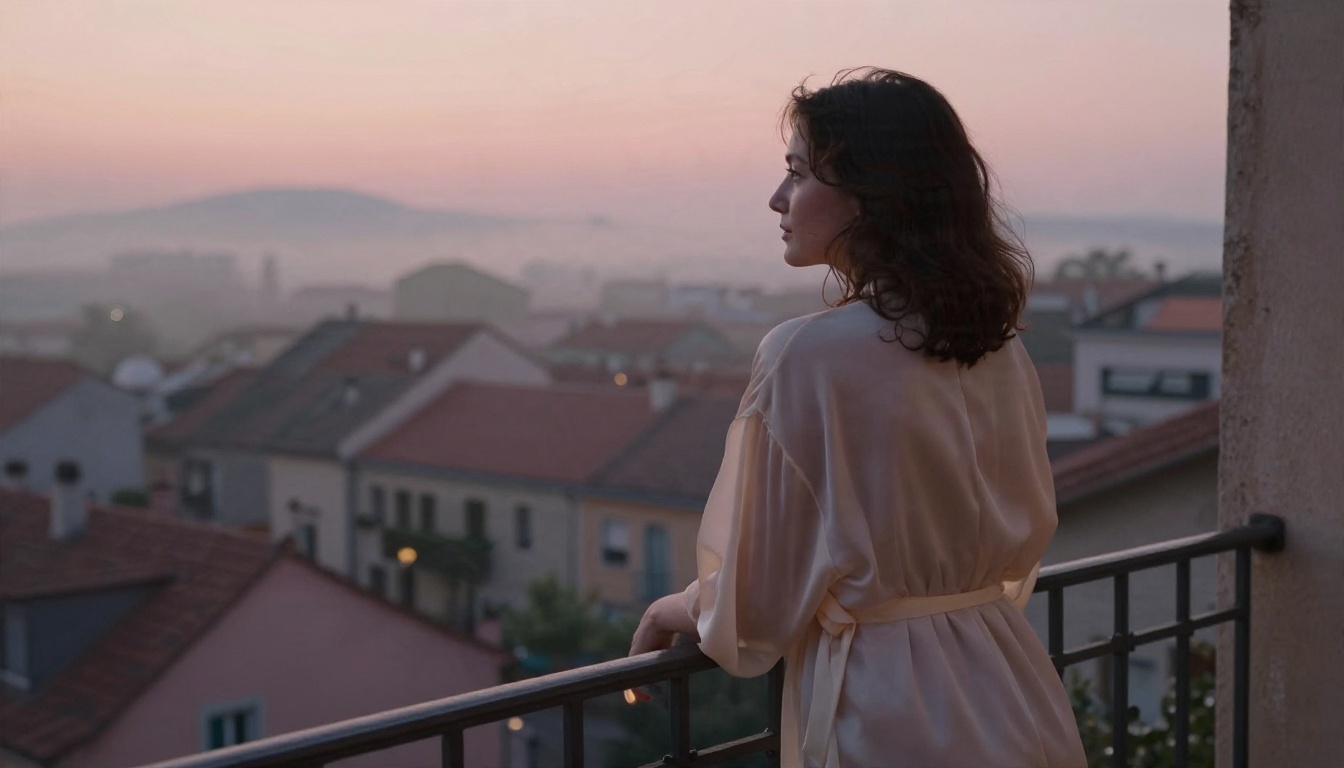
Dawn balcony. Soft pink light from the front left, a long lens that compresses the rooftops, and a loose robe with natural folds. The mood comes from the light, not from skin.
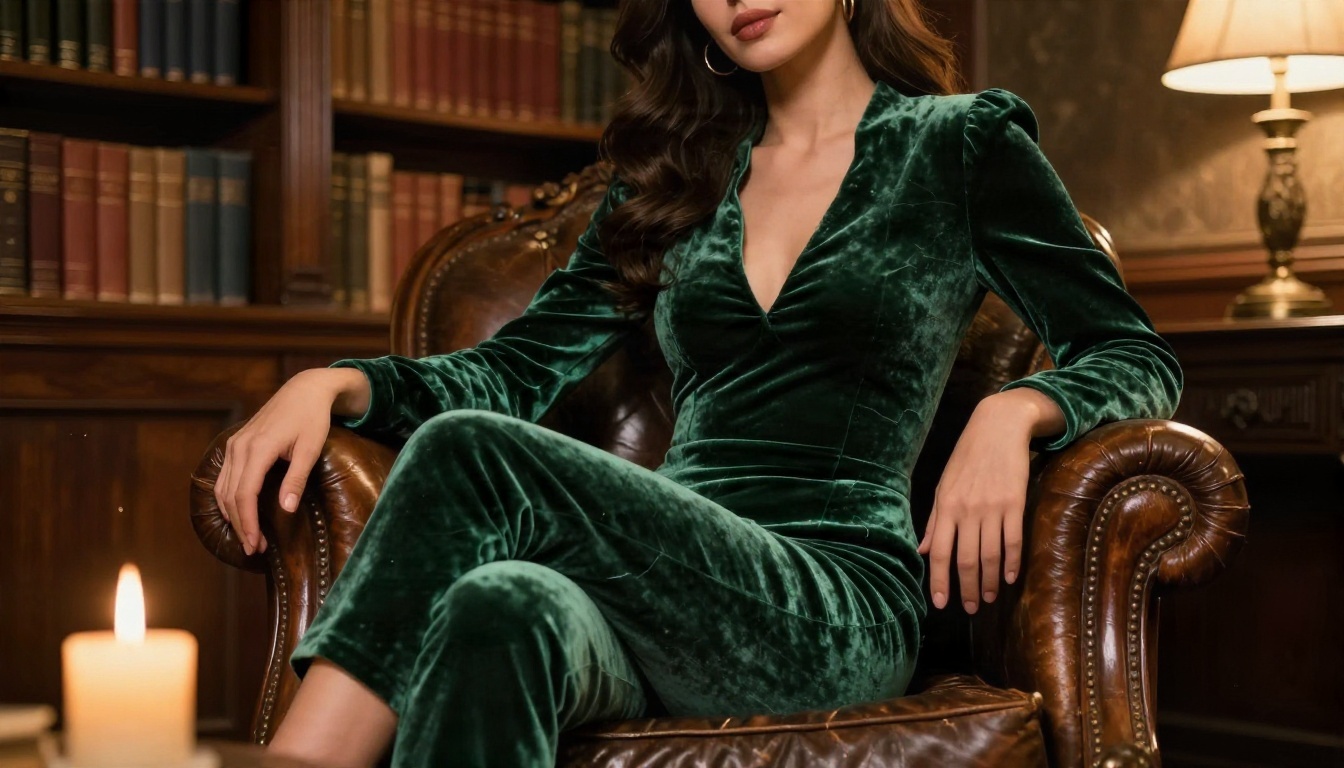
Library armchair. Warm lamp light from one side and deep soft shadows. Velvet and cracked leather give the frame plenty of texture, so the image feels tactile.
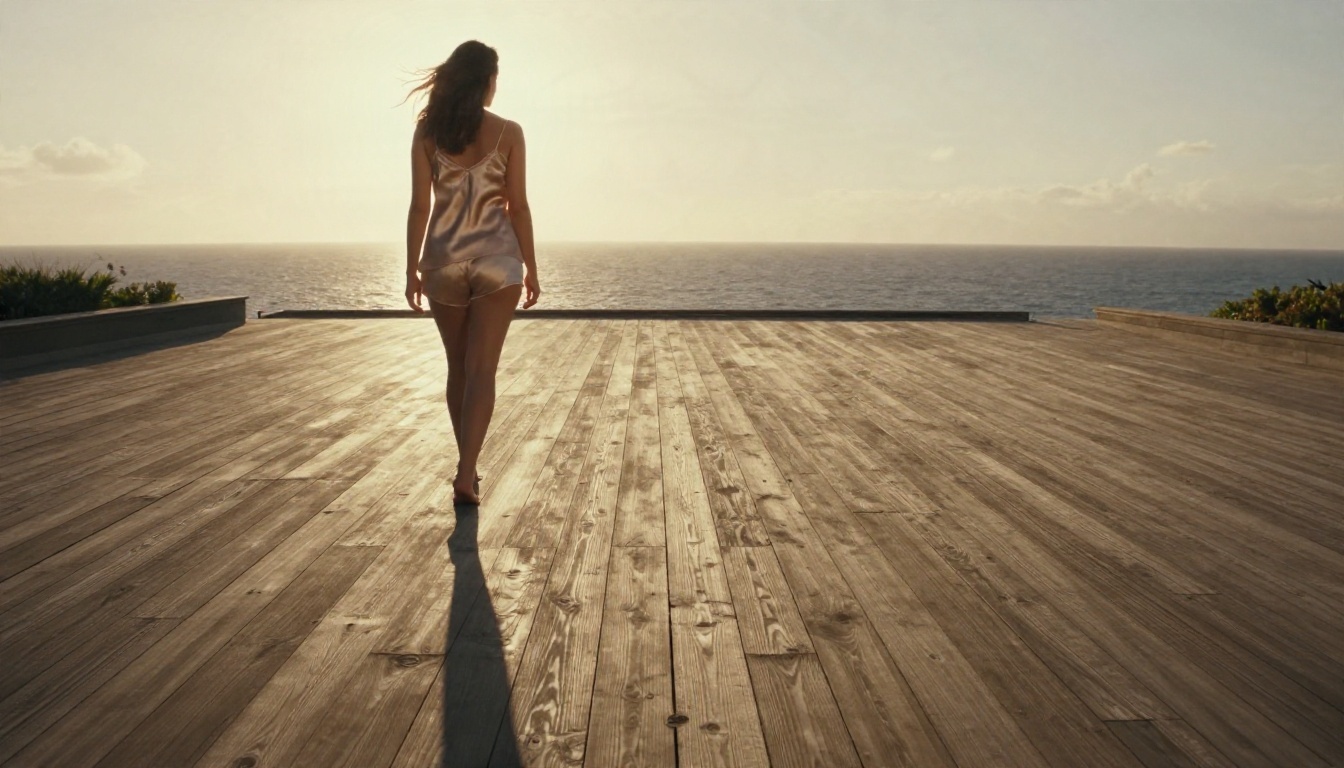
Terrace walk. A wide 24mm frame with backlight and a long shadow pointing toward the viewer. Wide shots like this are harder, because faces and hands get smaller, which is exactly where weaker models slip.
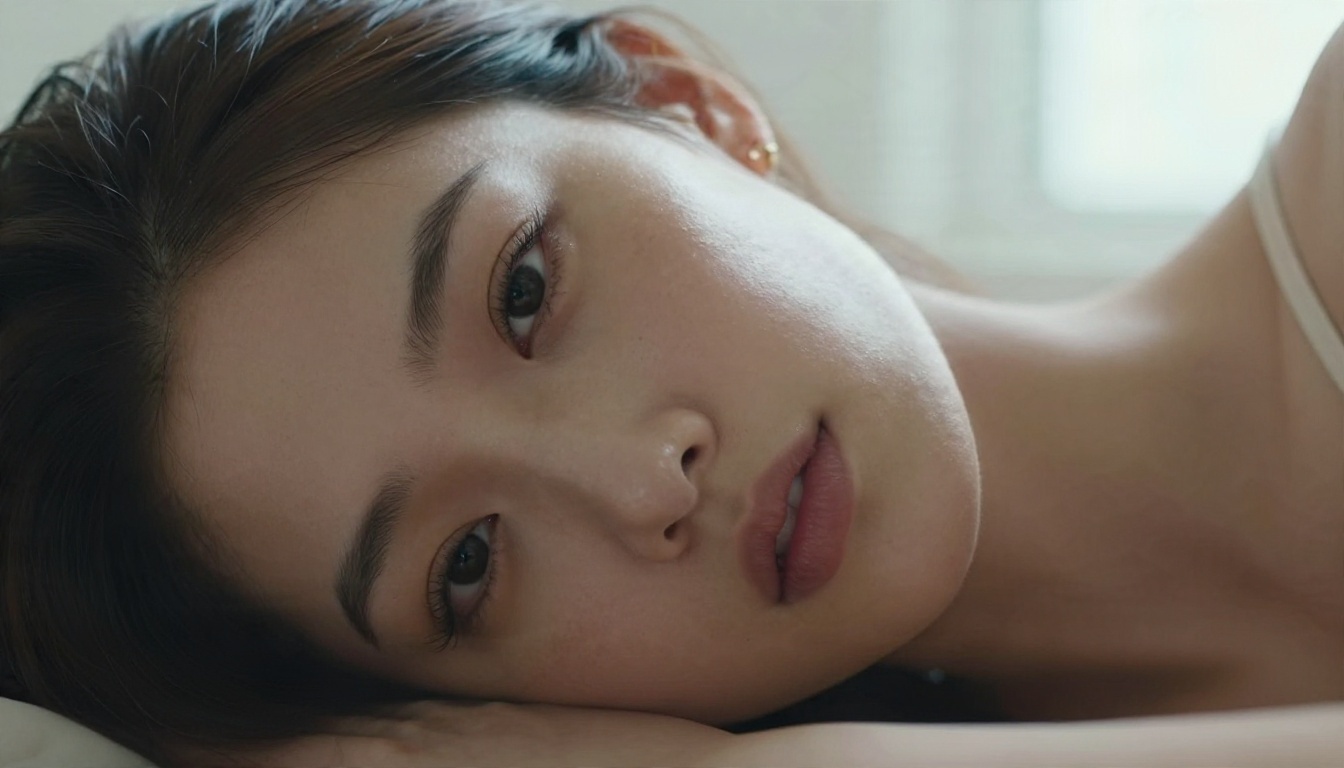
Macro portrait. A 100mm style close-up with visible pores, freckles and eyelashes. If a model can hold up at this distance, it can handle almost anything else you'll ask of it.
How to Get Similar Results on PicassoIA
Seedream 4.5 is the model to start with. It produces sharp, photorealistic people with natural skin, handles long descriptive prompts well, and renders at high resolution. For adult glamour work it's the strongest option here, and it needs no GPU, no VAE and no workflow files.
Step by Step
- Open the Seedream 4.5 page on PicassoIA.
- Paste a prompt built from the five parts: subject, outfit, setting, light, camera.
- Choose a 16:9 ratio for scenes or 3:4 for portraits.
- Generate, then review hands, eyes and fabric edges.
- Change one detail at a time, such as the light direction, and run it again.
Parameter Tips
- Write in full sentences. Seedream rewards detail more than keyword lists.
- Name the lens and film stock (85mm f/1.8, Kodak Portra 400) for a photographic look.
- Describe light direction explicitly: "from the left window", "backlit from the right".
- Keep outfits in tasteful territory: swimwear, lingerie-style fashion, robes, silk and lace. Think magazine shoot.
Other PicassoIA Models Worth Trying
- PicassoIA Image Editor Pro gives you unlimited generations and works well for fixing and refining an image after the first pass, such as changing an outfit, adjusting the background or cleaning up a detail. It's the model to use when you want to iterate without counting credits.
- Z Image Turbo is the fast option. It's good for drafting ten composition ideas in the time other models take to make two.
- Flux Dev is the closest relative to Chroma's parent family, and a reasonable choice if you like FLUX-style rendering.
💡 A solid workflow: draft with Z Image Turbo, produce the final with Seedream 4.5, then polish with Image Editor Pro.
Chroma vs the PicassoIA Alternatives
| Question | Chroma (local or hosted) | Seedream 4.5 on PicassoIA | Image Editor Pro on PicassoIA |
|---|
| Install needed | Yes for local | No | No |
| Hardware | Strong GPU | None | None |
| Prompt style | Sentences plus negative prompt | Detailed sentences | Instructions and edits |
| Speed | Slow on weak cards | Seconds | Seconds |
| Cost | Free weights, hosting varies | Platform credits | Unlimited generations |
| Best for | Full control and tinkering | Polished photorealism | Iterating and editing |
The honest summary: Chroma is the right tool if you enjoy tuning samplers and want total control over a local pipeline. If you want good images quickly, a browser model wins on time and effort.
Make Your Own Images Now
You've got the settings, the prompt structure and a clear picture of the options. The fastest next step is to try it yourself. Open Seedream 4.5, paste the loft prompt from this article, and change one thing: the light, the outfit or the lens. Then take the result into PicassoIA Image Editor Pro and refine it with unlimited generations.
Picasso IA's models are fast, flexible and built for this kind of photorealistic work. Browse every option at picassoia.com/en/all-models and find the one that matches your style.


