A 30-second ad used to mean a crew, a camera package, a location permit and a week in the edit suite. Today one person with a laptop can produce a first cut before lunch. The catch is that a cinematic ad content generator is not one button. It is a chain of choices: which model draws your first frame, which model moves it, how many seconds each clip can last, and how much of the process you can run for free.
This article walks through all four. You will see which free options are worth your time, how long clips can run before a model cuts you off, prompts you can copy and adapt, and examples for five product types. Where a model is mentioned, it links to its page on PicassoIA so you can test it yourself.
What a Cinematic Ad Generator Does
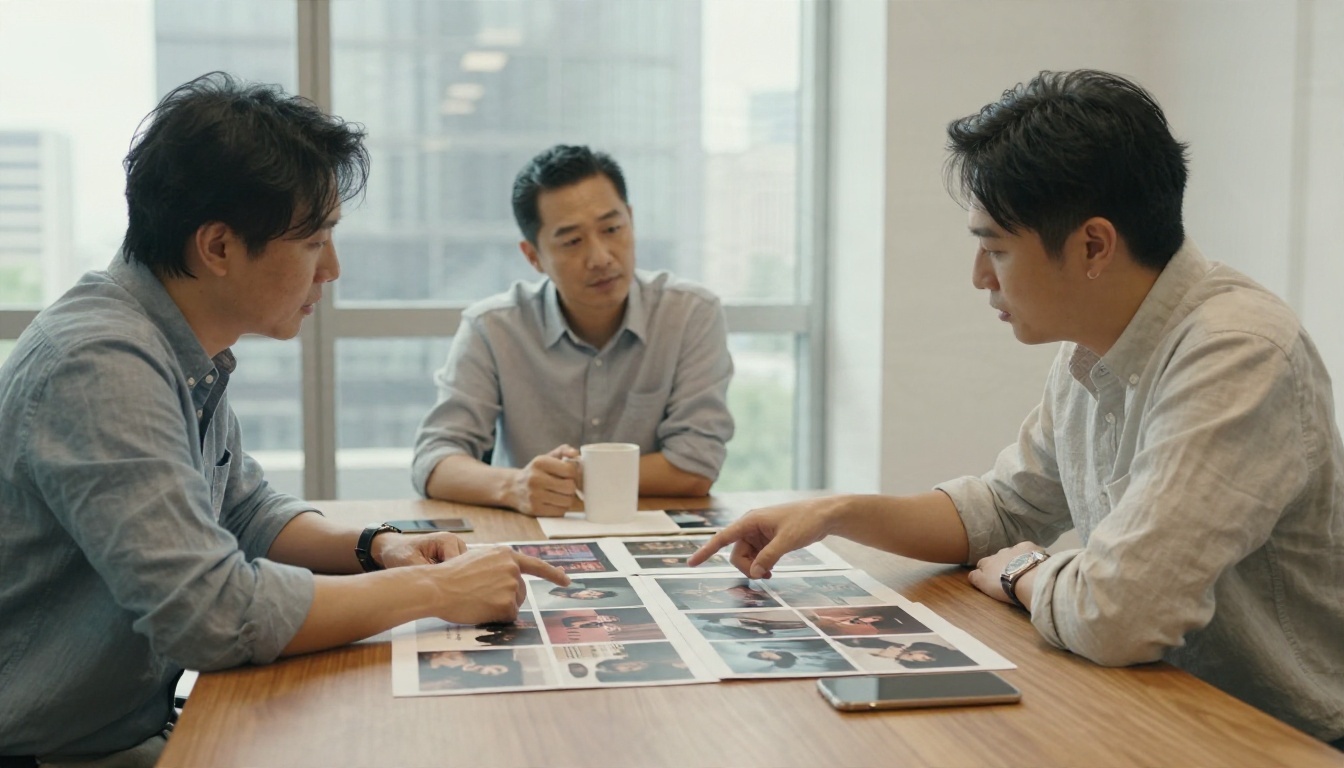
Forget the idea of typing "make me an ad" and getting a finished spot. A cinematic ad generator is a shot machine. It produces short, polished clips that look like they came from a real camera, and you assemble those clips into a story. The directing is still yours.
Three Parts of the Workflow
Most working setups have the same three layers:
- Concept and storyboard. A written shot list, even a rough one, with five to eight beats.
- First frames. Still images that lock in the product, the lighting and the color palette.
- Motion. Video models that animate those frames with camera moves, natural physics and, on some models, synced audio.
Skipping the second layer is the most common reason AI ads look random. If every clip starts from a different imagined product, the bottle changes shape from shot to shot.
Text to Video or Image to Video
Text-to-video is fast and good for exploring a mood. Image-to-video gives you control. For ads, where the product has to look the same every time, image-to-video wins almost every round. You generate a clean product still, approve it, then animate it.
💡 Tip: Generate three stills per shot, pick the best, and only then spend video credits. A still costs a fraction of a clip and tells you 90 percent of what you need to know.
Free Options That Actually Work

"Free" covers a wide range, from truly unlimited to a handful of watermarked trials. Here is how to sort the useful from the frustrating.
Free Image Models for First Frames
For still frames, a few models give you strong results without a heavy bill:
- Nano Banana Pro is listed for free 4K generation and handles product shots with clean edges and believable reflections.
- Flux 2 Klein 9B Base LoRA is listed as free and is useful when you want a consistent styled look across a whole campaign.
- Seedream 4.5 produces sharp 4K stills that hold up when you crop in for a close-up.
- Nano Banana 2 Lite is the quick option for rapid thumbnail-style drafts.
Free Video Models and Their Catches
On the motion side, Seedance 2.5 Lite is listed as free and unlimited, with clips up to 10 seconds. That is a rare combination, and it makes it the natural place to rough out a whole ad before you spend anything on premium models.
Other tools in the market usually come with tighter free tiers. Google's Veo 3.1 through its Flow tool has been reported to give around 50 daily credits, which works out to roughly a dozen short clips a day at 720p. Kling's free accounts have been reported to top out at a single 10-second clip with no extension. These numbers change often, so treat them as a snapshot, not a promise.
What Free Usually Costs You
| Free-tier trade-off | What it means for an ad |
|---|
| Lower resolution (480p or 720p) | Fine for social, soft on a big screen |
| Daily credit caps | You must plan shots before you generate |
| Watermarks | Unusable for client delivery |
| No clip extension | Every shot has to fit in one generation |
| Slower queues | Longer waits at peak hours |
If your target is Instagram, TikTok or a paid social test, a free tier can carry the whole project. If it is a TV spot or a client pitch deck, use free models for drafting and a premium model for the final hero shots.
Video Length Limits by Model
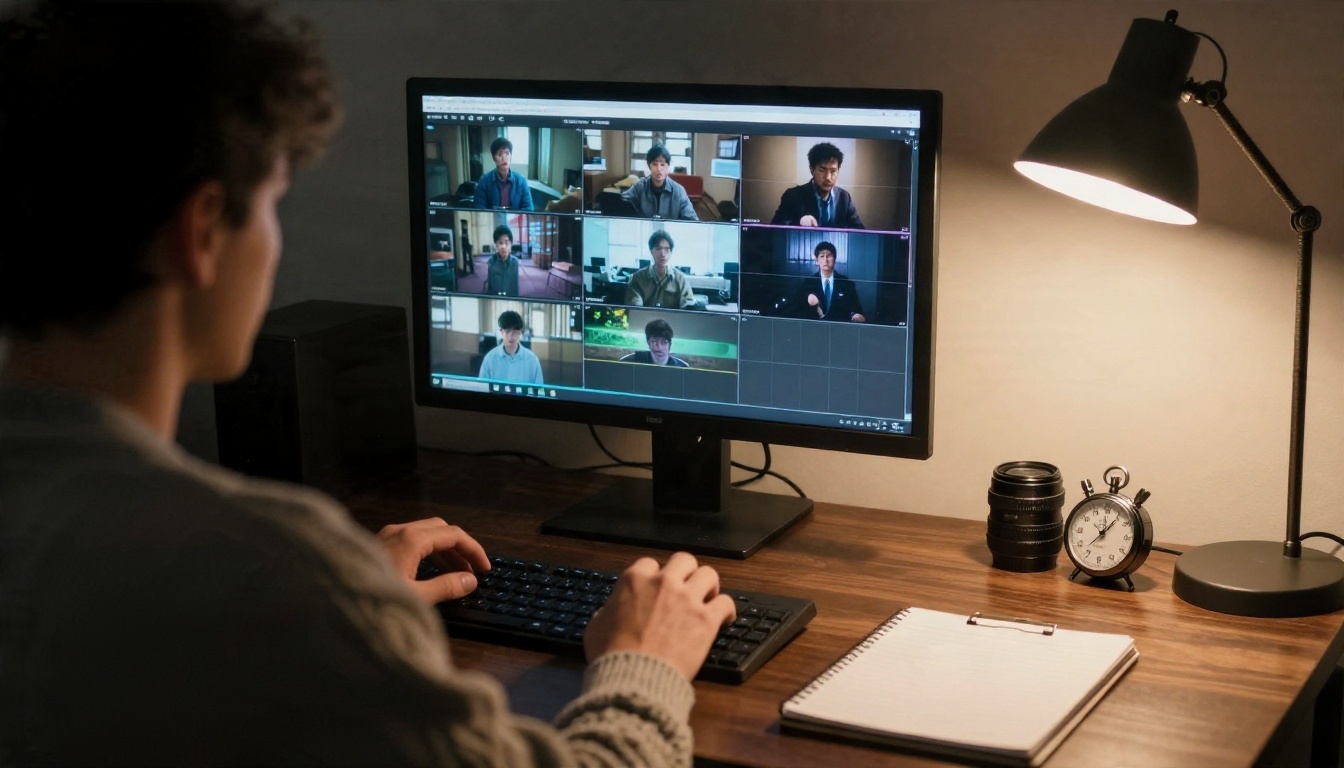
Length is the question people search for most, and the honest answer is that no model gives you a 30-second shot in one go for free. Most single generations sit between 5 and 15 seconds. Here is a working overview. Figures differ between sources and shift with each model update, so check the model page before you plan a shot list.
| Model | Typical single clip | Notes |
|---|
| Seedance 2.5 Lite | Up to 10 seconds | Listed as free and unlimited |
| Seedance 2.5 | Up to 30 seconds | Longest single generation in this list |
| Veo 3.1 Fast | About 8 seconds | Native audio, strong realism |
| Kling v3 Video | About 5 to 10 seconds | Smooth camera moves |
| Sora 2 | Reported 10 to 20 seconds | Synced audio, reports vary |
| Hailuo 02 | About 6 to 10 seconds | Good with human motion |
| Wan 2.5 T2V | About 5 to 10 seconds | Flexible, fast variants available |
| LTX 2.5 Fast | Short clips, very quick | Built for speed at high resolution |
Why Clips Stay Short
Longer clips mean more room for drift. Faces change, logos warp, a car gains a door. Short generations keep the model close to your starting frame. That limit is also a gift for ads: a modern spot rarely holds one shot for more than three or four seconds anyway.
How to Stretch to 30 Seconds
You do not need a 30-second generation. You need six to eight 4-second shots cut together. A rough rhythm for a 30-second spot:
- Opening hook, 3 seconds
- Product reveal, 4 seconds
- Detail or macro shot, 3 seconds
- Lifestyle or use case, 5 seconds
- Second detail, 3 seconds
- Emotional payoff, 5 seconds
- Logo and tagline, 4 to 5 seconds
For the opposite approach, a single continuous shot, Seedance 2.5 is the model to test first, since its page advertises videos up to 30 seconds.
Prompts That Read Like a Shot List
Models respond best to prompts written the way a cinematographer thinks. Name the subject, the move, the light and the lens. Leave out vague praise like "stunning" or "epic."
The Five-Part Formula
Use this order for both image and video prompts:
- Subject and action. What is it, and what is it doing?
- Environment. Where, and what is in the background?
- Light. Direction, quality, time of day.
- Camera. Angle, lens, movement.
- Texture and mood. Surfaces, grain, atmosphere.
For video prompts, add a chronological sentence describing what changes over the clip: what moves first, what the camera does, and how the light shifts.
Prompts You Can Copy
Hero product still:
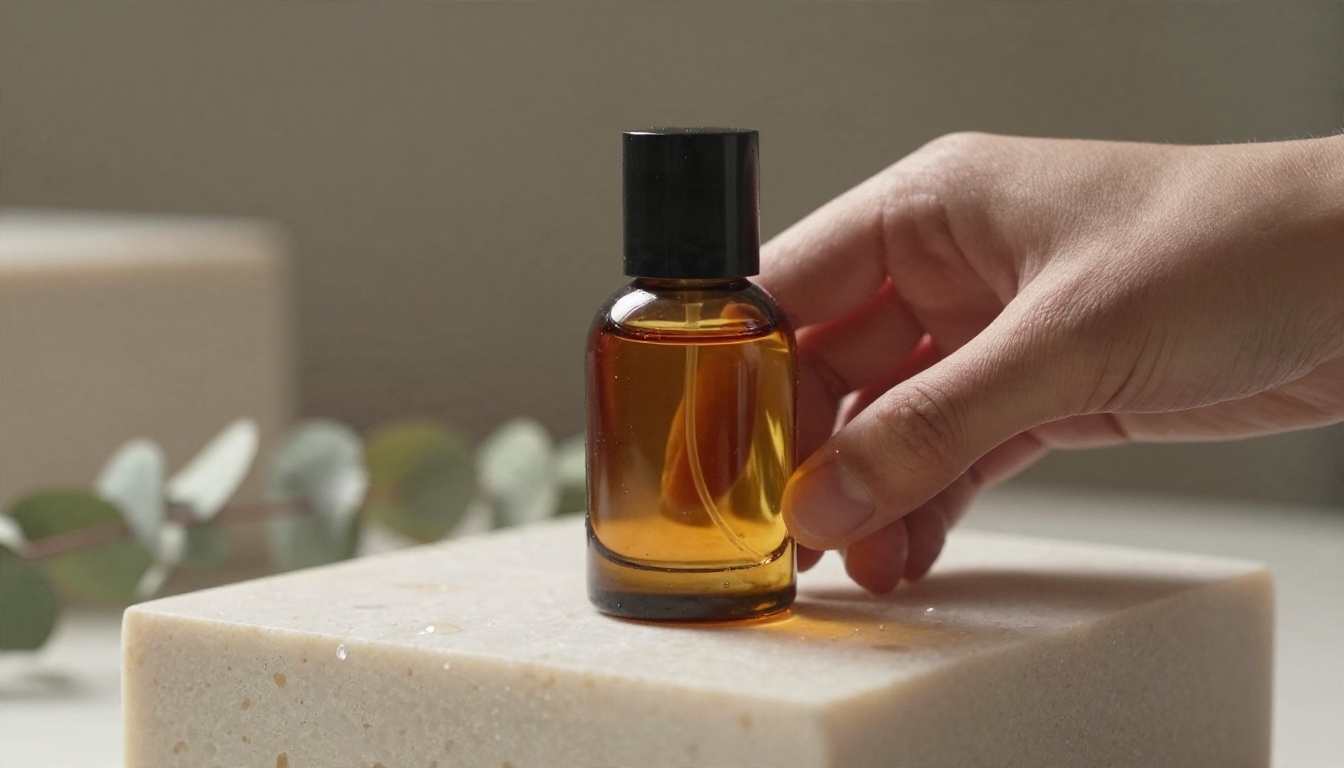
Amber glass perfume bottle on a pale travertine block, dried eucalyptus stems blurred behind, soft diffused daylight from camera left, thin rim light along the glass edge, 85mm lens at f/1.8, fine film grain, warm cream palette.
Video prompt for that still:
The camera slowly pushes in toward the bottle while a gentle breeze moves the eucalyptus stems in the background. Light shifts slightly warmer as a cloud passes. Subtle glass reflections slide across the surface. No cuts, steady movement.
Lifestyle shot:
A runner in grey technical apparel crosses an empty city bridge at sunrise, low tracking camera near the ground, golden backlight on loose strands of hair, 24mm lens, light haze, natural film grain.
💡 Tip: Say what should not move. "The bottle stays perfectly still, only the camera moves" prevents the most common product-warp problem in image-to-video.
Examples by Product Type
Each product category rewards a slightly different approach. These five come up the most in ad briefs.
Perfume and Beauty

Beauty ads live on glass, liquid and soft light. Use slow push-ins, long lenses and warm neutral palettes. Avoid fast camera moves, since reflective surfaces are where AI errors show first. Veo 3.1 Fast and Kling v3 Video both handle glossy materials well.
Cars and Motion
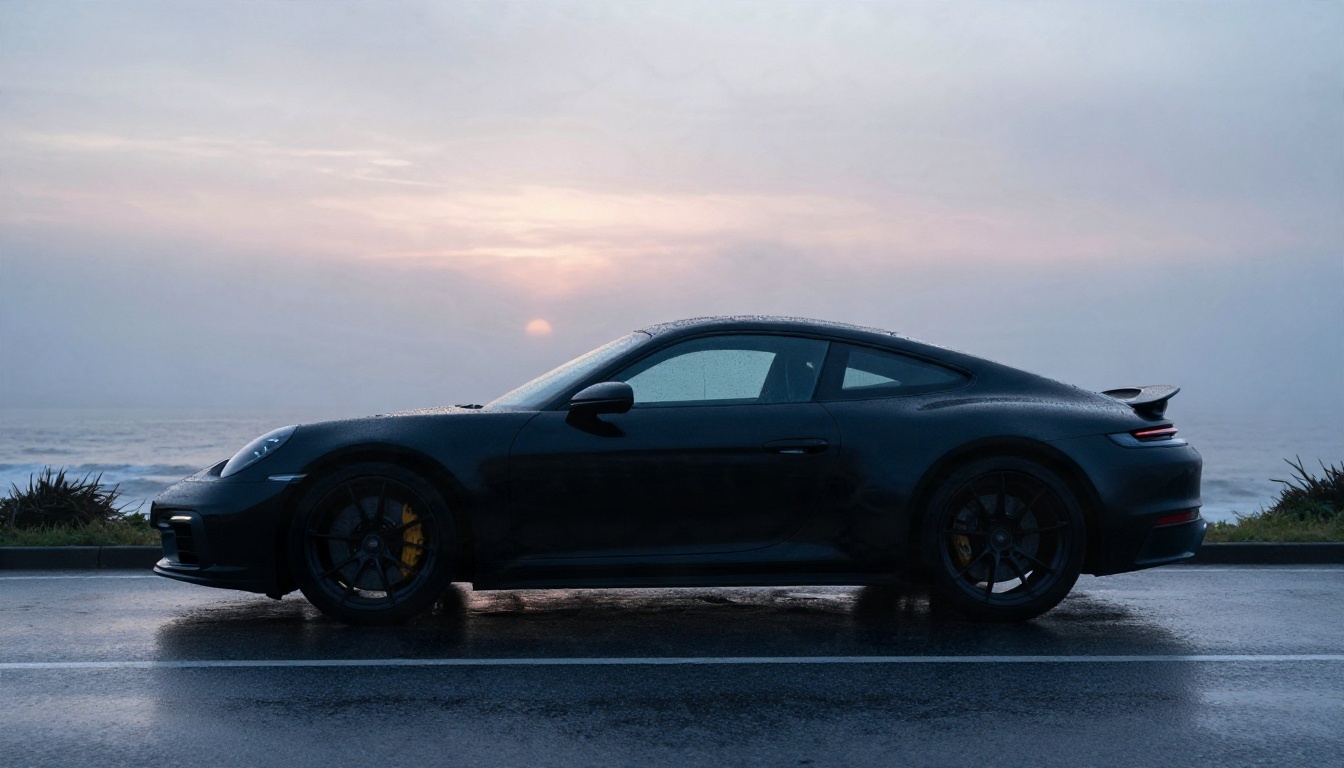
Car spots depend on atmosphere: wet asphalt, low mist, dawn light. Start from a strong side-profile still, then ask for a slow tracking move alongside the vehicle. Keep the description of the wheels simple. Spinning spokes are a weak point for most models, so cut away from them quickly.
Food and Beverage
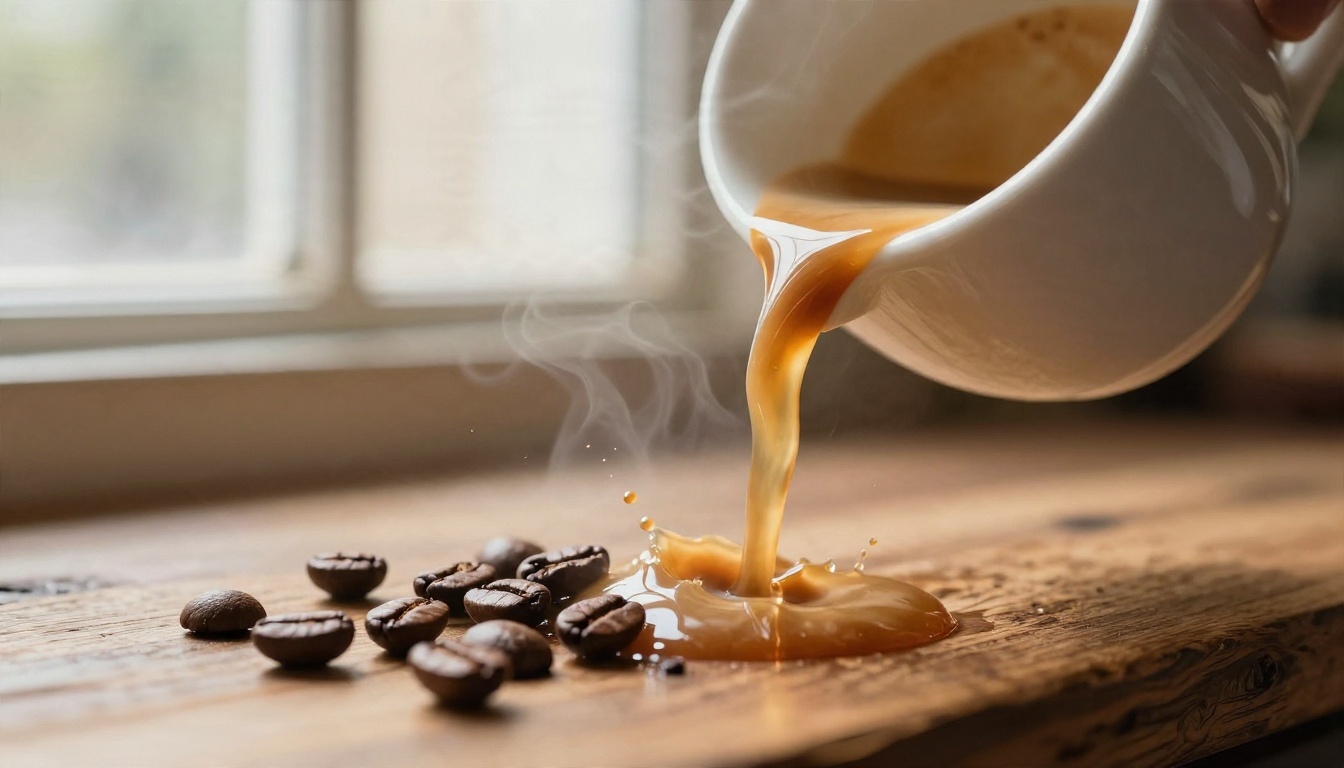
Macro shots, steam and pouring liquid sell taste. Back-light everything: steam only reads against a darker background with light behind it. Models with native audio, such as Veo 3.1 Fast and Sora 2, can add the pour and the clink for you.
Sportswear and Lifestyle
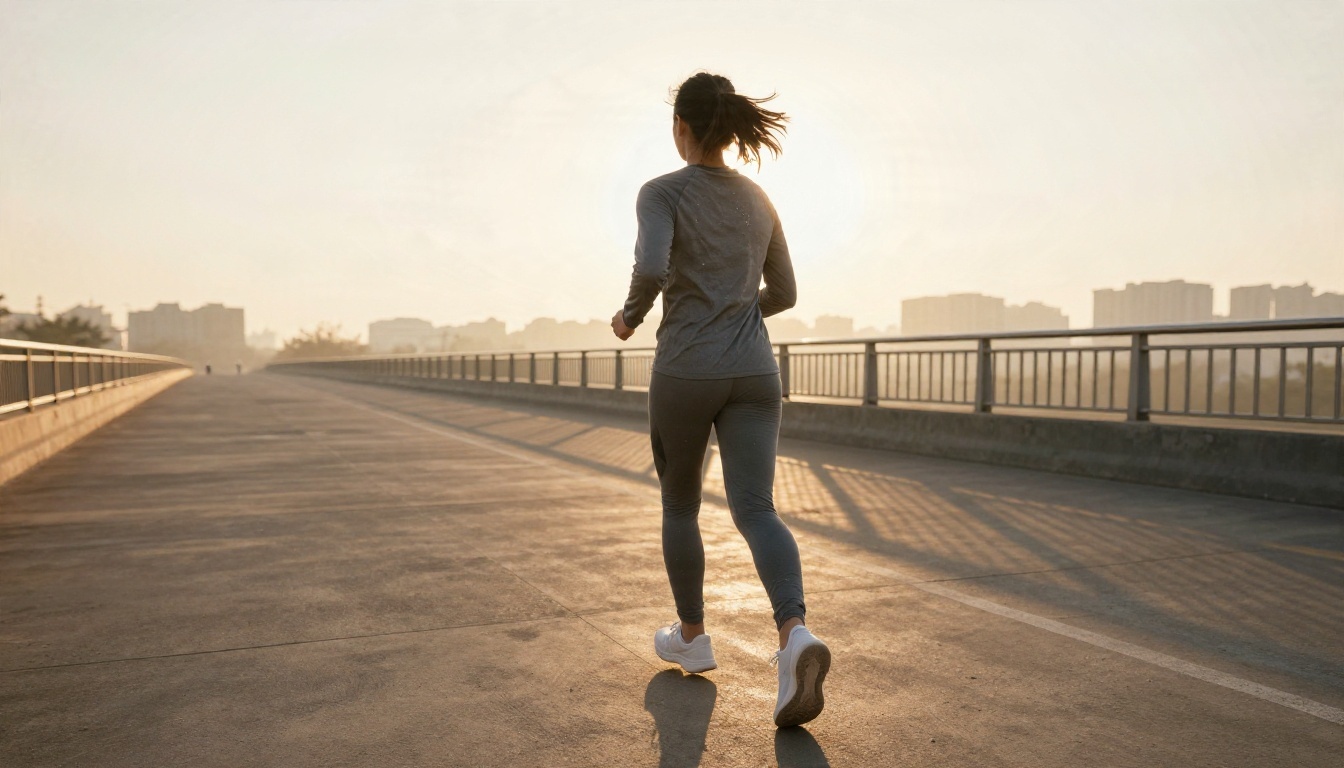
Movement ads need a believable body. Hailuo 02 is a good first test for running and walking. Keep the action simple: one person, one motion, one location per clip.
Wearables and Gadgets
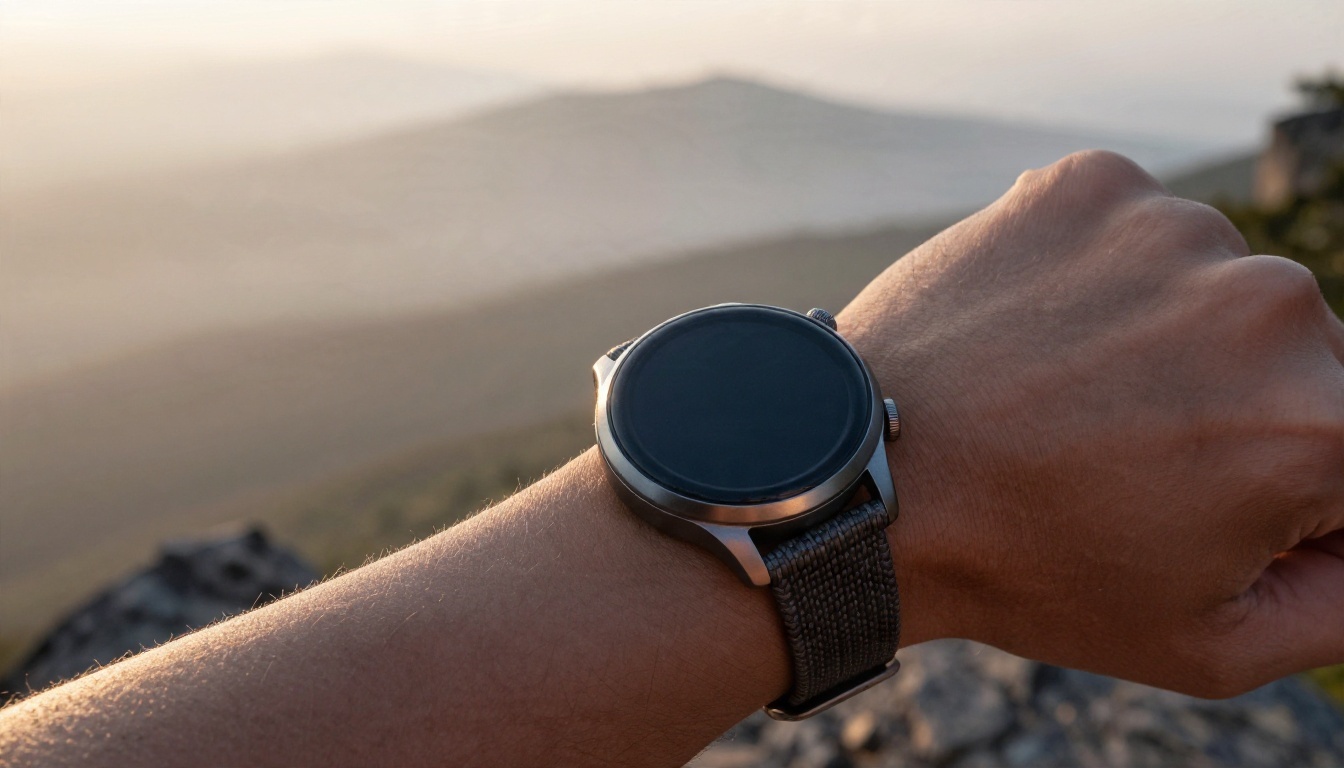
For devices, the screen is the risk. Keep the display plain and dark, then add real interface footage in your editor. AI models invent UI text that looks right at a glance and falls apart when played at full size.
A Workflow for a 30-Second Ad
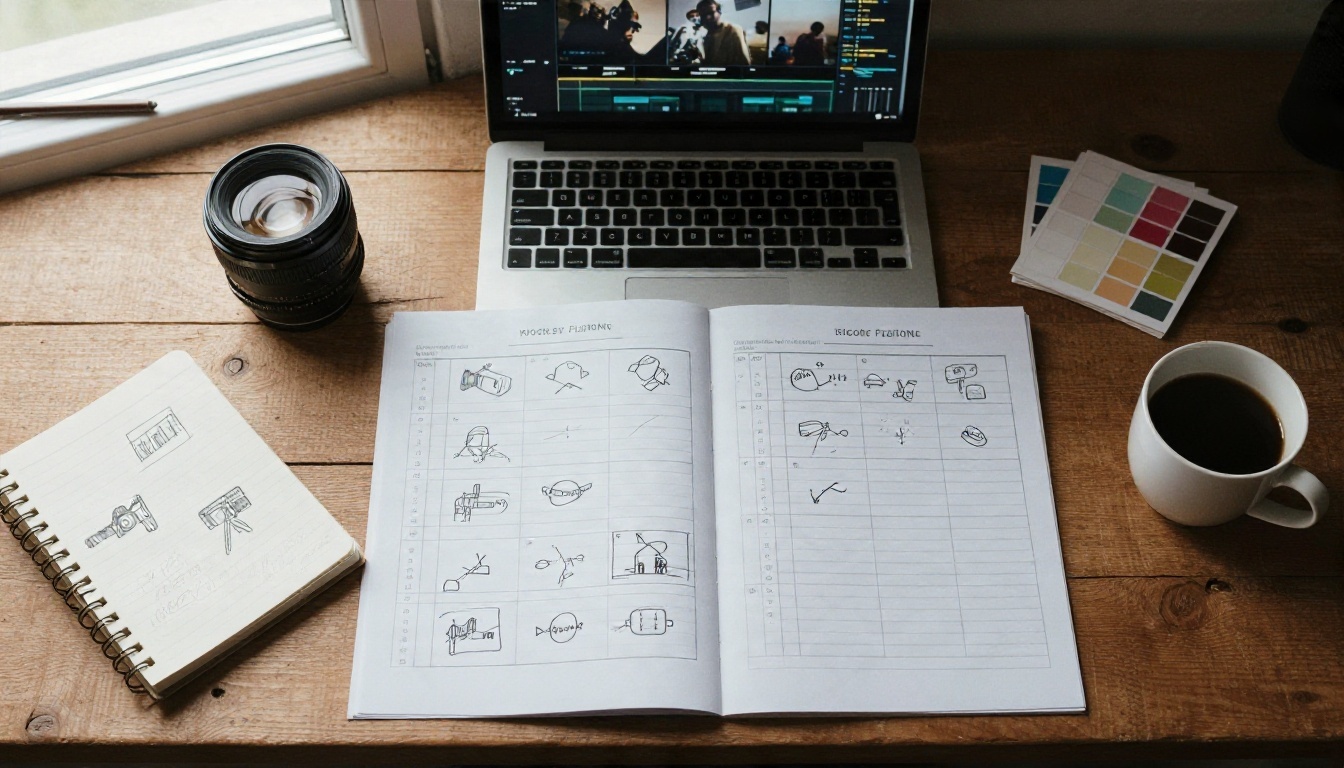
Here is a repeatable process that keeps credit use low and quality high.
Plan Before You Generate
Write a one-line brief: product, audience, feeling. Then sketch seven boxes on paper, one per shot. Note the camera move and the light for each. This takes ten minutes and saves hours of re-rolls.
Build, Test and Assemble
- Generate stills. Use Nano Banana Pro or Seedream 4.5 for each shot. Keep the same product description in every prompt.
- Draft the motion for free. Run the stills through Seedance 2.5 Lite. Pick the shots that work.
- Upgrade the hero shots. Re-render only the three most important shots with a premium model such as Kling v3 Video or Veo 3.1 Fast.
- Use references for consistency. If a character or product keeps drifting, try PicassoIA Reference To Video, which accepts your own reference images, video and audio.
- Cut and grade. Assemble in any editor, add one color grade across every clip, and finish with a music bed and a plain logo card.
💡 Tip: A single color grade over all clips hides small differences between models. It is the cheapest way to make mixed footage feel like one shoot.
Mistakes That Waste Credits
After a few dozen ad projects, the same errors show up again and again:
- Starting with video instead of stills. You pay for motion on a frame you have not approved.
- Writing one giant prompt. A prompt that describes three shots gets you a muddy mix of all three. One shot, one prompt.
- Asking for text in the frame. Slogans and prices render badly. Add them in the edit.
- Chasing a single long take. Short shots, cut together, look more professional and fail less often.
- Ignoring audio. Silent AI clips feel cheap. Use a model with native audio or add sound in post.
- Mixing too many looks. Pick one palette, one lens style and one time of day for the whole spot.
- Forgetting rights and disclosure. If your platform or client asks for AI disclosure, add it. Avoid real brand logos and real faces you do not have permission to use.
Make Your First Ad Today
You do not need a budget to test the idea. Start with one product, one location and one light direction. Generate three stills, animate the best one with a free video model, and see what a 5 to 10 second shot looks like in your edit. Once that single clip works, repeating the process six more times is mostly patience.
Open PicassoIA, pick a model from the lists above, and try the perfume or coffee prompt as written. Change one variable at a time: the lens, the light, the camera move. Within an hour you will have a feel for what each model does well, and a first rough cut of your own cinematic ad.


