You typed "Civi AI Red" into a search bar because you want mature, glamour-style AI images without fighting filters. Fair enough. But once you land there, you hit account walls, age checks, a maze of community checkpoints and a pile of settings you never asked for. This article shows what Civi AI Red is, why so many people look elsewhere, which free, less restricted alternatives actually deliver, and the photorealistic prompts that get you good results on the first or second try.
💡 Quick answer: If you want an online image generator with no downloads, no checkpoint hunting and far fewer restrictions on glamour, swimwear and lingerie style photography, start with Seedream 4.5 and refine your picks in PicassoIA Image Editor Pro.

What Civi AI Red Actually Is
"Civi AI Red" is how most people refer to Civitai Red, the mature-content domain of the Civitai community platform. Civitai itself is a huge library where creators share checkpoints, LoRAs and sample images. In 2026 the platform split its experience into two front doors: the main site, which leans mainstream and safe for work, and the Red site, which shows a broader range of mature material.
A few things worth knowing before you spend an evening there:
- It is the same platform, not a different product. Both domains run on the same codebase and share the same community. The main difference is which content is visible.
- Red is not "no rules". Content that is blocked on the main site generally stays blocked, and moderation and legal limits still apply. Calling it fully uncensored is inaccurate.
- Login and age checks get in the way. Some users report needing to sign in again on the Red domain, and an age confirmation is part of the flow.
- Details change often. Payment options, membership perks and visibility settings have shifted several times, so treat any forum post older than a few weeks with suspicion.
The platform is a library first and a generator second. That is a very different thing from a tool where you type a sentence and get a polished photo seconds later.
Library versus generator
On a model library, you browse thousands of community checkpoints, read version notes, match each one to the right base model and then work out the sampler, steps and CFG scale. It is a great hobby. It is a poor fit if you only want a good image tonight.
An online image generator works the other way around. The model is already chosen and tuned, you write a description, and the result arrives in seconds. For most people searching for Civi AI Red, that is closer to what they wanted from the start.
Who it suits
Civitai Red suits people who enjoy tinkering: collecting LoRAs, comparing checkpoints and training their own styles. If that is you, keep using it. If you want results with less setup, read on.
Why People Look for Alternatives
When you read forum threads and comment sections, the same complaints show up again and again. None of them mean Civitai is bad. They mean it is built for a different kind of user.
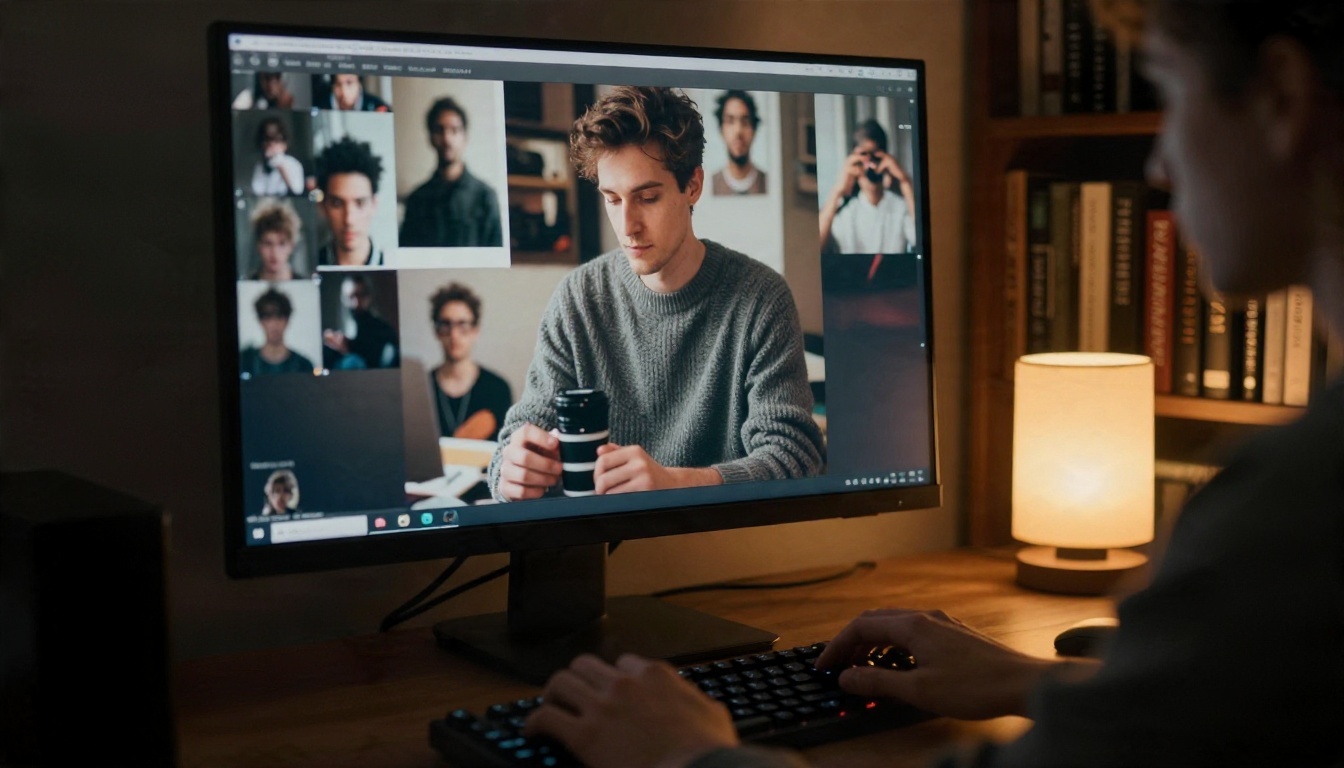
Too much setup
A typical Civitai workflow means picking a base model, downloading a checkpoint, adding one or two LoRAs, setting a sampler, choosing a resolution and then running it somewhere else, either on your own GPU or on a rented one. Every step is a place to get stuck.
Inconsistent quality
Community models vary a lot. One checkpoint gives you gorgeous skin texture and broken hands. Another nails anatomy but looks like plastic. Without testing, you waste hours finding out which is which.
Access friction
Between separate logins, age verification, changing visibility toggles and occasional outages, getting to the generator can take longer than writing the prompt.
Hardware costs
Running things locally needs a serious graphics card with plenty of video memory. Renting compute adds up fast once you start iterating.
💡 Reality check: "Uncensored" does not mean "anything goes". Responsible tools still block content involving minors, non-consensual imagery and real people without consent. What good alternatives give you is freedom for glamour, swimwear, lingerie, boudoir and artistic portrait photography, without a nervous filter ruining a harmless prompt.
Best Free Uncensored Alternatives
Here is how the options compare at a glance, followed by notes on each.
Seedream 4.5: the best starting point
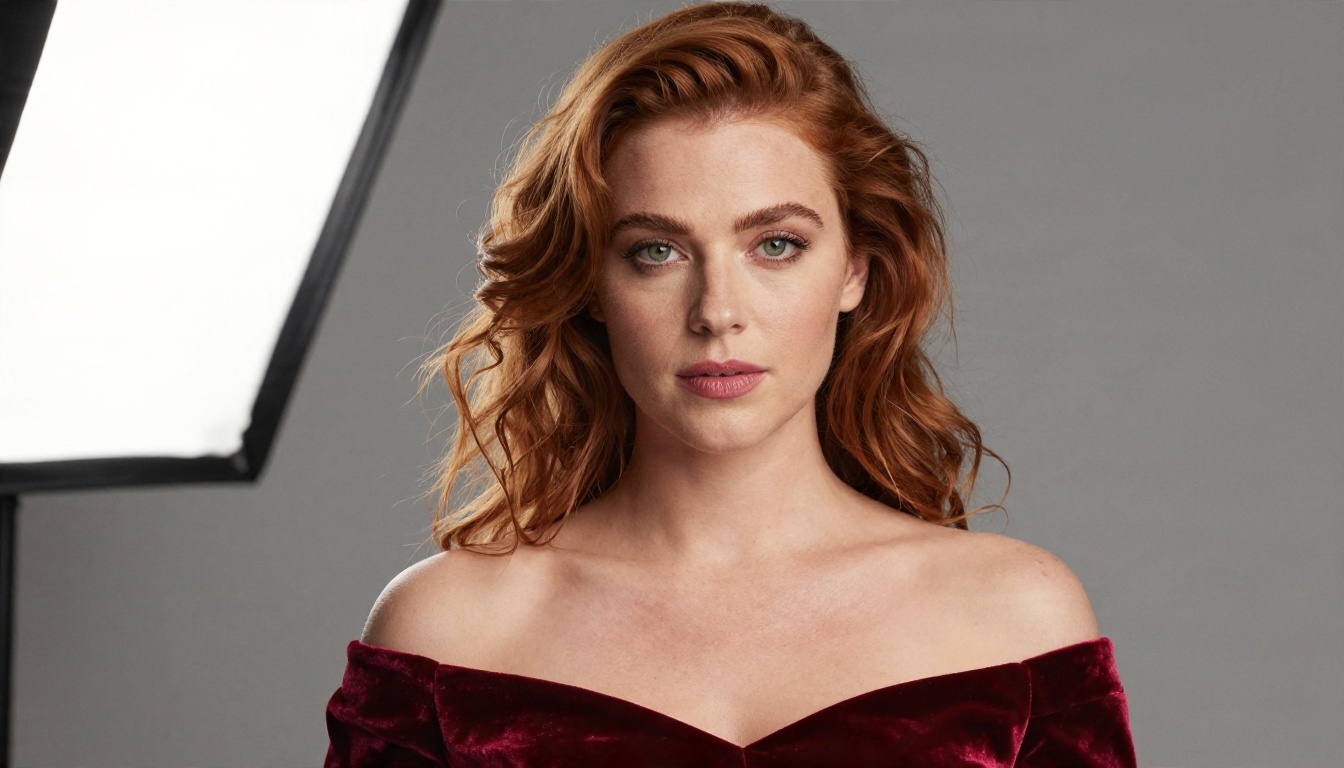
Seedream 4.5 is the model to try first. It handles skin texture, fabric sheen and lighting better than most free options, and it reads long, natural-language prompts well. Describe the scene the way you would brief a photographer and it follows along. It is also forgiving about glamour subjects such as bikinis, satin and lace, so you spend your time on composition instead of rewording around a filter.
PicassoIA Image Editor Pro: unlimited iterations
PicassoIA Image Editor Pro is where you go once you have a base image you like. It offers unlimited generations, so you can keep adjusting outfit, background, lighting or mood without counting credits. That alone solves one of the biggest frustrations of paid generators, where every retry costs something.
Z Image Turbo: speed for drafts
Z Image Turbo is built for speed. Use it to test ten prompt variations in the time another model renders two. Once a draft looks right, move the idea to Seedream 4.5 for the final render.
Flux 2 Klein 9B Base LoRA: styled control
Flux 2 Klein 9B Base LoRA suits people who liked the LoRA workflow on Civitai. It brings that flexibility into a hosted tool, so you get styled results without managing files.
Realistic Vision v5.1: the classic photo look
Realistic Vision v5.1 is a familiar name to anyone who has browsed community checkpoints. It leans toward a natural, film-like portrait look, which makes it a comfortable pick for people moving over from Civitai.
Nano Banana Pro: consistent faces and clean edits
Nano Banana Pro is strong at keeping a face consistent across edits, which matters when you build a series of images around one character. Use it for outfit swaps and scene changes on an existing portrait.
💡 If you want a longer menu, every image model is listed at picassoia.com/en/all-models.
How to Get Similar Results on PicassoIA
Civi AI Red is not on PicassoIA, and it is a platform rather than a model, so there is nothing to switch on. What you can do is reproduce the kind of images people go there for, using Seedream 4.5 as your engine. Here is the workflow.
Step 1: open the model page
Go to the Seedream 4.5 page and open the generator. No checkpoint downloads, no installs, no GPU needed.
Step 2: write a photographer's brief
Skip tag soup. Write a short paragraph with five parts: subject and pose, setting, light direction, lens and camera angle, and texture details. For example: "A woman in a satin slip dress leans on a stone railing at sunset, warm low sun from the left, 35mm lens, realistic skin and fabric sheen, film grain."
Step 3: set the aspect ratio
Choose 16:9 for wide scenes and banners, 3:4 or 2:3 for portraits and social posts, and 1:1 for avatars. Pick the ratio before generating, since cropping later costs you composition.
Step 4: generate a batch
Run several variations of the same prompt. Small differences in pose and expression add up, and you will usually find one clear winner among four or five tries.
Step 5: refine in Image Editor Pro
Take your favorite into PicassoIA Image Editor Pro. Change the outfit color, swap the background, soften the light or adjust the mood. Because generations are unlimited, you can keep going until it looks right.
Parameter tips that save time
- Seed: keep the same seed when you tweak a single detail so the rest of the image stays stable.
- Prompt length: 40 to 90 words is the sweet spot. Shorter prompts leave too much to chance, longer ones start to contradict themselves.
- Negative wording: describe what you want, not what you do not. "Natural skin texture" beats "no plastic skin".
- Upscale last: do your edits first, then upscale the final pick with a super resolution model.
Prompts That Work Right Now
These prompts are written for photorealistic, non-explicit glamour and portrait work. Paste them into Seedream 4.5, change the details and keep what works.
Golden hour beach portrait
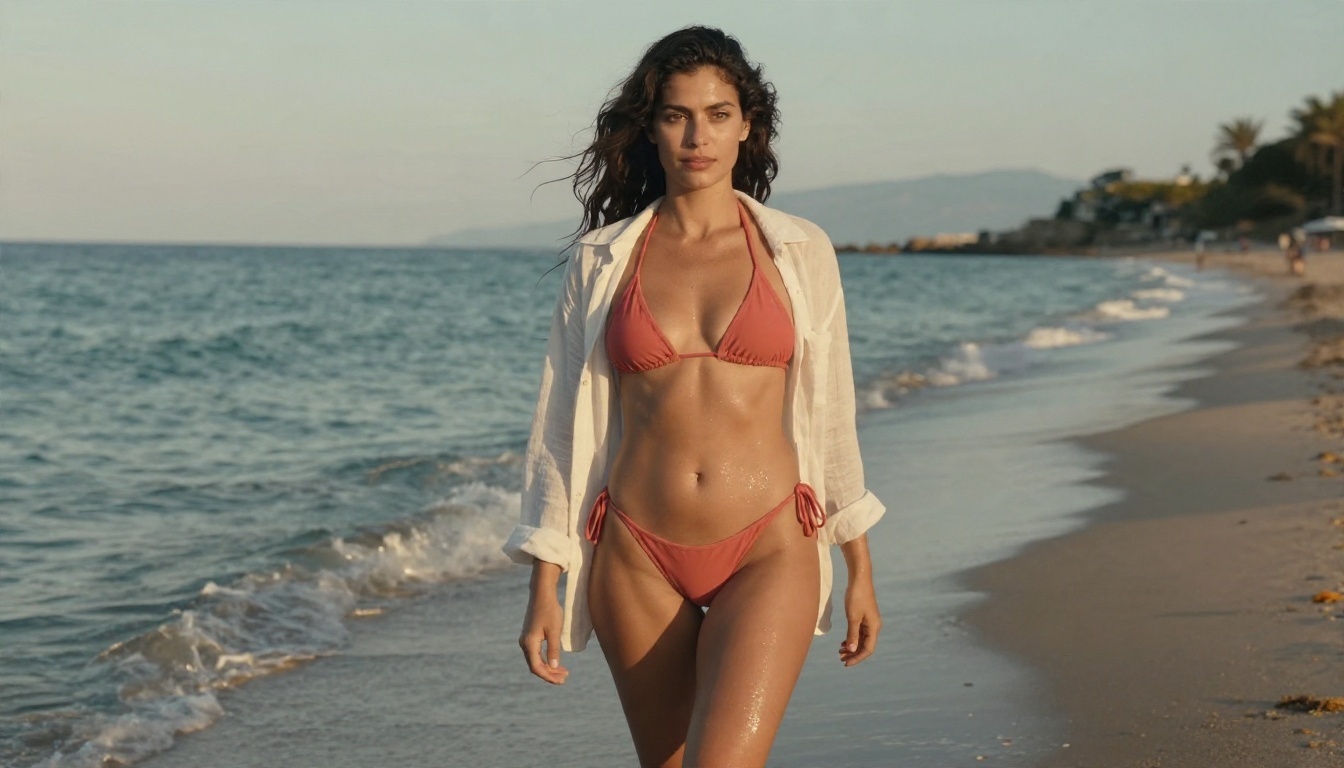
A confident woman in a coral bikini and an open white linen shirt walks along a quiet Mediterranean beach at golden hour, wet sand reflecting the sky, sea breeze moving her hair, backlit sun from the right, 70mm f/2.8 lens, low angle, sun-kissed skin with fine droplets, Kodak Portra 400 film grain.
Rainy window boudoir
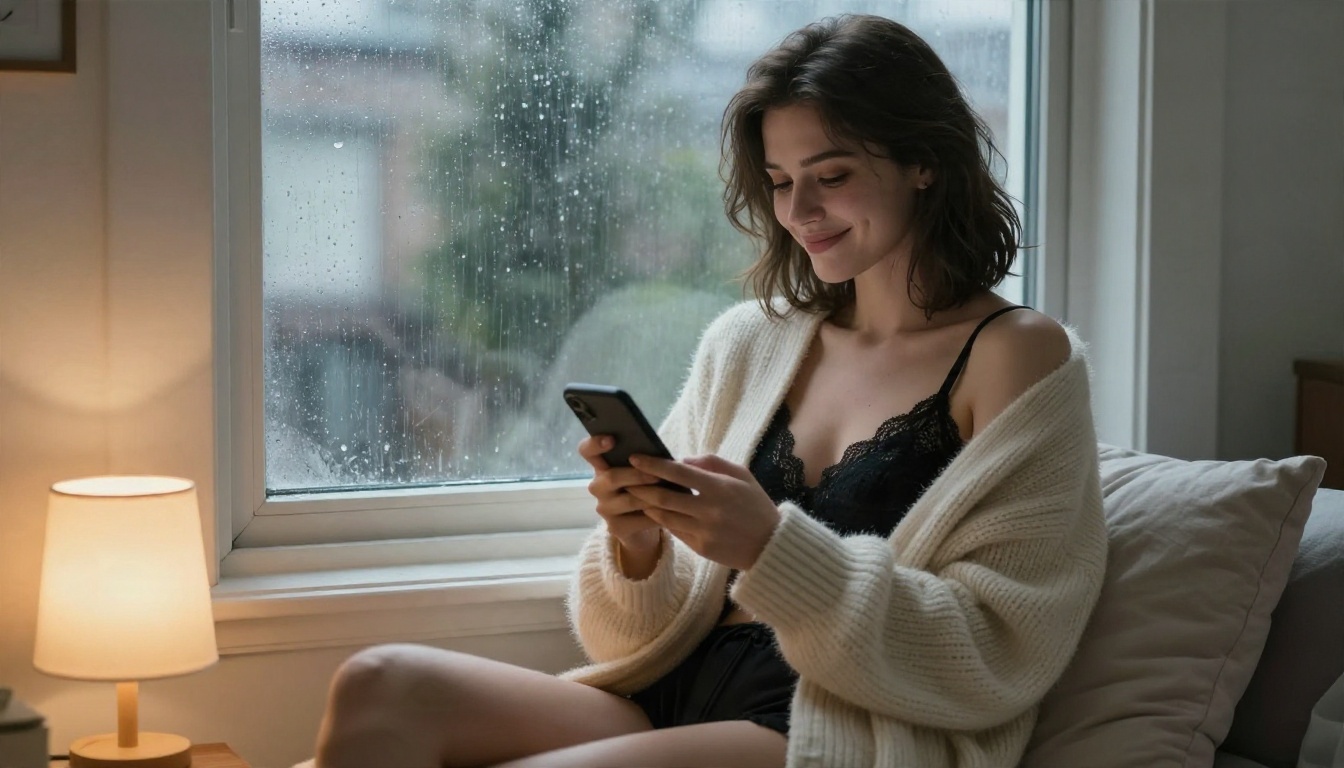
A woman in black lace lingerie under an oversized cream cardigan sits by a rain-streaked window in a cozy bedroom, holding a phone and smiling softly, cool daylight from the right, warm bedside lamp on the left, 85mm f/1.8 lens, realistic skin and knit texture.
Rooftop sunset in satin
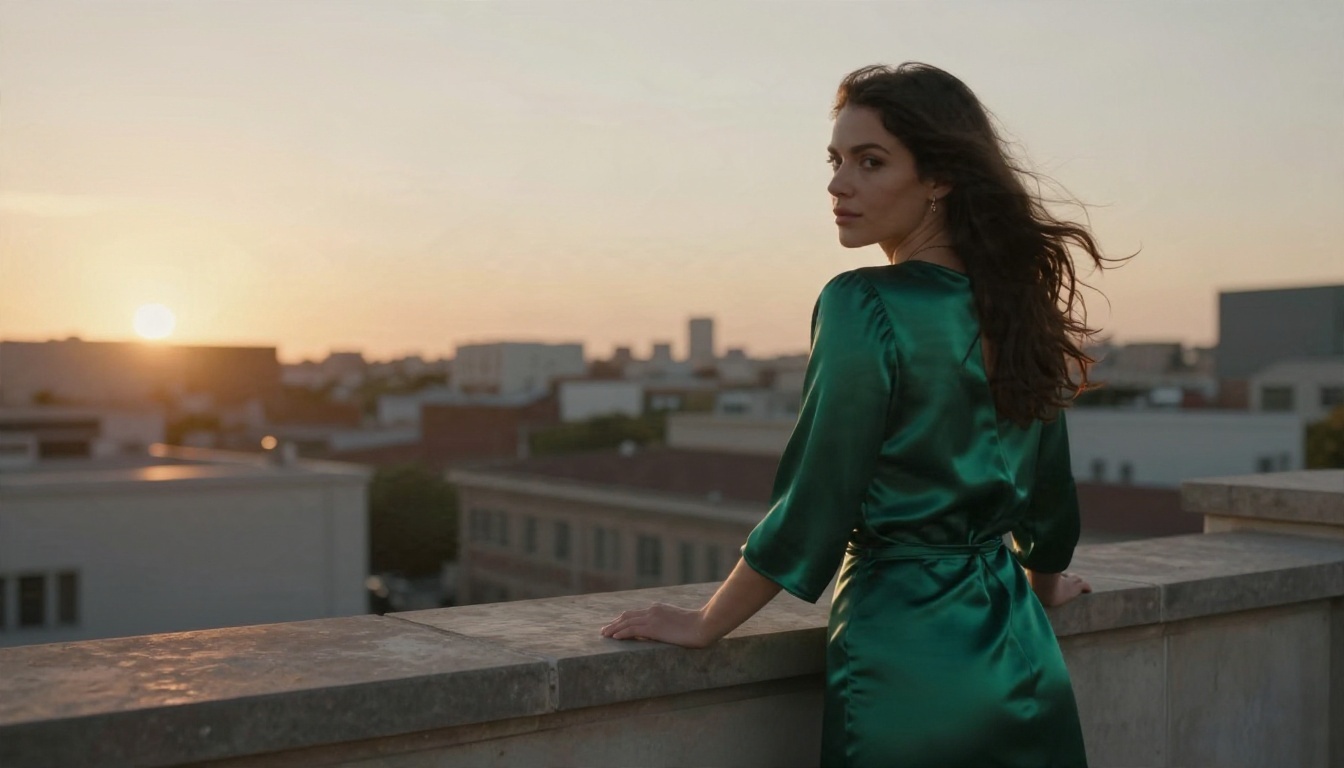
A woman in an emerald satin slip dress leans on a stone rooftop railing and looks back over her shoulder, city skyline softly blurred, warm low sun from the left with rim light on her hair, 35mm f/2 lens, light wind in the fabric, realistic satin sheen.
Dawn pool shot
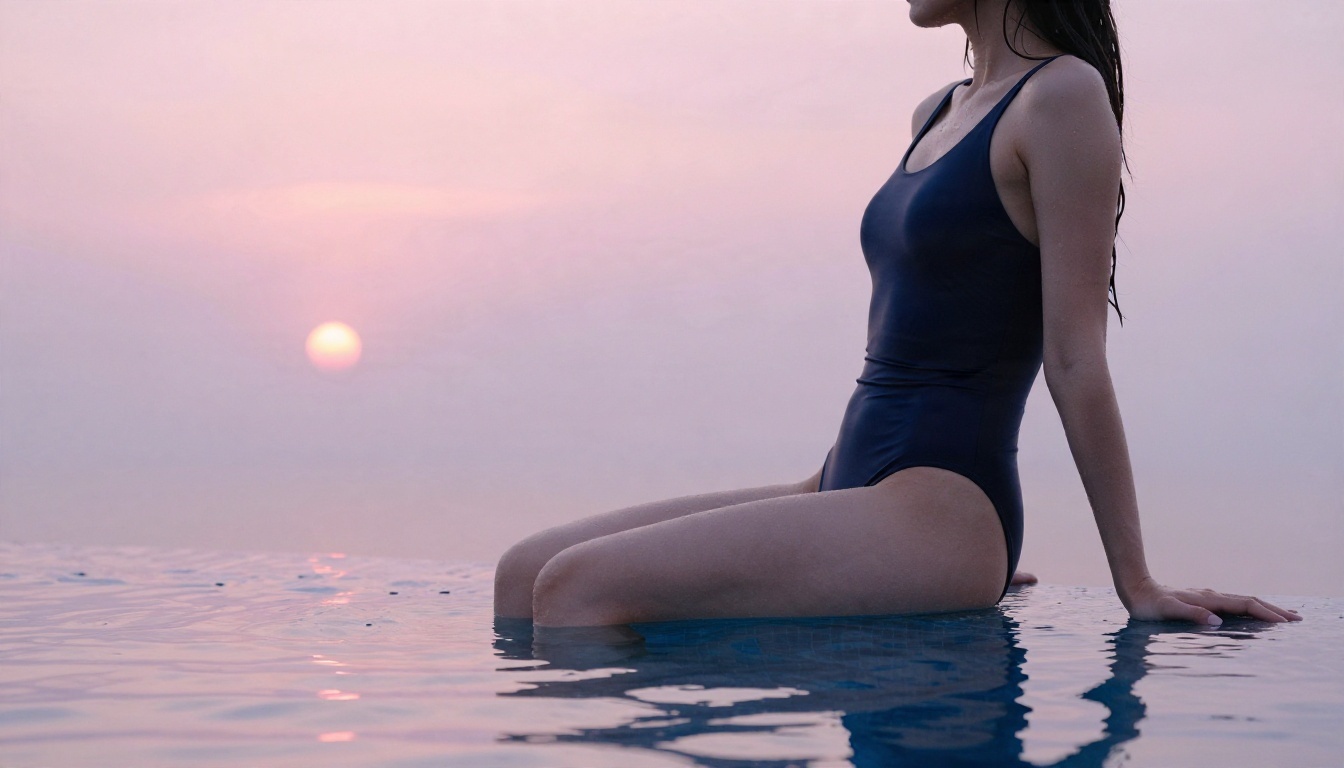
A woman in a navy one-piece swimsuit sits on the edge of an infinity pool at dawn, feet in the water, hair wet and slicked back, pale pink sky reflected in the water, soft sunrise light from behind left, 85mm f/2 lens, water droplets on skin.
A reusable prompt formula
| Part | What to write | Example |
|---|
| Subject | Who, what they wear, what they do | "A woman in a satin slip dress laughing" |
| Setting | Where and what is around | "Sunlit loft with exposed brick" |
| Light | Direction and quality | "Soft window light from the left" |
| Camera | Lens, angle, distance | "85mm f/1.8, eye level, medium shot" |
| Texture | Skin, fabric, grain | "Visible pores, satin sheen, film grain" |
💡 Tip: Change only one part of the formula per run. If you change subject, light and lens together, you will never know which edit helped.
Online Generator vs Local Setup
Civitai sits closer to the local setup camp, since most checkpoints are meant to run on your own machine or a rented GPU. Here is how the two approaches stack up.
| Factor | Online generator | Local or rented GPU |
|---|
| Setup time | Seconds | Hours to days |
| Hardware | Any browser | Strong GPU, lots of video memory |
| Model choice | Curated, tuned | Thousands, uneven quality |
| Cost to iterate | Low, or unlimited with Image Editor Pro | Electricity or rental fees |
| Consistency | High | Depends on your settings |
| Custom training | Limited | Full control |
When local still wins
If you want to train your own LoRA on a custom style or build elaborate node-based pipelines, a local setup gives you control a hosted tool cannot. For everyone else, it is a lot of effort for the same kind of picture.
A hybrid approach
Many creators do both: draft quickly online, then take only the best concepts to a local pipeline if they need something unusual. That saves most of the time you would otherwise spend on failed renders.
Mistakes That Ruin Your Results
Most bad images come from a short list of avoidable errors.
Prompting with tag lists
Models like Seedream 4.5 and Nano Banana Pro were trained to follow natural language. A string of comma-separated tags wastes that strength. Write sentences.
Ignoring light direction
"Beautiful lighting" means nothing. "Soft window light from the left with gentle shadow falloff" gives the model something to build. Light direction is the single biggest realism upgrade you can add.
Skipping texture words
Plastic skin usually comes from prompts that never mention texture. Add "visible pores", "fine baby hairs", "fabric weave" or "film grain" and the image gains depth immediately.
Overstuffing the prompt
Past about 100 words, instructions start to fight each other. Pick the details that matter and drop the rest.
Forgetting the boundaries
Keep every image to adult, fictional subjects. Do not use a real person's likeness without their permission, and never create anything involving minors. These limits protect real people, and they are also the lines that keep you out of trouble with any platform.

Quick Answers to Common Questions
Is Civi AI Red free?
Browsing is generally free, but generating, extra features and some perks may involve paid memberships or credits, and the details change. Check the current options on the site itself before relying on any single forum post.
Do I need a powerful computer?
Not with a hosted generator. If you use an online tool, everything runs on remote servers and you only need a browser.
Can I get uncensored results for adult glamour content?
For suggestive, attractive photography such as swimwear, lingerie and boudoir styles, yes, with far fewer false refusals on tools like Seedream 4.5 and Image Editor Pro. Explicit pornographic material is not what these tools aim for, and illegal content is never acceptable anywhere.
Which model looks most realistic?
For skin, fabric and lighting, Seedream 4.5 leads the list above. For a classic film-like portrait, Realistic Vision v5.1 is a good second opinion.
Start Creating Your Own Images
You do not need a checkpoint library, a rented GPU or three logins to make a striking photorealistic portrait. Open Seedream 4.5, paste one of the prompts above, change the outfit and the light, and see what comes back in a few seconds. Then take your favorite result into PicassoIA Image Editor Pro, where unlimited generations let you refine without watching a credit counter.
Need more variety? Try Z Image Turbo for rapid drafts, Flux 2 Klein 9B Base LoRA for styled looks, or Nano Banana Pro for consistent faces across a series. The full catalog is waiting at picassoia.com/en/all-models, so pick a model, write your first prompt and start experimenting on PicassoIA today.


