CivitAI Adult Content Models: Free Options, Prompts and Alternatives
CivitAI still hosts thousands of mature checkpoints, but filters, delistings and credit limits make them hard to use. See which free options work, which prompts give clean photorealistic glamour results, and which alternatives generate suggestive images instantly.
If you have typed "CivitAI adult content models" into a search bar lately, you probably hit the same wall as everyone else: filters that hide half the catalog, checkpoints that vanish overnight, and a credit system that drains your balance before you get one usable picture. This article lays out what CivitAI still offers for mature, glamour-style imagery, which free routes work today, which prompts give clean results, and which alternatives on PicassoIA produce suggestive, photorealistic images in seconds with nothing to download.
A quick note on scope. Everything here is about adult, non-explicit glamour: swimwear, lingerie, boudoir lighting, editorial portraits. Think magazine shoot, not pornography. That is where AI image models are strongest, and it is also where the legal and platform risks are lowest.
Why People Search CivitAI for NSFW
CivitAI became the default marketplace for community-trained Stable Diffusion checkpoints and LoRAs. Anyone could upload a model, attach sample images and let others download it. Because the community moved faster than any single lab, the mature side of the site grew into a huge library of body, pose, fabric and lighting styles.
What the platform still offers
The site is still a large catalog of checkpoints, LoRAs, embeddings and sample galleries. You can browse by base model (SD 1.5, SDXL, Flux and newer families), sort by downloads, and copy the exact prompt behind most sample images. That prompt-sharing habit is the real treasure. Even if you never download a checkpoint, a gallery full of working prompts saves hours of trial and error.
What has changed is access. Mature content is hidden behind toggles, and many results are filtered out by default. Some listings now require metadata before they stay visible, and certain subject categories are banned outright.
Why the rules keep changing
Through 2025 the platform tightened its content policy several times. Reports at the time pointed to pressure from payment processors and growing regulatory attention on AI imagery. The result: bans on several categories of extreme content, stricter handling of anything involving real people, and filters that default to safe mode. Reviews published in 2026 describe the same pattern, with NSFW still present but narrower than it used to be, and with policies that keep shifting.
💡 Tip: If a checkpoint matters to you, do not assume it will stay listed. Creators have lost access to payouts and seen models delisted, so a link that works today can be a dead page next month.
For anyone who simply wants good-looking glamour images, that instability is the main argument for looking at alternatives.
Free Options That Work Today
"Free" means different things depending on your hardware and patience. There are three realistic paths.
Browser generators with no install
The easiest route is a hosted generator. You type a prompt, press a button and get an image. No GPU, no drivers, no checkpoint folders. The trade-off is that each service sets its own content rules and its own limits on free runs.
Local Stable Diffusion setups
If you own a recent graphics card with 8 GB of VRAM or more, you can run checkpoints locally through tools like ComfyUI or Automatic1111. This is truly free per image and fully private. It is also the slowest route to your first result: you need to install a UI, pick compatible base models, match LoRAs to the right architecture and fix broken dependencies when something updates.
Free credits on hosted sites
Some sites hand out daily credits. They are fine for testing a prompt, but they run out quickly with high-resolution settings, and queue times grow during busy hours. CivitAI's own on-site generator works this way, with credit balances and tiers. Check the current limits on the site itself, because they change often.
Side by side comparison
Route
Cost
Setup time
Speed
Content flexibility
CivitAI on-site generator
Credits, some free
Minutes
Medium
Filtered, rules change
Local ComfyUI or Automatic1111
Free after hardware
Hours
Depends on GPU
High, but your responsibility
Hosted browser generator
Free tier or credits
Seconds
Fast
Depends on the service
PicassoIA models
Free tier plus unlimited editor
Seconds
Fast
Suggestive glamour supported
Prompts That Produce Good Results
Prompts copied from CivitAI galleries often depend on a specific checkpoint's trigger words and quality tags like "masterpiece" or "score_9". Those tags do almost nothing on newer models. Modern models reward plain, photographic language: who, where, what light, what lens.
A prompt formula that holds up
Use this order and you will rarely get muddy results:
Subject and pose: an adult woman in her late twenties, seated sideways, looking at the camera.
Clothing and fabric: black satin slip dress, lace trim, white linen shirt.
Setting: loft apartment, hotel vanity, balcony at sunrise.
Light direction: soft window light from the left, warm lamp from the right, golden hour backlight.
Camera: 85mm lens, f/1.8, shallow depth of field.
Texture and finish: visible skin pores, film grain, Kodak Portra 400 color.
💡 Tip: Always state that the subject is an adult. It sets the tone for the whole generation and keeps results consistent with platform rules.
Five prompts to copy
Paste these into any photorealistic model and adjust the details.
Editorial loft portrait
Adult woman in her late twenties, black satin slip dress with lace trim, seated on a green velvet armchair in a sunlit loft, soft window light from the left, 85mm f/1.8, shallow depth of field, natural skin texture, Kodak Portra 400 grain
Yacht deck swimwear
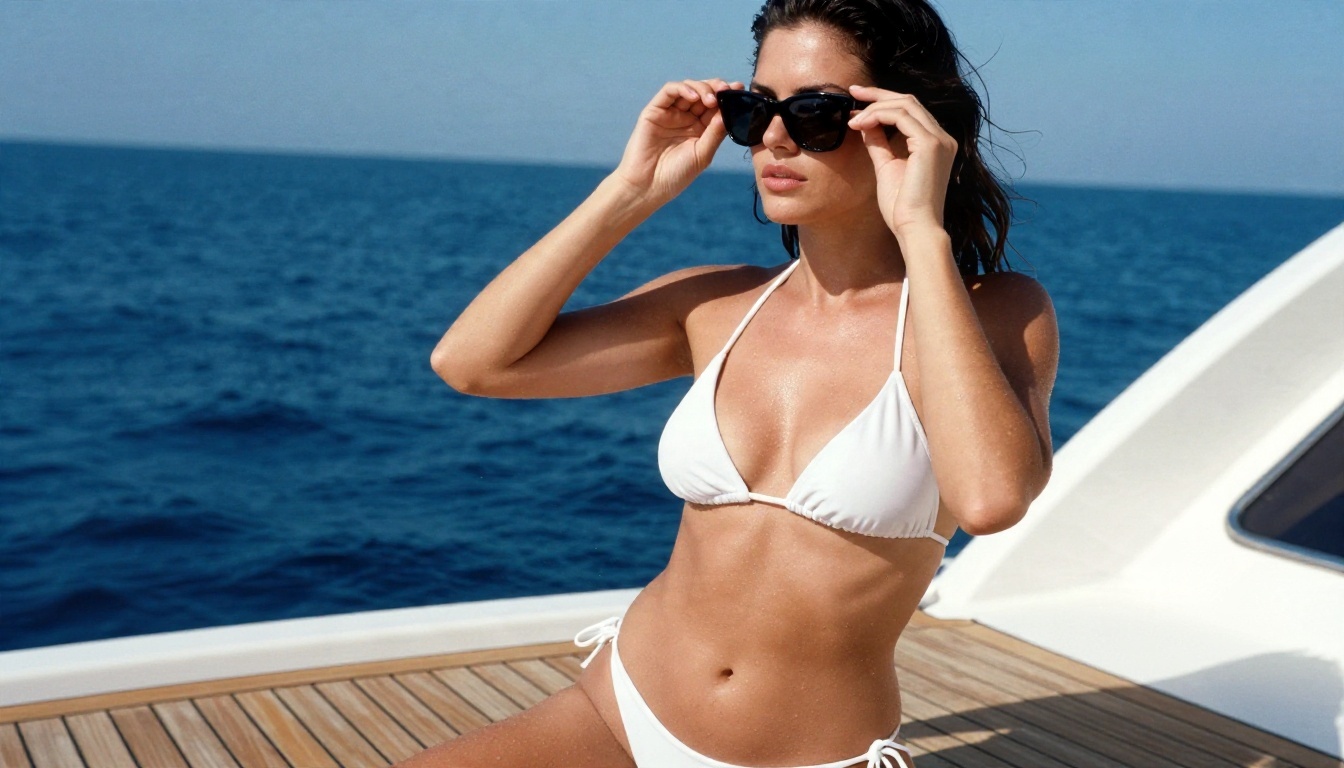
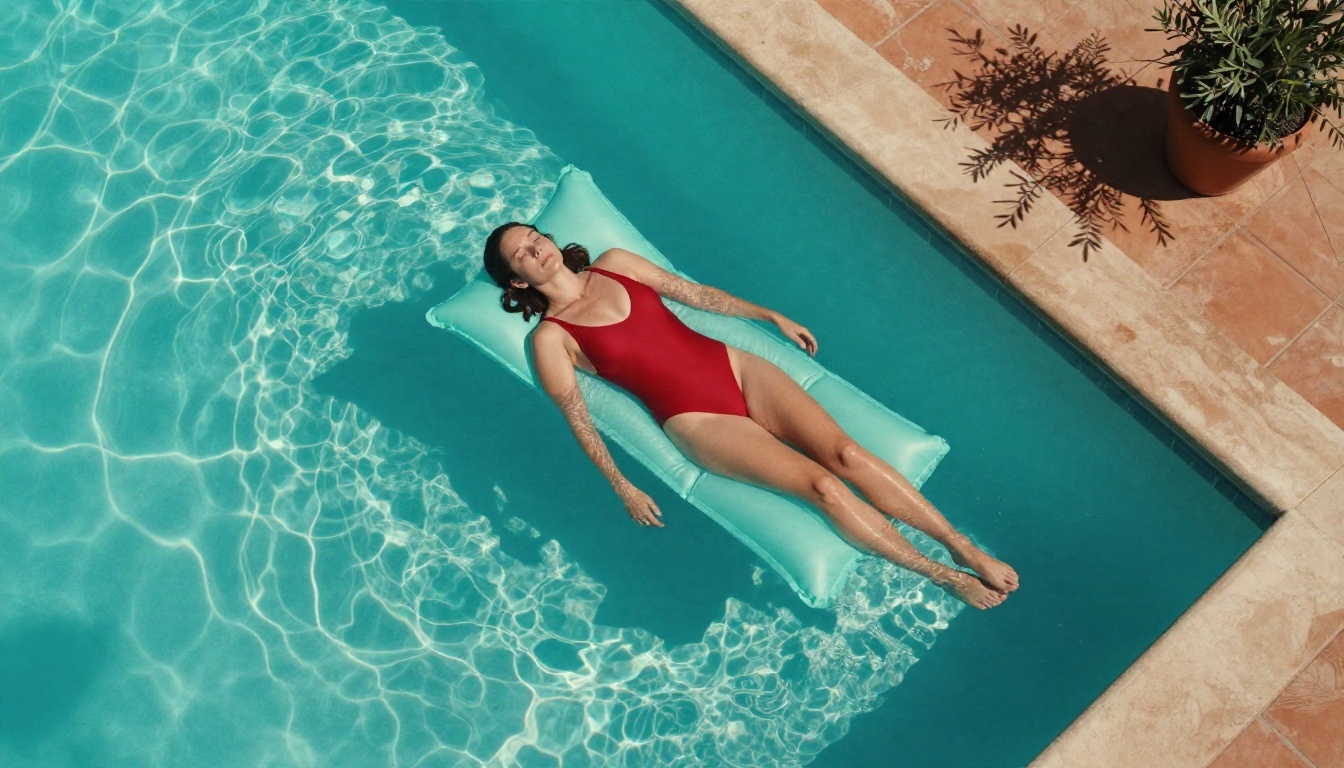
Low-angle photo of an adult woman in a white bikini on a teak yacht deck, strong midday sun from the upper right, water droplets on tanned skin, 35mm f/2.8, deep blue sea behind her
Boudoir by the window
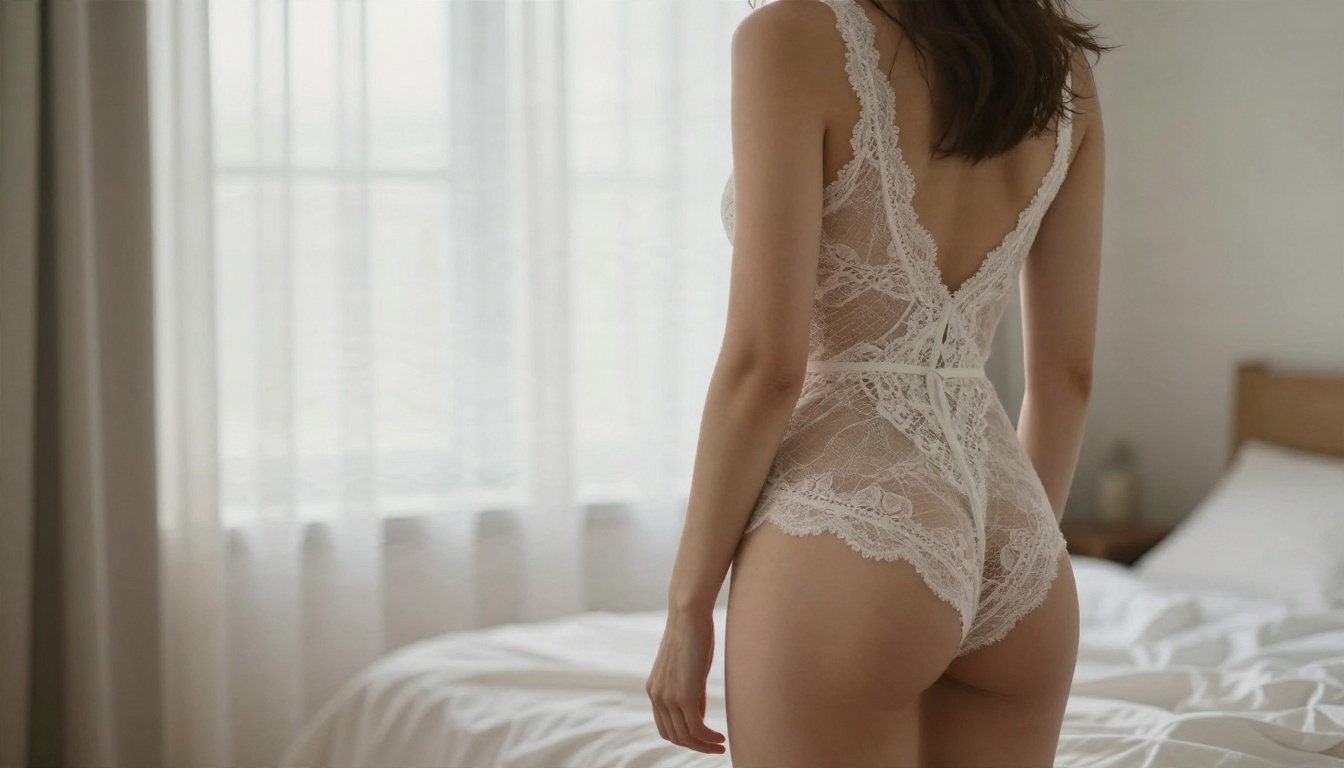
Rear view of an adult woman in a white lace bodysuit beside a tall window with sheer curtains, soft overcast daylight, rumpled white bedding in soft focus, 85mm f/2, muted cream palette
Golden hour beach walk
Adult woman in a black bikini and open white linen shirt walking barefoot on wet sand at golden hour, backlit hair, gentle waves around her ankles, 70mm f/2.8
Sunrise balcony
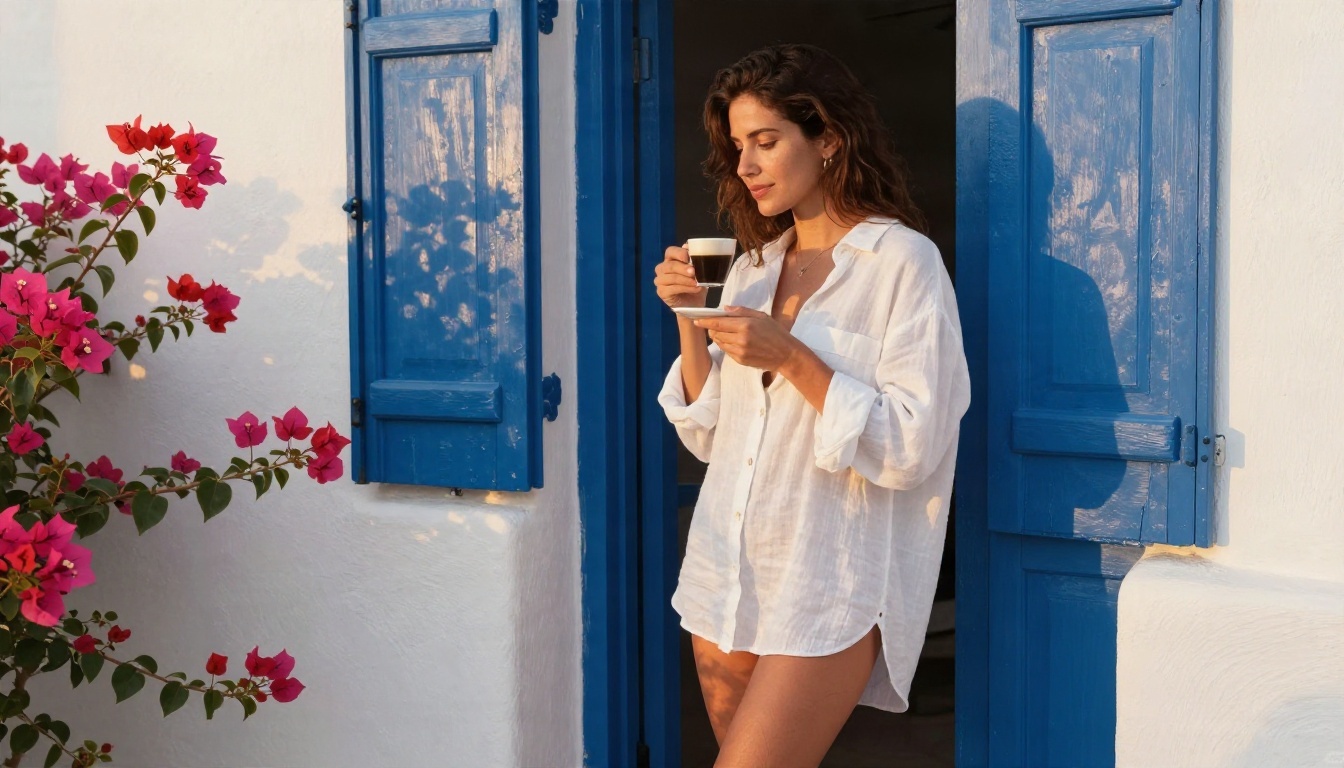
Adult woman in an oversized white linen shirt on a whitewashed Mediterranean balcony at sunrise, espresso cup in hand, blue shutters, bougainvillea in the foreground, 50mm f/2.2
Negative prompts and what they do
Older Stable Diffusion checkpoints rely on negative prompts such as "extra fingers, blurry, deformed hands, watermark". Newer models like Seedream and Flux handle anatomy better and often ignore negatives entirely. If your tool has a negative field, keep it short. If it does not, describe what you want instead: "natural hands with correct fingers" works better than a long list of banned terms.
Best Alternatives on PicassoIA
CivitAI is a marketplace, not a single model, so the useful question is which models give you the same kind of output without the filter maze. These are the ones worth trying, in the order I would test them.
Seedream 4.5 first
Seedream 4.5 is the strongest starting point for photorealistic glamour. It follows long prompts closely, renders skin with believable pores and sheen, handles satin, lace and linen without smearing, and outputs sharp 4K images. For swimwear, boudoir and editorial portraits it is the model that most often gives a usable result on the first try.
Image Editor Pro for unlimited runs
PicassoIA Image Editor Pro is where you go when you want to iterate without watching a credit counter. Generations are unlimited, so you can run twenty variations of the same pose, change the outfit, shift the light, or fix a detail on an image you already like. It works for text prompts and for edits on an uploaded photo, which makes it a practical replacement for the inpainting workflows many people built around CivitAI checkpoints.
More models worth a test
Once you have a baseline from Seedream 4.5, these fill specific gaps:
Z Image Turbo: very fast sharp images, ideal for drafting dozens of compositions quickly.
Flux 2 Klein 9B Base LoRA: lets you apply LoRA styles, the closest match to the checkpoint-plus-LoRA habit from CivitAI.
Realistic Vision v5.1: a long-running photoreal Stable Diffusion favorite with a familiar look.
Qwen Image 3 Pro: strong at natural lighting and clean compositions.
SDXL Lightning 4Step: four-step generation for rapid prompt testing on the SDXL family.
CivitAI is not a PicassoIA model, so there is nothing to switch on. What you can do is recreate the same style of output with Seedream 4.5 and get it in a few clicks.
Paste a prompt built with the formula above. Aim for 50 to 100 words.
Choose a 16:9 aspect ratio for landscape scenes or 3:4 for portraits.
Generate, then compare the result with your intent: pose, fabric, light, mood.
Change one thing at a time (the light, the outfit or the lens) and generate again.
Move the image you like into Image Editor Pro for unlimited touch-ups, background swaps and detail fixes.
Settings worth changing
Aspect ratio: 16:9 for scene-driven shots, 3:4 or 2:3 for full-body portraits.
Prompt length: Seedream 4.5 rewards detail. Add the light direction and lens every time.
Seed: once you get a composition you like, keep the seed fixed and only tweak wording.
Resolution: draft small, finish at the highest size for the final pick.
💡 Tip: Draft ideas in Z Image Turbo, then rebuild the winner in Seedream 4.5. You spend less time waiting and your final output gets the best skin and fabric detail.
Mistakes That Waste Credits
Most disappointing results come from habits carried over from older checkpoints.
Stuffing quality tags. Strings like "8k, masterpiece, best quality, ultra detailed" worked as magic words on SD 1.5. On modern models they add noise. Describe the photo instead.
Copying prompts with trigger words. A CivitAI sample prompt often contains the creator's custom LoRA tag. Without that LoRA, the tag is meaningless text. Strip it out.
Changing five settings at once. If the result improves or breaks you will not know why. Change a single variable per run.
Ignoring light. A flat prompt gives a flat image. Naming the light source, its direction and its color is the cheapest way to look professional.
Forgetting the hands. Add "natural hands with correct fingers" and keep hands in simple positions, such as resting on a chin or holding a cup.
Safety and Consent Rules
Mature AI imagery comes with real responsibilities, and several of the CivitAI policy changes exist because of abuse.
Never use a real person's face or name. Likeness of real people without consent is the single biggest reason platforms tightened their rules, and in many countries it is now illegal.
Keep every subject clearly adult. State it in the prompt and in your own checks.
Stay non-explicit. Swimwear, lingerie and boudoir styling carry far fewer platform and legal problems than explicit material.
Respect where you publish. Social platforms, stock sites and ad networks each have their own adult content rules.
Label AI images. Many platforms now require it, and it is simply honest.
Following these rules also makes your workflow more stable. Images that stay inside the lines are the ones that do not get removed.
Make Your Own Images
You do not need a downloaded checkpoint or a credit counter to get glamour images that look like real photography. Pick one of the five prompts above, paste it into Seedream 4.5, and change the outfit, the light or the location. Then bring your favorite result into PicassoIA Image Editor Pro for unlimited variations and edits.
If you want to compare more options, the full catalog is at picassoia.com/en/all-models. Open it, test a few models with the same prompt, and keep the one whose skin, fabric and light match your taste. Your first usable image is a few minutes away.