You open the site, type your search, and the adult models you saw last month are gone. No error message, no warning, just a grid of safe-for-work thumbnails and a feeling that something broke. If you have hit this wall, you are far from alone. Civitai Com NSFW: Not Working, Pricing, Limits, and Easier Alternatives is exactly the mess a lot of creators are trying to untangle right now, and the answer is rarely a single bug. It is usually a mix of domain changes, filter settings, payment rules, and generation caps that stack on top of each other.
This article walks through each cause in plain language, shows what the paid side looks like, and then gives you a faster route: tools where you type a prompt, press a button, and get tasteful, photorealistic glamour images without juggling accounts, Buzz balances, or checkpoint files.
💡 Quick answer: Most "NSFW not working" cases come from the site split between a mainstream domain and a mature-content domain, plus maturity filters that reset per browser. Fix those two first before assuming the site is down.
Why Civitai NSFW Stops Working
The platform has changed a lot in the last year, and most of the confusion comes from those changes, not from your device. Here are the four causes that explain the majority of complaints.
The Two-Domain Split
According to several write-ups published in 2026, the company moved to a two-domain structure in April: civitai.com became the mainstream, safer-for-work experience, while civitai.red took on the broader mature-content library. These accounts are mostly from secondary blogs, so treat the exact dates with some caution. The practical effect is real, though. If you search only on the main domain, adult models are hidden by their maturity rating, not deleted. They simply do not appear where you are looking.
Login Does Not Always Carry Over
Some guides report that your session cookies do not follow you from one domain to the other. You can be signed in on one tab and look like a stranger on the next. That alone explains why an adult toggle you switched on yesterday seems to have vanished today. Signing in again on the mature domain, then re-checking your content settings, fixes it more often than any other step.
Filters and Maturity Levels
Search results are tied to maturity levels, and those levels are tied to your profile. A new browser, a cleared cache, a private window, or a VPN exit in a stricter country can all reset what you see. Some users also report that certain content categories are restricted even for logged-in adults, which makes the library feel thinner than it used to be.
Third-Party Tools Break Too
If you use a local interface or a checkpoint manager, the problem may not be the website at all. One public bug report describes models downloaded from the mature domain returning no metadata inside a popular desktop manager, so the thumbnails and trigger words never appear. The file is fine. The tool just does not know where to look.
How to Fix It Fast
Before you pay for anything or abandon your workflow, run through this short routine. It takes about five minutes.
A Five-Minute Checklist
- Open the mature domain directly and sign in there, not only on the main site.
- Check your content settings and make sure the adult maturity levels are switched on for your profile.
- Turn off browser extensions that block scripts or trackers, since they can break image loading and filters.
- Try a different browser or a clean profile to rule out cached settings.
- Disable your VPN or switch to a region with fewer restrictions.
- Update your local tool if you use a checkpoint manager, then re-run its metadata search.

When the Site Itself Is Down
Sometimes it really is the server. Heavy traffic in the evening can slow loading, time out searches, and break the on-site generator. A quick test: if both the mainstream and mature domains fail, and unrelated websites load fine, wait an hour and try again. If only the mature domain fails, the issue is probably regional or account related.
💡 Tip: Keep a bookmark for each domain and log in separately. It saves you from the "why am I logged out" loop every time you switch.
What Civitai Really Costs
Browsing and downloading models is free for most people. Paying starts when you want to generate images on the site, train models, or keep private content. Here is where I need to be honest: pricing details differ between sources, and the platform has changed its plans before. Use the numbers below as a rough picture, and confirm them on the official membership page before you pay.
Memberships and Buzz
Most reviews describe three paid tiers at roughly $10, $25, and $50 per month. Each one gives a monthly allowance of Buzz, which is the site's internal currency, plus perks such as private model slots, bigger job sizes, and storage. One aggregator lists a cheaper pair of tiers instead, which suggests the plan names and amounts have shifted over time.
| Item | What reviews report | Why it matters |
|---|
| Entry tier | Around $10 per month | Low Buzz allowance, small batches |
| Middle tier | Around $25 per month | More Buzz, larger job sizes |
| Top tier | Around $50 per month | Highest allowance and priority support |
| Free accounts | Small daily Buzz | Queue waits at busy hours |
| Extra Buzz | Bought separately | Cost rises fast with heavy use |
Payment Friction
Payments are another sore point. Some sources say card payments are restricted for certain purchases and that crypto is offered as an alternative, while others say the two domains handle payments differently. One report even claims membership options changed on the mature domain later in the year. Since sources disagree, the safe move is to check the checkout page itself and never assume a plan you saw in an old review still exists.
Limits That Slow You Down
Even when everything loads and your plan is active, you run into ceilings. Some are technical, some are content rules.
Queues and Job Sizes
Free users depend on a daily Buzz allowance, and reviews mention waiting in line during peak hours. Paid tiers raise the number of images per job, with reports of roughly 8, 10, and 12 images per batch from lowest to highest plan. Each extra image, each bigger resolution, and each extra step costs more Buzz, so a long evening of experiments can drain a balance quickly.
Content Rules
Generating on the site is not the same as downloading a model and running it yourself. One tier listing suggests that on-site generation with some private models is limited to milder content ratings. Reviews also describe a safer-by-default feel and extra restrictions on certain categories. That is why many creators end up with a lot of Buzz spent and still no usable glamour image.
Why People Look Elsewhere
Civitai is a huge library, and nothing replaces its community for sharing checkpoints. But if your goal is to get a good-looking, tasteful adult-style photo today, the platform asks for a lot of setup: picking a checkpoint, matching a LoRA, tuning a sampler, spending Buzz, and hoping the content filter agrees with you.
| Need | Civitai route | Simpler route |
|---|
| Quick glamour portrait | Pick model, LoRA, settings, Buzz | One prompt, one click |
| Edit an existing photo | Local tools or extra steps | Upload and describe the change |
| Avoid queues | Pay for a higher tier | Fast generation by default |
| Avoid broken filters | Switch domains and settings | One account, one place |
| Predictable cost | Buzz balance and top ups | Clear, simple access |
None of this means you should delete your account. It means you can keep the library for browsing and use a lighter tool for actual image making.

Easier Alternatives on PicassoIA
PicassoIA puts several strong image models in one place, so you skip checkpoint hunting entirely. For adult-style glamour work that stays tasteful, these are the ones I would try, in this order.
Seedream 4.5
Seedream 4.5 is the first stop. It produces sharp, photorealistic images with convincing skin, fabric, and light, and it handles glamour scenes like swimwear, satin, and lace without fuss. It is also fast, so you can run ten variations in the time a busy queue would take to start one.
PicassoIA Image Editor Pro
PicassoIA Image Editor Pro is the one to open when you already have a photo and want to change the outfit, the background, the lighting, or fix small flaws. Its big selling point is unlimited generations, which removes the anxious "how much Buzz is left" feeling and lets you iterate until the shot is right.
Z Image Turbo
Z Image Turbo is built for speed. When you want to test a dozen prompt ideas quickly, it returns sharp results in seconds. Use it as your sketchpad, then move your best prompt to Seedream 4.5 for the final render.
Realistic Vision v5.1
If you came from the checkpoint world and like that classic photographic look, Realistic Vision v5.1 will feel familiar. It leans into lifelike portraits with natural skin and soft, film-like color.
| Model | Best for | Speed | Link |
|---|
| Seedream 4.5 | Top photoreal glamour images | Fast | Open |
| Image Editor Pro | Editing photos, unlimited runs | Fast | Open |
| Z Image Turbo | Quick prompt testing | Very fast | Open |
| Realistic Vision v5.1 | Classic lifelike portraits | Fast | Open |
💡 Good to know: Keep your results suggestive and attractive, not explicit. Swimwear, lingerie style fashion, satin, and implied glamour all work well and make for images you can actually share.
How to Use Seedream 4.5 on PicassoIA
This is the fastest way to replace a Civitai session with a single prompt.
Step by Step
- Open the Seedream 4.5 page.
- Write your prompt in one paragraph: subject, outfit, place, light, and camera.
- Pick a wide ratio such as 16:9 for scenes, or a tall ratio for portraits.
- Generate, review, and change only one thing at a time, such as the light or the outfit color.
- Send the best result to Image Editor Pro for final polish.
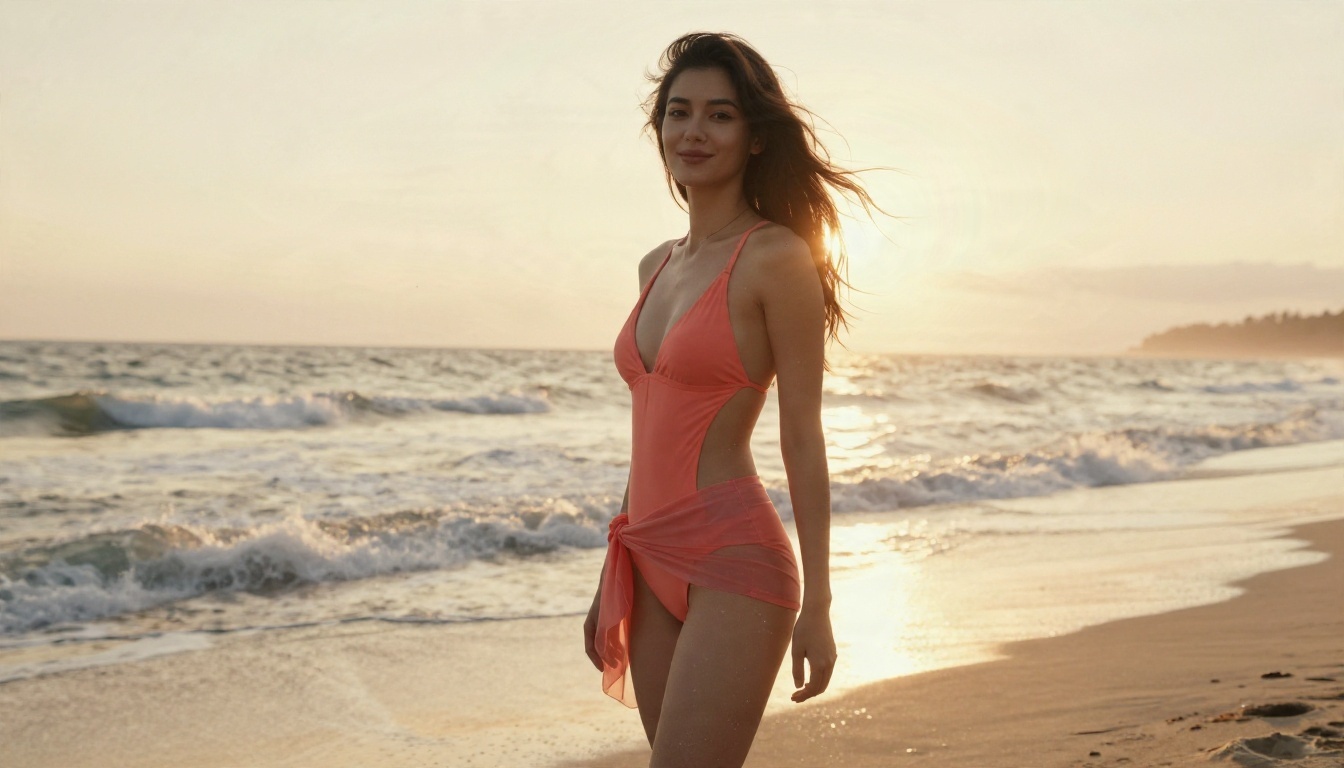
Prompt Tips That Work
Photoreal results come from specific, physical details, not vague adjectives. Try this pattern:
- Subject and pose: "a woman in a coral swimsuit and sheer sarong, relaxed smile"
- Place: "quiet beach, soft haze, gentle waves"
- Light: "low golden sun from camera right, warm backlight"
- Camera: "24mm lens, f/2.8, fine film grain"
- Texture: "sea-salt skin, sand grains, natural highlights"
Avoid style words like neon, cartoon, or digital art if you want photography. Keep the language descriptive and calm, and the model will reward you with natural color and believable skin.
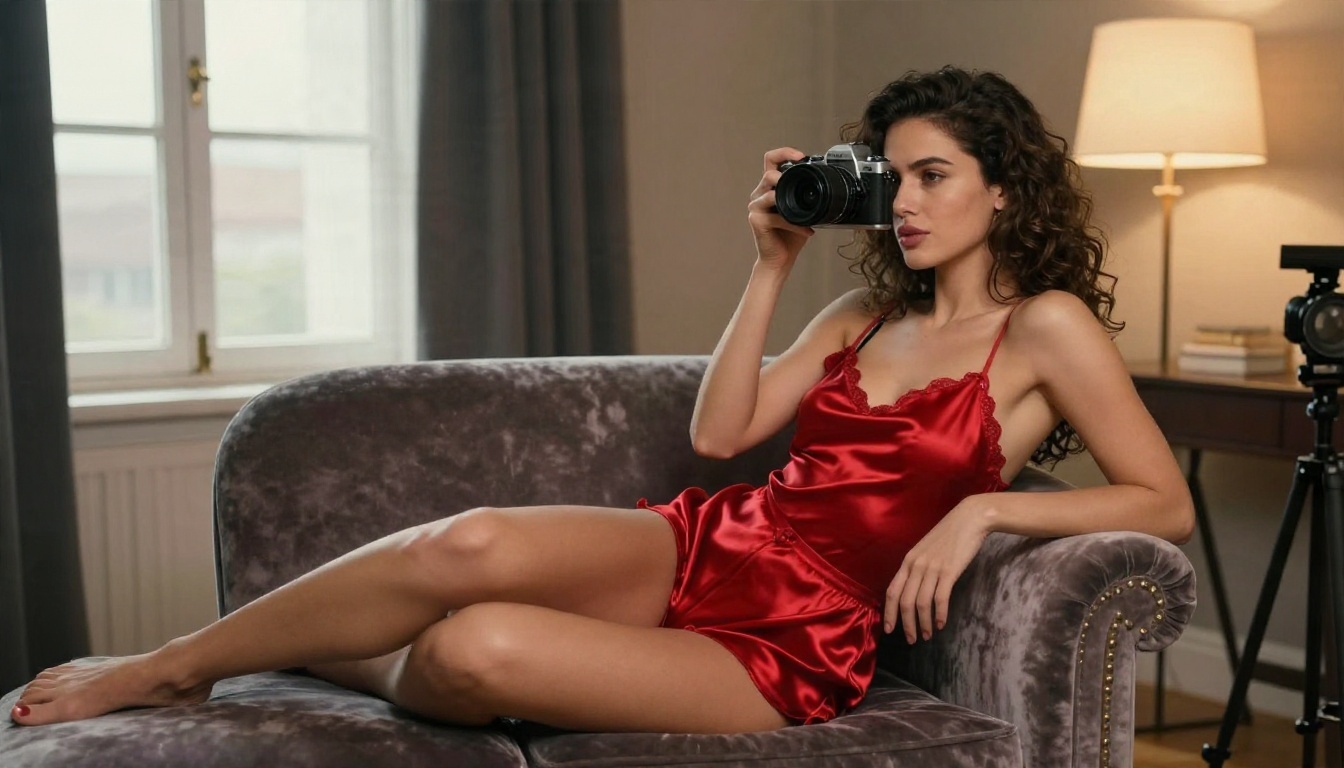
Common Mistakes
- Stacking too many ideas. One outfit, one place, one light source.
- Skipping the lens. A lens and aperture tell the model how deep the blur should be.
- Rewriting everything. Change one detail per run so you can see what helped.
- Ignoring aspect ratio. The wrong ratio crops faces and hands.
Make Your Own Images Today
If Civitai NSFW is not loading, the quickest path is often to stop fighting the settings and make the image directly. Start with Seedream 4.5 for the main render, open PicassoIA Image Editor Pro when you need unlimited edits, and use Z Image Turbo when you just want to test ideas fast. You get uncensored creative freedom within tasteful, non-explicit limits, no Buzz math, and results in seconds.

Want to see everything on offer? Browse the full list at picassoia.com/en/all-models, pick a model, and write your first prompt. Try three variations of the same scene, compare them side by side, and keep the one that feels like a real photograph. That is how you go from a frustrating blank grid to a folder of images you are proud of, in one sitting.


