You search for a Civitai NSFW gallery because you want to see what is possible, copy a prompt that works, and make something similar without spending an evening filtering through thousands of mismatched posts. That is a fair goal. The trouble is that the gallery is a mixed bag: some posts are stunning, many are broken, and the rules around mature content keep shifting. This article shows you what a typical gallery contains, which photorealistic glamour examples are worth recreating, the prompts behind them, and the free online alternatives that get you the same look in a few seconds.
Everything here stays on the tasteful side: swimwear, boudoir styling, editorial portraits, adult models only, and nothing explicit. If that is the look you want, you are in the right place.
What a Civitai NSFW Gallery Looks Like
Civitai is a community site where people share image models, LoRAs, and the pictures they generate with them. Its gallery is basically a giant scrolling wall of user posts, each one attached to a model and often a prompt.
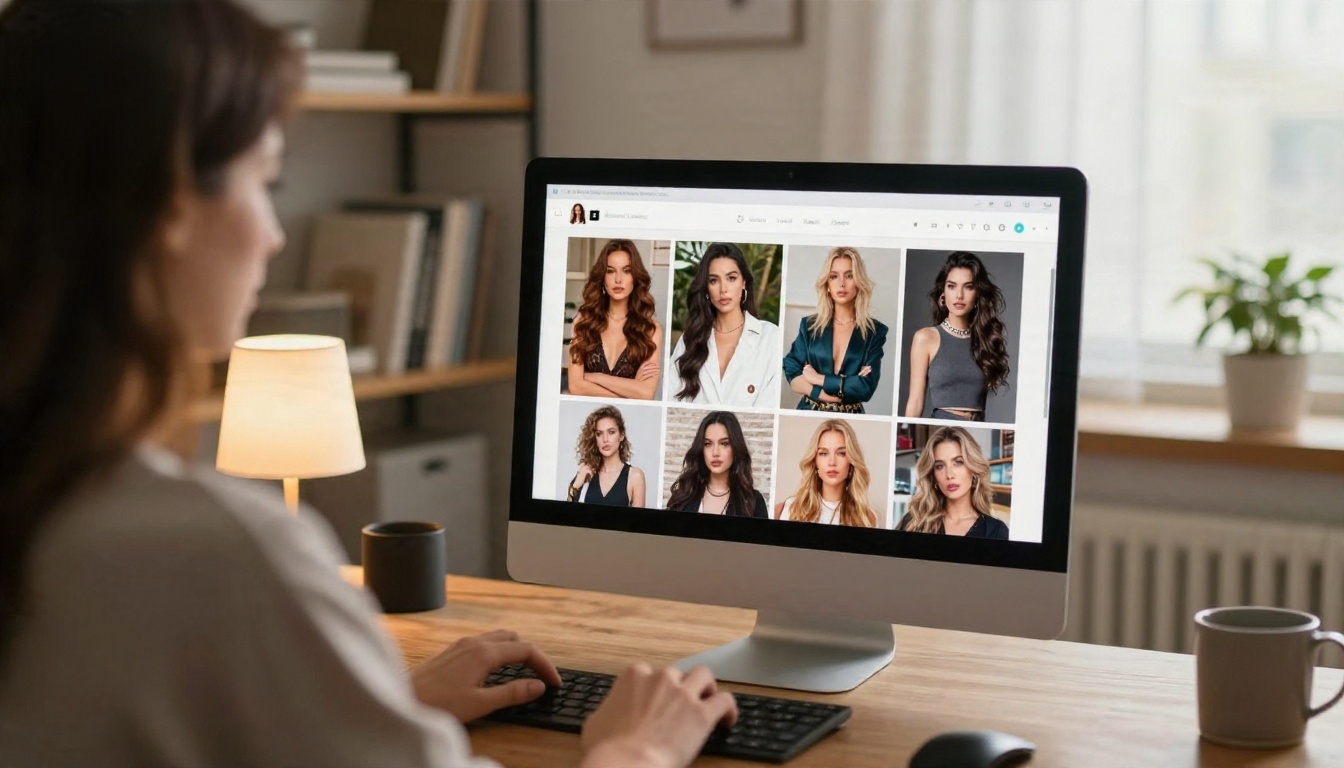
The Anatomy of a Gallery Post
A typical post gives you four things:
- The image itself, usually between 768 and 1536 pixels on the long side
- The checkpoint or LoRA used to produce it
- The prompt and negative prompt, when the uploader chooses to share them
- Settings such as sampler, steps, CFG scale, and seed
That metadata is the real value. A picture you like becomes a recipe you can study. The catch is that recipes depend on a specific checkpoint, and if you do not have that checkpoint installed locally, the same prompt gives you something very different.
Why People Keep Browsing It
There are three honest reasons. First, variety: thousands of styles from film-grain portraits to studio glamour. Second, transparency: you can see how a result was made. Third, inspiration: scrolling a gallery is a fast way to find a pose, a lighting setup, or an outfit idea you would never have typed yourself.
💡 Tip: Treat gallery posts as reference boards, not guarantees. Uploaders often cherry-pick one great frame out of dozens, so your first attempt will rarely match.
What Changed on Civitai Recently
If you have not visited in a while, the experience is different from a couple of years ago. Browsing is safe-for-work by default, and mature content sits behind toggles and account settings.
Rules Around Mature Content
Based on the reporting I reviewed, the platform tightened its rules under pressure from payment processors. Uploads need proper metadata or they stay hidden from everyone but the uploader, certain content categories were banned outright, and content showing real people was restricted. Filtering of anything tagged with minor-related themes also expanded, and it now applies even at lower mature browsing levels.
Rules like these can change again, so check the live content policy on the site before you rely on any assumption in this article.
Why Results Feel Hit and Miss
For a casual visitor, this creates friction:
| Problem | What it means for you |
|---|
| Hidden or removed posts | Prompts you bookmarked may vanish |
| Toggle-based browsing | You must adjust settings repeatedly |
| Model-specific recipes | A prompt only works with its exact checkpoint |
| Local setup needs | Many recipes assume a GPU and a UI install |
| Real-person restrictions | Celebrity-style prompts get blocked |
None of this means the gallery is useless. It means that if your real goal is to generate your own images, a hosted tool with fewer moving parts saves hours.
Gallery Examples Worth Recreating
Below are five looks that dominate glamour galleries, rebuilt as photorealistic examples. Each one includes what makes it work, so you can adapt it.
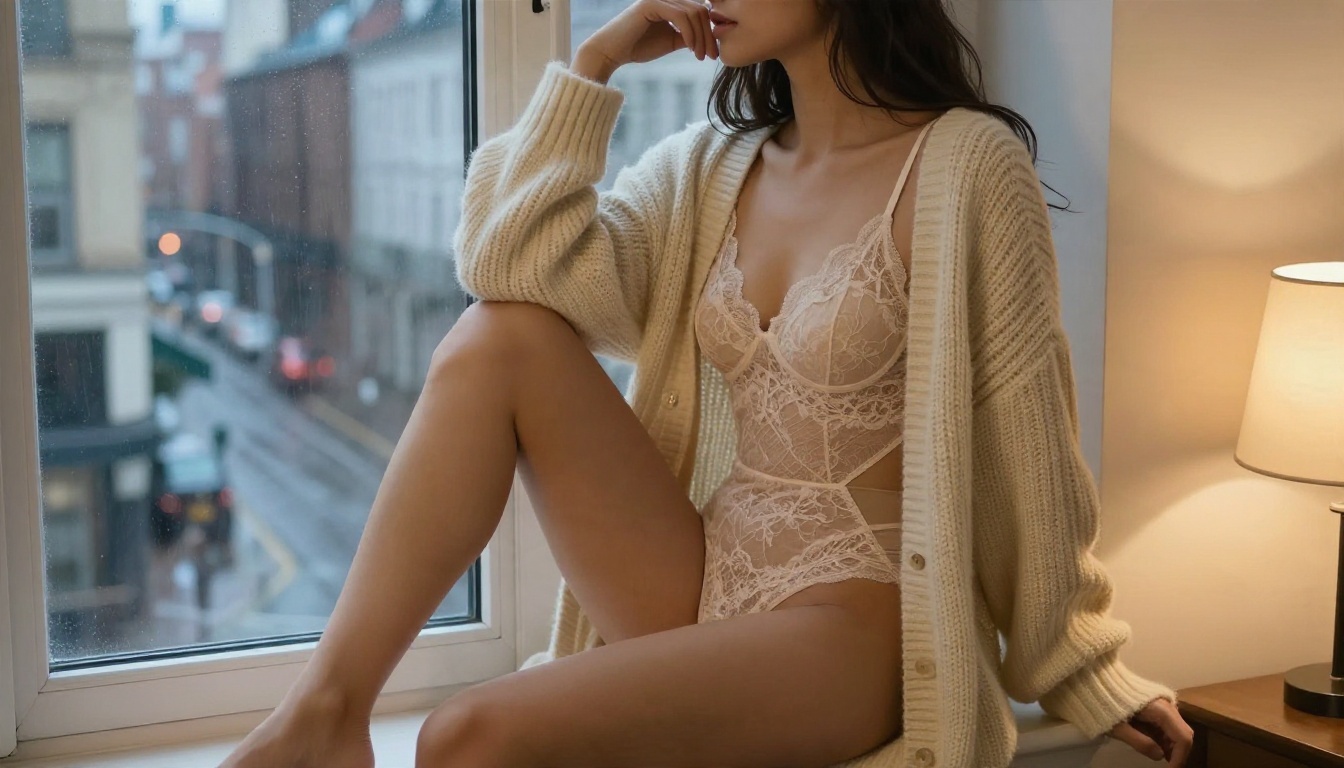
Boudoir by the Window
Soft window light, a satin slip dress, rumpled linen, and a low camera angle. This is the most copied look in the gallery because it is flattering and easy to describe.
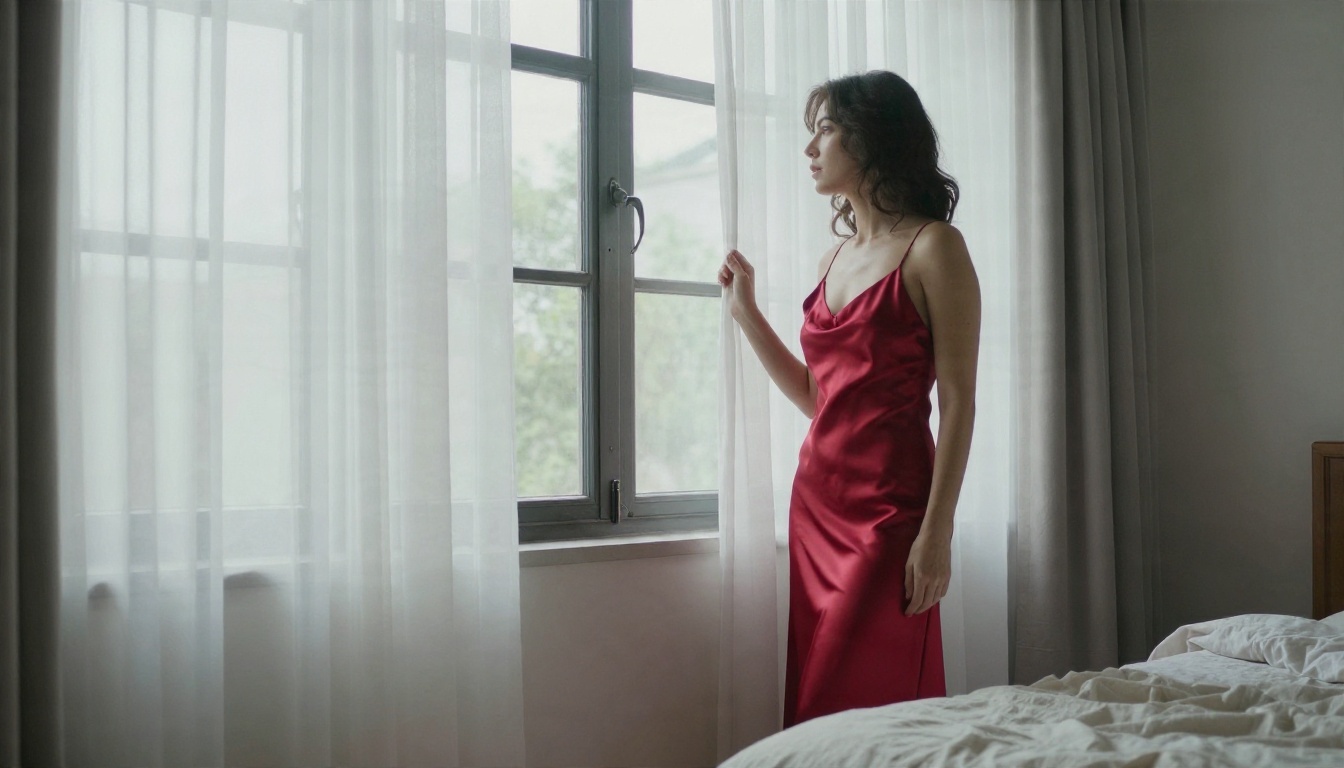
Why it works: overcast morning light wraps around the subject and avoids harsh shadows. Satin gives you highlights that make the image look expensive. A 50mm f/1.8 description keeps proportions natural.
Poolside Glamour
Top-down shots of a bikini model on a float are everywhere. The trick is the water: ripples and caustics add realism that flat backgrounds never do.
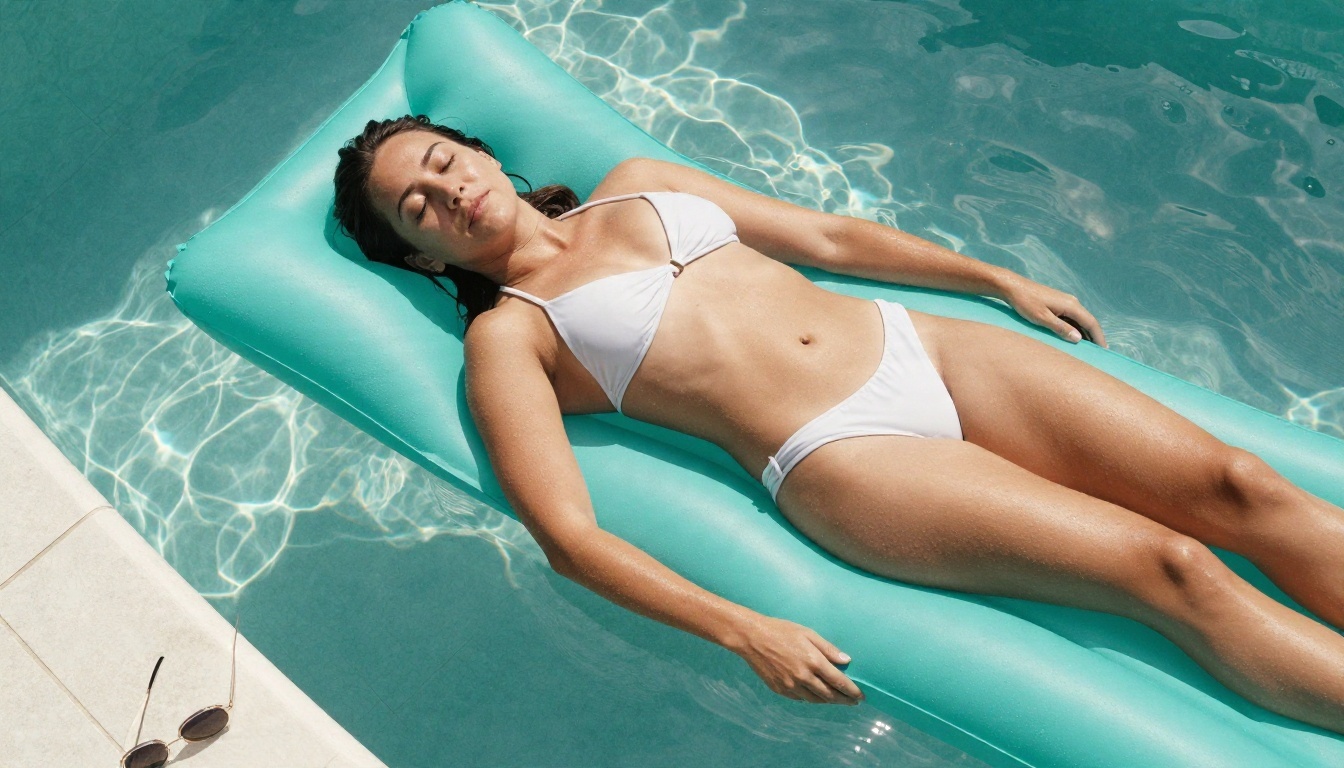
Why it works: the bird's-eye angle creates a clean graphic composition, and the contrast between white fabric and turquoise water keeps the subject readable at thumbnail size.
Beauty Close-Ups
Tight portraits with dark backgrounds attract a lot of attention in galleries because skin detail is the first thing viewers judge.
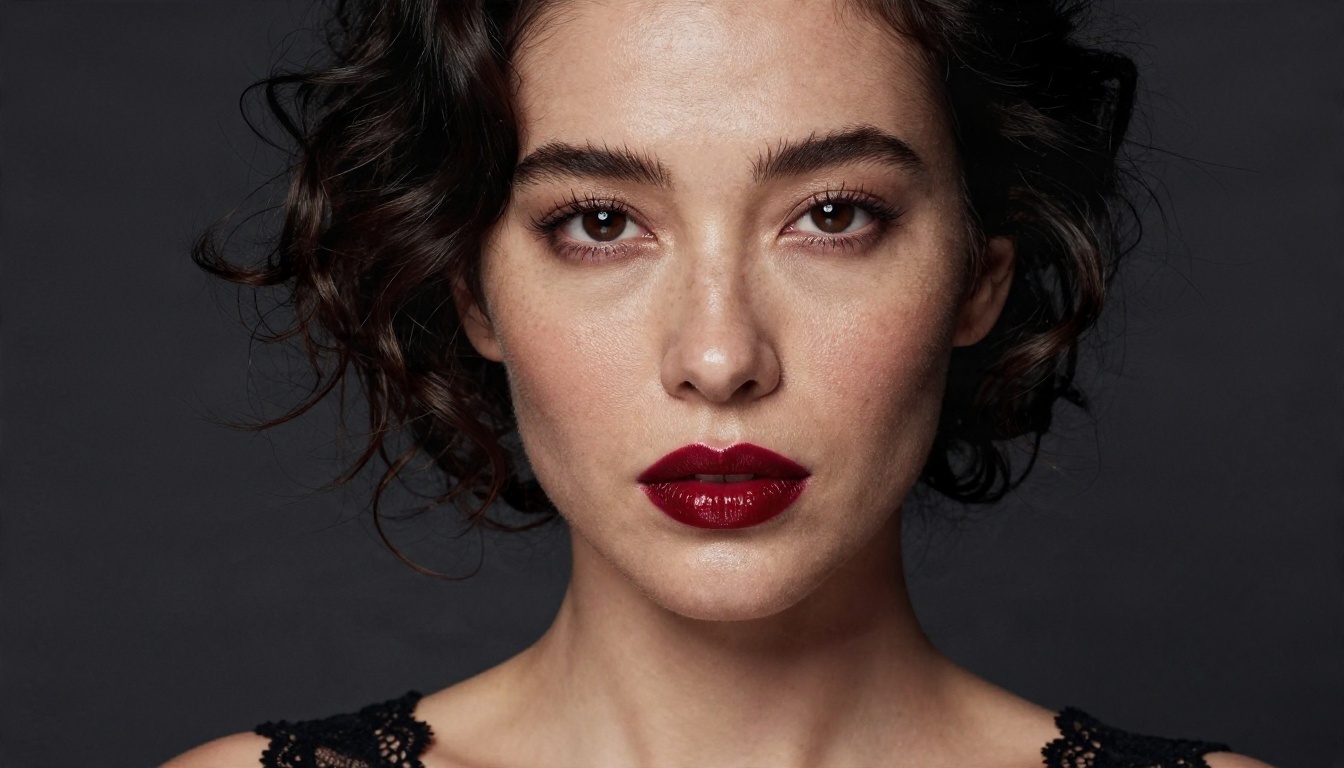
Why it works: a single softbox from one side makes gentle shadow, while words like pores, freckles, fine hairs push the model toward real skin instead of plastic smoothness.
Golden Hour Beach
Backlit sunrise or sunset walks are the safest crowd-pleaser. The light does most of the work.
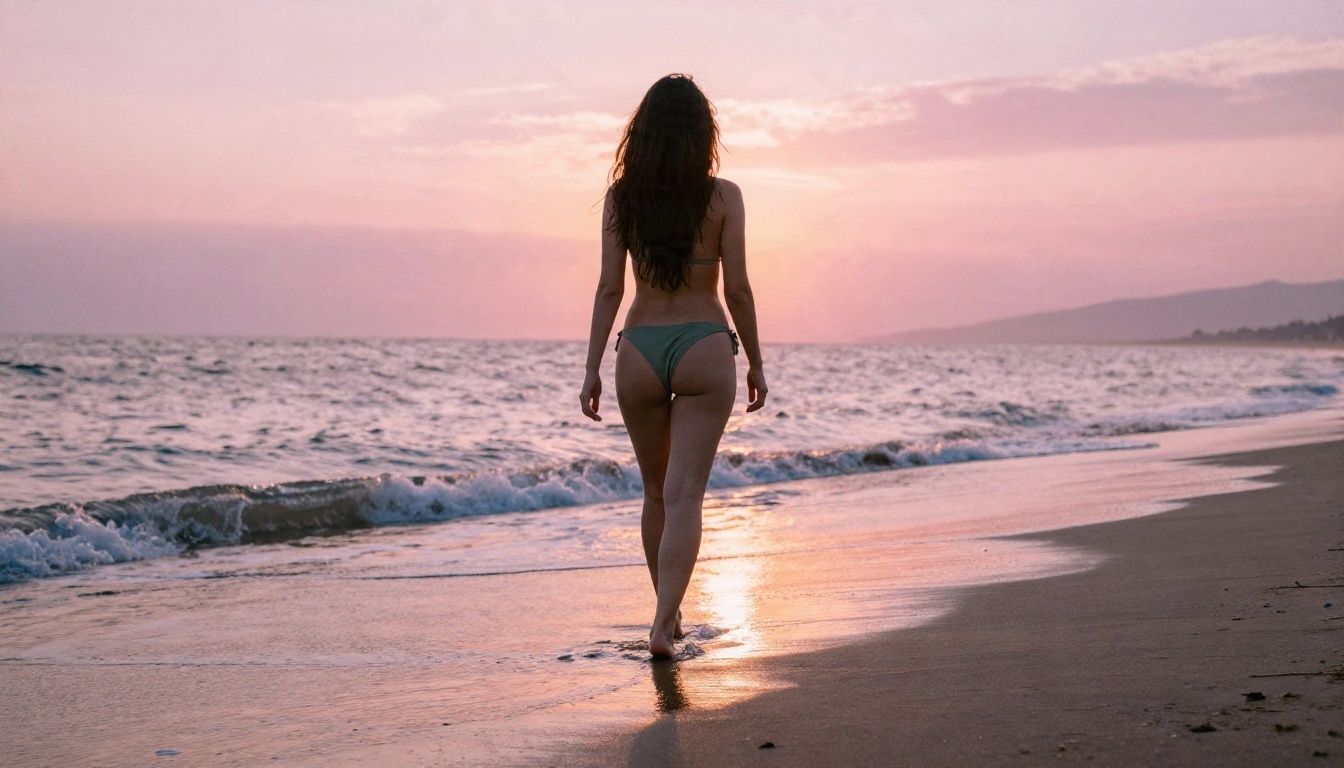
Why it works: reflective wet sand doubles the sky colors, and a backlit rim on the hair separates the subject from the horizon.
Prompts That Actually Work
You do not need a 200-word spell. You need the right ingredients in a sensible order.
The Five-Part Prompt Formula
Use this structure and you will get consistent output on almost any modern image model:
- Subject and pose: who, what they wear, what they are doing
- Environment: the room, the location, and two or three props
- Lighting: direction, softness, time of day
- Camera: lens length, aperture, angle, distance
- Texture and film look: skin detail, fabric, grain, color palette
Put the most important element first. Models weigh the start of a prompt more heavily than the tail.
Sample Prompts to Copy
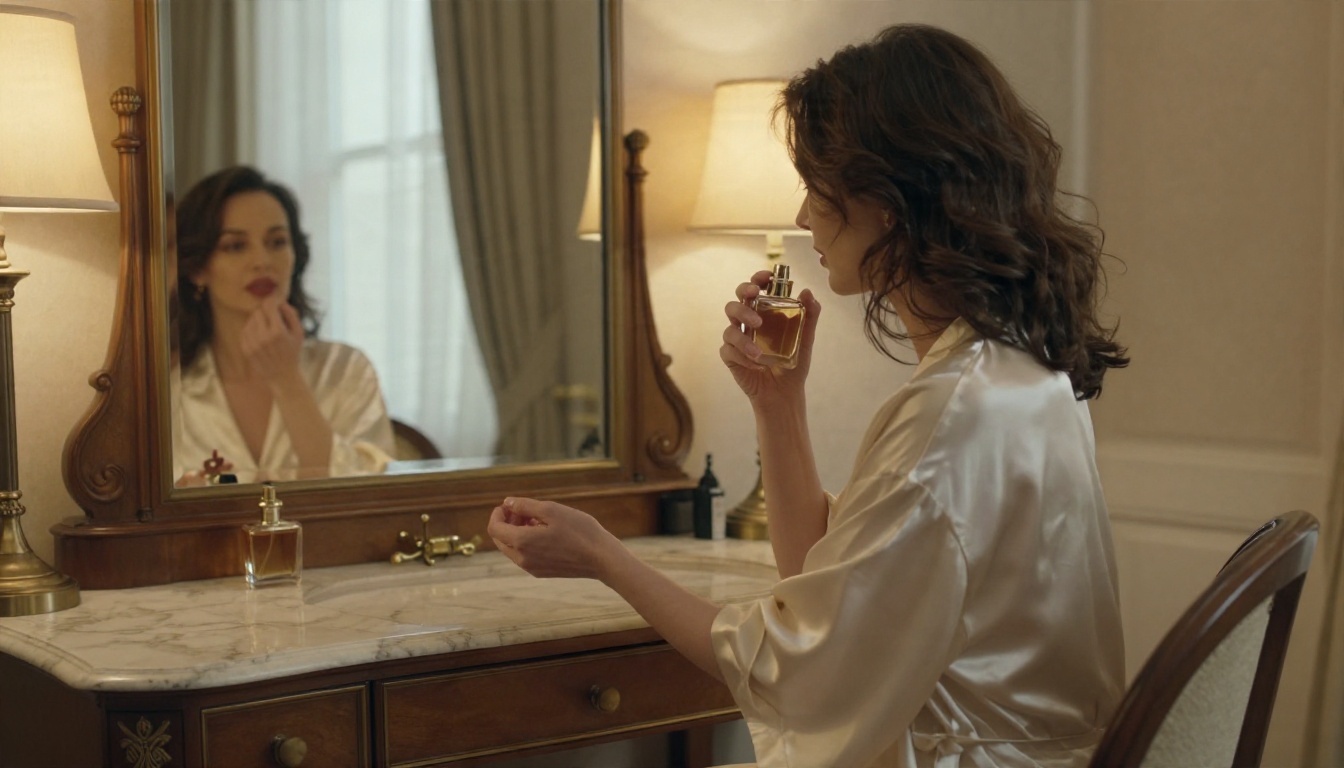
Here are three ready-made prompts built on the formula. Swap the outfit or location freely.
Hotel vanity (the image above):
Medium shot of an adult woman in a cream silk robe seated at a vintage vanity mirror in a hotel suite, applying perfume to her wrist, warm tungsten lamp light from the right mixed with cool daylight from a window, reflection visible in the mirror, brass and marble details, 50mm f/1.4 lens, silk folds and skin texture, soft film grain, Kodak Portra 400
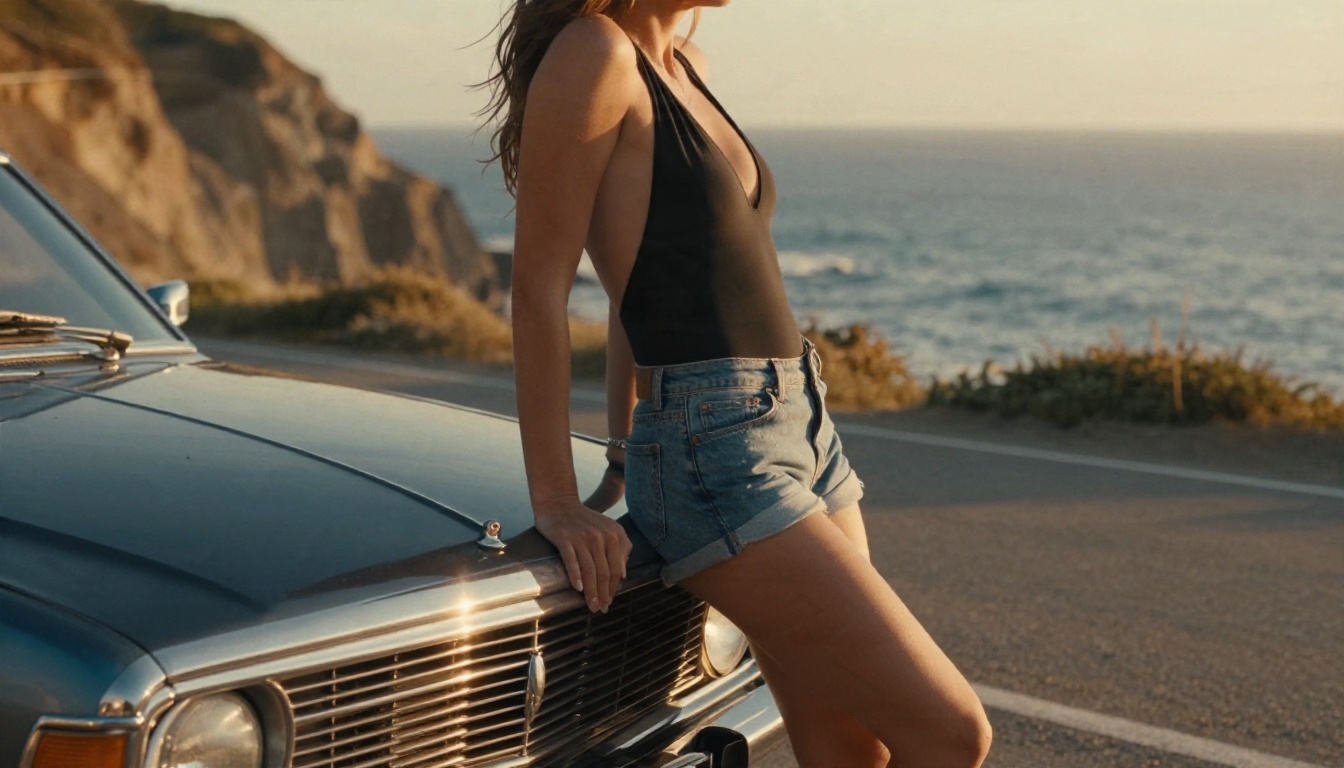
Coastal road trip:
Adult woman in a black halter swimsuit and denim shorts leaning on a vintage convertible on a coastal road, late afternoon sun from the right, dusty road texture, ocean cliffs blurred behind, 35mm f/2 lens, realistic skin, chrome reflections, film grain
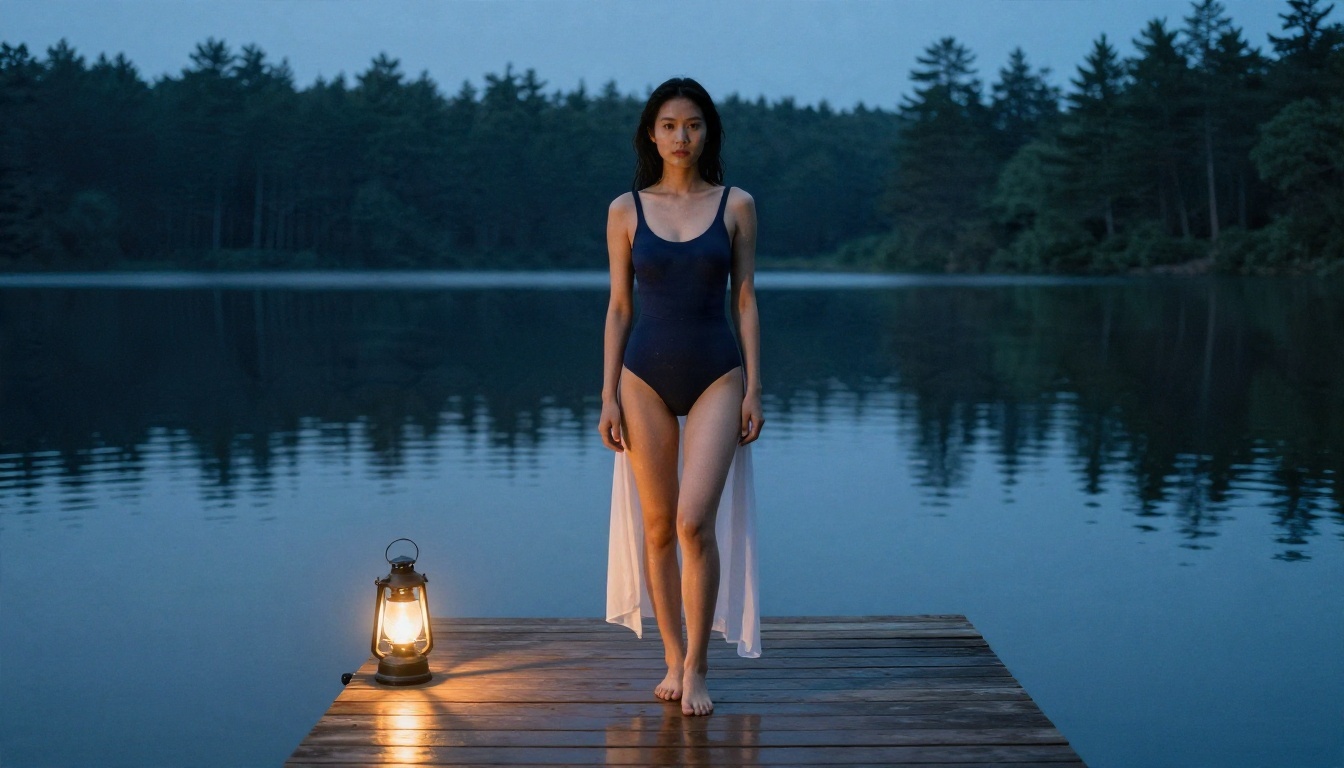
Lake dock at dusk:
Full-length photograph of an adult woman in a navy one-piece swimsuit with a sheer sarong on a wooden dock at a lake at dusk, calm mirror reflection, pine forest silhouette, blue-hour light with warm lantern glow from the left, 35mm f/2.8 lens, damp skin texture, film grain
Negative Prompts and Words to Skip
Some models, especially older Stable Diffusion checkpoints, benefit from a negative prompt. A short one works best: blurry, extra fingers, distorted hands, plastic skin, watermark, text, low resolution. Newer models often ignore negative prompts completely, so describe what you want instead of what you fear.
Words worth dropping: vague hype terms like masterpiece and best quality. Modern models respond better to concrete photographic details such as lens, light direction, and film stock.
Free Online Alternatives on PicassoIA
If your goal is output rather than browsing, a hosted generator removes the setup. No GPU, no installing a UI, no hunting for the matching checkpoint. You type a prompt and get an image.
Seedream 4.5 First
For adult glamour work, start with Seedream 4.5. It handles skin, fabric, and lighting with a level of realism that is hard to beat, and it follows long, detailed prompts closely. It can produce high-resolution output, which matters if you plan to print or crop. It is the model I would reach for when you want a gallery-quality result on the first or second try.
Image Editor Pro for Unlimited Runs
Next, try PicassoIA Image Editor Pro. Its biggest advantage is unlimited generations, so you can iterate as many times as you like without watching a credit counter. That changes how you work: instead of agonizing over one prompt, you run ten variations and keep the best.
It also works well for edits: swap an outfit, change a background, or adjust the mood of an image you already like.
Other Models Worth Trying
Once you have a feel for the first two, these are good for specific jobs:
💡 Tip: For anything you plan to post publicly, check the rules of the platform where you post it. Tasteful swimwear and boudoir images are accepted in many places, but each community sets its own limits.
How to Use Seedream 4.5 on PicassoIA
Here is the workflow I use to turn a gallery idea into a finished image.
- Open the model page. Go to Seedream 4.5 on PicassoIA.
- Paste your prompt. Use the five-part formula above. Start with a prompt of 50 to 100 words. Longer is fine when you need specific props or lighting.
- Set the aspect ratio. Choose 16:9 for scenery and wide scenes, 3:4 or 2:3 for full-length portraits, and 1:1 for avatars.
- Generate a first pass. Look at the light direction and skin first. If either looks off, fix the prompt before touching anything else.
- Adjust one variable at a time. Change the lens, then the lighting, then the outfit. Changing everything at once makes it hard to see what helped.
- Refine in Image Editor Pro. Send your best result to Image Editor Pro to adjust outfits or backgrounds with unlimited tries.
- Upscale if needed. For prints or large crops, run the final image through a super resolution model.
Parameter tips:
- Keep prompts in plain sentences. Avoid stacking twenty adjectives.
- Name a film stock like Kodak Portra 400 to get warm, natural skin tones.
- Include a lens (85mm f/1.8) to control depth of field and perspective.
- Add small imperfections: flyaway hairs, fabric folds, water droplets. They are what make an image feel photographed.
- Use a fixed seed when you want to compare small prompt changes fairly.
Civitai vs Free Online Generators
Here is an honest side-by-side so you can pick the right tool for the job.
| Feature | Civitai gallery | Hosted generators on PicassoIA |
|---|
| Best use | Browsing and finding recipes | Making images right away |
| Setup | Local install or paid on-site credits | Open a page and type |
| Prompt portability | Tied to specific checkpoints | Works on the model you are using |
| Content visibility | Toggles, hidden posts, shifting rules | Consistent behavior per model |
| Speed | Depends on your hardware | Seconds per image |
| Iteration cost | Credits or electricity | Unlimited runs with Image Editor Pro |
| Learning curve | Steep for beginners | Gentle |
The two are not enemies. Browse a gallery to collect ideas, then generate them yourself where the process is faster. That combination is how most people end up working.
Make Your Own Gallery Today
You now have what you need: a picture of what a Civitai NSFW gallery contains, five photorealistic looks to recreate, a prompt formula, and the models that make it quick. The next step is simple. Pick one of the looks above, paste the matching prompt into Seedream 4.5, and see what comes back in a few seconds.
Then switch to PicassoIA Image Editor Pro and run as many variations as you want. Change the outfit, shift the light from morning to dusk, move the scene from a hotel suite to a beach. Because generations are unlimited, the only limit is your imagination.
Want to see every option? Browse the full lineup at picassoia.com/en/all-models, pick a model, and start building your own gallery on PicassoIA today.


