If you have typed "Civitai NSFW LoRAs" into a search bar lately, you probably noticed the same thing everyone else did: the answers are scattered, outdated, or buried under filters. A few years ago you could open the site, flip a toggle, and download hundreds of adult style files in one evening. Today the picture is messier. Rules have tightened, some categories have vanished, and a lot of creators are looking for other routes to the same glamour, boudoir and swimwear looks.
This article lays out where people actually find these files now, which free options hold up, what can go wrong with random downloads, and how to get the same photorealistic, suggestive-but-tasteful results without touching a single checkpoint folder.
💡 Quick answer: NSFW LoRAs still exist on Civitai, but they are filtered and more restricted than before. Free hosting alternatives exist, though each comes with trade-offs. If your goal is simply great glamour images, a modern model like Seedream 4.5 can skip the LoRA hunt entirely.
What a LoRA Actually Does
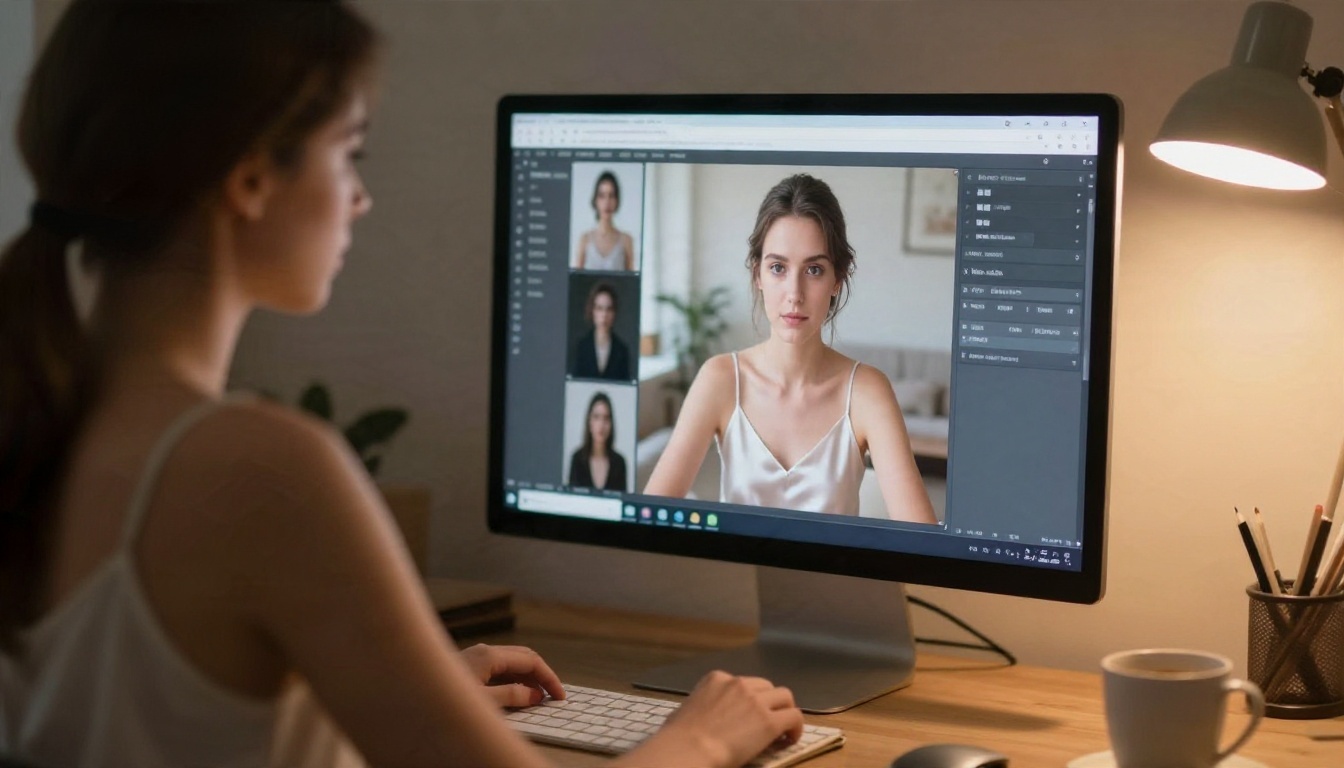
Small files, big style shifts
A LoRA (low-rank adaptation) is a small add-on file that nudges a large image model toward something specific. Think of the base model as a skilled photographer who can shoot anything reasonably well. A LoRA is a short briefing: "shoot like this, with this lighting, this fabric, this pose language."
Most files weigh between 20 MB and a few hundred MB, far lighter than a full checkpoint that can run into many gigabytes. That is why they spread so fast. You can stack two or three, dial each one's strength up or down, and shift the look of an image without retraining anything.
Why NSFW creators love them
Base models often play it safe. They smooth skin too much, default to the same poses, and refuse or dilute anything suggestive. LoRAs fix that in a few specific ways:
- Fabric and material accuracy: lace, satin, wet swimwear and sheer robes that look like real cloth instead of plastic.
- Pose variety: boudoir, beach and editorial poses that a generic model rarely produces on its own.
- Skin realism: pores, freckles and natural sheen instead of airbrushed gloss.
- Consistent character: the same invented face across many images.
- Film and lighting looks: Kodak-style grain, golden hour warmth, soft window light.
That list explains the appeal. It also explains why so many people want an alternative once the download route gets complicated.
Where to Find NSFW LoRAs Now
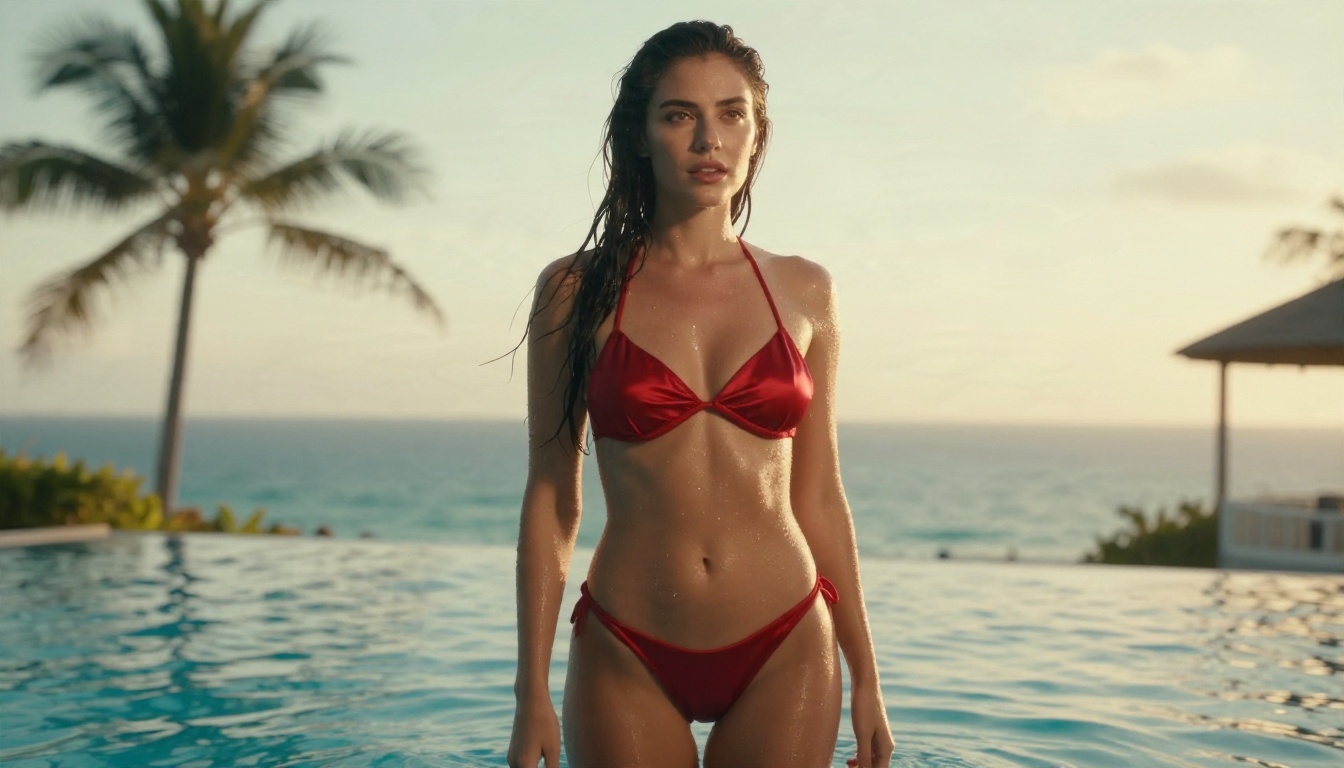
Civitai and its filters
Civitai is still the largest public library of community models, and adult files are still part of it. The catch is that access is no longer wide open. Browsing is set to safe content by default, and mature results only appear after you adjust your account's content settings. Search results lean heavily on moderation tags, and some categories you might remember are gone.
Reporting through 2025 described a company under heavy pressure from payment processors. One card processor dropped the platform over its adult content, the site started accepting crypto for its Buzz currency while it looked for replacements, and several fetish categories were banned. Content depicting real people's likeness was also restricted and made much harder to find. Third-party summaries from 2026 describe the same direction: safe-by-default browsing, stricter rules, and adult material that still exists but is narrower than before. I could not confirm an exact current rulebook, so check the platform's own terms before you plan a workflow around it.
Other places people look
When Civitai's filters get in the way, creators usually turn to a few other sources:
- Hugging Face: model repositories where independent authors upload files. Quality and labeling vary a lot.
- Tensor.Art and SeaArt: hosted generators with their own model libraries and their own content rules.
- Community forums and Discord servers: useful for recommendations, risky for random file links.
- Archive mirrors: copies of removed files. These are the most dangerous option for reasons covered below.
What changed and why it matters
The practical effect is that the "download and run locally" pipeline now takes more effort. You need an account, adjusted filters, a compatible base model for each file, and enough GPU memory to run it. Many LoRAs are also tied to one model family, so a file built for an older Stable Diffusion checkpoint will not work on a newer architecture.
💡 Tip: Always check which base model a LoRA was trained on before you download. A mismatch is the number one reason files "don't work."
Free Options That Work
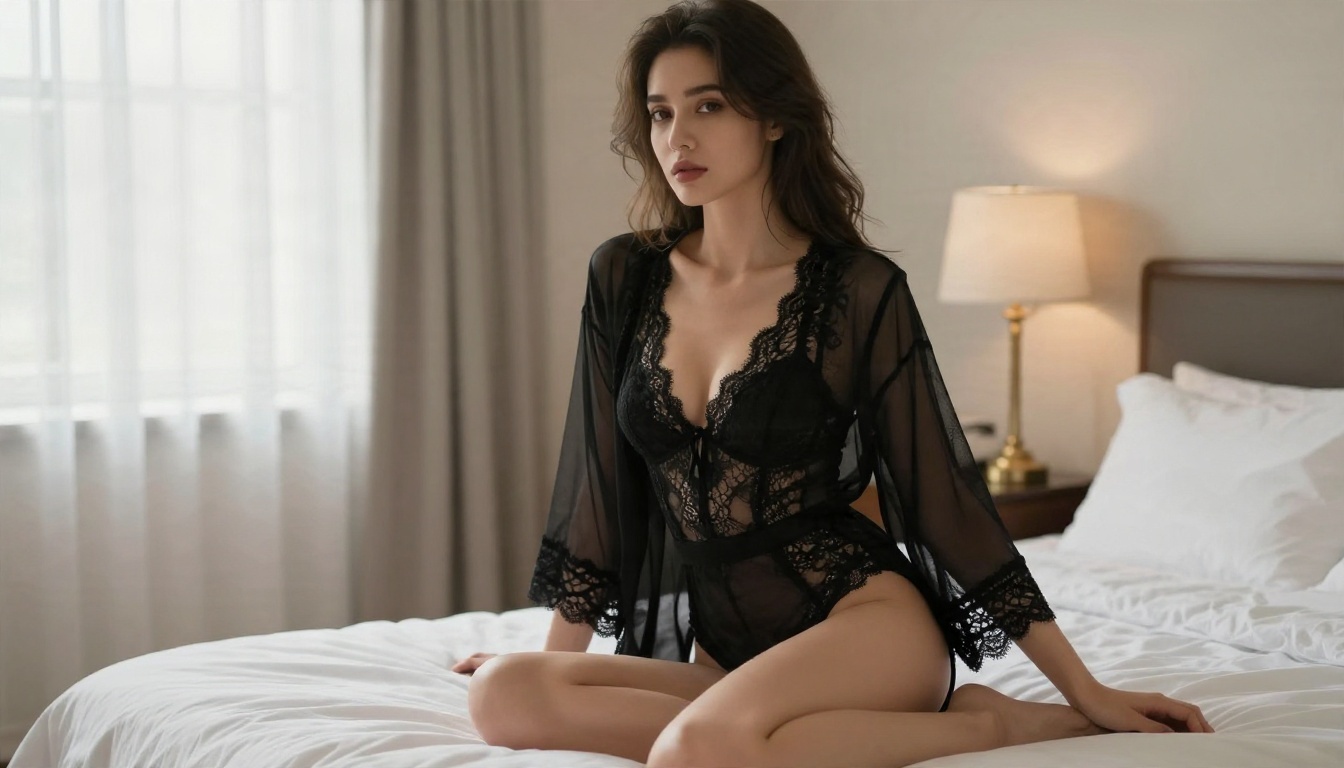
"Free" can mean three different things here: free to download, free to run, or free to generate. They are not the same, so the comparison below separates them.
| Option | Cost to start | Hardware needed | Main catch |
|---|
| Local setup with downloaded LoRAs | Free files | Strong GPU, ideally 12 GB+ VRAM | Setup time, file safety, model matching |
| Hosted community generators | Free credits, then paid | None | Daily limits, content rules, queue times |
| Open model repositories | Free | Strong GPU | Weak labeling, uneven quality |
| Browser platforms with built-in models | Free tier | None | Fewer custom files, but no setup |
Run it locally
If you own a decent graphics card, local generation is the cheapest long-term route. You download a base model, drop LoRA files in the right folder, and generate without limits. The cost is your time. Expect to spend a weekend on drivers, interface settings and trial and error before the first good image.
Use a hosted generator
Hosted sites remove the hardware problem. You get a small daily credit allowance, pick a model and a LoRA from a dropdown, and click generate. The trade-off is that each site sets its own content rules, so the same prompt can work on one and be blocked on another.
Skip the files entirely
The third path is to use a model that already handles glamour, swimwear and boudoir photography well. This is where most of the time savings happen, and it is covered in the alternatives section below.
Risks Nobody Mentions
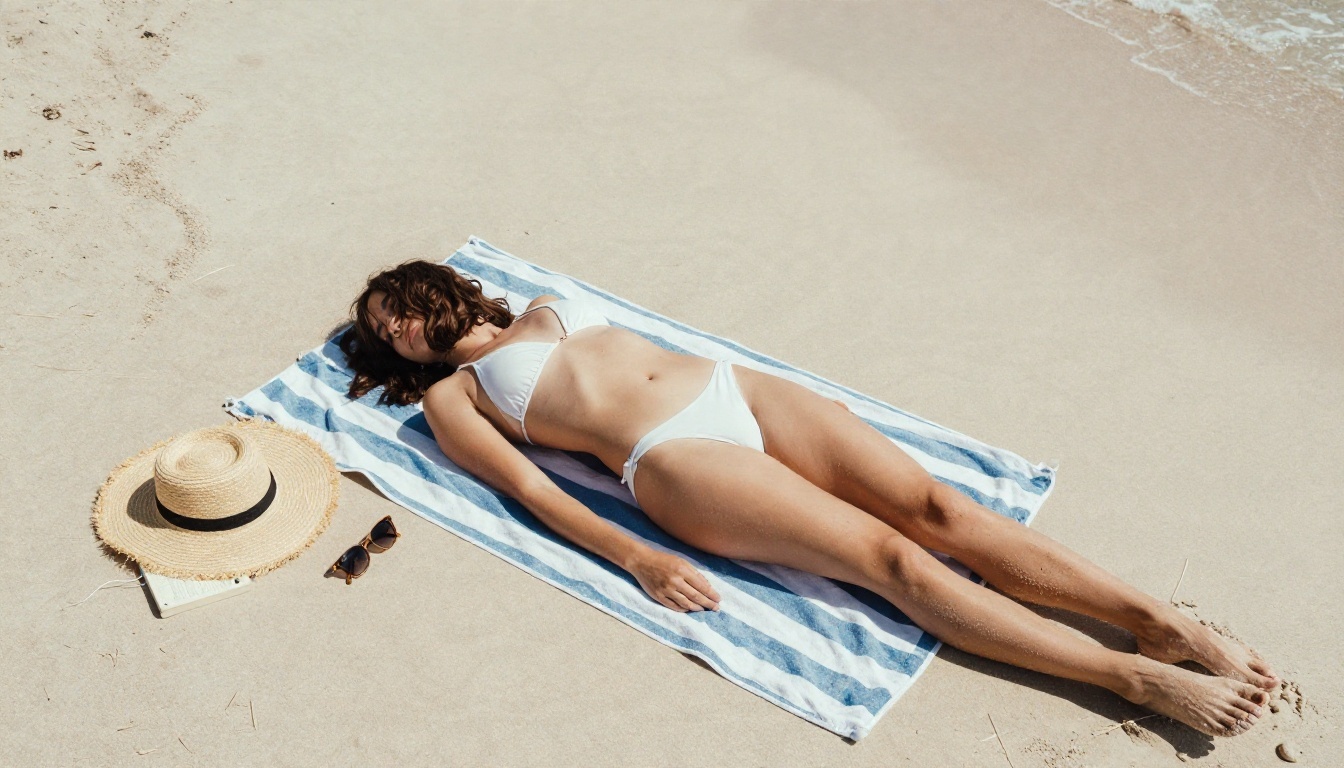
File safety
Not every model file is equal. Older formats can carry executable code, which means a bad file from an unknown uploader can do more than generate images. Stick to the safer tensor format, avoid files from unverified accounts, and never run a download from a forum thread you cannot vouch for. Mirrors of deleted models deserve extra suspicion.
Likeness and consent
Many of the most popular adult LoRAs were built to imitate a specific real person. That is the exact category that drew the heaviest crackdown, and for good reason: making explicit imagery of someone who never agreed to it harms real people, and laws against it have tightened in several countries. A safe rule is simple. Only create images of invented characters or of people who have given clear, informed permission, and keep everything non-explicit.
Licenses and takedowns
Some LoRAs ship with licenses that restrict commercial use, and platforms remove files without notice. A style you built your whole portfolio on can disappear overnight, leaving you with no way to reproduce it. Models that are maintained and hosted for you do not have that problem.
Alternatives Without the Hunt
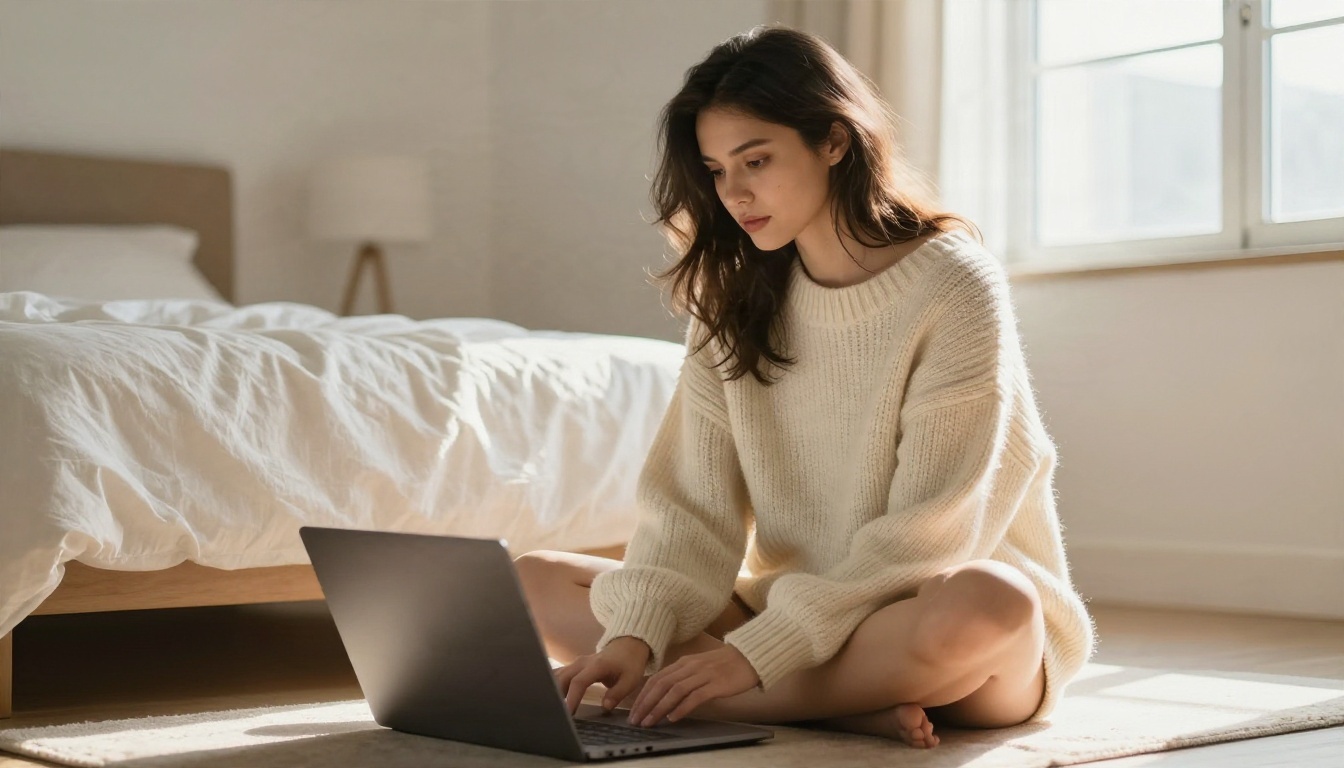
The reason people chase LoRAs is the look: realistic skin, believable fabric, flattering light. Current generation models already deliver much of that out of the box. These are the ones worth trying first, in the order I would test them.
Seedream 4.5 for realism
Seedream 4.5 is my first pick for glamour and swimwear photography. It handles skin texture, wet fabric, silk sheen and natural window light with very little prompt engineering, and it outputs sharp high-resolution images. Because it follows detailed prompts closely, you can describe a pose, a lens and a lighting setup and get something close on the first try. It also works well for suggestive, tasteful content such as bikinis, lingerie and boudoir scenes, which is the territory most people want from adult LoRAs.
PicassoIA Image Editor Pro for edits
PicassoIA Image Editor Pro is built for the second half of the workflow: refining what you have. You can change outfits, adjust lighting, fix details and restyle a photo, and it offers unlimited generations, so you can iterate without watching a credit counter. That is the biggest practical difference from the free-credit generators described earlier, where a few tries and you are done for the day.
Other models worth testing
If you want to keep a LoRA-style workflow, or you need a different look, these are good complements:
- Flux Dev LoRA lets you apply custom style files to a strong base model.
- Flux 2 Klein 9B Base LoRA is a newer LoRA-ready model for styled results.
- Z Image Turbo is a very fast option for quick drafts and prompt testing.
- Qwen Image 3 Pro produces photorealistic portraits with strong detail.
- P Image Trainer lets you train your own LoRA on your own images, so the style is yours and there is no file to hunt down.
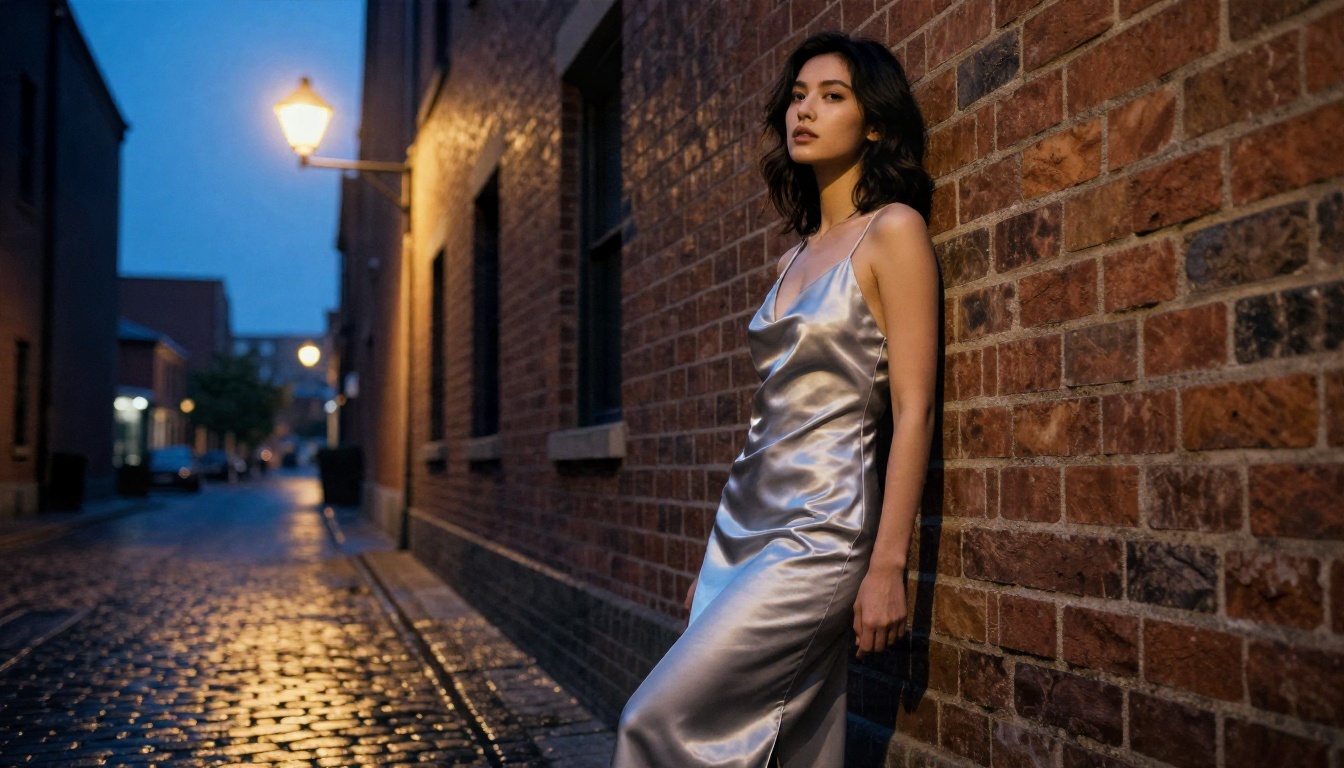
💡 Why this works: A LoRA exists to fill a gap in a base model. When the base model has no gap, the LoRA becomes optional.
How to Get LoRA-Style Results Here
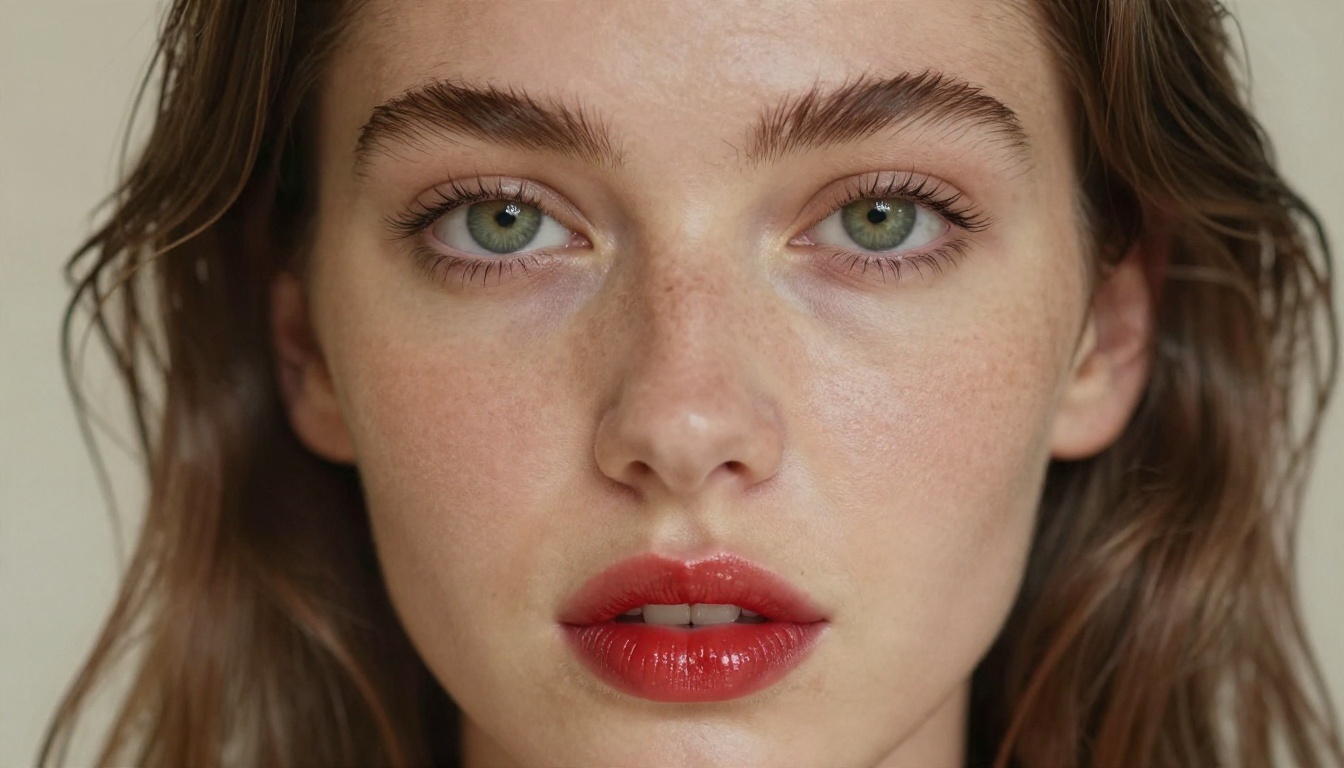
Here is the process I use with Seedream 4.5 to get the same polished look people download LoRAs for.
Step by step
- Open the model page. Go to Seedream 4.5 on PicassoIA and start a new generation.
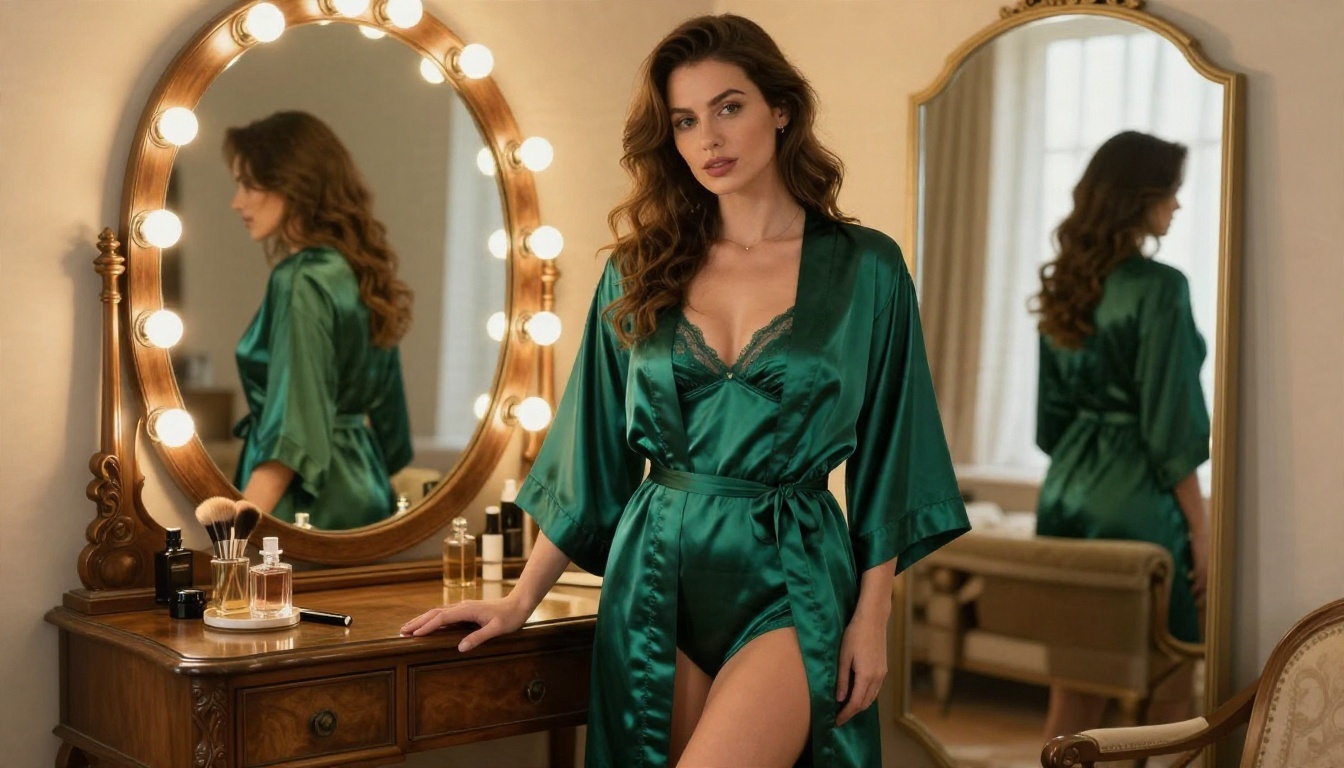
- Write the subject first. Describe one adult character, the outfit and the pose in a single sentence, for example "a woman in an emerald silk robe seated at a vintage dressing table."
- Add the setting. Name the room, the surfaces and two or three props. Specific environments produce more believable images than generic ones.
- Specify the light. Write where it comes from and how it feels: "soft morning window light from the left, gentle rim light on the hair."
- Name the camera. Add a lens and aperture such as "85mm f/1.8, shallow depth of field." This pulls the result toward real photography.
- Set 16:9 or your preferred ratio and generate a few variations.
- Refine in Image Editor Pro. Take your favorite and use PicassoIA Image Editor Pro to adjust the outfit, fix small details or change the mood.
Parameter tips
- Keep prompts specific, not long. Five strong details beat fifteen vague ones.
- Describe texture. Words like "fine skin pores," "silk sheen" and "visible lace pattern" push realism.
- Change one thing per run. If you swap light, pose and outfit at once, you cannot tell what helped.
- Save good prompts. A prompt that works is your replacement for a LoRA, and it never expires.
Prompt Tips That Replace LoRAs
Build a reusable style block
The most useful habit is writing a short "style block" you paste into every prompt. It does the job of a style LoRA. For example: "shot on 85mm f/1.8, Kodak Portra 400 film grain, natural window light, realistic skin texture, soft bokeh." Keep it the same across a series and your images will look like one shoot.
Match the look to the scene
Different looks call for different light:
| Scene | Lighting that works | Lens choice |
|---|
| Boudoir | Soft window light, gauze curtains | 85mm f/1.4 |
| Poolside | Golden hour backlight | 35mm f/2 |
| Beach | Midday sun, strong shadows | 24mm, top-down |
| Dressing room | Warm bulbs mixed with daylight | 50mm f/2 |
| Lakeside | Sunrise mist, pink and gold | 70mm f/2.8 |
Keep it tasteful
Suggestive does not need to mean explicit. Glamour photography has always relied on implication: a slipping robe, a glance over the shoulder, wet fabric catching light. Images in that style are more flattering, easier to share, and they age better than anything that tries to shock. They are also the content that stays welcome on most platforms.
Fix problems quickly
Common issues have simple fixes:
- Plastic skin: add "natural skin texture, visible pores, fine peach fuzz" and drop words like "perfect" or "flawless."
- Odd hands: crop the pose so hands rest near the body, or repair them with inpainting.
- Flat lighting: name a light direction and a time of day instead of just "good lighting."
- Repeating faces: change age range, hair color and bone structure details between runs.
Try It Yourself
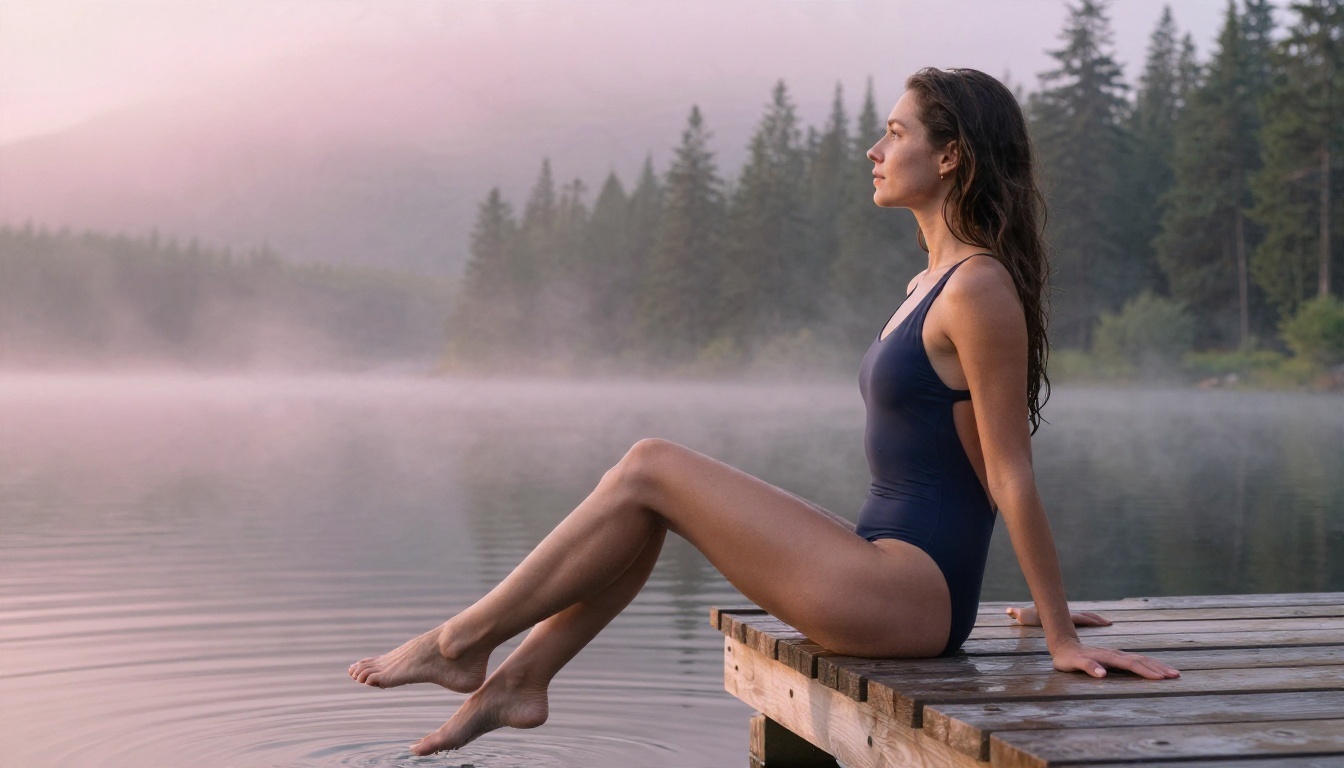
You do not need a gaming PC, a pile of downloaded files or a weekend of setup to get convincing glamour and swimwear images. Start with Seedream 4.5, write one detailed prompt using the style block above, and generate a handful of variations. Then bring your favorite into PicassoIA Image Editor Pro, where unlimited generations let you keep refining until it looks exactly right.
If you want to go further, train a personal style with P Image Trainer or test Flux Dev LoRA for custom looks. Every model mentioned here, and many more, is listed at picassoia.com/en/all-models, so you can compare them side by side and find the one that fits your style.
Pick a scene, write the prompt, and make your own images on PicassoIA today.


