Search for adult AI video and one name comes up first: Civitai. It started as a library of community-trained image checkpoints, and it grew into a place where people share video models, workflows, prompts and short clips. The catch is that the experience keeps changing. Rules shift, credits run out, and whole sections of the site have moved or been removed. If you landed here asking "where can I make these clips for free, and what do I type?", this article gives you straight answers, plus tasteful, non-explicit examples and alternatives that work right now.
I'll be direct about scope. Everything below is about suggestive, glamour-style content: swimwear, lingerie-style looks, boudoir mood, slow cinematic motion. That is also what produces the best results in practice, because current video models handle slow, controlled movement far better than chaotic action.
What Civitai NSFW Videos Really Are
Civitai is not one video model. It is a hub. People upload checkpoints and LoRAs, post sample clips, and share the prompts behind them. A "Civitai NSFW video" usually means one of three things:
- A clip generated with the on-site generator using a hosted video model.
- A clip made locally with an open-weight model downloaded from the site, then posted as an example.
- A short loop made by animating a still image, which is the most common format by far.
That third format matters for everything that follows. Image-to-video gives you control over the first frame, so the face, outfit and setting stay consistent. Text-to-video is more random.
How the On-Site Generator Works
The on-site generator runs on a credit system called Buzz. You pick a model, write a prompt, optionally upload a start image, and spend credits per generation. Video costs far more Buzz than a still image, since each clip is dozens of frames.
Reviews of the platform describe a small credit allocation for new accounts and ways to earn more through activity. I could not confirm current amounts from the platform itself, so treat any specific number you read as a snapshot that may have expired.
Where the Free Part Ends
Free is real, but it is narrow. Expect these limits:
- Credits cover a handful of short clips, not a daily stream of them.
- Queues slow down at peak hours.
- Some models are restricted or filtered on the hosted side, even when the same weights are unrestricted when run locally.
- Mature content has been moved, gated or reorganized more than once. Reports in 2026 describe the mature side of the platform sitting on a separate domain with different payment options. Check the platform's own announcements before you rely on that.
💡 Tip: If a "free" generator asks for a card before your first clip, read the renewal terms. Many tools start a paid plan after a short trial.
Free Generators Worth Trying
"Free" comes in two flavors: free because you run it yourself, and free because someone gives you credits. Both work, and they suit different people.
| Option | Cost | Hardware needed | Best for | Main drawback |
|---|
| Civitai on-site generator | Free credits, then paid | None | Quick tests | Credits vanish fast |
| Wan 2.x open weights in ComfyUI | Free | 12 to 24 GB VRAM GPU | Full control | Setup time |
| HunyuanVideo open weights | Free | 24 GB VRAM GPU | Smooth motion | Heavy install |
| LTX style distilled models | Free | 12 GB VRAM GPU | Speed | Softer detail |
| Browser tools with trial credits | Free for a few clips | None | One-off clips | Watermarks, queues |
| PicassoIA models | Free to start | None | Fast, uncensored stills and animation | None to speak of for glamour use |
Open-Weight Models on Your Own GPU
If you own a decent graphics card, local generation is the only truly unlimited free route. The workflow is the same for most models:
- Install ComfyUI.
- Download a video checkpoint and its text encoder.
- Load a community workflow for image-to-video.
- Drop in a start image and a short motion prompt.
- Render a 5 second clip, then repeat with small prompt changes.
The price is your time. Expect an evening of setup, mismatched file versions and out-of-memory errors before the first clip appears.
Browser Tools With Free Credits
Dozens of web tools advertise free NSFW video. Most share the same pattern: a few free seconds, a watermark, then a paywall. They are fine for testing whether an idea works. They are a poor fit for anyone making clips regularly.
Prompts That Produce Good Motion
Most failed clips fail because of the prompt, not the model. People describe a still picture and expect the model to invent natural movement. It won't. You have to write the motion.
The Four-Part Prompt Formula
Use this order every time:
- Subject and starting pose: who, wearing what, doing what.
- Action over time: what moves, and how slowly.
- Camera movement: dolly, pan, orbit or locked off.
- Light and atmosphere: time of day, direction, mood.
Here is a template:
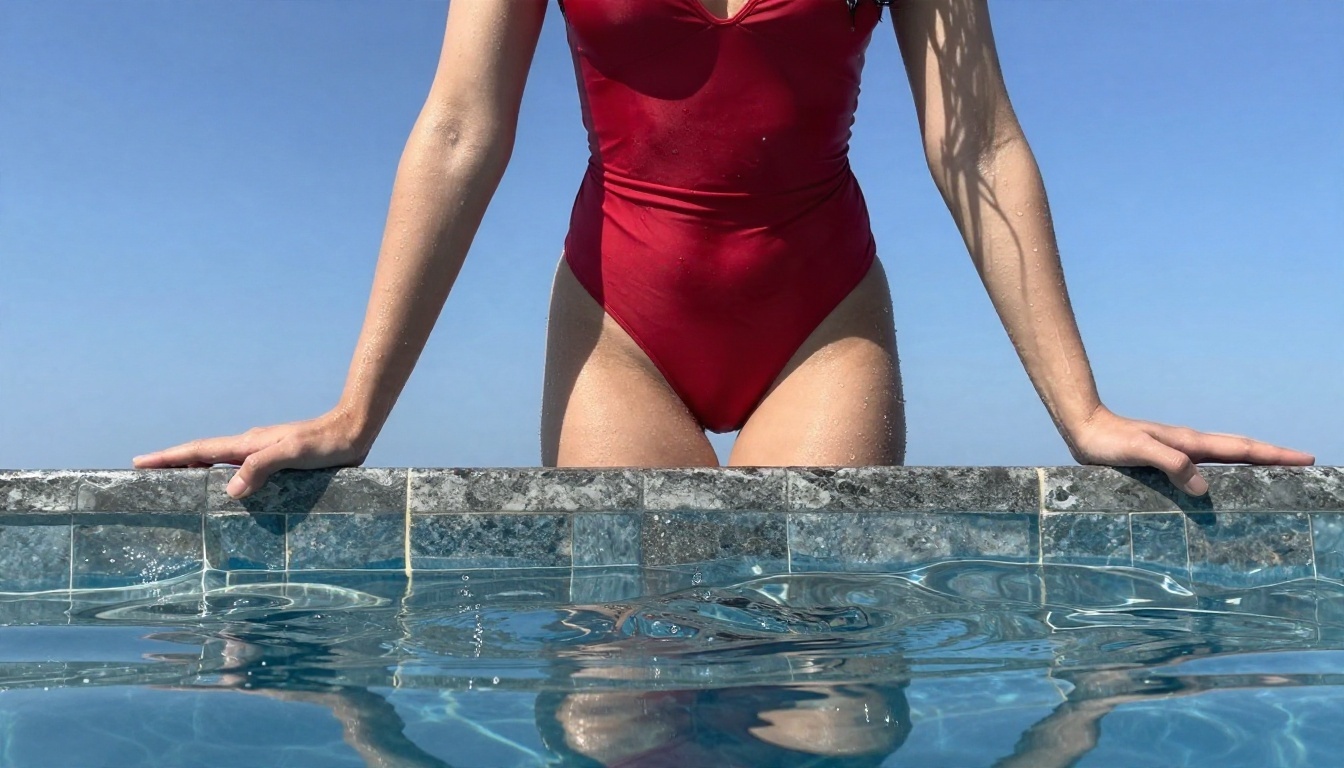
A woman in a red one-piece swimsuit stands at the edge of an infinity pool. She slowly pushes her wet hair back with both hands, then turns her head toward the camera. Slow dolly-in at low angle. Strong midday sun, water ripples in the background, natural film grain.
Motion Verbs That Work
Some verbs give clean results, others produce rubbery limbs. Stick to the first column.
| Reliable | Risky |
|---|
| turns her head slowly | spins around fast |
| brushes hair back | dances energetically |
| walks toward the camera | runs across the frame |
| leans on the railing | jumps or flips |
| breathes, shoulders rise gently | rapid hand gestures |
| wind moves fabric and hair | crowds or multiple people |
Single subject, slow motion, one camera move. That rule alone fixes most bad clips.
Camera Moves That Add Polish
| Camera move | Prompt phrase | Effect |
|---|
| Slow push in | "slow dolly-in" | Intimate, draws focus to the face |
| Gentle pull back | "slow dolly-out" | Reveals the setting |
| Side drift | "slow lateral tracking shot" | Adds depth and parallax |
| Orbit | "camera slowly orbits the subject" | Premium, fashion-film feel |
| Locked off | "static tripod shot" | Safest for stable anatomy |
Examples You Can Copy
These start frames are the kind of image that animates well. Each one has strong, simple lighting, a single subject and a clear setting. Below each, I describe the motion prompt I would pair with it.
Poolside Glamour
The image above works because the sun is hard and consistent, so the model has less to guess about when it adds movement.
Motion prompt: She pushes her wet hair back, water drips from her fingertips, slow dolly-in from low angle, ripples shimmer behind her, bright midday sun.
Yacht Deck Walk
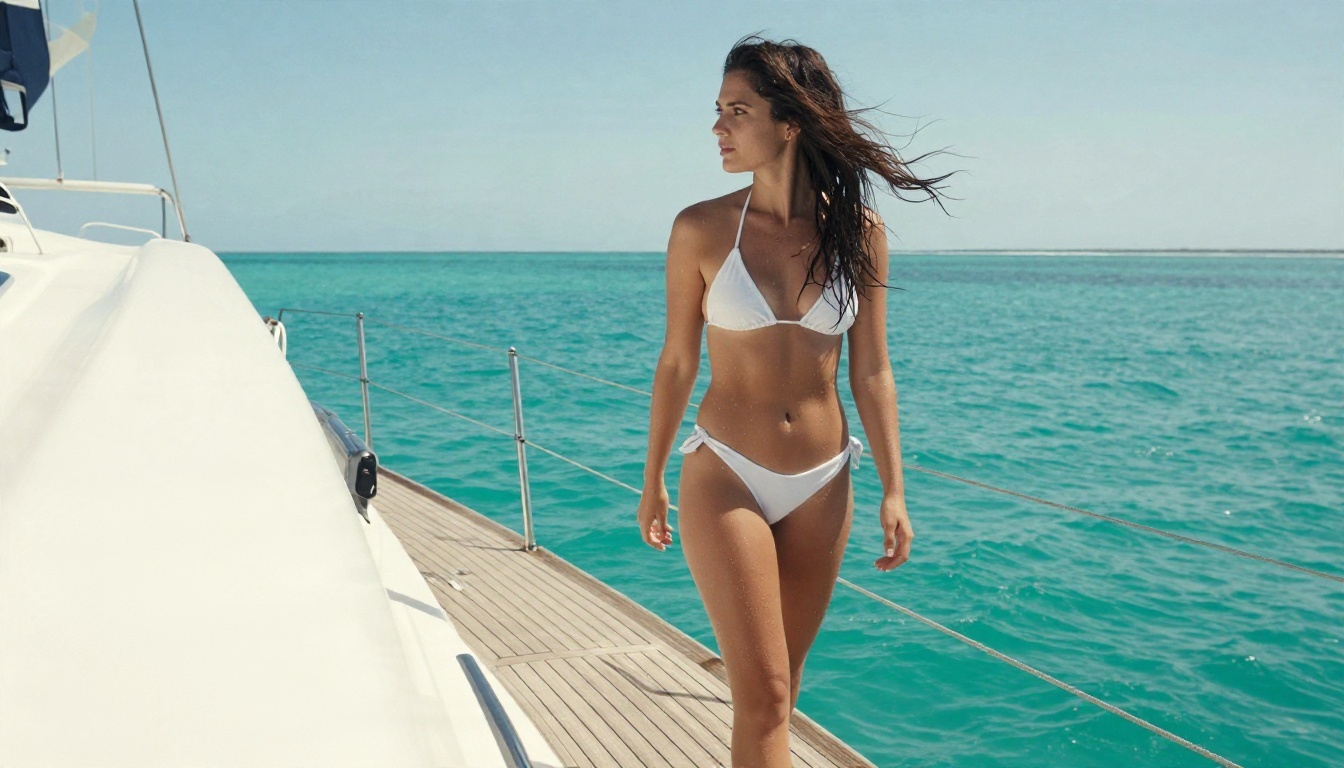
Walking toward the camera is one of the most reliable motions. The sea behind her gives natural background movement without extra instructions.
Motion prompt: She walks slowly along the deck toward the camera, wind lifts her hair, sun glints on the water, camera tracks backward at hip height.
Balcony at Blue Hour
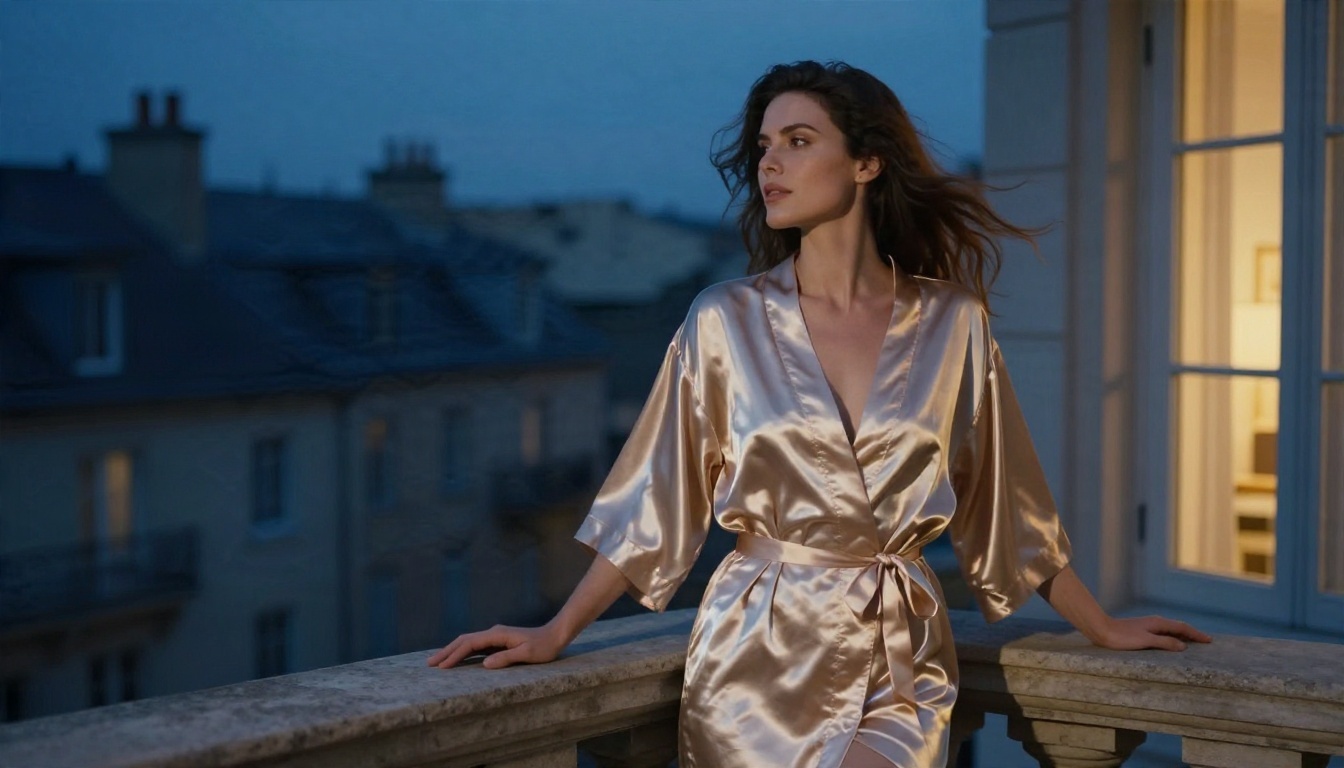
Fabric is where video models struggle or shine. Satin catches light, so the sheen moving in the breeze sells the realism.
Motion prompt: A soft breeze moves the satin robe and her hair, she exhales and looks out over the rooftops, locked off camera, warm window light and cool dusk sky.
Morning Light in the Bedroom
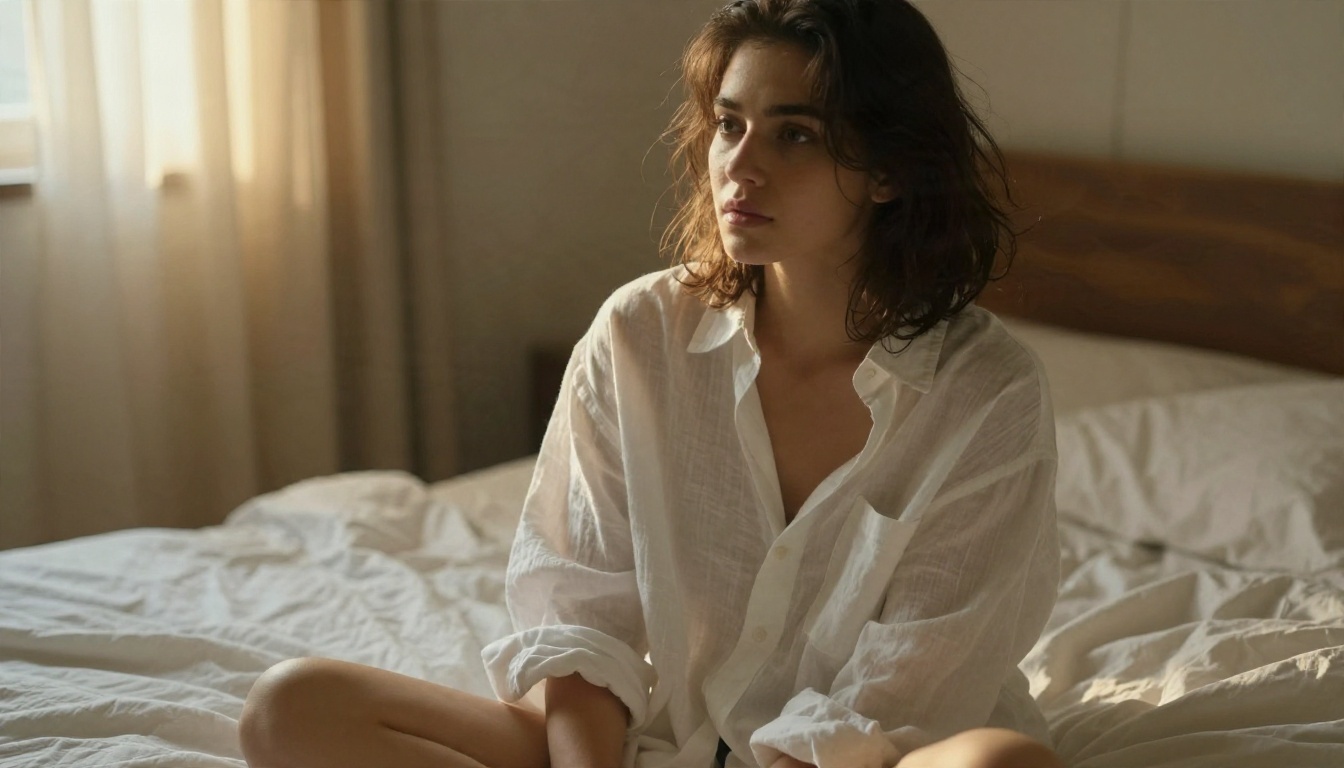
Soft window light is forgiving. Skin looks natural and the model avoids harsh flicker between frames.
Motion prompt: She glances over her shoulder and smiles slightly, curtains drift in the breeze, slow orbit around her, golden morning light.
Boudoir Mirror Shot
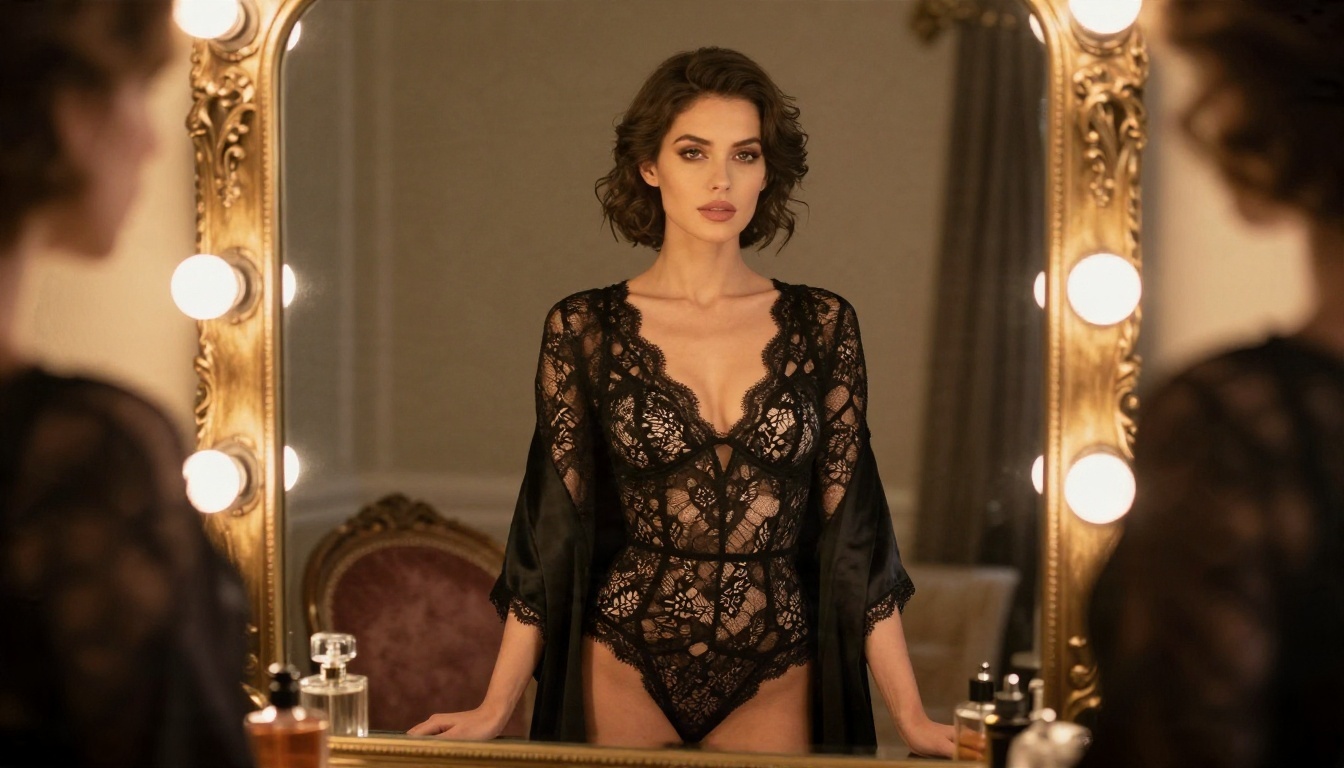
Mirrors are tricky. If you try this one, keep the camera locked off and the motion tiny, such as a slow blink or a shoulder shrug. Large movements break the reflection.
Beach From Above
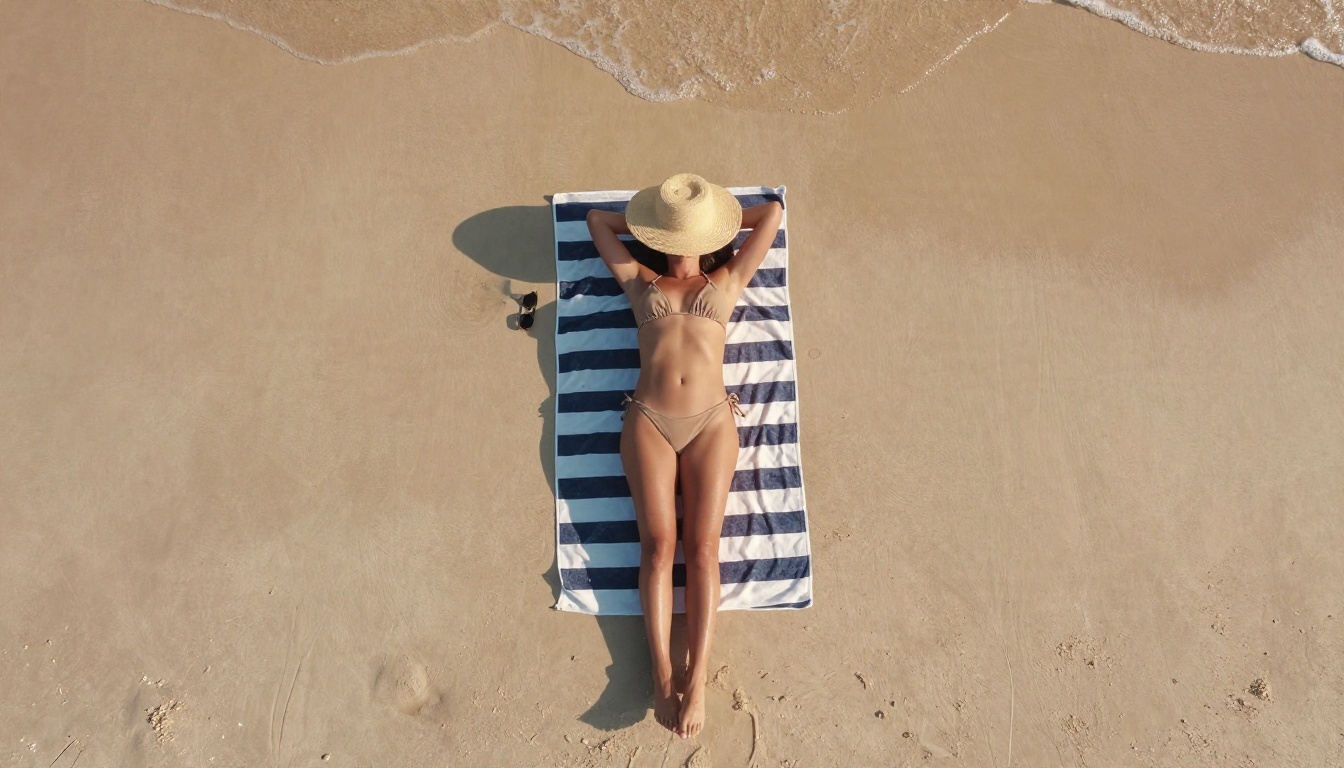
Top-down shots animate through the environment: waves creeping up the sand, shadows shifting, a gentle stretch. The subject barely moves, which keeps the result stable.
Rules, Limits and Real Risks
Adult AI video has a few hard edges. Knowing them saves you from lost accounts and legal trouble.
Real People Are Off the Table
In May 2025, Civitai removed real-person likeness content across the platform. That is the single most important rule in this space. Never animate photos of a real person without their clear consent. Beyond platform rules, many regions now treat non-consensual synthetic intimate imagery as a crime. Use fictional, AI-generated characters.
Rules Keep Moving
Upstream model licenses also shape what a hosted generator will allow. One example: a 2025 update to an acceptable use policy changed what some hosted models could produce. The result is that the same prompt can work one month and be blocked the next on a hosted platform.
💡 Tip: Save your best start images and prompts in your own folder. If a platform changes its rules, you can rerun them elsewhere in minutes.
Payments and Access
Some adult-friendly platforms have run into payment processor pressure, which affects how and where you can pay. That is a reason to favor tools with simple, transparent billing.
Alternatives on PicassoIA
Civitai itself is not a PicassoIA model, and PicassoIA does not host its generator. What PicassoIA offers is an uncensored, fast pipeline for glamour content: generate a start image, edit it, then animate it. For similar results today, try these in order.
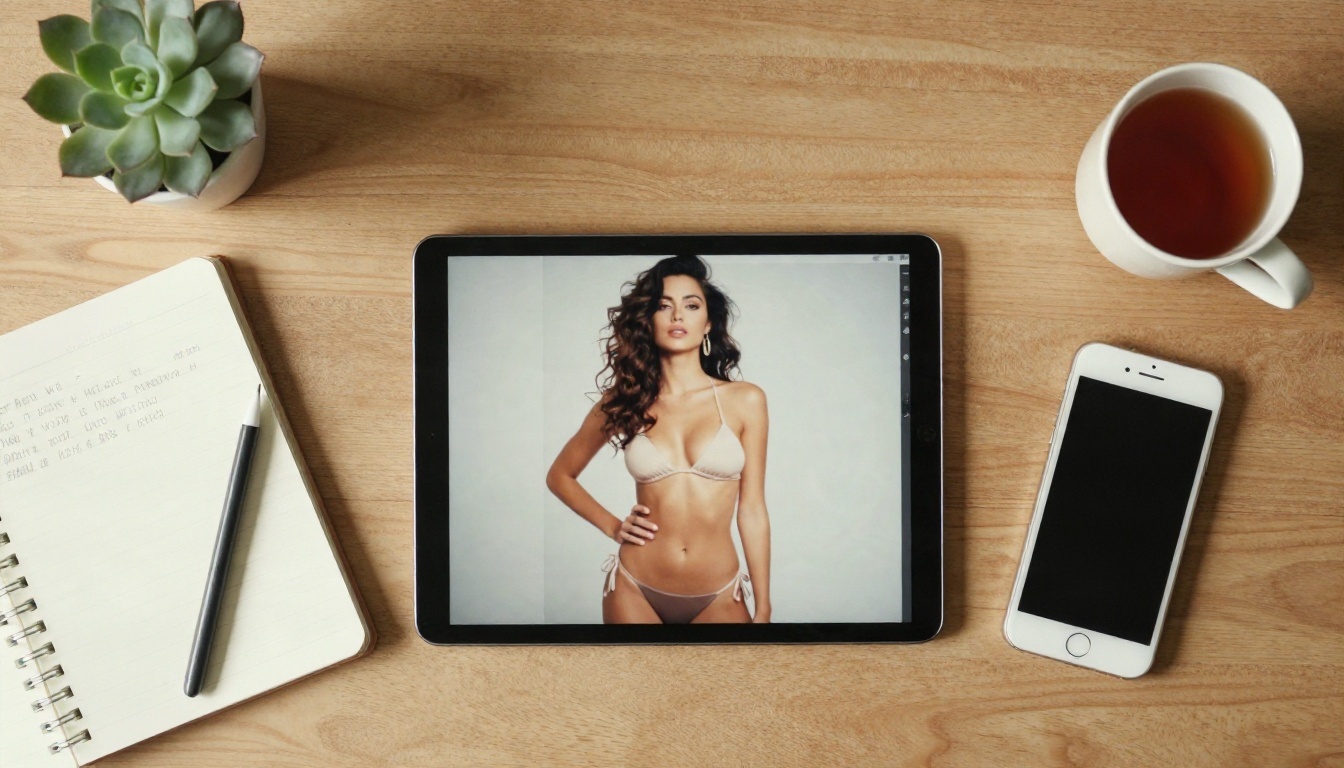
The big advantage compared to a credit-based hub is speed and freedom. You do not wait in a public queue, and you are not rationing a handful of credits. PicassoIA Image Editor Pro in particular lets you iterate without counting generations, which is what separates a decent result from a great one.
How to Get Similar Results on PicassoIA
The workflow below starts with Seedream 4.5 for the first frame, then moves to an animation model. It mirrors what most creators do on Civitai, with fewer steps.
Step 1: Generate the Start Frame
Open Seedream 4.5 and write a photographic prompt. Include:
- Subject and outfit: "woman in a white string bikini on a yacht deck".
- Lens and light: "35mm lens, hard midday sun, soft fill from the hull".
- Texture words: "water droplets on skin, polished teak, film grain".
- Aspect ratio: 16:9 for horizontal video.
Run four to six variations and pick the cleanest. Check hands, edges of fabric and the horizon line.
Step 2: Polish With the Editor
Take your favorite frame into PicassoIA Image Editor Pro. Fix small flaws, adjust the outfit color, or change the lighting. Because generations are unlimited, you can fix one detail at a time rather than rerolling the whole image.
Step 3: Animate the Image
Open Wan 2.2 I2V A14B, upload the polished frame, and paste a four-part motion prompt from the formula above. For quicker drafts, use P Video Animate first, then switch to the slower model for your final render.
Parameter tips:
| Setting | Recommendation |
|---|
| Prompt length | 30 to 60 words, one subject |
| Motion strength | Low to medium for stable faces |
| Camera | One move only |
| Duration | Short clips, then loop or extend |
| Seeds | Keep the seed when you like the face, change the prompt only |
Step 4: Iterate Quickly
Change one variable per run: the camera move, the verb, or the light. Keep notes. Within five or six runs you will have a prompt library you can reuse with any start image.
Three Common Mistakes
- Writing a still image prompt for a video. If the prompt has no verbs, you get a stiff, floating clip. Always describe what moves.
- Asking for too much movement. Fast dancing, spins and multiple people cause warped limbs. Keep it slow.
- Skipping the start frame check. A flawed first frame gets amplified across 120 frames. Fix hands, jewelry and edges before animating.
💡 Bonus: If a clip flickers, shorten the motion prompt and add "stable, consistent lighting". It often cleans things up.
Start Making Your Own
Civitai remains a useful place to see what the community is trying, borrow prompt ideas and watch how new open-weight models behave. But if you want clips on your schedule, with no credit counting and no waiting in a queue, build your own pipeline.
Start with Seedream 4.5 for the first frame, refine it in PicassoIA Image Editor Pro, then bring it to life with Wan 2.2 I2V A14B. Try the six example prompts in this article, change one detail at a time, and keep what works.
Ready to experiment? Browse every model at picassoia.com/en/all-models and make your first clip today.


