You typed "Civitai nude model" into a search bar because you wanted a checkpoint that produces realistic, adult-themed portraits. Then you hit a wall: hidden content toggles, age gates, removed uploads, or a graphics card that chokes on a 6 GB download. You are not alone. Thousands of people hit the same friction every week, and most of them just want a clean way to make tasteful glamour, boudoir and swimwear images without a setup weekend.
This article shows you what those models actually are, why people are moving away from the old workflow, which free and online options exist today, and which prompts and settings give you photographic results. You will also see a browser-based route that needs no install, no VRAM and no file hunting.
💡 Scope note: everything here is about adults, non-explicit styling and original characters. Never generate images that imitate a real person without their consent. That is a hard line for responsible creators and for most platforms.
What People Mean by Civitai Nude Models
Civitai is a community hub where creators upload checkpoints, LoRAs and embeddings for Stable Diffusion style generators. When someone says "Civitai nude model", they usually mean one of two things: a full checkpoint trained for realistic human anatomy and skin, or a smaller LoRA that nudges a base model toward a glamour or figure-study look.
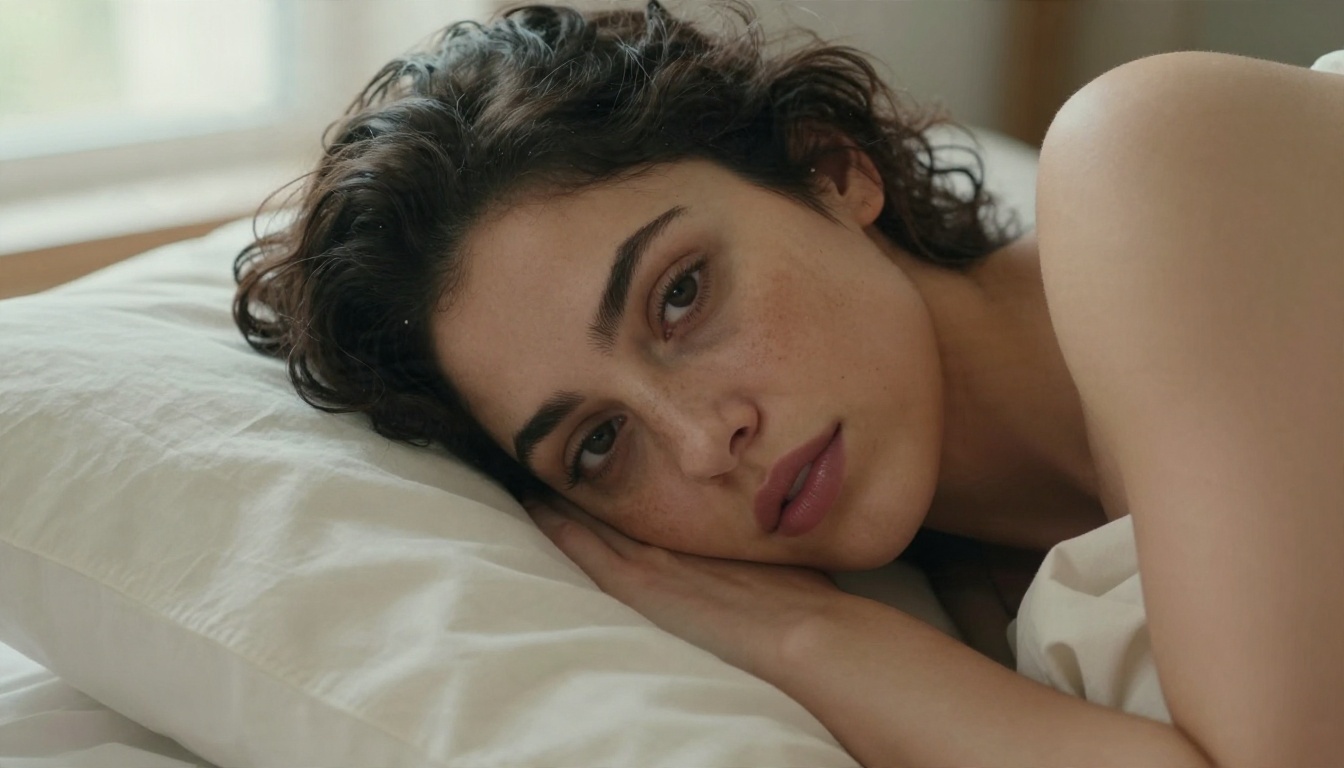
Checkpoints vs LoRAs
A checkpoint is the whole brain of the generator. It is large (2 to 7 GB), it decides the overall look, and it needs a compatible interface such as ComfyUI or Automatic1111 to run. A LoRA is a small add-on, often 50 to 200 MB, that biases the checkpoint toward a pose style, a lighting look or a body type.
| Type | Typical size | What it controls | Needs a base model |
|---|
| Checkpoint | 2 to 7 GB | Overall realism, skin, anatomy | No |
| LoRA | 50 to 200 MB | Style, outfit, pose, lighting | Yes |
| Embedding | Under 1 MB | A narrow concept or fix | Yes |
Why Searches Keep Growing
Realistic portraits are the most requested category in AI imagery. Photographers use them for mood boards, fashion creators use them for lookbooks, and hobbyists want to practice lighting and styling without hiring a studio. The "nude" part of the query is often shorthand for "unfiltered", meaning a generator that does not refuse a swimsuit, a silk slip or an artistic bare-shoulder portrait.
Why Creators Look Elsewhere
Policy Shifts and Filters
Over the last couple of years, Civitai tightened its rules. Reporting at the time pointed to pressure from payment processors, stricter handling of real-person likenesses, content toggles that hide mature material by default, and removals of thousands of previously public uploads, sometimes without much explanation. Other hosting sites made similar moves, and at least one popular generator sent its adult creators to a separate paid platform.
Rules change often, so check the current terms of any site before you rely on it. The practical lesson is simple: a workflow that depends on one host can break overnight. A model you bookmarked last month may be gone today.
Hardware and Setup Friction
Even when the files are available, the local route has costs:
- A decent NVIDIA card with 8 to 12 GB of VRAM for SDXL class models
- Python environments, drivers and node dependencies that break after updates
- Gigabytes of downloads for every checkpoint you want to test
- Hours of trial and error to find a sampler that does not melt hands
If your goal is images, not a hobby of maintaining software, that overhead is the real reason people search for alternatives.
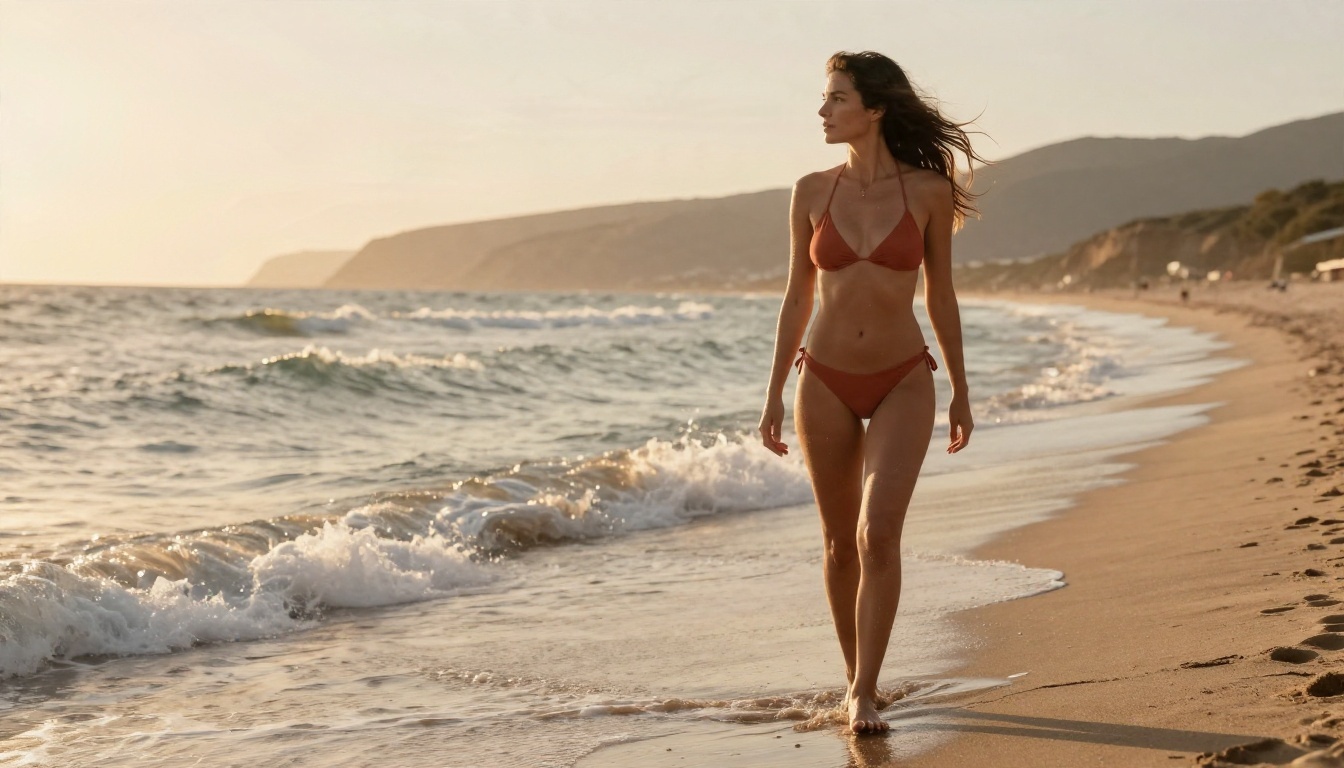
Free Alternatives Worth Trying
Local Tools
If you own a capable GPU and enjoy tinkering, these stay free:
- ComfyUI: node-based, flexible, fast on modern cards. Best if you want repeatable workflows.
- Automatic1111 and Forge: classic web interfaces with huge extension libraries.
- InvokeAI: cleaner interface, good canvas tools for inpainting.
You still need to source checkpoints from somewhere, and that returns you to the hosting problem above. Open-weight base models from the Flux and SDXL families are the safest starting point because they are widely mirrored.
Online Generators
Browser tools remove the hardware barrier. The trade-offs are credits, queue times and content filters. Some platforms block anything beyond a fully dressed portrait, while others offer a free daily allowance and charge for adult content separately. When you compare them, check three things: whether glamour and swimwear prompts are accepted, whether generation is truly unlimited or credit-based, and whether you own the outputs.
💡 Quick filter test: run the same prompt, "adult woman in a linen slip by a sunlit window, 85mm photo", on every tool you evaluate. If it refuses that, it will refuse nearly everything else.
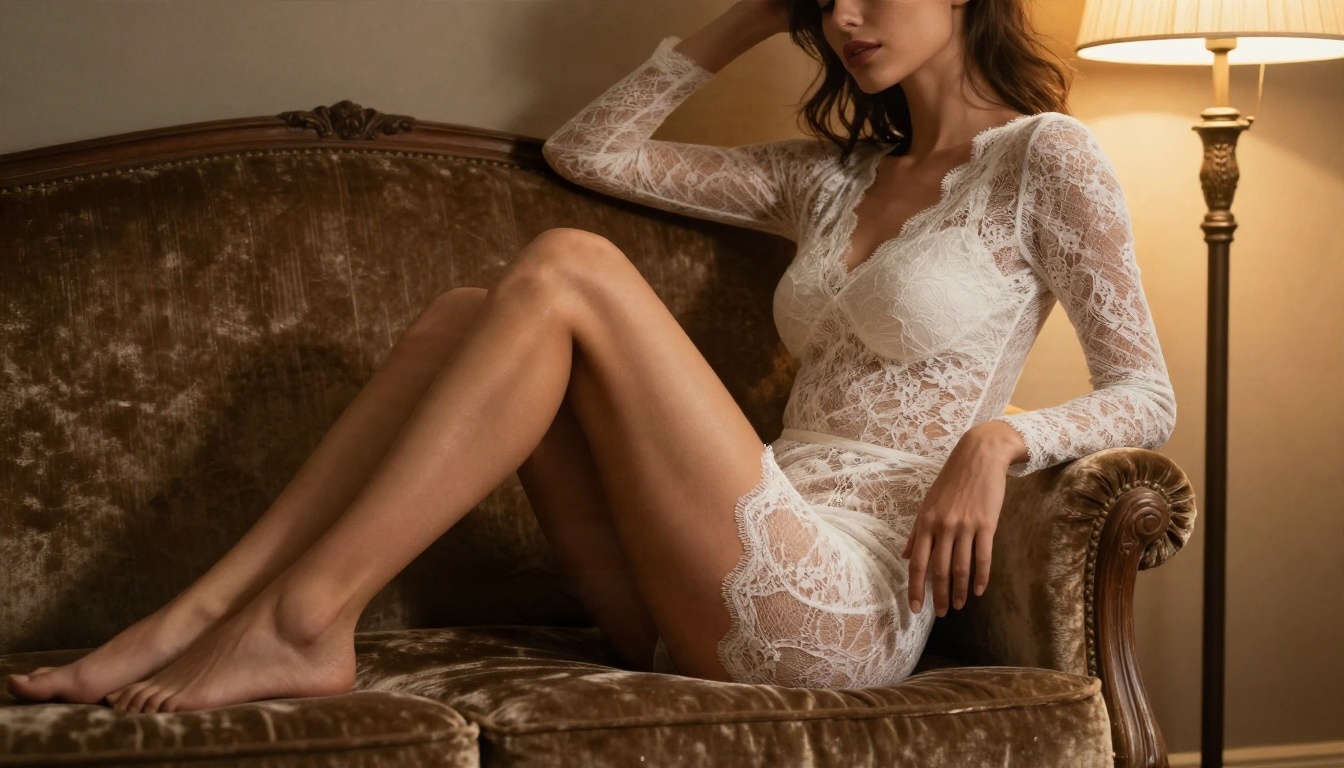
Side by Side Comparison
| Option | Cost | Setup time | Hardware | Tolerance for glamour prompts |
|---|
| Local ComfyUI with SDXL checkpoint | Free | Hours | 8 GB+ VRAM | High |
| Hosted community generators | Credits | Minutes | None | Varies, often limited |
| Anime focused sites | Free tier | Minutes | None | Good for illustration, weak for photo realism |
| PicassoIA text to image models | Free to start | Seconds | None | Photorealistic glamour supported |
Prompts That Work for Glamour
The biggest quality jump does not come from a secret checkpoint. It comes from writing like a photographer. Describe the subject, the setting, the light, the lens and the film stock, in that order.
Boudoir Prompt Template
Use this skeleton and swap in your own details:
Adult woman in her late twenties, [outfit], [pose], [location], [light direction and quality], [camera angle], [lens and aperture], [film stock], natural skin texture with visible pores, RAW photograph
A filled-in example:
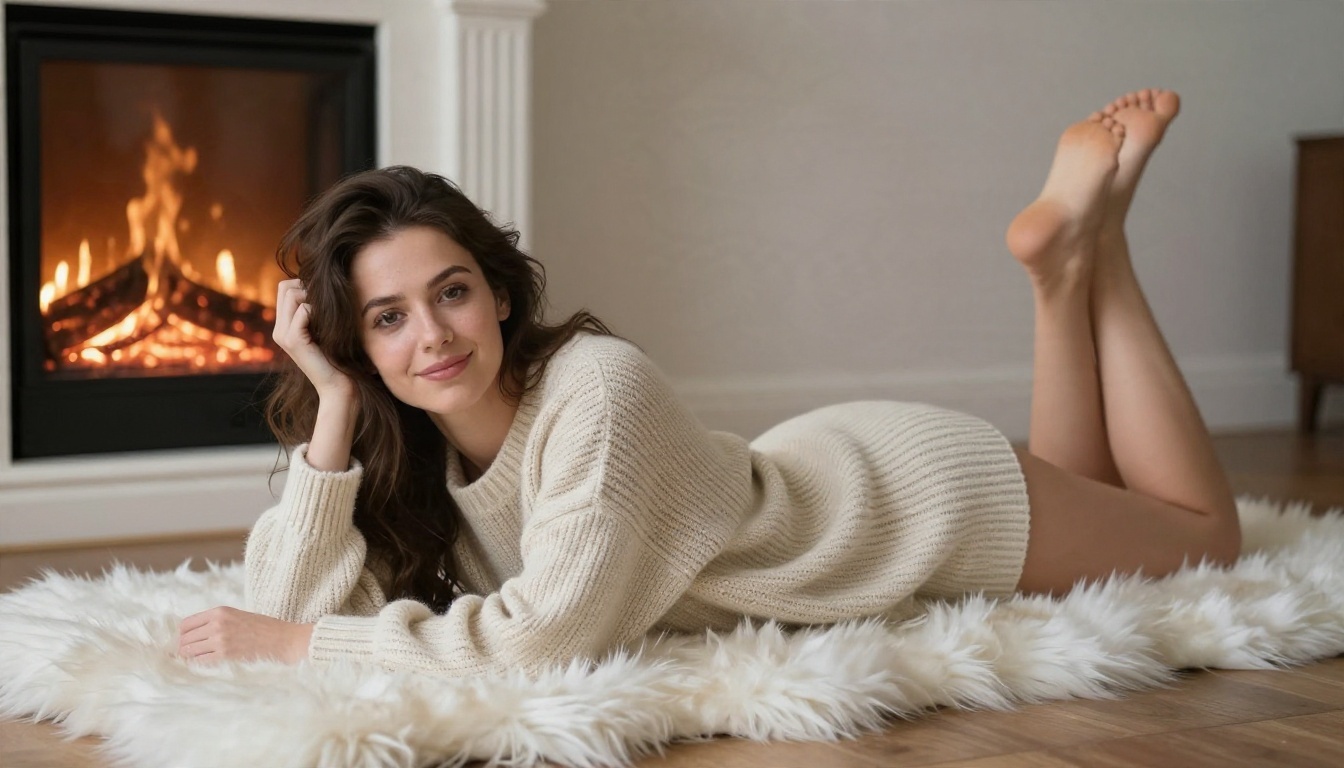
Adult woman in her late twenties wearing a champagne silk slip, reclining on rumpled linen sheets, sunlit loft bedroom, soft morning light from the left through sheer curtains, slightly elevated three-quarter angle, 85mm f/1.8, Kodak Portra 400, natural skin texture with visible pores, fine film grain, RAW photograph
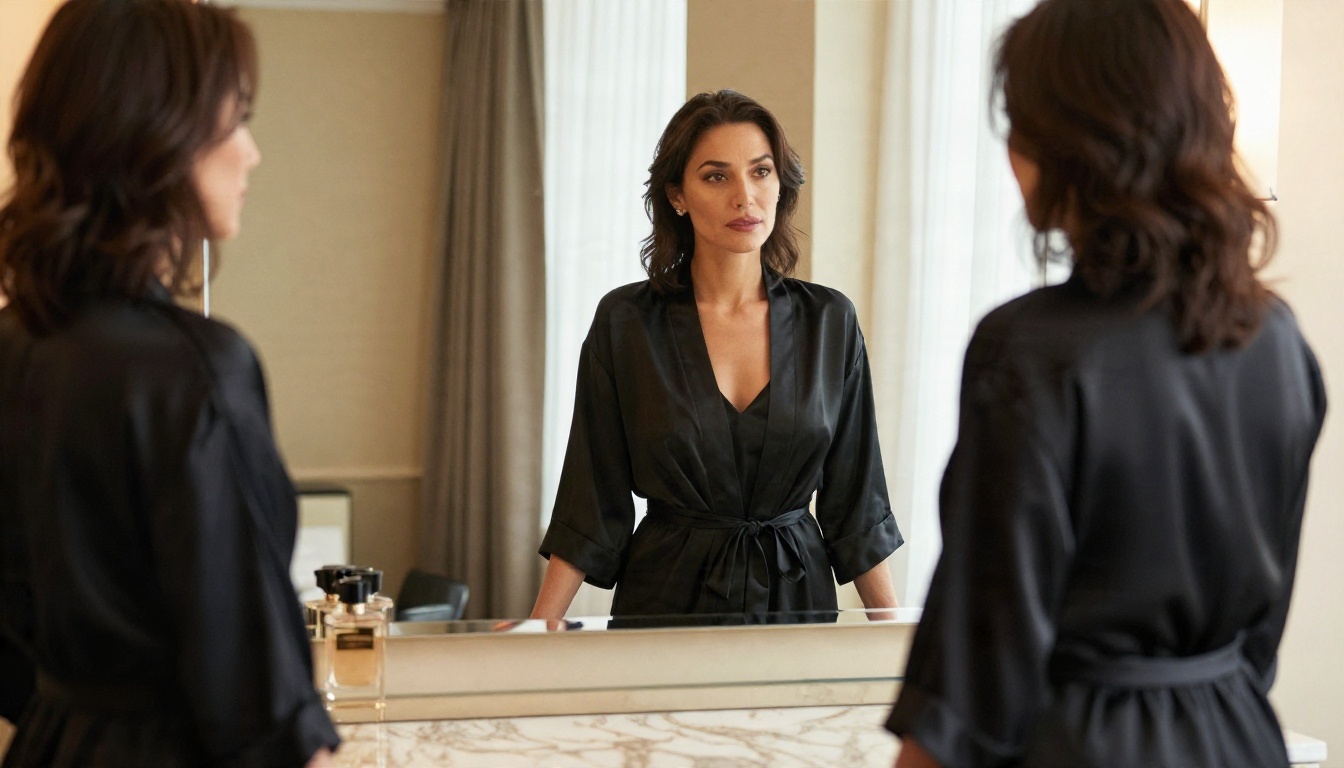
Beach and Swimwear Prompts
Outdoor scenes are forgiving because natural light does most of the work:
- Adult woman in a terracotta bikini walking the shoreline at golden hour, low angle from the wet sand, warm backlight, 35mm f/2, salt-sprayed skin, Kodak Portra 400
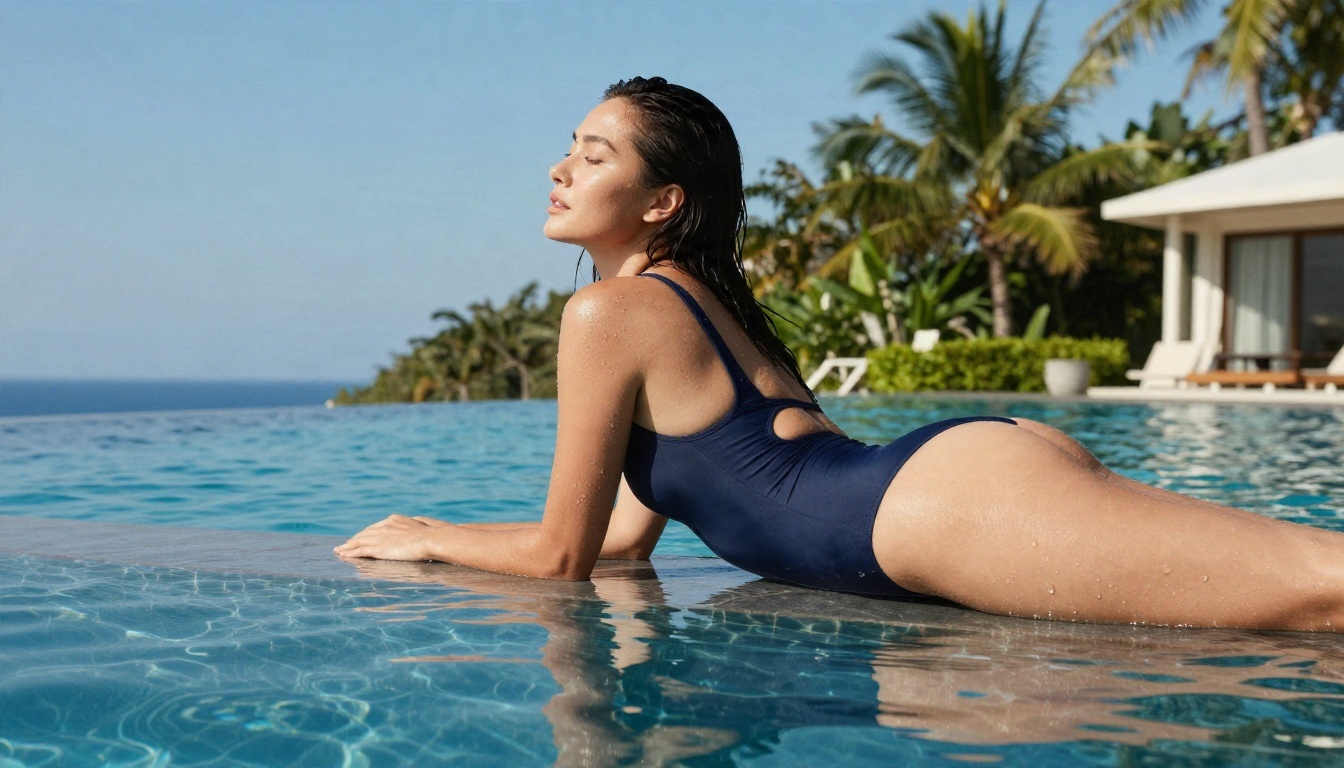
- Adult woman in a navy one-piece swimsuit at an infinity pool, midday sun from above right, water droplets on skin, 24mm wide shot
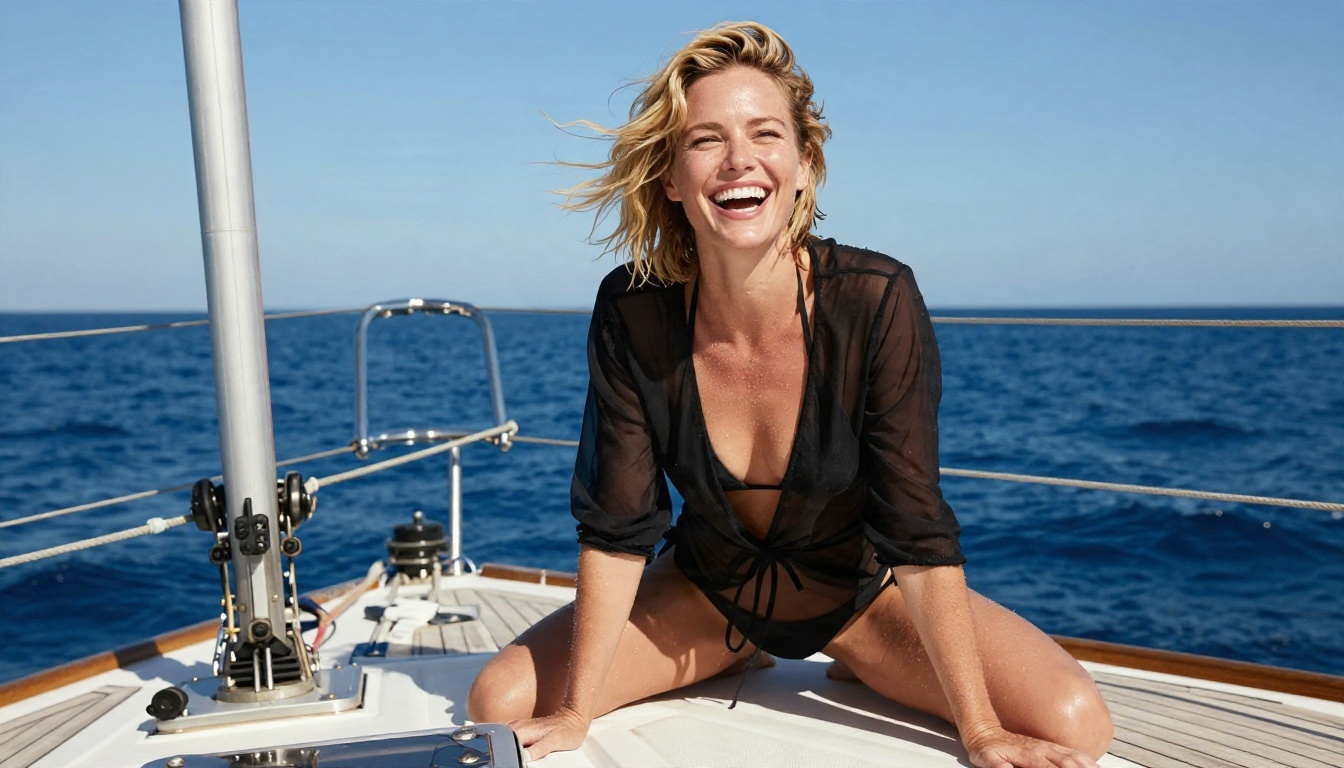
- Adult woman laughing on a sailboat deck, wind in her hair, teak wood foreground, 28mm f/2.8
Negative Prompts
Models in the Stable Diffusion family respond well to a short negative list. Newer instruction-following models often ignore it, so write what you want in the main prompt instead. A reliable starter list:
blurry, low resolution, extra fingers, deformed hands, plastic skin, oversmoothed, watermark, text, cartoon, illustration, 3d render, bad anatomy
Settings That Matter
If you run a local SDXL style checkpoint, these settings are a sound baseline. Online tools usually pick them for you.
Sampler, Steps and CFG
| Setting | Recommended value | Why |
|---|
| Sampler | DPM++ 2M Karras or Euler a | Stable, clean skin detail |
| Steps | 25 to 32 | More steps rarely add detail past 35 |
| CFG scale | 4.5 to 7 | Higher values cause burnt contrast and waxy skin |
| Clip skip | 1 for SDXL, 2 for many SD 1.5 models | Match what the model author recommends |
| Seed | Fixed while testing | Lets you compare changes fairly |
Resolution and Upscaling
Generate near the model's native size, for example 832 x 1216 for portrait SDXL or 1216 x 832 for landscape, then upscale. Pushing a base render to 2K directly often duplicates limbs and faces. A two-pass method (render, then upscale with a low denoise of 0.3 to 0.4) keeps pores and fabric weave sharp.
💡 Lighting beats sampler tweaking. If skin looks flat, change "soft light" to "volumetric morning light from the left" before touching any slider.
How to Get Similar Results on PicassoIA
Civitai checkpoints are not hosted on PicassoIA, so there is nothing to import. You do not need them. Modern photorealistic models already render skin, fabric and light convincingly, and you can run them from a browser tab. For adult glamour work, the order that works best is Seedream 4.5 first, then PicassoIA Image Editor Pro, followed by a few specialists.
Start with Seedream 4.5
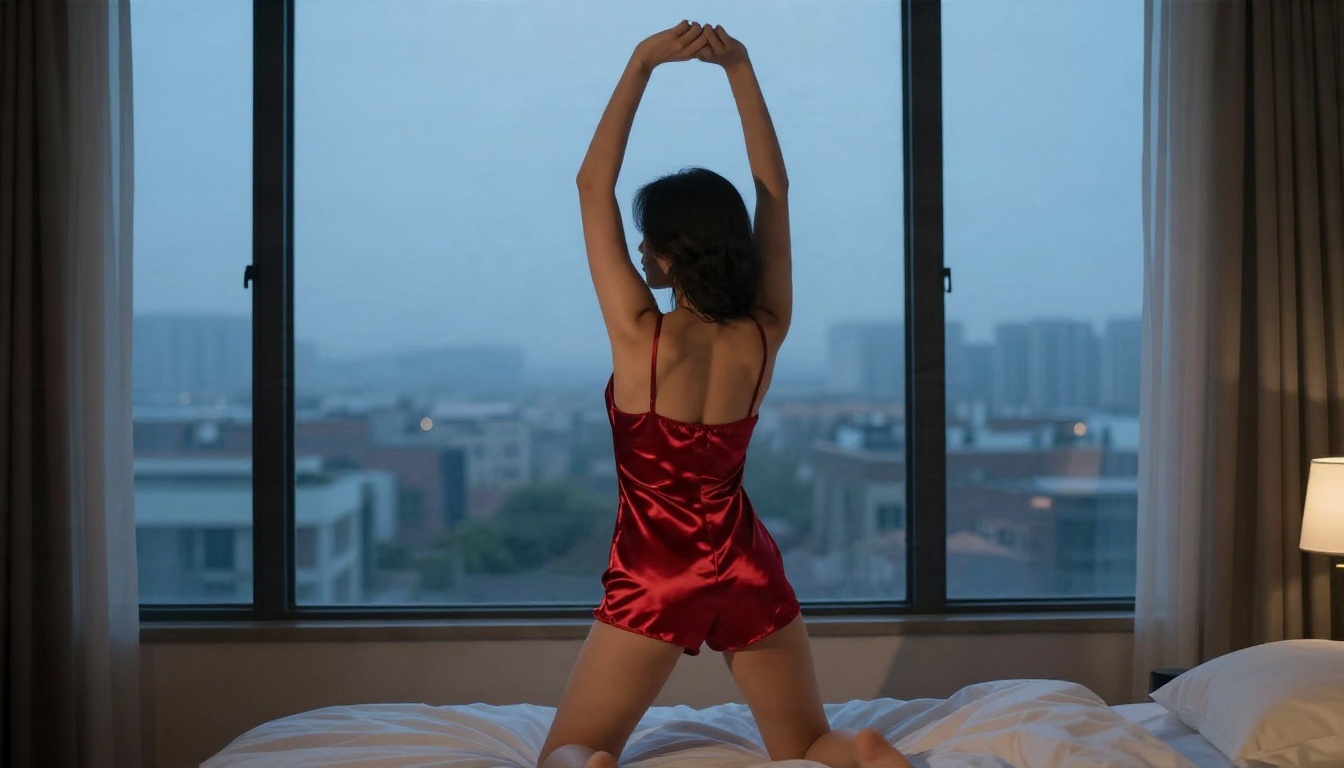
Seedream 4.5 is the strongest starting point for realistic portraits. It produces sharp 4K output, follows long photographic prompts closely, and is generous about suggestive but tasteful subjects such as lingerie style fashion, swimwear and boudoir lighting.
Step by step:
- Open the Seedream 4.5 page and choose a 16:9 or 3:4 aspect ratio.
- Paste a structured prompt: subject, outfit, setting, light direction, lens, film stock.
- Add "natural skin texture, visible pores, fine film grain" to avoid the glossy plastic look.
- Generate, then keep the best seed and change only one variable per run (light, outfit or angle).
- Download the image at full size.
Parameter tips: describe the lens ("85mm f/1.8") rather than just saying "bokeh", and name one light source with a direction. Short vague prompts give generic faces. Long specific ones give photographs.
Edit with Image Editor Pro
PicassoIA Image Editor Pro is built for iteration and offers unlimited generations. Once you have a render you like, upload it and ask for changes in plain language: swap the outfit color, move the scene from a bedroom to a beach, soften the lighting, fix a hand. This replaces the inpainting and LoRA juggling you would do in a local interface, and the unlimited usage means you can try twenty variants without watching a credit counter.
More Models Worth Testing
| Model | Best for | Link |
|---|
| Seedream 4.5 | Photoreal 4K portraits | Open |
| Image Editor Pro | Unlimited edits and variations | Open |
| Z Image Turbo | Fast drafts in seconds | Open |
| Realistic Vision v5.1 | Classic SD 1.5 photographic look | Open |
| Flux 2 Klein 9B Base LoRA | Styled output with LoRA support | Open |
| Nano Banana Pro | Editing and high resolution renders | Open |
| SDXL Lightning 4Step | Very fast SDXL style tests | Open |
Z Image Turbo is ideal for drafting: run ten composition ideas in a minute, then take the winner to Seedream 4.5 for the final render. Realistic Vision v5.1 will feel familiar if you grew up on SD 1.5 checkpoints, and Flux 2 Klein 9B Base LoRA is the closest match to the LoRA workflow people loved on Civitai. SDXL Lightning 4Step gives instant previews when you only need to check a pose.
A Simple Workflow That Saves Hours
Here is a repeatable loop that replaces a whole local setup:
- Draft three to five compositions with Z Image Turbo.
- Pick the strongest layout and rewrite the prompt with more lighting detail.
- Render the final in Seedream 4.5 at the highest resolution offered.
- Refine in Image Editor Pro: outfit, background, expression, small fixes.
- Save your best prompts in a note, tagged by lighting setup.
That last step matters more than it sounds. A personal prompt library is the closest thing to owning a favorite checkpoint, and nobody can remove it from you.
Common Mistakes to Avoid
- Writing a list of tags instead of a scene. Tag soups work on old SD 1.5 models. Modern models want sentences with a light source, a lens and a location.
- Cranking CFG for "more detail". It burns contrast and waxes skin. Stay between 4.5 and 7.
- Skipping lighting words. "Beautiful woman" tells the model nothing about mood. "Warm lamp light from the right, deep soft shadows" does.
- Stacking five LoRAs. Each one fights the others. Use one or two at low weight.
- Forgetting hands and jewelry. Add "natural hands with correct fingers" and generate several seeds.
- Using real faces. Do not feed a real person's photo into a glamour workflow without permission. It is unfair to them and it is the fastest route to a banned account.
- Trusting one host. Keep your prompts and favorite outputs backed up locally.
Start Creating Your Own Images
You do not need a folder of checkpoints to make photographic glamour images. You need a clear prompt, one good light source and a model that follows instructions. Open Seedream 4.5, paste the boudoir template from above, and render your first image. Then bring it into PicassoIA Image Editor Pro and push it through ten variations without worrying about limits.
When you want to compare more engines, browse the full catalog at picassoia.com/en/all-models. Try the same prompt on three models, keep the one that matches your taste, and save the prompt. In an afternoon you will have a personal look that no policy change can take away.


