If you have typed "Civitai Red" into a search bar lately, you probably want three answers: what it is, whether it costs anything, and where to go when you just want to generate photorealistic glamour images without hunting for checkpoints. This article answers all three in plain language. You will see what the adult side of Civitai actually offers, where the friction hides, and which online tools get you to a finished image in seconds.
A quick note on scope. Everything here is about non-explicit, adult-oriented glamour imagery: swimwear, boudoir, editorial portraits, the kind of work that looks like a fashion shoot. Nothing here is a how-to for explicit content, and the images in this article follow the same rule.
What Civitai Red Actually Is

Civitai is a huge community hub where people share Stable Diffusion style checkpoints, LoRAs, embeddings and sample images. For years, mainstream and adult material lived side by side on one domain. Under pressure from payment processors, the platform reportedly split into two experiences: the main site for broadly safe content, and Civitai Red for mature content.
Here is the short version, based on what third-party explainers report:
- Same system underneath. Red runs on the same platform, so models, creators and the general layout feel familiar.
- Adult content lives there. Material that was pushed off the main domain is handled on the Red domain.
- Age gate. You must be at least 18, and the site asks you to confirm it.
- Rules still exist. Red is mature-content-capable, not rule-free. Certain categories remain banned, especially anything involving real people without consent.
- Account behavior varies. Reports differ on whether a session on one domain logs you in on the other, so expect to sign in once on each.
💡 Tip: Details such as payment methods and login behavior have changed more than once and are described differently by different sources. Check the official site before you rely on any of them.
Civitai itself is not a PicassoIA product, and none of its models are listed here. What follows compares the experience honestly and shows where PicassoIA fits as an alternative.
Uncensored Models: What You Actually Get
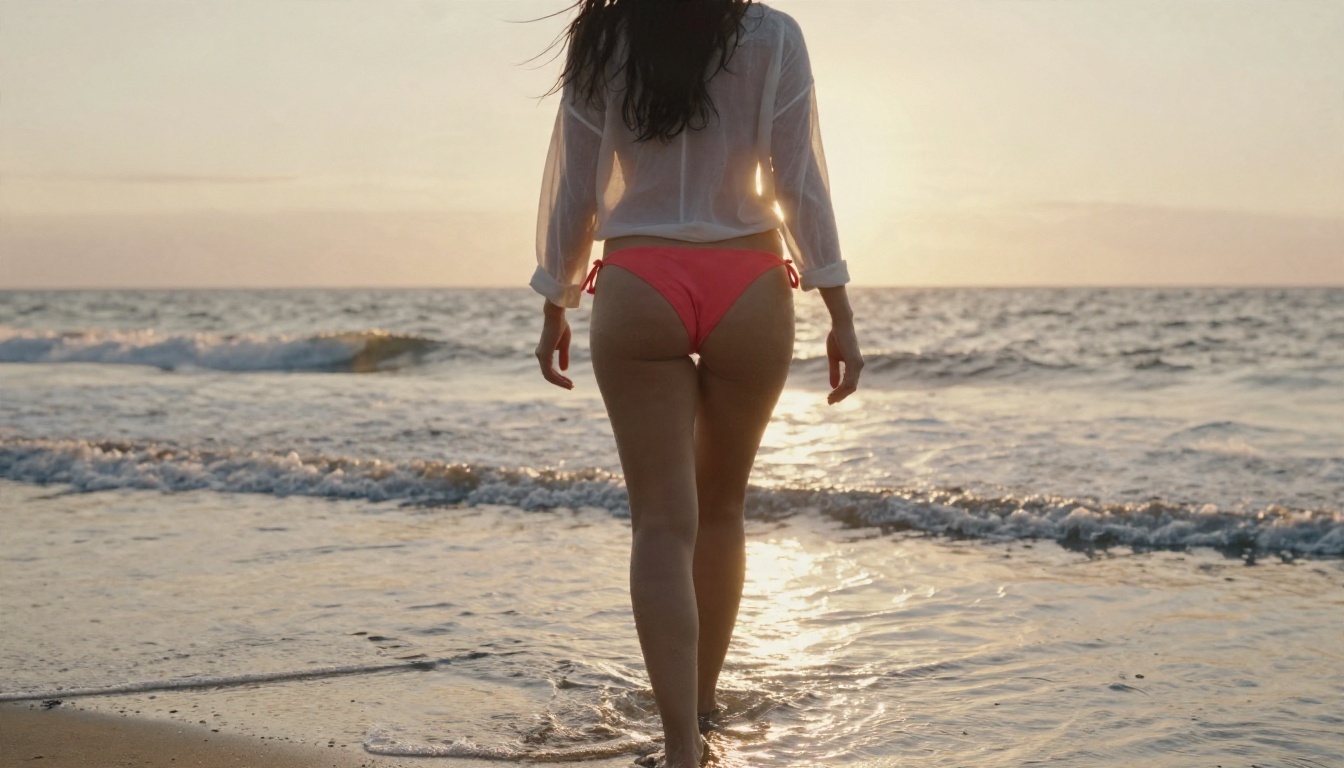
"Uncensored" is the word that drives most of the search traffic, so let's define it. In the Civitai context, it usually means a checkpoint or LoRA without a built-in safety layer. Hosted services such as most commercial image APIs add filters that refuse adult prompts. A downloaded checkpoint running on your own machine has no such filter, because nobody is standing between your prompt and the model.
Checkpoints versus LoRAs
A checkpoint is a full model. A LoRA is a small add-on that nudges a checkpoint toward a style, a pose, a fabric look or a lighting mood. Civitai's catalogue is mostly these two things, plus embeddings and workflows.
| Asset type | What it does | Typical file size | Needs a local setup? |
|---|
| Checkpoint | Full image model | 2 to 12 GB | Yes, or a rented GPU |
| LoRA | Style or subject tweak | 50 to 500 MB | Yes |
| Embedding | Tiny concept tag | Under 1 MB | Yes |
| Workflow | Saved node graph | Under 1 MB | Yes, usually ComfyUI |
The hidden cost of "free"
Downloading a model is free. Using it well is not. You need a capable GPU, a working Python or ComfyUI install, the right VAE, the right sampler, and patience. Many people spend an entire evening on setup before they see one good image.
💡 Reality check: The model is free. Your time, your electricity and your hardware are the real price tag.
Free Access: How It Really Works
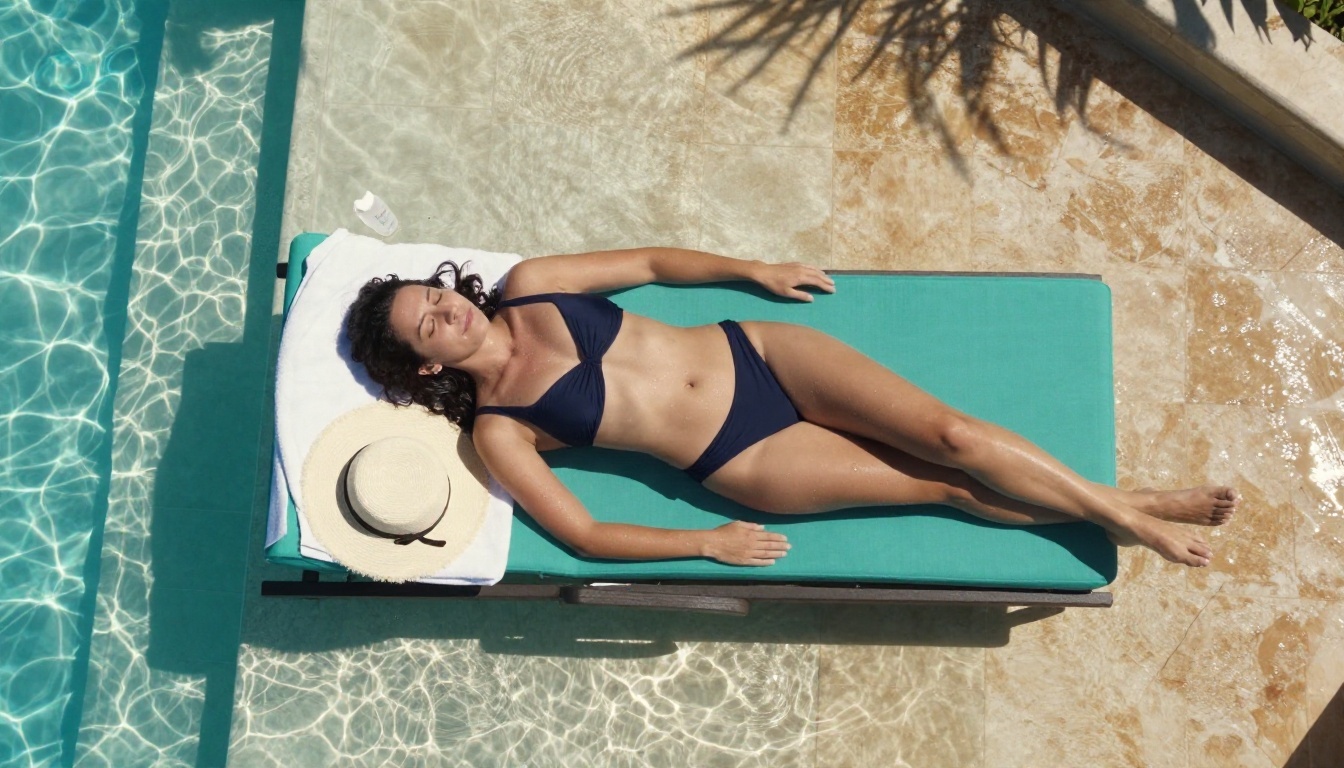
People searching for "free access" usually mean one of three things. Let's separate them.
- Browsing and downloading. Browsing is generally free with an account. Some downloads or features can be gated behind sign in or age confirmation.
- On-site generation. Civitai runs an on-site generator that uses a virtual currency called Buzz. You get a daily allowance through activity, and you can buy more. Reports about how Buzz is bought on the Red domain conflict, so check the current rules yourself.
- Membership tiers. Paid tiers add perks such as faster queues and extra Buzz.
So "free" is real, but it is metered. Free credits run out, queues slow down at peak hours, and some content types may be restricted on the generator even when they can be downloaded.
Who free access suits
- Hobbyists who enjoy tinkering with LoRAs and settings
- People who already own a strong GPU
- Anyone who wants to read model pages, check sample images and compare versions
Who it does not suit
- Anyone who wants a good photo in under a minute
- Anyone on a laptop without a dedicated GPU
- Anyone who prefers a clean editor over a node graph
Checkpoints, LoRAs, and the Learning Curve
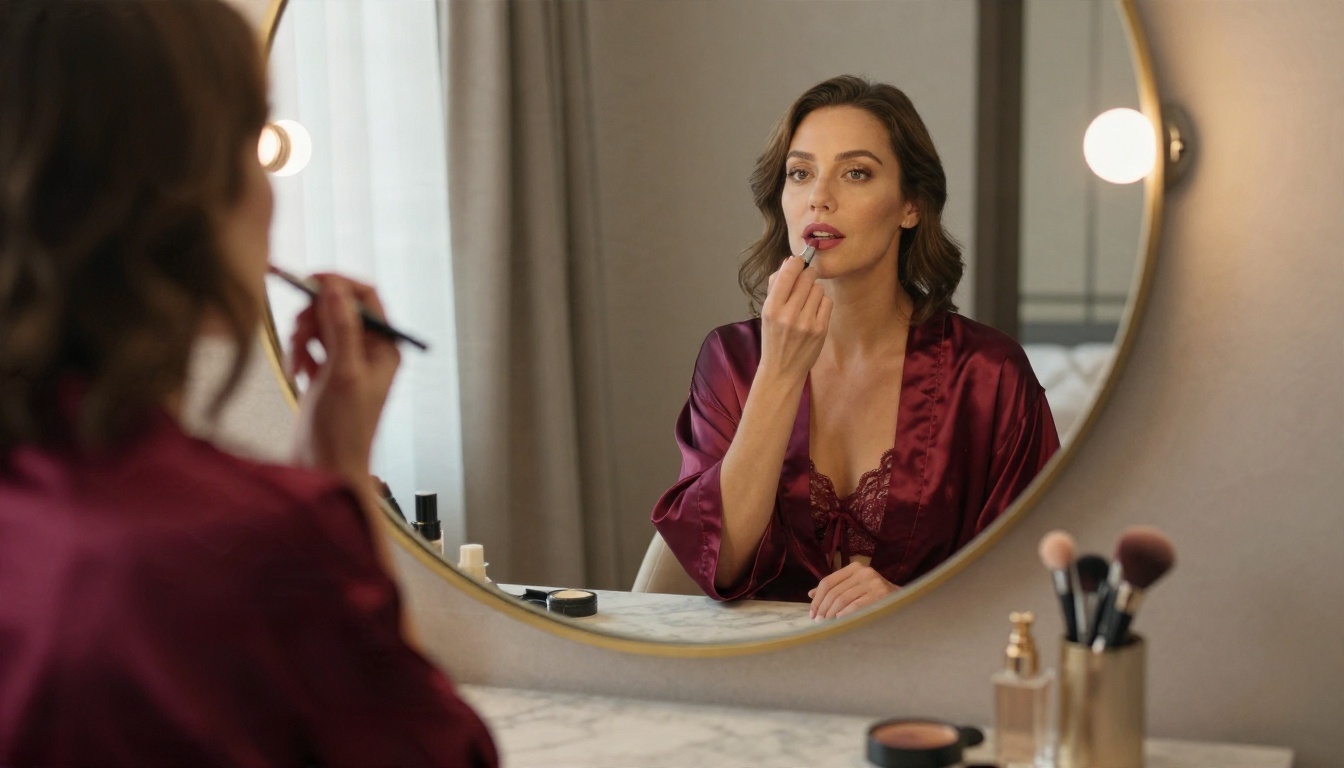
Quality on Civitai varies wildly. A popular LoRA can have thousands of downloads and still produce plastic skin, extra fingers or a washed out look. Choosing well takes practice.
What to check before you download
- Base model. A LoRA trained for one base model will not work properly on another.
- Sample images. Look for unedited samples, not only cherry picked ones.
- Version notes. Creators often document the recommended weight, sampler and trigger words.
- Comments. Users report broken files and misleading previews quickly.
The settings that matter
Most photorealistic results come down to a small set of choices: a modest CFG scale, a sensible step count, a reliable sampler, and a LoRA weight that is not pushed too high. Overcooking any of these produces the shiny, over smoothed look people associate with weak AI portraits.
Safety and Privacy Risks to Weigh
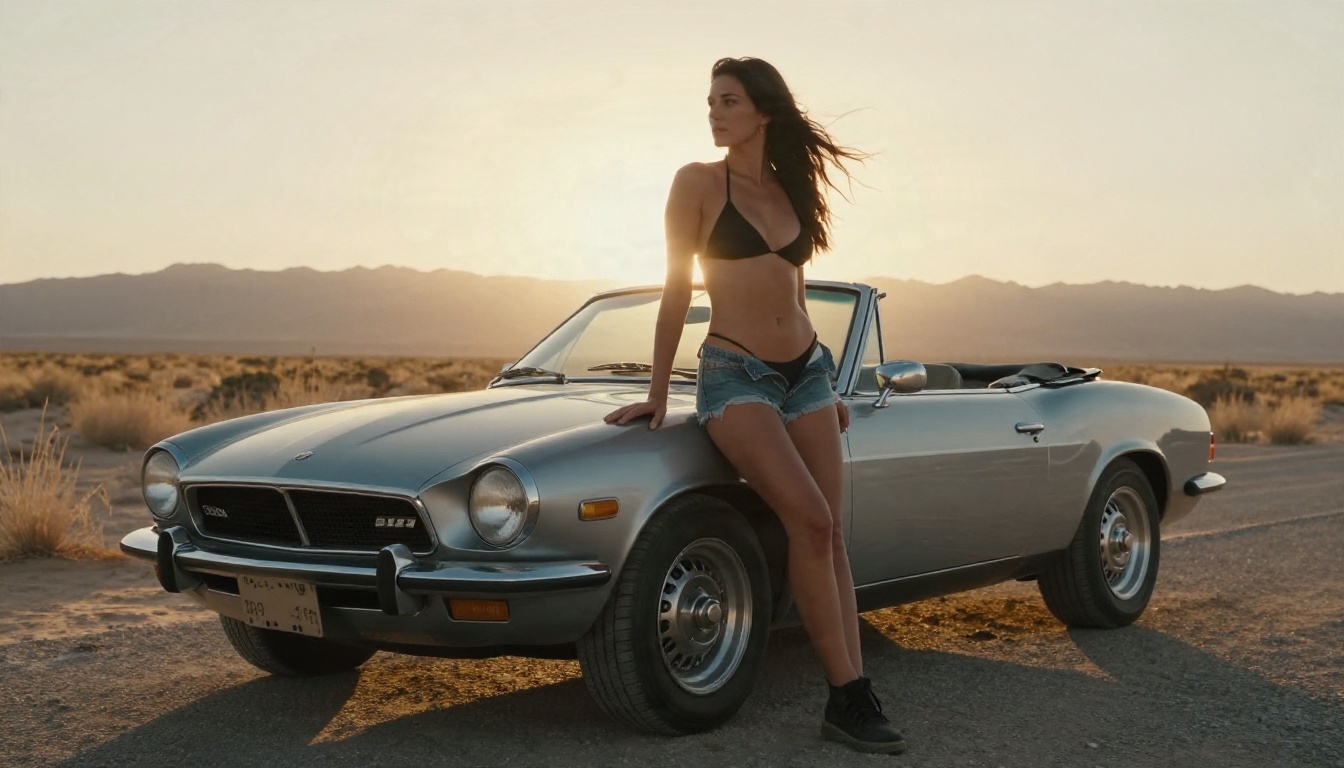
Adult model hubs attract lookalike domains and bad actors. A few habits protect you.
- Verify the exact address. Phishing sites copy popular domains with a single letter changed. Type the address yourself rather than clicking a link from a forum.
- Use a unique password. Never reuse your email password on a model site.
- Be careful with files. Model files are large and opaque. Prefer the safer file format when the creator offers one, and keep your security software active.
- Be careful with payments. Understand exactly what a purchase covers before you enter card or crypto details.
- Respect consent. Do not generate images of real people without permission. This is both a legal and a moral line, and platforms enforce it.
💡 Privacy tip: Anything you upload to a third-party generator may be stored. Avoid uploading personal photos you would not want kept.
Online Alternatives That Skip the Setup
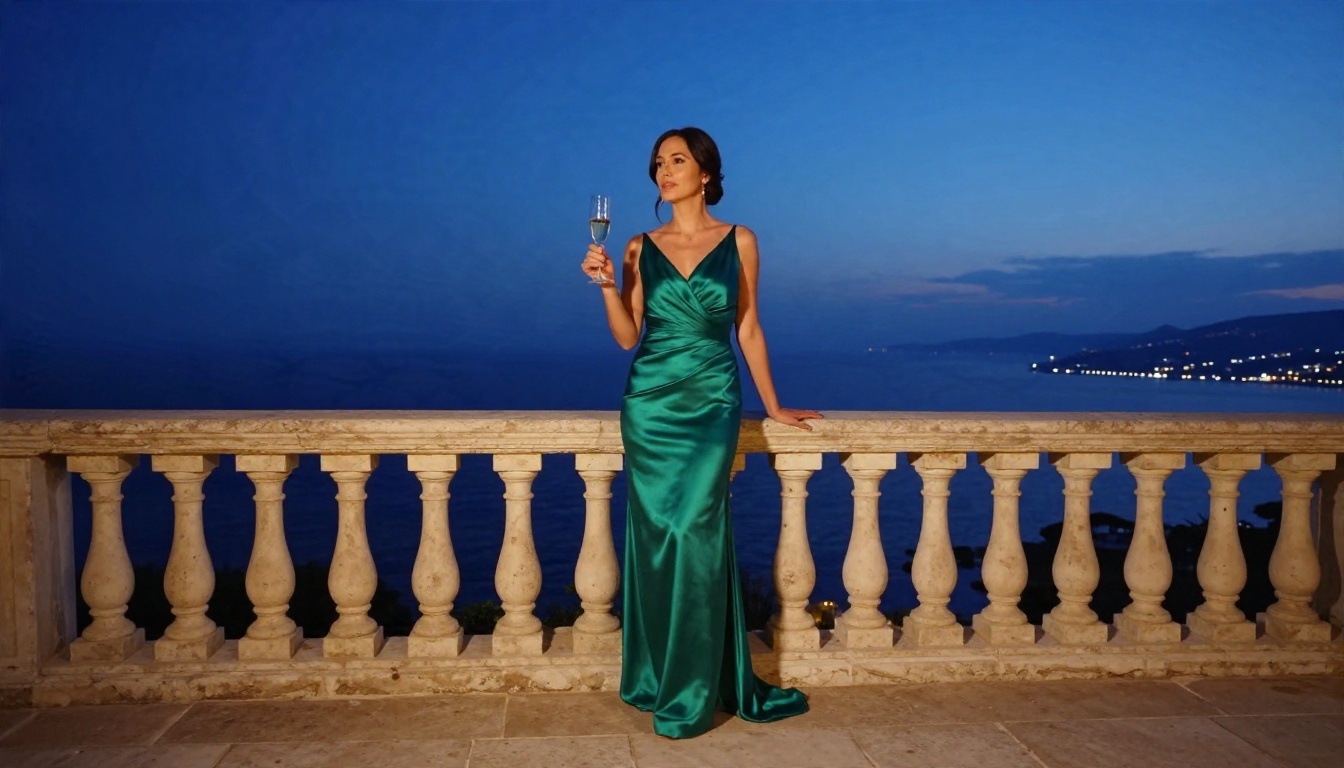
Civitai is not on PicassoIA, and PicassoIA does not host Civitai checkpoints. If your real goal is polished, photorealistic glamour images that are suggestive and attractive but not explicit, a browser based generator gets you there faster than any local install.
Civitai Red is not on PicassoIA yet; for similar results today, try these models in order:
Why these fit the same need
- No download. Open a tab and type a prompt.
- No GPU needed. The heavy work happens on the server.
- Fast iteration. You can try a dozen variations in the time it takes a local install to load.
- Uncensored value. The models above are the ones to reach for with adult-style glamour prompts, without the refusals you get on mainstream filtered tools.
💡 Important: Do not use Seedream 5 Lite for adult-style work. It blocks that content. Seedream 4.5 is the better choice.
How to Get Similar Results on PicassoIA

The fastest route to a Civitai style glamour image on PicassoIA starts with Seedream 4.5. Follow these steps.
Step 1: Open the model
Go to the Seedream 4.5 page and open the generator.
Step 2: Write a camera style prompt
Describe the shot like a photographer, not like a tag list. A strong prompt has five parts:
- Subject and pose. For example, an adult woman in a satin slip dress seated by a window.
- Setting. A sunlit loft, a hotel suite, a quiet beach.
- Light. Golden morning light from the left, soft overcast, blue hour.
- Lens. 85mm f/1.8 for portraits, 35mm for environments.
- Texture. Visible pores, fabric weave, film grain.
Step 3: Set the output
Choose a 16:9 ratio for wide editorial frames or a vertical ratio for social posts. Pick the highest resolution the model offers.
Step 4: Generate and compare
Run two or three variations. Change only one thing between runs, such as the lens or the light direction, so you can see what caused the difference.
Step 5: Refine with Image Editor Pro
Open PicassoIA Image Editor Pro to adjust an outfit color, fix a small detail or change the background. It offers unlimited generations, so you can keep refining without watching a credit counter.
Parameter tips
| Setting | Suggested approach |
|---|
| Prompt length | 50 to 100 words, concrete and visual |
| Ratio | 16:9 for editorial, 3:4 for portraits |
| Style words | "raw photograph", "film grain", "natural light" |
| Avoid | Neon, glow effects, illustration, 3D render |
| Iteration | Change one variable per run |
Prompts That Produce Real Skin
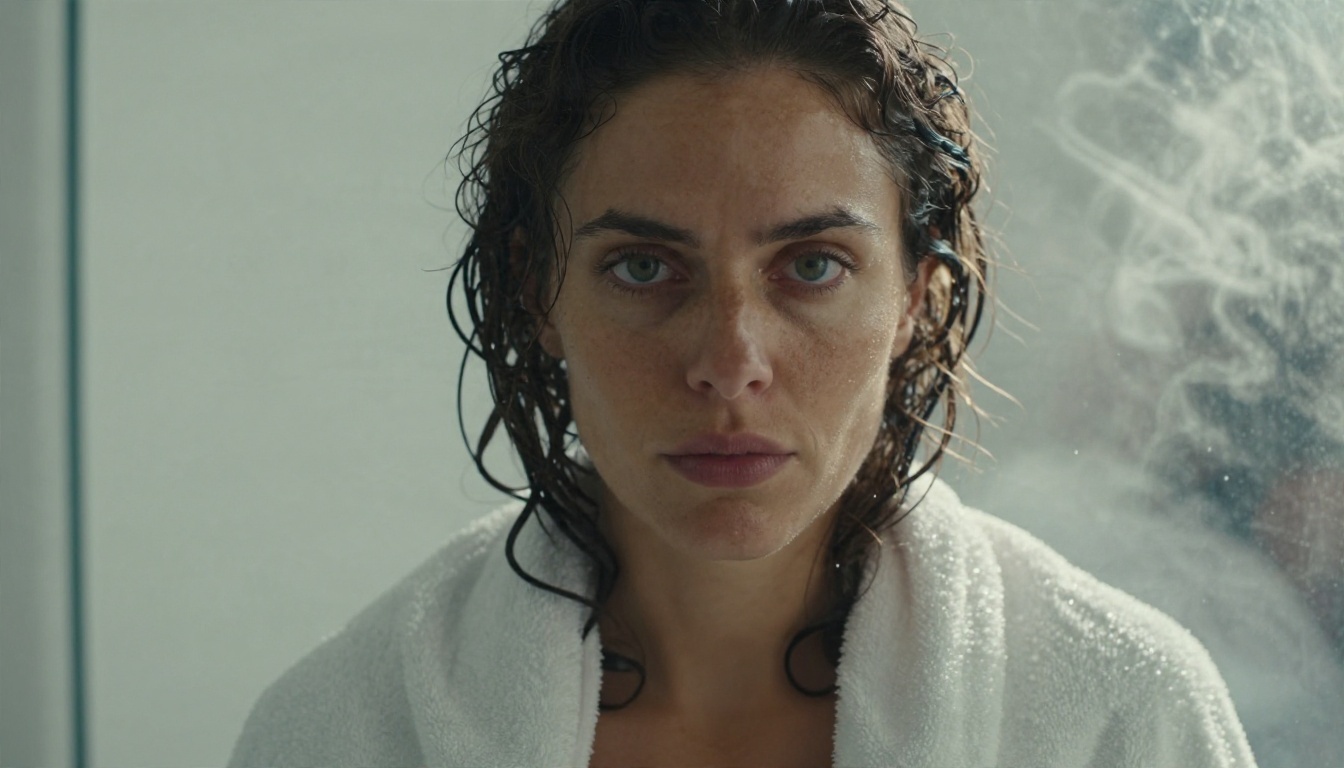
The biggest giveaway of a weak AI image is skin that looks airbrushed. Whatever tool you use, three habits fix it.
Ask for imperfection
Words such as visible pores, fine freckles, peach fuzz, flyaway hairs and natural sheen push the model toward a believable face. Perfection reads as fake.
Control the light
Soft, directional light is more flattering and more realistic than flat frontal light. Specify where it comes from and how soft it is. Window light from one side, with a gentle bounce on the other, is hard to beat.
Name the lens and the film
An 85mm f/1.8 look gives flattering compression and a creamy background. A Kodak Portra 400 palette gives warm skin and muted greens. These two phrases alone change the whole feel of an image.
💡 Quick win: If your portraits look plastic, cut the prompt back to subject, light, lens and film. Long strings of quality tags often make things worse.
For more control over faces and styles, Realistic Vision v5.1 is a dependable older option for lifelike portraits. For pose and structure control, SDXL Multi Controlnet LoRA lets you guide composition with a reference.
A Simple Workflow You Can Repeat

Here is a routine that works whether you use a local setup or a browser tool.
- Pick one mood. Boudoir, beach, evening wear, poolside. One per session.
- Draft fast. Use Z Image Turbo for quick composition tests.
- Polish with a stronger model. Move the best prompt to Seedream 4.5.
- Edit the details. Use Image Editor Pro for small fixes.
- Save your prompt. Keep a note of what worked so the next session starts ahead.
Local versus online at a glance
| Factor | Civitai plus local setup | Online generator on PicassoIA |
|---|
| Setup time | Hours | Seconds |
| Hardware | Strong GPU | Any device with a browser |
| Cost | Free files, paid hardware | Browser based, with unlimited editing in Image Editor Pro |
| Variety | Huge community catalogue | Curated, tested models |
| Consistency | Varies by file | Stable and predictable |
| Risk | Lookalike sites, file safety | Managed platform |
Who should pick which
- Choose Civitai if you love tinkering, own the hardware and want a specific community made style.
- Choose an online generator if you want a finished photoreal image quickly, without installing anything.
Many people use both: Civitai for inspiration and niche styles, a browser tool for dependable output.
Try It Yourself on Picasso IA
You do not need a download folder full of checkpoints to make striking, photorealistic glamour images. Open Seedream 4.5, paste in a prompt built from subject, light, lens and film, and see what comes back in seconds. Then take your favorite result into PicassoIA Image Editor Pro, where unlimited generations let you keep refining until the shot looks exactly right.
Want to try more styles? Browse every available model at picassoia.com/en/all-models and run your own experiments. Start with one prompt today, change one detail at a time, and build your own library of images that look like they came from a real photo shoot.


