Search for "Civitai Red uncensored" and you will find two kinds of answers: breathless claims that every filter is gone, and vague warnings that nobody can quite back up. The truth sits in the middle. Civitai Red is a mature-content domain, not a rule-free zone, and if what you actually want is a fast, free way to make photorealistic glamour images, you have better options than fighting with credits, browsing levels and blocked tags.
This article lays out what Civitai Red is, which limits still apply, which free alternatives work today, and the exact prompts and settings that produce clean, magazine-quality results. Everything here stays on the tasteful side of the line: swimwear, boudoir, silk, golden hour. Beautiful and suggestive, never explicit.
What Civitai Red Actually Is
The April 2026 Split
In April 2026, Civitai separated its experience into two domains. The main domain became the mainstream, safer-for-work face of the platform. The second one, civitai.red, became the place where mature and NSFW content lives. Your account, follows, uploads, galleries, models and LoRAs carry across both, so it is one platform with two doors rather than two products.
The reason was practical. Payment processors and public pressure pushed the company to tighten what appears on its main site, and a separate domain let it keep a broader library available without putting everything in front of every visitor.
Uncensored or Just Looser?
Here is where the marketing language breaks down. Civitai Red does not behave like a "filters off" switch. Content that is blocked stays blocked there too, and extra domain-level limits sit on top of whatever browsing level you pick in your settings. A more accurate description is mature-content-capable, with rules.
💡 Reality check: Detailed information about Red comes mostly from third-party write-ups, and some of it is inconsistent. Treat any claim about pricing, quotas or allowed content as provisional until you check the live terms yourself.
Civitai Red is a separate website and is not on PicassoIA. If you want similar results without leaving a single workspace, the alternatives below are the models to look at.
The Real Limits You Will Hit
Blocked Content Stays Blocked
Even with the mature domain open and the browsing level raised, some categories never show up and cannot be generated. Real-person likeness, anything involving minors, and a list of other restricted themes remain off the table. If your prompts keep returning blurred previews or rejections, that is the system working as designed, not a bug you can configure away.
Buzz Credits and Generation Caps
Hosted generation on Civitai runs on a credit system called Buzz. Browsing and downloading are generally free for a verified account, but generating images on the site spends credits, and membership tiers adjust queue priority, storage and limits. If you run models locally on your own GPU, credits do not matter, but then you carry the cost of hardware, installs and updates.
| Path | Cost | Speed | Main catch |
|---|
| Hosted generation on Civitai | Buzz credits, optional membership | Depends on queue | Credits drain quickly on large batches |
| Local run (own GPU) | Hardware and electricity | Fast with a strong card | Setup, VRAM limits, model hunting |
| Browser-based alternatives | Often free to start | Seconds per image | Rules differ per platform |
Age and Account Rules
The terms require users to be at least 18, and the mature domain expects you to opt in and confirm your settings. Expect account friction: verification, content toggles, and periodic policy changes. Anyone who built a workflow around old tutorials should recheck them, because the April split changed where a lot of settings live.
Free Alternatives Worth Trying
If your goal is attractive, photorealistic glamour imagery rather than browsing a model marketplace, a modern text-to-image model does the job with far less friction. These are the ones I would line up, in order.
Seedream 4.5 First
Seedream 4.5 is the strongest starting point for realistic people. It handles skin texture, fabric, hands and lighting with very little prompt effort, and it renders sharp 4K-class output. Swimwear, lingerie-style boudoir shots and fashion poses come out looking like a photographer made them. It is the model I reach for first when the brief is "beautiful, suggestive, believable."
Image Editor Pro for Unlimited Runs
PicassoIA Image Editor Pro is where the credit worry disappears. It offers unlimited generations, so you can regenerate, tweak the outfit, shift the lighting or fix a pose as many times as you like. For anyone burning Buzz on trial and error elsewhere, that single difference changes how you work.
Z Image Turbo for Speed
Z Image Turbo is built for speed. When you want to test ten prompt variations in a couple of minutes, it gets you a sharp image in seconds. Draft here, then move your best prompt to Seedream 4.5 for the final render.
Realistic Vision for a Classic Look
Realistic Vision v5.1 comes from the Stable Diffusion community that made Civitai famous. It leans toward a slightly softer, film-like portrait style. If you liked the checkpoints you used to download from Civitai, this is the closest familiar feel.
For styled variations built on LoRA-style adapters, Flux 2 Klein 9B Base LoRA is worth a look too.
How to Get Similar Results on PicassoIA
Civitai Red has no page here, so the practical route is Seedream 4.5. Here is the workflow I use.
- Open the model page and choose a 16:9 aspect ratio for wide editorial framing, or 3:4 for portraits.
- Write the subject first. Age (always an adult), outfit, pose and expression go at the start of the prompt.
- Add the environment. A named location with one or two props beats a long list of adjectives.
- Specify the light. "Soft window light from the left" or "warm backlight at golden hour" does more than any quality buzzword.
- Name the lens. "85mm f/1.8, shallow depth of field" nudges the model toward real photography.
- Generate, then refine. Keep the seed when a composition works, and change one detail at a time.
- Polish in Image Editor Pro. Use PicassoIA Image Editor Pro for fixes: swap clothing, adjust the background, correct small flaws, without limits on attempts.
💡 Tip: If a prompt gets rejected, do not stack more adult terms. Rewrite it around the look you want: fabric, light, mood, location. Tasteful prompts also tend to produce better pictures.
Prompts That Work for Glamour Photos
A Prompt Formula That Holds Up
The structure that works across every model above is the same:
[Subject and outfit] + [pose and expression] + [location] + [light direction] + [lens and camera] + [skin and fabric texture] + [film look]
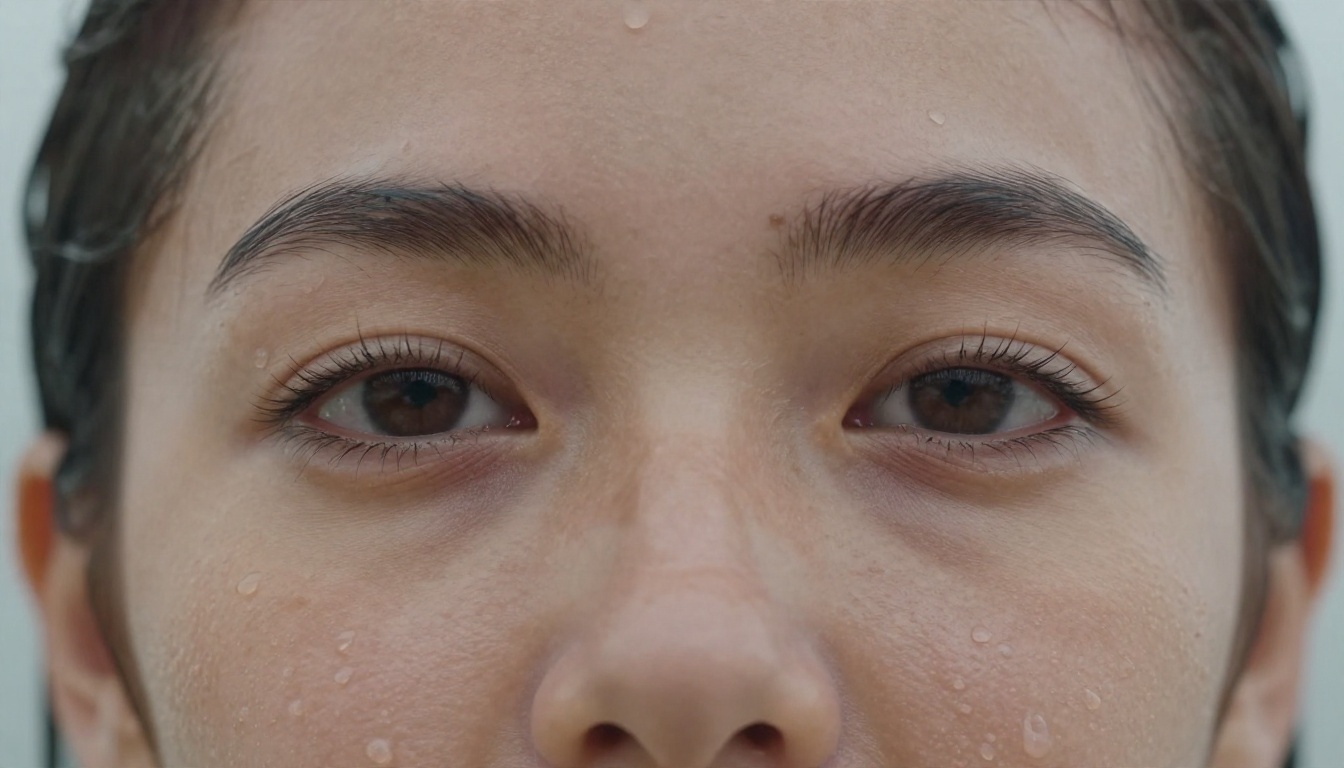
Skipping the texture and film look is the most common reason images look plastic. Phrases such as "visible pores," "fine baby hairs," "satin sheen" and "Kodak Portra 400 grain" pull the result toward a real photograph.
Five Prompts to Copy
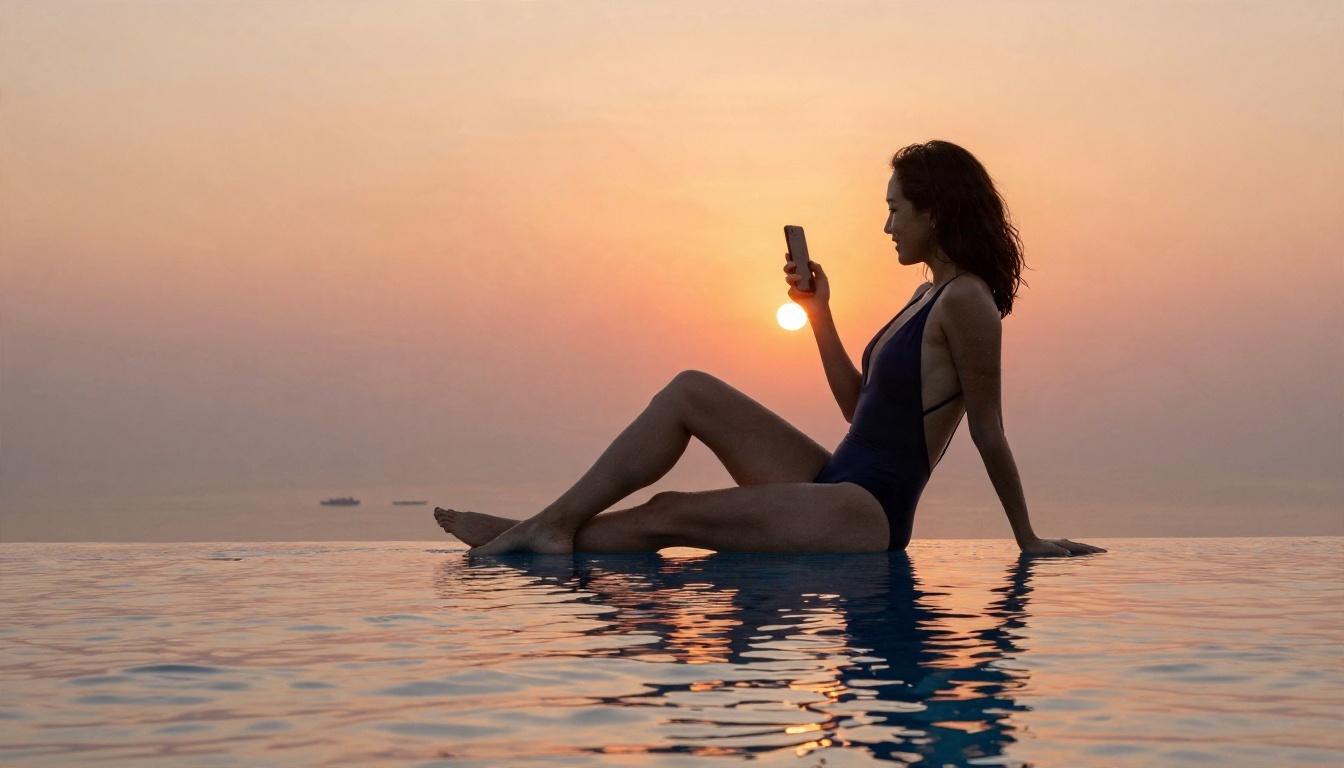
Poolside sunset: Woman in a navy one-piece swimsuit sitting on the edge of an infinity pool at sunset, legs in the water, smiling at her phone, orange and pink sky reflected in the water, low warm backlight, 70mm f/2, wet skin texture, Kodak Portra 400 grain.
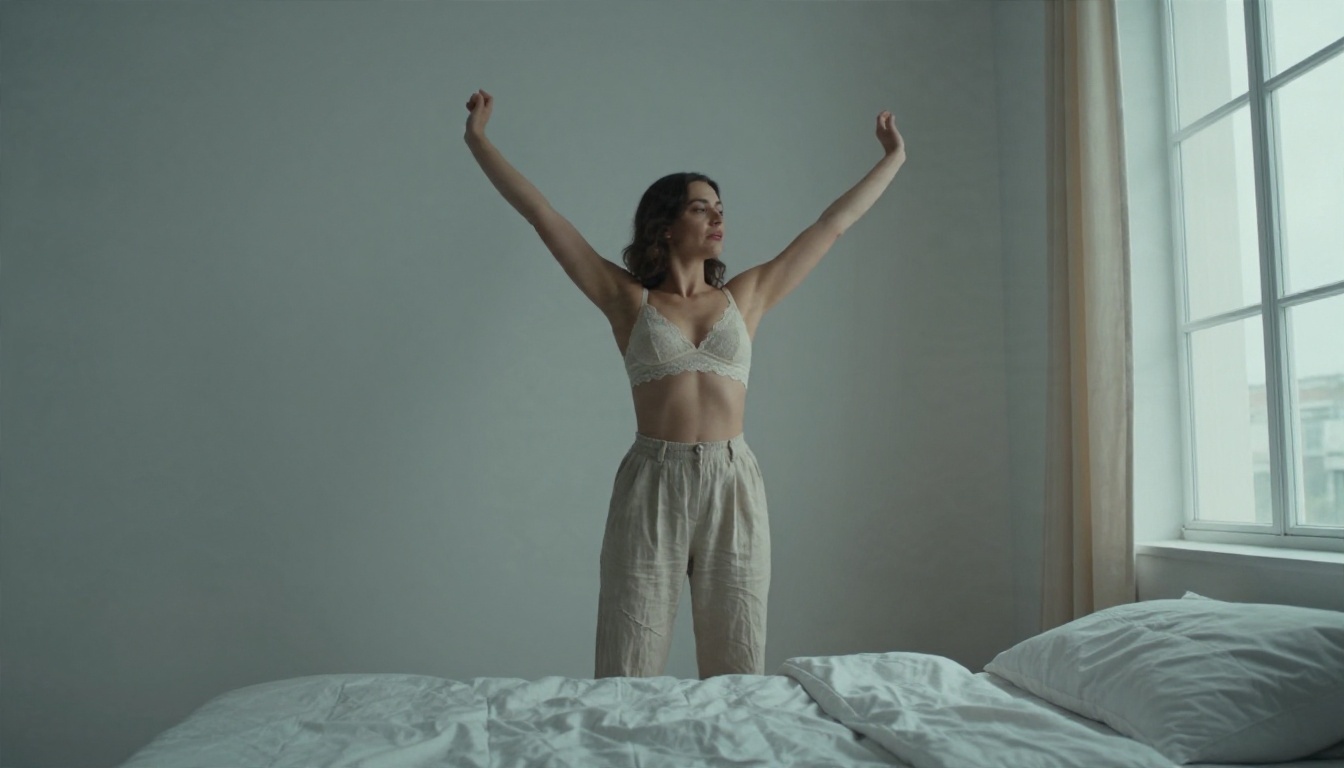
Boudoir morning: Woman in a cream lace bralette and linen trousers stretching near a tall window at dawn, rumpled white bedding in the foreground, pale blue-gold light from the right, 28mm f/2.8, realistic skin and fabric, tasteful boudoir photography.
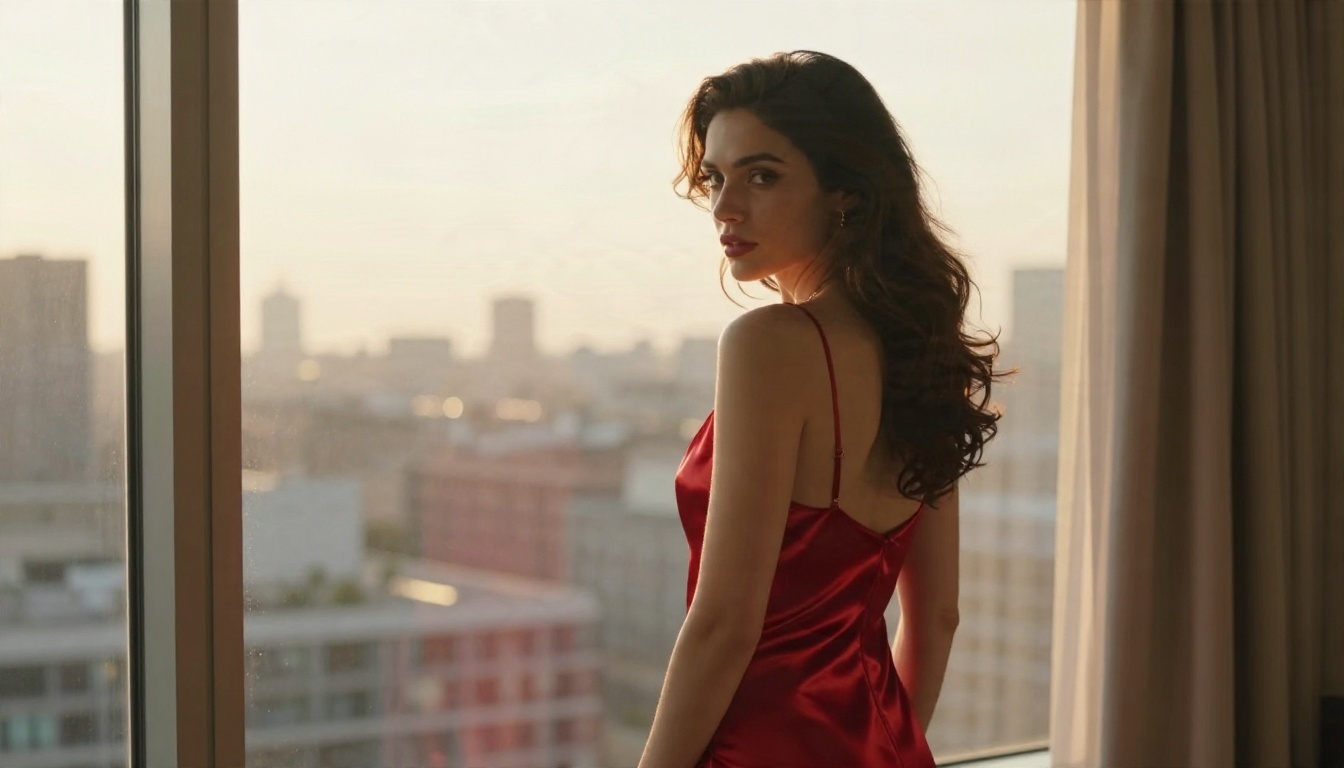
City glamour: Woman in a red satin slip dress by a floor-to-ceiling window at golden hour, looking over her shoulder, warm rim light, 85mm f/1.4, creamy bokeh of distant buildings, visible satin sheen.
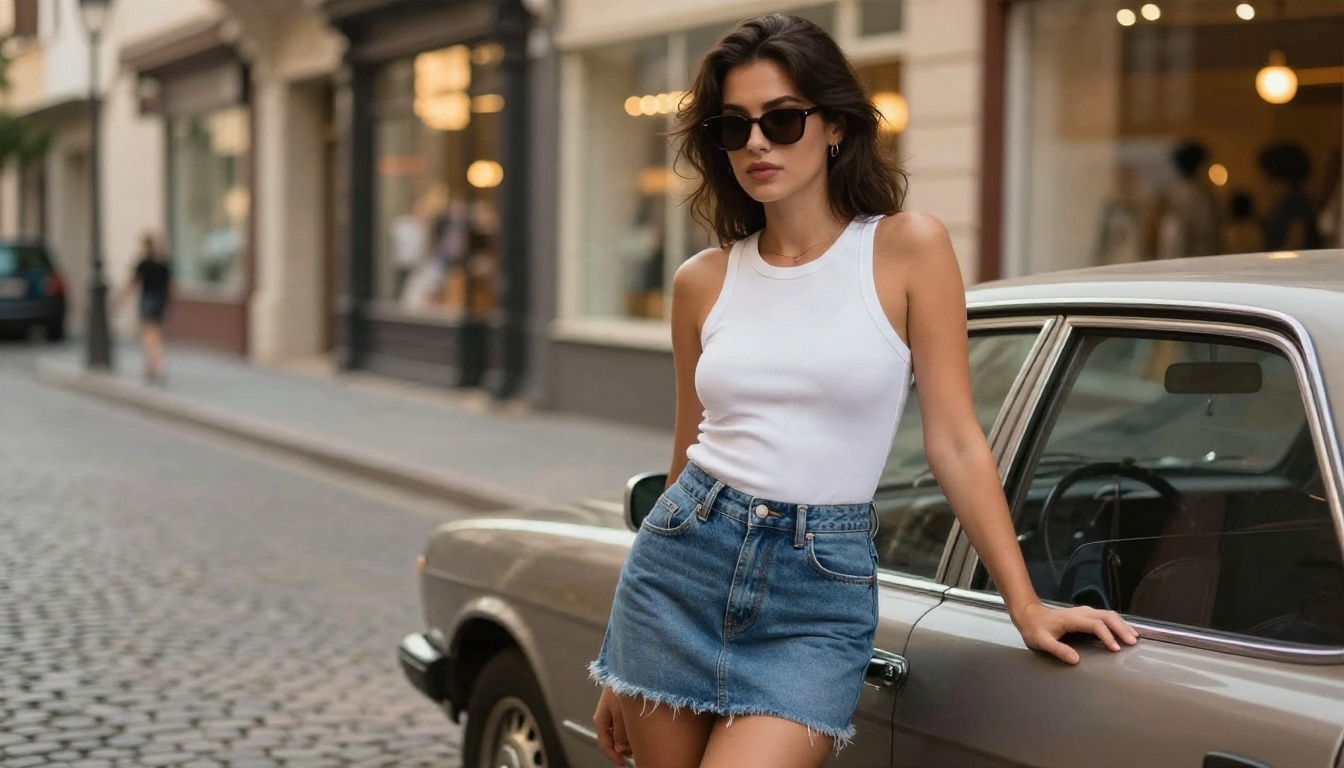
Summer street: Woman in a denim skirt and white tank top leaning on a vintage car on a cobblestone street at early evening, soft amber side light, 50mm f/1.8, shop windows in bokeh.
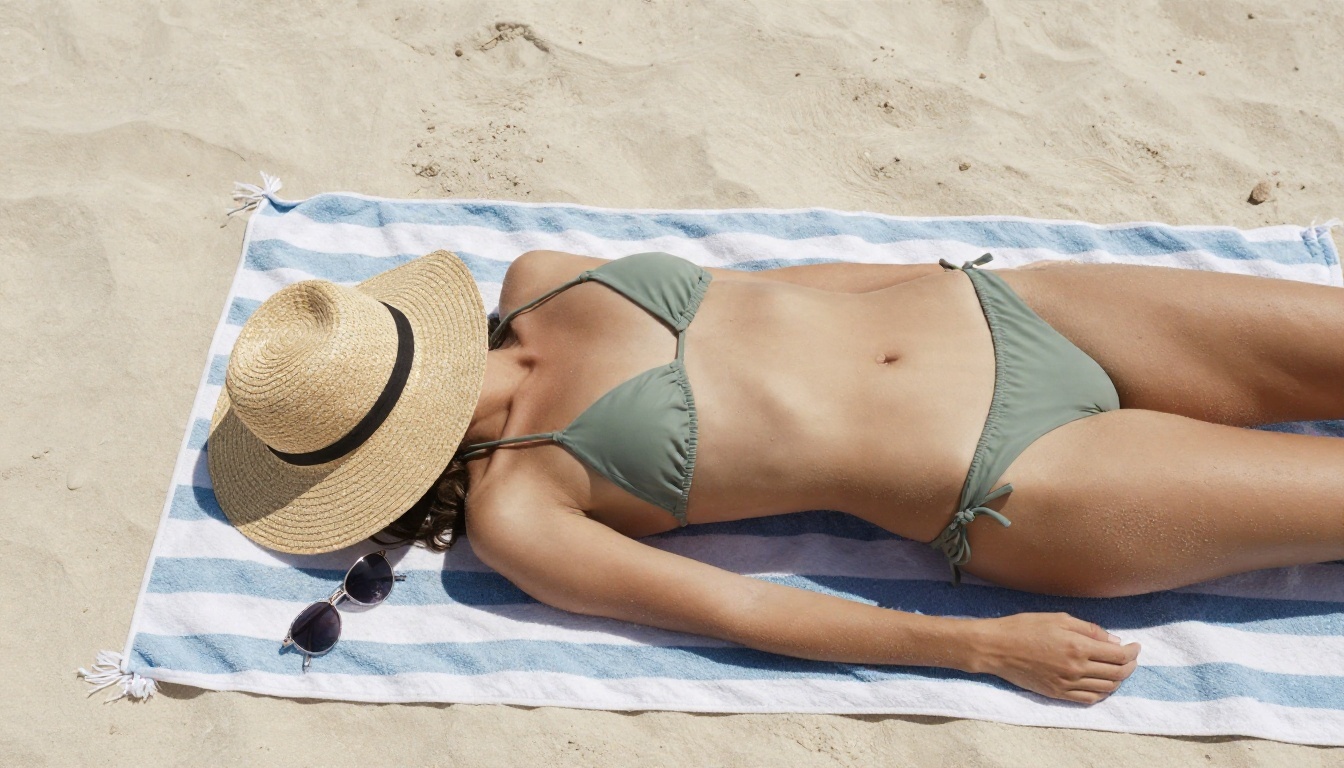
Beach from above: Woman in a sage green bikini on a striped towel on pale sand, straw hat and sunglasses beside her, shot from directly above with a 24mm lens, crisp midday shadows, sand grain and water droplets.
Wording That Avoids Rejections
Platforms with content rules respond to context. Describe the photographic intent: "editorial," "fashion," "boudoir portrait," "resort campaign." Describe clothing as clothing. Leave out anatomy-focused phrasing and anything that implies real people. The cleaner the prompt, the fewer blocked generations and the more consistent your batches.
Settings That Change the Result
Most disappointing images come from settings, not from the prompt. These are the controls that matter most.
| Setting | Recommended | Why it matters |
|---|
| Aspect ratio | 16:9 for scenes, 3:4 for portraits | Matches how fashion photography is framed |
| Resolution | Highest the model offers | Skin and fabric detail needs pixels |
| Seed | Fixed once a composition works | Lets you change one variable at a time |
| Guidance or prompt strength | Medium, not maximum | High values produce stiff, over-sharpened skin |
| Batch size | 2 to 4 | Enough variety without wasting credits |
Aspect Ratio and Resolution
Wide 16:9 works for environmental shots like poolside and street scenes. Switch to 3:4 or 2:3 for single-subject portraits. Always generate at the highest native size, then upscale if needed, since small images blur the exact micro-detail that sells realism.
Seeds and Variations
When one frame is close, lock the seed and edit a single phrase: change the light from "left" to "right," swap the outfit color, move the pose. Changing five things at once makes it impossible to tell what helped.
Edit Instead of Rerolling
Rerolling from scratch is slow and expensive on credit-based sites. With PicassoIA Image Editor Pro you can adjust a good image directly. Fix a strap, soften a shadow or change the background, and keep the face and composition you already like.
Common Mistakes to Avoid
Chasing "Uncensored" as a Goal
People spend hours hunting for a place with no rules, then end up with worse images, because the best photoreal results come from good lighting and lens language, not from fewer restrictions. A well-written glamour prompt on a strong model beats a bad prompt on an unrestricted one.
Piling on Quality Words
"Ultra detailed, masterpiece, 8K, best quality" repeated five times does little on modern models. Replace those with concrete physical details: window light, fabric type, lens, film stock.
Ignoring Hands and Edges
Check fingers, straps, jewelry and the edges of hair before you call an image finished. These are the places where artifacts hide, and a quick pass in the editor fixes most of them.
Trusting Old Tutorials
Anything written before the April 2026 split may point to settings that moved or no longer exist. Check the current interface before following a step-by-step.
Your Turn to Create
Civitai Red can be a useful marketplace for browsing community models, but it comes with credits, domain rules and blocked categories that no setting removes. If your real goal is to produce beautiful, photorealistic glamour images quickly, a direct text-to-image workflow is simpler.
Start with Seedream 4.5 for your best renders, use PicassoIA Image Editor Pro when you want unlimited tries, draft quickly with Z Image Turbo, and reach for Realistic Vision v5.1 when you want a soft film look. Copy one of the prompts above, change the outfit and location, and see how far a single sentence can go.
Ready to try your own? Browse every available model at picassoia.com/en/all-models and create your first image in minutes.