You typed a sentence, waited a minute, and got a clip where the hiker's red jacket turned blue halfway through and the mountain behind her slid sideways. That is the gap between a text to video tool and a coherent text to video engine. Anyone can get motion out of a prompt now. Getting a subject, a setting and a camera move that stay the same for the full clip is the part that separates a usable shot from a curiosity.
The good news: you do not need to pay to find out which engines hold together. Several free options exist, a few of them with no hard cap on generations. The less good news: every free tier trades something away, whether that is length, resolution, a watermark or queue time. This article lays out what coherence really means, which free options are worth your time, which limits you will hit, and the prompt formulas that keep a scene stable from the first frame to the last.
💡 Quick answer: For free, unlimited text to video, start with PicassoIA Video or Seedance 2.5 Lite. When a shot needs more length or resolution, step up to Seedance 2.5, Kling v3 Video or Veo 3.1 Fast.
What "Coherent" Actually Means
The word gets thrown around loosely, so it helps to pin it down. A coherent engine does three things at once, and most weak tools manage only one or two.
Temporal consistency
Temporal consistency means the things in frame one are still the things in frame one hundred and twenty. Faces keep their shape. Clothing keeps its color. A coffee cup does not melt into the table. When a model fails here you see the telltale shimmer: textures that crawl, hands that gain a finger and lose it again, backgrounds that breathe.
Prompt fidelity
Fidelity is how closely the clip follows what you wrote. If you asked for "a lone cyclist on a misty valley road at sunrise" and got three cyclists on a highway at noon, the engine ignored you. Strong engines respect subject count, time of day, camera direction and mood. Weak ones keep the vibe and drop the details.
Physical plausibility
The third piece is motion that looks like it obeys physics. Water pours downward, fabric reacts to wind, a rolling wheel actually turns. Plausibility is the hardest part and it is where the newest models, including Sora 2 and Kling v3 Omni Video, have pushed hardest.
| Coherence layer | What you see when it works | What you see when it fails |
|---|
| Temporal consistency | Same face, same outfit, stable background | Flicker, morphing, shifting colors |
| Prompt fidelity | Subject, setting and mood match your text | Missing objects, wrong time of day |
| Physical plausibility | Natural motion, believable weight | Floating limbs, rubbery movement |
Free Options That Exist Today
"Free" covers a wide range. Some tools give you a single trial clip. Others give a daily credit allowance. A small number have no cap on how many you generate. Knowing which bucket a tool sits in saves a lot of wasted afternoons.
Truly free on PicassoIA
Two engines on PicassoIA are built for people who want to generate without counting credits:
- PicassoIA Video is a free, unlimited video generator that accepts a text prompt or a starting image. It is the easiest place to test a concept.
- Seedance 2.5 Lite is also free and unlimited, with clips up to 10 seconds. That is long enough for a real establishing shot or a product reveal.
Because there is no meter running, you can do what professionals do with paid tools: generate several takes of the same prompt and keep the one where the subject stays stable. That habit matters more for coherence than any single setting.
Free tiers elsewhere
Plenty of other online tools offer a free plan, and the details change often, so check each provider's current page before you commit. From recent comparisons, the pattern looks like this: Dreamina gives a daily credit allowance that varies by region, Pika offers a small monthly pool of credits, InVideo AI limits you to a handful of exports a week at 720p with a watermark, and Kapwing caps free exports at 720p with a watermark until you upgrade. Luma's free plan carries watermark and commercial-use limits. Treat these as snapshots, not promises.
Why free always costs something
Video generation is expensive to run. Each second of output needs far more compute than an image. When a service says "free," it is paying for that compute from somewhere: your credits, your patience in a queue, your watermarked export or your upgrade later. The tools that stay free without a cap tend to use lighter models, which is why the Lite and fast variants exist. That is not a flaw. It is a sensible trade for drafting.
💡 Tip: Draft on a free engine, then re-run only your best prompt on a premium model. You spend premium compute once instead of ten times.
The Limits You Will Actually Hit
Every free workflow runs into the same walls. Here is how each one shows up and how to work around it.
Clip length
Most free generators cap clips at somewhere between 4 and 10 seconds. That sounds short, but it matches how edited video works: the average shot in a film runs a few seconds. The trick is to plan in shots, not scenes. Write one prompt per shot, keep each to a single action, and cut them together afterward.
If you need longer takes, Seedance 2.5 can produce clips up to 30 seconds, which suits slow reveals and single-take sequences.
Resolution and watermarks
Free tiers on many platforms export at 720p and stamp a watermark in a corner. Resolution matters less than people think for social posts and drafts, but it hurts if you plan to place the clip in a larger edit. Higher-resolution options on PicassoIA include Wan 2.7 T2V and Hailuo 02, both at 1080p, and LTX 2.5 Fast, which targets 4K output quickly.
Credits and queues
Credit-based plans punish experimentation. A failed take costs the same as a good one. Queues add another cost: when a platform is busy, free users wait behind paying ones. If you generate a lot, an uncapped engine removes both problems.
| Limit | Typical free tier | How to work around it |
|---|
| Clip length | 4 to 10 seconds | Plan one action per shot, then edit together |
| Resolution | Often 720p | Draft free, finish on a 1080p or 4K engine |
| Watermark | Common on capped plans | Use an uncapped engine for final exports |
| Credits | Daily or monthly pool | Test ideas on a no-cap tool first |
| Audio | Often silent | Pick a model with native audio, or add sound later |
Prompts That Keep Scenes Stable
Coherence is half engine and half prompt. A vague prompt gives the model room to improvise, and improvisation is where drift comes from. Tight prompts narrow the possibilities.
The five-part formula
A reliable structure for a single shot:
- Subject: who or what, with two or three fixed visual traits ("a woman in a red waterproof jacket and gray beanie").
- Action: one verb, one motion ("walks slowly along a ridge trail").
- Setting: place and time of day ("high alpine meadow at sunrise").
- Camera: shot size and movement ("medium tracking shot, slow dolly-in").
- Light and mood: how it feels ("soft golden backlight, light mist, calm").
Put it together in one sentence or two short ones. Example: A woman in a red waterproof jacket and gray beanie walks slowly along a ridge trail in a high alpine meadow at sunrise. Medium tracking shot, slow dolly-in. Soft golden backlight, light mist, calm mood.
Camera language that works
Models respond well to the vocabulary of cinematography. A few terms that reliably steer output:
- Static shot, locked camera for scenes where you want zero camera drift.
- Slow dolly-in or slow push-in for gentle emphasis on a subject.
- Tracking shot to follow a subject moving through space.
- Low-angle for power, high-angle for vulnerability.
- Shallow depth of field to isolate a subject from a busy background.
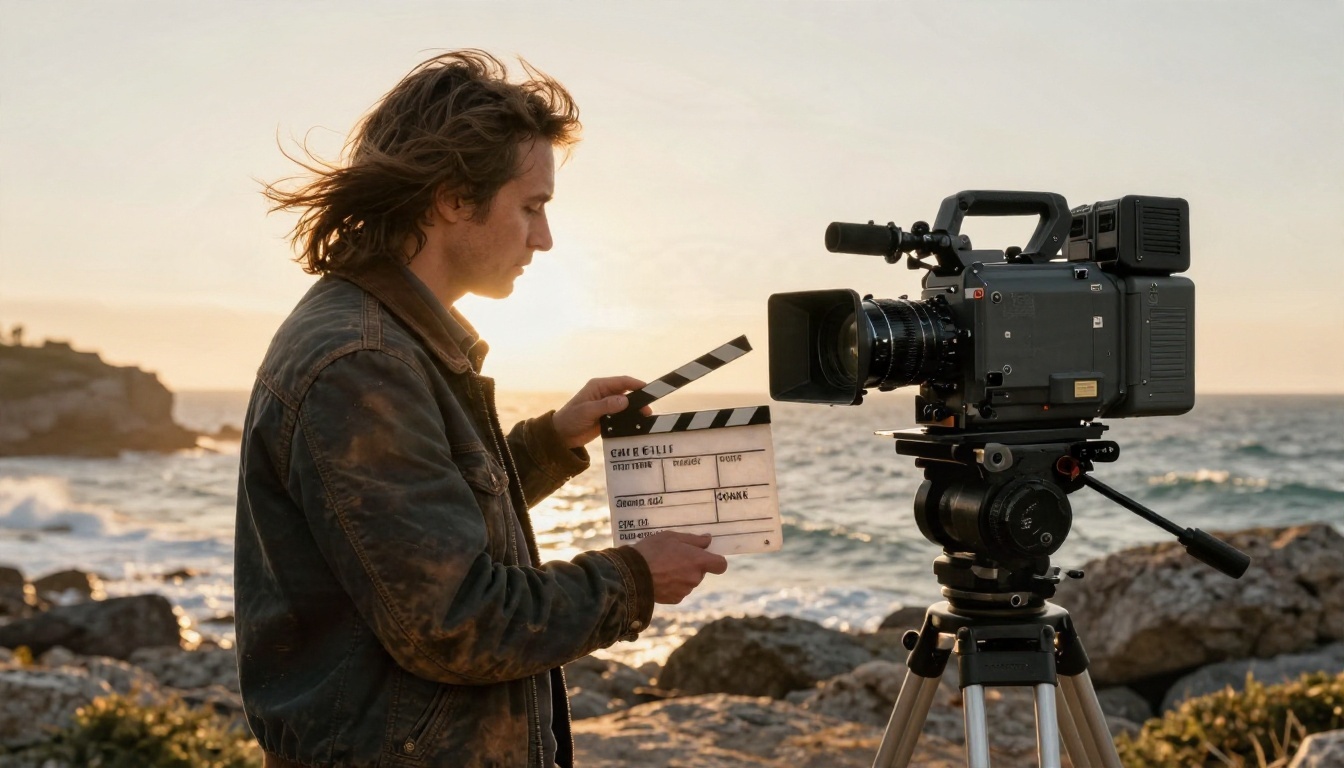
Avoid stacking movements. "Orbit, zoom, tilt and pan while the subject runs" asks for four things at once, and the model will usually compromise on all of them. Pick one camera move per clip.
The image-first workflow
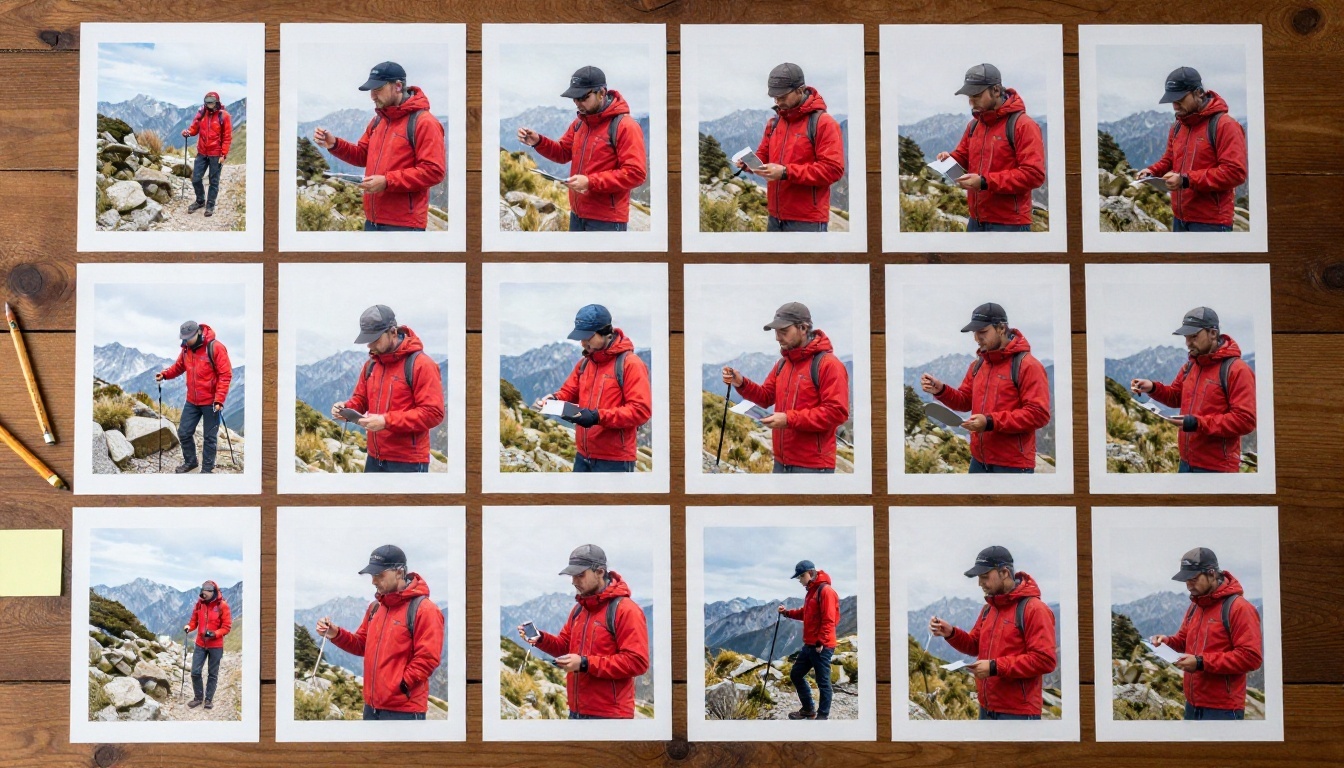
The single best trick for consistency is to stop describing your subject in words and show it instead. Generate a still image of your character or product first, then animate it. Because the first frame is fixed, the engine has far less to invent. This image-to-video approach is the most dependable way to keep the same face, outfit or product across several shots.
On PicassoIA you can build the still with any text-to-image model, then feed it to a video engine such as Wan 2.7 I2V or use PicassoIA Reference To Video, which takes reference images, video and audio so the same subject carries across clips.
💡 Tip: Keep a short "character sheet" line and paste it into every prompt for the same subject. Identical wording nudges the model toward identical results.
Choosing an engine comes down to what you are making. This table sticks to engines available on PicassoIA, where each has its own page you can open and test.
| Engine | Best for | Notable trait |
|---|
| PicassoIA Video | Drafting and daily practice | Free and unlimited, text or image input |
| Seedance 2.5 Lite | Free 10 second shots | Free and unlimited |
| Seedance 2.5 | Long single takes | Clips up to 30 seconds |
| Kling v3 Video | Cinematic realism | Strong motion and subject control |
| Veo 3.1 Fast | Quick 1080p with sound | Native audio from a text prompt |
| Sora 2 | Physical realism with audio | Text to video with synced sound |
| Ray 3.2 | Cinematic look | HDR text to video |
| Wan 3 | Cinematic clips | Latest Wan generation |
| Pixverse v6 | Social-style clips | Cinematic video with AI audio |
Which one should you pick?
A simple decision path:
- Just experimenting? Open PicassoIA Video and iterate without limits.
- Need a longer shot? Try Seedance 2.5 Lite for 10 seconds, or Seedance 2.5 for longer.
- Need sound baked in? Veo 3.1 Fast, Sora 2 and Pixverse v6 all produce audio with the clip.
- Need top-end realism? Kling v3 Video and Kling v3 Omni Video are strong choices for people and complex motion.
A Free Workflow You Can Follow Today
This is the loop that keeps costs at zero and quality high. It uses PicassoIA Video for drafting, but the same logic applies to any engine.
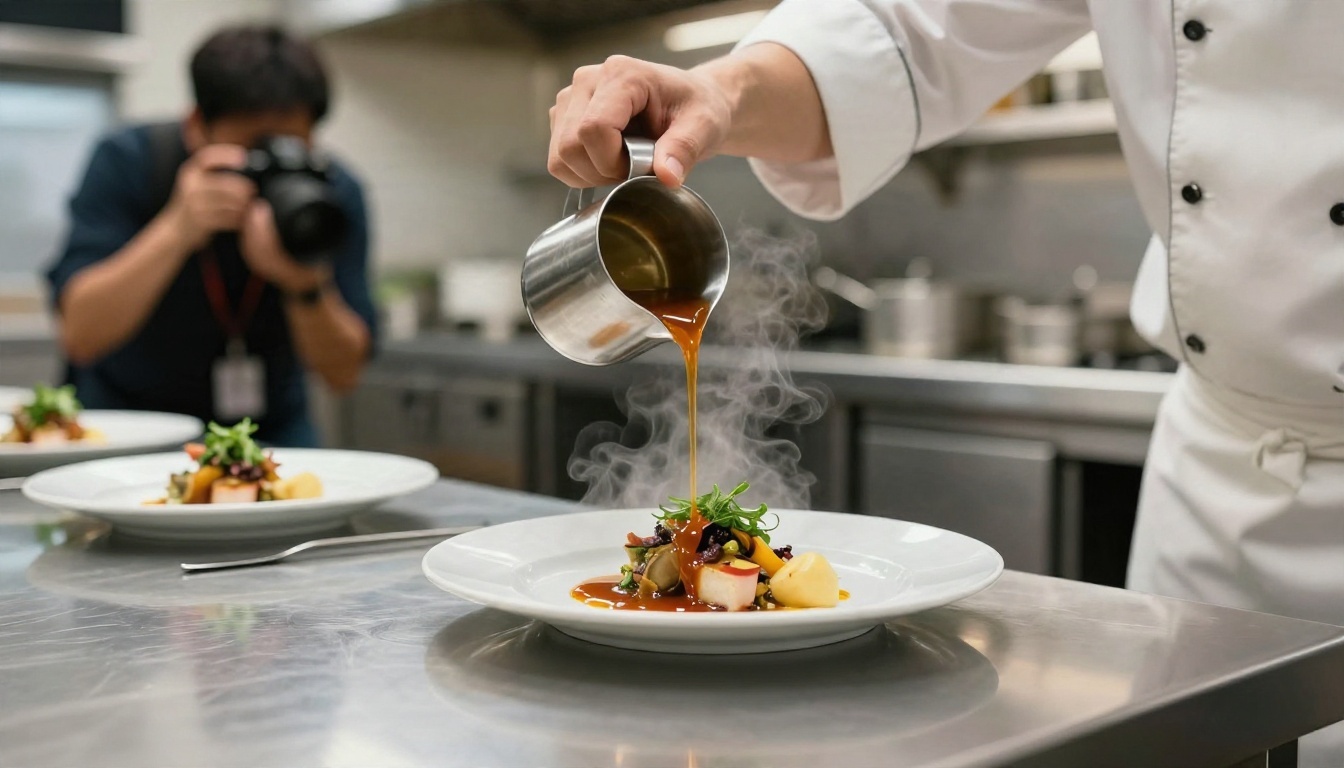
Step by step
- Write a shot list. Three to six shots, one line each. Decide what happens in each before you open any tool.
- Write one prompt per shot using the five-part formula. Keep the subject description identical across shots.
- Open the engine page and paste the first prompt. Start with text input to see how the model reads you.
- Generate several takes. On an uncapped tool this costs nothing. Keep the take with the steadiest subject, not the flashiest one.
- Switch to image input if the subject drifts. Create a still of your character or product, then animate that still.
- Review each clip at full size. Check hands, faces, text on objects and background edges. Those are the usual failure points.
- Upscale or re-run the winners. If a shot needs more resolution, run that single prompt on a higher-end engine.
- Assemble and add sound. Cut the shots together in any editor and add music or voiceover if the clips came out silent.
Where this workflow fits best
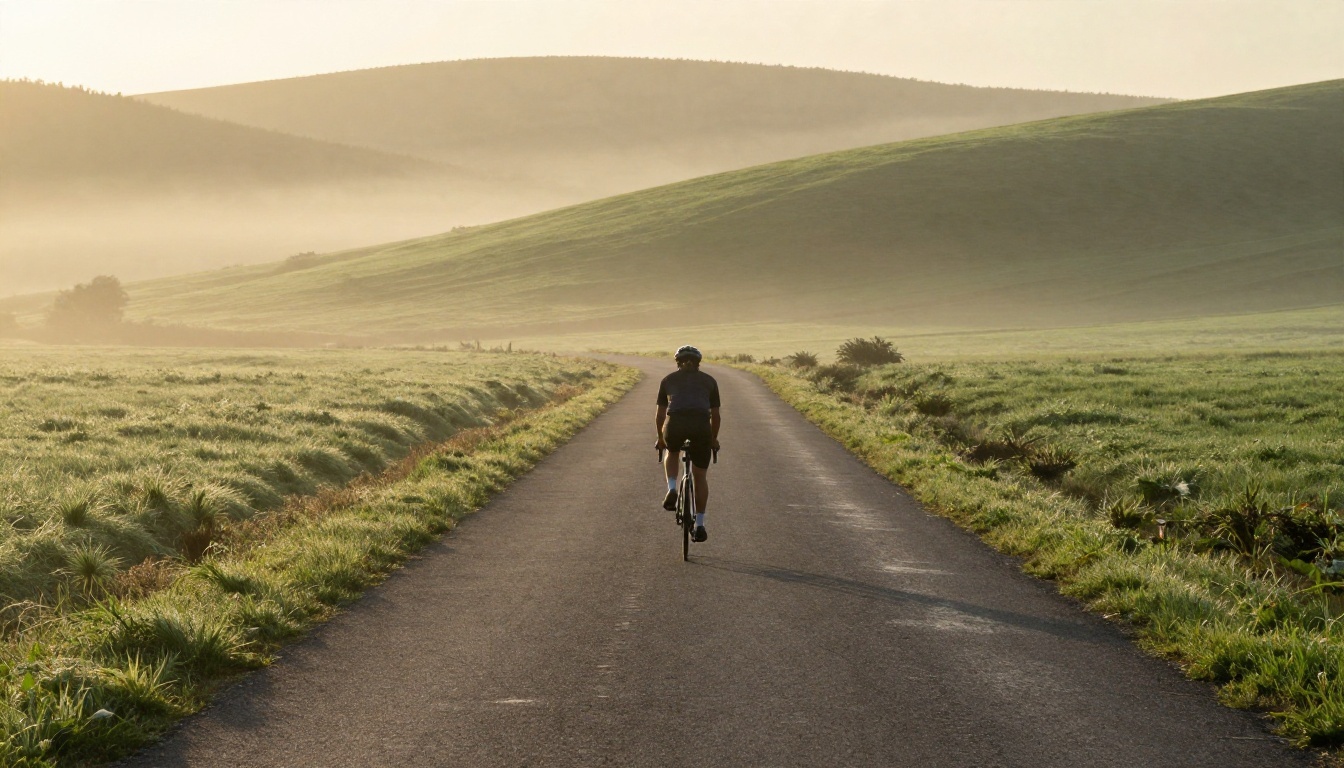
This approach suits product teasers, social clips, concept previews, mood boards in motion and storyboards. A chef plating a dish, a cyclist on a quiet road, a hand holding a phone: simple actions with a single subject are where current engines perform best.
Mistakes That Waste Credits
Most failed clips trace back to a handful of avoidable habits.
Asking for too much in one clip
A prompt with three characters, two locations and a dialogue exchange will fall apart. Engines work best with one subject and one action. Split complex ideas into shots.
Changing the subject description between prompts
If shot one says "red jacket" and shot two says "crimson coat," you are asking the model to guess. Copy and paste your character line. Small wording changes produce visible changes on screen.
Ignoring the first frame
Many people only judge the clip's motion. Check the first and last frames side by side. If the subject looks different between them, the clip has drifted, however smooth the motion felt.
Chasing resolution too early
Resolution is a finishing step. Get the composition, motion and consistency right on a fast, free engine first. Then spend premium compute on the one take you plan to use.
Skipping a review checklist
Before you export, run through the same short list every time:
- Does the subject match across the whole clip?
- Are hands and faces stable?
- Does the camera do only one thing?
- Is the lighting consistent from start to end?
- Does the clip match the prompt you wrote?

💡 Tip: If a prompt keeps failing the same way, change one thing at a time. Swapping the camera move, the setting and the subject all at once tells you nothing about which one caused the problem.
Your First Clip Starts Now
A coherent text to video engine is less about finding one magic tool and more about pairing the right engine with a disciplined prompt. Draft on a free, uncapped engine, keep each shot to one subject and one action, show the model a still when words are not enough, and spend premium compute only on the takes that earn it.
PicassoIA gives you the full range in one place: free, unlimited drafting with PicassoIA Video and Seedance 2.5 Lite, longer takes with Seedance 2.5, and high-end realism with Kling v3 Video, Veo 3.1 Fast and Sora 2. Pick one idea, write the five-part prompt from above and generate your first shot today. Then try the same prompt on a second engine and compare the results side by side. To browse every option, head to picassoia.com/en/all-models.


