You typed "Comfy UI uncensored model" into a search bar because the hosted generators keep refusing perfectly reasonable requests: a bikini shoot, a boudoir portrait, a swimwear campaign for a client. So you want a model on your own machine with no filter standing between your prompt and the image. That is a fair goal for adults making adult-oriented, consensual, fictional work, and ComfyUI is the most flexible place to do it. It is also a place where a bad checkpoint, a wrong sampler or a wrong file folder wastes an entire evening.
This article gives you the shortlist. You get the open models people actually run, where the free downloads live, the settings that behave as sane starting points, prompt formulas that produce believable skin and fabric, and a no-install route for the days you just want results. Everything here stays on the tasteful side: suggestive, glamorous, photographic, never explicit.

What "Uncensored" Really Means
People use the word loosely, and the confusion costs them time. A model is not "uncensored" because a blog says so. It comes down to three separate things.
1. The base model's training data. Some base models were trained on filtered data, so they simply never saw much nudity or swimwear. Others were trained more broadly. This sets the ceiling for anatomy and skin realism.
2. Built-in safety layers. Hosted services add prompt filters and output classifiers on top of the model. Weights you download and run in ComfyUI have none of that unless a custom node adds it.
3. Fine-tunes and LoRAs. Community checkpoints and small LoRA files push a base model toward a look, a body type, a lighting style. This is where most of the "uncensored" reputation comes from.
💡 Quick rule: If you run open weights locally in ComfyUI, there is no server-side filter. What the model can draw depends on its training data and on any fine-tune you load.
The legal and sensible limits
Open weights give you freedom, and you carry the responsibility with it. Keep these lines fixed:
- Only depict adults, always fictional or consented.
- Never generate a real person's likeness without permission.
- Check each model's license before you sell anything made with it.
- Keep your outputs private or label them honestly if you publish.
The Best Picks for Comfy UI
Here are the families worth your disk space in late 2026. Specifics shift quickly, so treat names as starting points and check the current version on the download page.
Z-Image Turbo and Z-Image Base
Alibaba's Tongyi Lab released Z-Image as a compact image model, with a fast distilled Turbo variant and a non-distilled Base variant that followed in January 2026. Both are published under a permissive Apache 2.0 license, run on modest graphics cards, and produce convincing skin at a small size. Community fine-tunes are still fewer than for older families, but the base model is far less restrictive than a hosted service.
Best for: fast photoreal portraits on 8 to 12 GB of VRAM.
SDXL and Illustrious fine-tunes
SDXL still owns the largest pile of community checkpoints and LoRAs. Illustrious-based fine-tunes lean toward stylized and anime output, while realism-focused SDXL merges handle swimwear, lingerie and glamour photography well. If you want a specific look, a specific pose or a specific face style, this is the deepest ecosystem.
Best for: variety, LoRA choice, low hardware needs.
FLUX.1 dev and its fine-tunes
FLUX.1 dev leads on prompt accuracy and natural photographic quality. Community fine-tunes loosen its behavior further. It wants more memory (12 GB or more is comfortable, less works with quantized files), and the license limits commercial use of the original weights.
Best for: realistic lighting and hands, short natural language prompts.
Qwen-Image
Qwen-Image excels at long, descriptive prompts and at rendering text inside a picture. It is a heavier model, and its fine-tune scene is smaller. It is a good second opinion when another model garbles a detailed scene.
Best for: complex scenes and prompt following.
| Model family | VRAM comfort | Realism | LoRA choice | Best use |
|---|
| Z-Image Turbo / Base | 8 to 12 GB | High | Growing | Fast glamour portraits |
| SDXL realistic merges | 8 GB and up | Good to high | Huge | Style variety and LoRAs |
| Illustrious fine-tunes | 8 GB and up | Stylized | Large | Illustrated looks |
| FLUX.1 dev fine-tunes | 12 GB and up | Very high | Medium | Lighting and anatomy |
| Qwen-Image | 16 GB and up | High | Small | Long prompts, scenes |
Where the Free Downloads Live
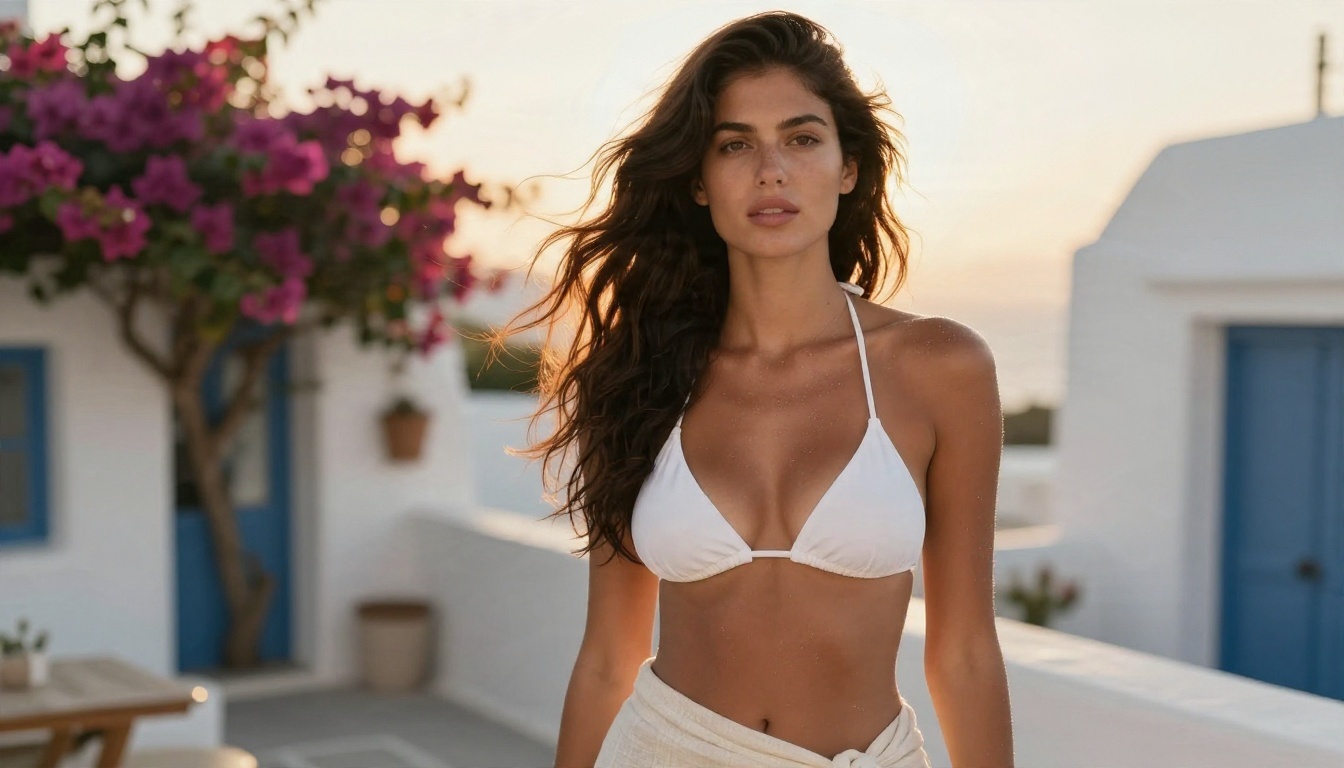
Model files are large, so only grab them from places that host real weights and show a version history. The two main hubs are Hugging Face and CivitAI. Hugging Face hosts official releases from the labs that train base models. CivitAI hosts thousands of community checkpoints and LoRAs, with user galleries that show real outputs before you commit to a multi-gigabyte download.
How to pick a safe file
- Choose
.safetensors files. Avoid .ckpt files from strangers, because that older format can carry executable code.
- Read the model page for the recommended sampler, CFG and resolution. Authors usually tell you.
- Look at the sample gallery. If the examples share one face, one pose and one lighting setup, expect the same from your own images.
- Check the license box before any commercial use.
- Keep a text file noting the model name, version and settings that worked.
Where each file goes
ComfyUI expects files in specific folders, and putting them in the wrong place is the number one reason a model "does not show up."
| File type | Folder inside ComfyUI |
|---|
| SDXL / SD1.5 checkpoint | models/checkpoints |
| Z-Image, FLUX, Qwen diffusion model | models/diffusion_models |
| Text encoder files | models/text_encoders |
| VAE | models/vae |
| LoRA | models/loras |
| Upscaler | models/upscale_models |
💡 Tip: Z-Image needs three pieces: the diffusion model, a Qwen text encoder file and a VAE. A missing text encoder is the usual cause of a red node on the first run.
Hardware Check Before You Download
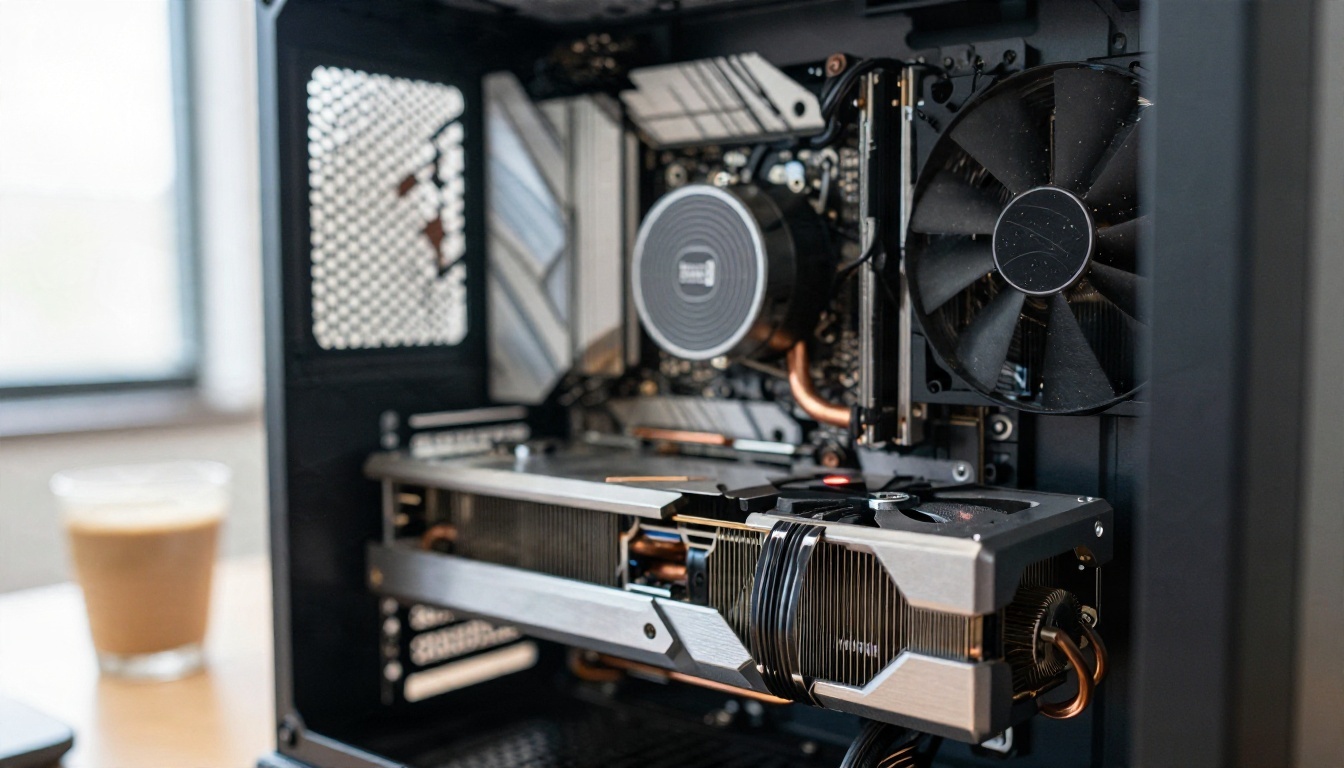
Disk space and VRAM decide what you can run. Here is the honest picture.
- 6 to 8 GB VRAM: SD 1.5 runs well, SDXL runs with patience, and Z-Image Turbo runs in a lean mode.
- 12 GB VRAM: SDXL and Z-Image feel comfortable. FLUX works with quantized files.
- 16 to 24 GB VRAM: Everything above, plus Qwen-Image and larger FLUX variants with fewer compromises.
- Disk: Plan for 100 GB if you collect several checkpoints and LoRAs. A fast SSD cuts model load time noticeably.
- System RAM: 32 GB avoids swapping when large models load.
If your card is weaker than that, you have two options: use quantized model files, or skip the local install and generate in the browser, which I cover below.
Settings That Work as Starting Points
No setting is universal, and every model page overrides this table. Still, these values give you a clean first image and a sane place to adjust from.
| Model | Steps | CFG / Guidance | Sampler | Resolution |
|---|
| Z-Image Turbo | 8 to 9 | 1 | Euler, simple scheduler | 1024 x 1024 or 1216 x 832 |
| Z-Image Base | 28 to 40 | 3 to 5 | Euler, simple scheduler | 1024 x 1024 |
| SDXL realistic merge | 25 to 32 | 4 to 6 | DPM++ 2M Karras | 832 x 1216 |
| Illustrious fine-tune | 25 to 30 | 4 to 6 | Euler a | 832 x 1216 |
| FLUX.1 dev | 20 to 30 | 3.5 guidance | Euler, simple scheduler | 1024 x 1024 |
| Qwen-Image | 25 to 40 | 3 to 5 | Euler | 1328 x 1328 |

Five adjustments that fix most problems
- Plastic skin? Lower CFG by one point and add "natural skin texture, visible pores" to the prompt.
- Warped hands or limbs? Raise steps by five and generate at the recommended resolution rather than a custom one.
- Blurry face in a wide shot? Add a face detailer pass or run a second pass at low denoise (0.3 to 0.4).
- Washed-out colors? Check that the correct VAE is loaded. A missing VAE is a classic cause.
- Same face every time? Change the seed and vary age, hair and ethnicity words in the prompt. Heavily fine-tuned models repeat faces.
A workflow that stays simple
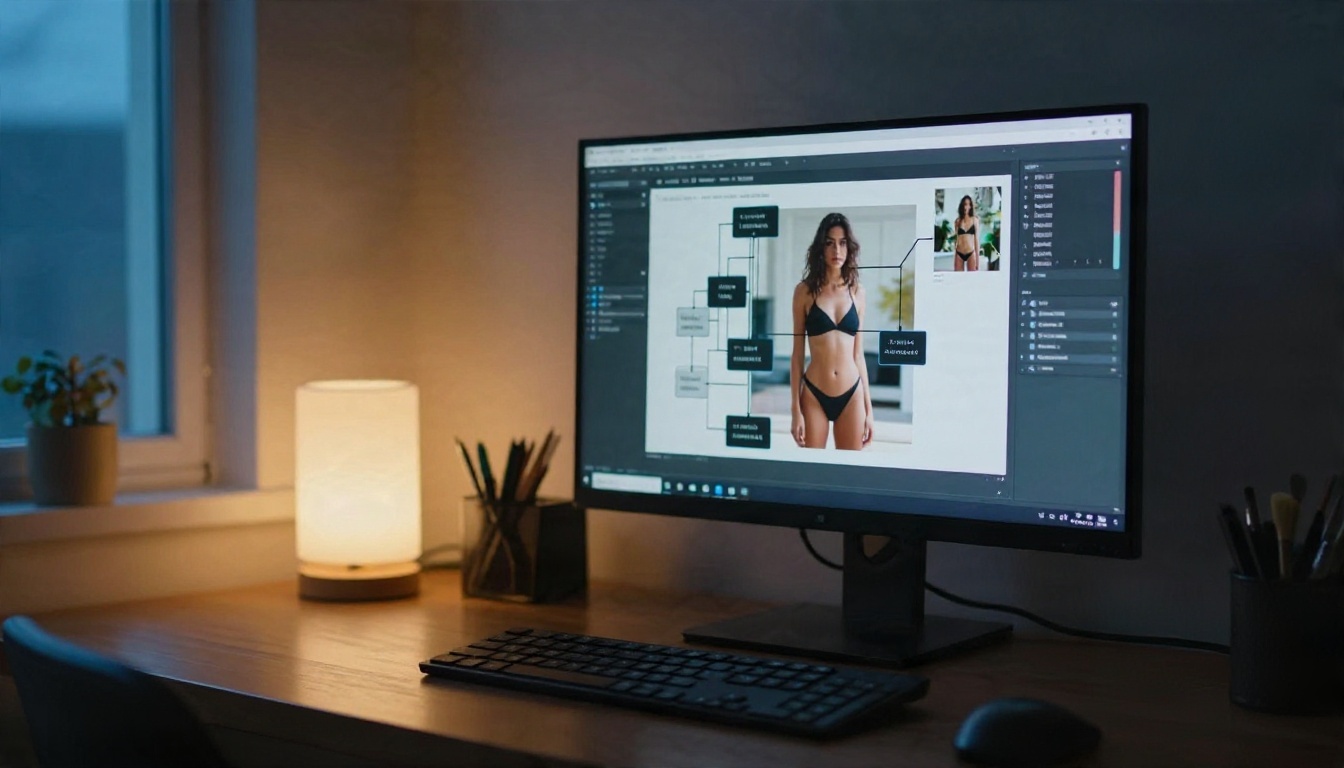
Start with the default text-to-image workflow for your model. Add one LoRA loader, one upscaler and a save node. Resist the urge to build a forty-node monster on day one. Most good images come from a clean prompt and one or two targeted fixes.
Prompts That Give Believable Skin
A good photoreal prompt reads like a photographer's brief, not a keyword pile. Use this order and you will see a jump in quality.
Formula: subject and pose, clothing, location, light direction, lens, film look, texture details.
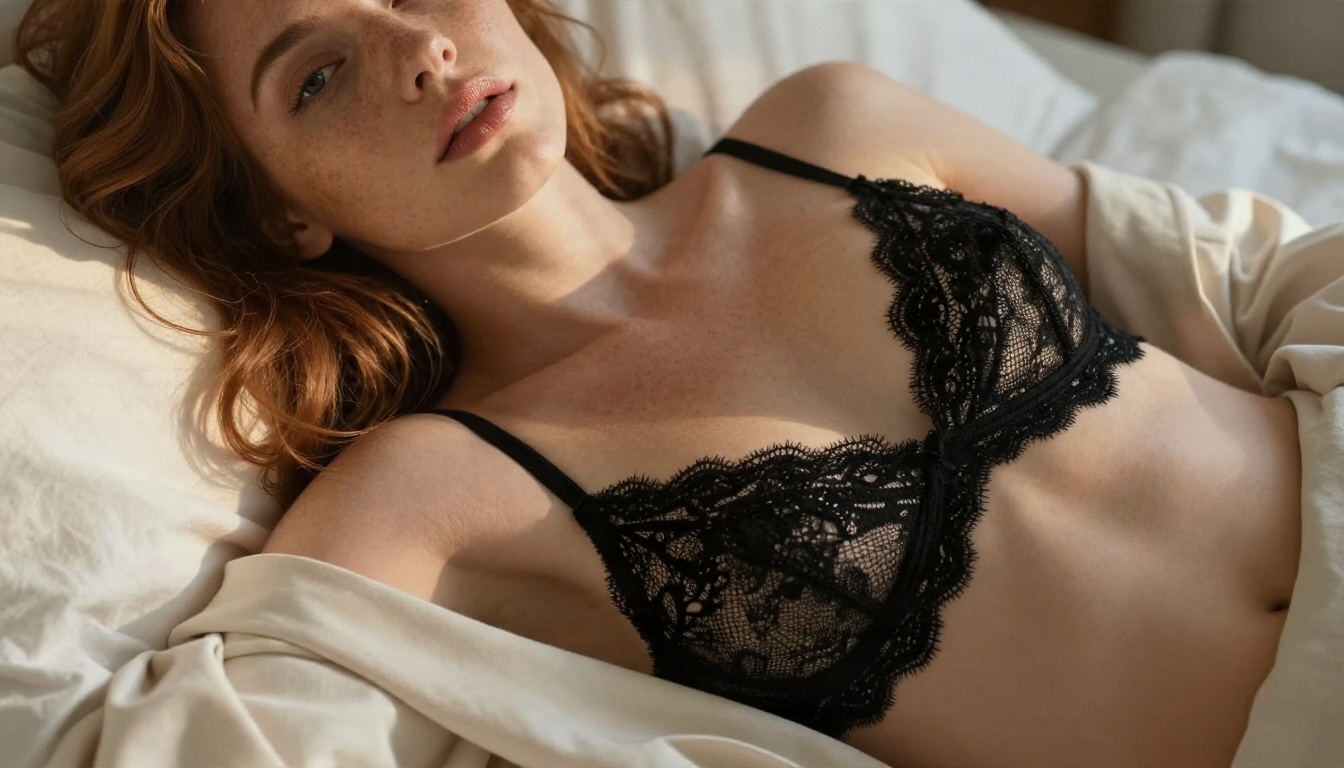
Example 1: Boudoir portrait
Close-up beauty portrait of a woman with freckles and tousled auburn hair, black lace bralette under an open cream blazer, lying on rumpled white linen, soft morning window light from the left, 85mm f/1.4, shallow depth of field, visible skin pores, fine hairs, glossy lips, Kodak Portra 400 look, film grain.
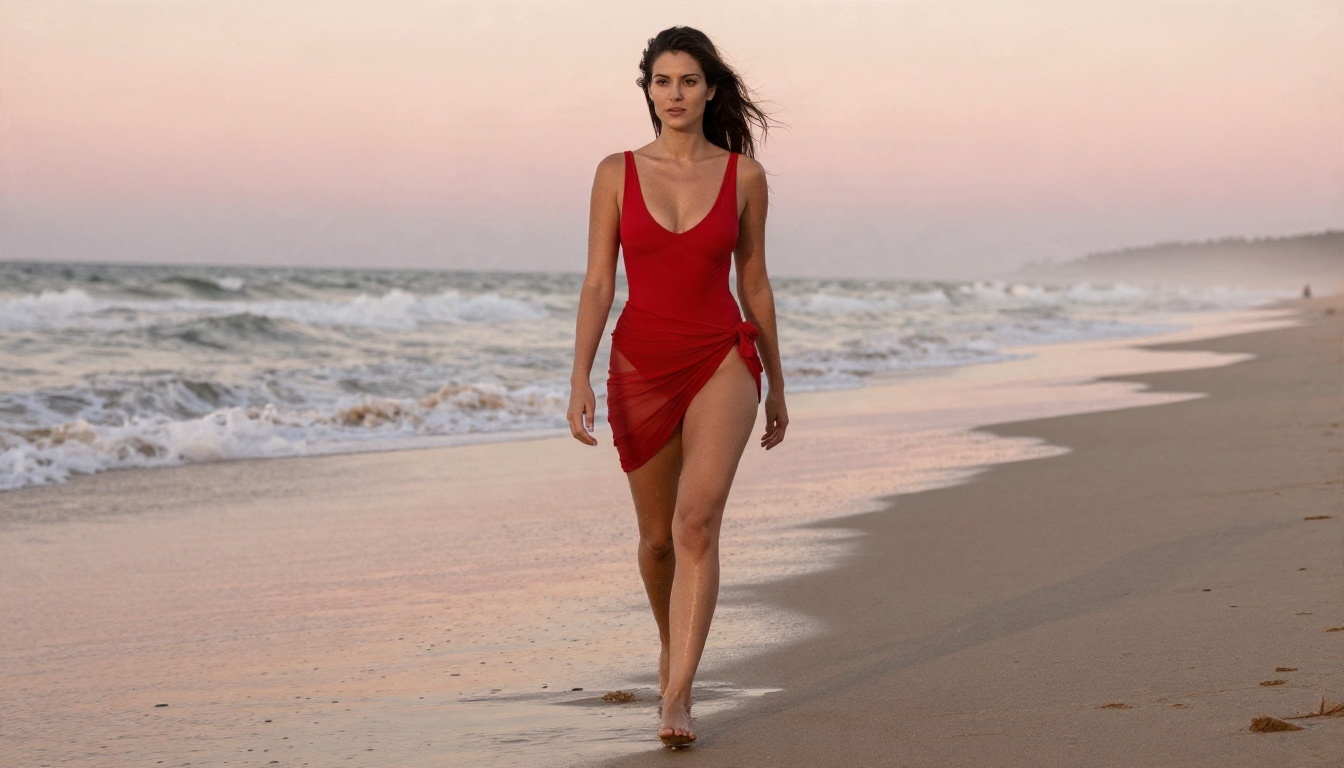
Example 2: Beach swimwear campaign
Full-length fashion photo of a confident woman in a red one-piece swimsuit and sheer sarong walking along a quiet beach at sunrise, wet sand reflecting a pink sky, low angle, 24mm f/2.8, damp skin sheen, windblown hair, realistic fabric texture, film grain.
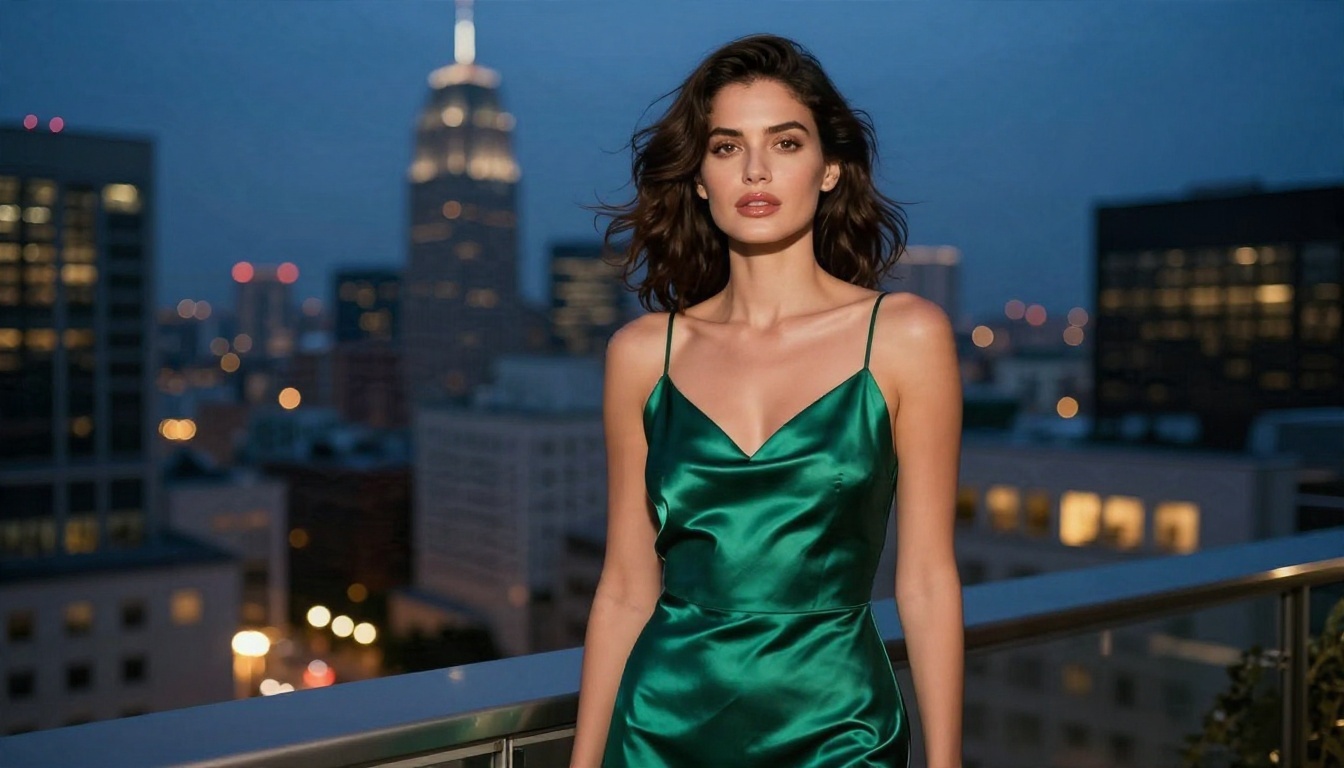
Example 3: Evening editorial
Woman in a satin emerald slip dress on a hotel balcony at dusk, city skyline softly blurred, warm lamp light behind her mixed with deep blue sky, 35mm f/1.4, fabric sheen, soft folds, fine skin texture, film grain.
Negative prompt starter
For models that use a negative prompt (SDXL and most fine-tunes), try: plastic skin, airbrushed, extra fingers, deformed hands, blurry, low resolution, watermark, text, cartoon, 3D render. Models running at CFG 1, such as Z-Image Turbo, ignore negatives, so put your wishes in the positive prompt instead.
Prompt habits that help
- Name the light direction. "Soft window light from the left" beats "good lighting."
- Name the lens. 85mm gives flattering portrait compression, 24mm gives a wide, environmental feel.
- Describe texture: pores, fabric weave, damp skin, salt, linen creases.
- Describe mood with a verb, not an adjective: "glancing over her shoulder" beats "sexy."
- Keep prompts under 80 words for SDXL, and let FLUX or Qwen handle longer ones.
LoRAs, Upscalers and Face Fixes
A LoRA is a small file, usually 50 to 300 MB, that nudges a base model toward a style. Use one at a time at first, with the strength between 0.6 and 0.9. Stacking three LoRAs at full strength is how images fall apart.
Upscale in two steps. Generate at the native size, then run a 2x upscale model, then a low-denoise pass (0.25 to 0.35) to restore skin detail. This preserves the face and avoids the waxy look that single-pass high resolution often creates.
Common mistakes to avoid
- Mixing an SDXL LoRA with a FLUX model. They are not compatible.
- Using a checkpoint with the wrong VAE.
- Downloading ten models before testing one.
- Copying a prompt that was written for a different model family.
- Ignoring the author's recommended settings.
Local Install vs Browser Generation
Running ComfyUI locally is powerful, but it also brings costs that rarely show up in tutorials.
| Factor | Local ComfyUI | Browser generator |
|---|
| Setup time | Hours | Seconds |
| Hardware | Needs a strong GPU | Any device |
| Storage | 100 GB or more | None |
| Updates | Manual | Automatic |
| Control | Total | High |
| Adult glamour content | No filter, you manage it | Depends on the model |
If you enjoy tinkering with nodes, stay local. If you want finished images today without installing anything, a browser route saves a lot of effort.
How to Get Similar Results on PicassoIA
ComfyUI is software you install yourself, and it is not something PicassoIA offers. For glamour and swimwear imagery without the setup, these are the models to try, in this order.
Start with Seedream 4.5
Seedream 4.5 is the first model to try for photoreal adult-oriented glamour work. It handles skin, fabric and light with high fidelity, and it follows long prompts well. Here is a simple routine:
- Open the Seedream 4.5 page.
- Paste a photographer-style prompt using the formula above: subject, clothing, location, light direction, lens, film look, texture.
- Choose a 16:9 or 3:4 ratio depending on whether you want a scene or a portrait.
- Generate, then adjust one detail at a time (light, pose or lens) and regenerate.
- Keep the seed of an image you like and change only the wording for variations.
💡 Tip: Write the prompt the same way you would brief a photographer. Time of day, lens and fabric words matter more than long lists of quality tags.
Then use Image Editor Pro for edits and volume
PicassoIA Image Editor Pro offers unlimited generations, so you can iterate without watching a counter. Upload a result, ask for a different outfit, a new background or softer light, and keep refining. It replaces the inpaint-and-fix loop you would otherwise build with nodes.
Other models worth trying
The prompts from this article work in these models with almost no changes, which makes them a handy testing ground before you commit to a big local download.
Quick Troubleshooting Table
| Problem | Likely cause | Fix |
|---|
| Red nodes on load | Missing text encoder or VAE | Download the missing file, place it in the right folder |
| Model not in dropdown | Wrong folder | Move the file, refresh the page |
| Out of memory error | Resolution or model too large | Use a quantized file or lower resolution |
| Gray or washed colors | Wrong VAE | Select the VAE the model page recommends |
| Identical faces | Fine-tune bias | Vary descriptive words and the seed |
| Slow generation | CPU fallback | Confirm the GPU is detected in the startup log |
Make Your First Image Today
If you have a strong graphics card and enjoy tuning every parameter, a local ComfyUI setup with Z-Image, SDXL or FLUX is a solid long-term home. Start with one model, one LoRA and the settings table above, and resist adding more until the first set of images looks right.
If you would rather skip the installs and the folder hunting, take one of the prompts from this article and try it in Seedream 4.5, then keep going with PicassoIA Image Editor Pro for unlimited retries. Change the light, swap the outfit, switch the lens, and watch how quickly a rough idea becomes a polished photo. For the full list of image models, browse picassoia.com/en/all-models and run your own tests.


