Pick the wrong checkpoint in ComfyUI and you will spend an evening fighting plastic skin, melted hands and the same face over and over. Pick the right one and a plain prompt returns a believable, well-lit photo on the first or second try. This article ranks the best NSFW models for ComfyUI, tells you which ones cost nothing, and gives you the sampler, CFG and prompt settings that make each of them behave.
Everything here is about non-explicit, suggestive imagery: lingerie, swimwear, boudoir and glamour portraits. That is also the sweet spot where these models look their best, because anatomy and lighting are easier to get right when the frame is about mood rather than anything graphic.
💡 Quick answer: For photorealism, start with Chroma (Flux family, uncensored) if you have 12 GB or more of VRAM, or Lustify and RealVisXL V5 if you have 8 GB. For anime and stylized work, Pony Diffusion V6 and Illustrious XL fine-tunes lead. If you do not want to install anything, Seedream 4.5 on PicassoIA gets you photoreal results in the browser.
What Makes a Good NSFW Model
A model earns the label "good" when three things line up: it was trained on enough body and clothing data to draw anatomy correctly, it does not refuse or blur suggestive prompts, and it holds skin texture instead of smoothing everything into wax.
Checkpoint vs LoRA
A checkpoint is the full model. It decides the overall look, how realistic the skin is and what the model knows. A LoRA is a small add-on that nudges a checkpoint toward a pose, outfit or style. In ComfyUI, checkpoints live in models/checkpoints and LoRAs in models/loras.
Most beginners download five LoRAs before testing a single checkpoint. Do the opposite. Find a base model you like first, then add one LoRA at a time.
Hardware You Need
| Model family | Typical VRAM | Best for |
|---|
| SDXL fine-tunes (Lustify, RealVisXL, Juggernaut XL) | About 8 GB | Photoreal portraits, fast iteration |
| Pony and Illustrious XL | About 8 GB | Anime and stylized art |
| Flux-based checkpoints | 12 GB or more | Natural-language prompts, sharp detail |
| Chroma | 12 GB or more | Uncensored photorealism |
Quantized versions can squeeze Flux-family models onto smaller cards, but expect slower renders and a few more artifacts.
⚠️ Version check: Pony V6 LoRAs do not work properly with Pony V7, and Pony LoRAs often misbehave on Illustrious XL. Always match the LoRA to the base model it was trained on.
Top Picks for ComfyUI
Rankings on Civitai-style sites shift every few weeks, and many "best of" lists are written by vendors. Treat the order below as a practical starting point based on what is consistently recommended for each use case, not a permanent leaderboard.
Chroma: Best Uncensored Photorealism
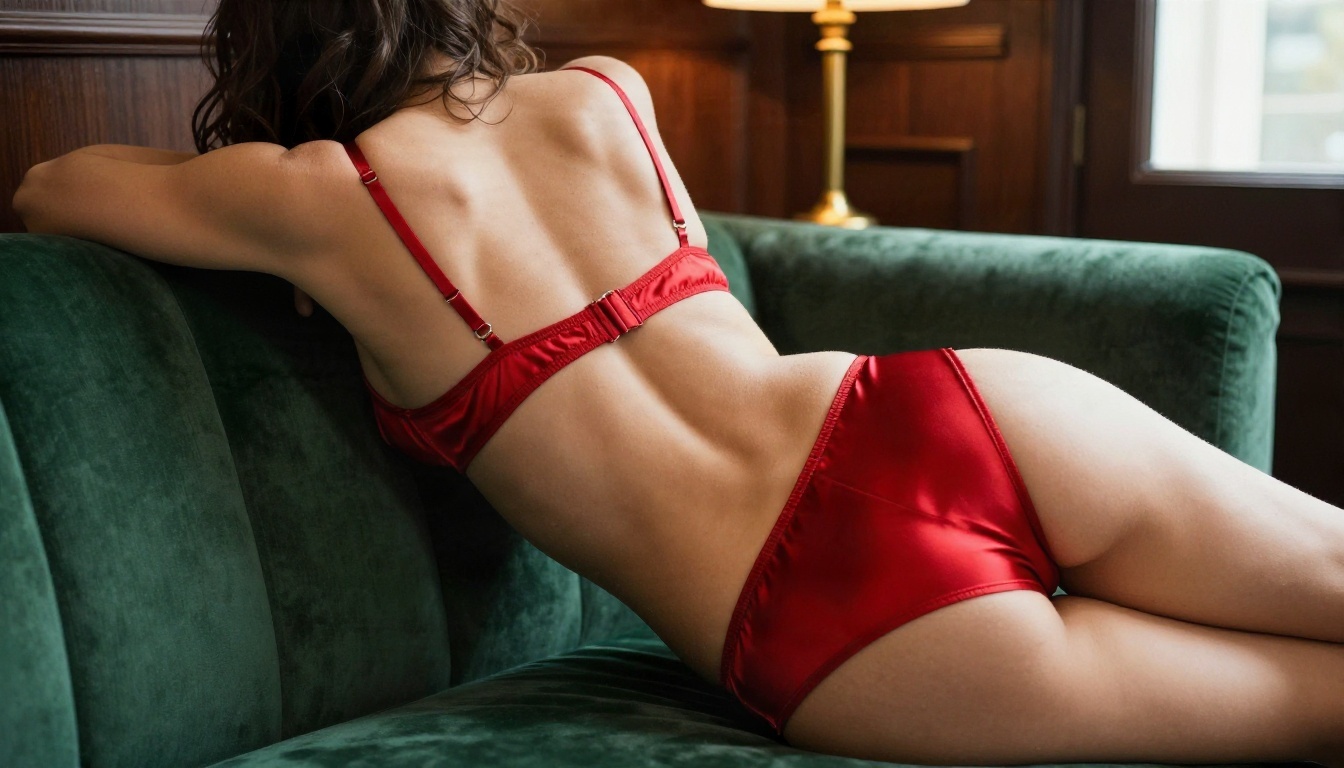
Chroma is a Flux-derived model that people repeatedly name as the strongest uncensored option for realistic images. It follows long, natural-language prompts well, handles hands better than most SDXL fine-tunes, and its license is Apache 2.0, which makes it friendly for commercial work.
The trade-off is weight. Plan on 12 GB of VRAM or more, and expect each image to take noticeably longer than an SDXL render. Some Chroma-based realistic variants are also still being trained, so check release dates before you download.
Pony Diffusion V6 and Illustrious XL
If your goal is anime or stylized art, these two are the default. Pony Diffusion V6 works with booru-style tags and has the largest LoRA library. Illustrious XL and its fine-tunes produce cleaner line work and often better anatomy out of the box.
They are not the best choice for photographs. Even photoreal Pony merges tend to carry a slightly airbrushed look, which is why photographers and realism fans move to the models below.
Lustify and BigLust
Lustify is one of the most popular NSFW SDXL fine-tunes, praised for believable anatomy and pleasant skin tones. BigLust is a related option often mentioned alongside it. Both bake adult-content knowledge directly into the weights, so you do not need a pile of LoRAs just to get a decent result.
Both run on an 8 GB card, which makes them the most practical photoreal pick for most people.
RealVisXL V5 and Juggernaut XL
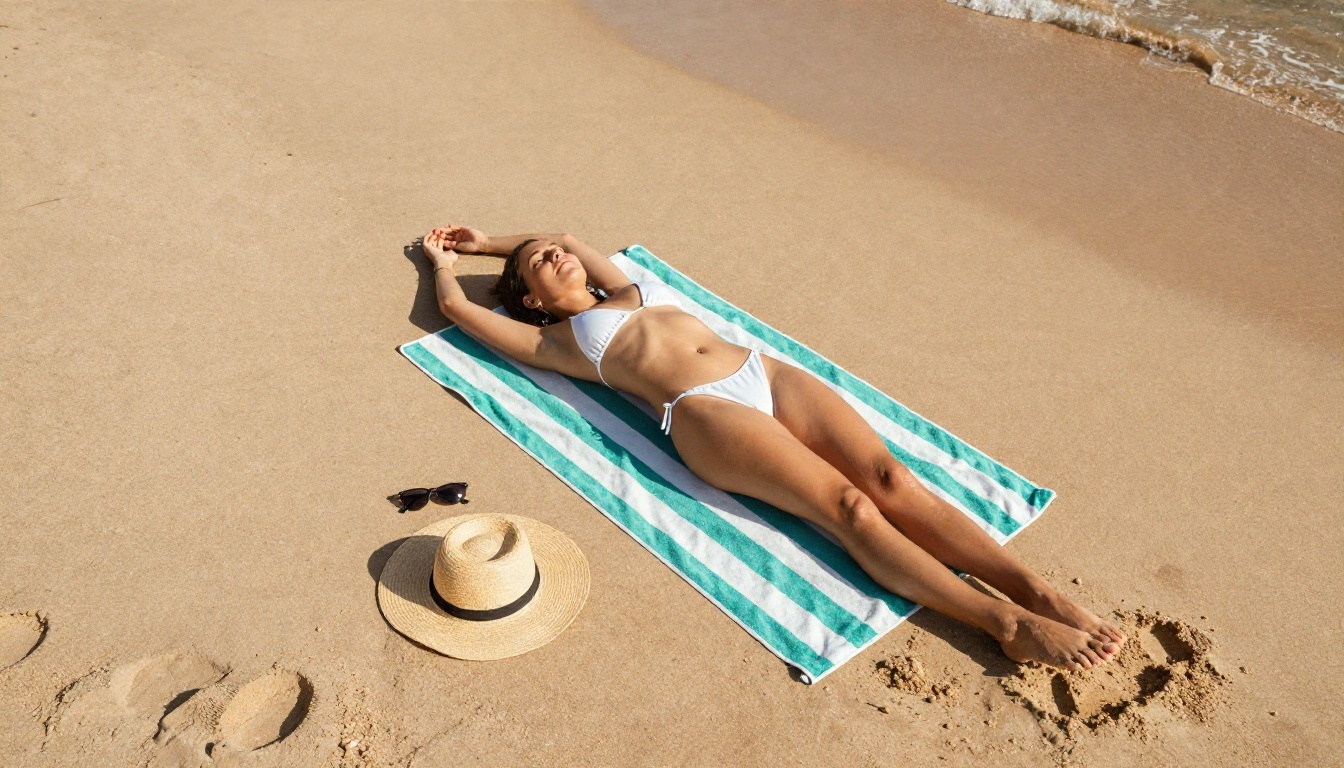
These two are not purpose-built for adult content, but they are excellent photoreal bases for swimwear, lingerie and glamour shots. RealVisXL V5 is frequently rated the top overall photoreal SDXL model. Juggernaut XL is more cinematic and punchy, with stronger contrast and dramatic lighting.
Pair either one with a pose or outfit LoRA when you need something specific.
Flux-Based NSFW Checkpoints
Community checkpoints built on Flux, such as Fluxed Up, Persephone and UltraReal, push the base model toward more skin detail and fewer refusals. They share Flux's strengths: sharp text rendering, great prompt adherence, and a preference for full sentences over tag lists.
Quick Comparison
| Model | Style | Realism | Prompt style | VRAM |
|---|
| Chroma | Photo | Very high | Natural language | 12 GB+ |
| Lustify | Photo | High | Natural or tags | 8 GB |
| RealVisXL V5 | Photo | High | Natural language | 8 GB |
| Juggernaut XL | Photo, cinematic | High | Natural language | 8 GB |
| Pony Diffusion V6 | Anime, stylized | Medium | Booru tags | 8 GB |
| Illustrious XL fine-tunes | Anime | Medium | Tags | 8 GB |
Free Options That Actually Work
"Free" has two meanings here: free to download, and free to generate without paying per image.
Local and Free
ComfyUI itself is free and open source, and so are most of the models above. Download checkpoints from Civitai or Hugging Face, drop them in the right folder, and you can generate unlimited images. The real cost is hardware and setup time: a capable GPU, disk space (a single checkpoint is often 6 to 24 GB) and an hour or two of workflow tinkering.
💡 Tip: Check the license on every checkpoint. Chroma is Apache 2.0, but many community merges carry restrictions on selling images or hosting the model.
Free Online Without Installing Anything
If your GPU is small or you simply do not want to manage Python environments, a hosted generator saves the setup. Z Image Turbo is a fast option for sharp photoreal images in seconds, and Realistic Vision v5.1 is a long-standing favorite for lifelike portraits. Both are on PicassoIA and need nothing but a browser.
Prompt Settings That Work
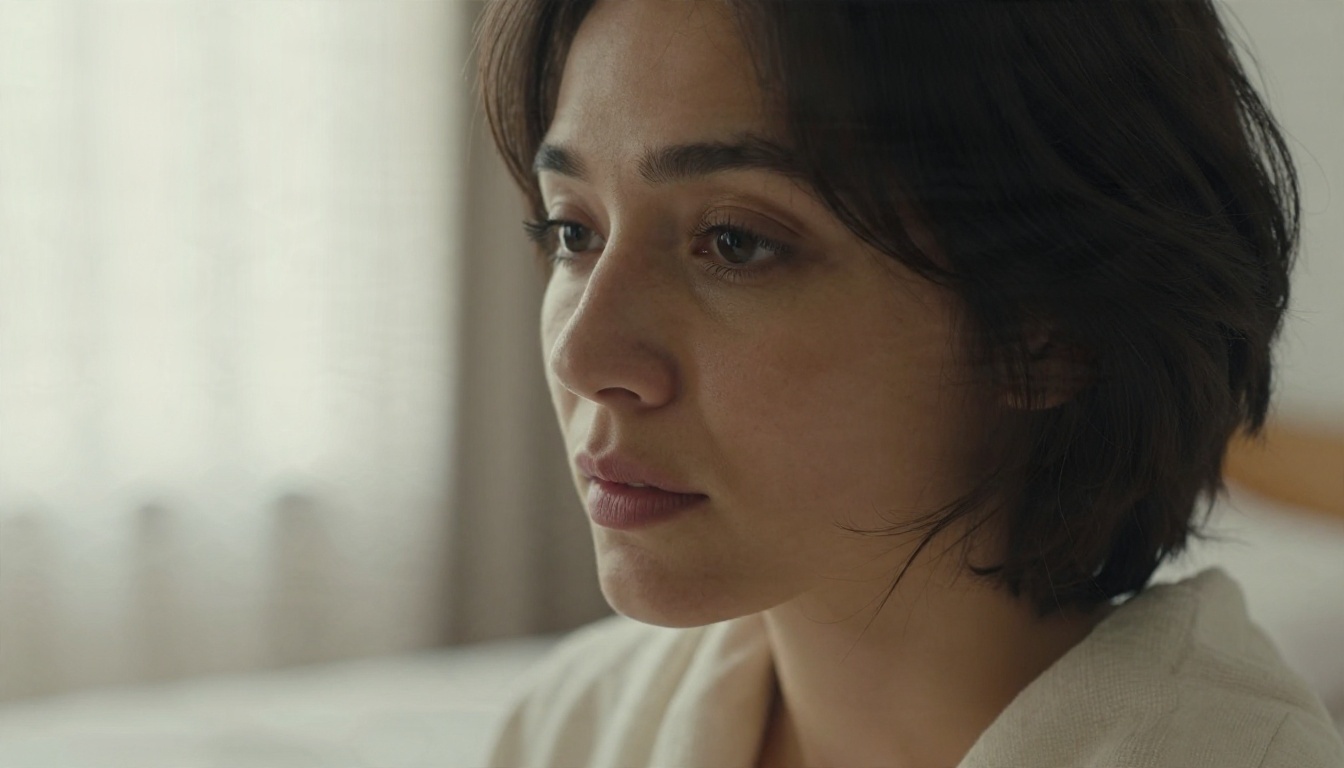
Settings matter as much as the checkpoint. The numbers below are starting points that work for most users, so adjust one value at a time.
Sampler, Steps and CFG
| Model type | Sampler | Scheduler | Steps | CFG |
|---|
| SDXL photoreal (Lustify, RealVisXL, Juggernaut XL) | DPM++ 2M | Karras | 25 to 35 | 4 to 7 |
| Pony V6 | Euler a | Normal or Karras | 25 to 30 | 6 to 7 |
| Illustrious XL | Euler a | Normal | 25 to 30 | 4 to 6 |
| Flux-based | Euler | Simple | 20 to 28 | 1 (use Flux guidance of about 3.5) |
| Chroma | Euler | Simple or Beta | 20 to 30 | 3 to 5 |
Two notes. Flux-family models in ComfyUI usually want a CFG of 1 with a separate guidance value, so do not push CFG up like you would with SDXL. And Pony models generally need clip skip 2, so add a CLIP Set Last Layer node set to -2.
Resolution and Hires Fix
Generate at the model's native size, not larger.
- SDXL, Pony, Illustrious: 1024 x 1024, 832 x 1216 for portraits, 1216 x 832 for landscape shots.
- Flux and Chroma: around 1 megapixel works, and they tolerate more aspect ratios.
For extra sharpness, run a second pass: upscale the latent by 1.5x, then sample again with denoise between 0.35 and 0.45. Going higher changes the face and pose too much.
Writing the Prompt
Match the prompt style to the model.
For Chroma, Flux and RealVisXL (natural language):
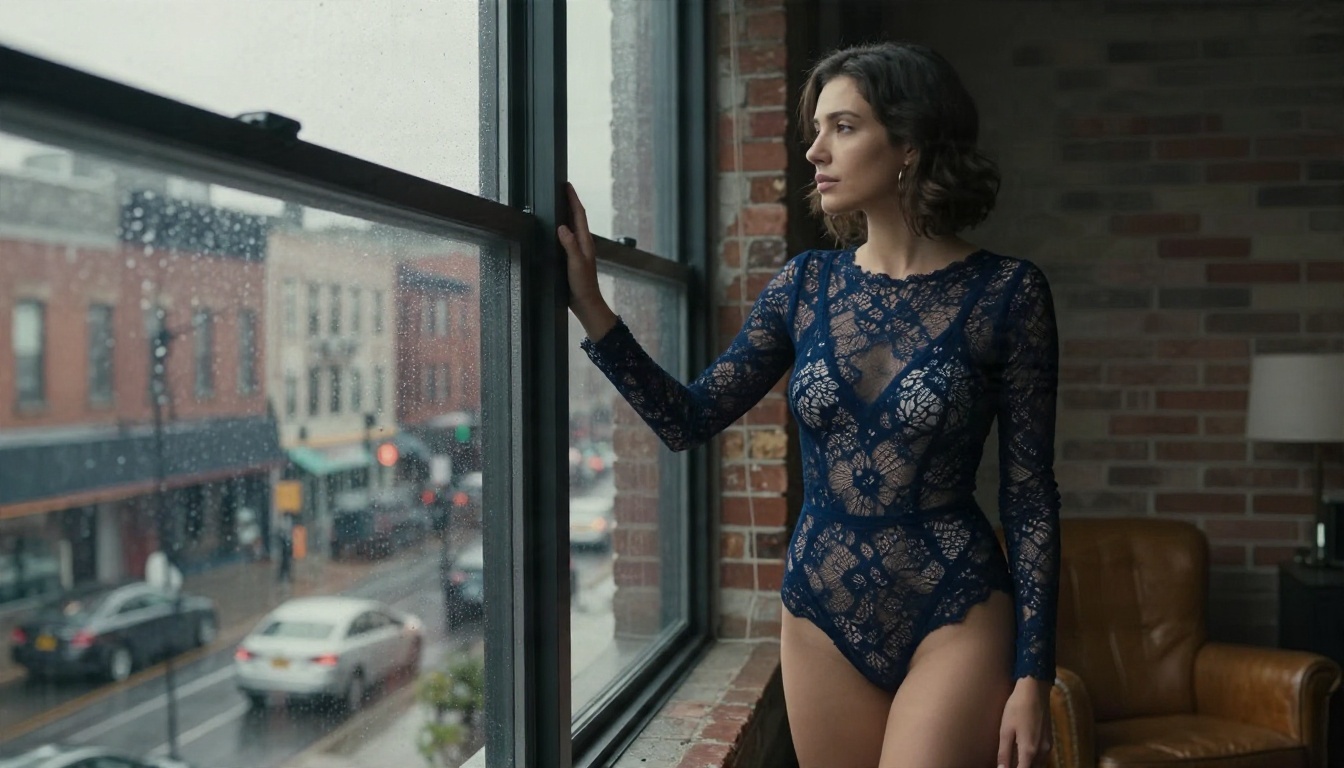
"Medium shot of a woman in a navy lace bodysuit beside a loft window, soft overcast daylight from the left, 85mm lens, shallow depth of field, visible skin texture, Kodak Portra 400 film grain"
For Pony V6 (tags):
"score_9, score_8_up, score_7_up, 1girl, lace bodysuit, window light, looking at viewer, detailed skin"
Always describe five things: subject and outfit, setting, light direction, lens, and film or color look. Models trained on photographs respond strongly to camera language like "85mm f/1.8" and "natural window light".
Negative Prompts
Negative prompts help on SDXL and Pony. A solid base is:
"blurry, low quality, extra fingers, deformed hands, watermark, text, plastic skin, oversmoothed, cartoon, 3d render"
Flux at CFG 1 mostly ignores negative prompts. Chroma does respond to them, so keep them short and specific there.
LoRA Weights
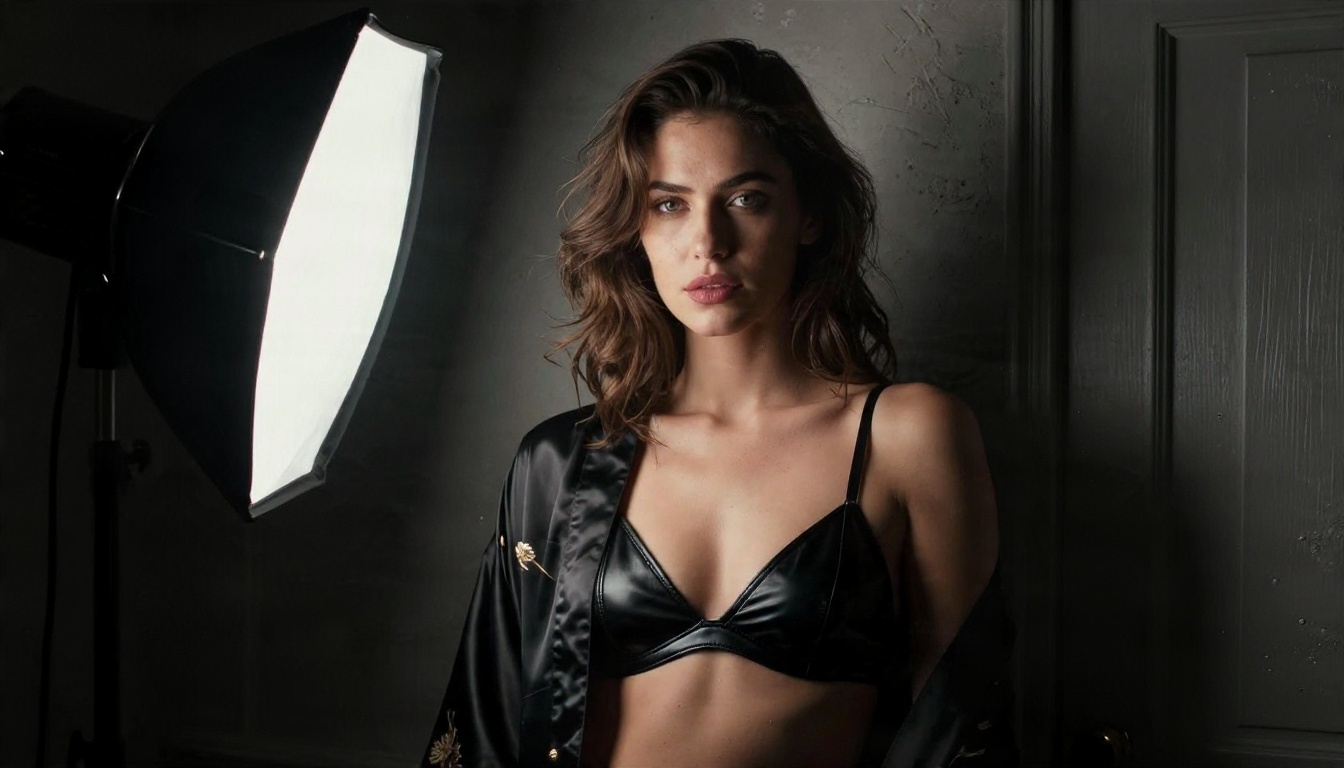
Start at 0.6 to 0.8 per LoRA. At 1.0 and above, faces begin to look the same and fabric textures go strange. When stacking two LoRAs, keep the combined weight under about 1.4.
Common Mistakes to Avoid
Mixing Architectures
Loading an SDXL LoRA on a Flux checkpoint, or a Pony LoRA on a photoreal SDXL model, gives noise or washed-out faces. Check the "base model" label on every download page.
Over-Cooking CFG
High CFG on SDXL (above 9) burns colors and sharpens skin into a crunchy mess. If the image looks harsh, lower CFG before touching anything else.
Ignoring the VAE
Some checkpoints ship without a baked-in VAE, which produces gray, low-contrast images. If colors look flat, add a VAE Loader node and use the one the model author recommends.
Prompting Like It Is Tags When It Is Not
Writing "1girl, solo, masterpiece" into Chroma or Flux wastes tokens. Write a sentence instead.
Skipping Seed Testing
Generate four images with different seeds before judging a checkpoint or setting. One lucky or unlucky image tells you nothing.
How to Get Similar Results on PicassoIA
ComfyUI is powerful, but not everyone wants to maintain a local install. Chroma, Lustify and the other checkpoints above are not on PicassoIA, so there is no one-to-one swap. For similar photoreal results today, try these:
Using Seedream 4.5, Step by Step
- Open the Seedream 4.5 page.
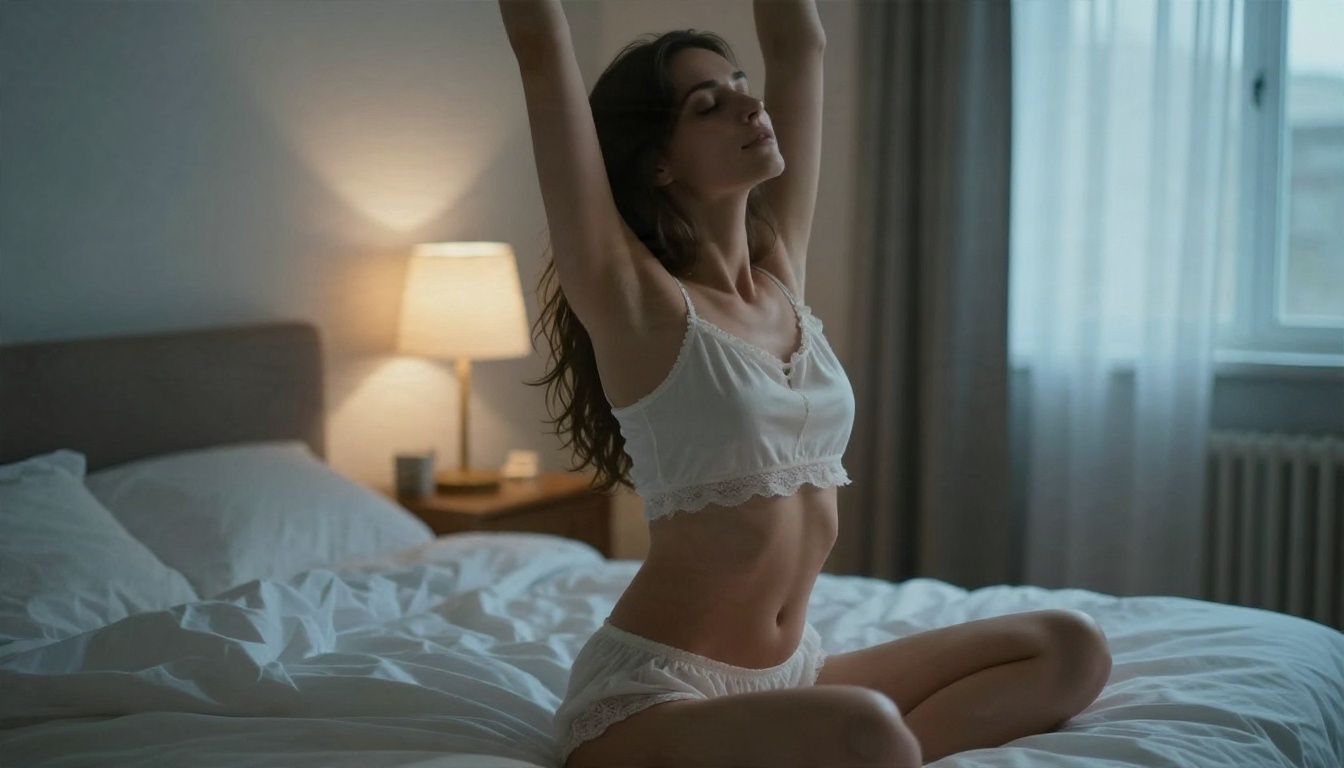
- Write your prompt as a full sentence: subject, outfit, setting, light direction, lens, film look.
- Pick a 16:9 aspect ratio for landscape shots or 3:4 for portraits.
- Generate, then compare two or three variations.
- Refine by changing one detail at a time, such as the light or the outfit color.
Parameter Tips
- Skip tag lists. Seedream responds like Flux and Chroma, so sentences win.
- Name the light: "soft window light from the left" beats "good lighting".
- Add a lens and film look, like "85mm f/1.8, Kodak Portra 400 grain", for natural skin.
- Keep outfits tasteful and the framing editorial. The best results look like magazine photography.
When to Use Image Editor Pro
Once you have a base image you like, PicassoIA Image Editor Pro lets you change outfits, backgrounds and lighting without starting over, and generations are unlimited. It is the closest thing to a ComfyUI inpainting workflow without the node graph.
💡 Speed note: A local Chroma render can take a minute or more on a mid-range card. Hosted models return in seconds, which makes testing ideas far faster.
Other Models Worth Trying
If you like SDXL-style control, SDXL Lightning 4Step is built for speed, and Flux 2 Klein 9B Base LoRA supports LoRA-style customization in the Flux family.
Which Setup Should You Pick?
| Your situation | Best choice |
|---|
| 12 GB+ GPU, want maximum realism | Chroma in ComfyUI |
| 8 GB GPU, want photos | Lustify or RealVisXL V5 |
| Want anime or stylized art | Pony V6 or Illustrious XL |
| No GPU, no install | Seedream 4.5 on PicassoIA |
| Need unlimited edits | PicassoIA Image Editor Pro |
Start simple: one checkpoint, one sampler, one resolution. Get that combination producing a result you like, then add LoRAs, hires fix and negative prompts one step at a time.
Make Your Own Photoreal Images Today
You now have the picks, the free routes and the settings. The fastest way to see what works is to generate something. Open Seedream 4.5 or PicassoIA Image Editor Pro on PicassoIA, paste one of the natural-language prompts from this article, and change the light, the lens or the outfit until the result looks like your own photoshoot.
Want to compare more options side by side? Browse every available model at picassoia.com/en/all-models and find the one that fits your style.


