You searched for a free ComfyUI Grok NSFW setup, and the honest answer is more complicated than most tutorials admit. ComfyUI is free. Grok inside ComfyUI is not, and it is not built for adult content either. The Grok nodes call xAI's servers, they bill prepaid credits, and they come with moderation that can block your image before it ever reaches your canvas.
That does not mean you are stuck. This article walks through how the Grok nodes actually work, what you pay, what the filter does to glamour prompts, and where to go when you want unrestricted, photorealistic results without babysitting a node graph.

💡 Quick answer: ComfyUI plus Grok Imagine works well for clean, suggestive, fully clothed or swimwear imagery. For anything more daring, use a model without the xAI filter. Seedream 4.5 and PicassoIA Image Editor Pro are the two strongest picks, both covered below.
What the ComfyUI Grok Nodes Are
Partner nodes, not local models
Most people assume a ComfyUI model is a file you drop into a folder and run on your own graphics card. Grok does not work that way. In ComfyUI, Grok Imagine ships as a partner node. Your workflow sends the prompt to xAI, xAI renders the image or video, and the result returns to your graph.
That has three practical consequences:
- No GPU needed. A modest laptop can run the node because nothing heavy happens locally.
- No model file to modify. You cannot fine-tune it, strip a filter or load a LoRA onto it.
- You need a Comfy account with credits attached, because every run is billed.
Which Grok models show up
The ComfyUI documentation lists Grok Imagine Image, Grok Imagine Image 2.0, Grok Imagine Video and Grok Imagine Video 1.5. The newest video model turns a still image into a clip with native audio and supports output up to 1080p, though the sample workflow recommends 720p as a sensible default.
If you want to try the same model families without building a graph, Grok Imagine Image 2, Grok Imagine Image Quality and Grok Imagine Video 1.5 are all on PicassoIA.
Is It Really Free?
What costs nothing
The ComfyUI application itself is open source and free to download. The canvas, the node editor, the community workflows and every locally run model (Flux, SDXL and friends) cost nothing beyond your hardware and electricity. That is where the "free setup" idea comes from, and it is accurate for local models.
What needs credits
The Grok partner nodes are a different story. Community reports and Comfy's own documentation point to prepaid credits, with no free allowance for heavy use. Per image prices reported by third parties vary from a fraction of a cent to a few cents, and the sources disagree, so check Comfy's current pricing page before you budget anything.
One more caution. Several blogs claim xAI removed free image access on the consumer Grok app earlier this year. Treat that as secondhand, but plan on the assumption that Grok through ComfyUI is a paid route.
| Cost item | Local ComfyUI models | Grok partner nodes |
|---|
| Software | Free | Free |
| Per image fee | None | Paid credits |
| GPU required | Yes, ideally 12 GB+ VRAM | No |
| Filter removable | Depends on the model | No |
| Setup time | 30 to 90 minutes | 10 to 15 minutes |
Grok NSFW Limits in ComfyUI
How moderation shows up
xAI's usage rules ban sexually explicit content and deepfakes of real people, and the API applies moderation to what it generates. In ComfyUI you will notice it in a few ways:
- A hard stop. The Grok node includes a fail on moderation option. When enabled, a flagged result stops the queue with an error instead of passing a diluted image along.
- A bland result. With the option off, you can receive an output that looks softer or less specific than your prompt asked for. The node's info output carries a moderation flag, so check it before you blame your wording.
- A placeholder. Some community Grok wrapper nodes return a plain colored placeholder image and put the real refusal message in a text output.
💡 If your batch keeps returning tame images, wire the info output to a text preview node. Seeing the moderation flag saves you an hour of rewriting prompts that were never going to pass.
What gets blocked
There is no public list of banned words, and the exact threshold shifts over time. From published user reports, the pattern is fairly consistent:
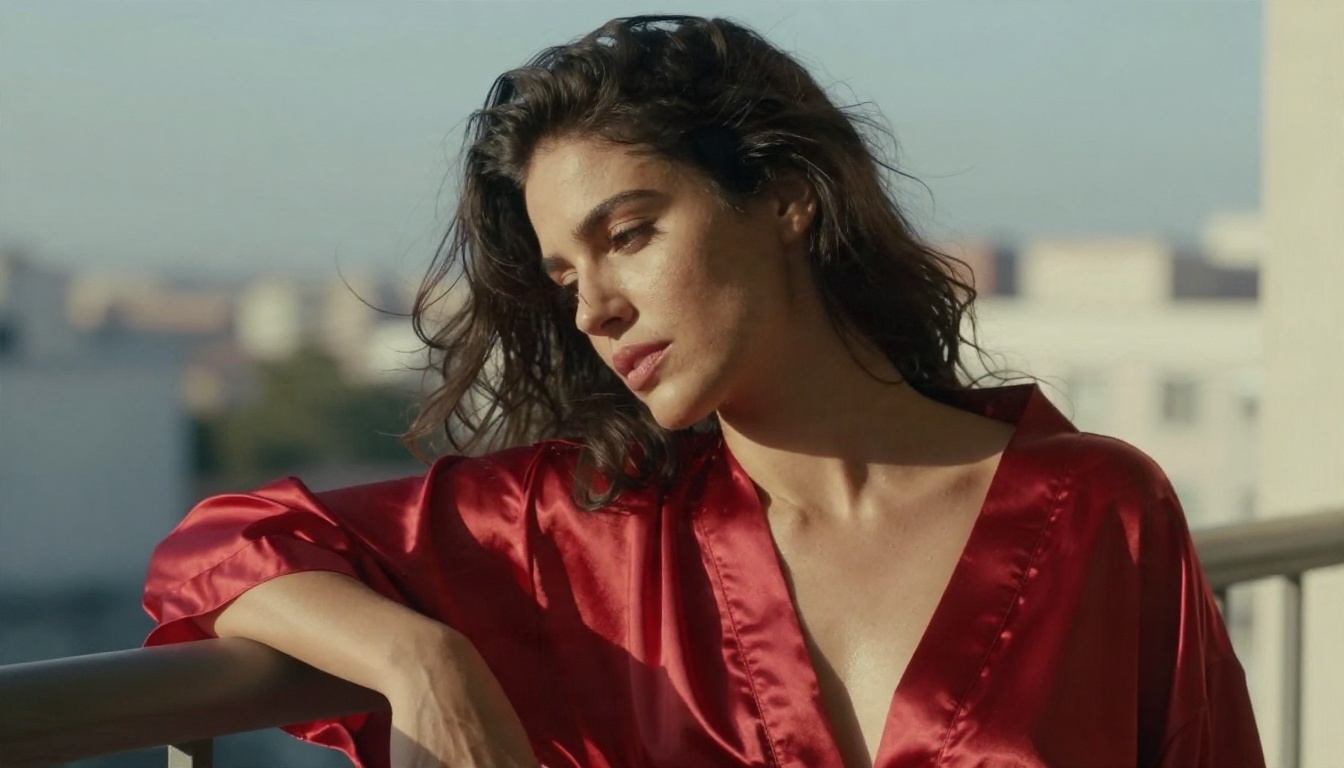
- Usually fine: swimwear, lingerie style fashion, boudoir lighting, bare shoulders, suggestive posing, romantic mood.
- Often flagged: explicit nudity, sexual acts, fetish framing, anything involving a recognizable real person.
- Always risky: minors in any context. Keep every subject clearly adult, and never prompt for a real individual's likeness.
Prompts That Work in Grok Nodes
The glamour prompt formula
Grok responds well to prompts that read like a photographer's shot list. The structure below gives consistent, filter friendly results:
Subject and wardrobe + pose + location + light direction + lens + film texture
Notice what is missing: no explicit anatomy, no vague "sexy" filler. Specific, concrete photography language steers the model toward a polished editorial look and keeps you well inside the moderation limits.
Three prompts to copy
Beach glamour:
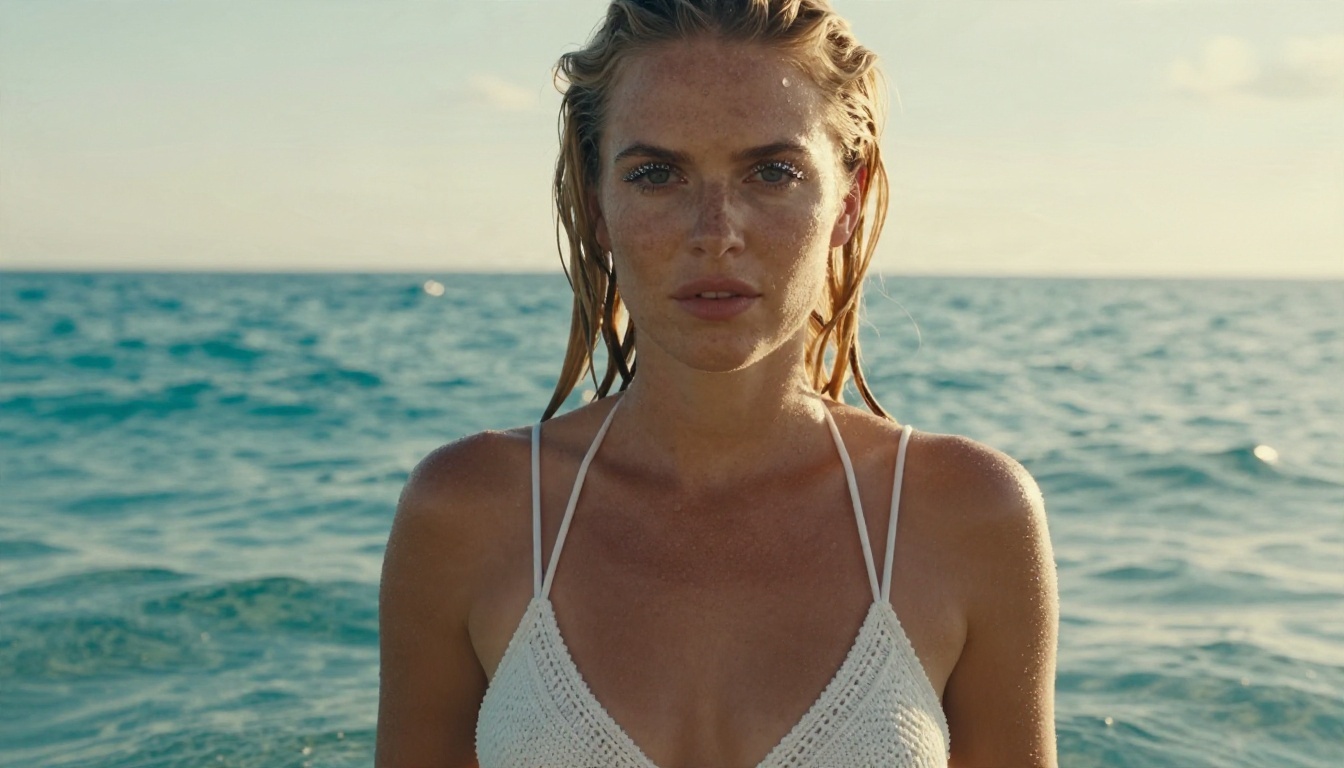
Adult woman with wet blonde hair in a white crochet bikini top, waist deep in clear turquoise water at golden hour, backlight from the right, water droplets on tanned skin, 85mm f/1.8, Kodak Portra 400 grain.
Boudoir mood:
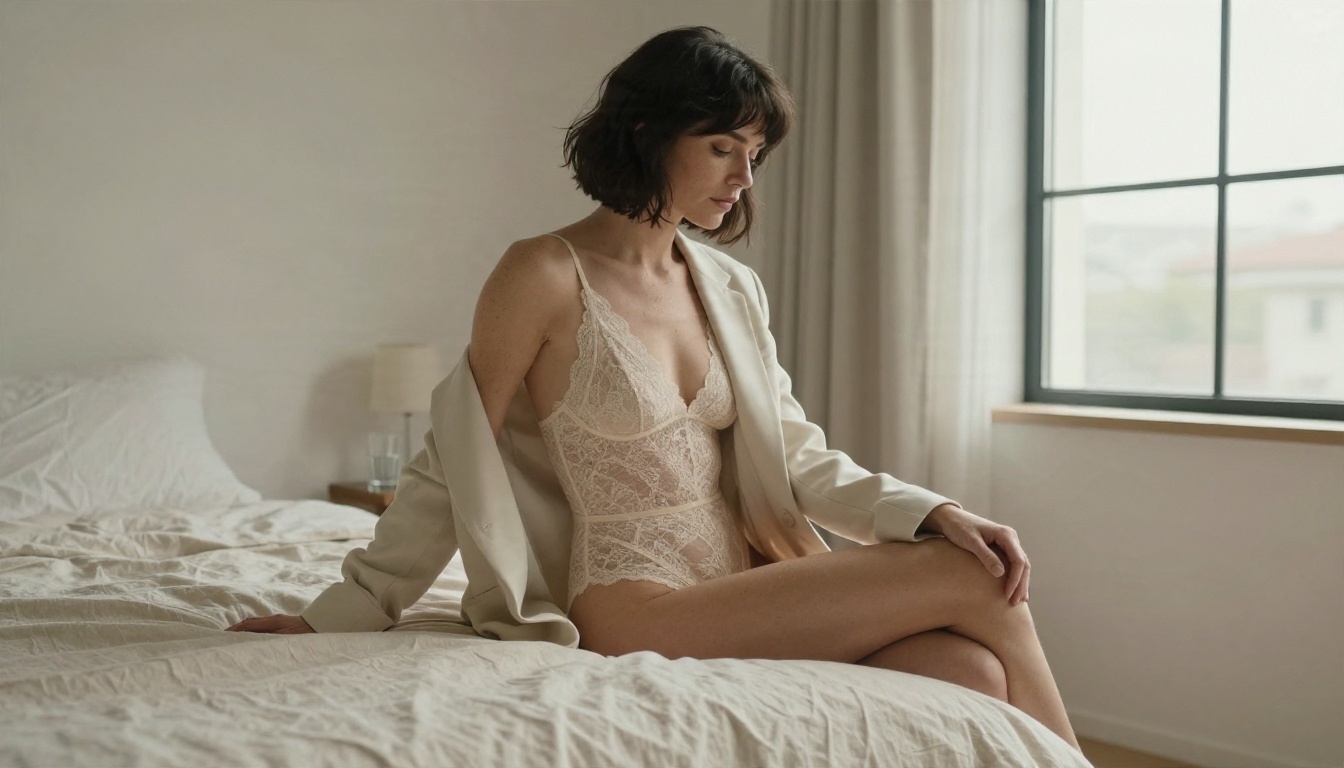
Adult woman with a short dark bob in an ivory lace bodysuit and an open oversized blazer, sitting on a bed with natural linen sheets, soft overcast window light from the right, 50mm f/1.8, muted warm palette.
Evening style:
Adult woman in a strapless champagne satin gown at a candlelit rooftop table, warm candle glow with cool blue twilight behind her, shimmering earrings, 105mm f/2, shallow depth of field.
Settings that change the result
| Setting | What it does | Tip |
|---|
| Aspect ratio | Sets the frame shape | 16:9 for scenery, 3:4 for portraits |
| Fail on moderation | Stops or passes flagged output | Turn it on while testing |
| Resolution | Output detail | Start low, upscale the winners |
| Seed | Repeatability | Lock it while you refine wording |
Better Free Alternatives
If your goal is adult oriented glamour without a filter standing between you and the result, skip the workaround hunt. These models on PicassoIA are built for exactly that, and they run in a browser with no node graph.
Seedream 4.5 for realism
Seedream 4.5 is the first model I would reach for. It produces up to 4K images with convincing skin texture, believable fabric and natural lighting, and it handles swimwear, lingerie and boudoir prompts without the constant refusals you hit through Grok. Write the same photographer style prompts shown above and you will often get a sharper result on the first try.

Image Editor Pro for unlimited runs
PicassoIA Image Editor Pro is the answer to the credit meter. It offers unlimited generations, so you can iterate twenty times on a pose, outfit or lighting setup without watching a balance drop. It also edits existing photos, which is ideal for changing a wardrobe, adjusting a background or refining a result you already like.
Other models worth trying
- Qwen Image 3 Pro: strong photorealism and good prompt following for portraits and lifestyle scenes.
- Flux 2 Klein 9B Base LoRA: a fast model that accepts LoRA styling, handy when you want a consistent look across a set.
- Any ComfyUI Workflow: if you love your graphs, this lets you run a workflow online without owning a GPU.
💡 One honest note: adult content rules vary by model and by country. Keep subjects clearly adult and fictional, never reproduce a real person's likeness, and stay inside the law where you live.
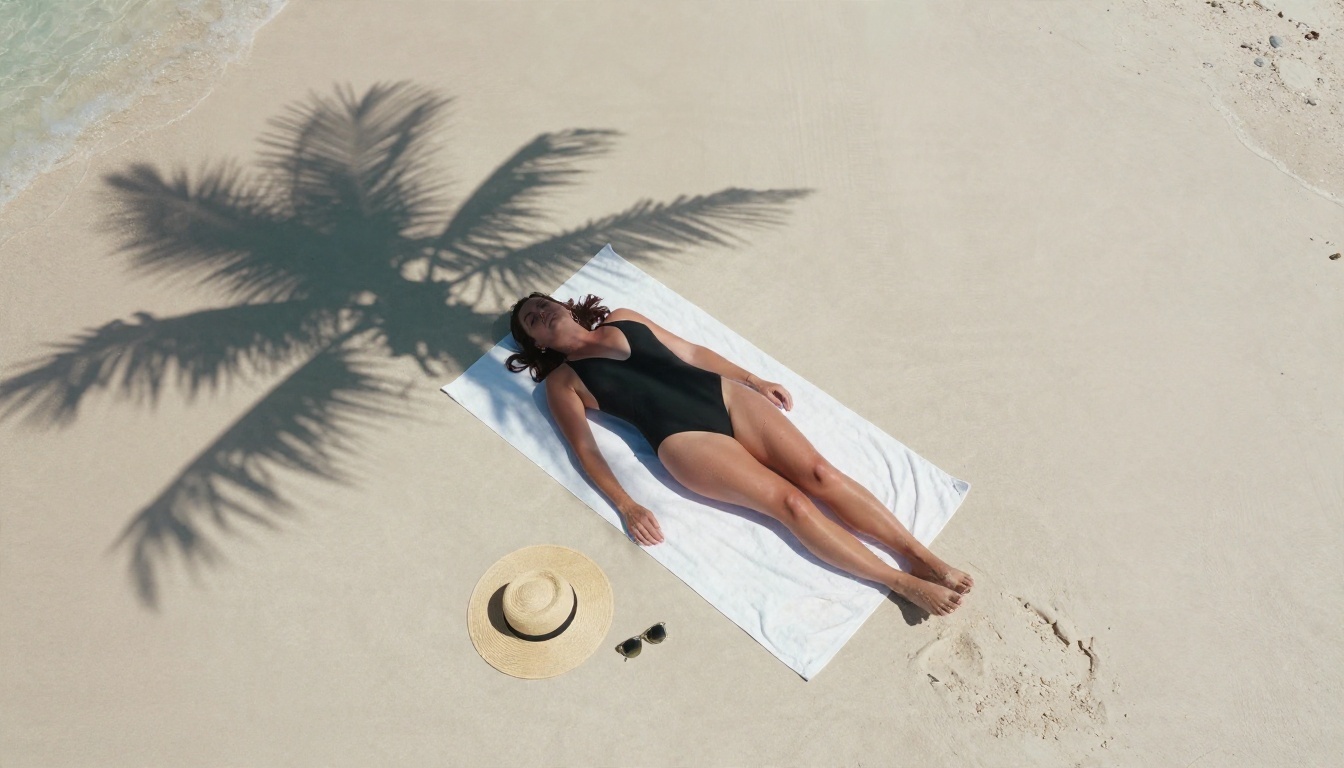
How to Use Grok Imagine Image 2 on PicassoIA
If you still want Grok's look for clean, suggestive, non-explicit images, you can skip ComfyUI entirely. Grok Imagine Image 2 is on PicassoIA, and since it is still a Grok model, expect xAI style moderation to apply to what it will render.
Step by step
- Open the model page for Grok Imagine Image 2 and sign in.
- Write your prompt with the formula from earlier: subject, wardrobe, pose, location, light, lens, film texture.
- Pick 16:9 for scenes and landscapes or a portrait ratio for single subject shots.
- Generate, then compare. Keep what works, adjust one detail at a time.
- Animate the winner. Send your favorite still to Grok Imagine Video 1.5 for a short clip with audio.
Parameter tips
- Describe one clear subject. Crowded prompts muddy skin and fabric.
- Name the light direction ("window light from the left"). It does more than any adjective.
- Add a lens and film cue such as 85mm f/1.8 and Kodak Portra 400 for a photographic finish.
- If a prompt gets refused, change the situation, not just a word. Moving the same subject to a beach or a balcony often passes.
For stills you want to push further than Grok allows, run the same prompt in Seedream 4.5 and compare the two outputs side by side.
Which Setup Fits You
Pick by goal
| Your goal | Best route | Why |
|---|
| Clean swimwear and fashion images | Grok nodes or Grok Imagine Image 2 | Polished, fast, filter friendly prompts pass |
| Boudoir and glamour with fewer refusals | Seedream 4.5 | Realistic skin, softer filtering experience |
| Unlimited iteration | PicassoIA Image Editor Pro | No generation cap, edit existing photos |
| Custom LoRA styles | Flux 2 Klein 9B Base LoRA | Consistent look across a series |
| Your own node graphs without a GPU | Any ComfyUI Workflow | Run graphs online |
| Short animated clips | Grok Imagine Video 1.5 | Image to video with audio |
Common mistakes to avoid
- Paying for credits to fight a filter. If three rewrites fail, switch models instead of spending more.
- Using vague words. "Hot" or "sexy" gives the model nothing visual. Describe fabric, light and pose.
- Skipping the moderation flag. A quietly softened image looks like a bad generation but is actually a filter hit.
- Overbuilding the graph. Five nodes are enough. Huge workflows add failure points, not quality.
- Ignoring the legal side. Never generate a real person's likeness, and keep every subject clearly adult.
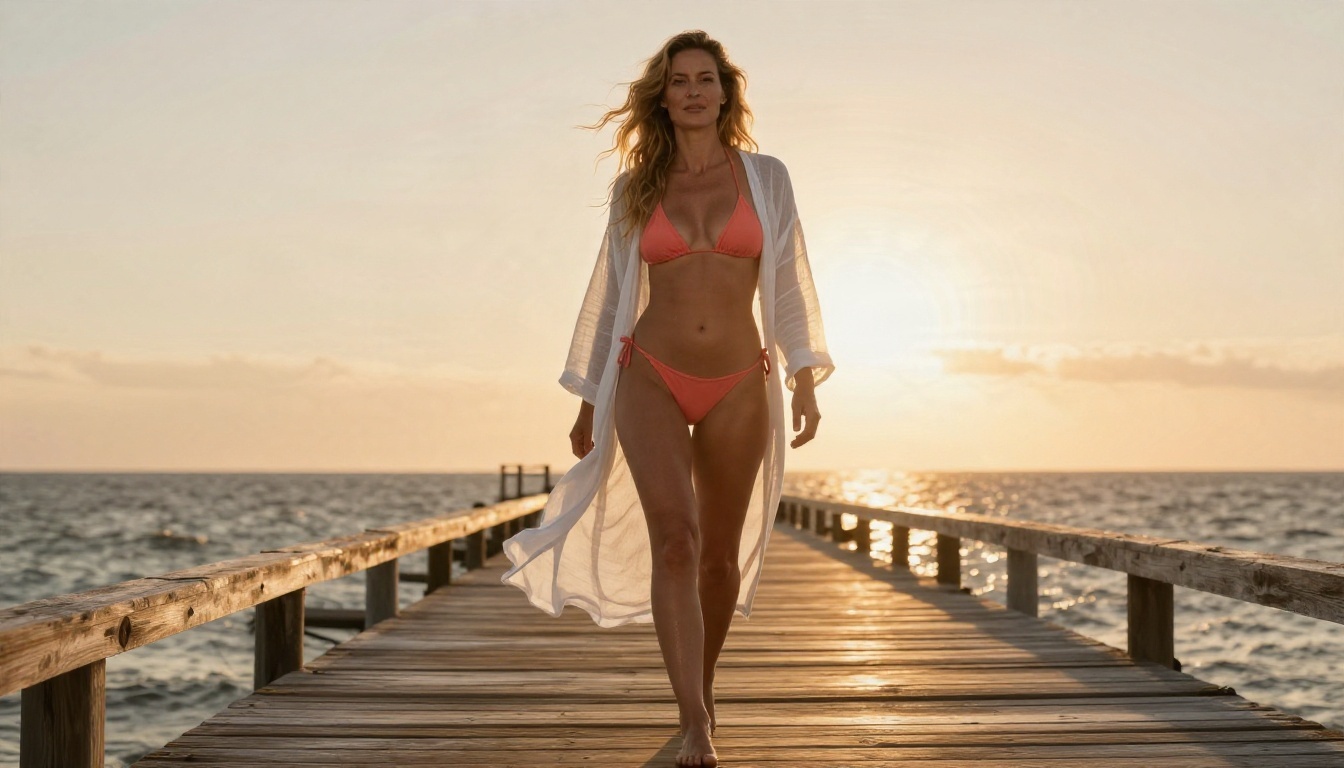
A Realistic Workflow to Copy
If you like the ComfyUI route, a simple loop keeps the spend low and the results good:
- Draft on a free model. Use a local model or Image Editor Pro to find the pose, outfit and mood.
- Polish with a stronger model. Run the best prompt through Seedream 4.5 for final texture and light.
- Animate only the winners. Short clips are where credits disappear fastest, so animate selectively.
- Save your prompt library. Keep a note of every wording that passed. It becomes your personal shortcut list.
This approach treats the Grok nodes as one tool among several, not the single gate every image must pass through.
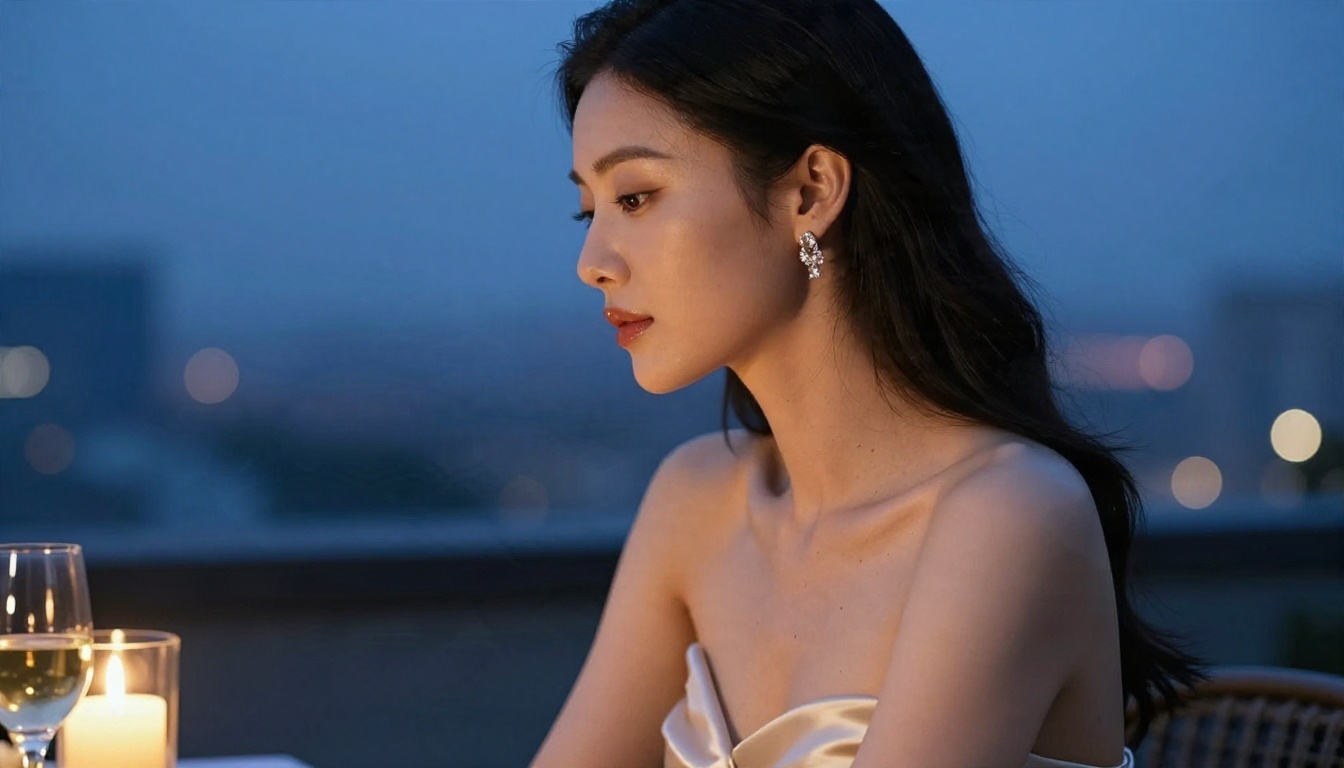
Try It Yourself on Picasso IA
You do not need a graph, a credit balance or a powerful graphics card to make polished glamour images. Open Seedream 4.5, paste one of the prompts above, and see how it compares with what Grok gave you. Then move to PicassoIA Image Editor Pro for unlimited iterations and edits.
When you are ready to see everything on offer, browse the full catalog at picassoia.com/en/all-models, pick a model, change one detail in your prompt, and keep experimenting until the frame looks exactly the way you imagined it.


