Most people who search for ComfyUI LTX NSFW want the same thing: a free way to turn a still image or a text prompt into a short, good-looking adult-themed clip, without a subscription, a content filter, or a queue. LTX makes that realistic on a home PC, because it is one of the fastest open video model families you can run locally. The catch is that the setup is fiddly, the settings are touchy, and the first few results are usually rubbish until you know what to change.
This article walks through the whole path. You will see what hardware you need, how the free setup works, which settings matter, how to write prompts that produce smooth motion, and what to do when your graphics card says no. If you would rather skip the install, there is also a section on online options that run in a browser.
💡 Scope note: everything here is about suggestive, non-explicit adult content: swimwear, glamour, boudoir, fashion. Use it only with fictional characters or people who have given consent, and never with anyone under 18.
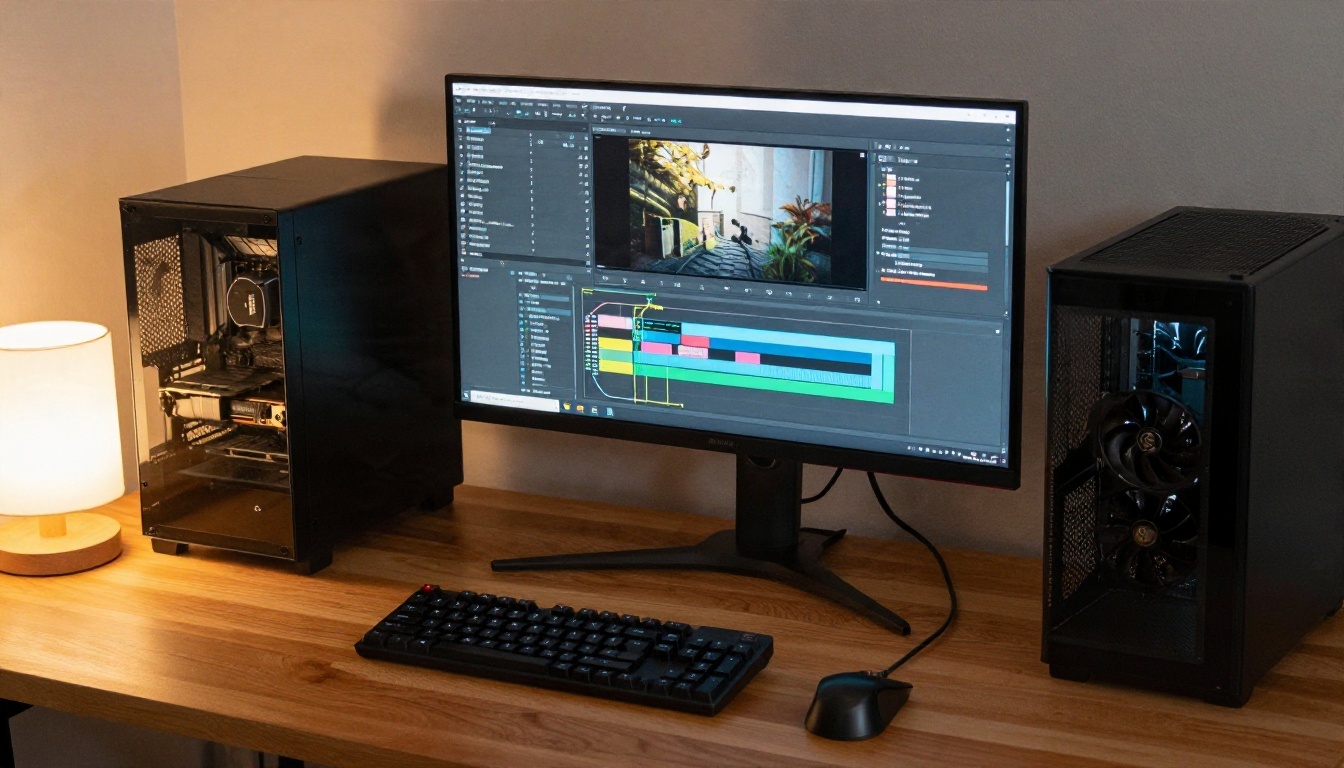
Why People Pick LTX in ComfyUI
LTX comes from Lightricks, and it has a reputation for speed. A short clip that takes several minutes on heavier video models can finish in a fraction of that time on a decent card. Newer versions in the LTX-2 line also generate synchronized audio together with the picture, so a clip can include ambient sound, waves, fabric rustle or music without a separate step.
ComfyUI is the interface most people use to run it. It is a node editor: every step of generation (load the model, encode the prompt, sample, decode, save) is a box, and you connect the boxes with wires. That looks intimidating for ten minutes and then becomes the best part, because you can see exactly what is happening and change any piece.
What "NSFW" means in a local setup
When you run open weights on your own machine, there is no hosted moderation layer between you and the model. That is the whole appeal. It also means the responsibility is yours: you pick the content, you keep it legal, and you keep it respectful.
The base LTX checkpoints are general-purpose. Community LoRAs (small add-on files that nudge style or subject) are where most adult-oriented behavior comes from. Those are published by individuals on model-sharing sites, so check each LoRA's license page before you use it, and skip any that are trained on real people without their consent.
Local versus online in one table
| Factor | Local ComfyUI | Online generator |
|---|
| Cost | Free after hardware | Credits or subscription, some unlimited tiers |
| Setup time | 1 to 3 hours the first time | A minute |
| Speed | Depends on your GPU | Fast, no waiting on your own card |
| Content limits | Yours to set | Platform rules apply |
| Control | Total, every node | Fewer knobs, simpler |
| Maintenance | Updates, broken nodes, driver issues | None |
Hardware You Actually Need
Requirements shift with each release, and community numbers vary, so treat this as a realistic range rather than a promise.
- 32 GB of VRAM is the figure quoted for running the full BF16 development checkpoint without compromises.
- 24 GB (an RTX 4090 class card) can run it with optimizations, lower resolution and shorter clips.
- FP8 and NVFP4 quantized versions cut memory use sharply and run faster, with a small quality cost.
- GGUF builds push the floor down toward 12 GB cards, at the cost of speed and some detail.
- System RAM matters too. Plan for 32 GB at the very least, and 64 GB if you stack several LoRAs.
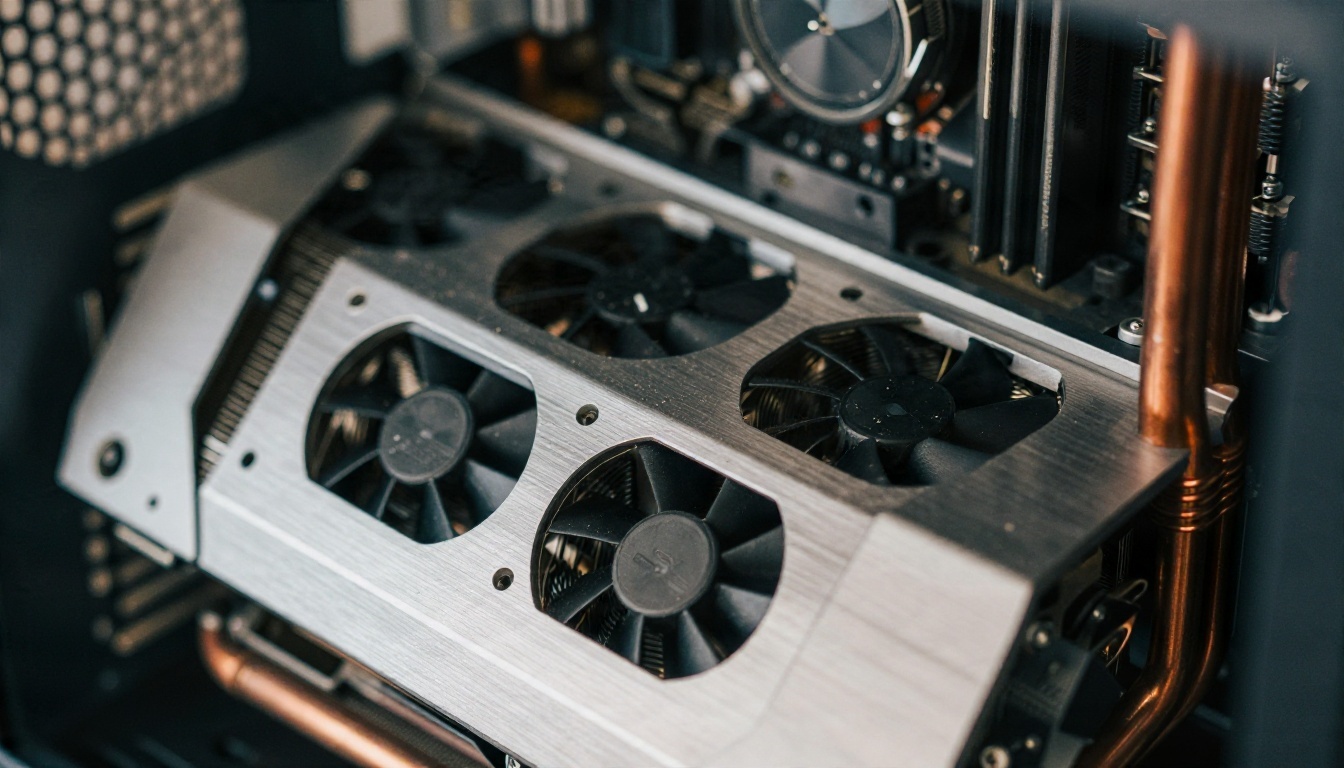
💡 Rule of thumb: resolution and clip length eat memory far faster than anything else. If you crash, drop the size before you touch anything else.
A quick tier list
| Your GPU | What to run | Expected experience |
|---|
| 8 GB | Heavily quantized GGUF, tiny clips | Possible, slow, many failures |
| 12 GB | GGUF or FP8 distilled | Usable at low resolution |
| 16 GB | FP8, 720p-ish output | Comfortable for short clips |
| 24 GB | FP8 or optimized BF16 | Good quality, reasonable speed |
| 32 GB and up | Full BF16, upscaler stage | Best output, fewest compromises |
The Free Setup, Step by Step
You do not need to pay for anything here. ComfyUI, the LTX custom nodes and the model files are free to download.
1. Install ComfyUI
Get the current ComfyUI build for your system. The portable Windows package is the easiest route because it bundles its own Python environment and will not fight with anything else on your PC. Launch it once to confirm the browser interface opens.
2. Add the LTX nodes
Open the ComfyUI Manager, search for the official LTX video node pack from Lightricks, install it, and restart. Recent ComfyUI builds ship with native LTX support, so you may only need the pack for extras like the upscaler stage and IC-LoRA loaders.
3. Download the model files
You need three kinds of file:
- The checkpoint. Pick the version that matches your VRAM: full, FP8, or a GGUF build.
- A text encoder. LTX-2 uses a large language model encoder, and quantized versions exist for smaller cards.
- Optional extras. A distilled LoRA for fast sampling, a spatial upscaler, and any style LoRAs you want.
Place checkpoints in models/checkpoints, encoders in models/text_encoders, and LoRAs in models/loras. Refresh the browser tab so the dropdowns see the new files.
4. Load a template workflow
Use the built-in video templates in ComfyUI (Workflow menu, then Browse Templates) and choose the LTX image-to-video or text-to-video graph. Start from an official template instead of a random downloaded one. Random graphs often contain missing nodes that waste an evening.

5. Run a tiny test first
Generate a 2 to 3 second clip at low resolution. If that works, scale up. If you go straight to the biggest settings, you will not know whether a crash is a node problem or a memory problem.
Settings That Change the Result
Every graph is slightly different, so use these as starting points and adjust one value at a time.
| Setting | Starting value | What it does |
|---|
| Width and height | Multiples of 32 (for example 768 x 512) | Wrong sizes cause errors or distortion |
| Frame count | 8n + 1 (65, 97, 121) | 121 frames is about 5 seconds at 24 fps |
| Frame rate | 24 | Matches cinematic motion |
| Steps | 20 to 30 for full, 6 to 8 for distilled | More steps, more detail, more time |
| CFG scale | Around 3 for full, 1 for distilled | Higher values follow the prompt harder but can look burnt |
| Sampler | The one in the template | Switch only after you have a baseline |
| Seed | Fixed while testing | Lets you compare changes fairly |
Image to video beats text to video
For adult-themed or glamour content, start from a still image. You control the face, outfit, lighting and composition in the image, and the video model only has to add motion. Text-to-video asks the model to invent everything at once, and faces and hands drift more.
The two-stage trick
Generate at a lower resolution first, then run the spatial upscaler stage. This gives sharper output than generating at high resolution directly, and it uses much less memory during the heavy sampling step.
Keep clips short
Five seconds is the sweet spot. Beyond that, identity drifts, motion gets repetitive and memory use climbs. Stitch several short clips in an editor instead of forcing one long one.
Prompts That Produce Smooth Motion
LTX responds best to a single flowing paragraph in present tense, written like a shot description. Think of a director's note, not a list of tags.
The five-part formula
- Shot type and framing. "Medium shot, slightly low angle."
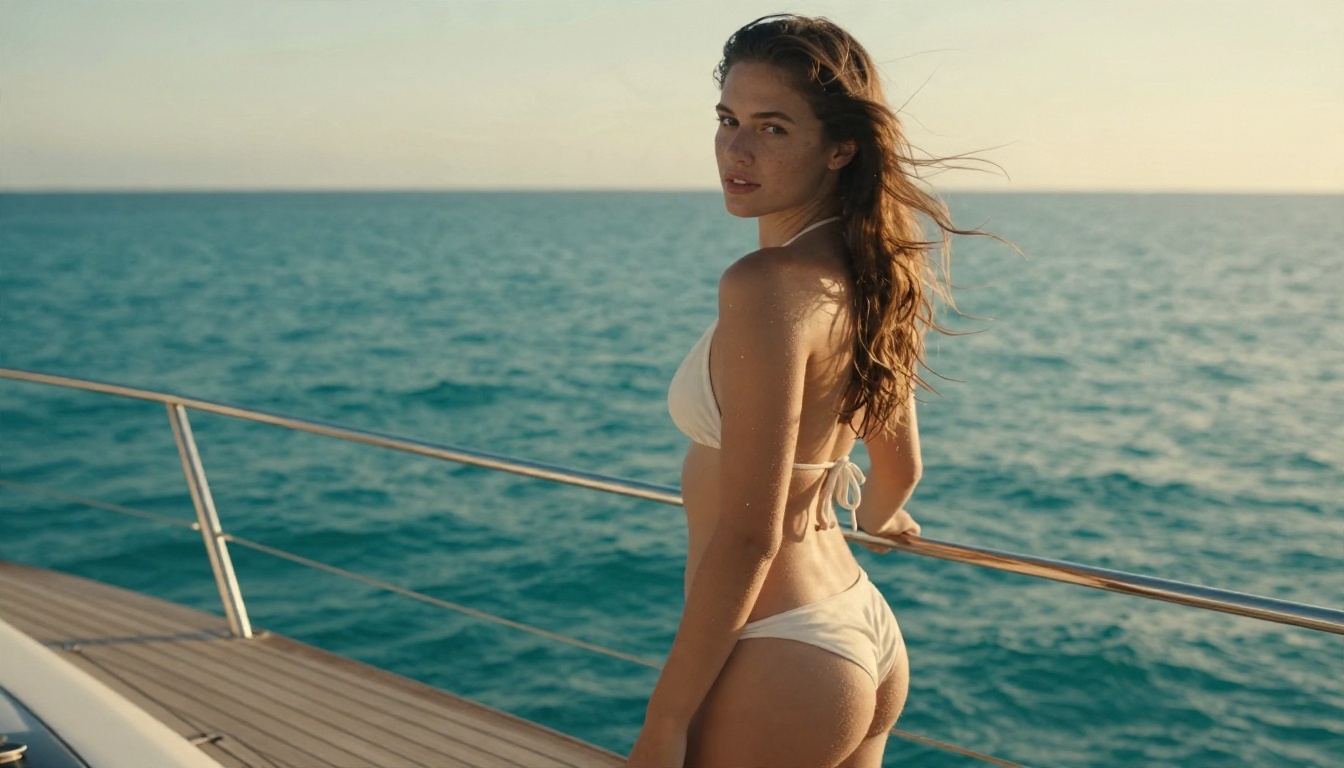
- Subject and look. "A woman in a white bikini and open linen shirt on a yacht deck."
- Action in order. "She turns her head toward the camera, then brushes her hair back."
- Camera movement. "Slow dolly in, shallow depth of field."
- Light and sound. "Warm golden hour sunlight, waves and a soft breeze in the background."
Three prompts you can copy
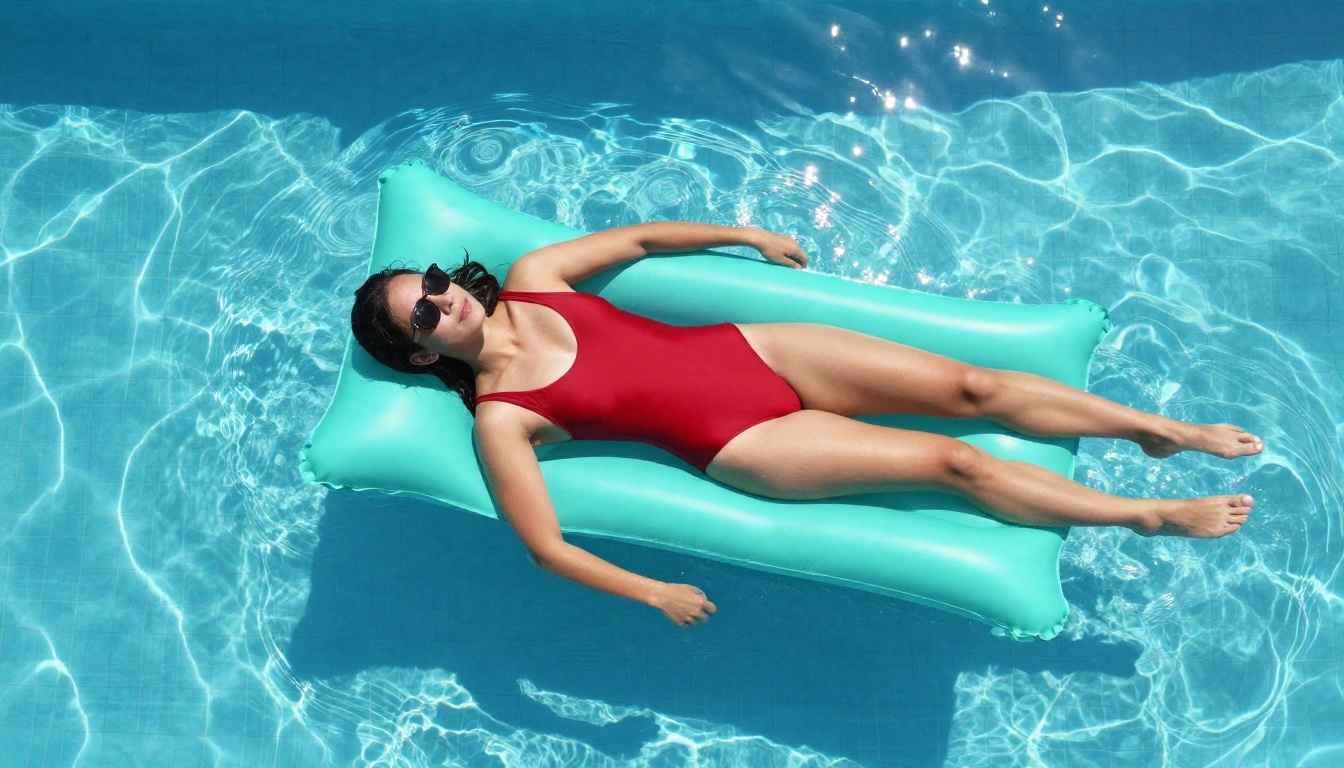
💡 Poolside glamour: "Medium shot of a woman in a red swimsuit on the edge of an infinity pool at sunset. She slowly stands, water running down her shoulders, and looks toward the camera with a relaxed smile. The camera pushes in gently. Warm side light, soft ripples, distant music and splashing water."
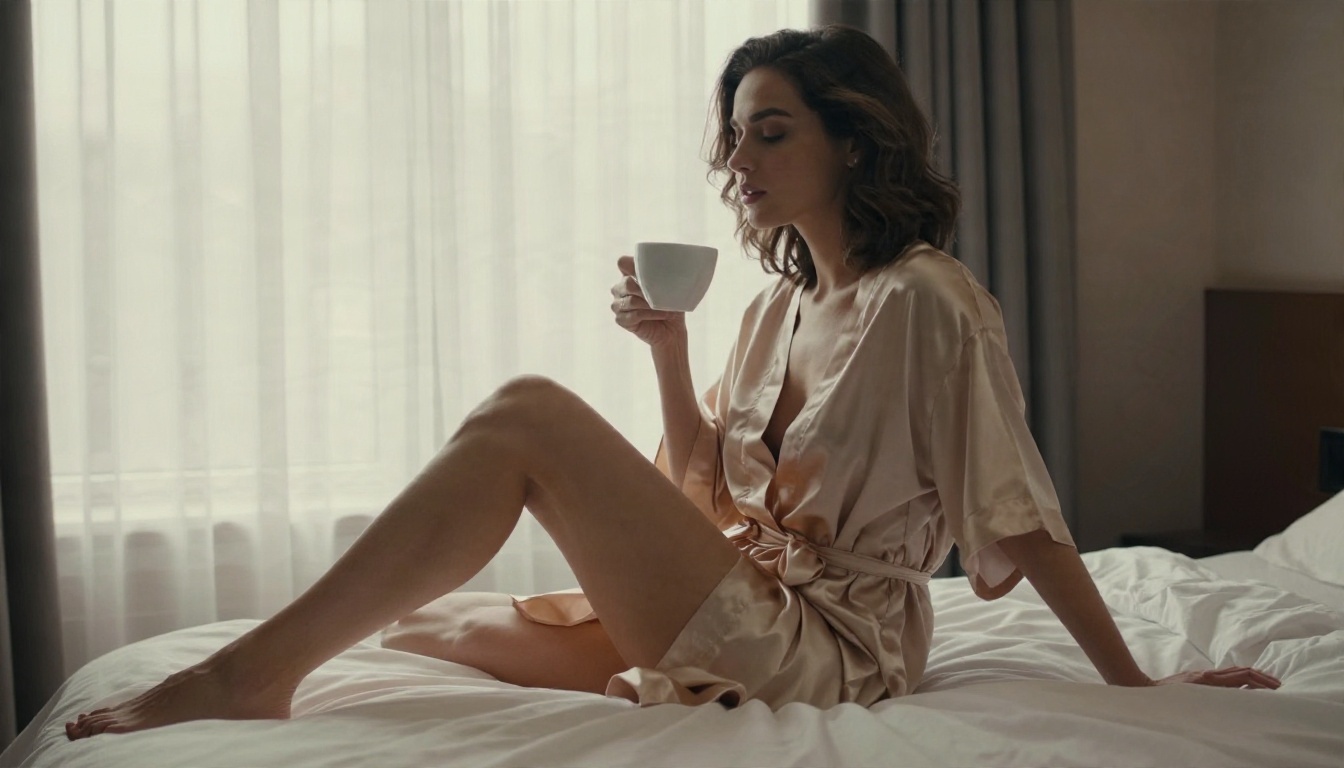
💡 Boudoir morning: "Close-up of a woman in a champagne silk robe sitting by a tall window. Sheer curtains move in a light breeze as she lifts a coffee cup and glances to the side. Soft diffused morning light, the camera drifts slightly to the right, quiet room tone."
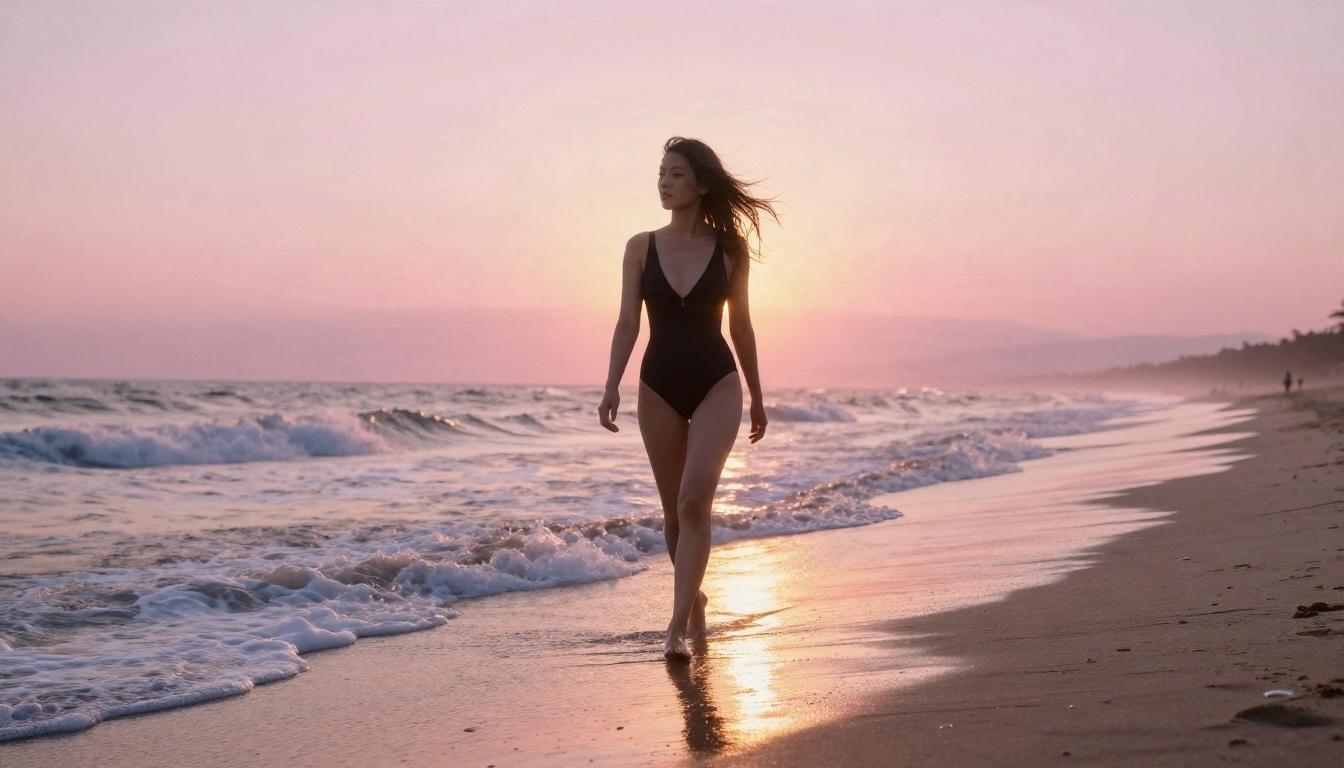
💡 Beach walk: "Low angle tracking shot of a woman in a black swimsuit walking along wet sand at sunrise. Foam slides around her ankles, hair moves in the wind. Pink and gold sky, gentle waves, seagulls far away."
Words that help and words that hurt
| Helps | Hurts |
|---|
| Specific verbs: turns, lifts, steps, sways | Vague words: "dynamic", "beautiful motion" |
| One camera move per clip | Three camera moves at once |
| Concrete light: "warm side light" | Piles of quality tags |
| Describing sound | Long lists of keywords |
| One subject, one action | Crowds and fast action |
Best Way to Make First Frames
The quality of an image-to-video clip depends heavily on the still you start from. A soft, over-smoothed or anatomically off first frame will stay that way for five seconds.
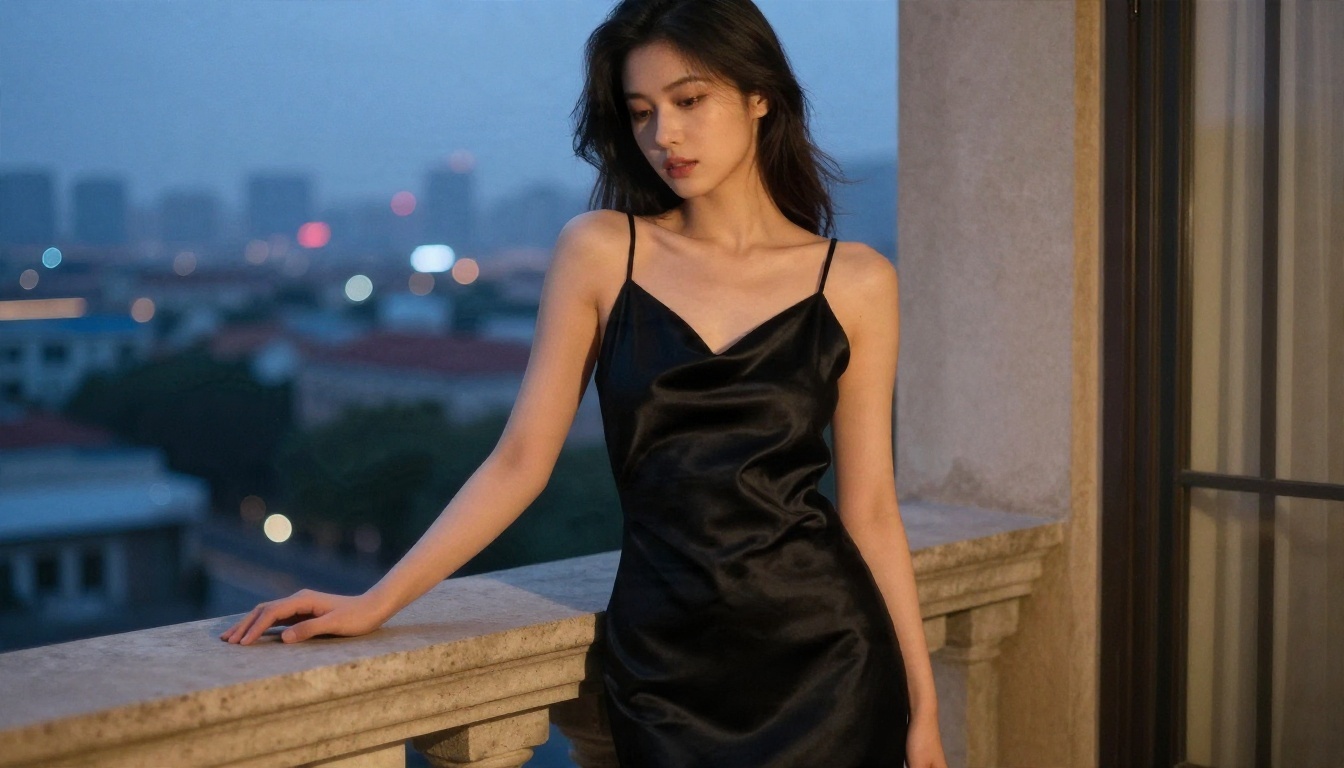
This is where hosted image models save time. Seedream 4.5 is the one to lead with for glamour and swimwear stills: it produces sharp, photorealistic skin, fabric and lighting, handles suggestive non-explicit adult themes far better than most filtered models, and returns results quickly. For editing an existing photo, PicassoIA Image Editor Pro offers unlimited generations, so you can change outfits, backgrounds and lighting as many times as you like without watching a credit counter.
Other options worth keeping in the rotation:
Fixing Common Problems
Out of memory errors
Lower the resolution first, then the frame count. Switch to an FP8 or GGUF checkpoint. Close browsers and games, since they hold VRAM. If you run multiple IC-LoRA groups in a graph, enable only one at a time and mute the rest.
Missing node errors
Open the Manager and choose "Install missing custom nodes." Then update ComfyUI itself. If you use GGUF, update the GGUF node pack, because older versions lack support for the newer LTX models.
Flickering, melting faces or stiff motion
- Use a cleaner first frame with a clear, front-facing face.
- Shorten the clip.
- Lower CFG a little.
- Simplify the action to one movement.
- Add the upscaler stage after sampling instead of pushing resolution up front.
Black or gray output
This is usually a wrong VAE, a mismatched text encoder, or a frame size that is not a multiple of 32. Check all three before you change anything else.
Online Alternatives Without a GPU
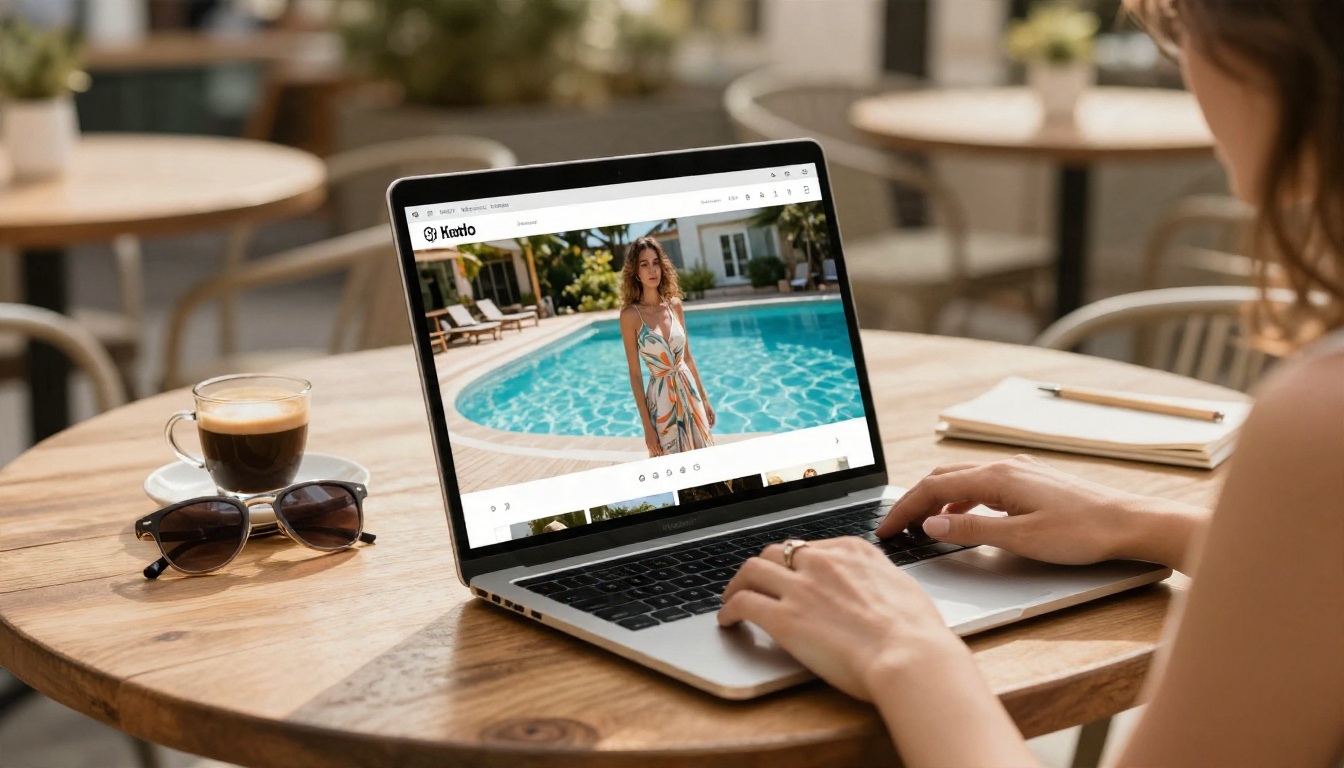
If your hardware is weak, or you just do not want to maintain a node graph, a browser is the faster route. PicassoIA hosts several LTX models, and you can run them from any laptop.
💡 Honest note: hosted models follow platform rules. They are a good fit for glamour, swimwear and boudoir style clips that stay non-explicit. For anything beyond that, a local setup is the only place where the limits are entirely yours.
The LTX models on PicassoIA
| Model | Best for |
|---|
| LTX 2.5 Fast | Quick drafts and high-resolution output in seconds |
| LTX 2 Pro | Higher fidelity, finished clips |
| LTX Video | Near real-time generation and fast iteration |
| LTX 2 Retake | Redoing one section of an existing clip |
Other video models worth trying
How to Use LTX 2 Pro on PicassoIA
The workflow mirrors what you did in ComfyUI, with far fewer steps.
- Make the first frame. Create a still in Seedream 4.5 or polish an existing photo in PicassoIA Image Editor Pro.
- Open LTX 2 Pro. Choose image-to-video if the model page offers it, and upload your still.
- Write one paragraph. Use the five-part formula: shot, subject, ordered action, one camera move, light and sound.
- Pick the resolution and length. Start with the shortest duration, check the motion, then go longer.
- Generate and review. If one moment is wrong, send the clip to LTX 2 Retake and redo only that section.
- Draft fast, finish slow. Use LTX 2.5 Fast to test five prompts, then run the best one in LTX 2 Pro.
💡 Parameter tip: keep the prompt to one subject and one action. Short, specific prompts beat long ones on hosted models too.
Which Route Should You Take?
| If you are... | Pick |
|---|
| On a 24 GB or larger GPU and enjoy tinkering | Local ComfyUI with LTX |
| On a 12 to 16 GB GPU | Local with FP8 or GGUF, plus hosted for the heavy jobs |
| On a laptop or a weak GPU | Hosted LTX models in the browser |
| Making stills first | Seedream 4.5 and Image Editor Pro |
| Short on time | LTX 2.5 Fast for drafts |
Many people end up mixing both. They build first frames with a hosted image model, test motion fast online, and use ComfyUI only when they need a custom LoRA or a specific node trick.
Try It Yourself on PicassoIA
You do not need to set up a single node to get started. Open Seedream 4.5, make a swimwear or glamour still, refine it in PicassoIA Image Editor Pro with unlimited generations, and bring it to life with LTX 2.5 Fast or LTX 2 Pro. Run a few experiments, change the lighting, swap the outfit, try a different camera move, and see how quickly the results improve.
For the full catalog of image, video and editing models, browse picassoia.com/en/all-models and pick the one that fits your next idea.


