You can spend a whole weekend installing ComfyUI, downloading a 6 GB checkpoint, wiring twelve nodes and still end up with a character who has three hands. Or you can know which models people actually trust for NSFW anime, which LoRAs are worth the disk space, and when a free online tool gets you the same result in thirty seconds. This article gives you all three: the local ComfyUI route, the settings that work, and the faster alternatives.
A quick note before we start: everything below assumes adult characters only and non-explicit, glamour-style output (swimwear, lingerie, boudoir lighting). That is where the models are strongest, and it keeps your results safe to share on most platforms.
Why ComfyUI Wins for Anime
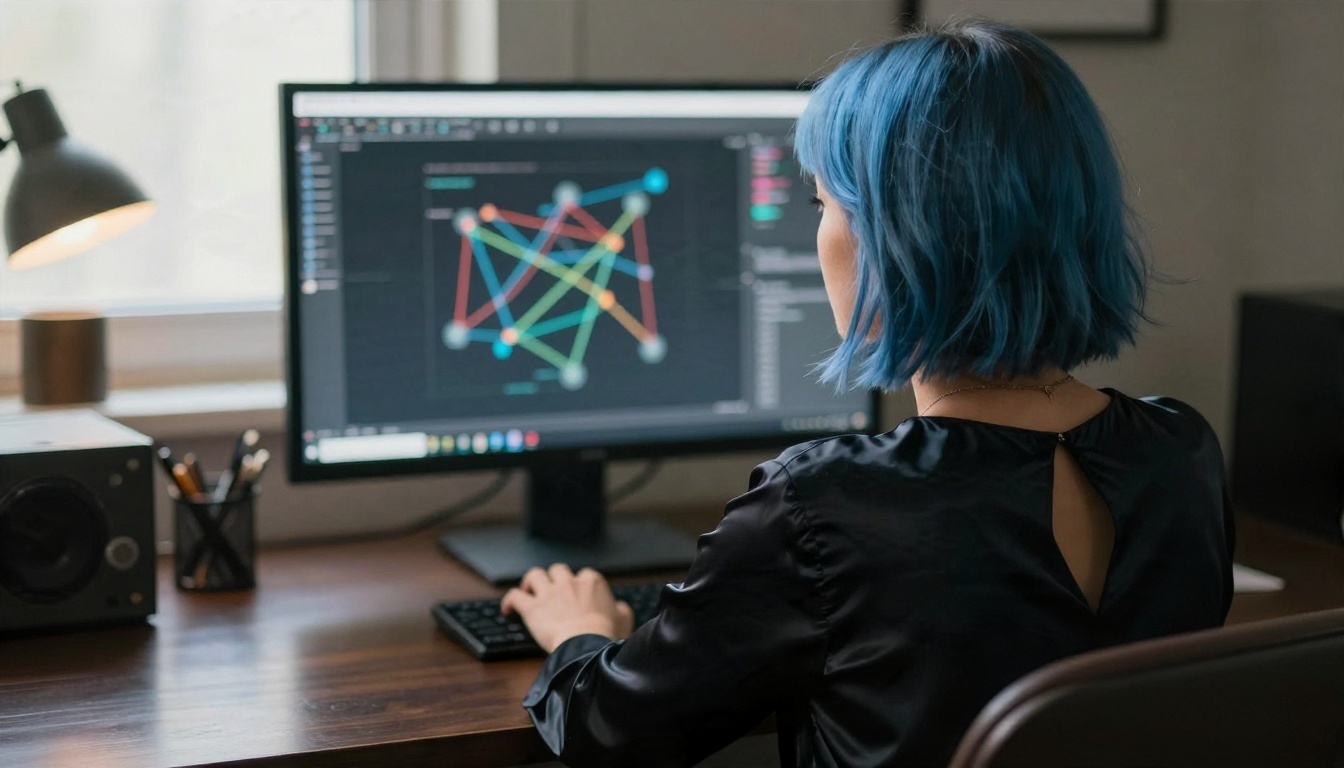
ComfyUI is a node-based interface for running diffusion models on your own computer. Instead of a single prompt box, you build a graph: load a checkpoint, encode your text, sample, decode, save. It looks intimidating for about an hour, then it clicks.
What Makes It Different
Most web generators hide the machinery. ComfyUI exposes it, and for anime that matters because the best anime models are community fine-tunes that you load yourself. A few reasons people stick with it:
- No content filter sits between you and the checkpoint. What the model can draw is what you get.
- Every parameter is visible: sampler, scheduler, steps, CFG, resolution, seed.
- LoRA stacking is a drag-and-drop job. Chain three LoRAs with individual weights in one graph.
- Workflows are shareable. Drop a saved image or JSON file onto the canvas and the whole graph appears.
- Upscaling, inpainting and face fixing live in the same graph, so you can finish an image without leaving the tool.
The Real Hardware Cost
Here is the part tutorials skip. SDXL-class anime checkpoints run comfortably on a GPU with 8 GB of VRAM, and 12 GB makes life easier once you add LoRAs and an upscaler. Newer lightweight anime architectures can run on 6 to 8 GB. Below that, you will fight out-of-memory errors. Add storage: a decent collection of checkpoints and LoRAs reaches 50 GB quickly.
💡 Tip: Keep your checkpoints in models/checkpoints and LoRAs in models/loras. Hit refresh in the browser tab after adding files, or ComfyUI will not list them.
Best NSFW Anime Checkpoints
Anime generation in 2027 is dominated by a handful of model families. They are open weights, distributed through community sites, and none of them are on PicassoIA. I mention them by name so you can recognize the terms; scroll to the alternatives section for what you can run online today.
Illustrious XL Family
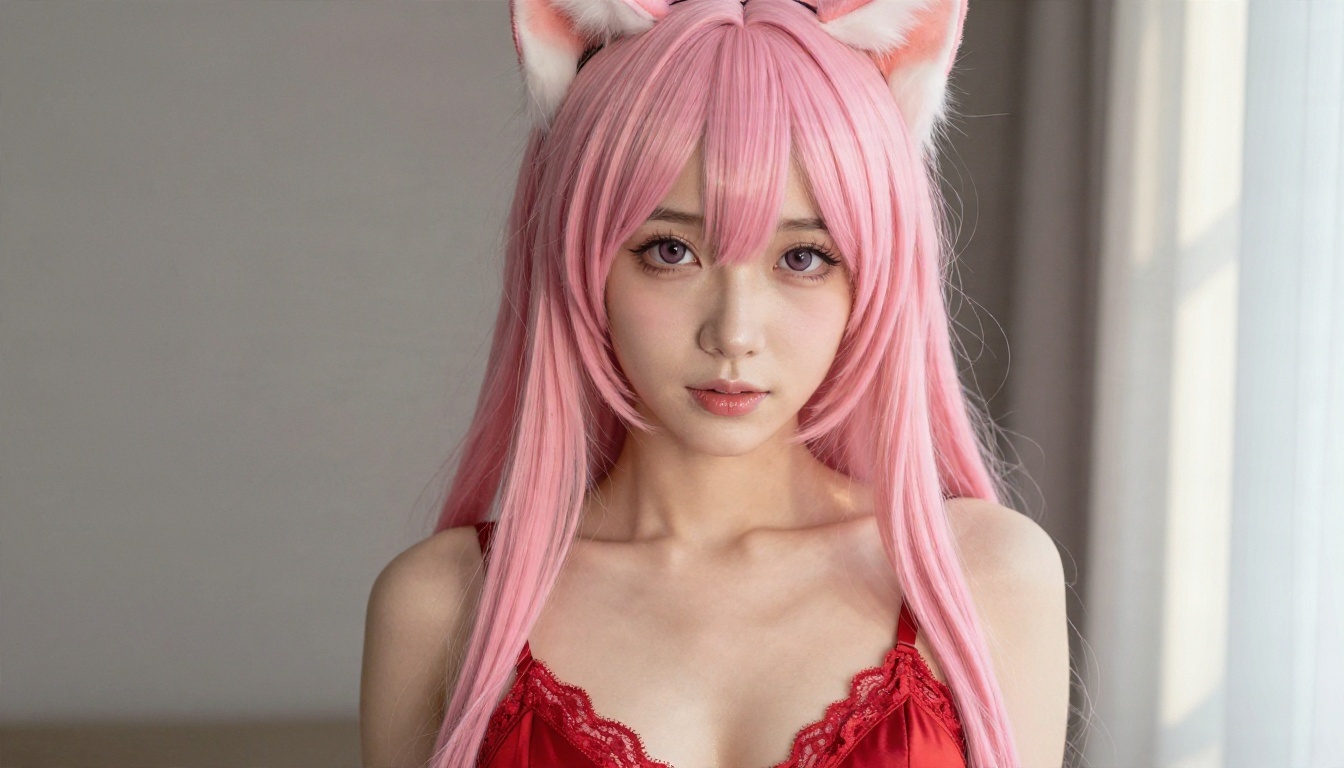
Illustrious XL started as a base model trained on a huge Danbooru-style dataset and quickly became the parent of dozens of fine-tunes. If you see a checkpoint advertised as "Illustrious-based", it understands tag prompts, handles clean line art well and has the biggest pool of compatible LoRAs. Some merges lean heavily toward NSFW and glamour content, while others favor a softer 2.5D look.
NoobAI XL
NoobAI XL builds on Illustrious and expanded the training data, which gives it a very wide knowledge of characters, including obscure ones. If your goal is a specific character from a niche series, this is usually the first checkpoint people try. Hands and anatomy tend to be steadier than older Pony releases.
Pony V6 and V7
Pony Diffusion V6 was the model that made NSFW anime generation mainstream. It uses its own quality tags (score_9, score_8_up, score_7_up) and remains strong for stylized and furry-leaning work. Its prompt adherence is weaker than the Illustrious branch. Pony V7 uses a different architecture, so V6 LoRAs do not carry over. Check the version label before you download anything.
Anima
Anima is the newer, lighter option. It is built on a different base architecture, runs on modest VRAM and has a LoRA library that is growing fast. It is a little unruly on prompts, but speed is excellent. Worth a test if your GPU is on the small side.
| Checkpoint family | Best for | Prompt style | LoRA compatibility |
|---|
| Illustrious XL and merges | Clean anime, glamour, 2.5D | Danbooru tags | Illustrious LoRAs |
| NoobAI XL | Character accuracy, niche series | Danbooru tags | Mostly Illustrious LoRAs |
| Pony V6 | Stylized, furry, legacy LoRAs | Score tags + tags | Pony V6 LoRAs |
| Pony V7 | Newer architecture experiments | Natural language + tags | V7 only |
| Anima | Low VRAM, fast drafts | Tags + short sentences | Anima LoRAs |
⚠️ Warning: Pony LoRAs on an Illustrious checkpoint often produce muddy faces or ignored styles. Match the LoRA family to the checkpoint family.
LoRAs That Actually Work
A LoRA is a small add-on file (usually 50 to 200 MB) that nudges a checkpoint toward a style, a character or a pose. Use two or three at most.
Style LoRAs
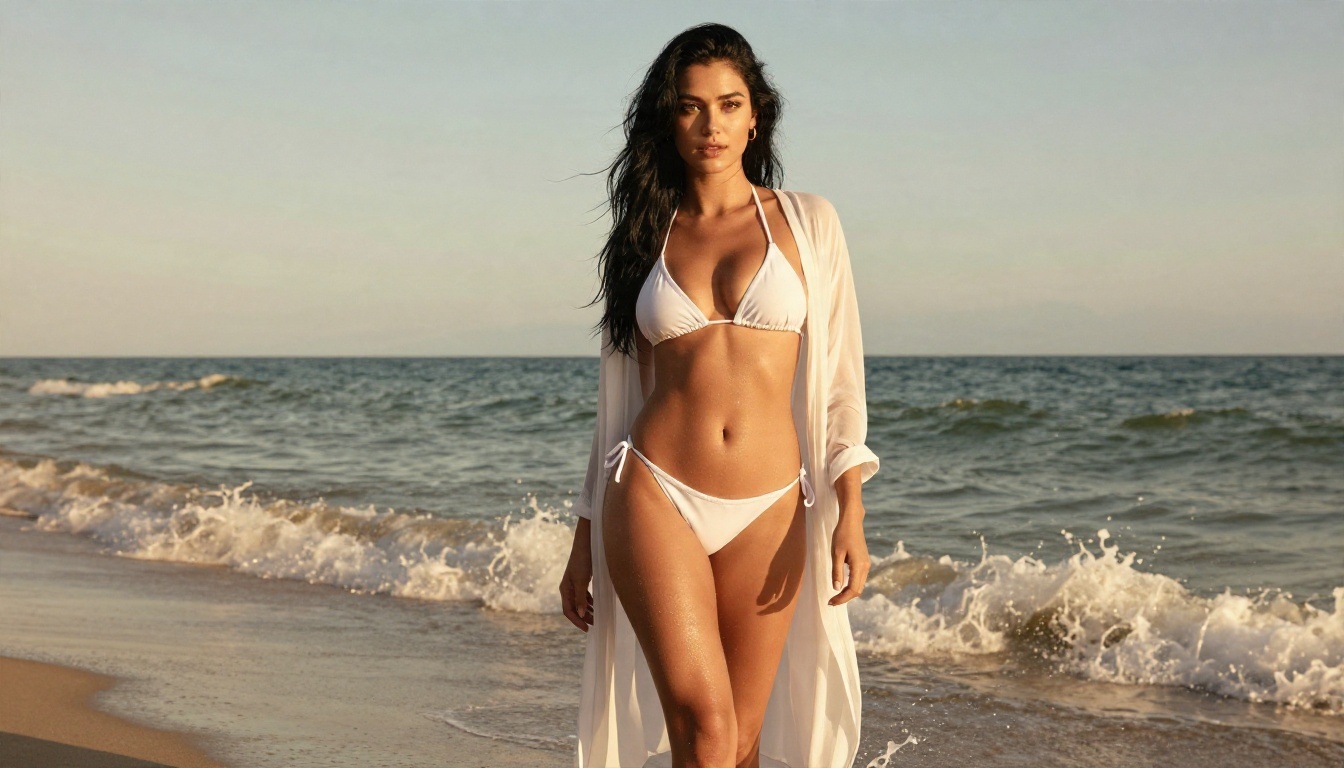
Style LoRAs lock in a look: soft watercolor shading, thick cel outlines, retro 90s anime grain, painterly backgrounds. Start with a weight of 0.6 to 0.8. Going to 1.0 often fries the colors and makes faces stiff.
Character LoRAs
Character LoRAs are trained on one character and need their trigger word in the prompt. Thanks to NoobAI's large character knowledge, you often do not need one for popular characters. Reach for a LoRA only when the base model gets the outfit or hair wrong.
Detail and Pose LoRAs
Detail sliders add eye sharpness, fabric folds and skin shading. Pose LoRAs help with specific compositions like sitting poses or over-the-shoulder looks. Keep their weight low (0.3 to 0.5) so they assist without taking over.
💡 Tip: When an image looks "off", cut every LoRA weight in half before changing anything else. It fixes more problems than any prompt rewrite.
Illustrious and NoobAI models read tag-style prompts: short comma-separated phrases, ordered from most important to least.
Tag Order
A formula that works on most Illustrious-based checkpoints:
- Quality tags:
masterpiece, best quality, very aesthetic
- Subject:
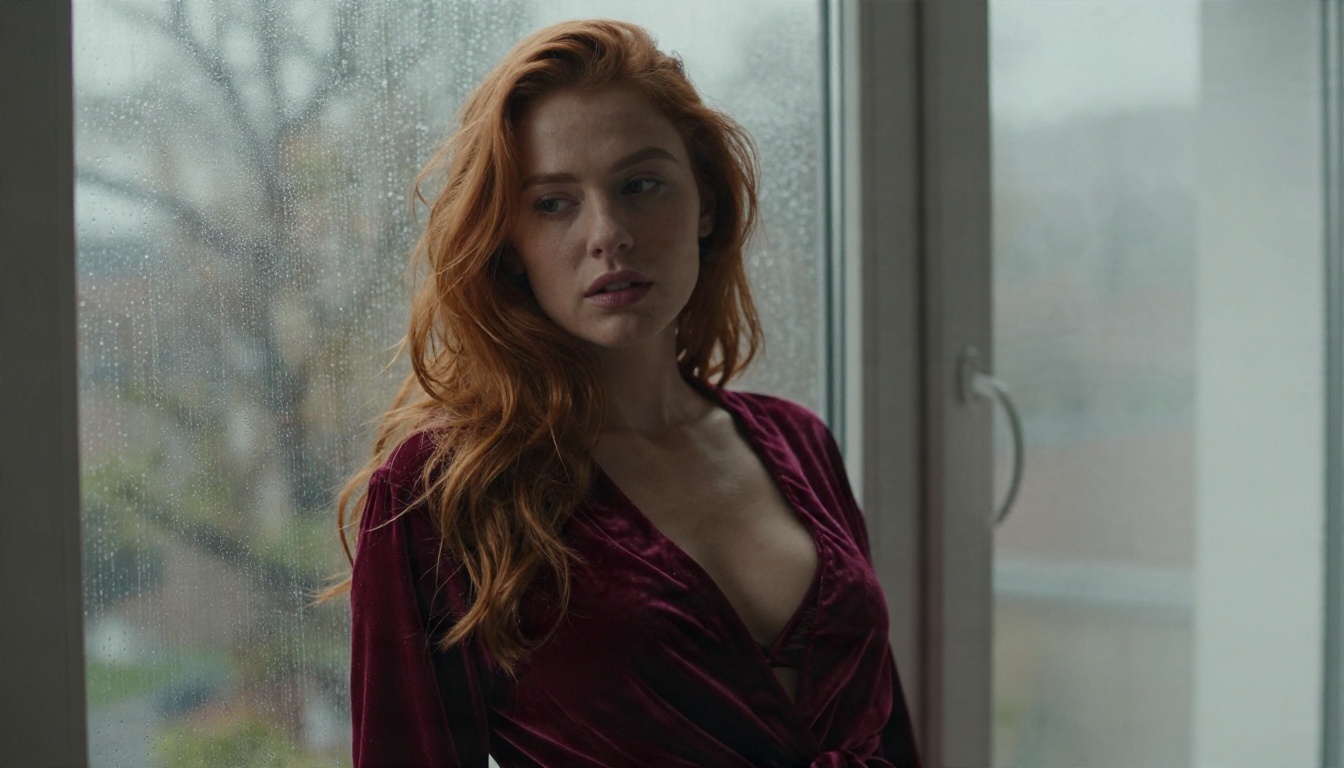
1girl, adult woman, long auburn hair, green eyes
- Outfit:
burgundy silk robe, lace lingerie, bare shoulders
- Pose and framing:
leaning on window, looking at viewer, upper body
- Setting and lighting:
rainy window, soft overcast light, warm tones
- Style:
anime coloring, detailed eyes, soft shading
For Pony V6, put score_9, score_8_up, score_7_up at the start instead of the quality tags.
💡 Example prompt: masterpiece, best quality, 1girl, adult woman, silver twin tails, pastel pink bikini, open white shirt, sitting on sofa, smile, looking at viewer, morning window light, anime coloring, detailed eyes
Negative Prompt Basics
Keep the negative short. A long copy-pasted negative can flatten the image. A reliable base: worst quality, low quality, bad anatomy, bad hands, extra fingers, blurry, watermark, text. Add child, young, loli as a hard safeguard so every result stays clearly adult.
Sampler Settings
| Setting | Starting value | Notes |
|---|
| Sampler | Euler ancestral | DPM++ 2M also works well |
| Scheduler | Normal or Karras | Try both on a fixed seed |
| Steps | 25 to 30 | More rarely helps |
| CFG | 4 to 6 | Above 7 burns the colors |
| Resolution | 832x1216 or 1024x1024 | Stick to SDXL-friendly sizes |
| Upscale | 1.5x, denoise 0.35 | Adds detail without redrawing |
Common ComfyUI Mistakes
Most frustrations come from the same handful of slip-ups:
- Mixing model families. An SD 1.5 LoRA on an SDXL checkpoint does nothing useful. Check the base model label on every download.
- Running too many LoRAs. Three is a practical ceiling. Beyond that you get overcooked textures and melted faces.
- Ignoring the VAE. If colors look washed out, load the VAE the checkpoint author recommends.
- Chasing resolution too early. Generate at the native size, then upscale. Asking for 2048x2048 directly gives duplicated limbs.
- Copying a workflow without its custom nodes. A red node means a missing extension. Use the manager to install it.
- Forgetting to fix the seed. When testing settings, lock the seed so only one variable changes at a time.
- Skipping license checks. Some checkpoints and LoRAs restrict commercial use. Read the page before you publish anything for money.
⚠️ Warning: Never generate or share images of real people without their consent. Stick with original or fictional adult characters.
Free Online Alternatives
Not everyone wants to maintain a local install. If you want anime-flavored glamour images without a GPU, there are online tools that deliver fast results with no nodes to wire. Here is where PicassoIA fits.

Seedream 4.5 First
Seedream 4.5 is the model to start with. It follows long, detailed prompts closely, renders skin, fabric and hair with a lot of realism, and handles swimwear, lingerie and glamour scenes without the constant refusals you hit on mainstream tools. It is also quick: images come back in seconds rather than the minutes a mid-range local GPU needs.
PicassoIA Image Editor Pro
The PicassoIA Image Editor Pro offers unlimited generations, which makes it ideal for the trial-and-error loop that anime work demands. Generate, tweak the prompt, regenerate, and repeat as many times as you like. You can also upload a reference image and ask for edits: change an outfit, shift the lighting, adjust the pose.
Other Models Worth Trying
These models are all on PicassoIA and useful for anime-leaning looks:
If you like building your own LoRA, Qwen Image LoRA Trainer Legacy lets you train a style online, and SDXL Multi Controlnet LoRA gives you pose and structure control closer to what a ComfyUI graph offers.
💡 Tip: The full catalog lives at picassoia.com/en/all-models. Filter by text-to-image to see every option.
How to Get Similar Results on PicassoIA
Illustrious, NoobAI, Pony and Anima are not on PicassoIA, so the closest route is Seedream 4.5 with a prompt that borrows the same tag logic.

Step by Step
- Open Seedream 4.5 from the PicassoIA model page.
- Write the prompt as a sentence, not a tag pile. Turn
1girl, silver twin tails, pink bikini into: "An adult woman with silver twin tails in a pastel pink bikini and open white shirt, sitting on a cream sofa, soft morning window light."
- Name the look you want. Add "anime-inspired styling", "cel-shaded coloring" or "glossy cosplay photo", depending on whether you want illustration or photo realism.
- Pick the aspect ratio before generating. 16:9 for wallpapers, 2:3 or 3:4 for portraits.
- Generate, then tweak one thing. Change the outfit, the light or the camera angle, never all three together.
- Refine in PicassoIA Image Editor Pro. Upload the result and ask for small edits, with unlimited retries.
Parameter Tips
- Be specific about light: "warm light from the left window" gets better results than "nice lighting".
- Describe fabric: satin, lace, velvet and linen all render with distinct textures.
- Keep prompts between 40 and 90 words. Shorter ones leave too much to chance, longer ones start to contradict themselves.
- Reuse your best prompt as a template and swap one detail at a time.

Local or Online: Which Fits You?
| Factor | ComfyUI local | Online on PicassoIA |
|---|
| Setup time | Hours to days | Seconds |
| Hardware | 8 GB+ VRAM GPU | Any browser |
| Cost | Electricity, storage, GPU | Free to start |
| Speed per image | 20 to 90 seconds | A few seconds |
| Control | Total, node by node | Prompt and reference edits |
| Learning curve | Steep | Gentle |
Pick ComfyUI if you enjoy tinkering, want a specific community checkpoint, or plan to run thousands of generations offline. Pick the online route if you want good images today and prefer to spend time on ideas rather than installs. Plenty of creators do both: draft ideas online, then take the winners into ComfyUI for batch work.
Start Creating Your Own Images
You now have the checkpoint names, LoRA rules, tag formula and sampler settings for a local ComfyUI setup, plus a faster online path that works from any laptop. The only thing left is to try it.
Open Seedream 4.5, paste in the example prompt from earlier, and change one detail: hair color, outfit, window light. Then send the best result into the PicassoIA Image Editor Pro and keep refining with unlimited generations. When you want to see what else is available, browse picassoia.com/en/all-models and test a few models side by side. The first image takes less time than downloading a single checkpoint.


