You have a graphics card, a ComfyUI install, and a folder full of prompts that all sound the same. The skin looks plastic, the lighting is flat, and every portrait seems to share one face. That is the exact itch the ComfyUI Photoreal Prompt Builder was made to scratch, and its optional NSFW add-on is why so many people search for it by name. This article covers what the pack does, how the free setup works, which prompts give believable results, and what to do if you would rather skip the install and generate online.
Everything here stays on the tasteful side of adult imagery: swimwear, boudoir, glamour, implied intimacy. Explicit material is a different topic, and it is not what the examples below produce.
What the Builder Actually Does
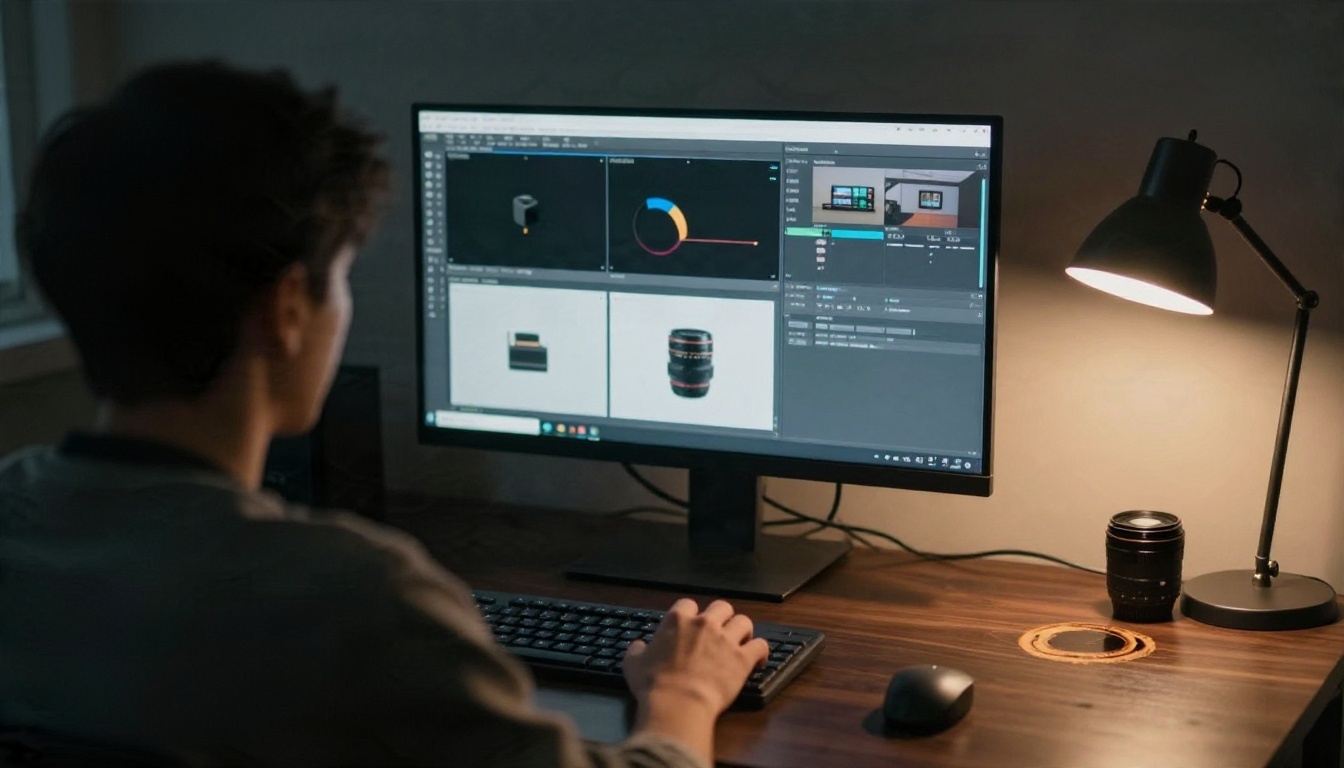
The Photoreal Prompt Builder is a free, open-source node pack for ComfyUI, published under the MIT license by a community developer named artokun. It does not generate pictures by itself. It assembles structured prompts: instead of typing one long messy sentence, you pick subject, wardrobe, pose, setting, lighting and camera from separate nodes, and the pack stitches them into a prompt written for photographic realism.
Built Around FLUX Klein 9B
The pack is tuned for the FLUX Klein 9B model, which tends to respond well to natural, photographer-style language. That detail matters. A prompt builder written for one model family phrases things the way that model likes, so if you plug the output into an unrelated checkpoint, results can drift. If you run something else, treat the builder as a template generator and edit the wording by hand.
The Structured Prompt Idea
Most people write prompts in the order thoughts arrive: "a beautiful woman, beach, sunset, 8k, masterpiece." The builder pushes you toward a better order:
- Subject and expression
- Wardrobe and fabric
- Pose and framing
- Environment
- Light direction and quality
- Lens, aperture and film stock
This is the same order a real photographer thinks in, and it is why the output feels less random. You can reuse the same structure online, which I will show later.
💡 Tip: Concrete camera language beats quality buzzwords. "85mm f/1.8, soft window light from the left" tells a model more than "ultra detailed, 8k, best quality."
Free Setup in ComfyUI
The whole pack costs nothing. You pay only in disk space, patience and GPU time.
Install From the Manager
The simplest route is ComfyUI Manager. Open the install menu, search for "Photoreal Prompt Builder", install it, and restart ComfyUI. Based on my research, the pack has no extra pip dependencies, so installs are usually quick and rarely break an existing environment.
The NSFW Switch
The adult content is not bundled in the default install. It lives in a separate optional repository, and it is off by default. To turn it on, you edit the config file inside the node folder, set the NSFW flag to true, and restart ComfyUI. The extra module is then fetched automatically, and new nodes appear in the node menu with additional pose and action options.
A few honest notes about this design:
- The separation is sensible: you opt in, nothing adult loads unless you ask.
- The add-on's wording leans more explicit than the glamour style used in this article. You choose what to feed the model.
- Check the project pages yourself before installing anything, since community nodes change often.
Hardware Reality Check
A 9B-class model is not light. Expect to want a recent GPU with generous VRAM, a few minutes of first-run loading, and some patience while the weights download. Smaller cards can still work with quantized versions, but quality and speed vary.
| Setup | Cost | Speed | Best for |
|---|
| Local ComfyUI with a strong GPU | Free after hardware | Fast once loaded | Tinkerers who enjoy node graphs |
| Local ComfyUI on a weak GPU | Free | Slow, may crash | Patient experiments |
| Online generator | Free tier or low cost | Seconds per image | Anyone who wants results today |
Prompt Examples That Work
These prompts follow the builder's structure. Paste them into the builder's output field or any text-to-image tool. Each one keeps the content suggestive and non-explicit.
Beach Portrait Prompt
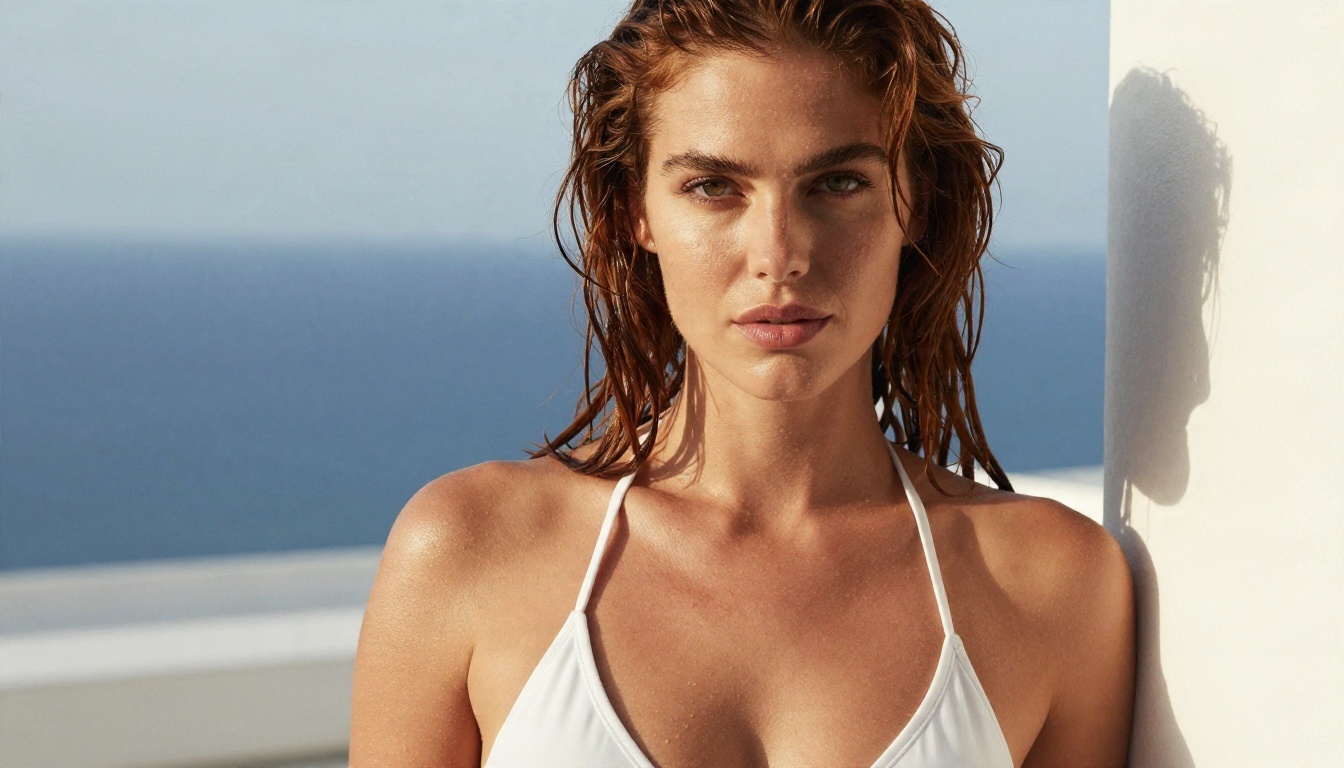
Close-up portrait of a woman with wet-look wavy auburn hair wearing a white halter bikini top on a Mediterranean terrace, calm direct gaze, visible skin pores and beads of water on her collarbone, hard late-afternoon sun from the right with soft fill from a white wall, 85mm f/1.8, blurred blue sea behind, Kodak Portra 400 grain.
Why it works: skin detail is named ("pores," "beads of water"), light has a direction, and the lens is specific. A model has little room to default to airbrushed skin.
Hotel Hallway Boudoir Prompt
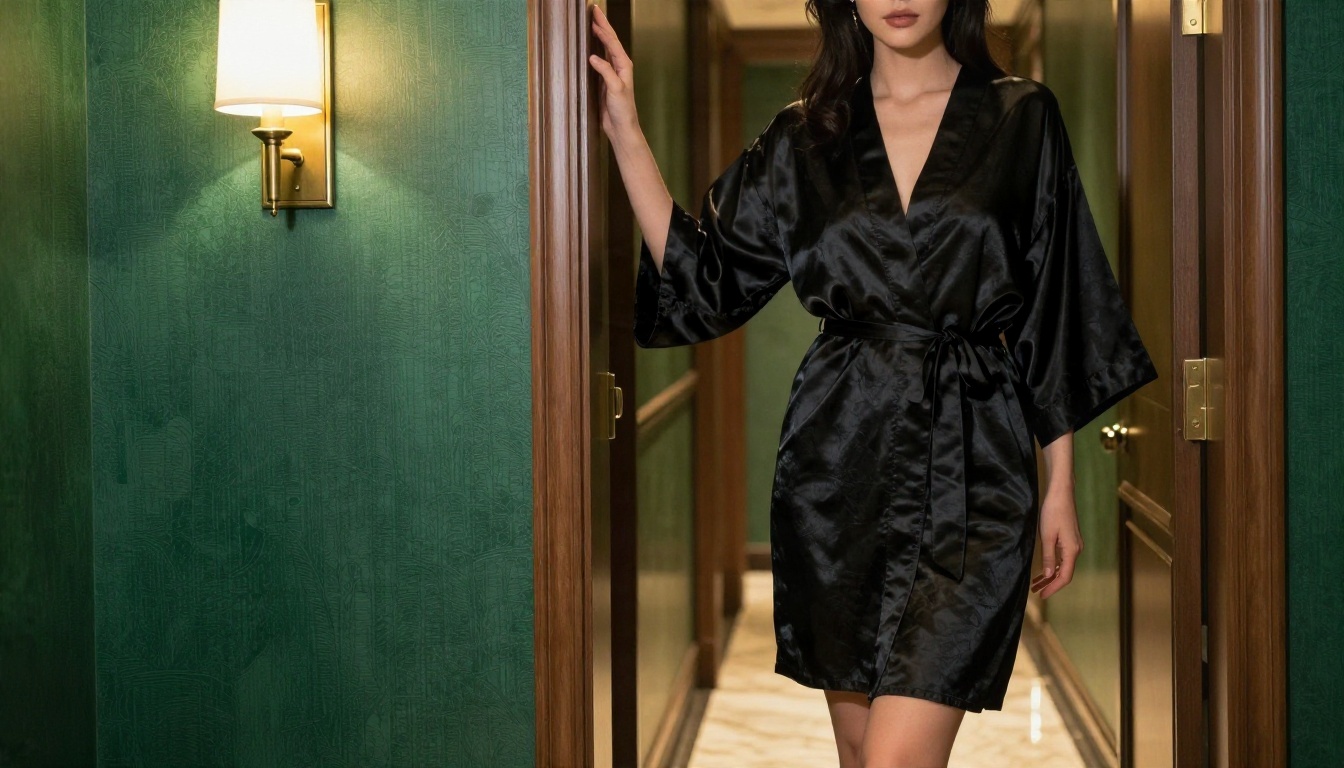
Low-angle full-length photograph of a woman in a black satin robe loosely tied, standing in a boutique hotel hallway with deep green wallpaper and brass sconces, one hand on the doorframe, soft tungsten light from wall lamps on the left, 50mm f/1.4, polished marble floor reflections, fine silk sheen, subtle film grain.
Why it works: the fabric (satin), the light type (tungsten), and the setting give the image a story. Boudoir mood comes from atmosphere, not from showing more skin.
Dusk Balcony Prompt
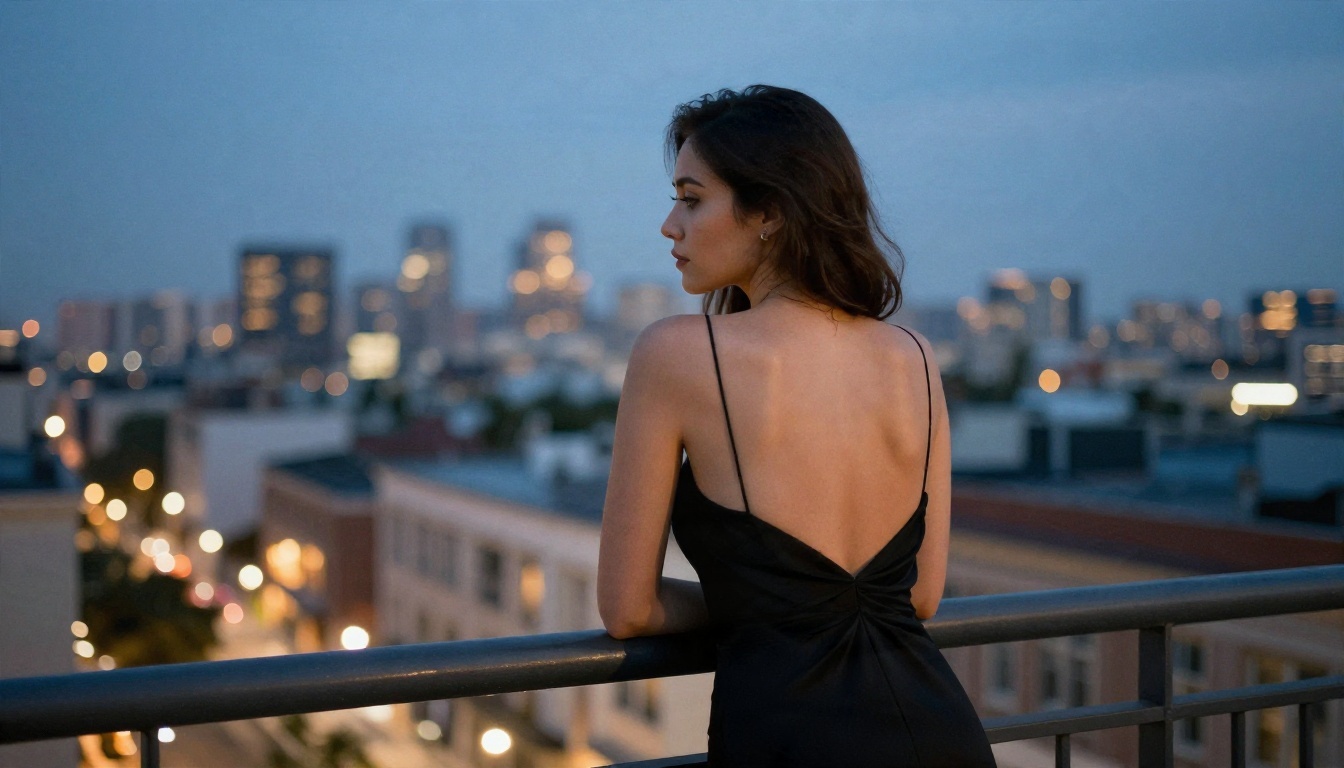
Wide environmental photograph of a woman in a backless black evening gown leaning on a rooftop railing at dusk, city skyline blurred far behind, warm string lights above, shot from behind and slightly below, 35mm f/1.4, blue hour sky with amber window glints, fabric drape texture, natural skin detail.
Close-Up Studio Prompt
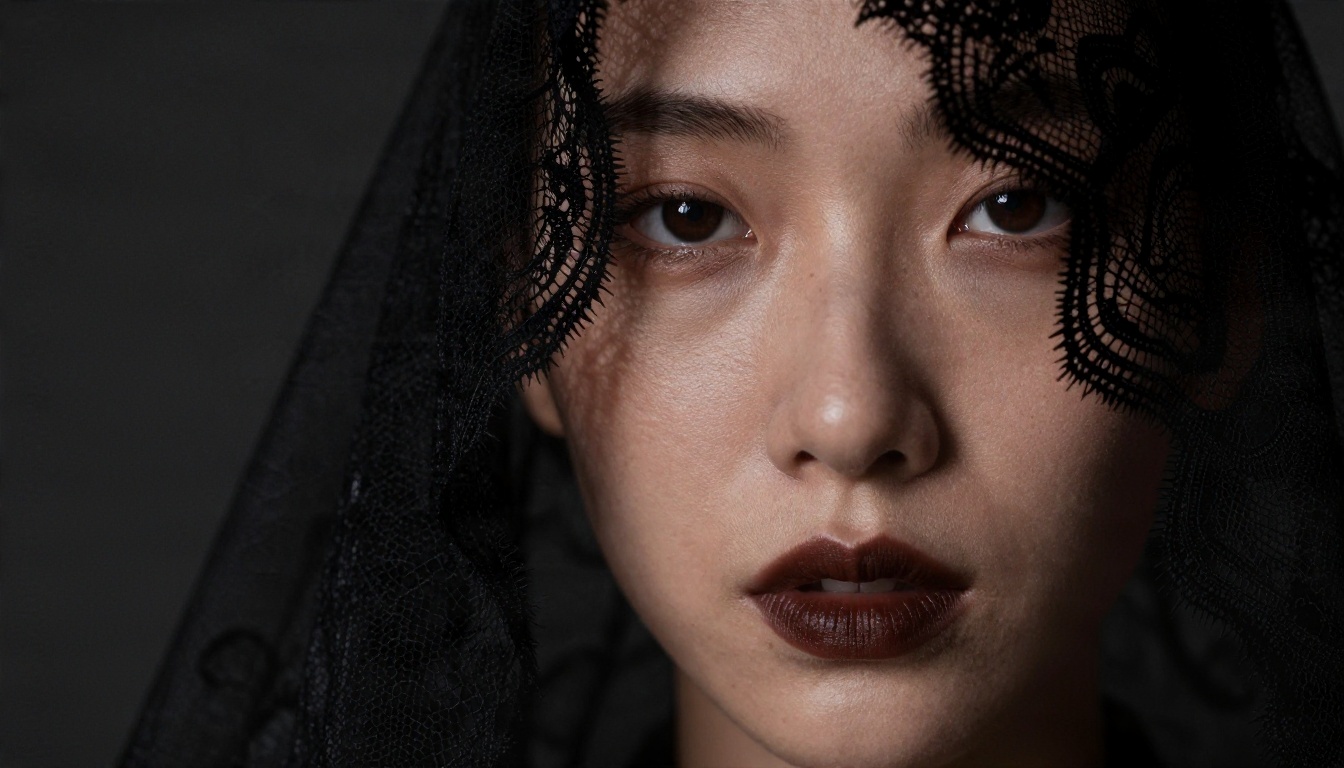
Tight close-up of a woman's face half in shadow, sheer black lace veil over her shoulders, dark lipstick, fine freckles and pores, single softbox from the right with deep shadow on the left, 100mm macro at f/2.8, razor thin focus on one eye, charcoal backdrop.
Why it works: one light source, one lens, one mood. Fewer variables make the output more stable.
Two Quick Variations
Two shorter prompts that work with the same structure:
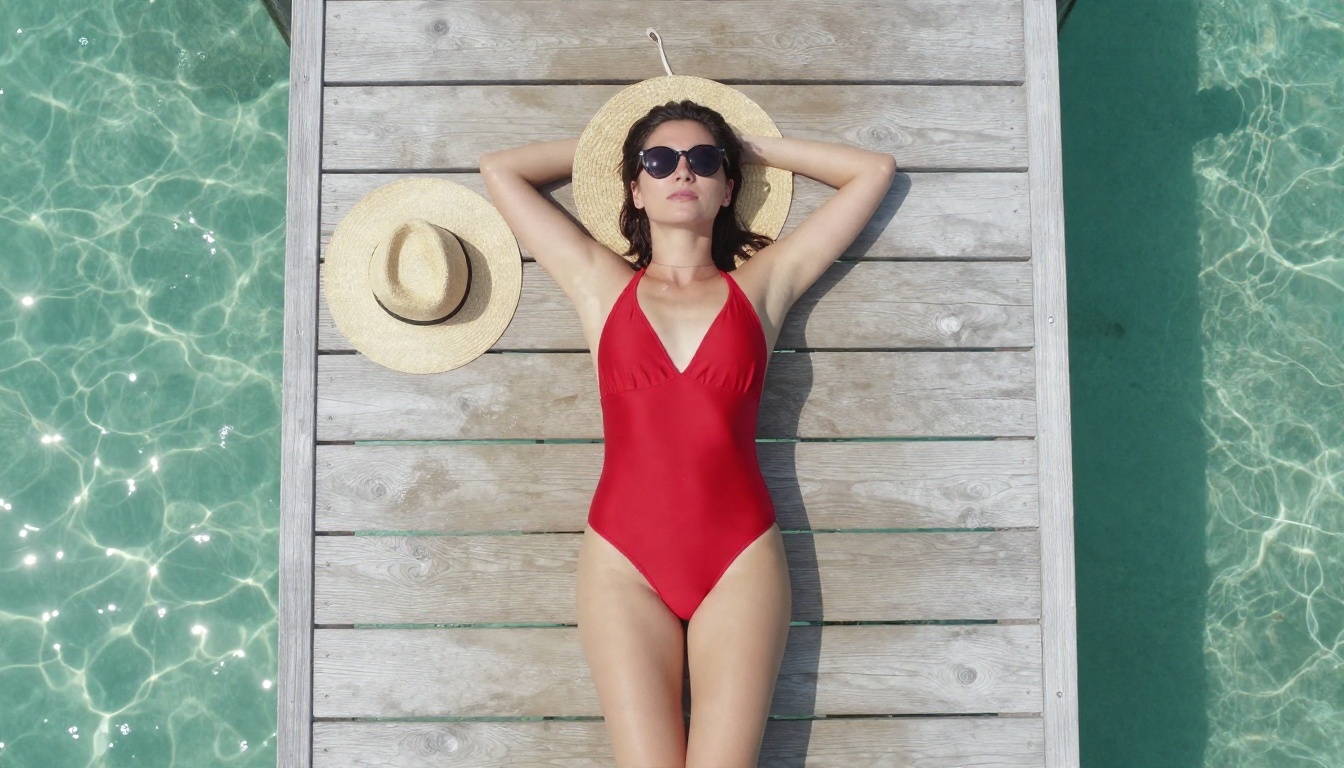
- Pier swimsuit, top-down: woman in a red one-piece lying on a pale wooden pier above clear water, straw hat beside her, overhead midday sun with crisp shadows, 24mm, salt-stained planks.
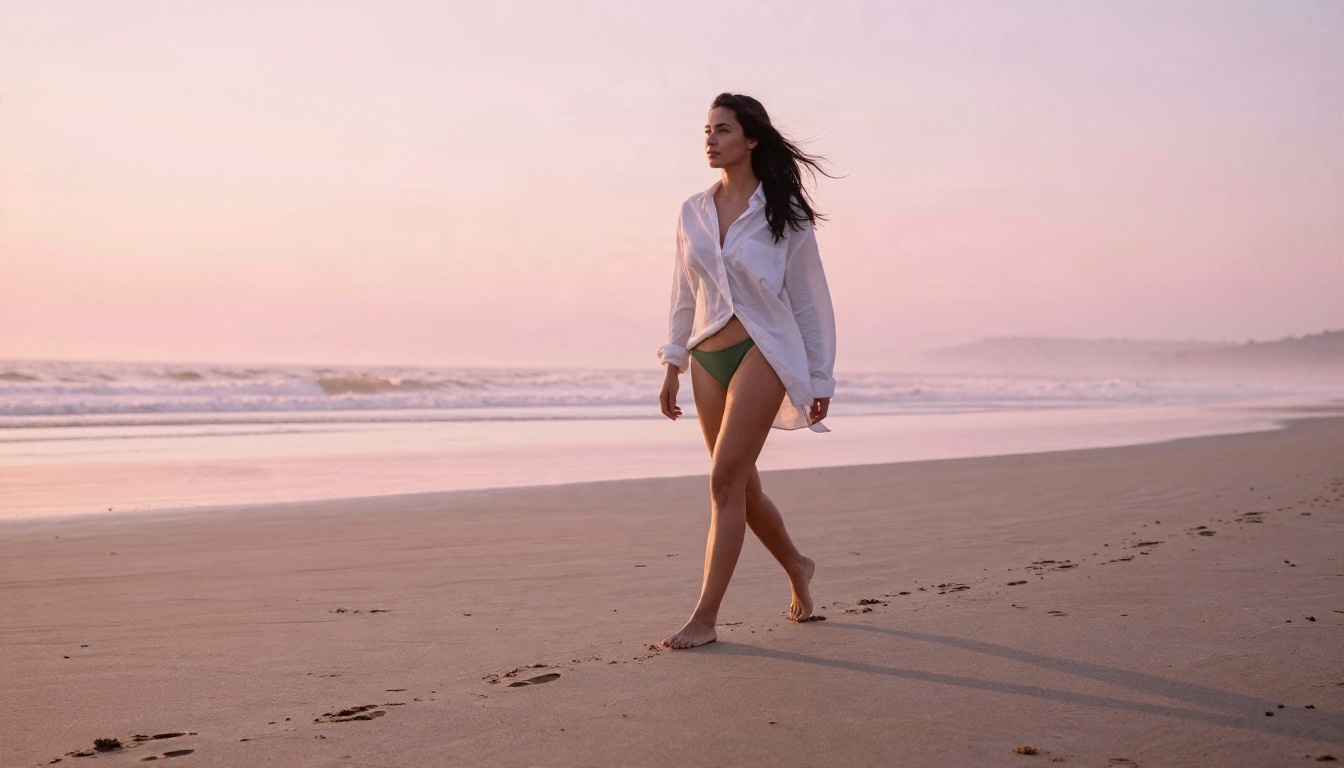
- Sunrise beach walk: woman in an oversized white shirt over a green bikini walking barefoot on wet sand at sunrise, long shadow toward the camera, 70mm f/2.8, pink and gold haze.
Common Mistakes and Fixes
Even with a good builder, the same few problems show up again and again.
| Problem | Likely cause | Fix |
|---|
| Plastic, airbrushed skin | No texture words in the prompt | Add "visible pores, fine freckles, natural sheen" |
| Flat lighting | Light was never described | Name the direction and source: "window light from the left" |
| Same face every time | Generic subject wording | Vary hair, age range, features, expression |
| Strange hands | Hands in complex poses | Rest them on a surface, a doorframe, or hair |
| Over-sharpened look | Too many quality buzzwords | Remove "8k, ultra HD" and rely on lens and film stock |
| Cartoonish colours | Style words like "vibrant" | Use a film stock such as Kodak Portra 400 |
Stack Fewer Modifiers
More words do not mean better images. Past a certain point, extra adjectives start to fight each other. A good prompt usually has one light source, one lens, one location, one wardrobe item and one mood.
Fix Hands and Eyes Late
Do not waste hours on a perfect first pass. Generate, pick the best composition, then repair small details with inpainting or an edit pass. This is faster than rerolling for a flawless hand.
Online Alternatives Without Setup
Not everyone wants to maintain a node graph. If you only care about the picture, an online generator gets you there in seconds, with no downloads and no VRAM worries. The ComfyUI Photoreal Prompt Builder is not a model, so there is nothing to "port" over. What carries across is the structure: subject, wardrobe, pose, setting, light, lens.
Seedream 4.5 Comes First
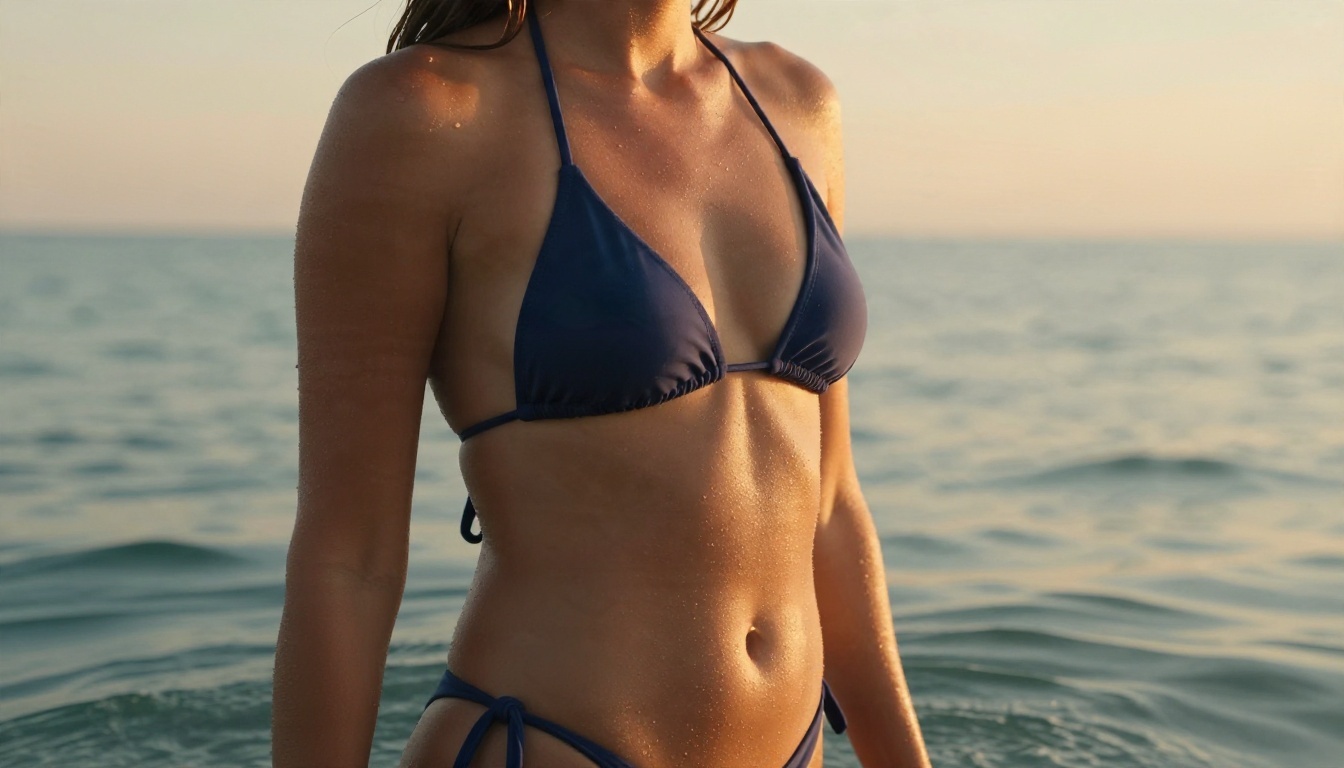
Seedream 4.5 is my first pick for photoreal glamour work. It handles skin texture, fabric and natural light well, outputs high resolution images, and follows long structured prompts closely. That makes it a strong match for builder-style prompts like the ones above.
💡 Note: Seedream 5 Lite blocks adult content, so skip it for this kind of work. Seedream 4.5 is the one to use.
Image Editor Pro Next
PicassoIA Image Editor Pro is built for editing and generating photos online, with unlimited generations. It is the practical pick when you want to iterate: change the outfit, move the light, fix a hand, try ten variations without watching a counter.
Other Models Worth Trying
Each of these runs in the browser. No driver updates, no broken custom nodes after an update, no 20 GB downloads.
How to Get Similar Results on PicassoIA
The Photoreal Prompt Builder is a ComfyUI add-on, so it is not something you run on PicassoIA. But the same photographic prompt structure works well in Seedream 4.5. Here is the routine.
Steps
- Open the Seedream 4.5 page on PicassoIA.
- Write your prompt in builder order: subject, wardrobe, pose, setting, light, lens.
- Pick a 16:9 aspect ratio for scenic shots, or a portrait ratio for single-figure photos.
- Generate, then compare the result with the light and skin details you asked for.
- Send the best frame to PicassoIA Image Editor Pro to adjust outfit, background or small flaws.
Parameter Tips
- Keep prompts between 60 and 120 words. Long enough to be specific, short enough to avoid conflicts.
- Name one light source. "Soft window light from the left" is better than three competing lights.
- Add texture words once. "Visible pores, fabric weave, salt-stained wood" is enough.
- Reuse seeds when the tool allows. If you like a face, hold the seed and change only wardrobe or setting.
- Use one film stock. Kodak Portra 400 gives a warm, natural look that avoids the plastic sheen.
Local or Online: Which One?
Here is the honest comparison.
Pick local ComfyUI if:
- You enjoy building graphs and want full control over every step.
- You have a GPU with plenty of VRAM and don't mind maintenance.
- You want to train or stack your own LoRAs offline.
Pick online if:
- You want a finished photo in under a minute.
- Your GPU is modest or you are on a laptop.
- You would rather spend time on prompts than on fixing a broken node after an update.
Many people end up doing both: they prototype prompts online, then move to local ComfyUI only if they need a very specific custom pipeline.
A Note on Responsible Use
Whichever route you pick, stay with fictional, adult subjects. Do not generate images of real people without their consent, and do not use real faces for adult content. That line matters far more than any model setting.
Try Your Own Prompts Today
You now have the structure, six prompts to start from, and a list of mistakes to avoid. The fastest way to see what works is to run a few of them yourself. Start with Seedream 4.5, polish the best result in PicassoIA Image Editor Pro, and keep swapping one variable at a time: the lens, the light, the fabric.
When you want more variety, browse the full catalogue at picassoia.com/en/all-models and test a different model on the same prompt. Picasso IA lets you do all of it in the browser, so your next photoreal portrait is a few minutes away, not an afternoon of installs.


