Most people who try to make a comic strip with AI hit the same wall within ten minutes. The first panel looks great, the second panel gives the hero a different face, and by panel four the speech bubbles read like a ransom note. The tool is rarely the problem. The workflow is. A comic strip AI generator works best when you treat it like a very fast illustrator who has no memory: you hand it a clear script, a fixed character description and one panel at a time.
This article shows you how to do exactly that. You will find free online tools worth your time, a four beat story formula, ten story prompts you can copy today, and panel examples with the wording behind them.
What a Comic Strip AI Generator Does

A comic strip generator is not one button that outputs a finished page. In practice it is a small chain: a text prompt goes into an image model, the model returns a panel, and you repeat the step for each frame. Some online tools hide that chain behind a template. Others, like the image models on PicassoIA, give you the raw engine so you control every panel.
From Idea to Panels
The process has four moves:
- Write the joke or story in one sentence.
- Split it into panels, usually three or four for a strip.
- Describe each panel with subject, action, setting and camera angle.
- Generate, pick, and letter the best result for each frame.
💡 Tip: Write the last panel first. A strip lives or dies on its punchline, and knowing the ending makes panels one to three much easier to describe.
Where It Falls Short
Be honest about the limits before you start. Image models still struggle with long dialogue, with hands holding small objects, and with keeping a character identical across many frames. None of these is a dead end. Each has a workaround, and the sections below show you the ones that work.
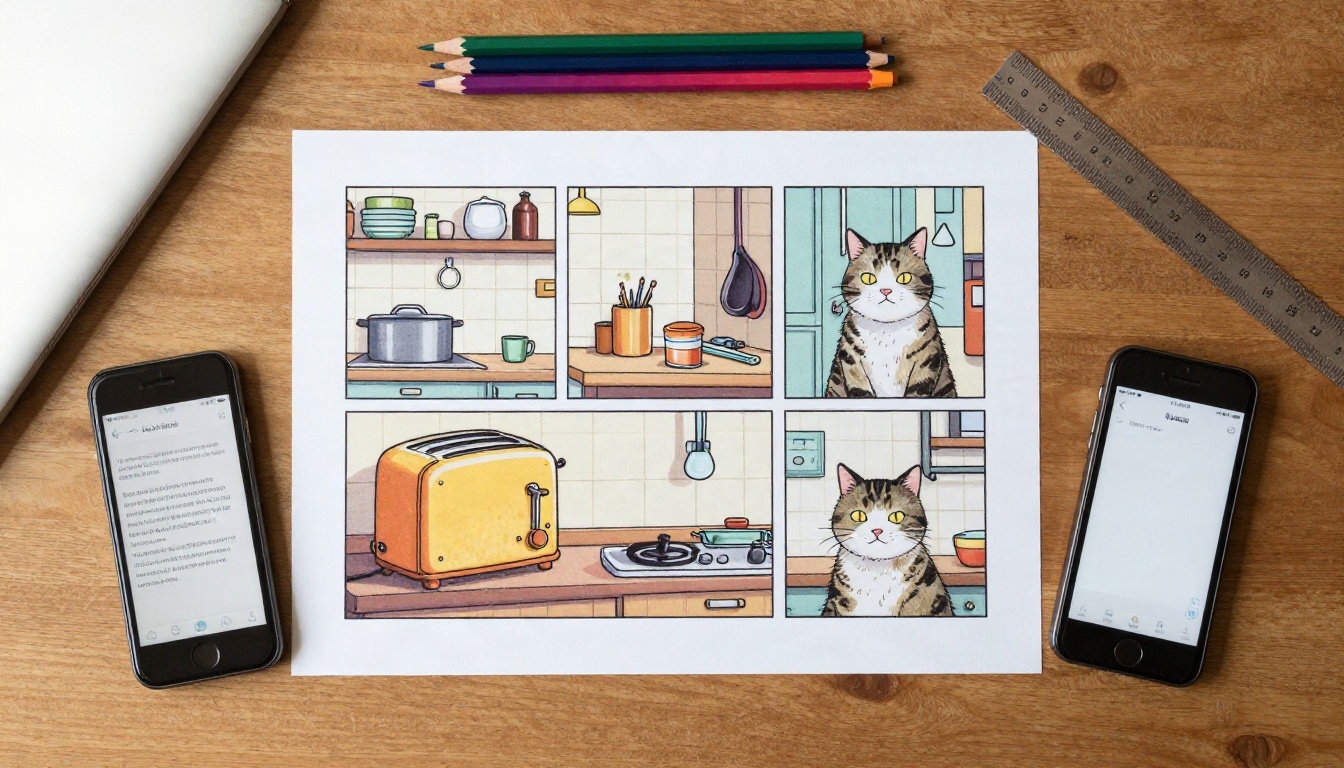
You do not need a paid art subscription to start. Several strong text to image models are listed on PicassoIA, and you can try many of them without paying anything up front. Here is how the most useful ones compare for comic work.
Image Models for Panels
| Model | Best For | Why It Suits Comics |
|---|
| Nano Banana Pro | Consistent characters, edits | Handles reference style and small changes between frames |
| Seedream 4.5 | Sharp, detailed scenes | Strong lighting and clean backgrounds for establishing shots |
| Ideogram v4 Quality | Lettering inside the image | Reads quoted text well, useful for short speech bubbles |
| GPT Image 2 | Following long, specific prompts | Respects multi part instructions in a single panel |
| Qwen Image 3 | Natural looking people and places | Good for photo style or realistic comic looks |
| Flux 2 Klein 4B Base | Fast drafts | Quick iterations when you are testing a layout |
If you only pick one, start with Nano Banana Pro for the character work and add Ideogram v4 Quality when a panel needs readable words.
What "Free" Really Means
Free online generators come with trade offs. Expect some mix of these limits:
- Daily or monthly generation caps that reset on a schedule
- Lower resolution on free tiers, which matters if you plan to print
- Watermarks on certain template based sites
- Slower queues at busy hours
💡 Tip: Draft every panel at the fastest, cheapest setting. Only re-run your three or four favorite panels at full quality. This stretches free credits a long way.
Story Prompts That Work
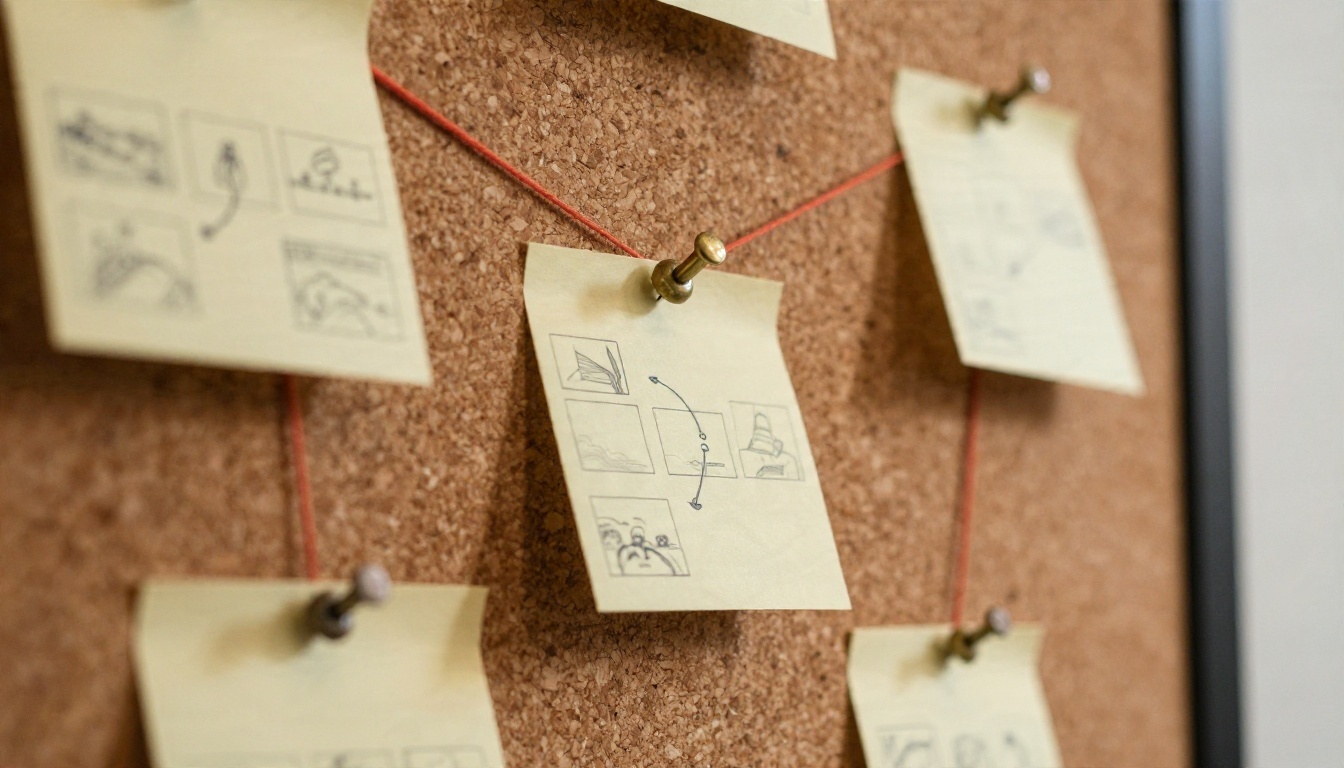
A good prompt for a panel is not a sentence from your story. It is a camera instruction. Think of it as telling a photographer where to stand and what to point at.
The Four Beat Formula
Most newspaper style strips follow the same rhythm. Use it as your skeleton:
| Panel | Job | Example Beat |
|---|
| 1 | Set the scene | A tired cat stares at a toaster on a kitchen counter |
| 2 | Introduce the problem | The toaster pops up, burnt toast flies out |
| 3 | Raise the stakes | The cat catches it and looks suspicious |
| 4 | Land the punchline | The cat sits at a table with a tiny plate, pretending to be a diner |
Four panels, one idea, one reveal. If your story needs more room than that, it is probably two strips.
Ten Story Prompts to Copy
Paste any of these into your tool as a starting premise, then break each into four beats:
- A robot tries to return a gift to a shop and discovers the receipt is a poem.
- Two pigeons argue over a single fry in a city park.
- A grandmother learns to use a smart speaker and starts giving it orders.
- A lighthouse keeper receives a delivery of a thousand rubber ducks.
- A barista drops a cup and the whole cafe holds its breath.
- A toddler negotiates bedtime like a diplomat.
- A ghost applies for a job and the manager asks for references.
- A gardener talks to tomatoes and the tomatoes talk back.
- A delivery driver finds the address is a treehouse.
- A cat reviews the new couch with a clipboard.
Writing Dialogue Short Enough
Speech bubbles are where AI panels usually fall apart. Keep each bubble to six words or fewer. One bubble per panel is ideal. If you need more text, add it afterward in a free layout editor instead of asking the image model to render it.
Panel Examples With Prompts
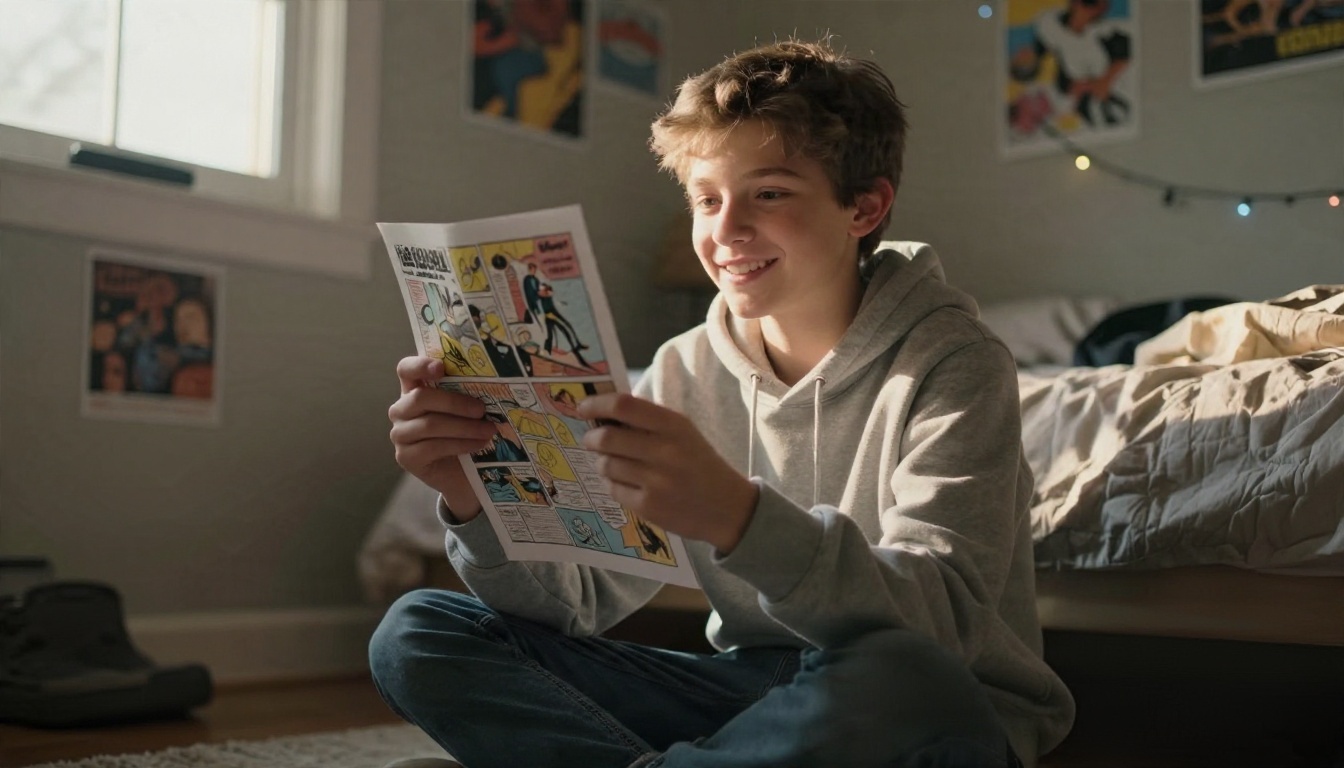
Below are three mini strips, each with the exact style of prompt that tends to work. Adjust the style line to whatever look you want: flat ink lines, soft watercolor, or a photo style comic.
Example One: The Toaster Rebellion
Panel 1 prompt: "Wide shot of a grey tabby cat sitting on a kitchen counter, staring at a chrome toaster, morning light from the window on the left, clean line comic style, flat colors."
Panel 2 prompt: "Same grey tabby cat, medium shot, startled, a slice of burnt toast flying upward out of the chrome toaster, same kitchen, same lighting."
Panel 3 prompt: "Same grey tabby cat, close up, holding the burnt toast in both paws, narrowed eyes, suspicious expression."
Panel 4 prompt: "Same grey tabby cat sitting upright at a tiny wooden table with a tiny plate, napkin tucked under chin, pretending to dine, warm kitchen background."
Notice the repetition of "same grey tabby cat". That phrase is doing real work. It anchors the model to one description every single time.
Example Two: The Lost Umbrella
Here the story is about a man whose umbrella keeps flying away. Use a fixed character line like: "a man in his fifties, round glasses, mustard yellow raincoat, grey mustache." Then change only the action:
- Panel 1: he opens the umbrella on a windy street.
- Panel 2: the umbrella lifts him an inch off the ground.
- Panel 3: he hangs on and floats over a bakery roof.
- Panel 4: he lands gently in front of a puddle and the umbrella drops straight in.
Example Three: A Photo Style Strip
You can also skip drawn art entirely. A photo comic uses realistic images with short captions, which suits slice of life stories and tutorials. Ask for the same lens, the same light and the same wardrobe in each prompt and you get frames that look like one photo shoot.
💡 Tip: For a photo style strip, name a camera and lens in every prompt, such as "35mm lens, shallow depth of field, soft window light". Repeating the same camera words keeps frames visually matched.
Keeping Characters Consistent
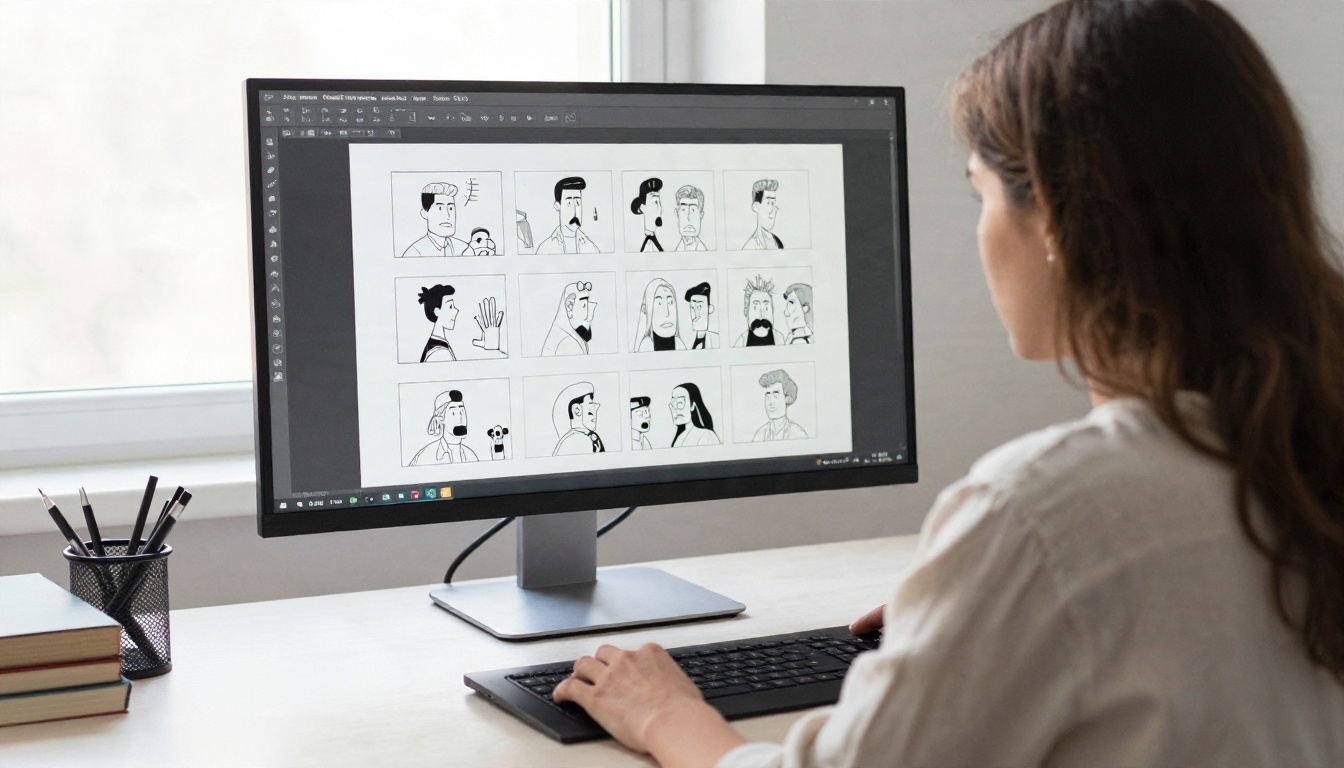
Consistency is the biggest complaint people have about AI comics, and it is the easiest to improve once you build a routine.
Build a Character Sheet
Before panel one, write a short block you will paste into every prompt. Keep it under thirty words and include:
- Age and build: "a woman in her thirties, short and athletic"
- Hair and face: "black curly hair, round freckled face"
- Clothing: "olive green jacket, white sneakers"
- One signature object: "a red scarf"
A signature object is a cheat code. Even if the face drifts slightly, readers will still recognize the character by the scarf.
Reuse Wording Exactly
Do not paraphrase your character block. "Curly black hair" and "black curly hair" can produce different results. Copy, paste, then change only the action and the camera angle. If your tool supports reference images, feed the best panel back in as a reference for the next one. Models like Nano Banana Pro are built for this kind of edit and reference loop.
Lock the Setting Too
Characters are only half the picture. Name the location the same way in each prompt, and keep the time of day fixed unless the story demands a change. A strip where the kitchen switches from morning to midnight between panels feels broken even if the cat looks perfect.
Layout, Lettering and Printing
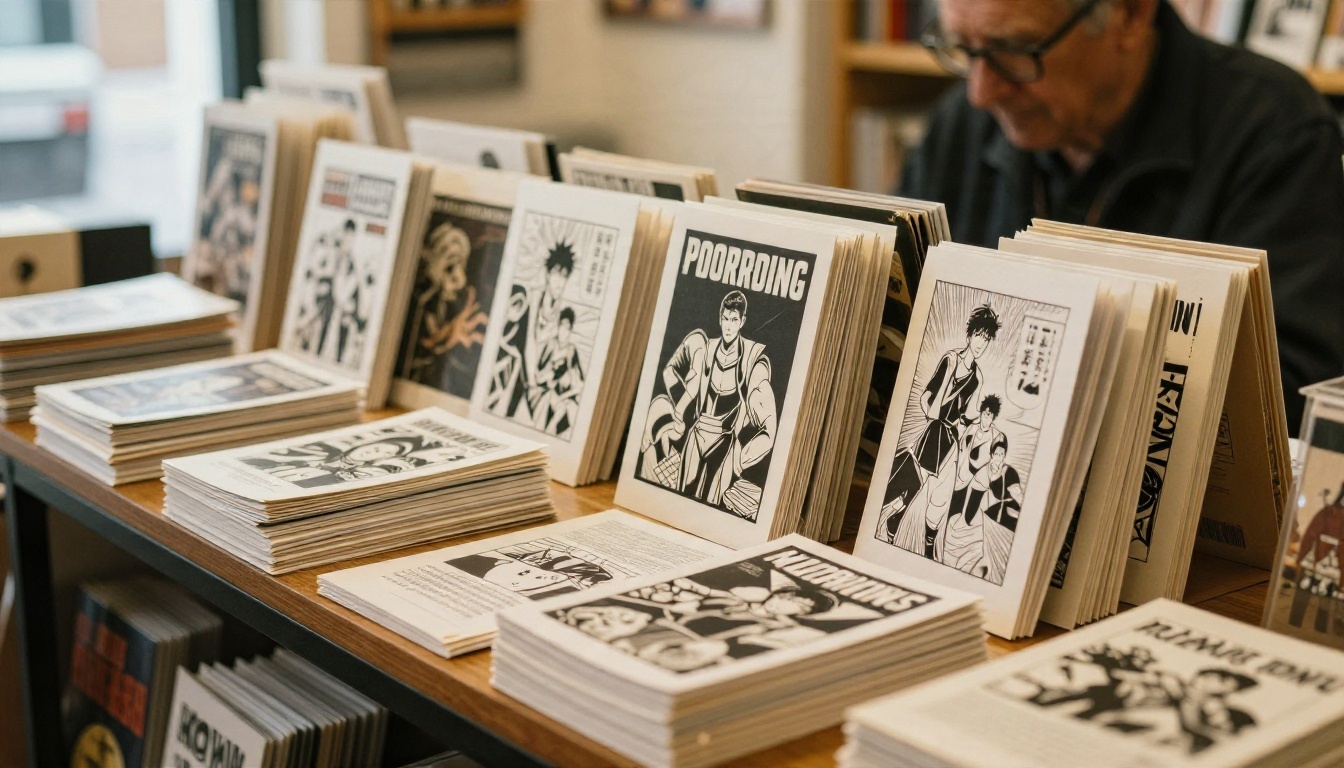
Once you have four good panels, the remaining work is assembly.
Speech Bubbles Without Garbled Text
You have two reliable options:
| Method | Pros | Cons |
|---|
| Ask the model to render the words | One step, bubble matches art style | Risk of typos on longer lines |
| Add text in a layout editor | Perfect spelling, easy edits | One extra step |
If you try the first route, use Ideogram v4 Quality and put the words in quotes. Keep it to a few short words per bubble. For anything longer, switch to the second method.
Leave Room for Words
Tell the model where the empty space should be. A phrase like "empty sky in the upper left of the frame" gives you a natural spot for a bubble and stops the text from covering the character's face.
Sizing and Printing
If you plan to publish in print or as a zine, think about resolution early. Many drafts come out around one or two megapixels, which is fine for a phone screen and soft on paper. A super resolution tool can upscale your best panels two to four times before layout. Plan a standard gutter of about a quarter inch between panels, and leave a margin so nothing gets trimmed.
Who Is Making Comics With AI

The audience is wider than you might expect. Here are the groups who get the most from a comic strip generator.
Teachers and Students
A comic strip is a quick way to retell a chapter, show a science process, or practice a new language. The generator removes the drawing barrier, so a student who can write a good joke is not stopped by weak sketching. The writing becomes the assignment.
Small Creators and Brands
Solo creators use strips for social posts, newsletters and product explainers. A four panel format fits phone screens and feeds well, and it is easier to read than a long paragraph. Small shops use the same approach for storytelling about a product or a customer problem.
Friends Working Together

One person writes, another directs the panels, a third letters. Splitting the roles is how many small comic projects keep their pace, and AI tools shorten the longest part of the job, which is producing the art.
💡 Tip: If you share a project, keep the character block and the style line in a shared note. Everyone pastes the same text, so the strip looks like it came from one hand.
Common Mistakes to Avoid
Most failed strips share a handful of problems. Check yours against this list:
- Too many ideas in one strip. Pick one joke.
- Long dialogue. Six words per bubble, at most.
- Changing the character wording. Copy and paste the block.
- Ignoring the camera. Vary shots: wide, medium, close up. Four identical medium shots feel flat.
- Skipping the draft stage. Generate cheap drafts, then polish only the winners.
- Forgetting the ending. Know your punchline before panel one.
Make Your First Strip Today

You now have the full workflow: a one line story, four beats, a pasted character block, short dialogue and a quick assembly step. The fastest way to see it work is to run it once.
Here is a ten minute plan:
- Pick one prompt from the list above.
- Write your four beats in plain sentences.
- Write a thirty word character block with one signature object.
- Open Nano Banana Pro or Seedream 4.5 on Picasso IA and generate panel one.
- Reuse the same wording for panels two to four.
- Add your bubbles and share the strip.
If you want to try a different look, browse the full model list at picassoia.com/en/all-models and run the same four prompts through two or three models side by side. You will quickly see which one fits your story. Open Picasso IA, create your first panel, and post the finished strip. Your next comic is one prompt away.


