You are chopping onions, your hands are wet, and you need to know whether you can swap buttermilk for yogurt. You do not want to type. You want to ask out loud and hear a sensible answer. That small moment is why the conversational AI app has moved from curiosity to daily habit, and why the question "which one is free and still good?" gets searched thousands of times a month.
The honest answer is messy. Every major app now offers voice chat, every one has a free tier, and every free tier has limits that change without much warning. Some cap the best model after a handful of messages. Some give you unlimited talk time but quietly switch you to a smaller brain. Some hide the numbers entirely.
This article sorts it out in plain language: what the free options really give you, how voice chat differs from text chat, what paid plans cost, who should pay, and how to assemble your own voice assistant from separate language and speech models when the apps feel too restrictive.
💡 Quick note on accuracy: free limits are rewritten by the companies every few weeks. Treat the numbers here as ranges and check the in-app usage screen before you depend on any of them.
What Counts as a Conversational AI App
Text Chat vs Voice Chat
A conversational AI app is any assistant you can talk with in back-and-forth turns and expect it to remember what you said two messages ago. Text chat is the baseline. Voice chat adds a microphone, a spoken reply and, in the better apps, the ability to interrupt mid-sentence like you would with a person.

The gap between the two is bigger than it sounds. Typing lets you edit your thought before sending it. Speaking exposes every pause and half sentence, so the app has to be forgiving. That is the real test of a voice assistant: not how smart it is on a clean prompt, but how it behaves when you ramble.
The Three Parts Behind Every Voice Reply
Under the hood, most voice conversations run through three steps:
- Speech to text: your voice becomes written words.
- A language model: the "brain" reads the words and writes a reply.
- Text to speech: the reply is read back in a synthetic voice.
Some newer apps fold these into one native audio model, which is faster and sounds more natural. Others still chain them together. Either way, the quality you feel comes from the weakest link, which is why a clever model with a robotic voice can feel worse than a simpler one that sounds warm.

Best Free Options Right Now
Here is where each major app stands for free users as of late 2026. Free tiers move, so read these as the general shape, not a contract.
ChatGPT
ChatGPT is still the default recommendation for most people. The free plan gives you everyday text chat, voice conversations on mobile and image input. The catch is that the strongest model is rationed: after a limited number of messages in a rolling window, the app drops you to a lighter model. For casual voice chat that rarely matters. For long research sessions it does. If you want to test the type of model behind this app, GPT 5.6 Sol and the faster GPT 5.6 Luna are both available to try on PicassoIA.
Gemini
Google's app leans on its ecosystem: calendar, maps, mail and Android hooks. Free users get access to fast models and a limited number of prompts on the heavier reasoning model. If you are already living inside Google services, this is the voice assistant that feels most "built in." Models in the same family, such as Gemini 3.5 Flash and Gemini 3.1 Pro, show the speed versus depth tradeoff clearly.
Claude
Anthropic's assistant is the one people choose for writing, careful reasoning and long documents. The free plan allows a decent amount of chat with usage caps that reset on a schedule, and the caps tighten when demand is high. Voice is available in the mobile app, though it is less of a headline feature than it is elsewhere. You can try models like Claude Sonnet 5 or Claude Fable 5 to see why writers like the tone.
Grok
xAI's app mentions free limits on chat and voice but does not publish exact numbers, which makes planning hard. It is quick, opinionated and tied into the X platform. For comparison, Grok 4 is available on PicassoIA if you want to see its reasoning style without installing anything.
Copilot and Perplexity
Microsoft Copilot includes free voice and sits inside Windows, Edge and Office, so it quietly becomes useful for people who never planned to "use AI." Perplexity is a different animal: it answers with sources, which makes it the better pick for fact checking by voice. Neither is the most natural talker, but both are generous for free.

Voice Chat Quality Compared
Free tiers differ less on raw intelligence than on how the conversation feels. Here is a practical comparison built from the things people notice in the first week.
| App | Free voice chat | Interrupting mid-reply | Best at | Weak spot |
|---|
| ChatGPT | Yes, mobile | Smooth | General talk, brainstorming | Best model rationed |
| Gemini | Yes, Android and iOS | Good | Phone actions, Google data | Heavy reasoning limited |
| Claude | Yes, mobile | Fair | Writing, careful answers | Tight usage caps |
| Grok | Yes, with caps | Good | Fast, casual banter | Limits not published |
| Copilot | Yes | Fair | Windows and Office tasks | Less natural voice |
| Perplexity | Yes | Fair | Sourced answers | Less personality |
Latency Decides Everything
A reply that arrives in under a second feels like a conversation. A reply that arrives in three seconds feels like leaving a voicemail. Apps with native audio models win here. Apps that chain separate speech and text steps often add a visible pause, especially on weak mobile connections.
Interruptions and Languages
Two features separate good voice chat from merely working voice chat. First, barge-in: can you cut the assistant off and redirect it? Second, language switching: can you start in English, slide into Spanish, and have it follow? Test both in your first ten minutes. They tell you more than any benchmark.

Pricing and Free Limits Explained
What "Free" Actually Means
Free almost never means unlimited. It usually means one of four things:
- A message cap on the best model that resets every few hours.
- A time or session cap on voice, often measured in minutes per day.
- A quality fallback, where you keep chatting but on a smaller model.
- Feature gates, such as no file uploads, no long memory, or no image generation.
You will almost always hit the fallback before you hit a hard wall, which is why many people think the app "got dumber" late in the afternoon. It did not. You ran out of the good model.
Typical Paid Prices
Most consumer subscriptions land in a similar band. The standard paid tier is generally around $20 per month in the United States, and heavy-use tiers run much higher, often from $100 to $200 per month for people who talk to the assistant all day or run long projects.
| Plan type | Typical monthly cost | Who it suits |
|---|
| Free | $0 | Casual questions, occasional voice chat |
| Standard paid | About $20 | Daily users who keep hitting caps |
| Heavy-use paid | $100 to $200 | Professionals, long sessions, big files |
| Pay per use (API) | Varies | Builders and tinkerers |

When Paying Makes Sense
Pay when the limit costs you more than the subscription. If you lose twenty minutes a week to fallbacks and your time is worth anything, the math flips fast. If you only ask for recipes, directions and trivia, free is plenty. A useful rule: use free for a full month, write down every time you hit a wall, and only subscribe if the walls are in your way.
💡 Budget trick: instead of one expensive subscription, use two free apps. Run out of one, switch to the other. Between ChatGPT, Gemini, Claude and Copilot you can stay on a strong model most of the day for nothing.
Which App Fits Which Person
The Commuter and Driver
You need hands-free, fast replies and tolerance for noise. Pick the app with the best barge-in and the most reliable mobile connection handling. Do not use any assistant for anything that takes your eyes off the road, and let it read things aloud instead.

The Student and Language Practice
Voice chat is a surprisingly good speaking partner. Ask the assistant to play a waiter, a landlord or a job interviewer, and to correct your grammar only after you finish a sentence. Free tiers handle this well because the conversations are short and the models do not need to be the heaviest ones.

The Developer and Power User
Coders and analysts burn through free limits fastest, because the conversations are long and the context is big. If that is you, the app route gets expensive, and a pay-per-use route starts to look attractive. A model like Deepseek v3 is a good example of a capable option with generous free access, and Deepseek R1 is worth a try for step-by-step reasoning.

Build Your Own Voice Chat Loop
Ready-made apps are convenient, but they are also closed boxes. If you want a specific voice, a specific language, or no daily caps imposed by someone else, you can assemble the same three steps yourself on PicassoIA.
Pick the Brain
Start with a language model. For speed and cheap everyday replies, try Gemini 3.5 Flash or GPT 5.6 Luna. For harder questions, switch to GPT 5.6 Sol or Claude Sonnet 5. Keep your system prompt short: tell it to answer in two or three spoken-style sentences, with no bullet points, since lists sound awkward when read aloud.
Pick the Voice
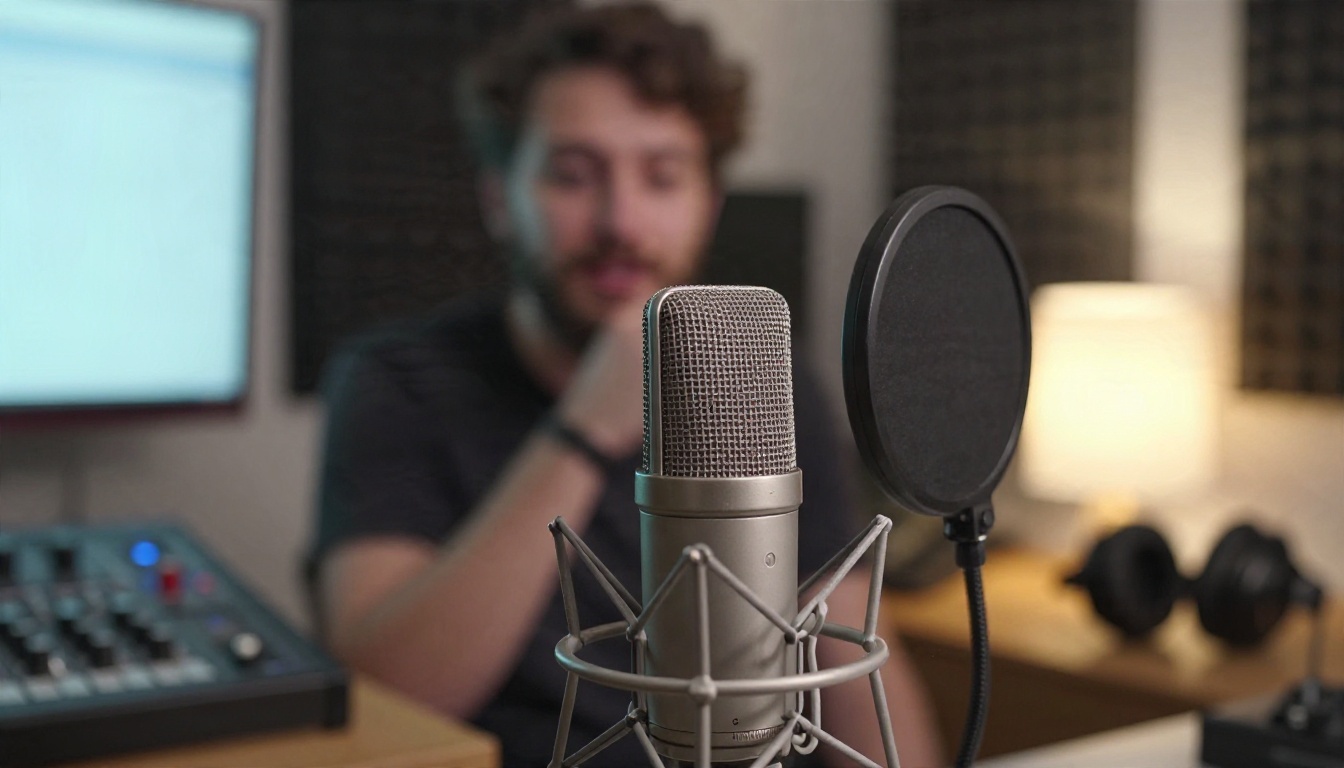
Next, choose a text-to-speech model. These are the ones worth testing first:
Add the Ears
For the speech-to-text side, GPT 4o Transcribe and GPT 4o Mini Transcribe handle accents and noise well, and Gemini 3 Pro is a strong option for longer recordings.
A simple workflow looks like this:
- Record or paste what you want to say and transcribe it with a speech-to-text model.
- Send the text to your chosen language model with a short, spoken-style system prompt.
- Paste the reply into a text-to-speech model and pick a voice.
- Listen, adjust the pace or tone, and repeat.
It is a few more clicks than a single app button, but you control the voice, the language and the model, and you are never told to come back in five hours.
💡 Voice tip: write replies the way people talk. Contractions, short sentences and one idea per line make any text-to-speech voice sound more human.
5 Mistakes That Waste Your Free Limits
- Starting a new chat for every question. Long threads cost more context, but constantly restarting forces you to repeat yourself. Keep one thread per topic.
- Using the best model for easy tasks. Save the heavy model for hard problems. Ask the lighter one for weather, spelling and quick facts.
- Ignoring the settings. Voice style, speaking speed and language are usually buried in settings. Spend two minutes there.
- Trusting voice answers on facts. A confident spoken voice makes mistakes sound true. For prices, health and legal questions, ask for sources or verify elsewhere.
- Sharing private details out loud. Voice chats can be stored. Skip passwords, account numbers and anything you would not email to a stranger.
Try It With Your Own Voice
The best way to pick a conversational AI app is not to read another comparison. It is to spend one week talking to two of them and noticing which one you reach for without thinking. Use the free tiers, keep notes on where the limits bite, and only pay if the friction is real.
If you want more control than any single app gives you, open PicassoIA and try the pieces separately. Pick a language model, write a short reply, turn it into speech with a voice you like, and compare a few voices side by side. You can browse every language, speech and transcription model at picassoia.com/en/all-models and build the assistant that sounds exactly the way you want it to.


