Most people who try adult AI content end up with a messy workflow: one site for pictures, another for clips, a third for chat, and a pile of subscriptions that all want a card number before you have made a single thing. It is slow, it is annoying, and half the results look like plastic. There is a better setup. One platform, three lanes, zero friction: generate a glamour photo, animate it, and chat with an AI model to refine the next round, all without leaving the tab.
This article is about The Coolest All in One NSFW Tool: Free Image, Video and Chat Online, what it actually does, which models to pick, and how to get results that look like a real editorial shoot instead of a template. Everything here stays tasteful and non-explicit: think bikinis, silk robes, golden hour and confident portraits, not anything pornographic. It is meant for adults, and only for fictional or fully original characters.

What "All in One" Really Means
The phrase gets thrown around a lot, so let me be specific. An all in one NSFW tool should handle three jobs under one roof, without making you copy files between apps.
| Lane | What you do there | Why it matters |
|---|
| Image | Turn a text prompt into a photorealistic glamour picture | The foundation of every project |
| Video | Animate a still or write a motion prompt | Makes a static set feel alive |
| Chat | Talk to a language model for ideas, captions and prompt rewrites | Faster, sharper prompts mean fewer wasted generations |
PicassoIA puts all three lanes in one place, with a huge model library behind them. That is the whole pitch: fewer tabs, more finished content.
One Account, Three Creative Lanes
Because everything sits together, your workflow becomes a loop. You ask a chat model to write five prompt variations for a poolside portrait. You paste the best one into an image model. You pick the winner and send it to a video model. If the clip looks off, you go back to chat and ask for a better motion description. No exports, no file conversions, no lost metadata.
Who This Is For
- Digital creators who build photo sets for their own original characters
- Writers and game designers who need consistent visual references for adult fiction
- Photographers and artists who want to test lighting, wardrobe and mood before a real shoot
- Curious beginners who want to see what current AI can really do, for free
💡 Quick rule: keep every subject an adult, keep every character original, and never copy the face of a real person without their consent. Good habits make better content and keep your account safe.
Free NSFW Image Generation That Looks Real
The first lane is the one most people care about, and the quality gap between models is huge. A weak model gives you waxy skin, melted fingers and a dead stare. A strong one gives you pores, flyaway hair, fabric weave and believable light.
Seedream 4.5 Leads the Pack
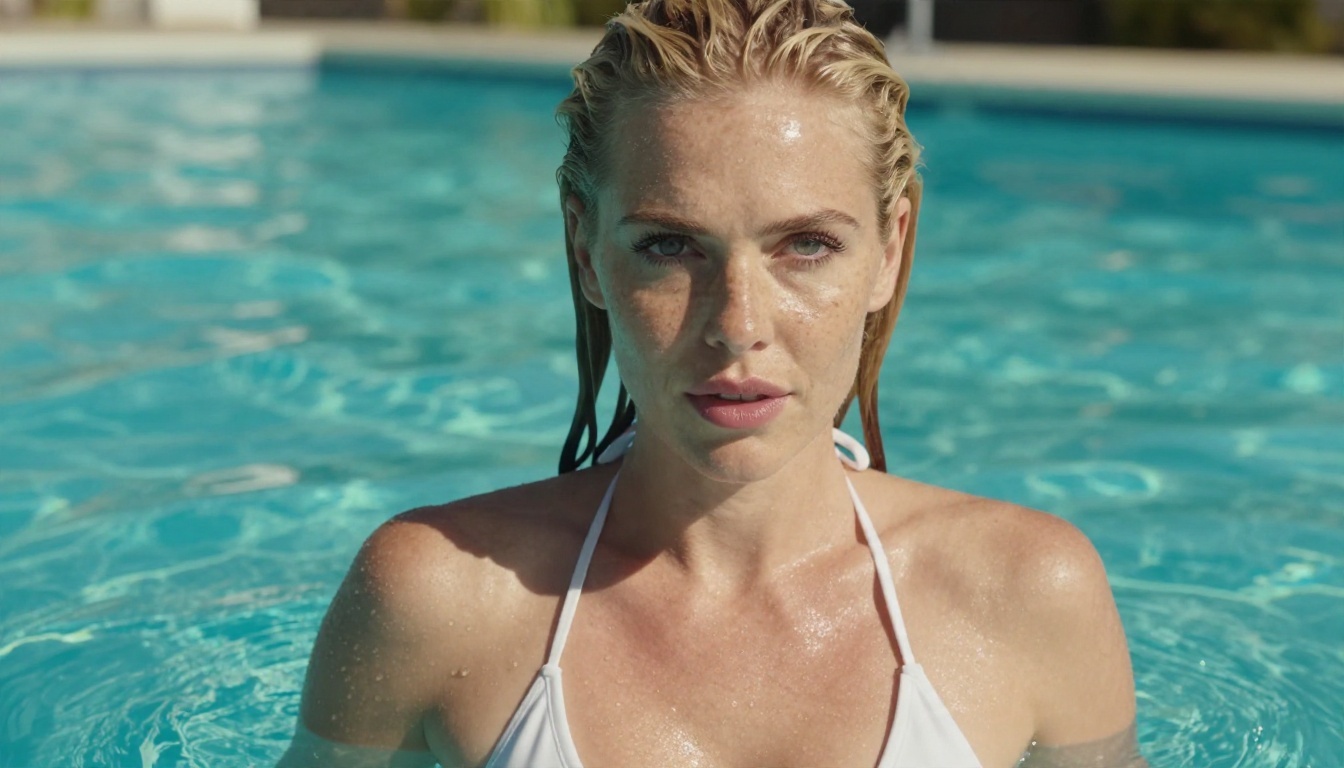
If you only try one model, make it Seedream 4.5. It renders sharp, high resolution images with natural skin texture and clean anatomy, and it follows long, detailed prompts without drifting. It handles swimwear, lingerie style fashion and boudoir lighting with a photographic feel, which is exactly what you want for suggestive but non-explicit glamour work.
Where it shines:
- Skin realism: visible pores, soft highlights, no airbrushed look
- Prompt obedience: it respects lens, light direction and wardrobe details
- Resolution: crisp enough to crop, print or upscale
- Consistency: easy to repeat a look across a whole set
Image Editor Pro for Unlimited Edits
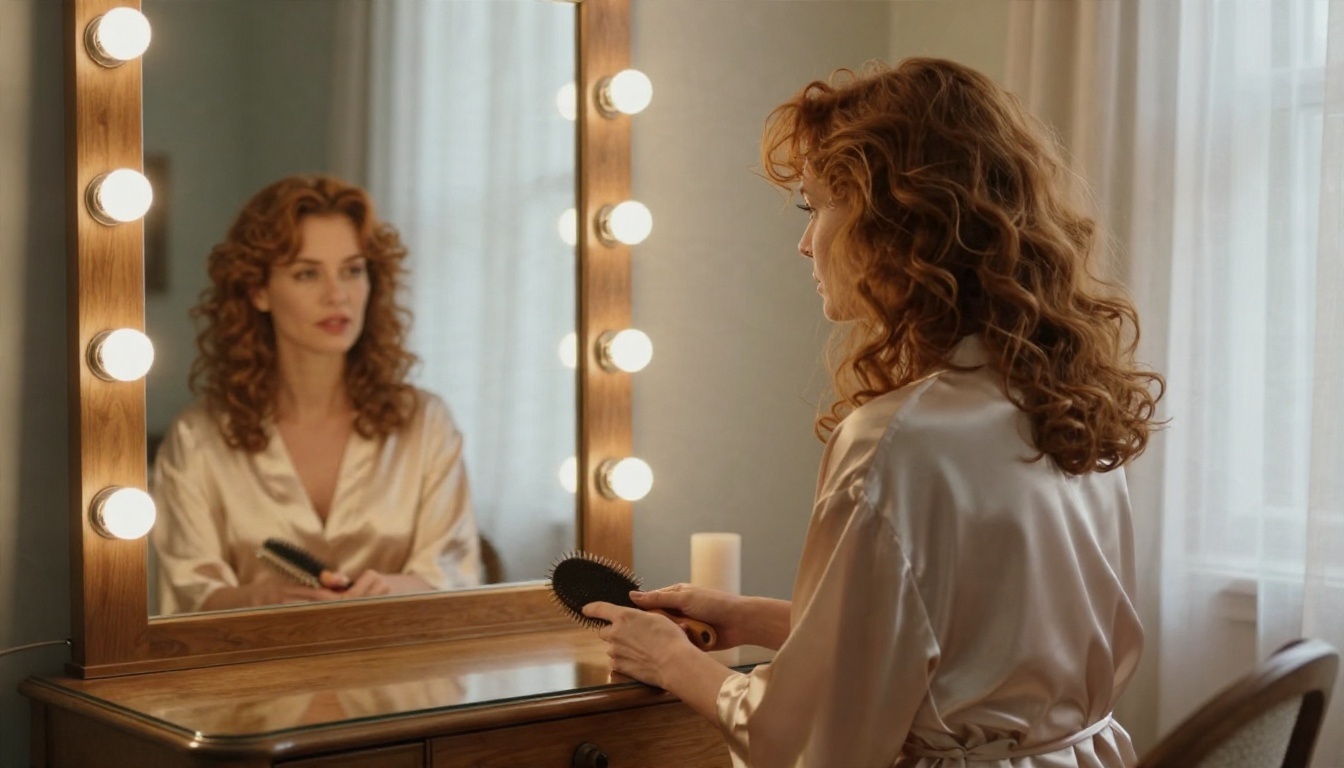
Generation is only half the story. Real projects need fixes: a different bikini color, a new background, softer light. PicassoIA Image Editor Pro is built for that, and it comes with unlimited generations, so you can iterate as many times as you want without watching a credit counter drop. That changes how you work. You stop treating every attempt as precious and start experimenting freely.
Use it to:
- Swap wardrobe or colors on a picture you already like
- Change the setting, for example from a villa terrace to a sailboat deck
- Fix small details such as lighting, hair or background clutter
- Create variations of one scene for a consistent set
Other Image Models Worth Trying
Variety helps. Different models have different personalities, and testing the same prompt across a few of them is a cheap way to find your favorite look.
The full catalog lives at picassoia.com/en/all-models, and it is worth a scroll if you like to experiment.
Turn Stills Into Moving Clips
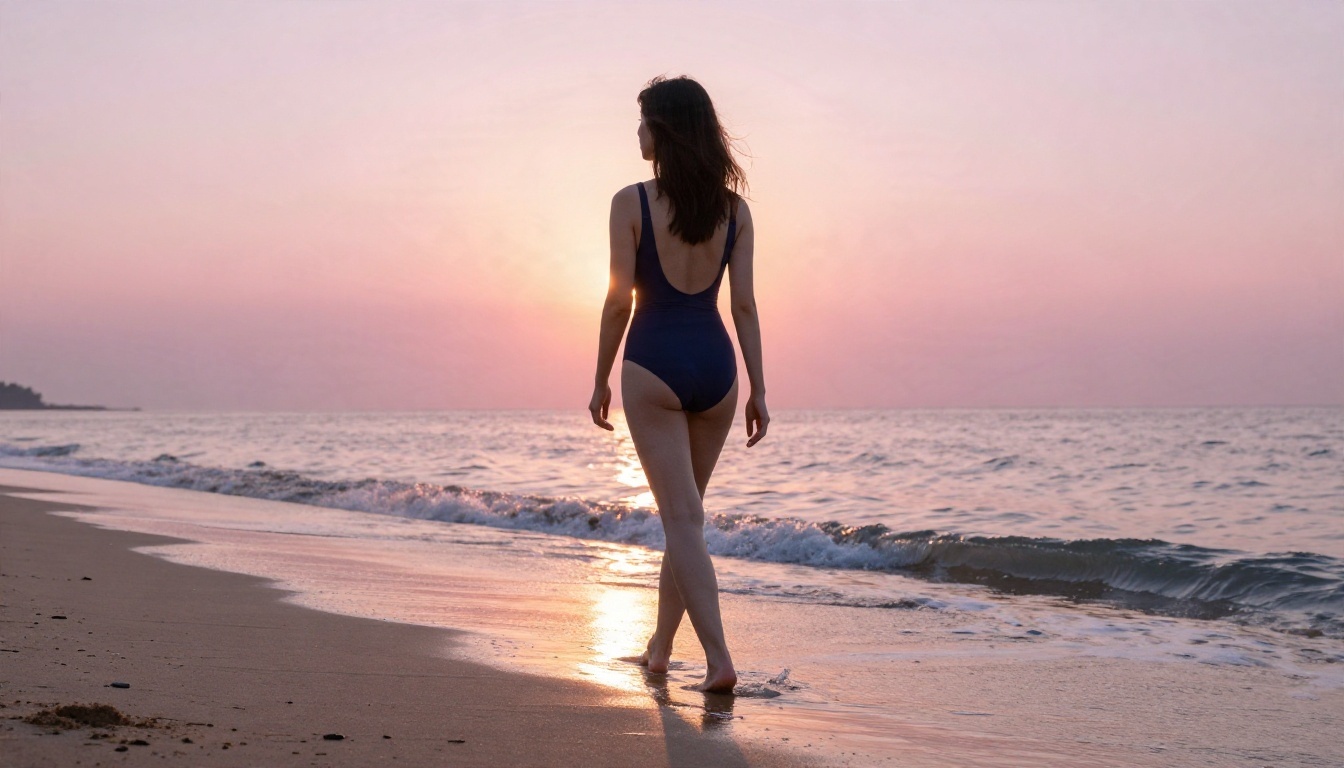
A great photo is nice. A five second clip where the hair moves in the breeze and the light shifts across the skin is something people actually stop scrolling for. The video lane takes the same philosophy as the image lane: pick a strong model, write a clear prompt, and let the motion feel natural.
Pick the Right Video Model
Different video models fit different jobs.
- Wan 3 gives cinematic motion with a film look, great for beach and sunset scenes.
- Wan 3 Prime pushes to 1080p when you want extra sharpness.
- LTX 2.5 Fast is the pick when speed matters and you want to test many ideas quickly.
- Kling v1.5 Pro turns text into smooth 1080p video with stable subjects.
- Kling v1.5 Standard turns photos into 720p video and is a good fit for animating stills.
A practical workflow: test the idea with a fast model, then run the winning prompt through a higher quality one.
Motion Prompts That Work
Video prompts are different from image prompts. You are describing what changes over time, not just what is in the frame. A reliable structure looks like this:
- Starting pose: where the subject is at second zero
- Motion: what moves and how fast (hair, fabric, water, hands)
- Camera: slow push in, gentle pan, or locked off
- Light and mood: golden hour, soft window light, warm tungsten
💡 Tip: keep motion small. A slow turn of the head, a breeze in the hair and a gentle camera drift look far more real than big dramatic action. Subtle wins every time.
Chat Online With AI Models
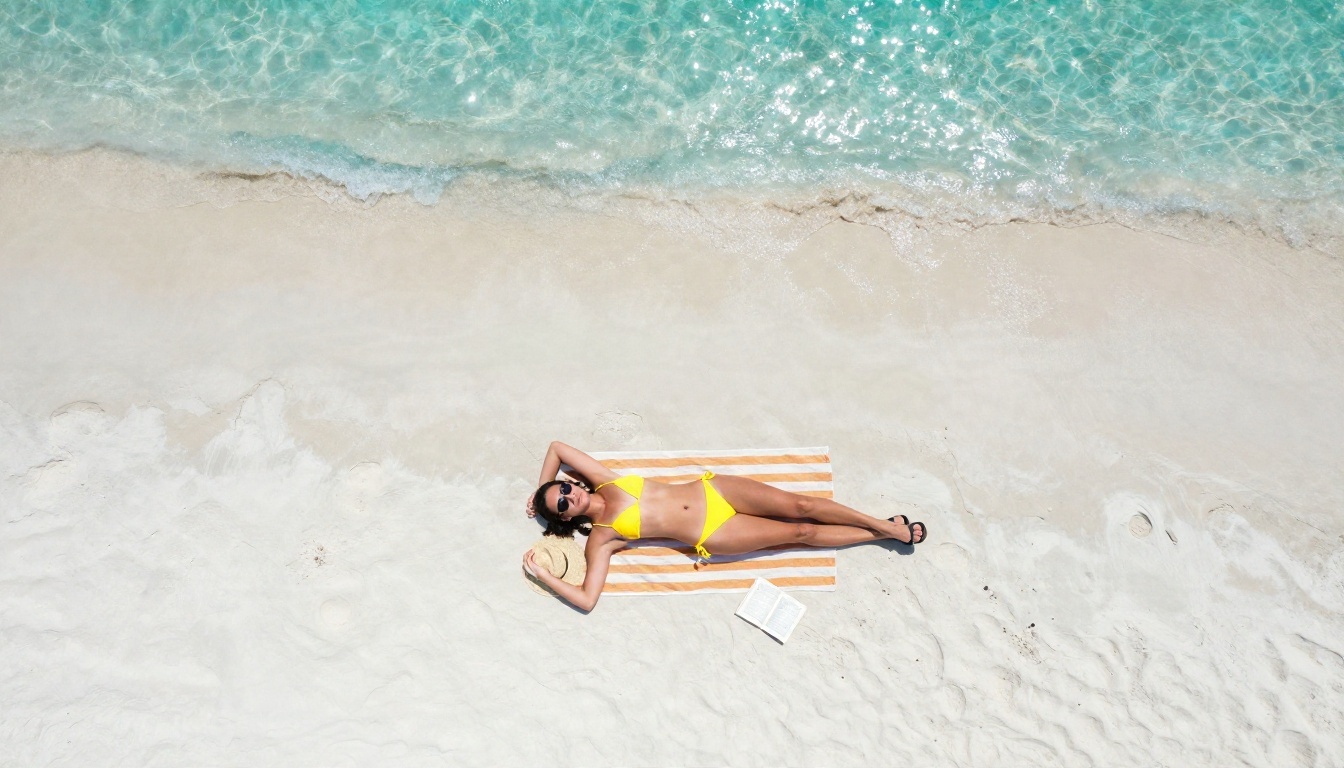
The third lane is the quiet hero. A chat model will not make a picture, but it will make your pictures better. Most weak results come from weak prompts, and a language model is the fastest fix for that.
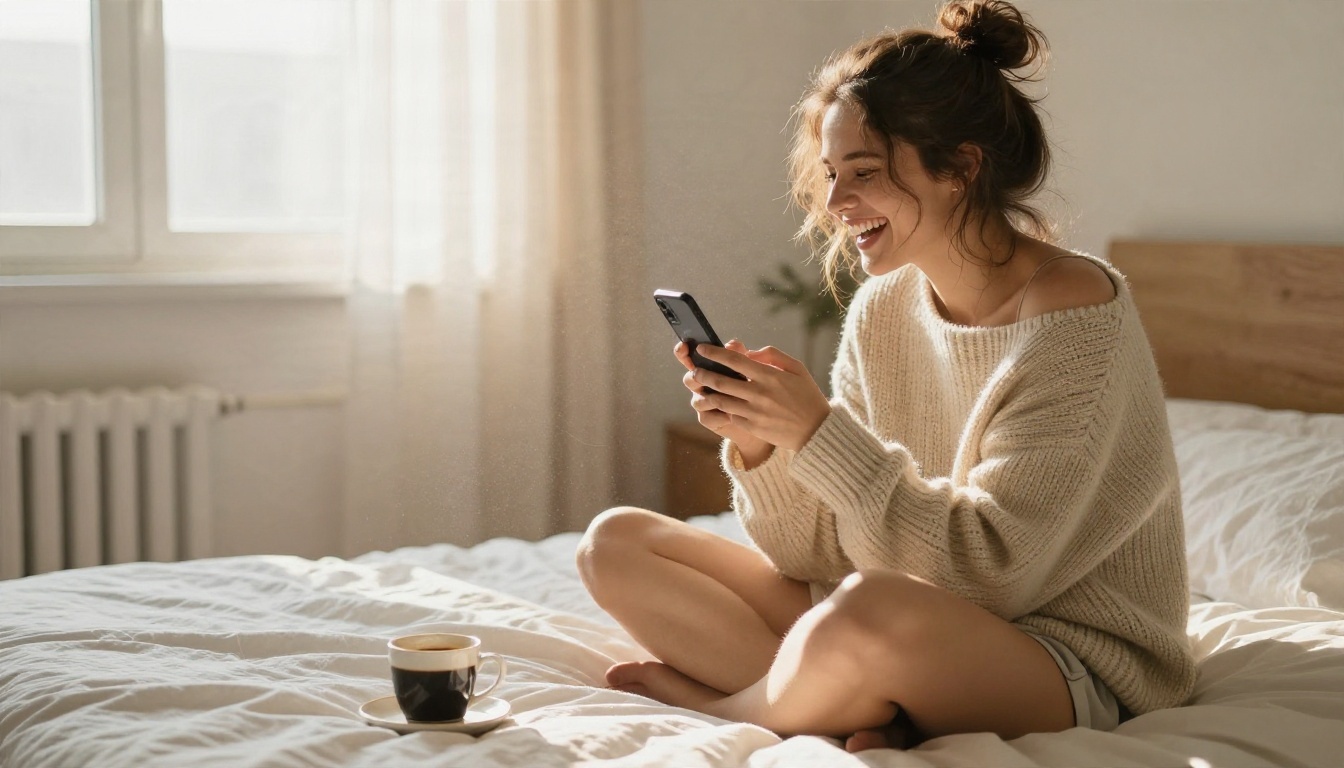
Chat as Your Prompt Writer
Open a chat model and give it a short idea, like "poolside portrait, white bikini, midday sun." Ask it to expand that into a 70 word photographic prompt with lens, lighting direction and texture details. You will get something far richer than what most people type by hand.
Good chat models to try on PicassoIA:
Chat models have their own content rules, which differ from model to model. Use them for what they do best: prompt drafting, captions, scene ideas, shot lists and story outlines. The picture itself comes from the image lane.
Three Chat Jobs Worth Automating
- Prompt expansion: one line in, a full photographic brief out
- Shot lists: ten different angles for the same outfit and location
- Captions and titles: short, punchy text to post alongside your set
How to Use Seedream 4.5 on PicassoIA
Here is the fastest route from idea to finished image.
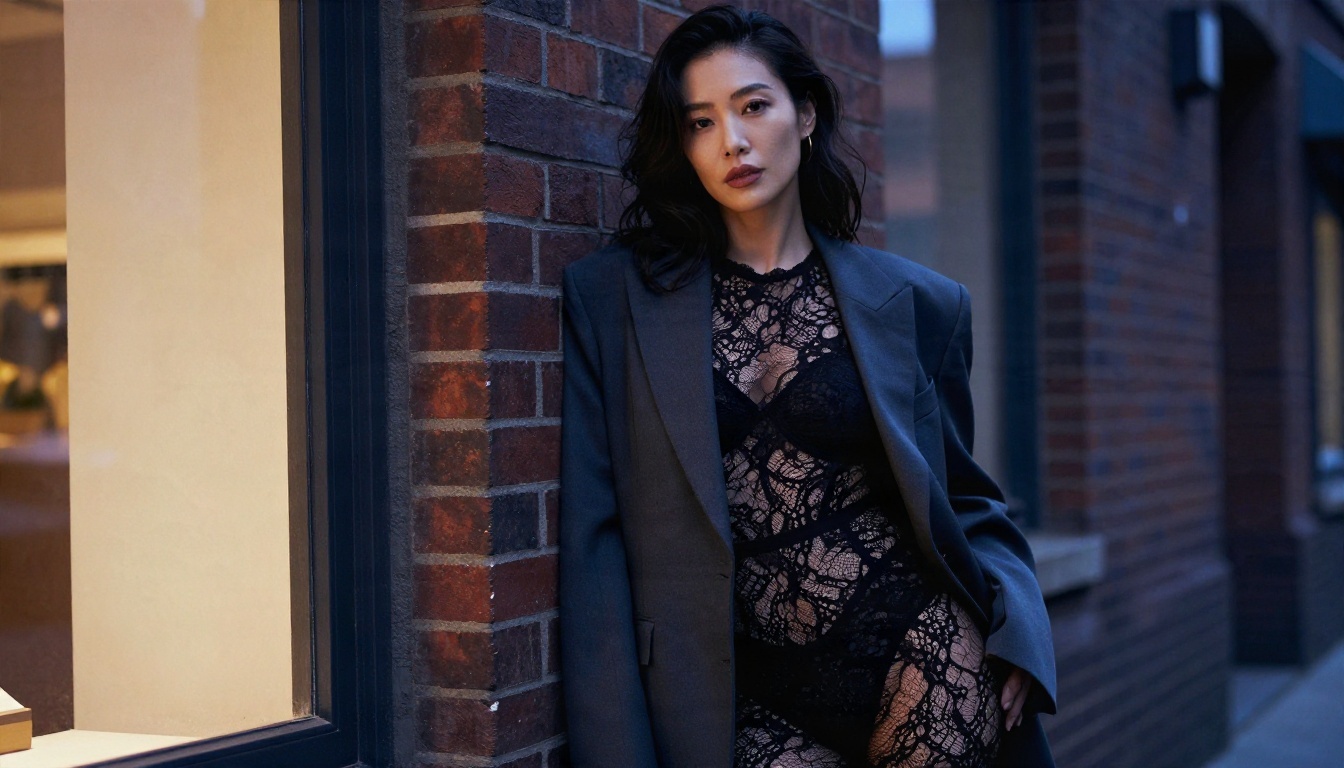
Step by Step
- Open the Seedream 4.5 page on PicassoIA.
- Write your prompt in the text box. Start with the subject and pose, then the setting, then light, then the lens.
- Pick a 16:9 ratio for wide editorial scenes, or a portrait ratio for close ups.
- Press generate and wait a few seconds.
- Review the result. If the pose is right but the light is off, change only the lighting words and run it again.
- Send your favorite to Image Editor Pro for color, wardrobe or background tweaks.
- Animate the final image with a video model from the list above.
Parameter Tips
| Setting | Recommendation |
|---|
| Prompt length | 50 to 80 words, specific rather than flowery |
| Aspect ratio | 16:9 for scenes, 3:4 for portraits |
| Seed | Keep the same seed when you only want to change one detail |
| Wording | Name a lens (85mm f/1.8) and a light direction (window light from the left) |
| Style words | "RAW photograph", "film grain", "natural skin texture" |
💡 Pro habit: change one thing per generation. If you change the outfit, the light and the angle at once, you will never know what helped.
Prompt Recipes That Stay Tasteful
Good glamour photography is about light, fabric and attitude, not explicitness. The most popular pictures in this niche are suggestive in a classic magazine way: a silk robe, a wet bikini, a backlit silhouette at sunrise.
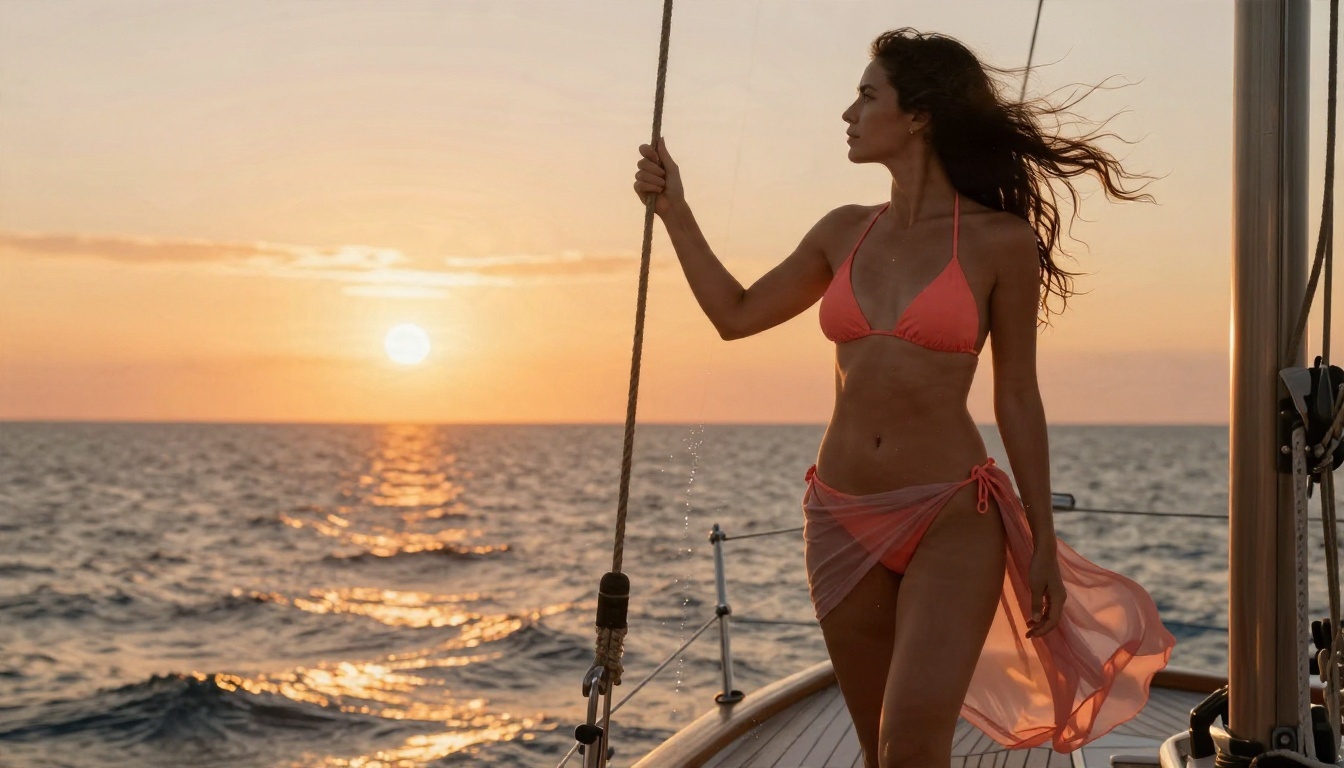
Lighting and Lens Cheatsheet
| Look | Light | Lens | Mood |
|---|
| Beach sunrise | Low backlight with a golden rim | 35mm f/2.8 | Fresh, free |
| Poolside portrait | Hard midday sun softened by shade | 100mm f/2.8 | Bright, playful |
| Boudoir mirror | Window light plus warm bulbs | 85mm f/1.8 | Intimate, elegant |
| City dusk | Shop window warmth against blue ambient | 85mm f/1.4 | Moody, confident |
| Sailboat sunset | Orange backlight with salt spray | 70mm f/2.8 | Adventurous |
Mistakes to Avoid
- Vague prompts. "Hot girl at the beach" gives generic results. Add light, lens and texture.
- Too many subjects. One adult subject per frame gives cleaner anatomy.
- Forbidden looks. Avoid neon, cartoon and CGI words if you want real photography.
- Over editing. Heavy retouching kills skin texture. Keep the pores.
- Skipping the chat lane. A two minute prompt rewrite saves ten bad generations.
Free, Fast and Uncensored: The Real Value
This is where an all in one platform earns its place. Many alternatives lock you into credits, watermarks or filters that block perfectly tasteful swimwear photos. With PicassoIA you get a wide model library, unlimited generations with Image Editor Pro, and fast results measured in seconds, not minutes.
| What you want | Typical paid app | PicassoIA workflow |
|---|
| Image, video and chat together | Three separate subscriptions | One place |
| Iterating freely | Credits drain with every try | Unlimited with Image Editor Pro |
| Realistic skin and light | Hit or miss | Seedream 4.5 for photographic output |
| Speed | Queues and waiting | Results in seconds on fast models |
| Model choice | One or two engines | A large library to test side by side |
The content line stays simple: suggestive and beautiful, never explicit. That keeps your work shareable, your feed clean and your creative process fun.
Make Your Own Set Today
You have the whole recipe now. Pick a character, write a vivid prompt with chat help, generate it with Seedream 4.5, polish it in Image Editor Pro, and bring it to life with Wan 3 or LTX 2.5 Fast.
Start with one idea tonight: a golden hour terrace, a silk robe by a window, a sailboat at sunset. Generate ten variations, keep the best two, and animate one. Once you see how fast the loop runs, you will not want to go back to juggling five sites.
Ready to try it? Head to picassoia.com/en/all-models, pick a model and create your first image with Picasso IA right now. Experiment, remix and see what your own prompts can do.


